This is the multi-page printable view of this section. .
Article
- 1: Forging a China-Rooted, Global PostgreSQL Distro
- 2: Pigsty v3.6: The Ultimate PostgreSQL Distribution
- 3: Pigsty v3.5: 4K Stars, PG18 Beta, 421 Extensions
- 4: Pigsty v3.4: PITR Enhancement, Locale Best Practices, Auto Certificates
- 5: Pigsty v3.3: 404 Extensions, Turnkey Apps, New Website
- 6: Pigsty v3.2: The pig CLI, Full ARM Support, Supabase & Grafana Enhancements
- 7: Pigsty v3.1: One-Click Supabase, PG17 Default, ARM & Ubuntu 24
- 8: Pigsty v3.0: Pluggable Kernels & 340 Extensions
- 9: Self-Hosting Dify with PG, PGVector, and Pigsty
- 10: Pigsty v2.7: The Extension Superpack
- 11: Pigsty v2.6: PostgreSQL Crashes the OLAP Party
- 12: Pigsty v2.5: Ubuntu & PG16
- 13: Pigsty v2.4: Monitor Cloud RDS
- 14: Pigsty v2.3: Richer App Ecosystem
- 15: Pigsty v2.2: Monitoring System Reborn
- 16: Pigsty v2.1: Vector + Full PG Version Support!
- 17: Pigsty v2.0: Open-Source RDS PostgreSQL Alternative
- 18: Pigsty v1.5: Docker Application Support, Infrastructure Self-Monitoring
- 19: Pigsty v1.4: Modular Architecture, MatrixDB Data Warehouse Support
- 20: Pigsty v1.3: Redis Support, PGCAT Overhaul, PGSQL Enhancements
- 21: Pigsty v1.2: PG14 Default, Monitor Existing PG
- 22: Pigsty v1.1: Homepage, Jupyter, Pev2, PgBadger
- 23: Pigsty v1.0: GA Release with Monitoring Overhaul
- 24: Ready-to-Use PostgreSQL Distribution: Pigsty
- 25: Pigsty v0.9: CLI + Logs
- 26: Pigsty v0.8: Service Provisioning
- 27: Pigsty v0.7: Monitor-Only Deployments
- 28: Pigsty v0.6: Provisioning Upgrades
- 29: Pigsty v0.5: Declarative DB Templates
- 30: Pigsty v0.4: PG13 and Better Docs
- 31: Pigsty v0.3: First Public Beta
This column collects every article in VONNG’s dedicated Pigsty section, plus articles in other columns whose front matter explicitly carries the Pigsty tag. Original page resources and available English translations are preserved.
1 - Forging a China-Rooted, Global PostgreSQL Distro
Originally published on VONNG.
Hi, I’m Feng Ruohang, author of Pigsty and an independent open-source contributor. Let’s talk about how to build a PostgreSQL distribution that is rooted in China and useful to the whole world.
The question isn’t whether PG will win—it already has. The question is: What role do we play in that victory? Spectator or protagonist? Follower or leader?
Why now
PostgreSQL is the default database
Stack Overflow’s 2025 survey shows 58.2% of professional developers use PG—18.6 points ahead of MySQL, and the gap is widening. New SaaS, AI startups, even OpenAI default to PG. DB-Engines rankings and JetBrains surveys tell the same story.
Capital agrees: in 2025 Databricks bought Neon (~$1 B) and Snowflake bought Crunchy Data ($250 M). AWS Aurora DSQL, Azure HorizonDB, GCP AlloyDB—all PG. Technology won, money followed.
China is missing from the PG narrative
Despite hundreds of domestic “PG-derived” products, our presence in the global ecosystem is faint. Until recently there wasn’t a single Chinese committer on the PG core list. The most visible Chinese-led PG project by GitHub stars is… Pigsty, a one-man project. That’s both flattering and a little sad.
At PG conferences I’ve met only a handful of Chinese developers. We’re spectators at our own victory parade.
What must change
The kernel wars are over; the fight shifts to distributions. Whoever controls the distro controls the experience—like Ubuntu did for Linux. We need a PG “Ubuntu” built with China’s strengths but serving global developers, the way DeepSeek did in AI.
Pigsty as a case study
Pigsty started at Tantan (China’s #2 dating app). We were dealing with 2.5 M global QPS, PL/pgSQL-heavy business logic, hundreds of physical clusters. Off-the-shelf tooling couldn’t cope, so we built our own HA, backups, monitoring, IaC. China’s scale was the forge. If it survives Tantan, it’s overkill everywhere else.
But “rooted in China” isn’t enough; “facing the world” means becoming part of the global supply chain. That requires obsessing over developer experience, not just DBA comfort.
In 2023 Pigsty already did HA + backups + observability + bare-metal delivery. Yet something was missing—features. PG’s true power is extensions. MySQL spends years grafting on vectors; PG’s community ships pgvector and kneecaps an entire market in months.
So I built an extension repository. I waited for others to do it, nobody did, so I compiled them myself: first a dozen, then dozens, then hundreds. Today Pigsty provides 437 extensions across EL9/EL8/Debian/Ubuntu, more than the official PGDG repos. That makes Pigsty part of the upstream supply chain: when developers apt install an extension, they’re using binaries built in China yet serving users worldwide.
Vision
- Rooted in China: leverage our scale, scenarios, and demand to harden solutions under extreme stress.
- Facing the world: ship battle-tested, developer-friendly distros and extension repos that anyone can consume, just like they consume Debian packages.
- Play to our strengths: we may not have a kernel committer yet, but we can dominate tooling, packaging, automation, and integrations—the layers that actually reach users.
Pigsty isn’t the only answer, but it proves a point: a single Chinese engineer, working the right problem, can earn a seat at PostgreSQL’s global table. Imagine what we could do together.
2 - Pigsty v3.6: The Ultimate PostgreSQL Distribution
Originally published on VONNG.

Pigsty v3.6 is officially released. After two months of careful refinement, this will be the last major version before v4.0, featuring extensive refactoring and improvements that lay a solid foundation for building the ultimate all-in-one PostgreSQL distribution.
This version deeply optimizes and refactors deployment tasks for PostgreSQL, MinIO, and Etcd, adds Percona PG TDE kernel support with out-of-the-box transparent encryption functionality. Additionally, the Supabase self-hosting experience has been comprehensively optimized, destructive database operations have been completely removed from idempotent playbooks, and a new fully automated pgsql-pitr playbook enables one-click point-in-time recovery.
The installation process has been further simplified: from four steps to three steps (download, configure, install), now defaulting to online installation mode which skips local software repository construction.
New Kernel Support: Percona PG TDE
Percona’s pg_tde extension has finally reached 1.0 GA after years of development. Many “enterprise-grade” PostgreSQL distributions tout “transparent encryption” as a core selling point — pg_tde may be the first mature enough open-source transparent encryption extension, providing truly enterprise-grade transparent encryption for open-source PostgreSQL.
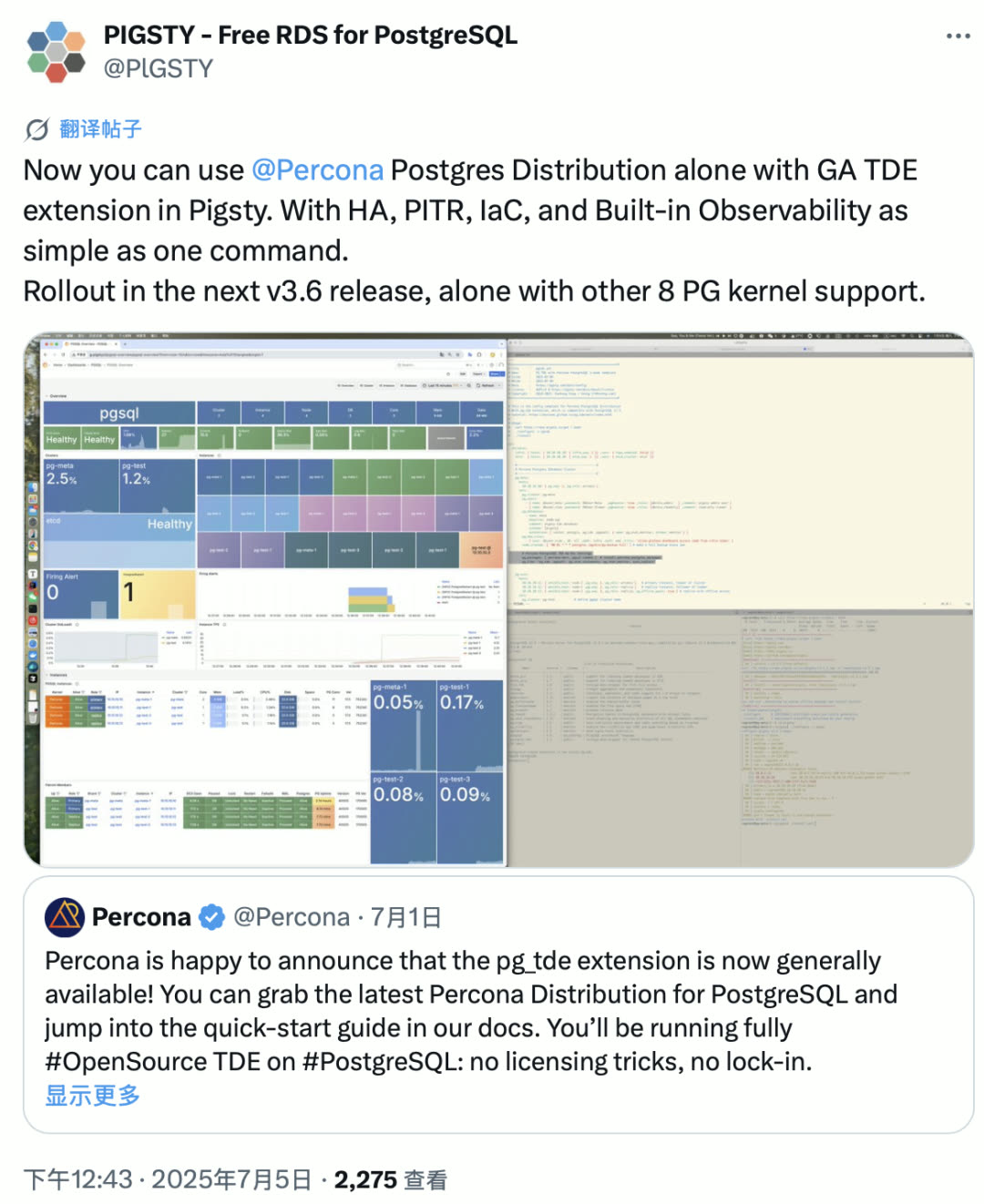
Currently, this extension requires running on a patched PostgreSQL kernel — Percona’s Postgres distribution. Pigsty added support immediately after the announcement — just two commands to enable and install, while enjoying Pigsty’s full RDS capabilities: monitoring, high availability, PITR, IaC, and more — identical to the vanilla PG kernel.
With this, the number of PostgreSQL kernels supported by Pigsty has reached 10.
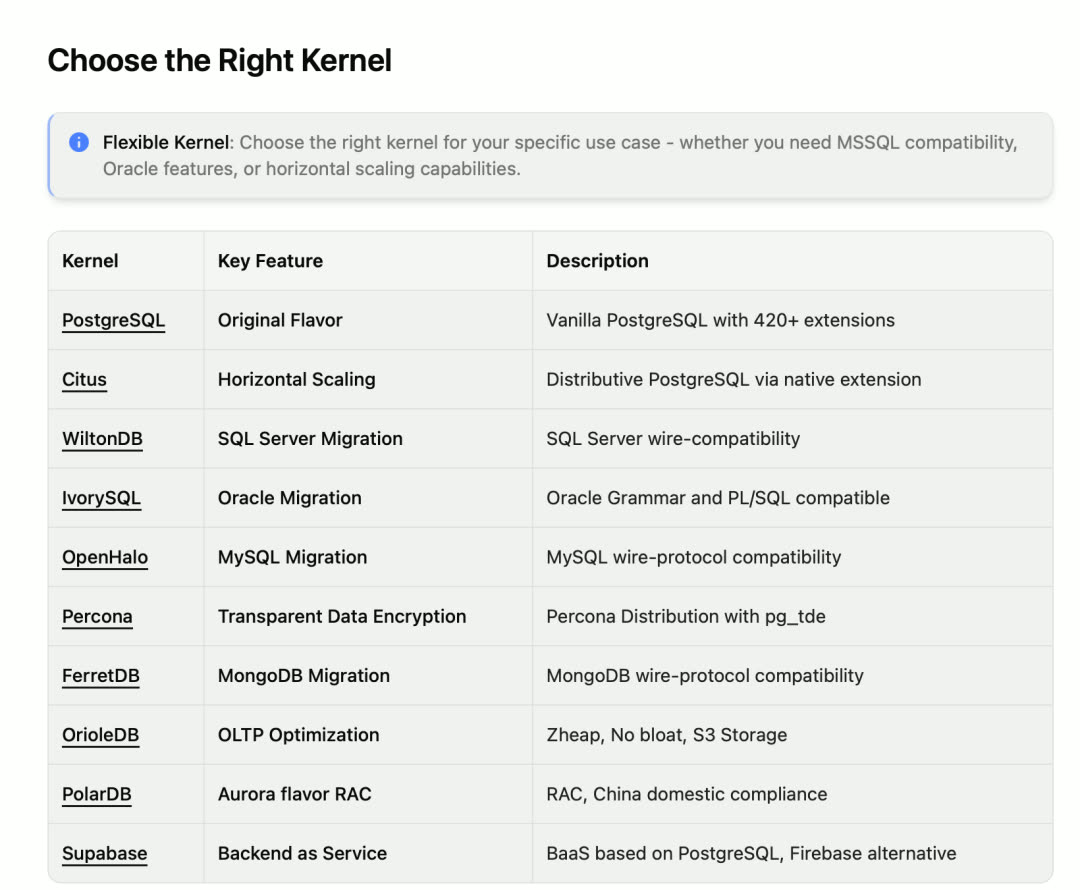
Pigsty has become a distribution of PostgreSQL distributions — a “meta-distribution.” Various PostgreSQL fork kernels can be transformed into “enterprise-grade database services” with high availability, monitoring, IaC, and PITR capabilities under Pigsty’s umbrella.
Extension Ecosystem Continues to Strengthen
Besides the Percona transparent encryption kernel, OrioleDB also released 1.5 beta12 — Supabase’s CEO revealed it’s nearing official GA. Pigsty has immediately compiled the OrioleDB-patched version of PG and its extensions.
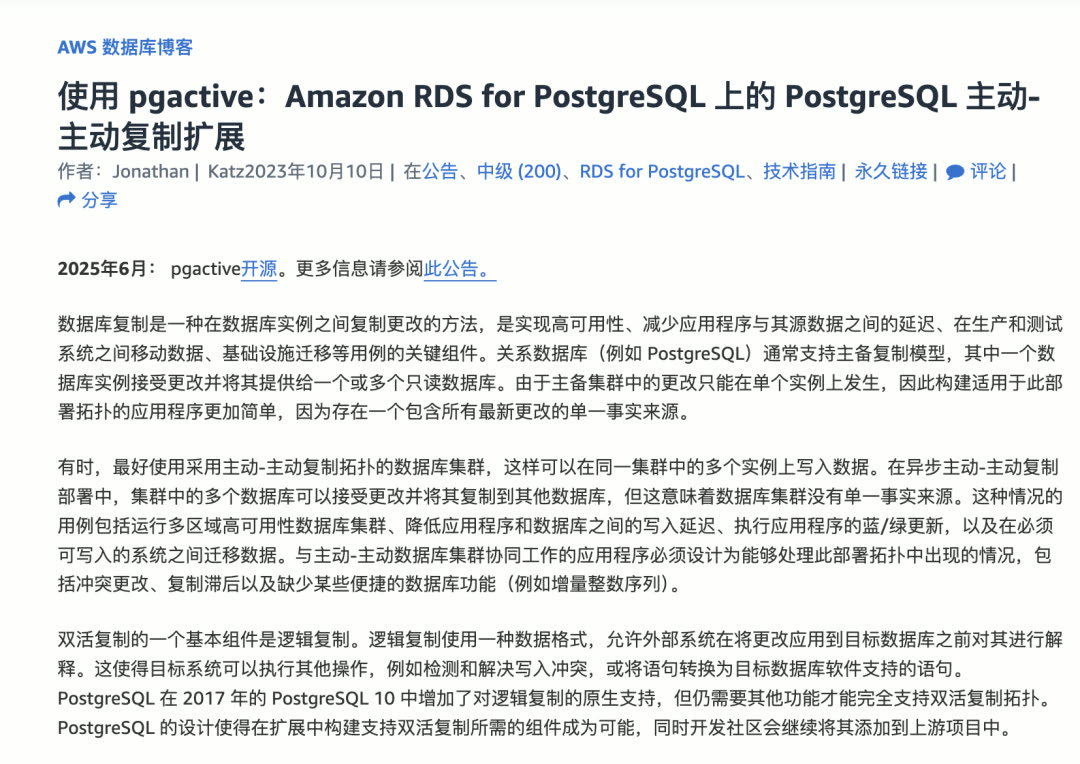
Another noteworthy extension is pgactive — an AWS-developed and open-sourced PG multi-active extension that claims to solve sub-second high availability failover. This extension depends on the missing pgfeutils and has compilation barriers — Pigsty provides out-of-the-box binary packages.
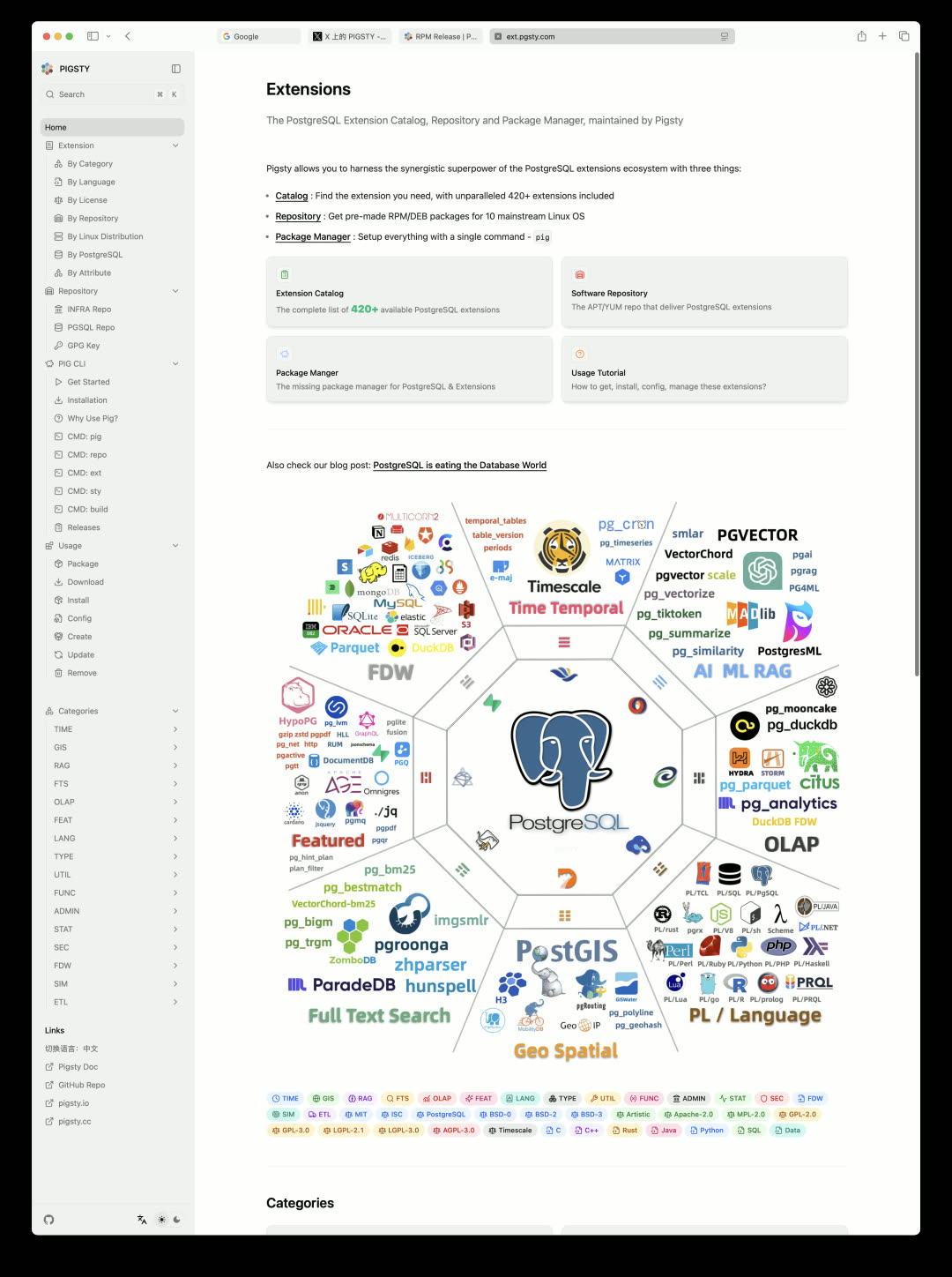
Available extensions have reached 423. PG18 beta2, OrioleDB, TimescaleDB, Citus, FerretDB & DocumentDB, DuckDB, Etcd, and more have completed routine version updates.
The extension catalog site has also been completely revamped using Next.js reconstruction, with significantly improved appearance. New address: https://pgext.cloud
Supabase Self-Hosting Experience Optimization
Pigsty v3.6 provides a smoother Supabase self-hosting experience and fixes several issues in Supabase’s official templates:
- logflare replication slot not advancing
- Massive error log printing
- Studio unable to view two Analytics logs
Production-grade Supabase self-hosting requires just a few commands:
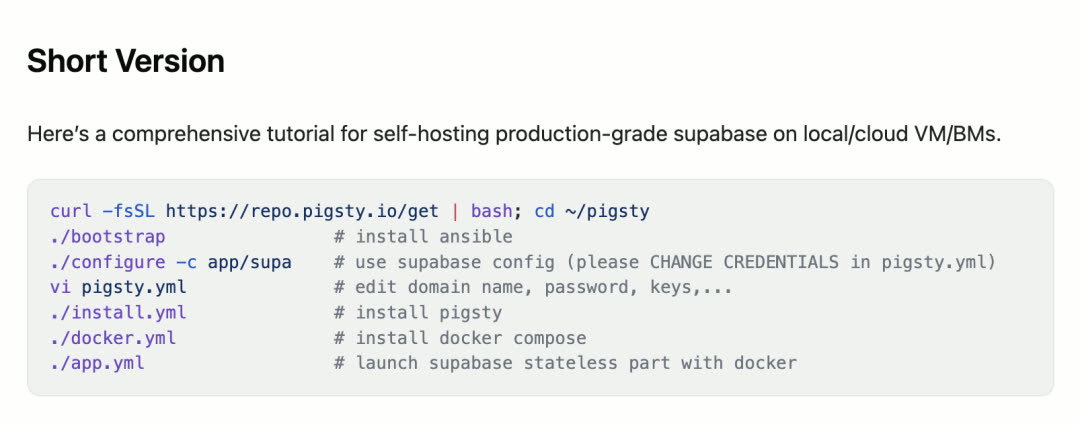
Additionally, Pigsty now defaults to using Docker Registry mirror sites provided by 1Panel, significantly improving download speeds in mainland China.
Currently, Pigsty and StackGres are the only two open-source vendors providing Supabase self-hosting solutions: Pigsty delivers on bare Linux systems, StackGres delivers on Kubernetes.
PITR Recovery Enhancement
In previous versions, Pigsty provided the pg-pitr script for “semi-automatic” PITR recovery assistance. This version adds a fully automated pgsql-pitr playbook for one-click point-in-time recovery.
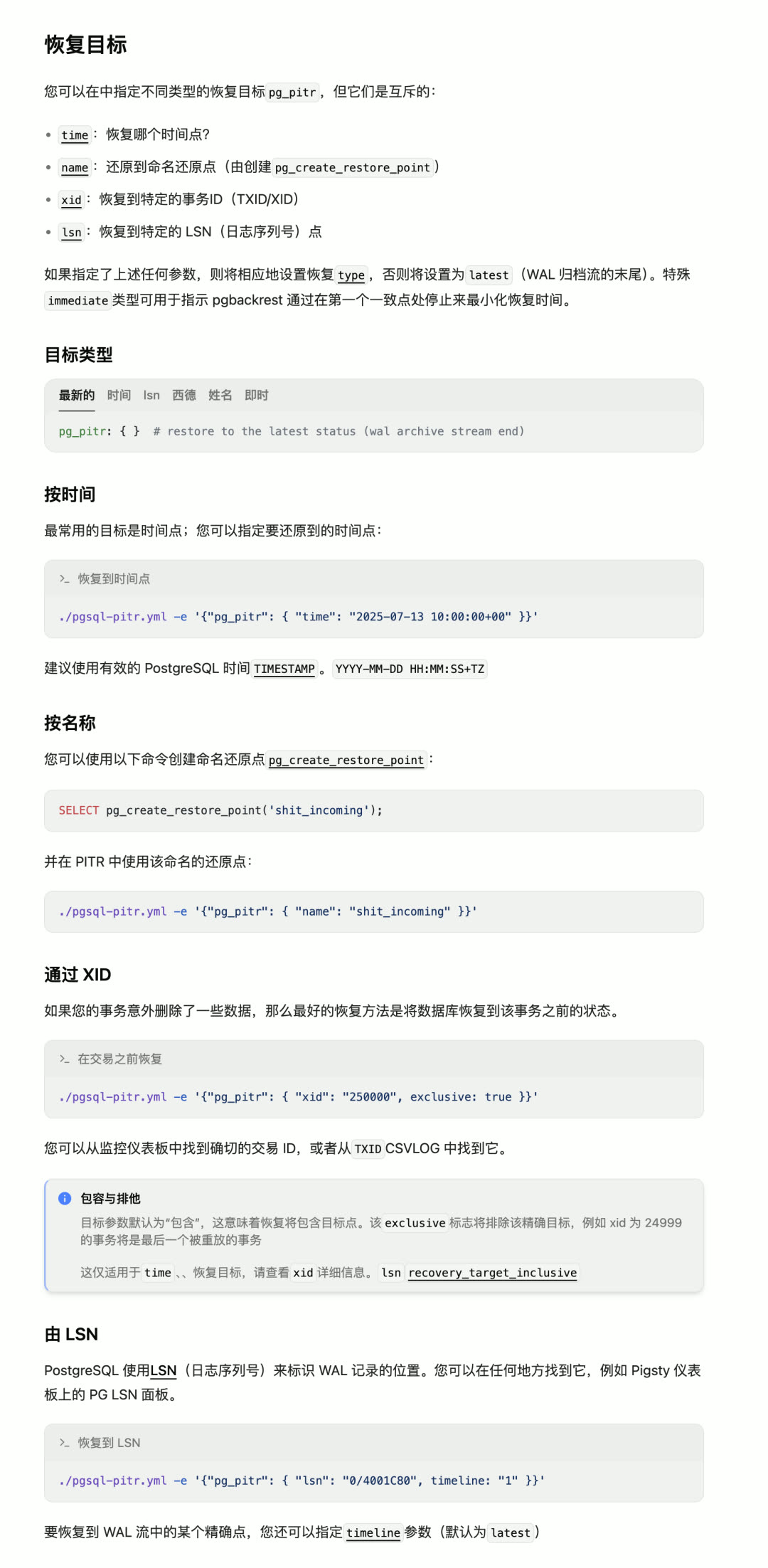
This playbook automatically performs the following operations:
- Pause high availability failover
- Shut down PostgreSQL
- Generate and execute pgbackrest PITR recovery command to specified target point
- Verify and restart PostgreSQL
- Re-enable high availability failover
Supports fast retry (in-place incremental) for precise recovery point targeting. Also adds a new use case: performing PITR recovery on newly started instances (or detached replicas) to avoid affecting existing business, then extracting data from the new instance for manual import.
ETCD Management Simplified
This version refactors the Etcd module, adding independent etcd-rm.yml playbook and scaling SOP scripts.
Previously, scaling etcd involved a series of complex command operations — now just a few simple commands:
The etcd.yml playbook no longer cleans existing ETCD clusters — cleanup is now handled by dedicated roles and playbooks, making maintenance simpler and clearer.
MinIO Module Improvements
The MinIO module has been refactored with a new Plain HTTP mode and adjusted default bucket and user configuration.
Previous versions enabled HTTPS for MinIO by default (via locally CA-signed self-signed certificates), avoiding intranet traffic snooping but causing some hassles: clients outside the Pigsty management node (like containers) need to trust that CA to access MinIO.
This version adds a switch allowing MinIO to run in pure HTTP mode. Note: pgbackrest doesn’t accept HTTP-mode MinIO, so local MinIO storage for PG backups still requires HTTPS mode. HTTP mode is only suitable for pure external service scenarios.
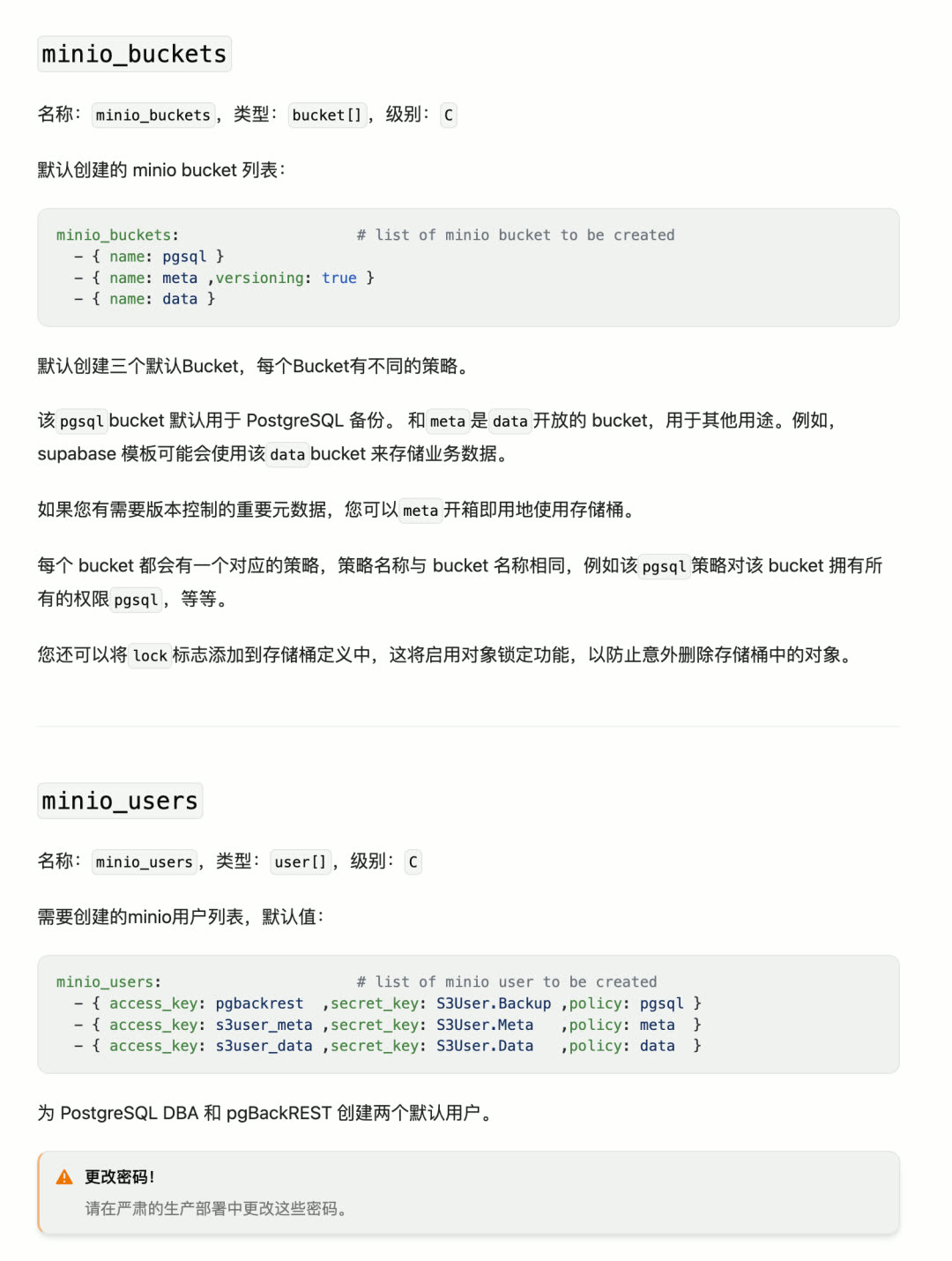
Default bucket configuration has also been adjusted:
| Original Config | New Config |
|---|---|
| pgsql, infra, redis | pgsql, meta, data |
Dedicated users s3user_meta and s3user_data have been created for meta and data buckets, with same-named policies for each bucket. With this design, applications like Supabase and Dify can directly use these two buckets without manual creation.
Installation Process Simplified
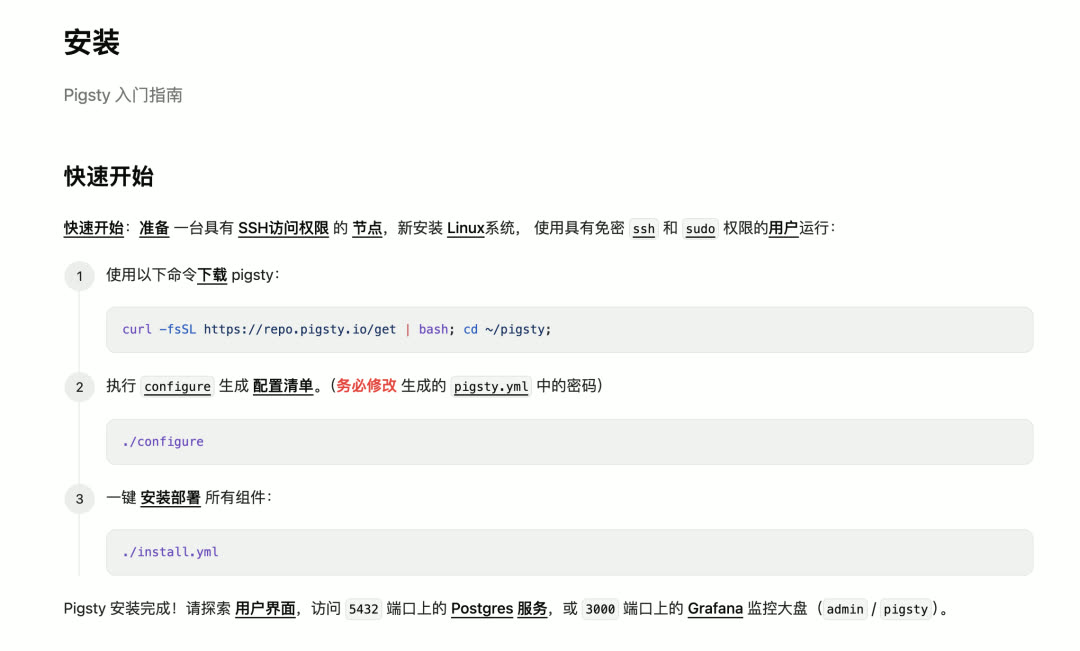
Installation steps reduced from four to three:
| Original Flow | New Flow |
|---|---|
| Download → Bootstrap → Configure → Install | Download → Configure → Install |
The “bootstrap” step (extracting offline packages or configuring upstream repos to install Ansible) has been merged into the download script — running the install script automatically executes ./bootstrap.
Online Installation by Default
The default installation strategy has changed: instead of downloading locally first then installing, it now installs directly from upstream internet sources.
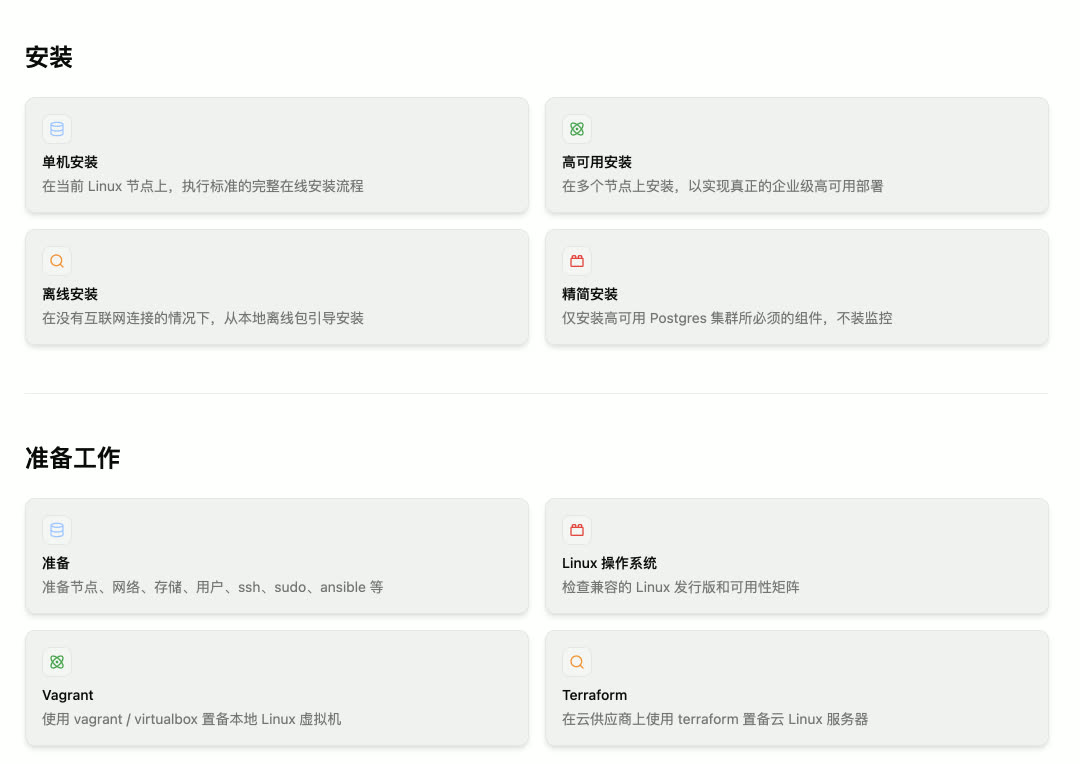
This change brings significant benefits:
- Fewer failure points: Many user-reported installation errors occurred during local repo download and Nginx service startup phases (like el9.aarch64 patroni-etcd installation failure due to PGDG configuration errors)
- Faster speed: Only downloads packages that actually need to be installed, rather than downloading everything at once
- Simpler configuration: No need to handle Nginx security policies and firewall configuration issues
A large proportion of users install Pigsty on single-node Linux and “don’t need” the multi-node consistency provided by local software repositories. Users who need local repos can re-enable via simple configuration (repo_enabled, node_repo_modules) or directly use the rich / full templates that enable local repos by default.
New Documentation Site
The new documentation site is now live: https://pigsty.io/docs/
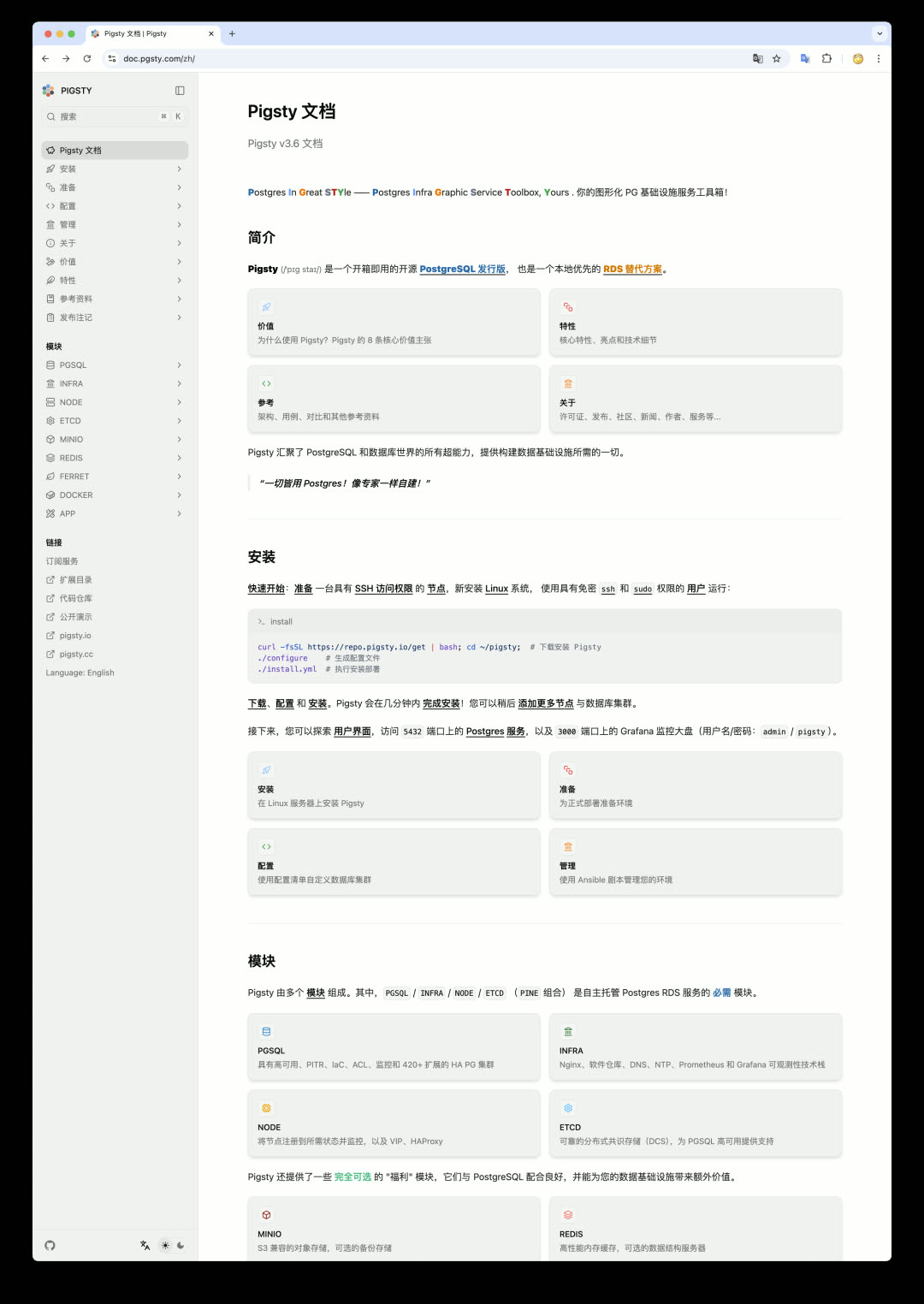
This site is built with Next.js and Fumadocs modern frontend stack — thanks to Lantian You and Claude Code for the strong assist. The English version is mostly complete; Chinese version is under translation. Contributions via GitHub PR or Issues are welcome.
Other Improvements
- tuned module optimization: Optimized for modern hardware and NVMe disks, removed outdated configuration parameters, added NVMe/virtualized SSD scheduling/readahead parameter optimizations
- MCP Toolbox integration: Integrated Google’s newly released MCP Toolbox (database MCP toolbox), with preset template SQL solving some database security issues
- Configuration template adjustments: All configuration templates adjusted to single-node mode for quicker onboarding
Next Steps: v4.0 and DBA Agent
PostgreSQL 18 will be released in September — Pigsty plans to officially release v4.0 after PG 18’s release. Main improvement directions:
| Area | Plan |
|---|---|
| CLI Tool | pig fully wraps Ansible playbook functionality, interface preliminarily finalized |
| Monitoring System | VictoriaMetrics / VictoriaLogs replace Prometheus / Loki |
| Log Collection | vector replaces outdated promtail |
| Portal Component | Considering Caddy to replace Nginx (TBD) |
The main theme of v4.x will be DBA Agent. Pigsty already has the complete context needed for a DBA Agent — the core being this industry-leading PG monitoring system. Once the domain knowledge accumulated in documentation is rich enough, wrapping MCP around the Pig CLI tool will birth a capable fully self-driving database DBA Agent.
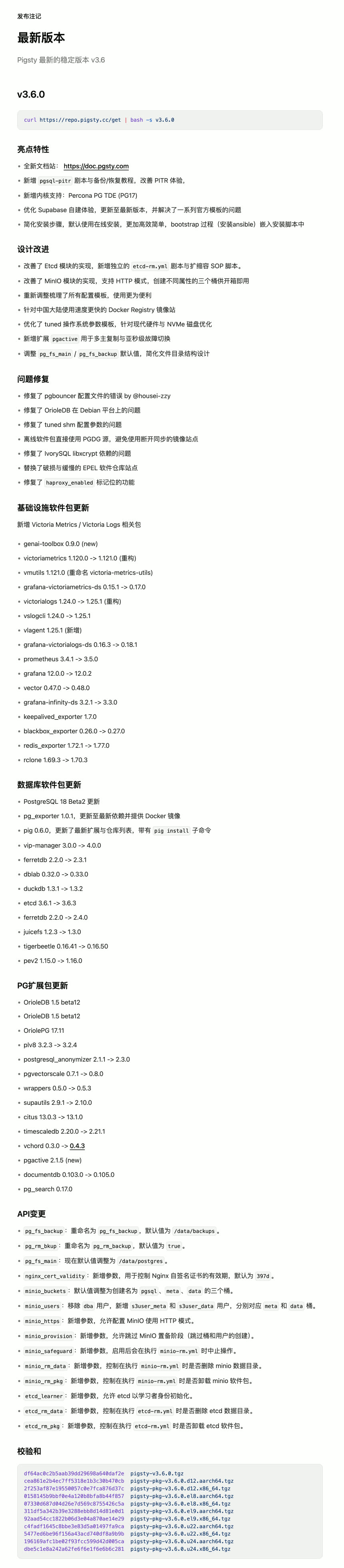
v3.6.0
Pigsty v3.6.0 released with new documentation site and PITR enhancement!
Highlights
- New documentation site: https://pigsty.io/docs/
- Added
pgsql-pitrplaybook and backup/recovery tutorials, improved PITR experience - New kernel support: Percona PG TDE (PG17)
- Optimized Supabase self-hosting experience, updated to latest version, resolved series of official template issues
- Simplified installation steps, defaults to online installation, more efficient and simple, bootstrap process (installing ansible) embedded in install script
Design Improvements
- Improved Etcd module implementation, added independent
etcd-rm.ymlplaybook and scaling SOP scripts - Improved MinIO module implementation, supports HTTP mode, creates three buckets with different properties out-of-the-box
- Re-adjusted and organized all configuration templates for easier use
- Uses faster Docker Registry mirror sites for mainland China
- Optimized tuned OS parameter templates for modern hardware and NVMe disks
- Added
pgactiveextension for multi-master replication and sub-second failover - Adjusted
pg_fs_main/pg_fs_backupdefault values, simplified file directory structure design
Bug Fixes
- Fixed pgbouncer config file error by @housei-zzy
- Fixed OrioleDB issues on Debian platform
- Fixed tuned shm config parameter issues
- Offline packages directly use PGDG source, avoiding out-of-sync mirror sites
- Fixed IvorySQL libxcrypt dependency issues
- Replaced broken and slow EPEL repository sites
- Fixed
haproxy_enabledflag functionality
Infrastructure Package Updates
New Victoria Metrics / Victoria Logs related packages:
- genai-toolbox 0.9.0 (new)
- victoriametrics 1.120.0 -> 1.121.0 (refactored)
- vmutils 1.121.0 (renamed victoria-metrics-utils)
- grafana-victoriametrics-ds 0.15.1 -> 0.17.0
- victorialogs 1.24.0 -> 1.25.1 (refactored)
- vslogcli 1.24.0 -> 1.25.1
- vlagent 1.25.1 (new)
- grafana-victorialogs-ds 0.16.3 -> 0.18.1
- prometheus 3.4.1 -> 3.5.0
- grafana 12.0.0 -> 12.0.2
- vector 0.47.0 -> 0.48.0
- grafana-infinity-ds 3.2.1 -> 3.3.0
- keepalived_exporter 1.7.0
- blackbox_exporter 0.26.0 -> 0.27.0
- redis_exporter 1.72.1 -> 1.77.0
- rclone 1.69.3 -> 1.70.3
Database Package Updates
- PostgreSQL 18 Beta2 update
- pg_exporter 1.0.1, updated to latest dependencies with Docker image
- pig 0.6.0, updated latest extensions and repo list, with
pig installsubcommand - vip-manager 3.0.0 -> 4.0.0
- ferretdb 2.2.0 -> 2.3.1
- dblab 0.32.0 -> 0.33.0
- duckdb 1.3.1 -> 1.3.2
- etcd 3.6.1 -> 3.6.3
- ferretdb 2.2.0 -> 2.4.0
- juicefs 1.2.3 -> 1.3.0
- tigerbeetle 0.16.41 -> 0.16.50
- pev2 1.15.0 -> 1.16.0
PG Extension Package Updates
- OrioleDB 1.5 beta12
- OriolePG 17.11
- plv8 3.2.3 -> 3.2.4
- postgresql_anonymizer 2.1.1 -> 2.3.0
- pgvectorscale 0.7.1 -> 0.8.0
- wrappers 0.5.0 -> 0.5.3
- supautils 2.9.1 -> 2.10.0
- citus 13.0.3 -> 13.1.0
- timescaledb 2.20.0 -> 2.21.1
- vchord 0.3.0 -> 0.4.3
- pgactive 2.1.5 (new)
- documentdb 0.103.0 -> 0.105.0
- pg_search 0.17.0
API Changes
pg_fs_backup: Renamed topg_fs_backup, default value/data/backups.pg_rm_bkup: Renamed topg_rm_backup, default valuetrue.pg_fs_main: Default value now adjusted to/data/postgres.nginx_cert_validity: New parameter to control Nginx self-signed certificate validity period, default397d.minio_buckets: Default value adjusted to create three buckets namedpgsql,meta,data.minio_users: Removeddbauser, addeds3user_metaands3user_datausers corresponding tometaanddatabuckets.minio_https: New parameter allowing MinIO to use HTTP mode.minio_provision: New parameter allowing skipping MinIO provisioning phase (skip bucket and user creation).minio_safeguard: New parameter that aborts operation when executingminio-rm.ymlif enabled.minio_rm_data: New parameter controlling whether to delete minio data directory when executingminio-rm.yml.minio_rm_pkg: New parameter controlling whether to uninstall minio package when executingminio-rm.yml.etcd_learner: New parameter allowing etcd to initialize as learner.etcd_rm_data: New parameter controlling whether to delete etcd data directory when executingetcd-rm.yml.etcd_rm_pkg: New parameter controlling whether to uninstall etcd package when executingetcd-rm.yml.
Checksums
See GitHub Release for more details.
v3.6.1
Pigsty v3.6.1 released with PostgreSQL minor version updates!
Highlights
- PostgreSQL 17.6, 16.10, 15.14, 14.19, 13.22, and 18 Beta 3 support
- Using Pigsty-provided PGDG APT/YUM mirrors in mainland China to resolve update supply issues
- New website homepage: https://pigsty.io
- Added el10, debian 13 implementation stubs, and el10 Terraform images
Infrastructure Package Updates
- Grafana 12.1.0
- pg_exporter 1.0.2
- pig 0.6.1
- vector 0.49.0
- redis_exporter 1.75.0
- mongo_exporter 0.47.0
- victoriametrics 1.123.0
- victorialogs: 1.28.0
- grafana-victoriametrics-ds 0.18.3
- grafana-victorialogs-ds 0.19.3
- grafana-infinity-ds 3.4.1
- etcd 3.6.4
- ferretdb 2.5.0
- tigerbeetle 0.16.54
- genai-toolbox 0.12.0
Database Package Updates
- pg_search 0.17.3
API Changes
- Removed
br_filterkernel module fromnode_kernel_modulesdefault value. - Uses OS major version number when adding PGDG YUM source, no longer uses minor version number.
Checksums
See GitHub Release for more details.
3 - Pigsty v3.5: 4K Stars, PG18 Beta, 421 Extensions
Originally published on VONNG.

Pigsty v3.5 is officially released. The project has crossed the 4,000+ Star milestone on GitHub — a remarkable achievement for a database infrastructure project.
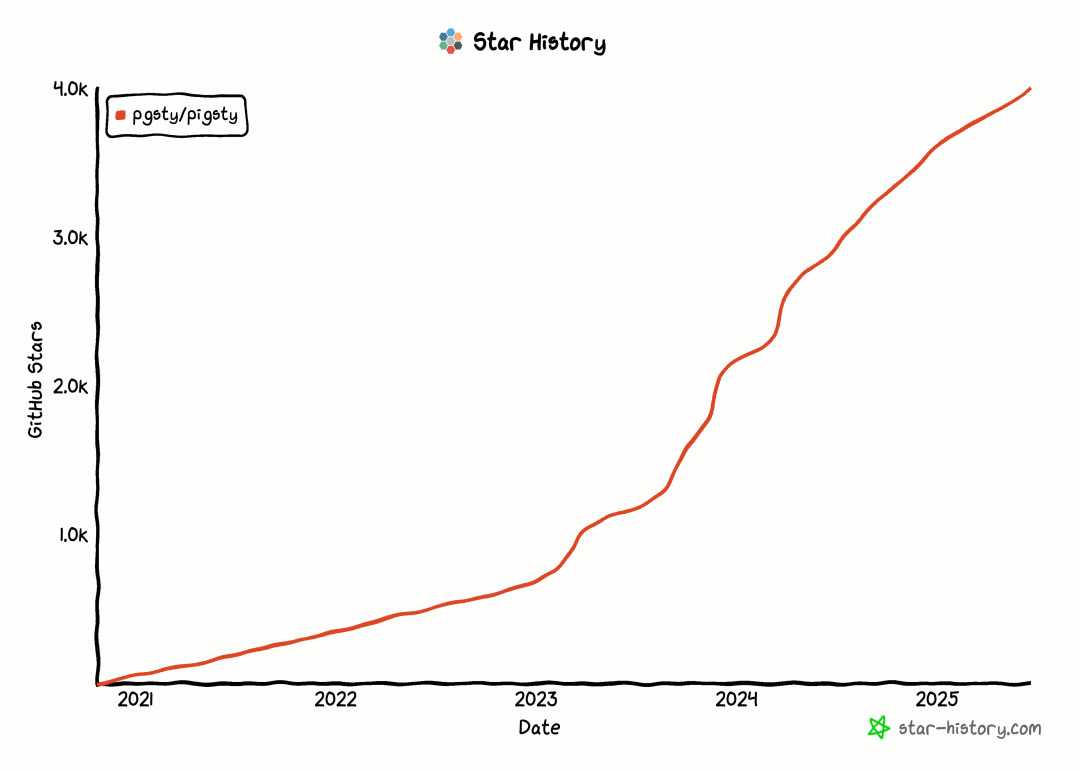
This version brings a brand-new documentation website, full-platform support for OrioleDB and OpenHalo kernels, Supabase self-hosting optimizations, monitoring system and architecture improvements, PostgreSQL 18 Beta support, routine PG minor version updates, and Apple ARM Vagrant support.
What is Pigsty?
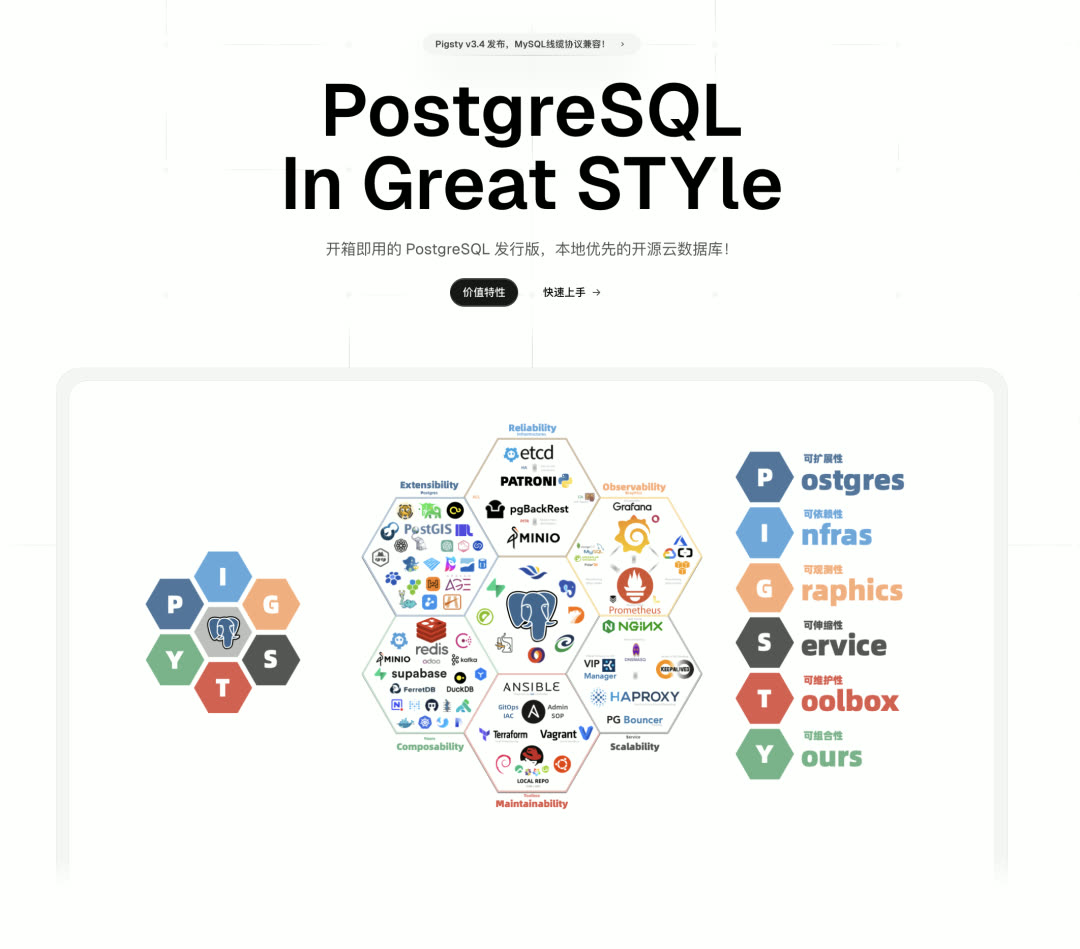
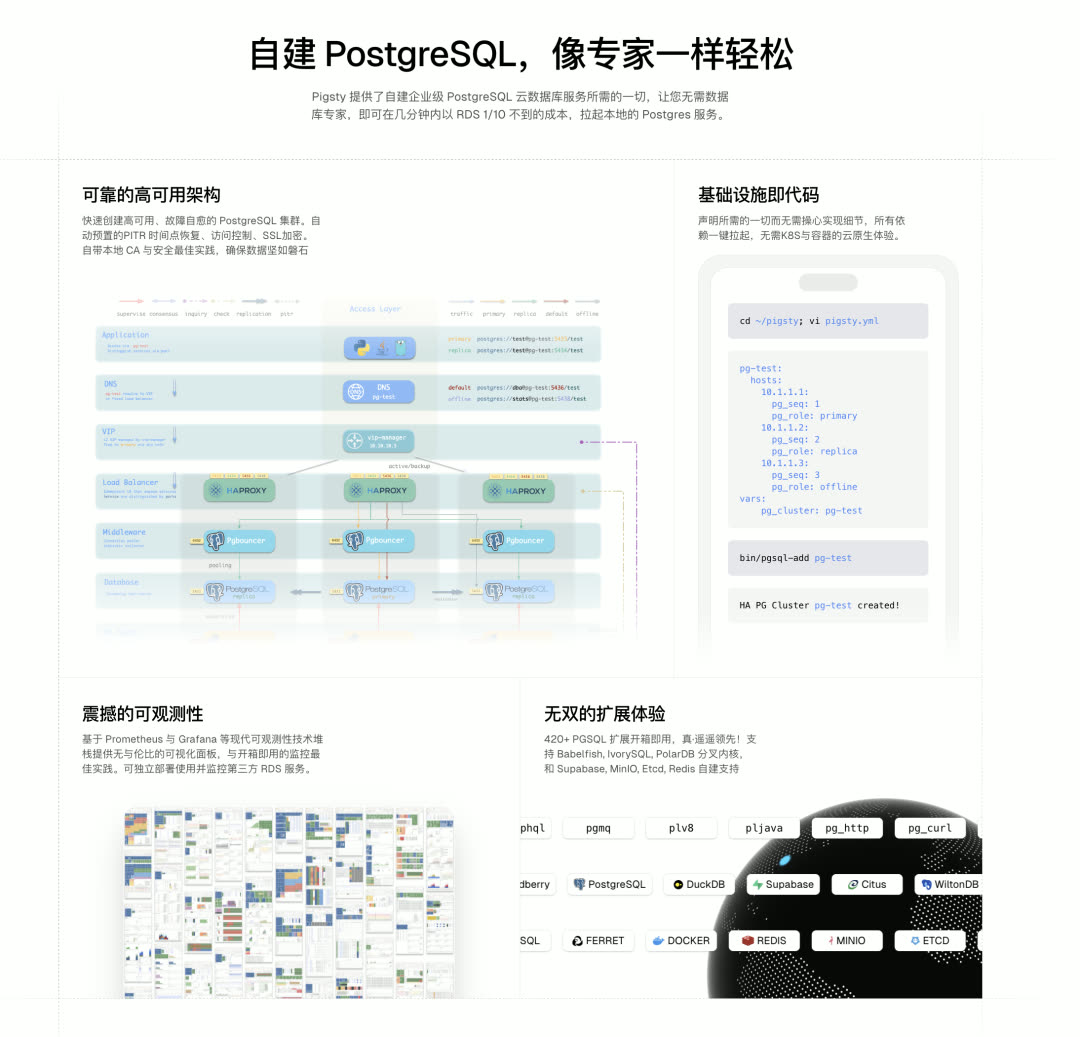
Pigsty is a batteries-included PostgreSQL distribution that works like “self-driving software” for databases. It enables users to spin up enterprise-grade PostgreSQL database services at less than one-tenth the cost of cloud RDS — without needing professional DBAs. Features include high availability, PITR, monitoring, IaC capabilities, and 421 PG ecosystem extensions, running directly on 10 major Linux distributions without containers or Kubernetes.
PostgreSQL 18 Support
PostgreSQL 18 Beta1 has been released, with the stable version coming in September. PG 18 brings powerful new features like AIO, OAuth, and more — now available for preview in Pigsty (not for production use). Routine minor version updates are also available for 17.5, 16.9, 15.13, 14.18, and 13.21.

Pigsty provides a new pg18 configuration template for spinning up highly available RDS based on the PostgreSQL 18 Beta1 kernel. pg_exporter has just released version 1.0, with complete coverage of PG 18’s new monitoring metrics. Users can also use the pig package manager to install PG 18 and corresponding PGDG extensions with a single command.
Supabase Self-Hosting Improvements
Pigsty’s “enterprise-grade” Supabase self-hosting capability has been well-received — the Supabase self-hosting tutorial page traffic even exceeds the landing page. This version further optimizes the Supabase self-hosting workflow.
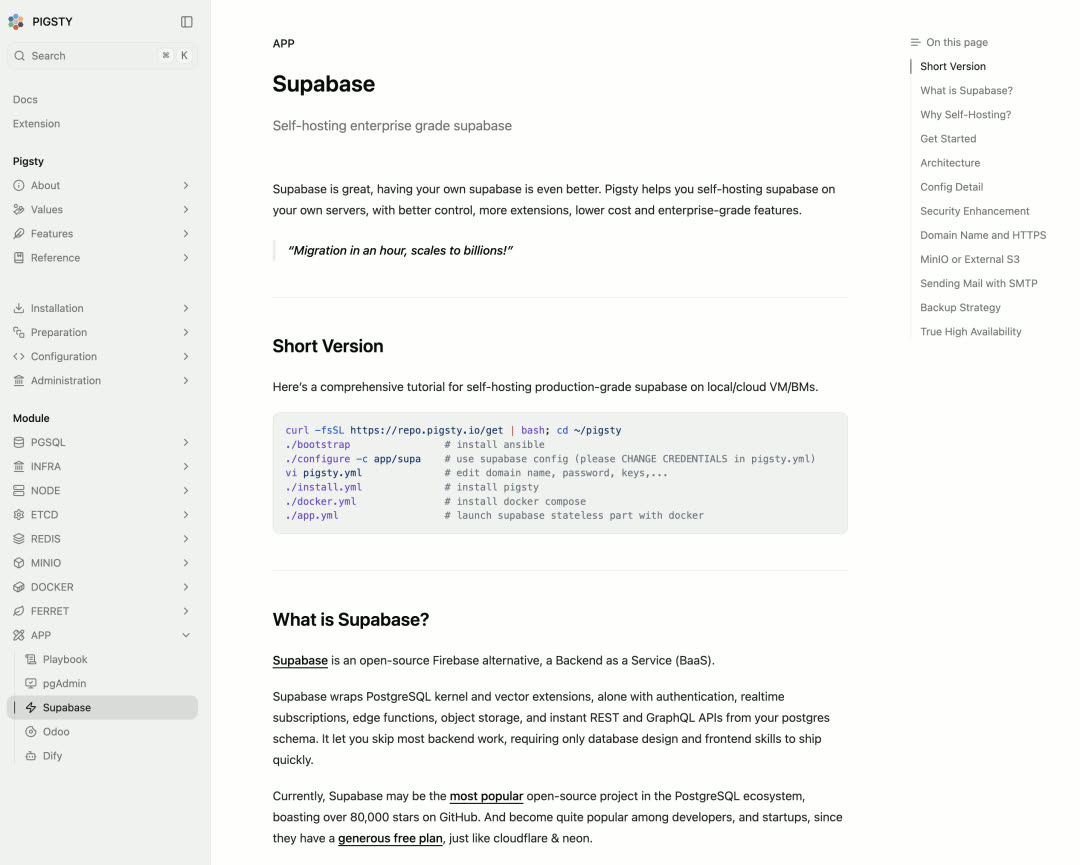
pgsodium Key Management Integration: You can now specify a root key or provide a key retrieval script for the pgsodium extension that Supabase depends on. This provides data encryption capabilities and can derive a series of subkeys from the root key.
logflare Replication Slot Fix: The Supabase Analytics logflare component has a defect — when system tables have no update writes, it doesn’t update WAL consumption progress, causing replication slots to retain data indefinitely. Pigsty uses a pre-configured cron job supa-kick that executes a “fake update” every minute to trigger progress advancement, preventing disk exhaustion.
Supabase-related extension versions and Docker image versions have also been updated.
OpenHalo and OrioleDB Full-Platform Support
The OpenHalo kernel provides MySQL compatibility on top of PG 14, while the OrioleDB kernel provides a cloud-native, bloat-free PostgreSQL version. In v3.4, only RPM packages were provided — now they’re fully available across all ten supported Linux systems.
OrioleDB has been acquired by Supabase and recently released its 11th Beta version. Although it hasn’t yet become Supabase’s default PG kernel fork, Pigsty is prepared in advance — ensuring seamless follow-up once Supabase decides to switch from vanilla PG to OrioleDB.
421 Extensions
Available extensions have reached 421, with numerous extensions receiving version updates. Notable new extensions:
pgsentinel: An observability extension providing Oracle Active Session History-like functionality, recording statistics and wait events for each session. Details: https://pigsty.io/ext/e/pgsentinel/
spat: An experimental extension providing a Redis-like interface in PG, achieving Redis-like performance using shared memory. Currently in Alpha stage — not for production use.
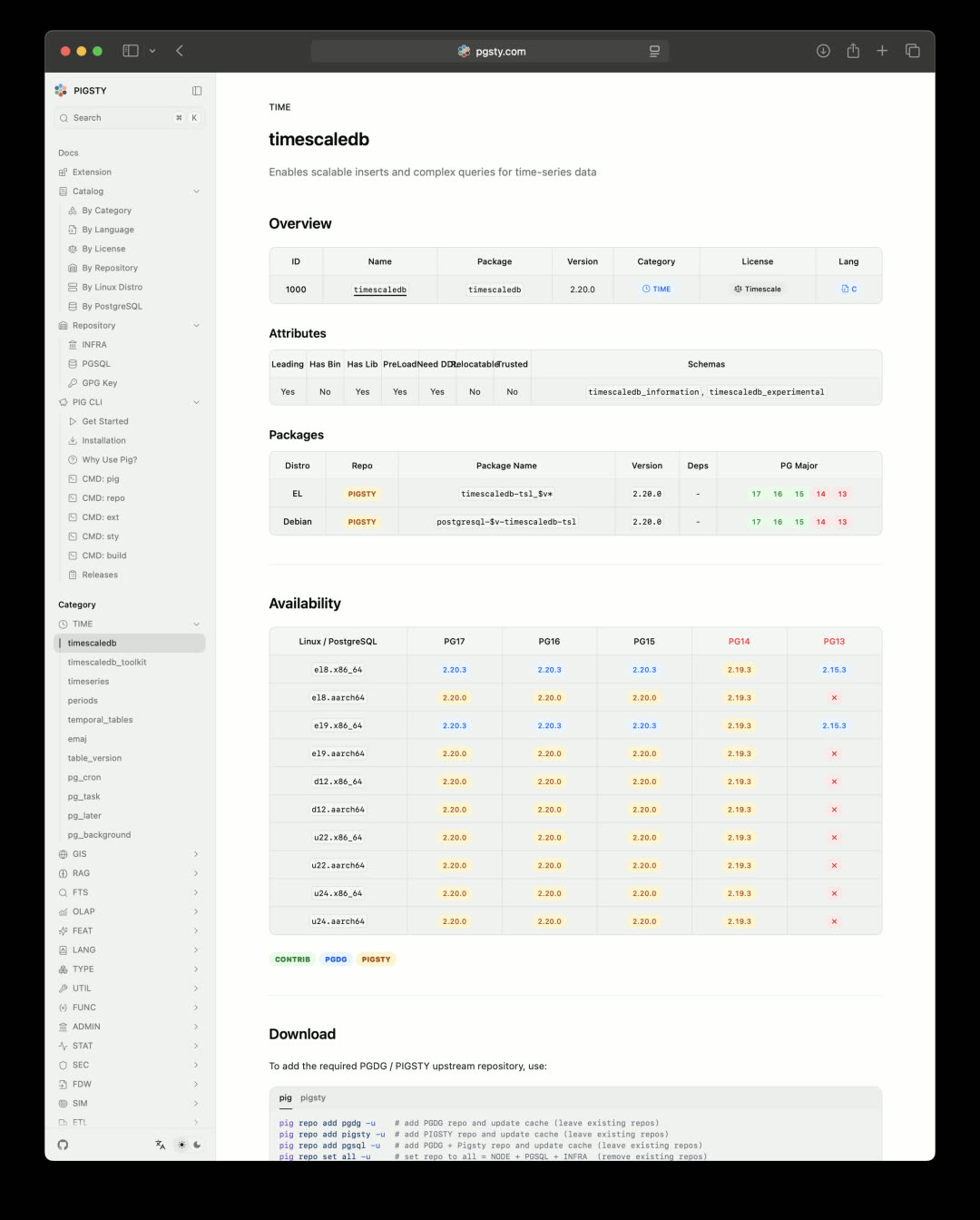
The new extension encyclopedia website is now live, more beautiful and comprehensive than the previous version:
New Documentation Site
The Pigsty documentation site has been rebuilt with Next.js, stepping from static page rendering into the modern frontend era. New site address: https://pigsty.io
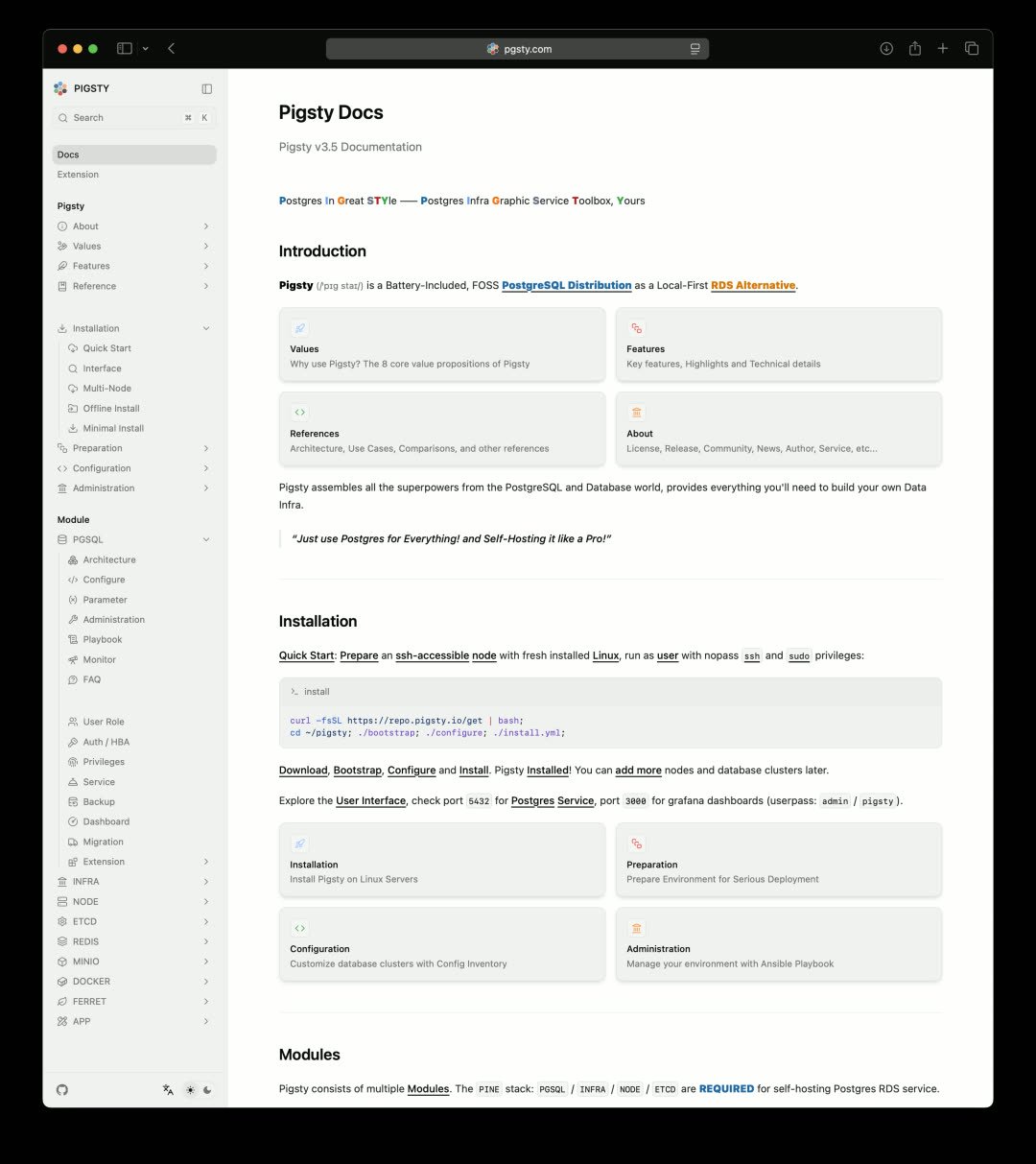
Not only has the form been completely renovated, but the content has been thoroughly rewritten and reorganized for version 3.5, with extensive outdated information cleaned up. Currently only available in English — Simplified Chinese support coming soon.
Architecture Optimization
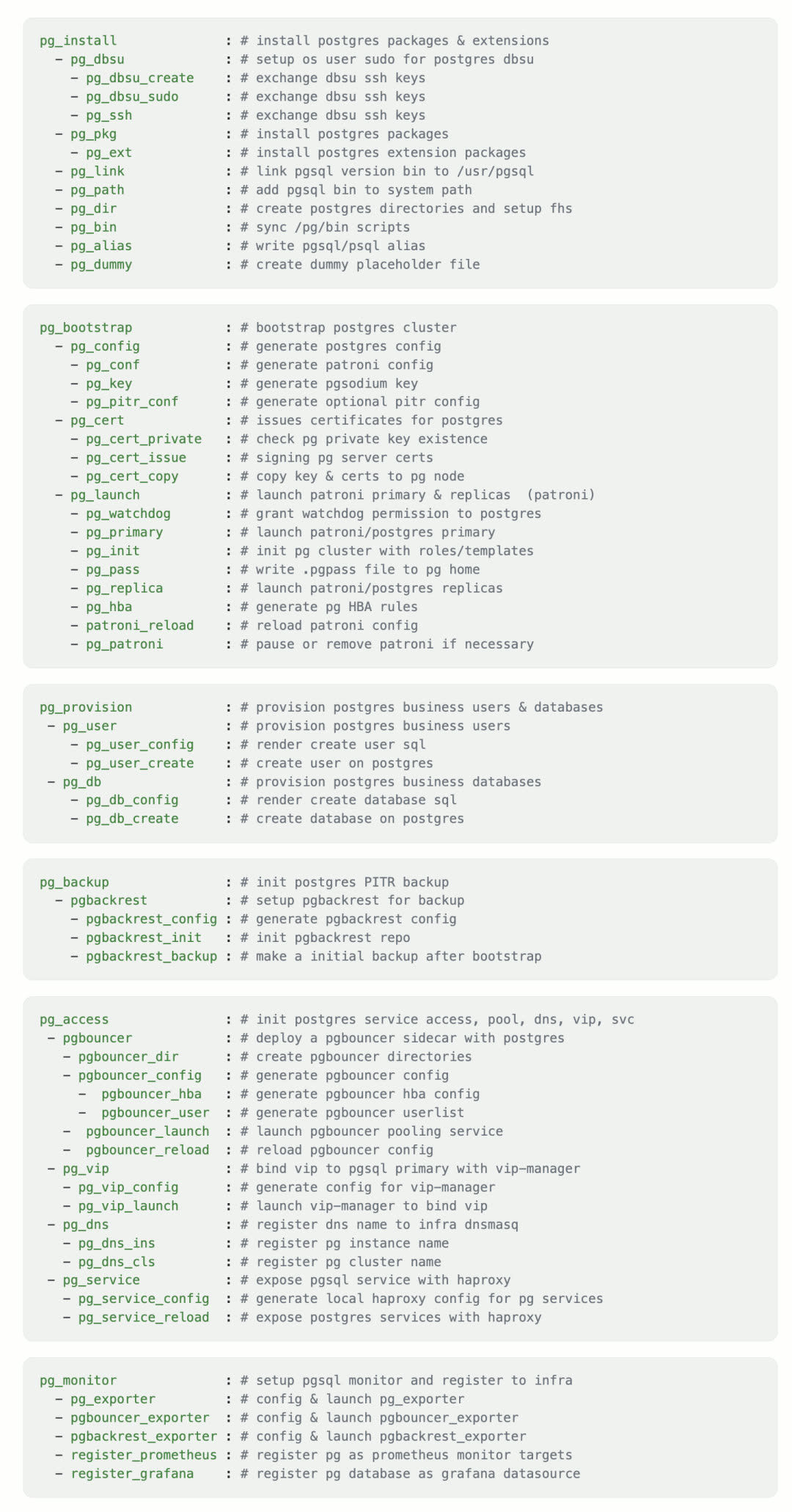
Pigsty v3.5 deeply optimized the PGSQL implementation:
- Merged and reduced task count
- Fine-tuned available task tags
- Unified template file naming
- Optimized system and database parameter defaults for modern NVMe environments
- Adjusted role divisions
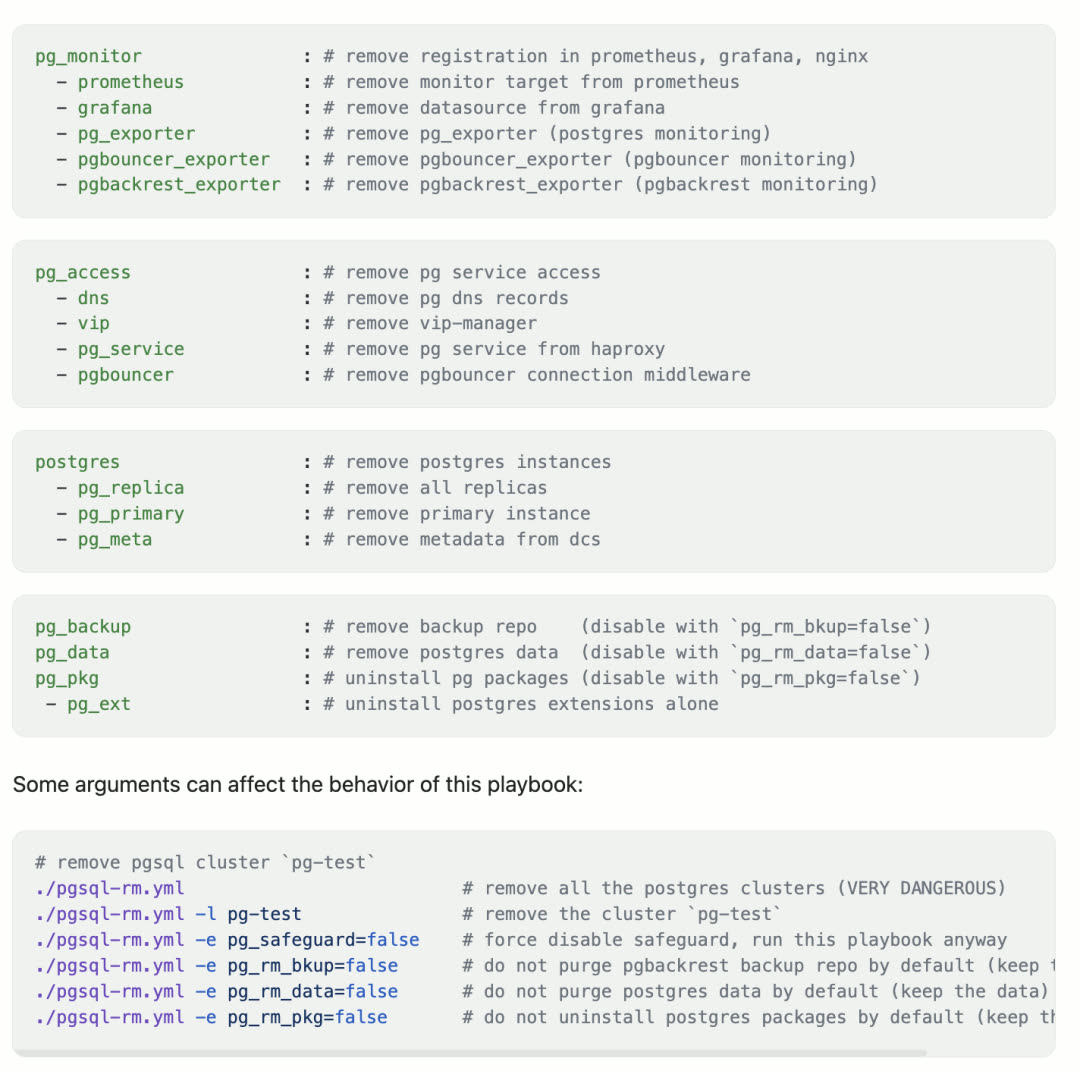
Important Change: The pgsql.yml playbook’s database deletion functionality has been completely removed. Starting with v3.5, database deletion can only be performed through the dedicated pgsql-rm.yml playbook, eliminating the need for various “safety valves” and “safeguards.”
Refactored PGSQL playbook tasks:
Refactored pgsql-rm.yml playbook tasks:
CLI Improvements
The pig command-line tool adds a new do subcommand, which can replace the wrapper scripts in the original pigsty/bin directory, executing various tasks in a unified, standardized manner.
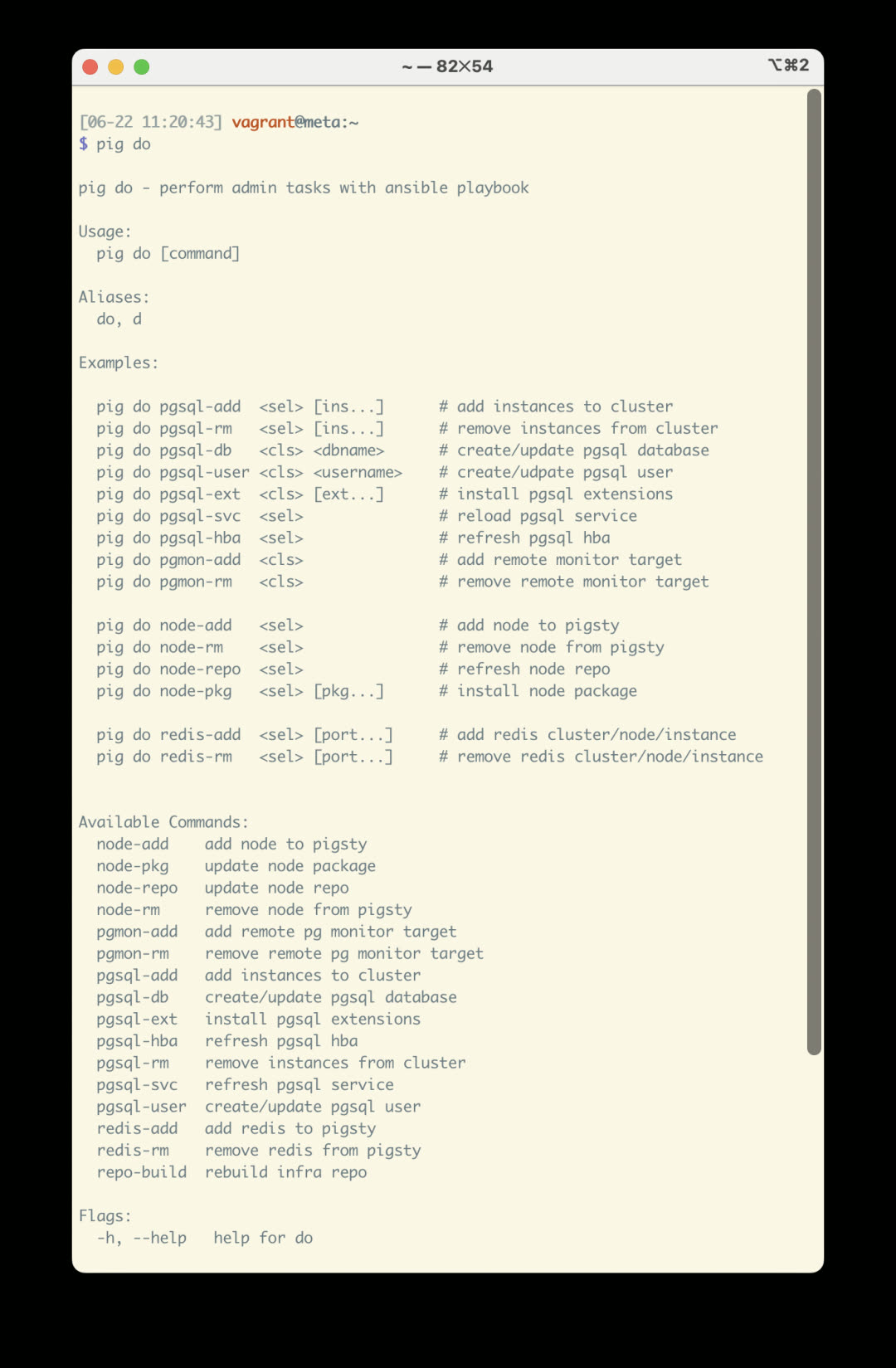
Currently in pilot phase with API not yet finalized — documentation planned after a period of refinement.
Monitoring Improvements
Grafana 12.0 is released with numerous breaking changes, and the monitoring system has been improved accordingly.
Analysis was performed on AWR requirements from Oracle DBA users: most metrics are already provided by PG and Pigsty — the only exception being wait events.
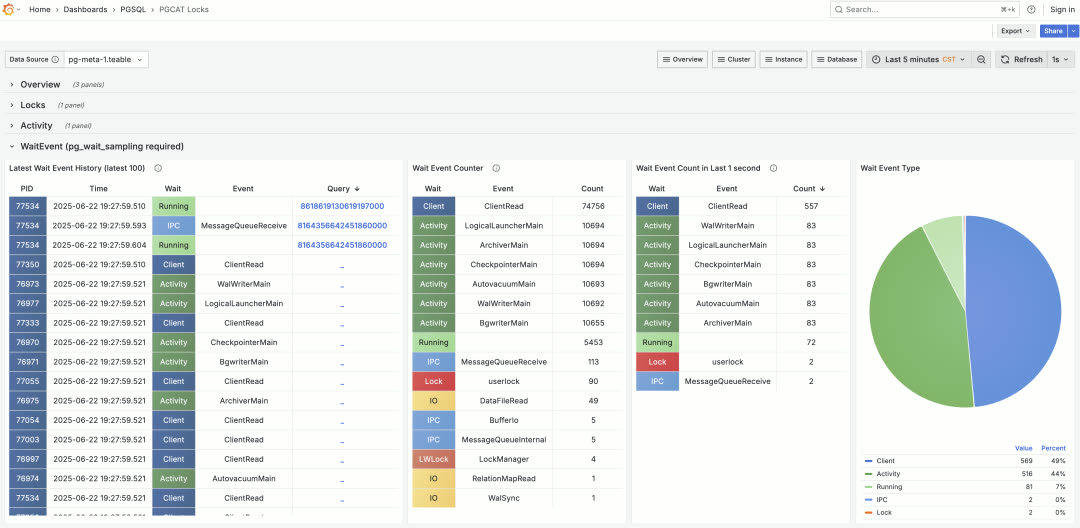
The PG kernel itself only provides current active wait states, with no historical wait event records. This can only be achieved through extensions — both pg_wait_sampling and pgsentinel provide this functionality, and monitoring dashboards now support wait event analysis.
Apple Vagrant Support
Pigsty provides Vagrant/Terraform sandbox templates, allowing users to easily spin up required virtual machine resources locally or in the cloud. Previously, Vagrant/VirtualBox had various issues with Apple ARM architecture support — after retesting, the Vagrant + VirtualBox combination now runs smoothly on Apple Silicon.
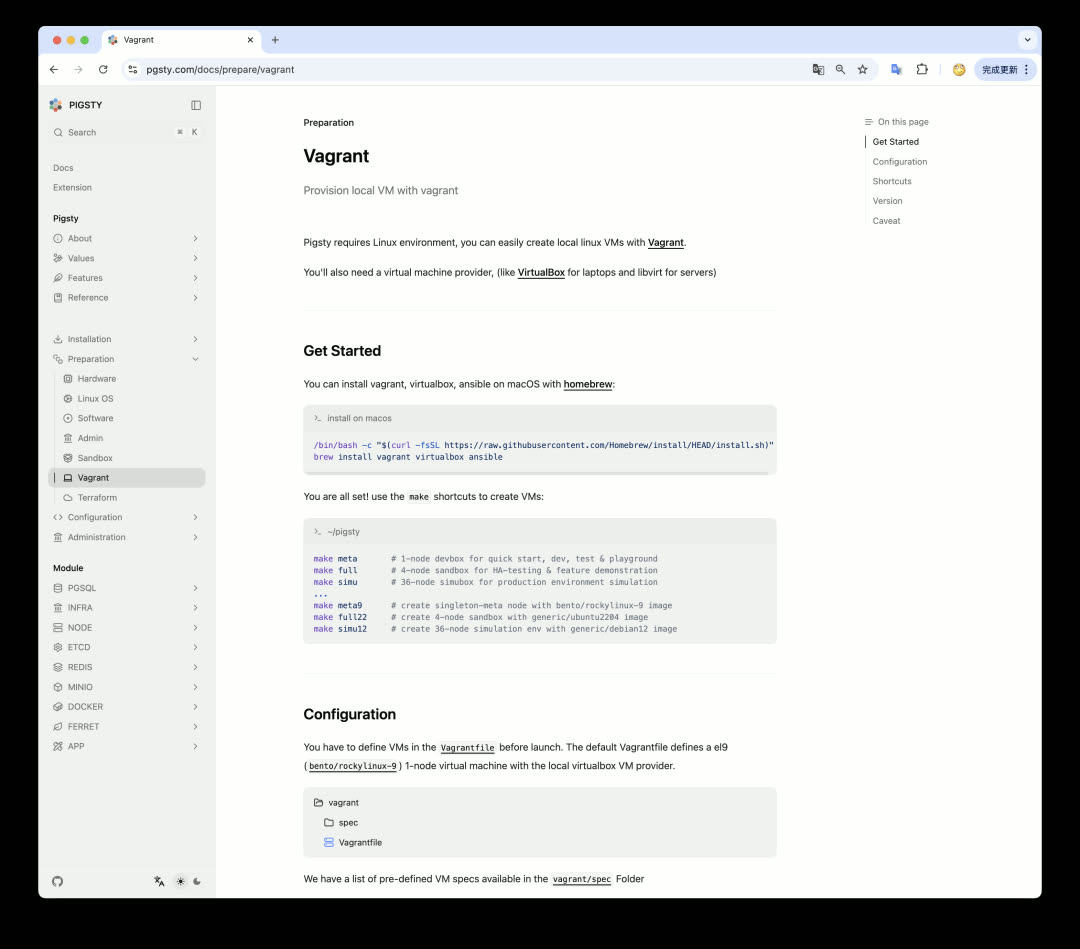
While not all Vagrant Boxes provide ARM64 on VirtualBox support, the main EL9 and Ubuntu 24.04 are supported. This means users can smoothly spin up virtual machines and run Pigsty on Apple MacBook (whether Intel or M-series ARM architecture).
Future Plans
The next version may be v3.6 or v4.0. Pigsty v4.0 is expected to release alongside PostgreSQL 18’s stable version (September).
Planned improvements:
| Area | Plan |
|---|---|
| OS | Add EL 10 support, compile and package all extensions |
| Log Collection | Replace promtail with vector |
| Installation | Simplify to three steps (Install / Configure / Deploy) |
| License | Consider releasing an Apache-licensed lightweight version |
v3.5.0
Pigsty v3.5.0 released with PostgreSQL 18 Beta support!
Highlights
- PG 18 (Beta) support, extensions updated, total reaches 421
- OrioleDB and OpenHalo kernels available on all platforms
- Can use
pig dosubcommand instead ofbinscripts - Enhanced Supabase self-hosting, resolving legacy issues like replication lag and key distribution
- Code refactoring and architecture optimization, improved Postgres and Pgbouncer default parameters
- Updated Grafana 12, pg_exporter 1.0 and related plugins, renovated dashboards
PostgreSQL 18 Support
- PostgreSQL 18 support
- PG18 monitoring metrics via pg_exporter 1.0.0
- PG18 installation aliases via pig 0.4.1
pg18configuration template provided
Code Refactoring
- PGSQL refactored, PG monitoring extracted as separate
pg_monitorrole,cleanlogic removed - Redundant duplicate tasks removed, similar items merged, configuration streamlined.
dir/utilstask blocks removed - All extensions now install to
extensionsschema by default (consistent with Supabase security practices) - Template files renamed, all
.j2suffixes removed SETcommands added to clearsearch_pathfor allmonitorfunctions in templates, following Supabase security best practices- Adjusted pgbouncer default parameters, increased default connection pool size, set connection pool cleanup query
- Added
pgbouncer_ignore_paramparameter to configure list of parameters for pgbouncer to ignore - Added
pg_keytask for generating server-side keys required bypgsodium sync_replication_slotsenabled by default for PG 17- Sub-task tags re-adjusted to better match configuration section divisions
Module Refactoring
pg_removemodule refactored- Parameters renamed:
pg_rm_data,pg_rm_bkup,pg_rm_pkgto control what gets deleted - Role code structure re-adjusted with clearer tag divisions
- Parameters renamed:
- New
pg_monitormodule addedpgbouncer_exporterno longer shares config file withpg_exporter- Added monitoring metrics for TimescaleDB, Citus, pg_wait_event
- Uses
pg_exporter1.0.0, updated PG16/17/18 related monitoring metrics - Uses more compact, newly designed metric collector configuration files
Supabase Enhancements
Thanks to contributions from @lawso017!
- Updated Supabase container images and database schemas to latest versions
- Now supports
pgsodiumserver-side key loading by default - Resolved logflare replication progress update issues via supa-kick cron job
- Added
set search_pathclause to functions in monitor schema for security best practices
CLI and Monitoring Updates
- CLI adds
pig docommand, allowing command-line tool to replace shell scripts inbin/ - Updated Grafana major version to 12.0.0, updated related plugin/datasource packages
- Updated Postgres datasource uid naming convention (to adapt to new
uidlength and character restrictions) - Added Static Datasource
- Updated existing dashboards, fixed various legacy issues
Infrastructure Package Updates
- pig 0.4.2
- duckdb 1.3.0
- etcd 3.6.0
- vector 0.47.0
- minio 20250422221226
- mcli 20250416181326
- pev 1.5.0
- rclone 1.69.3
- mtail 3.0.8 (new)
Observability Package Updates
- grafana 12.0.0
- grafana-victorialogs-ds 0.16.3
- grafana-victoriametrics-ds 0.15.1
- grafana-infinity-ds 3.2.1
- grafana_plugins 12.0.0
- prometheus 3.4.0
- pushgateway 1.11.1
- nginx_exporter 1.4.2
- pg_exporter 1.0.0
- pgbackrest_exporter 0.20.0
- redis_exporter 1.72.1
- keepalived_exporter 1.6.2
- victoriametrics 1.117.1
- victoria_logs 1.22.2
Database Package Updates
- PostgreSQL 17.5, 16.9, 15.13, 14.18, 13.21
- PostgreSQL 18beta1 support
- pgbouncer 1.24.1
- pgbackrest 2.55
- pgbadger 13.1
PG Extension Package Updates
- spat 0.1.0a4 new extension
- pgsentinel 1.1.0 new extension
- pgdd 0.6.0 (pgrx 0.14.1) new extension
- convert 0.0.4 (pgrx 0.14.1) new extension
- pg_tokenizer.rs 0.1.0 (pgrx 0.13.1)
- pg_render 0.1.2 (pgrx 0.12.8)
- pgx_ulid 0.2.0 (pgrx 0.12.7)
- pg_idkit 0.3.0 (pgrx 0.14.1)
- pg_ivm 1.11.0
- orioledb 1.4.0 beta11 added debian/ubuntu support
- openhalo 14.10 added debian/ubuntu support
- omnigres 20250507 (latest version build failed on d12/u22)
- citus 12.0.3
- timescaledb 2.20.0 (removed PG14 support)
- supautils 2.9.2
- pg_envvar 1.0.1
- pgcollection 1.0.0
- aggs_for_vecs 1.4.0
- pg_tracing 0.1.3
- pgmq 1.5.1
- tzf-pg 0.2.0 (pgrx 0.14.1)
- pg_search 0.15.18 (pgrx 0.14.1)
- anon 2.1.1 (pgrx 0.14.1)
- pg_parquet 0.4.0 (0.14.1)
- pg_cardano 1.0.5 (pgrx 0.12) -> 0.14.1
- pglite_fusion 0.0.5 (pgrx 0.12.8) -> 14.1
- vchord_bm25 0.2.1 (pgrx 0.13.1)
- vchord 0.3.0 (pgrx 0.13.1)
- pg_vectorize 0.22.1 (pgrx 0.13.1)
- wrappers 0.4.6 (pgrx 0.12.9)
- timescaledb-toolkit 1.21.0 (pgrx 0.12.9)
- pgvectorscale 0.7.1 (pgrx 0.12.9)
- pg_session_jwt 0.3.1 (pgrx 0.12.6) -> 0.12.9
- pg_timetable 5.13.0
- ferretdb 2.2.0
- documentdb 0.103.0 (added aarch64 support)
- pgml 2.10.0 (pgrx 0.12.9)
- sqlite_fdw 2.5.0 (fix pg17 deb)
- tzf 0.2.2 0.14.1 (rename src)
- pg_vectorize 0.22.2 (pgrx 0.13.1)
- wrappers 0.5.0 (pgrx 0.12.9)
Checksums
See GitHub Release for more details.
4 - Pigsty v3.4: PITR Enhancement, Locale Best Practices, Auto Certificates
Originally published on VONNG.

After a month of intensive development, Pigsty v3.4 is officially released. This version features significant architectural optimizations, addressing several core concerns highly valued by users and customers:
- Restore physical backup PITR from one cluster to another
- Monitoring metrics and dashboards for pgBackRest backup component
- Auto-apply HTTPS certificates when deploying applications
- Best practices for locale collation and character sets
- Oracle-compatible IvorySQL now available on all platforms
- Graph database extension Apache AGE now available on all platforms
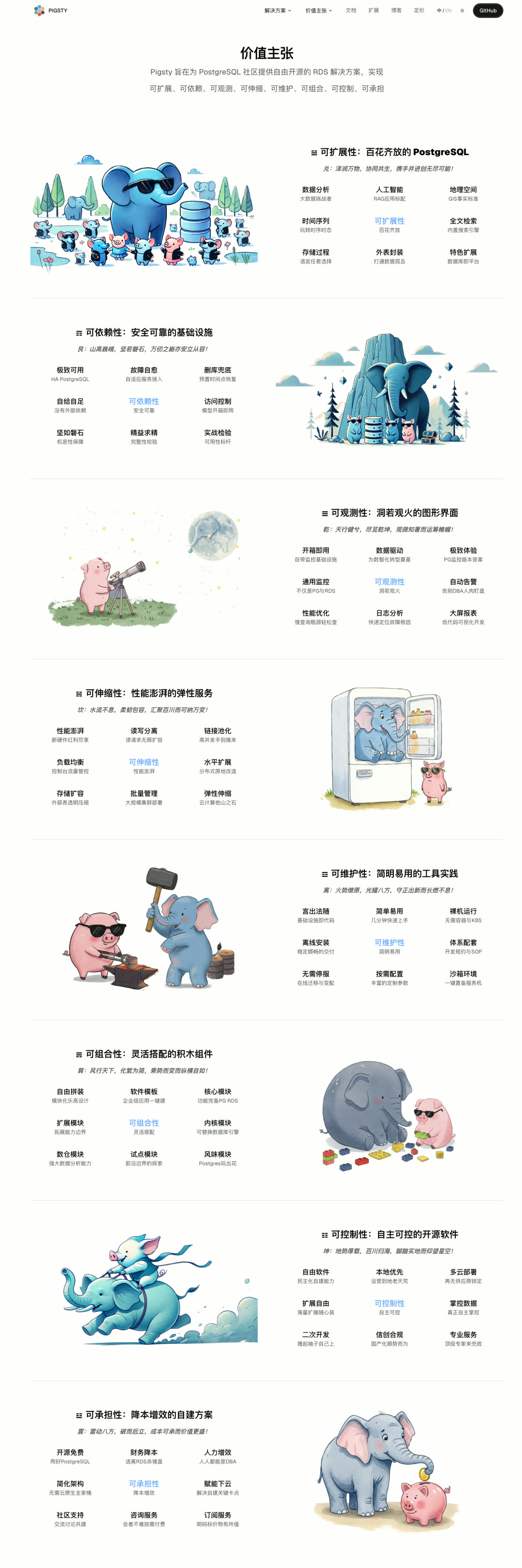
Additionally, a new value proposition/feature introduction page was built using Cursor Vibe Coding: https://pigsty.cc/about/values/
Auto Certificate Issuance
Many users use Pigsty for self-hosting Dify, Odoo, Supabase. User feedback indicated certificate issuance was cumbersome, requiring manual certbot calls, with requests to automate it.

This version enhances Nginx configuration: when users define a certbot field on an Nginx Server, the make cert command completes certificate issuance and application in one step — no additional configuration or commands needed.
The Dify, Odoo, Supabase self-hosting templates all use this feature. After installation, make cert automatically updates or issues needed certificates. If certbot_sign = true, certificates are automatically issued during installation.
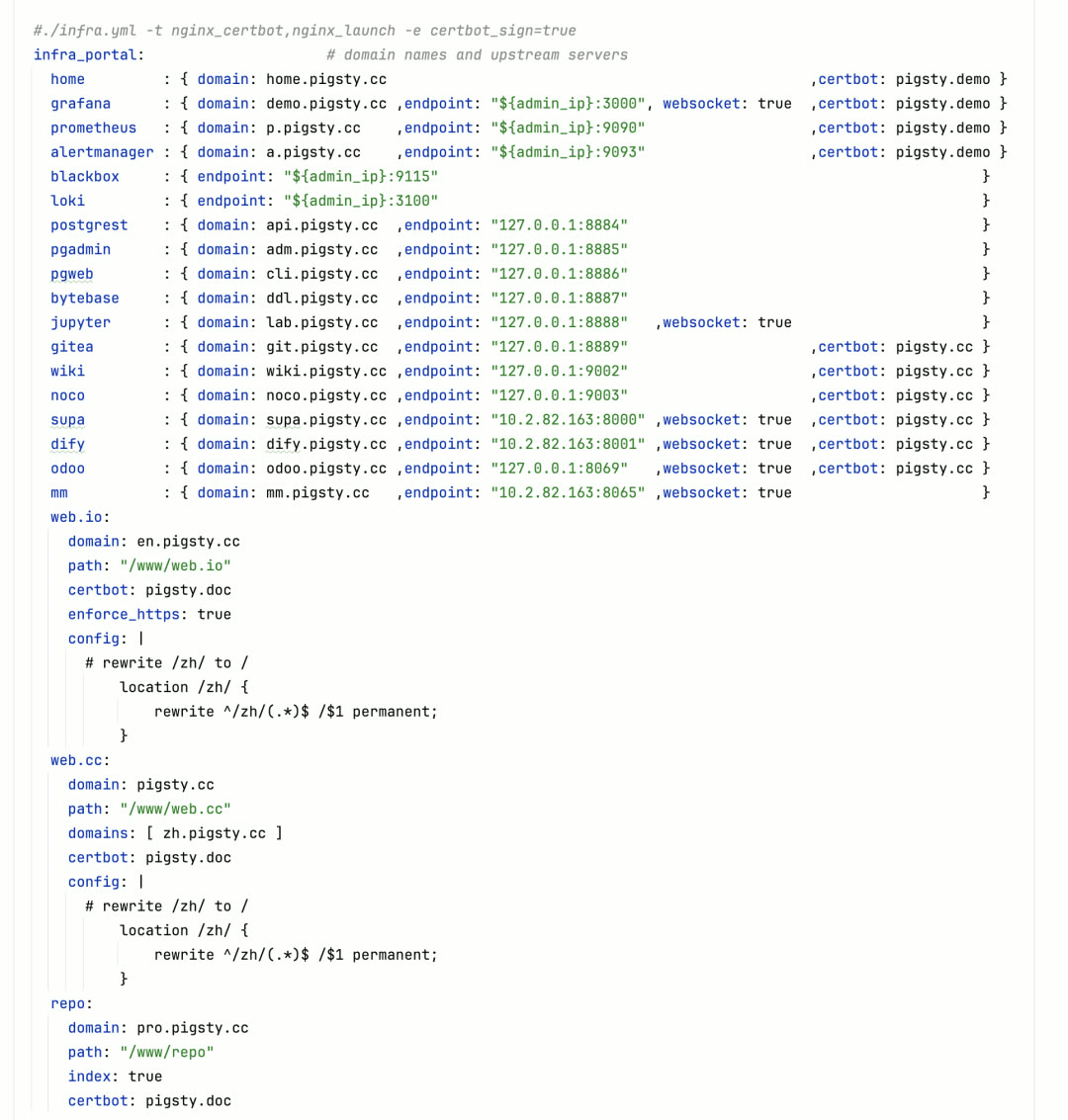
v3.4 offers richer Nginx configuration options: use config to inject nginx config, use enforce to force HTTPS redirect. Self-hosted websites can now completely avoid touching traditional Nginx config files in most scenarios.
Locale Collation Best Practices
Many programmers aren’t familiar with Locale/Collation rules, but this is actually an important configuration. Using improper Collation can not only cause several times performance loss but also lead to data inconsistency or even data loss — indexes are closely tied to collation rules. Collation is far from trivial.
Recommended reading:
- Locale Collation in PG
- PGCon.Dev 2024: Collations from A to Z
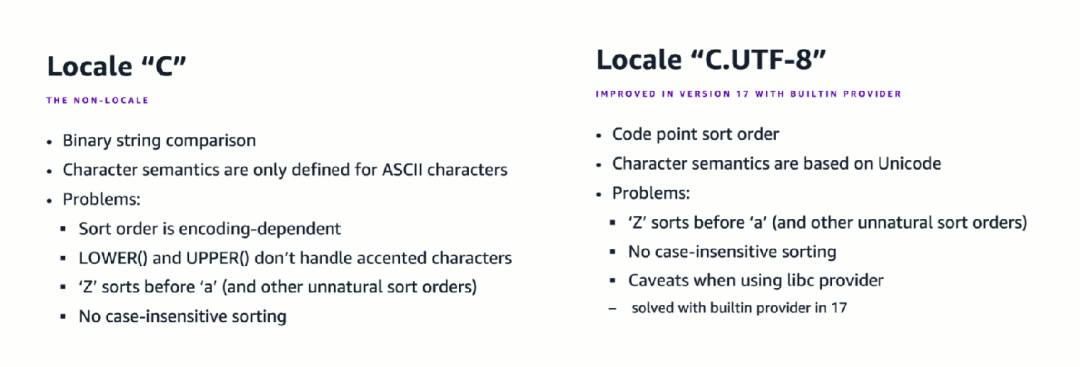
Best Practice: Always use C or C.UTF-8 as Locale collation.
C: Best compatibility, supported on all systems, but lacks Unicode character set knowledge — case functions fail for non-ASCII charactersC.UTF-8: Adds Unicode semantics on top ofC, more intuitive for users, but not supported by default on all systems- PostgreSQL 17 new feature: Built-in support for both collations, no longer dependent on OS libc
Pigsty v3.4 reflects this best practice:
- All Locale-related parameters default to
C(mainlypg_lc_ctypeschanged fromen_US.UTF-8toC), ensuring it runs on any system - During auto-configuration, if PG >= 17 or system clearly supports
C.utf8, Locale is configured asC.UTF-8for better Unicode semantics
Unless your database works intensively with specific language sorting scenarios, this default is best practice. You can specify other collation rules on queries/indexes/columns using PostgreSQL COLLATION syntax — PG + ICU supports 841 collation rules.
Point-in-Time Recovery Enhancement
Point-in-time recovery is a core feature of relational databases. Previously, Pigsty helped users perform semi-automatic PITR through pg-pitr. v3.4 significantly improves PITR support, now allowing easy selection of any backup from a centralized backup repository for restoration.
When defining pg_pitr parameter on a PG cluster, Pigsty auto-generates the /pg/bin/pg-restore command and /pg/conf/pitr.conf config file.
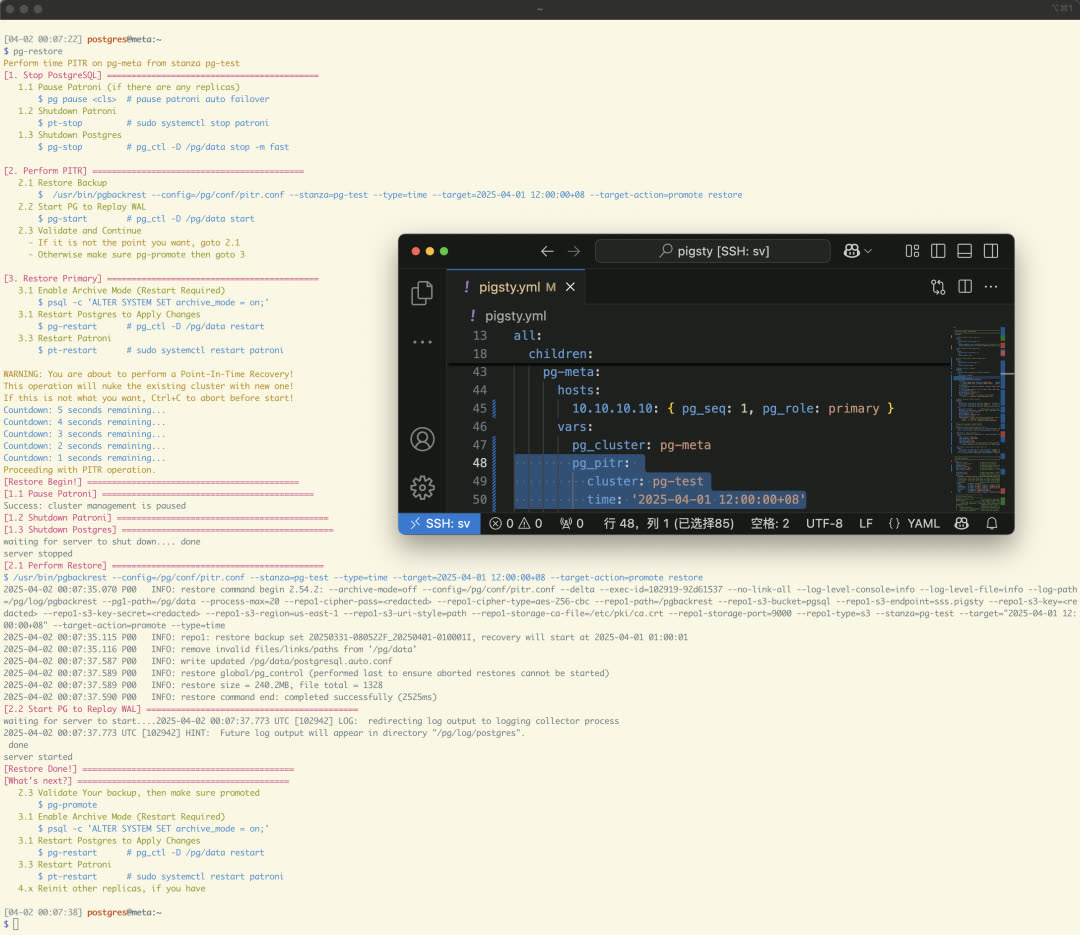
When executing pg-restore, Pigsty automatically pauses the Patroni cluster, shuts down PG, begins in-place incremental PITR, and restarts PG after recovering to the specified point. Important improvement: when using a centralized backup repository, you can use another cluster’s backup to overwrite the current cluster.
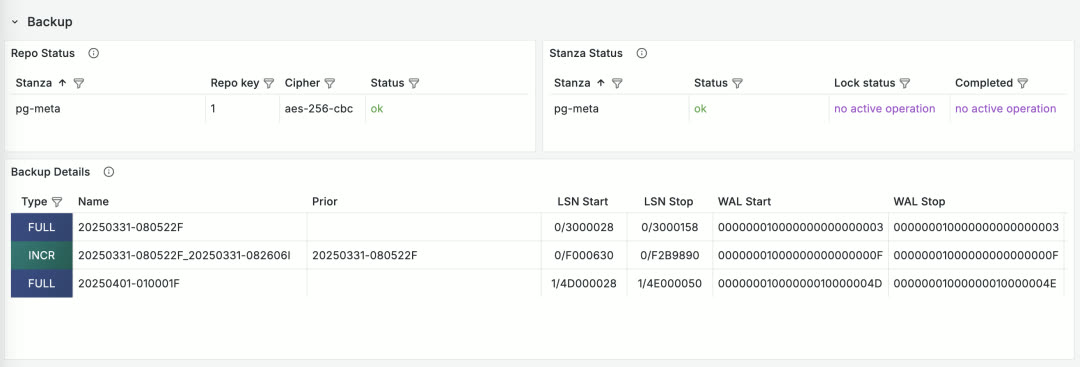
For backup monitoring, v3.4 introduces pgbackrest_exporter to collect backup monitoring metrics, and the PGSQL PITR dashboard now displays current backup status. Previously, users could only query current status through PGCAT Instance with no history — this improvement greatly helps analyze backup status.
Extension Updates
After a year of continuous extension ecosystem expansion, Pigsty has now collected nearly all mainstream PG ecosystem extensions, reaching 405. The explosive extension growth phase is essentially complete; recent versions shift focus back to architecture and infrastructure, with extensions mainly consolidating.
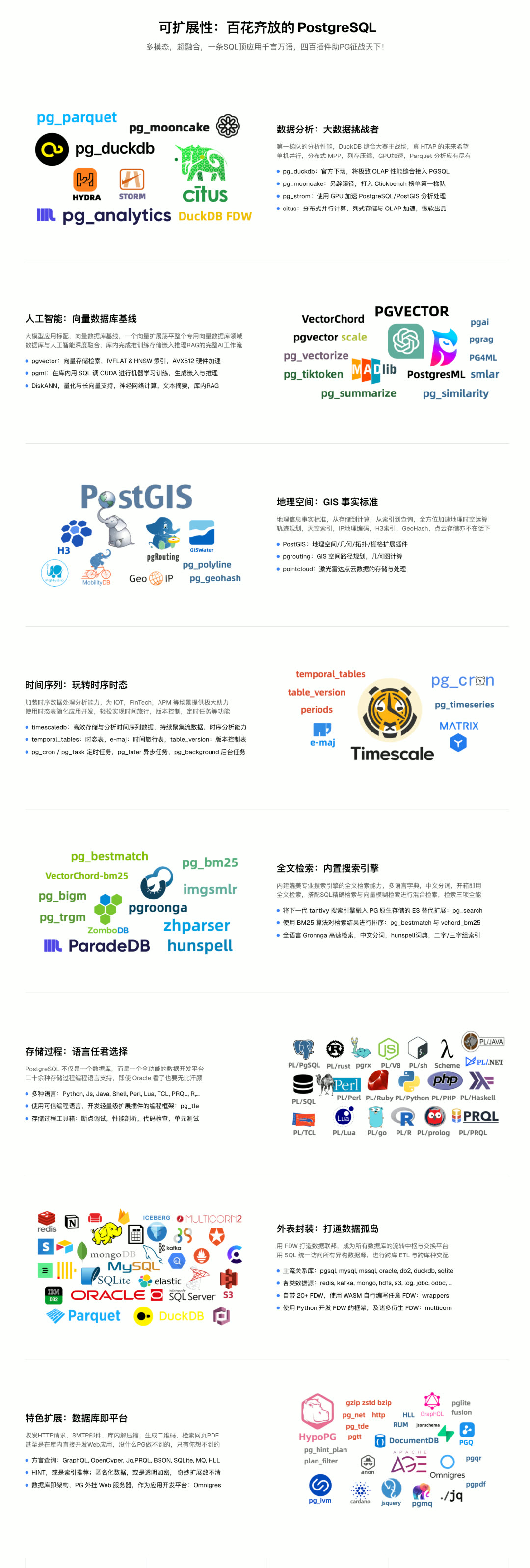
v3.4 adds extension pgspider_ext for multi-data-source queries using various FDWs. Additionally, 28 extensions updated to latest versions with several version and bug fixes.
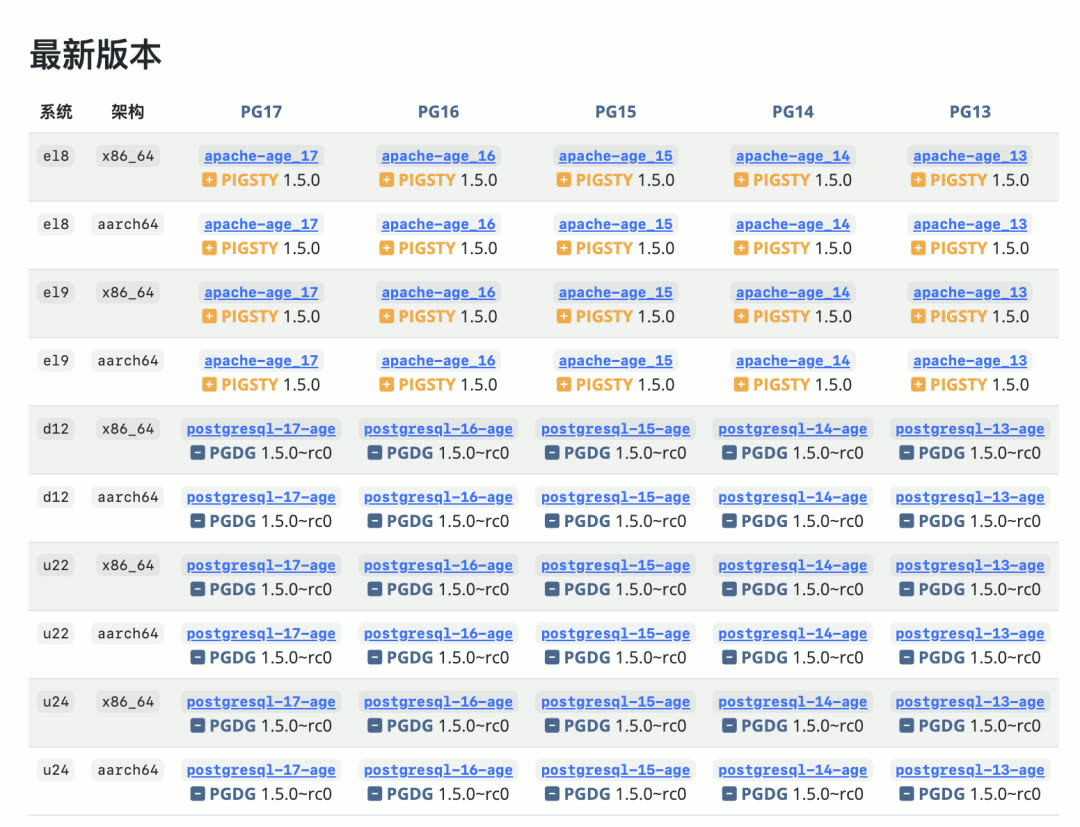
Apache AGE Graph Database Extension: The project’s developers seem to have been laid off, and it’s essentially in maintenance limbo. As a distribution, Pigsty does its best to provide support — we recompiled AGE 1.5.0 for PG 13-17 based on Debian patches, filling the gap of missing EL RPMs.
Multi-Kernel Support Updates
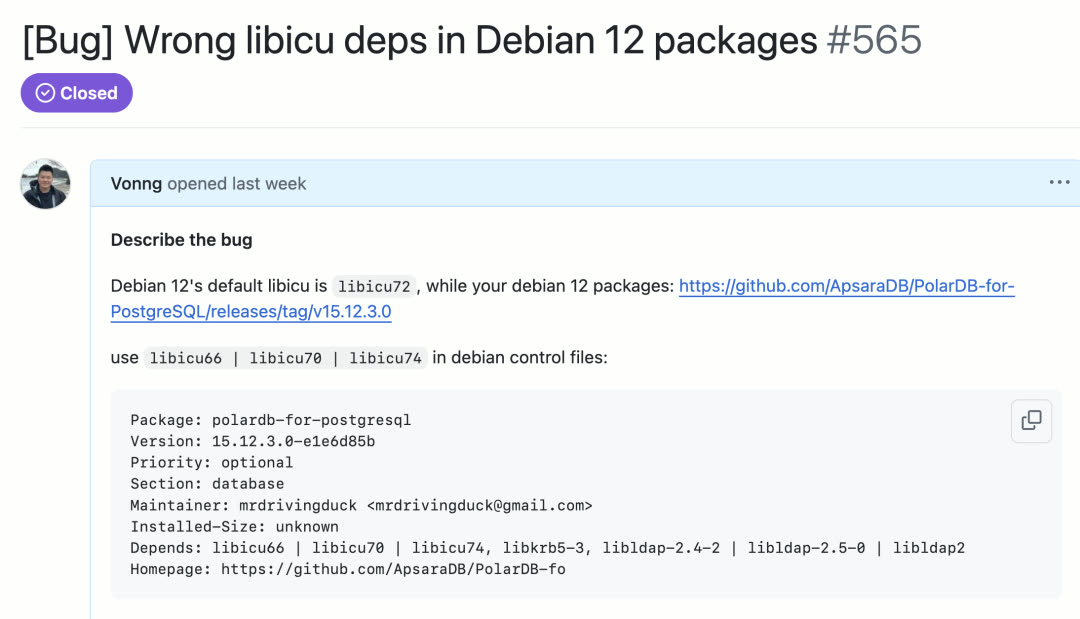
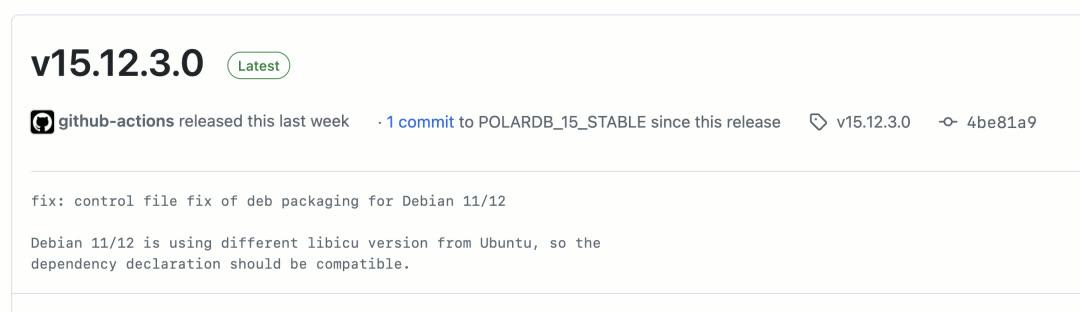
Pigsty v3.4 updates support for the latest versions of PolarDB, IvorySQL, and Babelfish.
Following PolarDB, IvorySQL becomes the second PostgreSQL kernel available on all platforms across Pigsty’s supported ten Linux distributions. Except for extension plugins, IvorySQL 4.4 experience is basically identical to PostgreSQL 17.4.
To use IvorySQL (Oracle compatibility mode), just modify four parameters:
Also updated Supabase template to latest version, updated Citus to 13.0.2. Next steps will focus on OrioleDB (OLTP performance-focused) and OpenHalo (MySQL protocol compatibility) kernels.
Infrastructure Enhancements
v3.4 updates many Infra package versions, adding new components:
| Component | Description |
|---|---|
| JuiceFS | Mount S3/MinIO as local filesystem |
| Restic | Similar to pgBackRest but for file backup |
| TimescaleDB EventStreamer | Extract data change streams from TimescaleDB hypertables |
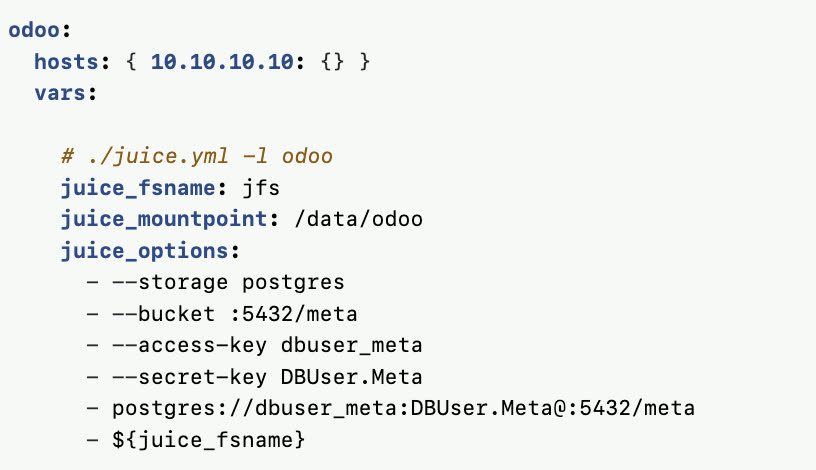
These components are now downloaded by default and ready to install.
Another change: the following packages added to default download list:
Docker usage is indeed high, mainly for running pgAdmin and similar software, so it’s now in the default download.
v3.5 Feature Preview
v3.5 planned features:
| Area | Plan |
|---|---|
| CLI | pig CLI fully wrapping Pigsty Playbooks |
| Config | Vibe Config Wizard and MCP Server |
| Docker | Debian 12 x86/ARM Pigsty Docker image |
| Kernel | OrioleDB and OpenHalo support |
v3.4.0 Release Notes
Pigsty v3.4.0 released — MySQL compatibility and comprehensive enhancements!
New Features
- Added new pgBackRest backup monitoring metrics and dashboards
- Enhanced Nginx server config options with auto Certbot signing support
- Now prioritizes PostgreSQL built-in
C/C.UTF-8locale - IvorySQL 4.4 now fully supported on all platforms (RPM/DEB on x86/ARM)
- Added new packages: Juicefs, Restic, TimescaleDB EventStreamer
- Apache AGE graph database extension now fully supported on EL for PostgreSQL 13–17
- Improved
app.ymlplaybook: launch standard Docker apps without extra config - Upgraded Supabase, Dify, and Odoo app templates to latest versions
- Added electric app template, local-first PostgreSQL sync engine
Infrastructure Packages
- +restic 0.17.3
- +juicefs 1.2.3
- +timescaledb-event-streamer 0.12.0
- Prometheus 3.2.1
- AlertManager 0.28.1
- blackbox_exporter 0.26.0
- node_exporter 1.9.0
- mysqld_exporter 0.17.2
- kafka_exporter 1.9.0
- redis_exporter 1.69.0
- pgbackrest_exporter 0.19.0-2
- DuckDB 1.2.1
- etcd 3.5.20
- FerretDB 2.0.0
- tigerbeetle 0.16.31
- vector 0.45.0
- VictoriaMetrics 1.113.0
- VictoriaLogs 1.17.0
- rclone 1.69.1
- pev2 1.14.0
- grafana-victorialogs-ds 0.16.0
- grafana-victoriametrics-ds 0.14.0
- grafana-infinity-ds 3.0.0
PostgreSQL Related
- Patroni 4.0.5
- PolarDB 15.12.3.0-e1e6d85b
- IvorySQL 4.4
- pgbackrest 2.54.2
- pev2 1.14
- WiltonDB 13.17
PostgreSQL Extensions
- pgspider_ext 1.3.0 (new extension)
- apache age 13–17 el rpm (1.5.0)
- timescaledb 2.18.2 → 2.19.0
- citus 13.0.1 → 13.0.2
- documentdb 1.101-0 → 1.102-0
- pg_analytics 0.3.4 → 0.3.7
- pg_search 0.15.2 → 0.15.8
- pg_ivm 1.9 → 1.10
- emaj 4.4.0 → 4.6.0
- pgsql_tweaks 0.10.0 → 0.11.0
- pgvectorscale 0.4.0 → 0.6.0 (pgrx 0.12.5)
- pg_session_jwt 0.1.2 → 0.2.0 (pgrx 0.12.6)
- wrappers 0.4.4 → 0.4.5 (pgrx 0.12.9)
- pg_parquet 0.2.0 → 0.3.1 (pgrx 0.13.1)
- vchord 0.2.1 → 0.2.2 (pgrx 0.13.1)
- pg_tle 1.2.0 → 1.5.0
- supautils 2.5.0 → 2.6.0
- sslutils 1.3 → 1.4
- pg_profile 4.7 → 4.8
- pg_snakeoil 1.3 → 1.4
- pg_jsonschema 0.3.2 → 0.3.3
- pg_incremental 1.1.1 → 1.2.0
- pg_stat_monitor 2.1.0 → 2.1.1
API Changes
- Added new Docker parameters:
docker_dataanddocker_storage_driver(#521 by @waitingsong) - Added new infra parameter:
alertmanager_portto specify AlertManager port - Added new infra parameter:
certbot_signfor certificate issuance during nginx init (default false) - Added new infra parameter:
certbot_emailfor email used when requesting certificates via Certbot - Added new infra parameter:
certbot_optionsfor additional Certbot parameters - Updated IvorySQL: starting from IvorySQL 4.4, default binaries placed under
/usr/ivory-4 - Changed
pg_lc_ctypeand other locale-related parameter defaults fromen_US.UTF-8toC - For PostgreSQL 17 with
UTF8encoding andCorC.UTF-8locale, PostgreSQL’s built-in locale rules now take priority configureauto-detects if PG version and environment both supportC.utf8and adjusts locale options accordingly- Set default IvorySQL binary path to
/usr/ivory-4 - Updated
pg_packagesdefault topgsql-main patroni pgbouncer pgbackrest pg_exporter pgbadger vip-manager - Updated
repo_packagesdefault to[node-bootstrap, infra-package, infra-addons, node-package1, node-package2, pgsql-utility, extra-modules] - Removed
LANGandLC_ALLenvironment variable settings from/etc/profile.d/node.sh - Now using
bento/rockylinux-8andbento/rockylinux-9as EL Vagrant box images - Added new alias
extra_modulescontaining additional optional modules - Updated PostgreSQL aliases:
postgresql,pgsql-main,pgsql-core,pgsql-full - GitLab repo now included in available modules
- Docker module merged into infrastructure module
node.ymlplaybook now includesnode_piptask for configuring pip mirrors on each nodepgsql.ymlplaybook now includespgbackrest_exportertask for collecting backup metricsMakefilenow allows usingMETA/PKGenvironment variables- Added
/pg/spooldirectory as pgBackRest temporary storage - Disabled pgBackRest
link-alloption by default - Enabled block-level incremental backup for MinIO repos by default
Bug Fixes
- Fixed exit status code in
pg-backup(#532 by @waitingsong) - In
pg-tune-hugepage, limit PostgreSQL to use only huge pages (#527 by @waitingsong) - Fixed logic error in
pg-roletask - Corrected type conversion for huge page config parameters
- Fixed default value issue for
node_repo_modulesinslimtemplate
Checksums
v3.4.1 Release Notes
Pigsty v3.4.1 released — OpenHalo and OrioleDB kernel support!
Highlights
- Added support for MySQL protocol-compatible PostgreSQL kernel on EL: openHalo
- Added support for OLTP-enhanced PostgreSQL kernel on EL: orioledb
- Optimized pgAdmin 9.2 app template with auto server list update and pgpass password filling
- Increased PG default max connections to 250, 500, 1000
- Removed
mysql_fdwextension with dependency errors from EL8
Infrastructure Updates
- pig 0.3.4
- etcd 3.5.21
- restic 0.18.0
- ferretdb 2.1.0
- tigerbeetle 0.16.34
- pg_exporter 0.8.1
- node_exporter 1.9.1
- grafana 11.6.0
- zfs_exporter 3.8.1
- mongodb_exporter 0.44.0
- victoriametrics 1.114.0
- minio 20250403145628
- mcli 20250403170756
Extension Updates
- pg_search upgraded to 0.15.13
- citus upgraded to 13.0.3
- timescaledb upgraded to 2.19.1
- pgcollection RPM upgraded to 1.0.0
- pg_vectorize RPM upgraded to 0.22.1
- pglite_fusion RPM upgraded to 0.0.4
- aggs_for_vecs RPM upgraded to 1.4.0
- pg_tracing RPM upgraded to 0.1.3
- pgmq RPM upgraded to 1.5.1
Checksums
See GitHub Release for more details.
5 - Pigsty v3.3: 404 Extensions, Turnkey Apps, New Website
Originally published on VONNG.

After two months of careful refinement, Pigsty v3.3 is officially released. As an open-source “batteries-included” PostgreSQL distribution, Pigsty aims to harness the collective power of the PG ecosystem, delivering a maintenance-free experience for self-hosting that rivals cloud RDS.
This version focuses on three key areas: extensions, website deployment, and application templates, significantly enhancing development, operations, and deployment capabilities.
400+ Extensions Available
PostgreSQL is renowned for its rich extension mechanism, fostering a vast database ecosystem. Pigsty takes PostgreSQL’s extension capabilities to the extreme.
A year ago when “PostgreSQL is Eating the Database World” was published, Pigsty had about 150 available extensions, primarily from PG built-ins (70) and the official PGDG repository.
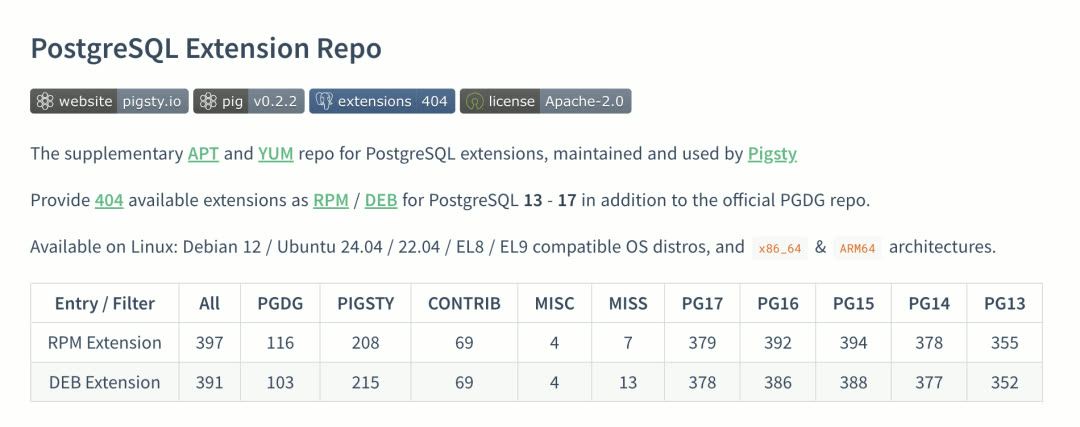
Today, Pigsty v3.3 pushes the available extension count to 404! Users can plug-and-play virtually any PostgreSQL extension they want — more importantly, they can combine these extensions like building blocks.
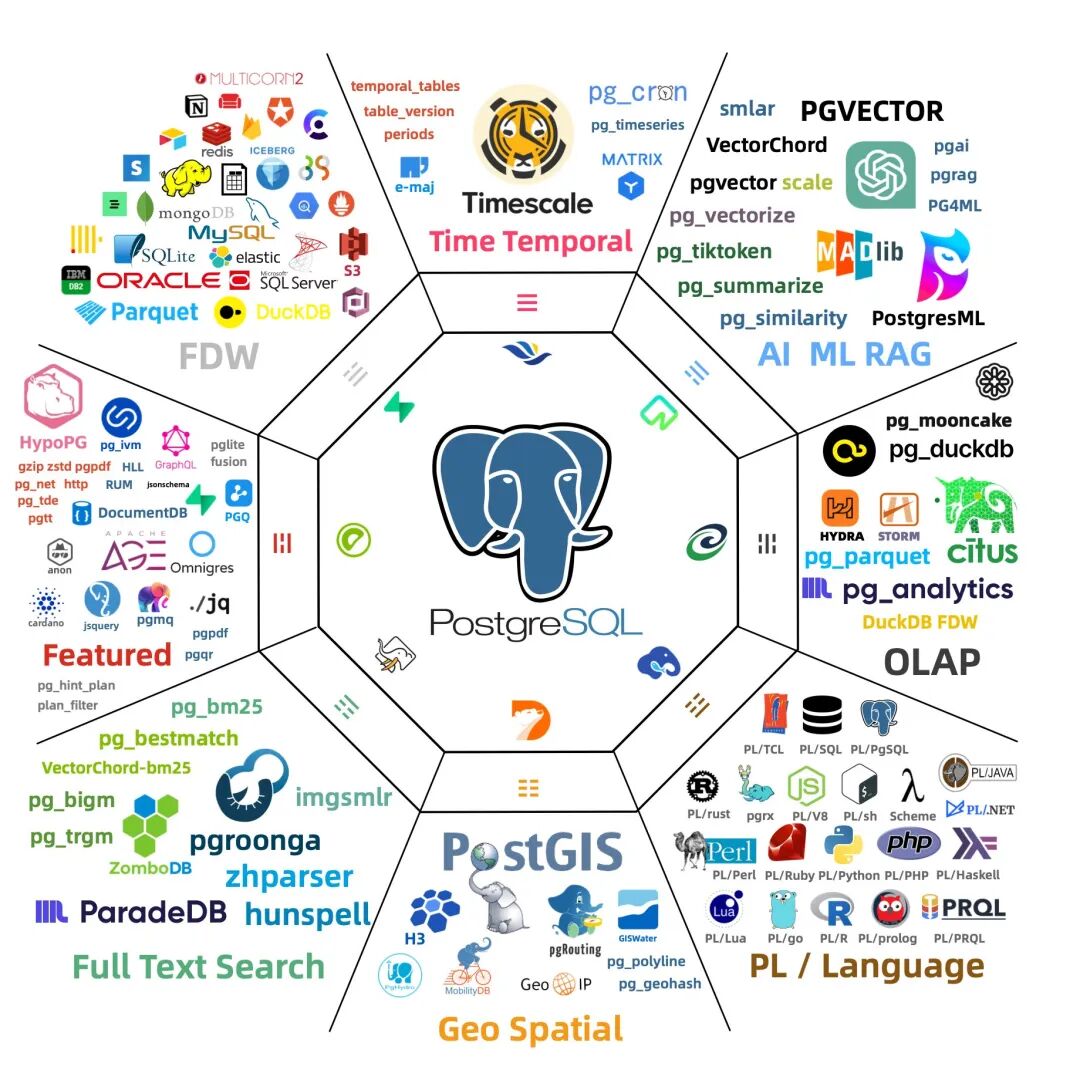
Notable new extensions:
| Extension | Description |
|---|---|
| PGDocumentDB | Microsoft open-source, adds document database capabilities to PostgreSQL |
| PGCollection | From AWS, high-performance memory-optimized collection data types |
| pg_tracing | DataDog open-source, distributed call chain tracing |
| pg_curl | Supports dozens of network protocols for requests |
| pgpdf | Directly read/store PDFs, SQL full-text search on PDF content |
| Omni series | 30+ extensions from Omnigres for web app development inside PG |
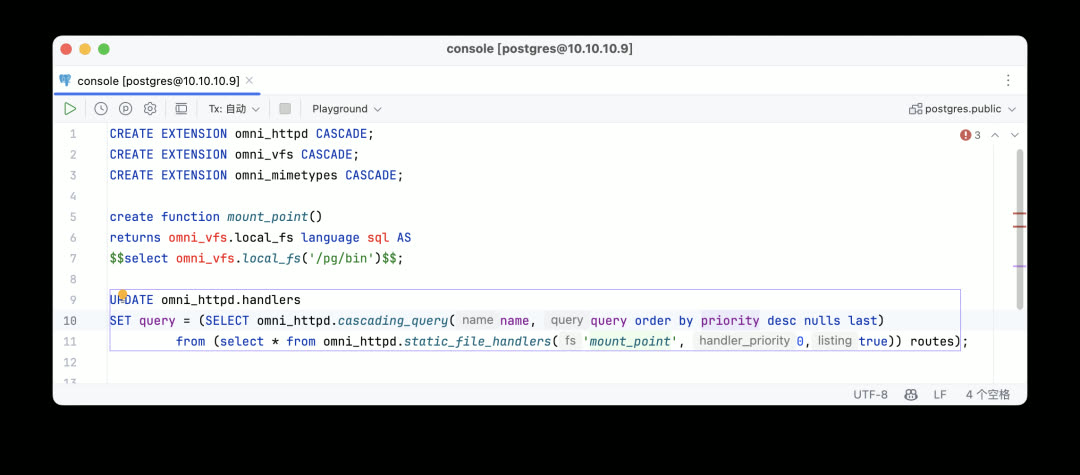
Pigsty has formed a deep partnership with Omnigres: Pigsty integrates and distributes Omnigres extensions, while Omnigres as a downstream delivers extensions from Pigsty’s repository to its users — a mutually beneficial arrangement.
FerretDB 2.0: PostgreSQL Becomes MongoDB
In collaboration with the FerretDB team, delivering a MongoDB solution based on PostgreSQL. FerretDB 2.0 uses Microsoft’s open-source DocumentDB as the backend implementation, providing better performance and more complete functionality.

Transform PG into a core-feature-complete MongoDB 5.0, accessing PostgreSQL data via MongoDB clients and wire protocol.
DuckDB Integration Race Continues
Pigsty v3.3 immediately tracks pg_duckdb 0.3.1, pg_mooncake 0.1.2, pg_analytics 0.5.4 — the latest versions adding ClickHouse-level analytics capabilities to PostgreSQL from different angles.
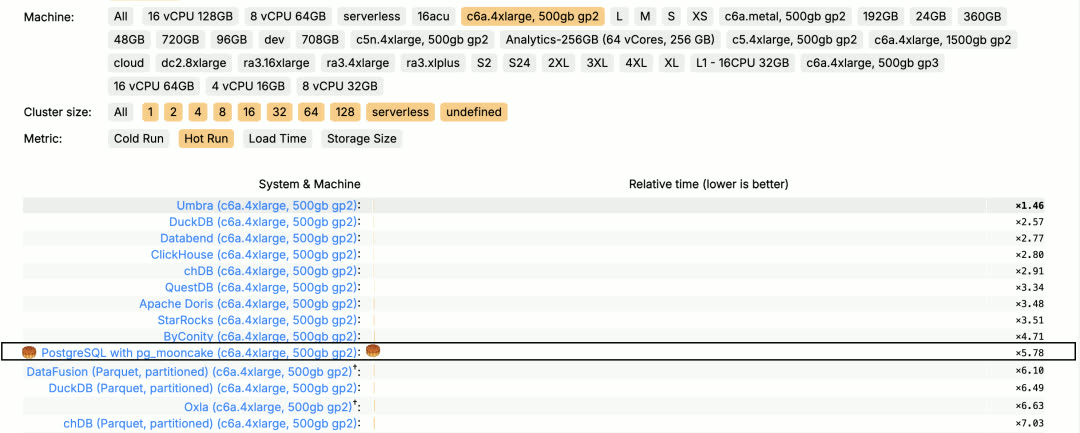
On ClickHouse’s own ClickBench leaderboard, the PG extension mooncake has successfully broken into the Top 10 T1 tier. Under intense competition, the PostgreSQL ecosystem will soon produce an OLAP player comparable to pgvector in the vector database ecosystem.
pig and Extension Repository
Managing so many extensions becomes challenging. Pigsty’s solution is the pig CLI tool and extension repository. One command gives PostgreSQL the combined superpowers of 400 extensions — even without using Pigsty.
While this unique extension library could serve as Pigsty’s core competitive advantage, we’d rather contribute more to the PostgreSQL ecosystem. Therefore, the pig package manager and PostgreSQL extension repository are open-sourced under the permissive Apache 2.0 license, open to the public and peers.
Several PostgreSQL vendors now install extensions from Pigsty’s extension repository, becoming Pigsty downstream users. This is a solid way to participate in the global software supply chain.
Website Experience: Nginx IaC and Free HTTPS Certificates
Pigsty isn’t just a PostgreSQL distribution — it’s also a complete monitoring infrastructure, Etcd, MinIO, Redis, and Docker deployment management solution, and can even serve as a web hosting tool.
Pigsty provides full-featured Nginx configuration and certificate issuance SOPs. The Pigsty website and software repository are built using Pigsty itself.
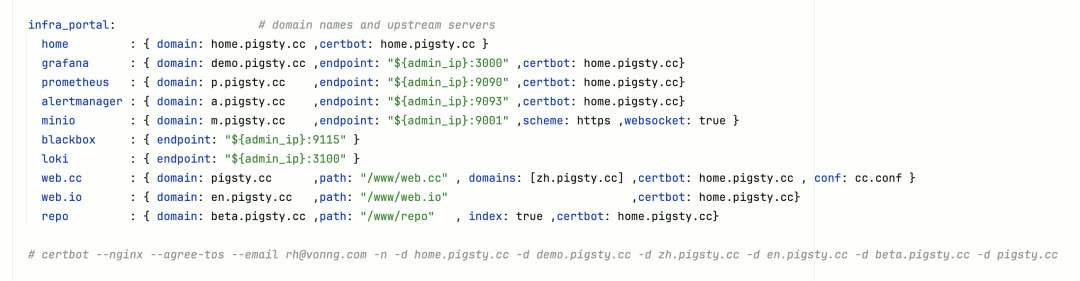
Simply define Nginx Servers in your config file, and Pigsty automatically creates the required configuration and applies for HTTPS certificates.
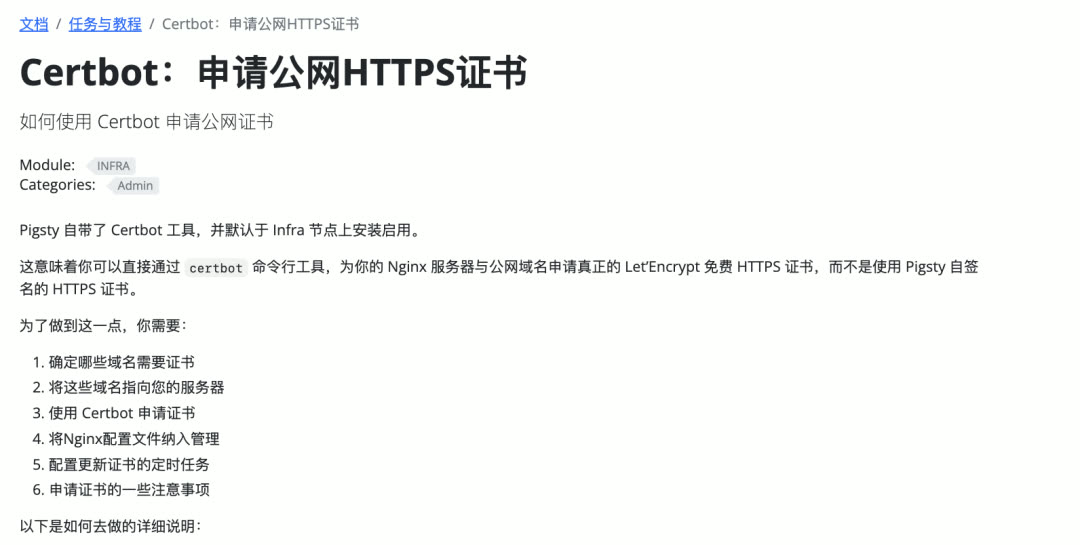
Pigsty v3.2 already integrated certbot with default installation. One command handles HTTPS certificate issuance and renewal. You can proxy various services with Nginx, differentiate by domain, and unify access through ports 80/443 — just open inbound 80/443 TCP ports.
Application Templates: One-Click Docker Software Delivery
Many software packages use PostgreSQL. Previously, Pigsty provided Docker Compose templates, but users still had to manually copy directories, edit .env configs, and start containers manually.
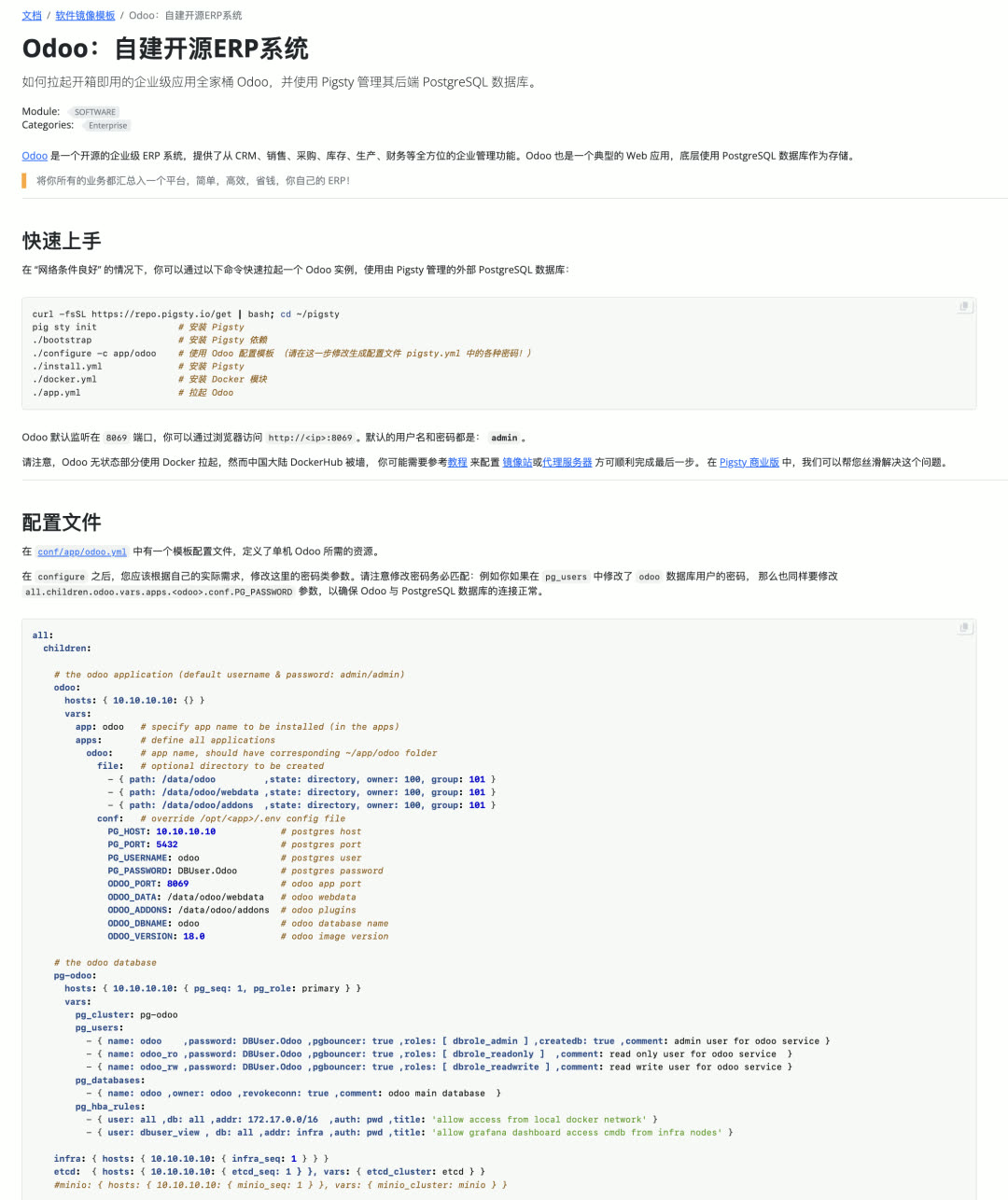
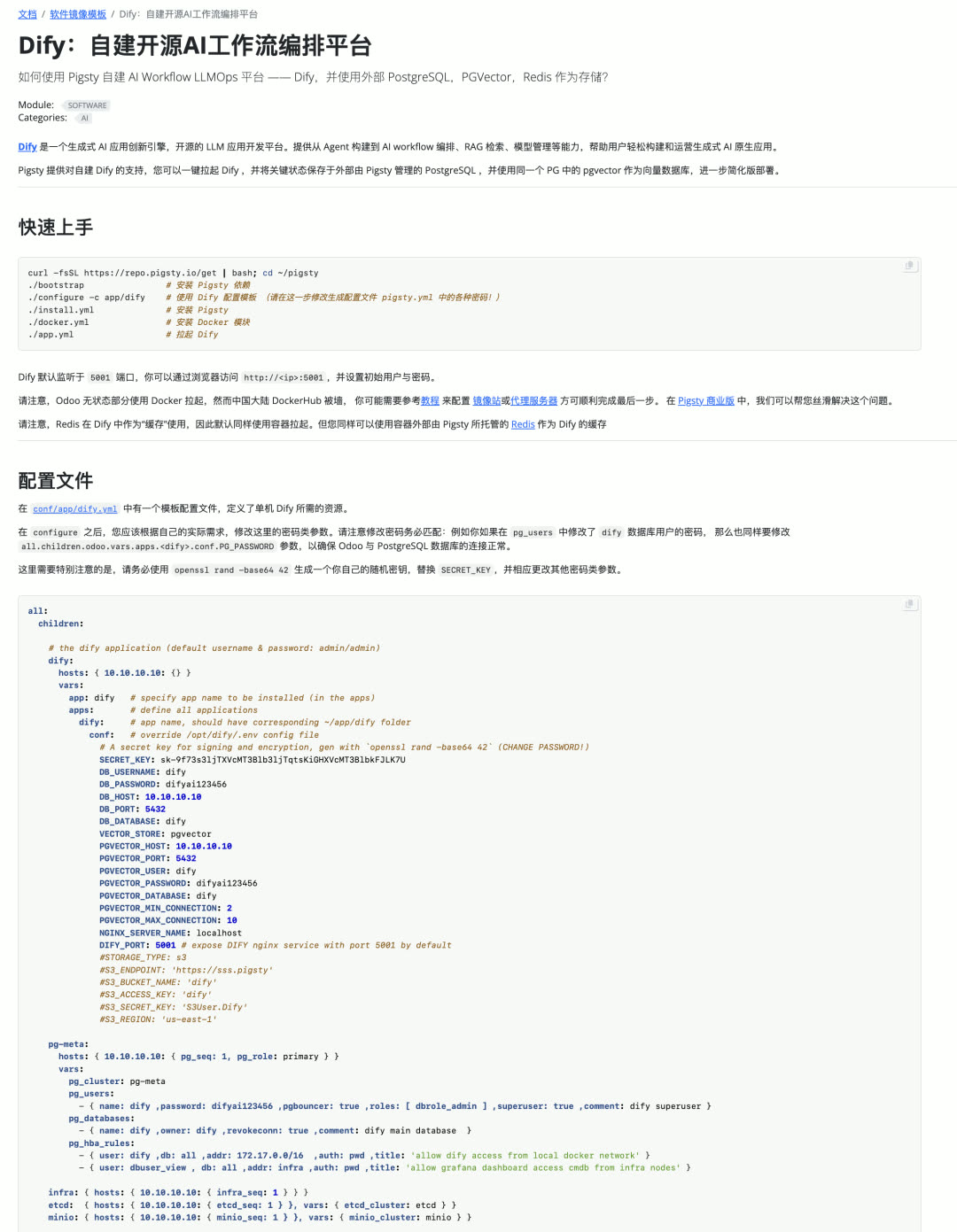
Pigsty v3.3 provides a new app.yml playbook, compressing PostgreSQL-based Docker software delivery to a single command.
Odoo ERP System:
Dify AI Workflow Orchestration:
Self-hosted Supabase:
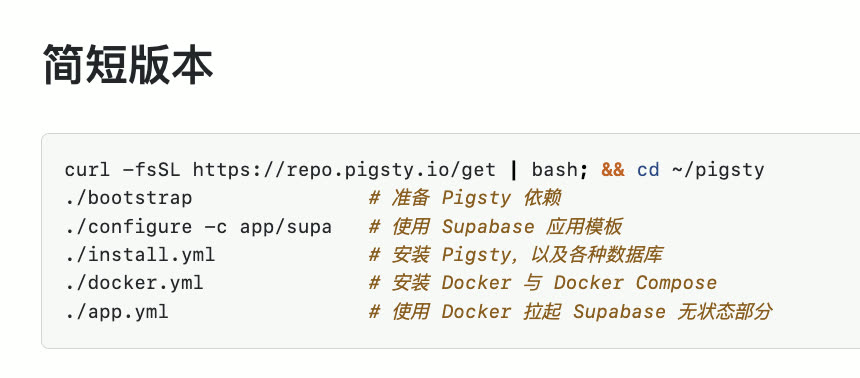
From bare metal to complete production application services — just a few commands and a few minutes of waiting.
pig CLI Enhancements
pig v0.3 adds the pig build subcommand for quickly setting up PG extension build environments.
The 200+ extensions Pigsty maintains are all built this way. Even if your OS isn’t among Pigsty’s supported ten distros, you can easily DIY extension RPM/DEB packages.
New Website Design
Starting with v3.3, Pigsty’s international site (pigsty.io) and Chinese site (pigsty.cc) are officially separated, using independent domains, documentation, demos, and repositories.
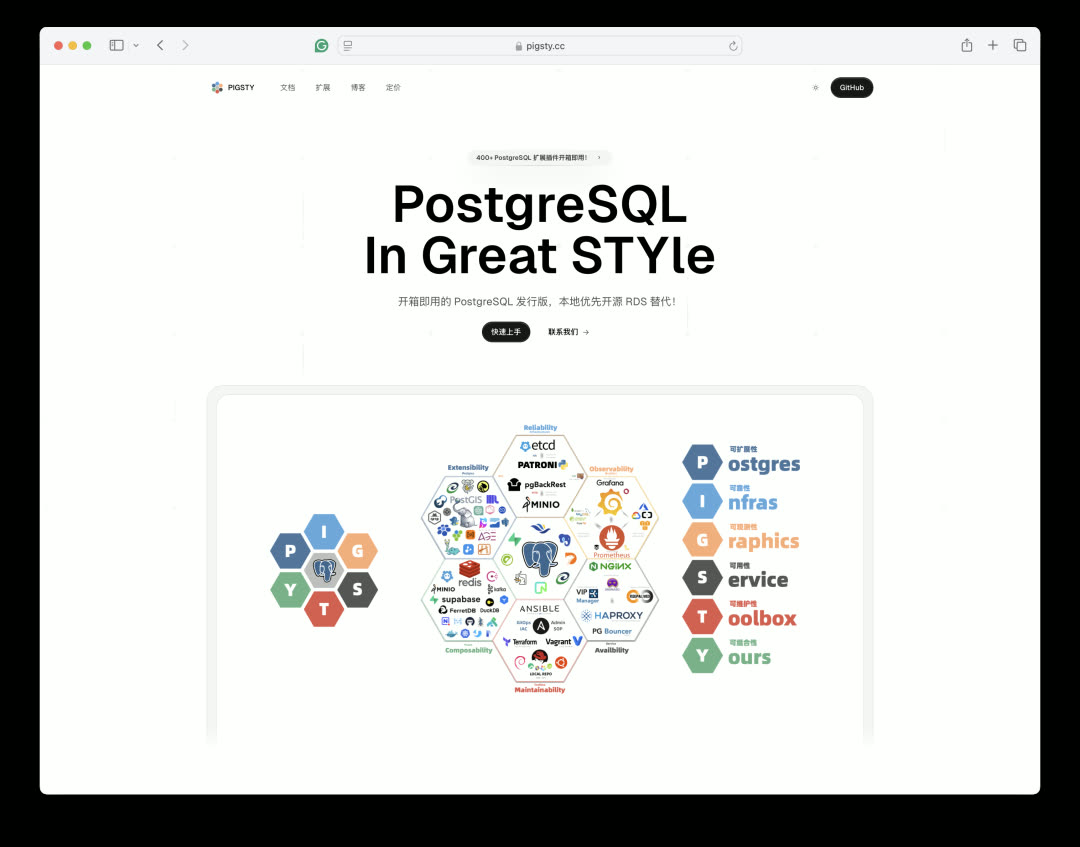
A brand-new homepage built on a Next.js template. With help from GPT o1-pro and Cursor, modern landing page development was completed quickly.
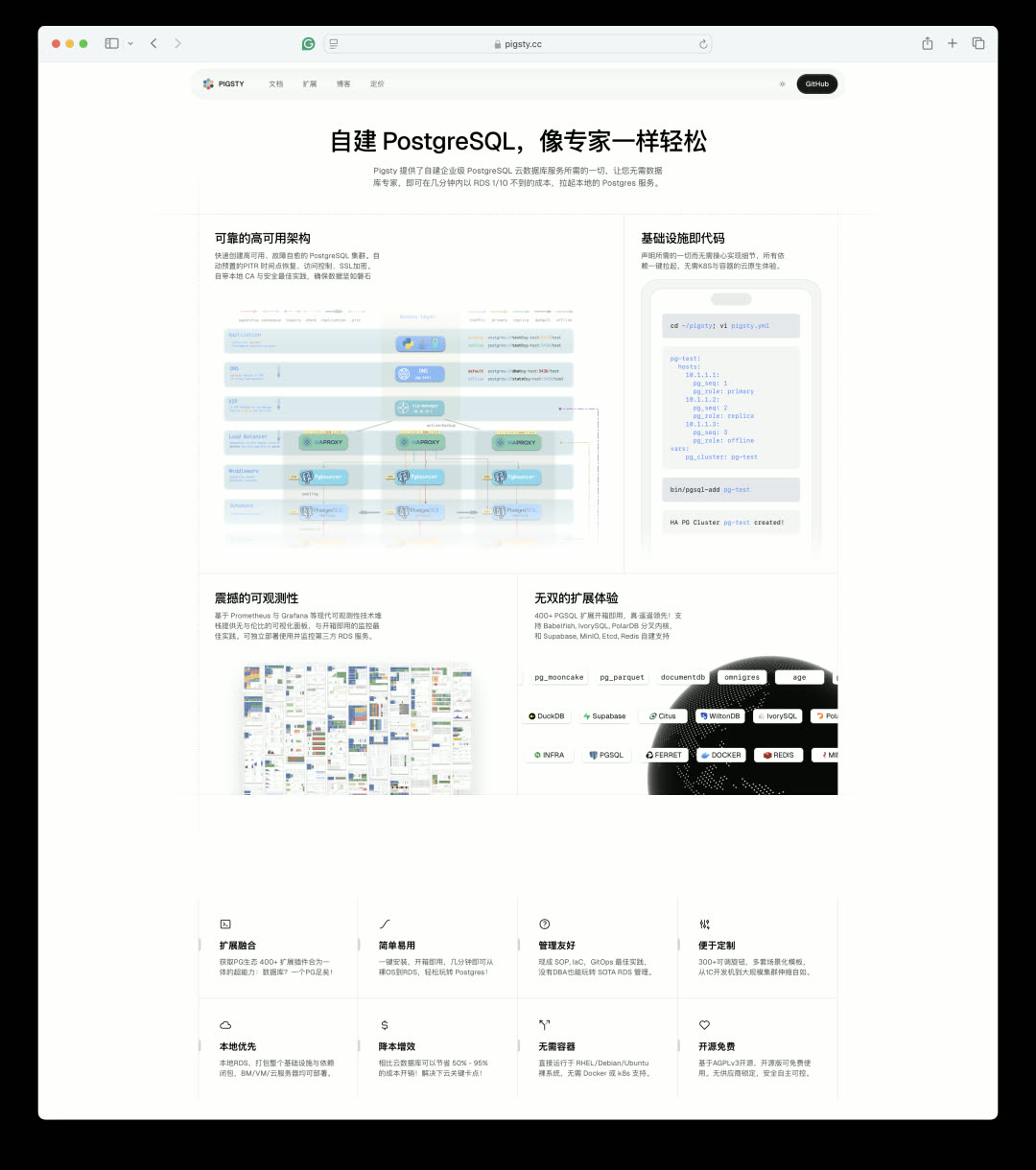
For hosting, we tried various solutions: Vercel, Cloudflare Pages, Alibaba Cloud, Tencent Cloud EdgeOne, etc. Final conclusion: put overseas on Cloudflare, domestic on cloud servers.
The website deployment process is highly automated — within ten minutes, you can spin up Pigsty documentation + repository infrastructure sites in any region.
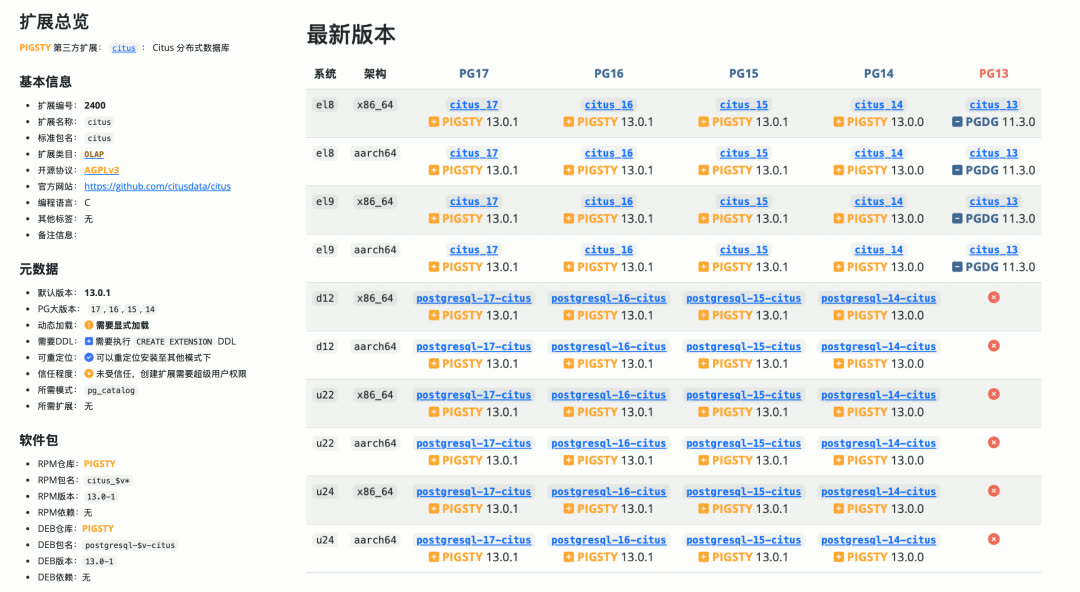
The PG extension catalog is now integrated into the documentation site at pigsty.cc/ext, with Chinese version available. A small tool automatically scans Pigsty and PGDG repository extension package versions and generates database records and info pages — users can browse and download extension RPM/DEB packages directly from the web.
Multi-Kernel Support Updates
v3.3 tracks IvorySQL 4.2 (PG 17 compatible version), resolving the issue where pgbackrest backups couldn’t work with IvorySQL. IvorySQL experience is now consistent with standard PG kernel.
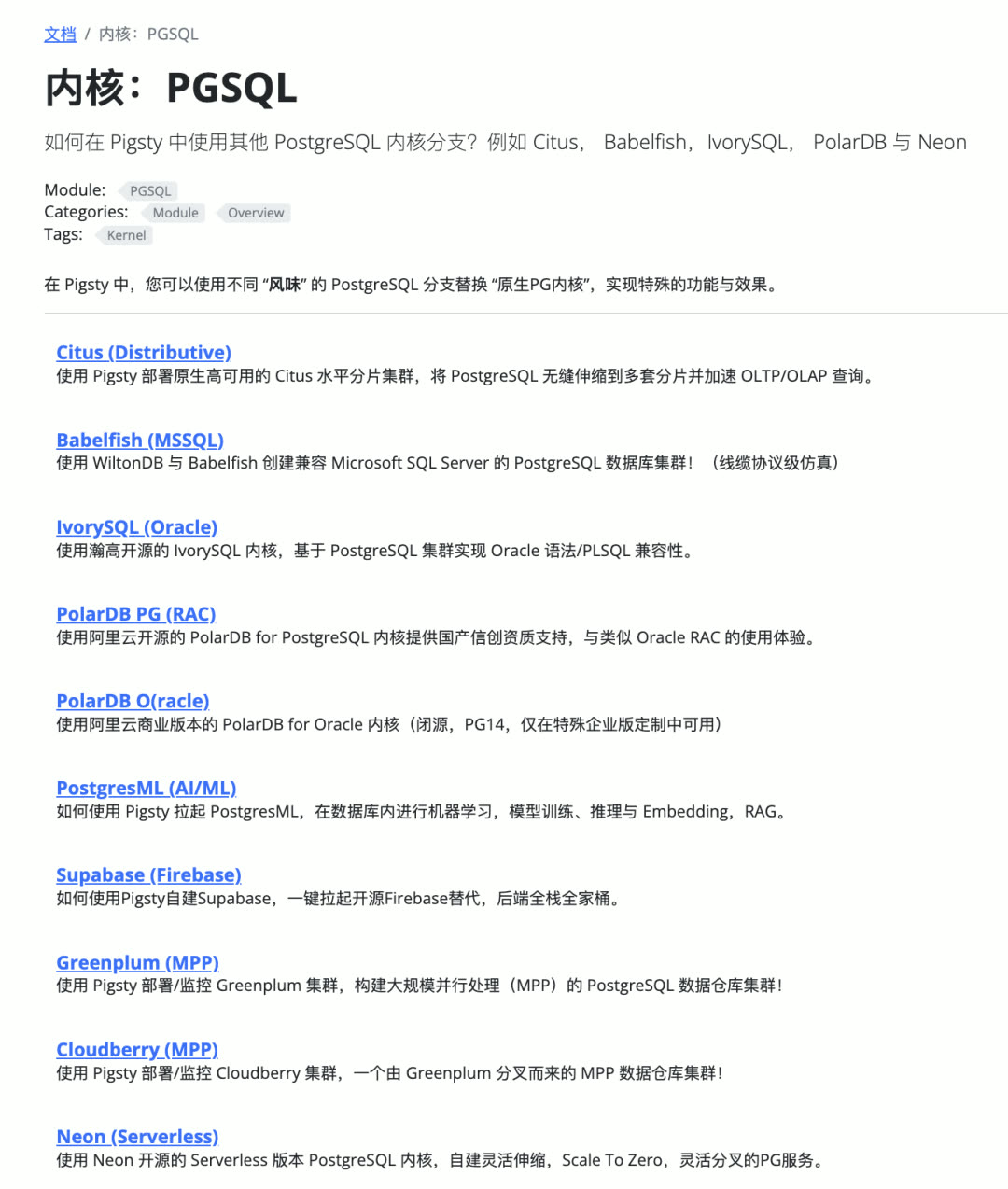
We also pushed the PolarDB team to provide DEB packages for Debian and ARM64 platforms. PolarDB can now run smoothly on all 10 Linux distributions supported by Pigsty.
Use case for PolarDB kernel: If you have “localization” requirements, PolarDB is the simplest, most cost-effective solution — Pigsty can wrap the PolarDB kernel RPM/DEB into a powerful RDS service.
v3.3.0 Release Notes
Pigsty v3.3.0 released — available extensions increase to 404!
Highlights
- Available extensions increase to 404!
- PostgreSQL February minor updates: 17.4, 16.8, 15.12, 14.17, 13.20
- New feature:
app.ymlscript for auto-installing Odoo, Supabase, Dify, etc. - New feature: Further customize Nginx config in
infra_portal - New feature: Certbot support for quick free HTTPS certificate issuance
- New feature:
pg_default_extensionsnow supports plain-text extension lists - New feature: Default repos now include mongo, redis, groonga, haproxy, etc.
- New parameter:
node_aliasesfor adding command aliases to nodes - Fix: Resolved default EPEL repo address issue in Bootstrap script
- Improvement: Added Alibaba Cloud mirror for Debian Security repos
- Improvement: pgBackRest backup support for IvorySQL kernel
- Improvement: ARM64 and Debian/Ubuntu support for PolarDB
Tool Improvements
- pg_exporter 0.8.0 now supports new metrics in pgbouncer 1.24
- New feature: Auto-completion for common commands like
git,docker,systemctl#506 #507 by @waitingsong - Improvement: Optimized
ignore_startup_parametersin pgbouncer config template #488 by @waitingsong
Website and Documentation
- New homepage design: Pigsty’s website now has a fresh new look
- Extension catalog: Detailed info and download links for RPM/DEB binaries
- Extension building:
pigCLI now auto-sets up PostgreSQL extension build environments
See GitHub Release for more details.
6 - Pigsty v3.2: The pig CLI, Full ARM Support, Supabase & Grafana Enhancements
Originally published on VONNG.

Pigsty wraps up 2024 with its final release: v3.2. This release brings the pig command-line tool and complete ARM extension support. Together, they deliver silky-smooth PostgreSQL delivery across 10 major Linux distributions.
This release includes routine fixes, tracks Supabase’s intense release week changes, and provides RPM/DEB packages for Grafana plugins and data sources.
The pig CLI Tool
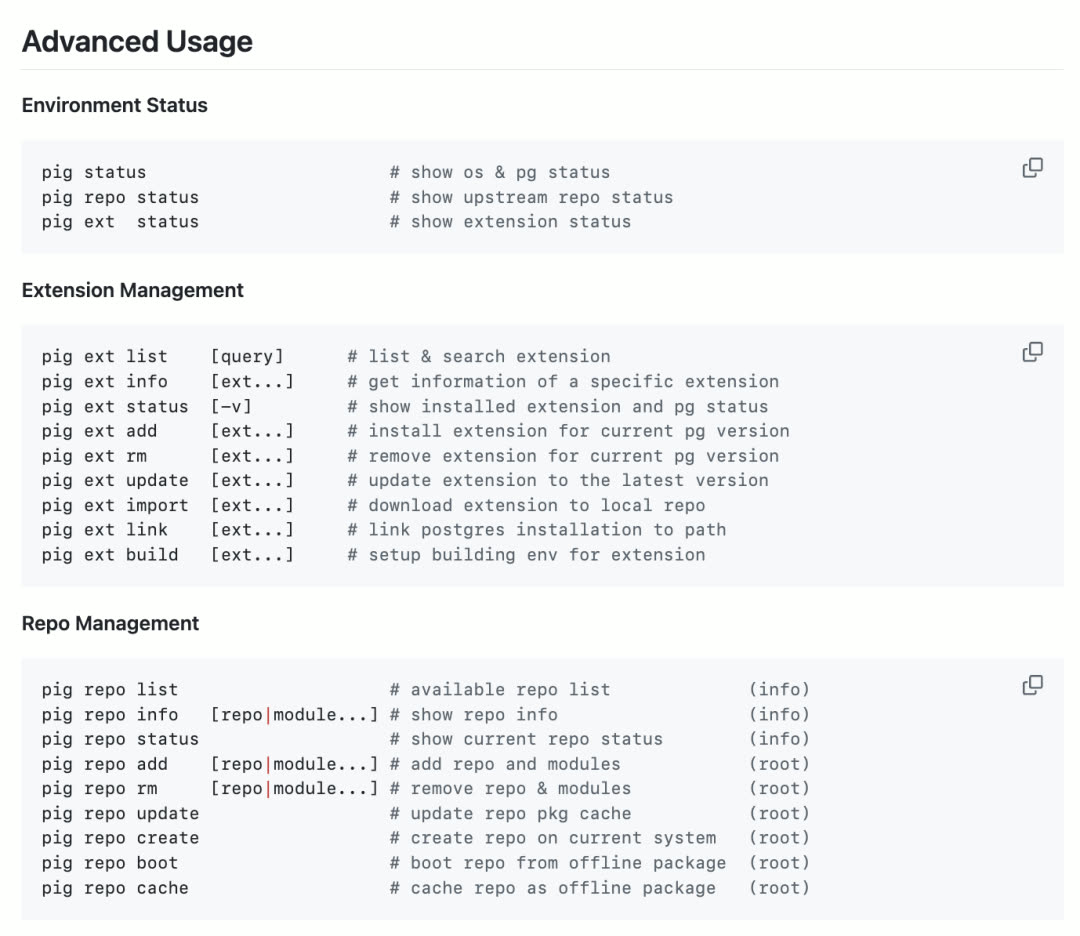
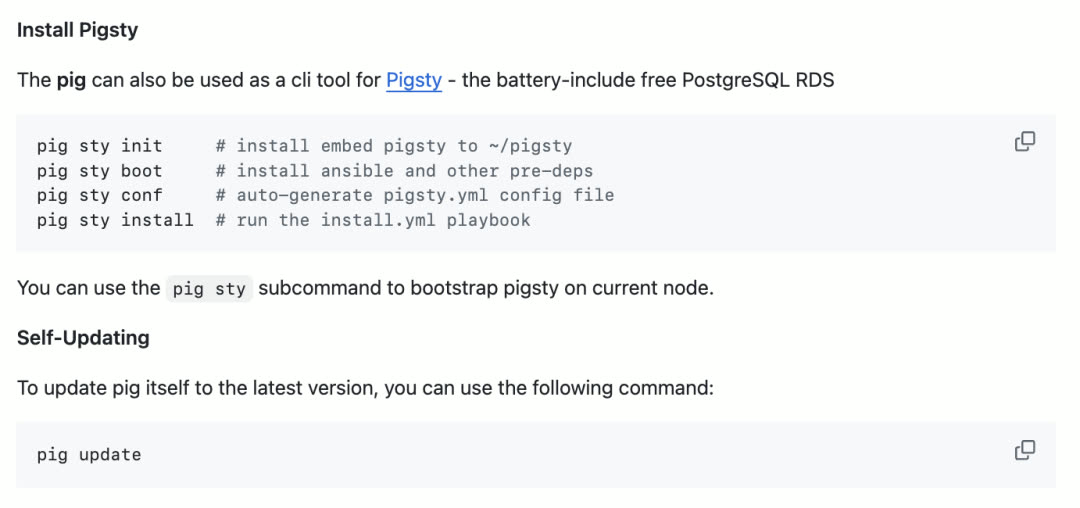
Pigsty v3.2 ships with the pig command-line tool by default, further simplifying Pigsty’s installation, deployment, and configuration process. But pig isn’t just a Pigsty CLI — it’s a full-featured standalone PostgreSQL package manager.
When installing PostgreSQL extensions, dealing with various distributions and chip architectures is always painful: endless time wasted digging through outdated READMEs, obscure config scripts, and random GitHub branches; or struggling with China’s network environment — missing repos, blocked mirrors, frustrating download speeds.
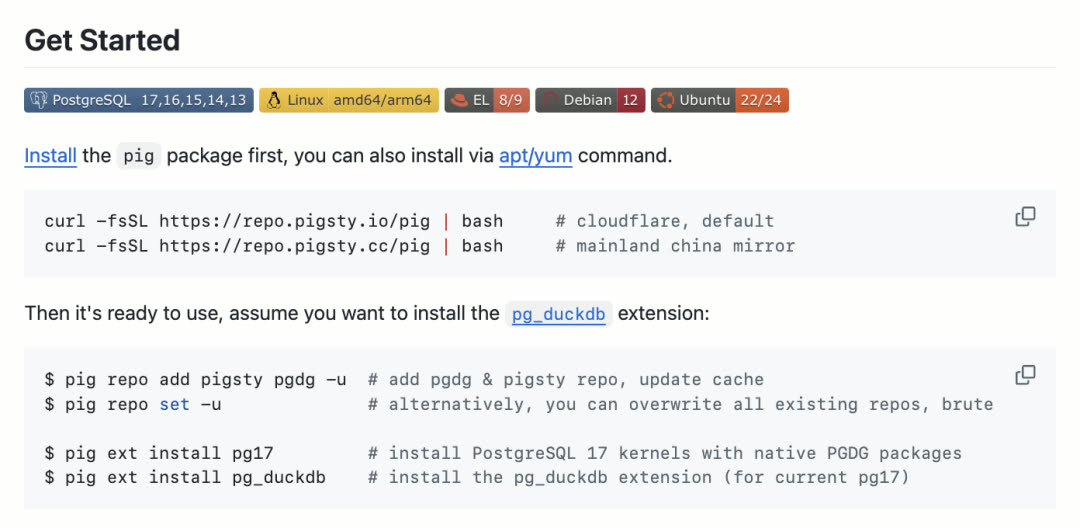
pig has arrived to solve all these problems. It’s a brand-new Go-based package manager that handles PostgreSQL and its ever-growing extension ecosystem uniformly, without getting stuck in debugging hell.

Pig is a lightweight binary written in Go — dependency-free and easy to install with a single command. It respects each OS’s package management traditions without reinventing the wheel, implementing package management on top of yum/dnf/apt.
Pig focuses on cross-distro harmony — whether on Debian, Ubuntu, or Red Hat derivatives, you get a single, smooth method to install and update PostgreSQL and any extension, without compiling from source or dealing with half-baked repos.
If PostgreSQL’s future is unstoppable extensibility, Pig is the tool that helps unlock that potential. After all, nobody complains about a PostgreSQL instance having too many extensions — unused ones have zero impact, and needed ones are right at your fingertips.
ARM Extension Repository
Behind Pig is a supplementary extension repository packed with rare and newly released extensions, so quality extensions are always easy to obtain — tested, curated, and ready to go.
Over the past month, Pigsty has completed full ARM64 architecture support. The five major Linux distributions (EL8, EL9, Debian12, Ubuntu 22/24) now have complete ARM support. By complete, we mean config files used on AMD64 work identically on ARM64 systems. Of course, there are scattered exceptions — a few extensions currently lack ARM support and will be addressed individually.
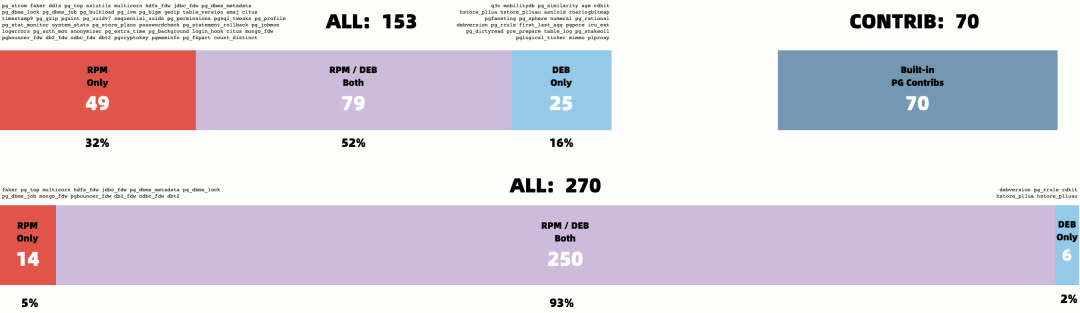
The Pigsty Extension Repo aggregates 340+ curated PostgreSQL extensions, compiled into convenient .rpm and .deb packages, supporting multiple versions and architectures:
| Extension Category | Support Status |
|---|---|
| TimescaleDB time-series suite | Full support |
| Supabase-related extensions | Complete |
| DuckDB analytics extensions | Ready |
| Community new extensions | Continuously added |
Pigsty built a cross-distro pipeline that integrates community-developed new extensions, time-tested classic modules, and official PGDG packages, enabling one-click seamless installation across Debian, Ubuntu, Red Hat families, and more.
Key design principle: Don’t reinvent the wheel — build directly on each distro’s native package manager (YUM, APT, DNF, etc.) while maintaining version alignment with official PGDG repos.
Under the hood, this repo is part of the larger Pigsty PostgreSQL distribution, but it can also be used independently in your own environment without fully adopting Pigsty. Everything is free and open-source, easy to integrate. Several PostgreSQL vendors already use it as an additional upstream for extension installation.
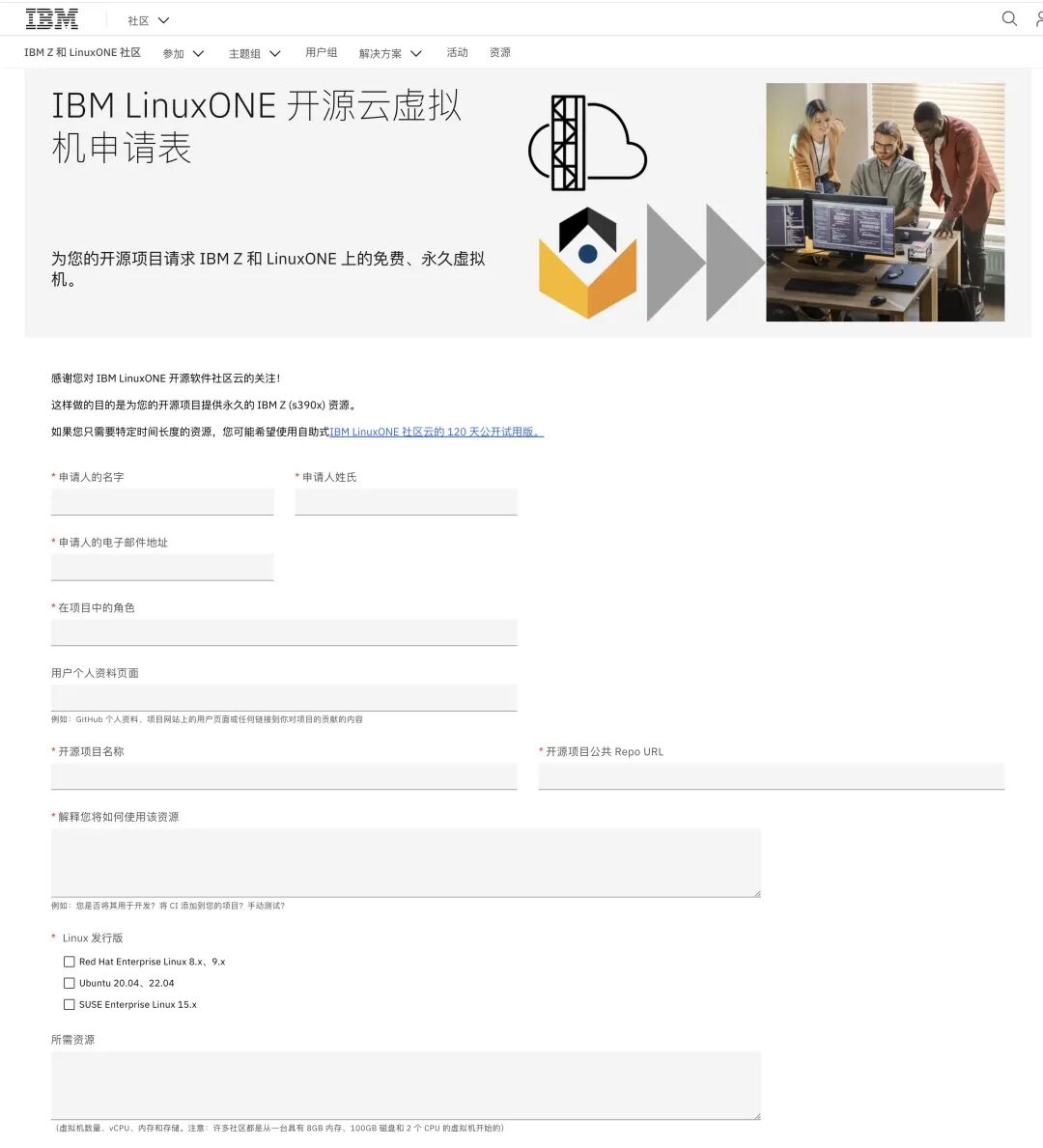
Complete ARM64 support builds confidence for more chip architecture support. For example, IBM LinuxOne Cloud provides s390x mainframe support for open-source projects, and Pigsty is evaluating this direction.
Supabase Tracking
Pigsty’s previously released Supabase self-hosting tutorial lets users quickly spin up self-hosted Supabase on a single machine. This has generated interest among startup teams heavily using Supabase, so we continue tracking the latest Supabase versions.
Supabase released a series of important updates in December 2024, and Pigsty v3.2 tracks these changes, providing users with the latest Supabase version.
A recent major Supabase move was acquiring OrioleDB — a kernel fork focused on improving PostgreSQL OLTP performance. This feature is currently marked as Beta in Supabase, available as a user option. Pigsty is preparing OrioleDB RPM/DEB packages to ensure support even if Supabase adopts it as the mainline in the future.
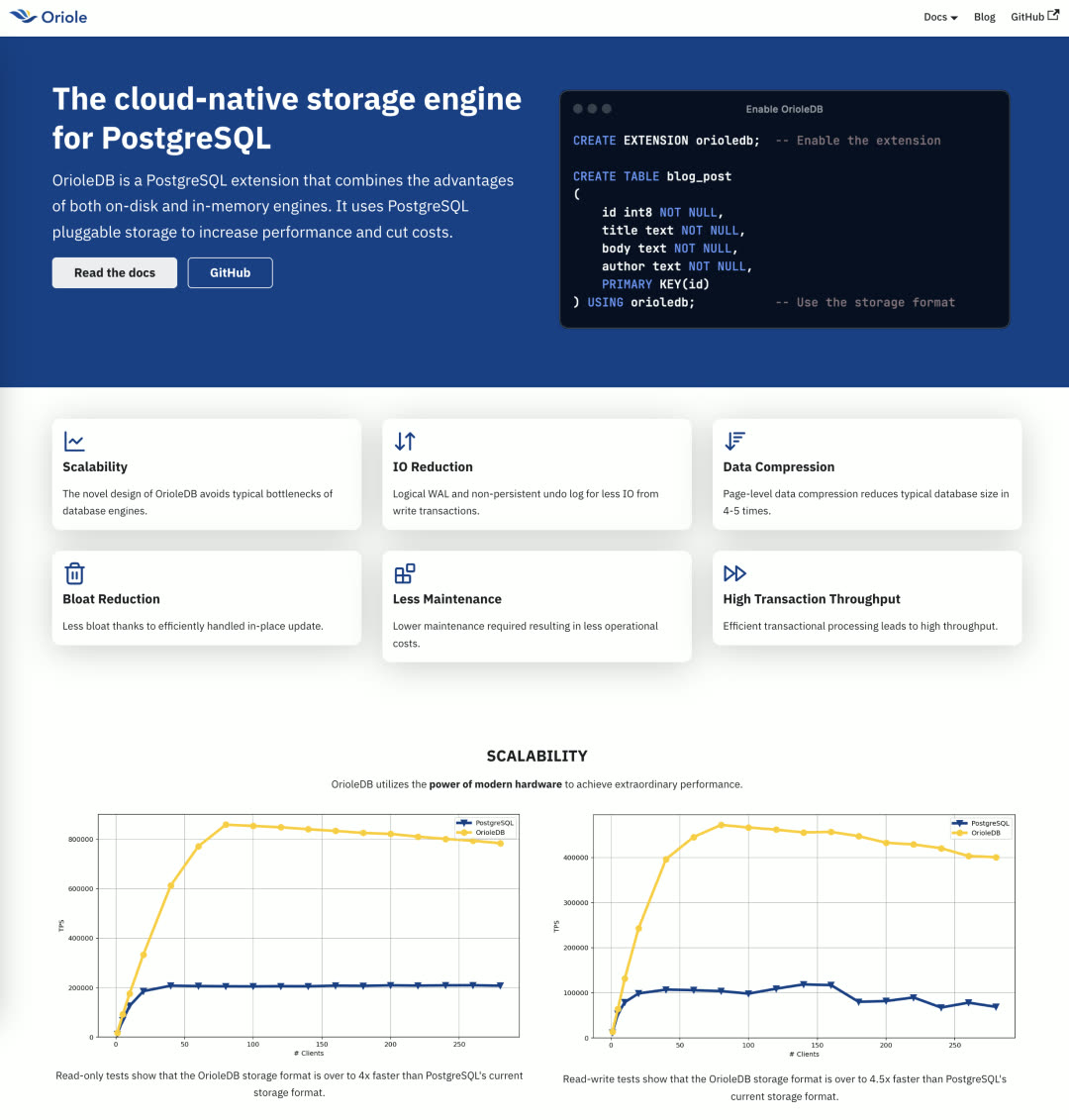
With this opportunity, Pigsty is also preparing to extend extension capabilities to more PostgreSQL forks:
| Kernel | Compatibility |
|---|---|
| IvorySQL 3/4 | Oracle compatible |
| WiltonDB | SQL Server compatible |
| PolarDB PG | Alibaba Cloud open-source |
| OrioleDB | OLTP optimized |
Grafana Extensibility
Grafana is an extremely popular open-source monitoring and visualization tool with many plugins: various data visualization panels and data sources. But installing and managing these plugins has always been problematic — Grafana’s own CLI tool can install plugins, but users in China must use VPN to access it, causing significant inconvenience.
In v3.2, commonly used Grafana panel and data source plugins are packaged as RPM/DEB for out-of-the-box use:
Architecture-independent plugins (grafana-plugins):
| Category | Plugins |
|---|---|
| Panels | volkovlabs-echarts, image, form, table, variable |
| Panels | knightss27-weathermap, marcusolsson-dynamictext |
| Panels | marcusolsson-treemap, calendar, hourly-heatmap |
| Data Sources | marcusolsson-static, json, volkovlabs-rss, grapi |
Architecture-dependent plugins:
Additionally, independent RPM/DEB packages were created for architecture-dependent data source plugins (containing x86, ARM binaries). For example, Grafana’s new Infinity data source plugin: use any REST/GraphQL API, use CSV/TSV/XML/HTML as data sources — this greatly expands Grafana’s data ingestion capabilities.
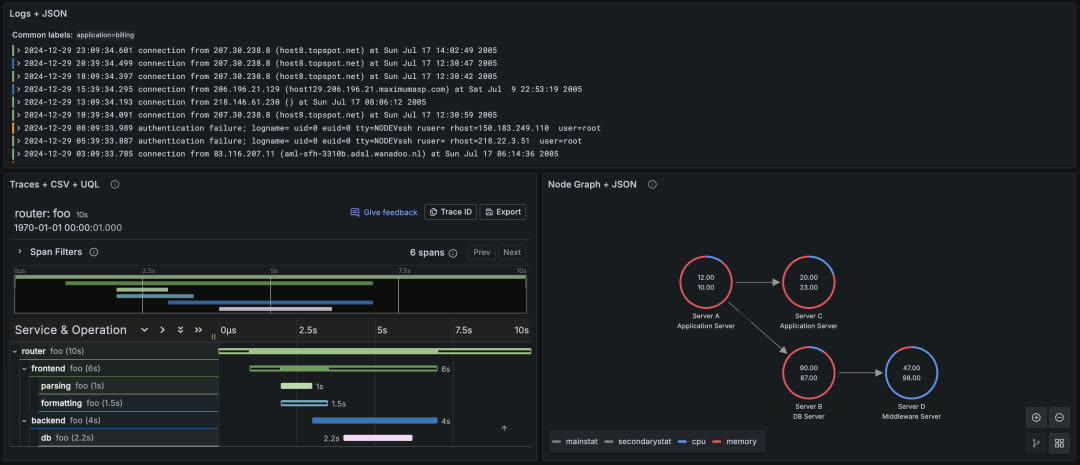
Meanwhile, RPM/DEB packages were also created for VictoriaMetrics and VictoriaLogs Grafana data source plugins, making it convenient for users to use these two open-source time-series and log databases in Grafana.
Future Development Plans
Pigsty itself has reached a fairly mature state. The focus for the coming period will be on the pig tool and extension repository maintenance.
Currently, there’s a rare opportunity window: users and developers are realizing the importance of PostgreSQL extensions, but the PostgreSQL ecosystem doesn’t yet have a de facto standard for extension distribution. Pigsty is committed to making pig an influential PostgreSQL extension distribution standard.
Of course, Pigsty itself has always lacked a good enough CLI tool. Going forward, we’ll integrate functionality scattered across various Ansible playbooks into pig, making it more convenient for users to manage Pigsty and PostgreSQL.
v3.2.0 Release Notes
Highlights
- Pigsty CLI tool:
pig0.2.0, for managing extensions - ARM64 extension support for 340 extensions across five major distros
- Supabase release week latest version updates, self-hosting available on all distros
- Grafana updated to 11.4, new Infinity data source
Package Changes
New Extensions
- Added timescaledb, timescaledb-loader, timescaledb-toolkit, timescaledb-tool to PIGSTY repo
- Added pg_timescaledb, recompiled for EL
- Added pgroonga, recompiled for all EL versions
- Added vchord 0.1.0
- Added pg_bestmatch.rs 0.0.1
- Added pglite_fusion 0.0.3
- Added pgpdf 0.1.0
Updated Extensions
- pgvectorscale 0.4.0 -> 0.5.1
- pg_parquet 0.1.0 -> 0.1.1
- pg_polyline 0.0.1
- pg_cardano 1.0.2 -> 1.0.3
- pg_vectorize 0.20.0
- pg_duckdb 0.1.0 -> 0.2.0
- pg_search 0.13.0 -> 0.13.1
- aggs_for_vecs 1.3.1 -> 1.3.2
pgoutputmarked as new PostgreSQL Contrib extension
Infrastructure
- Added promscale 0.17.0
- Added grafana-plugins 11.4
- Added grafana-infinity-plugins
- Added grafana-victoriametrics-ds
- Added grafana-victorialogs-ds
- vip-manager 2.8.0 -> 3.0.0
- vector 0.42.0 -> 0.43.0
- grafana 11.3 -> 11.4
- prometheus 3.0.0 -> 3.0.1 (package name changed from
prometheus2toprometheus) - nginx_exporter 1.3.0 -> 1.4.0
- mongodb_exporter 0.41.2 -> 0.43.0
- VictoriaMetrics 1.106.1 -> 1.107.0
- VictoriaLogs 1.0.0 -> 1.3.2
- pg_timetable 5.9.0 -> 5.10.0
- tigerbeetle 0.16.13 -> 0.16.17
- pg_export 0.7.0 -> 0.7.1
Bug Fixes
- el8.aarch64: Added python3-cdiff to fix patroni dependency issue
- el9.aarch64: Added timescaledb-tools to fix missing official repo issue
- el9.aarch64: Added pg_filedump to fix missing official repo issue
Removed Extensions
- pg_mooncake: Removed due to conflict with
pg_duckdb - pg_top: Removed due to too many missing versions, quality issues
- hunspell_pt_pt: Removed due to conflict with PG official dictionary files
- pg_timeit: Removed due to incompatibility with AARCH64 architecture
- pgdd: Marked as deprecated due to lack of maintenance, outdated PG 17 and pgrx version
- old_snapshot and adminpack: Marked as unavailable on PG 17
- pgml: Set to not download/install by default
API Changes
repo_url_packages: Default now empty array, as all packages install via OS package managergrafana_plugin_cache: Deprecated, Grafana plugins now install via OS package managergrafana_plugin_list: Deprecated, Grafana plugins now install via OS package manager- The 36-node simulation template originally named
prodis now renamed tosimu - Config generation in
node_id/varsfor each distro code now also generates foraarch64 infra_packages: Default now includes CLI management toolpigconfigurecommand also modifies version numbers in auto-generated configpgsql-xxxaliasesadminpack: Removed from PG 17, therefore removed from Pigsty default extensions
Bug Fixes
- Fixed
pgbouncerdashboard selector issue #474 pg-pitr: Added--arg valueparameter parsing support by @waitingsong- Fixed Redis log info typo by @waitingsong
Checksums
7 - Pigsty v3.1: One-Click Supabase, PG17 Default, ARM & Ubuntu 24
Originally published on VONNG.

With PostgreSQL 17.2 released just days ago, Pigsty immediately follows up with v3.1. In this version, PostgreSQL 17 becomes the default major version, with nearly 340 extensions available out of the box.
Additionally, Pigsty 3.1 delivers one-click self-hosted Supabase capability and improved MinIO object storage best practices. Meanwhile, Pigsty provides initial ARM64 architecture support and adds support for the newly released Ubuntu 24.04 major OS release. Finally, this version offers a series of ready-to-use scenario templates, unifying configuration files across different OS distributions and dramatically simplifying configuration management.
Self-Hosted Supabase
Supabase is an open-source Firebase alternative that wraps PostgreSQL and provides authentication, instant APIs, edge functions, real-time subscriptions, object storage, and vector embeddings. Supabase’s tagline is: “Build in a weekend, scale to millions.” After trying it out, I’d say that’s no exaggeration. It’s a low-code one-stop backend platform that lets you say goodbye to most backend development work — just understand database design and frontend, and you can ship fast!
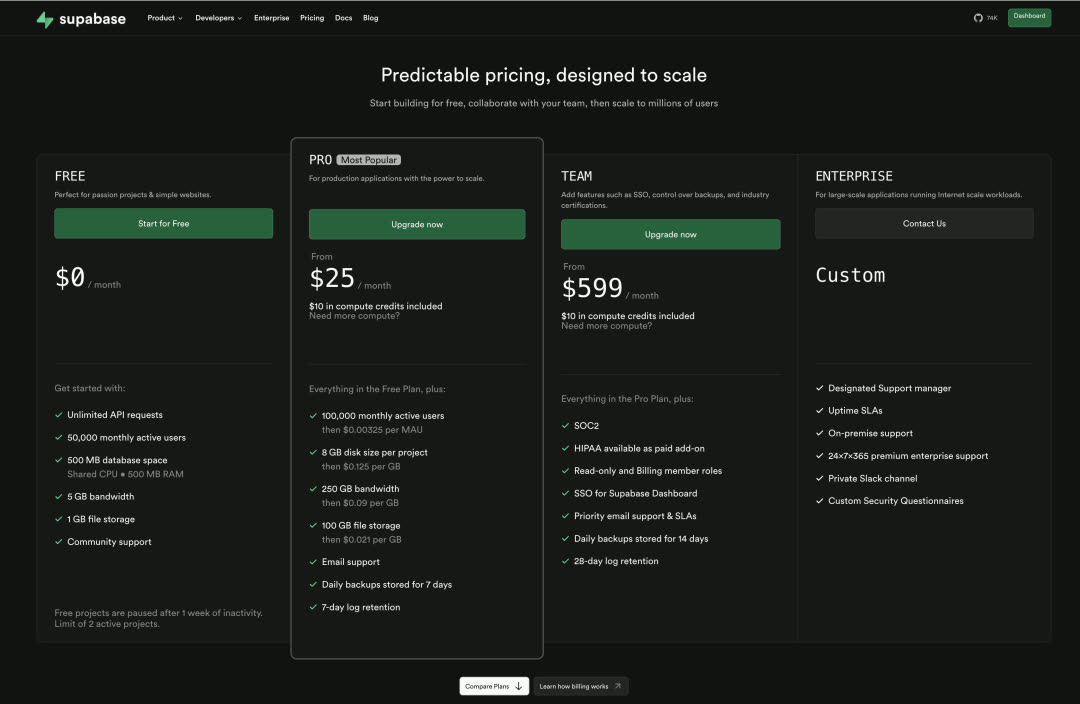
For small-scale workloads (4c8g), Supabase cloud pricing is extremely competitive — practically a bargain. So why self-host when Supabase cloud is so attractive? A few reasons:
The most obvious reason is what we discussed in “Cloud Computing Mudslide”: cloud database services quickly explode in cost once you scale up even a little. Considering the unbeatable price-performance of local NVMe drives, the cost and performance advantages of self-hosting are obvious.
Another important reason is Supabase cloud’s feature limitations — following the same logic as RDS, many powerful extensions can’t be offered in multi-tenant cloud environments for security reasons. Supabase cloud has 64 available extensions, but when self-hosting Supabase with Pigsty, you get all 340. Additionally, Supabase officially uses PostgreSQL 15 as the underlying database, while with Pigsty, you can use any version from PG 14-17, running on EL / Debian / Ubuntu mainstream Linux bare metal without virtualization, fully leveraging modern hardware’s performance and cost advantages.
I’ve noticed many startups going overseas are using Supabase, and some have reached a scale where self-hosting makes sense — and people are willing to pay for consulting to make it happen. So Pigsty has supported self-hosting Supabase (the required PostgreSQL) since v2.4 released last September. But that still involved some manual steps like configuring the PG cluster and spinning up Docker. In this version, we’ve optimized the experience to this state — on a fresh OS install, run a few commands and a fresh Supabase instance is ready!
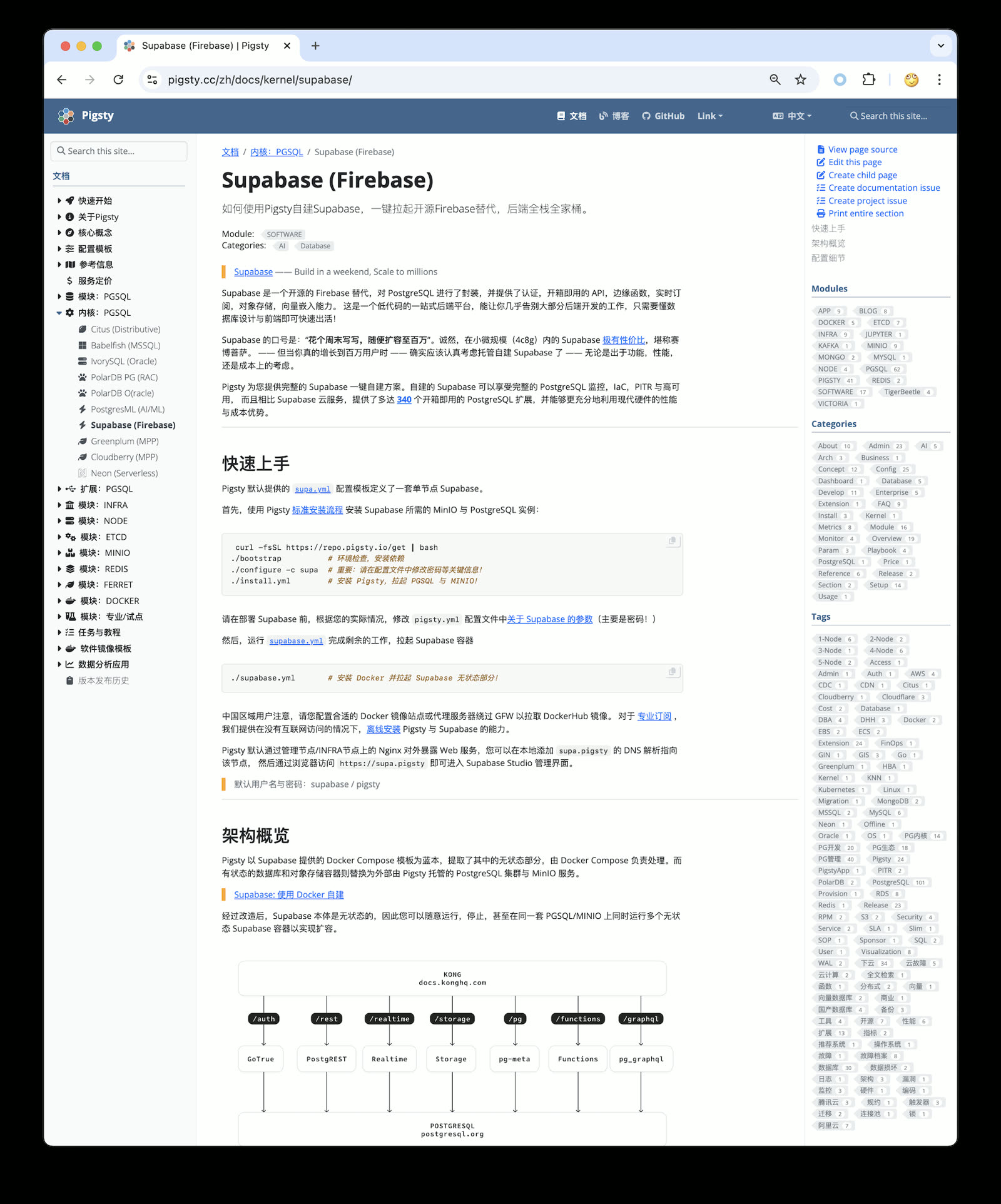
I’ll be preparing some tutorials on Supabase self-hosting best practices in the coming days, stay tuned.
PostgreSQL 17
In “PG12 EOL, PG17 Rises”, we already detailed PostgreSQL 17’s new features and improvements.
The most gratifying is the free performance improvement: PostgreSQL 17 reportedly has significant write performance gains. I tested it on a physical machine, and it’s impressive. Compared to the tests against PostgreSQL 14 three years ago in “How Powerful is PostgreSQL Really”, write performance has noticeably improved.
For example, PG 14 with standard config had WAL write throughput around 110 MB/s — that was a software bottleneck, not hardware. Under PG 17, that number reaches 180 MB/s. Of course, turning off all safety switches can multiply performance further, but fair benchmarks don’t play those games.
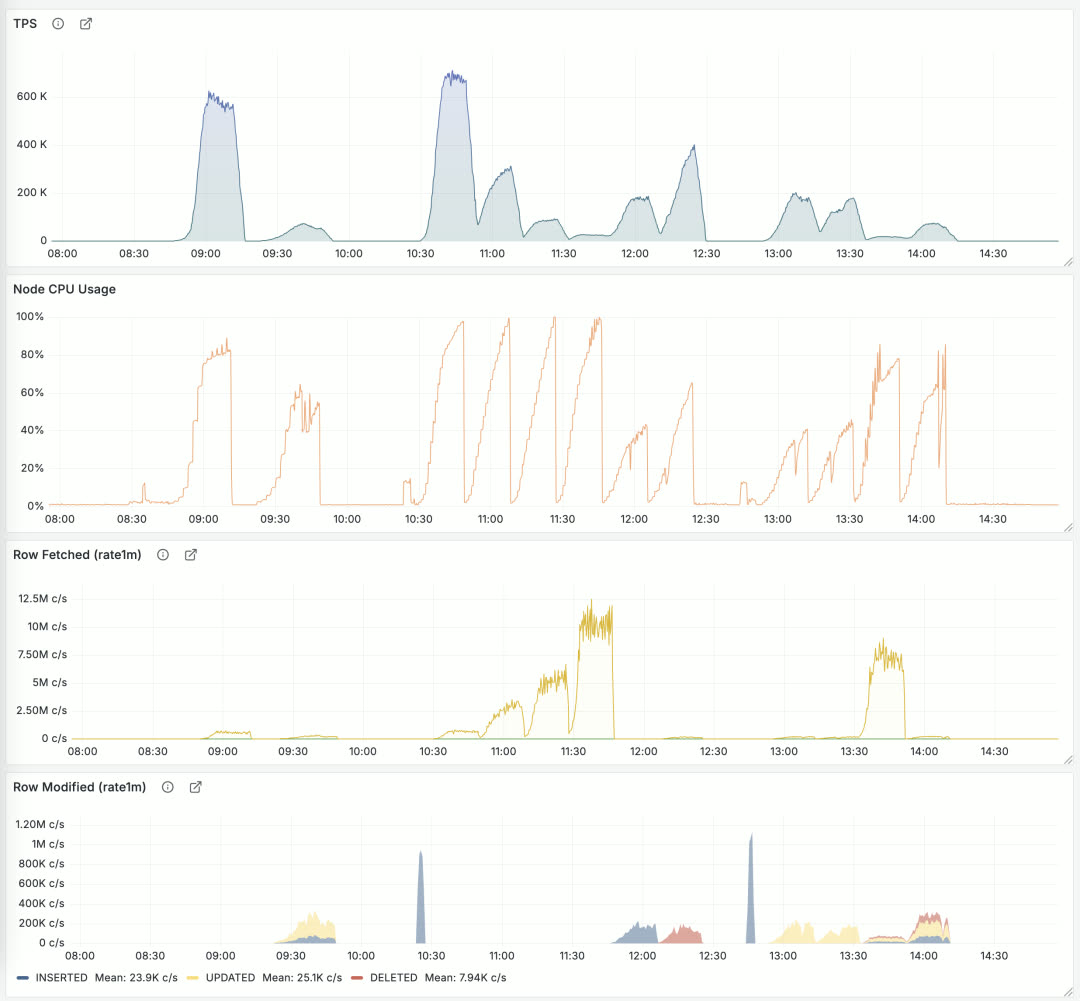
Performance regression testing for Pigsty 3.1 + PostgreSQL 17. Detailed performance benchmark reports will be published in the coming days, stay tuned.
340 Extensions
Another highlight of Pigsty 3.1: this version provides 340 PostgreSQL extensions. That’s a staggering number, and this is after carefully curating and removing a dozen “extensions” — otherwise this release would have hit 360.
To achieve this, I built a YUM / APT repository covering EL 8/9, Ubuntu 22.04/24.04, and Debian 12 as major OS distributions, plus PG 12-17 (six major versions) with ready-to-use extension RPM/DEB packages. Currently providing x86_64 packages; ARM64 and other architectures are in progress, currently available on-demand for professional users. Beyond the repository, more importantly, I maintain an Extension Catalog with detailed metadata for each extension, OS/DB version availability, and usage notes to help users find what they need.
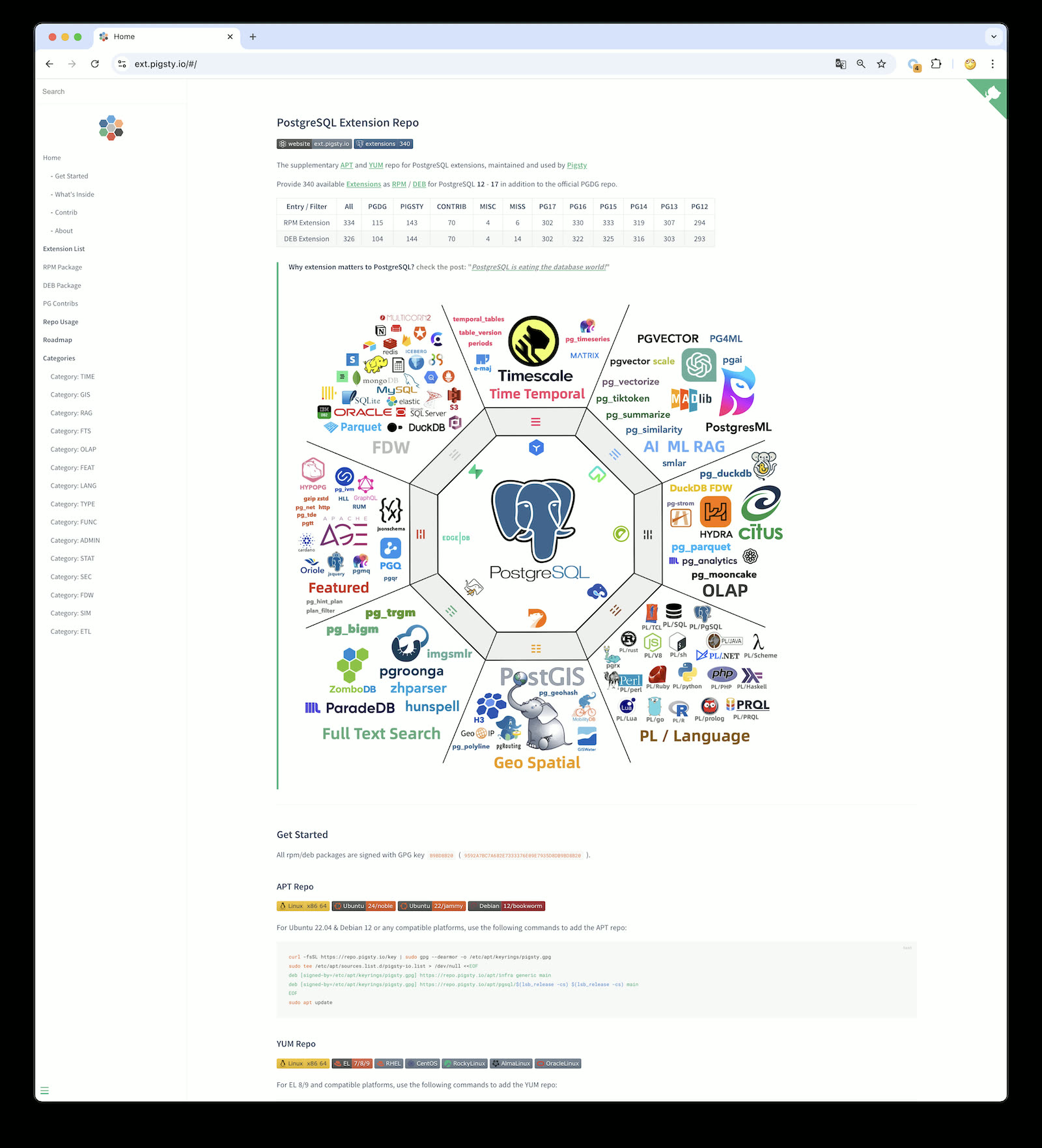
Pigsty’s extension repository is based on native OS package managers, publicly shared — you don’t have to use Pigsty to install these extensions. You can add this repo to existing systems or Dockerfiles and install extensions via yum/apt install. I’m pleased that a popular open-source cluster deployment project, postgresql-cluster, already uses this repository by default as part of its installation process to distribute extensions.
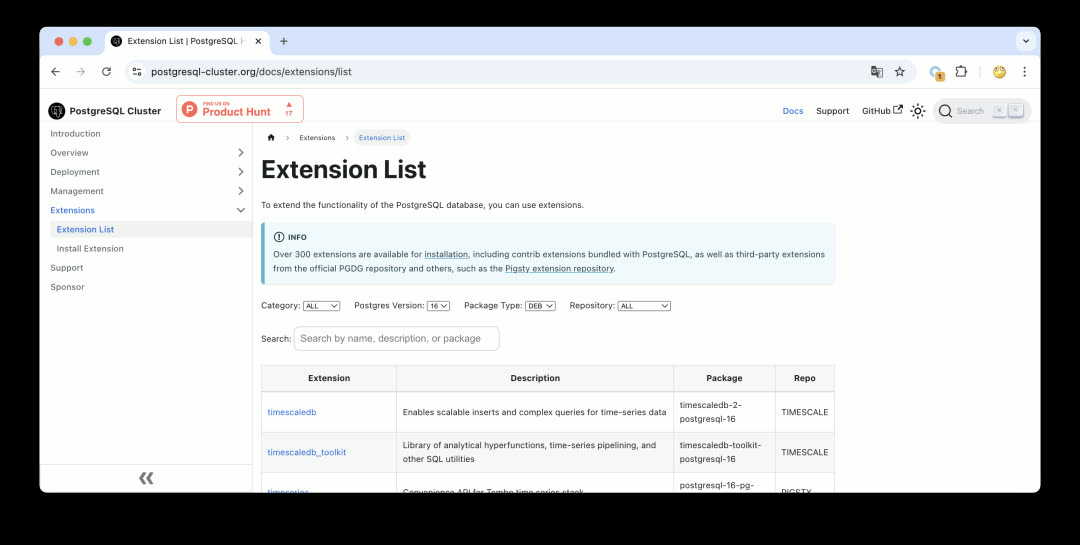
For more details, see “PostgreSQL Achieves Mastery: The Most Complete Extension Repository”. Currently, there are quite a few new projects developing extensions with Rust + pgrx, and Pigsty includes 23 Rust extensions. If you have good extension recommendations, let me know — I’ll evaluate and test them and add them to the repository ASAP. If you’re a PostgreSQL extension author, we welcome you to submit your extension to the Pigsty repository — we can help you package and distribute it, solving the last-mile delivery problem.
Ubuntu 24.04 Support
Ubuntu 24.04 noble has been out for half a year, and some users are now running it in production. Therefore, Pigsty v3.1 provides official Ubuntu 24.04 support.
That said, as a newer system, Ubuntu 24.04 still has some gaps compared to 22.04 — for example, citus and topn extensions are missing across the system, and timescaledb_toolkit doesn’t yet provide u24 x86_64 support.
But overall, aside from these exceptions, the vast majority of extensions already support Ubuntu 24.04. Including it in Pigsty’s primary support scope makes sense.
Correspondingly, we’re removing Ubuntu 20.04 focal from Pigsty’s primary supported OS list, even though Ubuntu 20.04 doesn’t officially EOL until May next year. However, due to its significant software gaps and dependency version issues (PostGIS), I’m happy to deprecate it early and exclude it from open-source version support. Of course, you can technically still install and use it on Ubuntu 20.04, and we continue to provide Ubuntu 20.04 support in our subscription service.
Currently, Pigsty’s supported mainstream OS distributions are: EL 8/9, Ubuntu 22.04 / Ubuntu 24.04, and Debian 12 — five total. We provide the latest software packages and complete extension sets for these five OS distributions.
| Code | OS Distro | x86_64 |
PG17 | PG16 | PG15 | PG14 | PG13 | PG12 | Arm64 |
PG17 | PG16 | PG15 | PG14 | PG13 | PG12 |
|---|---|---|---|---|---|---|---|---|---|---|---|---|---|---|---|
| EL9 | RHEL 9 / Rocky9 / Alma9 | el9.x86_64 |
Primary | Supported | Supported | Supported | Supported | Legacy | el9.arm64 |
Primary | Supported | Supported | Supported | Supported | Legacy |
| EL8 | RHEL 8 / Rocky8 / Alma8 / Anolis8 | el8.x86_64 |
Primary | Supported | Supported | Supported | Supported | Legacy | el8.arm64 |
Primary | Supported | Supported | Supported | Supported | Legacy |
| U24 | Ubuntu 24.04 (noble) |
u24.x86_64 |
Primary | Supported | Supported | Supported | Supported | Legacy | u24.arm64 |
Primary | Supported | Supported | Supported | Supported | Legacy |
| U22 | Ubuntu 22.04 (jammy) |
u22.x86_64 |
Primary | Supported | Supported | Supported | Supported | Legacy | u22.arm64 |
Primary | Supported | Supported | Supported | Supported | Legacy |
| D12 | Debian 12 (bookworm) |
d12.x86_64 |
Primary | Supported | Supported | Supported | Supported | Legacy | d12.arm64 |
Primary | Supported | Supported | Supported | Supported | Legacy |
| D11 | Debian 11 (bullseye) |
d12.x86_64 |
Legacy | Legacy | Legacy | Legacy | Legacy | Legacy | d11.arm64 |
||||||
| U20 | Ubuntu 20.04 (focal) |
d12.x86_64 |
Legacy | Legacy | Legacy | Legacy | Legacy | Legacy | u20.arm64 |
||||||
| EL7 | RHEL7 / CentOS7 / UOS … | d12.x86_64 |
Legacy | Legacy | Legacy | Legacy | el7.arm64 |
Primary = Primary version support; Supported = Configurable support; Legacy = Legacy version commercial support
ARM Support
ARM architecture has been gaining ground, especially in cloud computing where ARM server market share is steadily growing. As early as two years ago, users were requesting ARM architecture support. Actually, Pigsty already had ARM support from earlier “localization system” adaptation work. But providing ARM64 support in the open-source version — v3.1 is the first time.
Of course, in the current version, ARM is still in Beta: functionality exists and works, but we need to run it for a while with feedback to know how well it performs.
Currently, Pigsty’s main features are all adapted — things like Grafana / Prometheus have ARM packages ready. The part not yet supported is mainly PG extensions — specifically the 140 extensions maintained by Pigsty — which don’t have ARM support yet, but it’s in progress. However, if the extensions you use are already provided by PGDG (like postgis, pgvector), you’re good to go.
Currently, the ARM version runs well on EL9, Debian 12, and Ubuntu 22.04. EL8 has some missing official PGDG packages, and Ubuntu 24 has some individual missing extensions, so we don’t recommend using the ARM version on these two systems yet.
I plan to pilot ARM for one or two minor versions, and once extensions are complete, I’ll mark it as GA. Welcome to try the ARM version and provide feedback.
Configuration Simplification
Another significant improvement in Pigsty v3.1 is configuration simplification. Managing package differences across OS distributions and versions has always been a headache.
For example, because package names and available software vary across OS distributions, previous Pigsty versions generated a separate config file for each OS distribution. But this quickly leads to combinatorial explosion — if Pigsty provides a dozen scenario templates and each needs versions for 5-7 OS versions, the total count explodes.
But any problem in computer science can be solved by adding another layer of indirection, and this is no exception. In v3.1, Pigsty introduces a new package_map config file defining package aliases.
Then for each OS distribution, we generate a node_id/vars config file that translates fixed package aliases to concrete package lists for that OS.
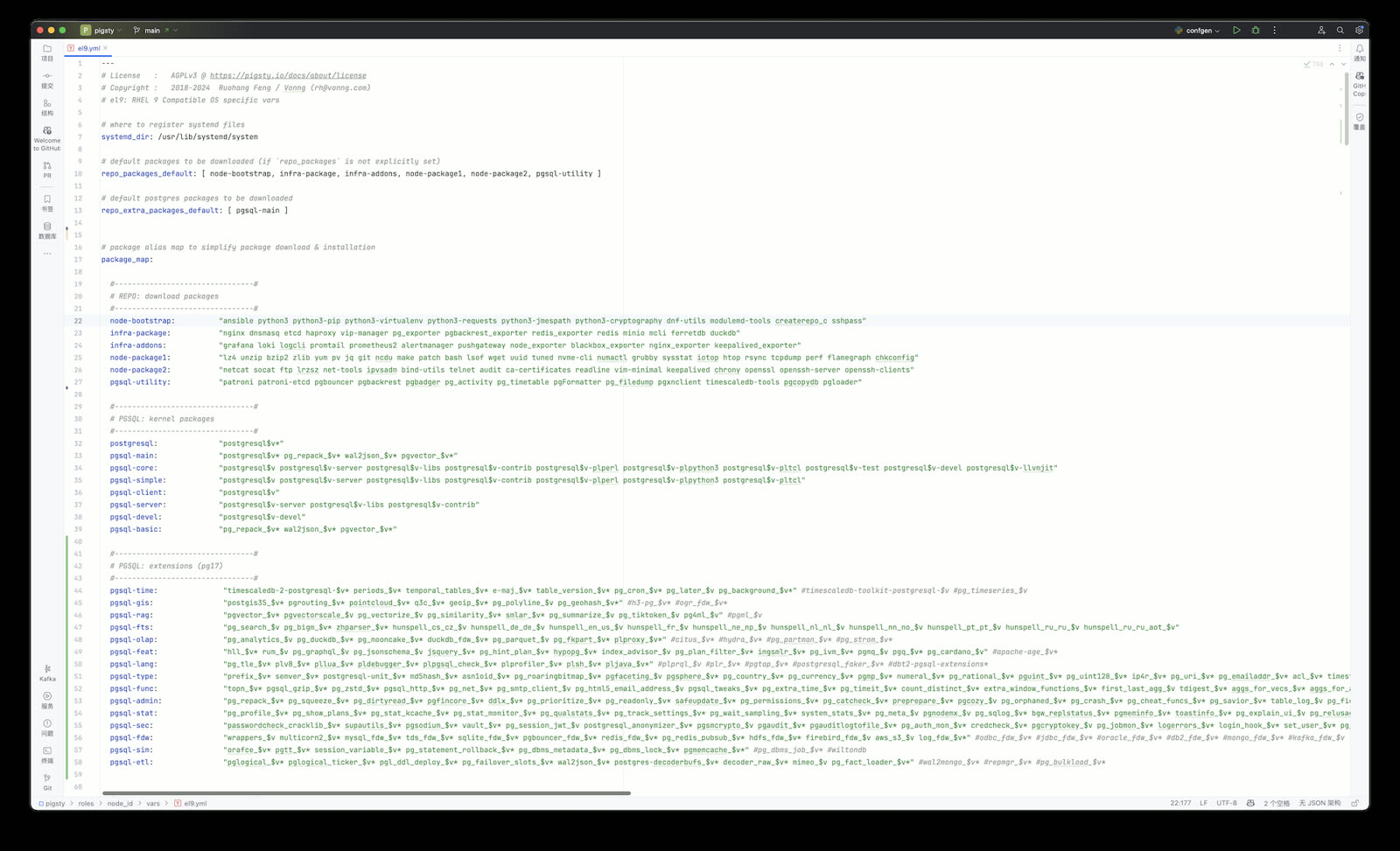
For example, the Supabase self-hosting template enables dozens of extensions — users just need to provide extension names, and details like chip architecture, OS version, PG version, and package names are all handled internally.
For example, if you want to download and install PG 16 kernel and extensions, previously you’d need to change all packages in the download and install lists to version 16 — now you just modify one pg_version parameter.
The end result is excellent: basically all OS distributions can use the same config file for installation, hiding system differences and management complexity internally.
Infrastructure Improvements
Beyond functional improvements, we continue improving infrastructure. For example, installing the MSSQL-compatible Babelfish kernel, Oracle-compatible IvorySQL kernel, and PolarDB kernel introduced in v3.0 required users to use an external repo for online installation.
Now, the official Pigsty repository directly provides mirrors for Babelfish, IvorySQL, PolarDB, and other kernels — installing these “exotic flavor” PG replacement kernels is much simpler. The effect now is that no extra configuration is needed; just use the preset template for one-click installation.
Additionally, we maintain Prometheus and Grafana YUM/APT x AMD/ARM repositories, tracking these observability component versions in real-time. In this upgrade, Prometheus upgrades to v3, and VictoriaLogs officially releases v1. In summary, if you need these monitoring tools, Pigsty’s repository can help.
MinIO Improvements
Finally, let’s discuss open-source object storage self-hosting: MinIO. Pigsty uses MinIO as PostgreSQL backup storage and Supabase’s underlying storage service, aiming to lower MinIO’s deployment barrier to “if you have hands, you can do it” — Deploy in minutes, Scale to millions.
When we first used MinIO internally, it was still version 0.x, and MinIO has made great progress since then. Back then we stored 25 PB with MinIO, and since MinIO didn’t support online expansion, we had to split it into seven or eight independent clusters used sequentially. Now, while MinIO still can’t modify disk/node counts online, you can achieve smooth expansion by adding storage pools, migrating, and retiring old storage pools.
In Pigsty v3.1, I re-read MinIO’s documentation and adjusted best practice config templates and SOPs based on new version features. Beyond the previous MinIO single-node single-disk, single-node multi-disk, and multi-node multi-disk modes, we now support multi-pool deployment mode and provide MinIO management playbooks in Pigsty — including disk failure handling, node failure handling, cluster lifecycle, storage scaling, and using VIP + HAProxy for HA access — all documented and solvable with a few commands.
Object storage is foundational infrastructure in the cloud. MinIO, as the representative of open-source object storage, excels in both performance and functionality — more importantly, it’s cloud-neutral open-source software.
You can also use MinIO to replace cloud object storage services. As DHH described in “Leaving the Cloud Exceeded Expectations, Saving $100M”, they had 10PB of cloud object storage (list price $3M/year), discounted to $1.3M/year via SavingsPlans — about ¥930K RMB / PB·year. A 1.2 PB dedicated storage server costs around ¥100K RMB, with 3-way replication redundancy, slap MinIO on a few of those and you have object storage. Add in network, power, and ops, and the entire 5-year TCO doesn’t exceed one year’s discounted cloud spend — that’s massive cost-saving potential. If your business heavily uses object storage, local MinIO self-hosting + Cloudflare might be a much better solution worth considering.
Service System
Pigsty v3.1 has reached a state I’m fairly satisfied with. Going forward, my focus will shift to building the service system.
Pigsty is free open-source software that already solves the vast majority of PG operations problems. If you’re an open-source veteran, you can handle edge cases yourself. But for some enterprise users, especially those without dedicated DBAs, someone needs to “backstop” — after all, the core of open-source software is NO WARRANTY.
As discussed in “PolarDB ¥20 Brothers: What Should Databases Really Cost”, proper database services have a fair market price, typically around ¥10-20K RMB / vCPU·year. Whether you buy Oracle support, EDB, Fujitsu’s open-source PG services, or AWS RDS/Aurora — it’s all in this price range.
My previous service pricing was too low, drawing comments from domestic and international peers — “Aren’t you destroying the market with dumping? You as a top domestic PG expert setting and publishing this price, what are we supposed to do?”
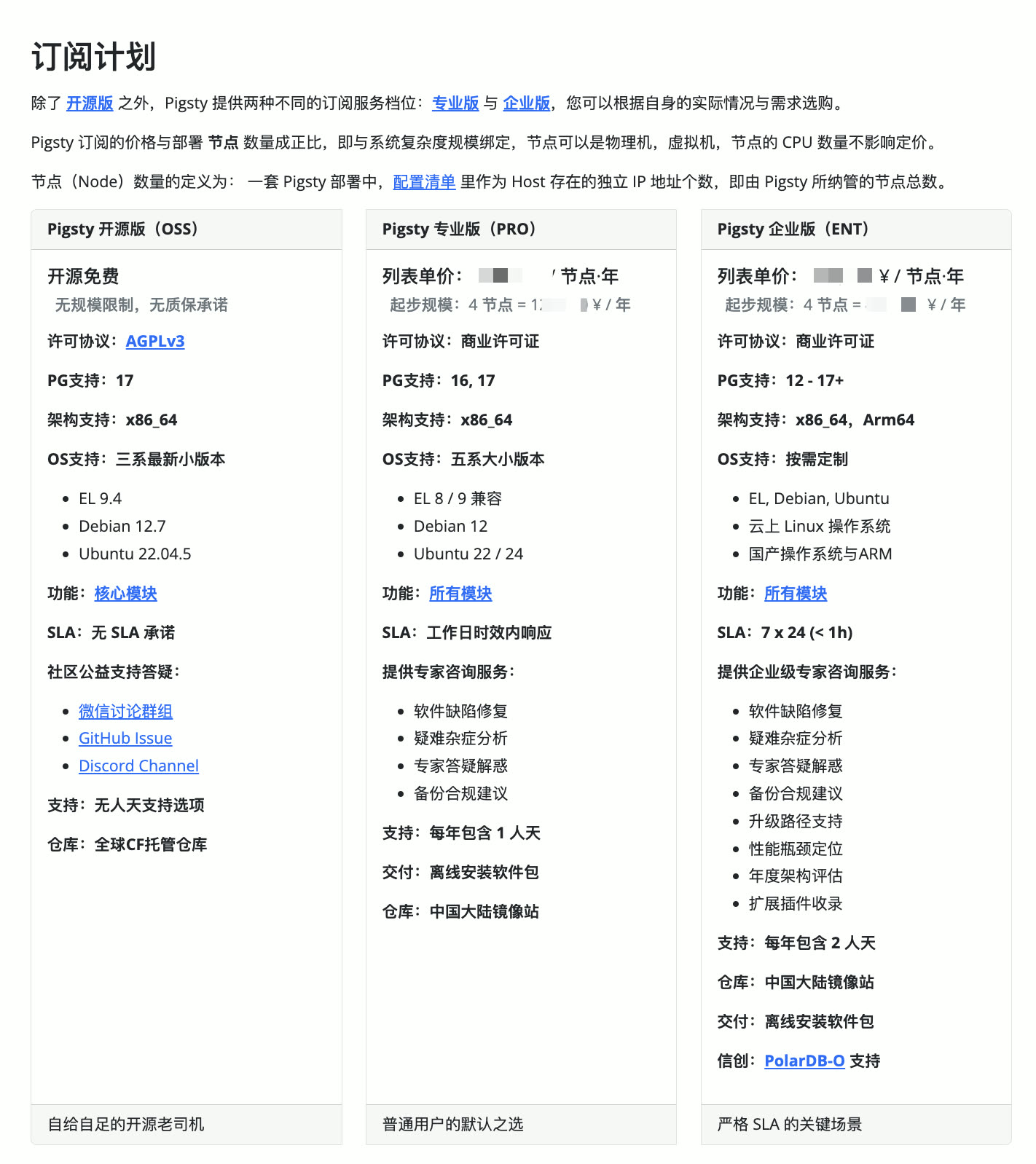
So this time I’ve re-adjusted the pricing system, basically anchoring to industry average pricing levels. After all, it’s a mutual choice — welcome interested friends to purchase professional services and support! New customers get new pricing, existing customers keep old pricing.
v3.1.0 Release Notes
Highlights
- PostgreSQL 17 is now the default major version (17.2)
- Ubuntu 24.04 system support
- ARM architecture support: EL9, Debian12, Ubuntu 22.04
- One-click Supabase self-hosting, new
supabase.ymlplaybook - MinIO best practice improvements, config templates and Vagrant templates
- Series of ready-to-use config templates with documentation
- Allow specifying PG major version with
-v|--versionduringconfigure - Adjusted default extension policy:
pg_repack,wal2json, andpgvectorinstalled by default - Greatly simplified
repo_packageslocal repo build logic, allowing package group aliases inrepo_packages - Provided WiltonDB, IvorySQL, PolarDB repo mirrors, simplifying installation
- Database checksums enabled by default
- Fixed ETCD and MINIO log panels
Software Upgrades
- PostgreSQL 17.2, 16.6, 15.10, 14.15, 13.18, 12.22
- PostgreSQL extension versions: see https://pgext.cloud/en
- Patroni 4.0.4
- MinIO 20241107 / MCLI 20241117
- Rclone 1.68.2
- Prometheus: 2.54.0 -> 3.0.0
- VictoriaMetrics 1.102.1 -> 1.106.1
- VictoriaLogs v0.28.0 -> 1.0.0
- vslogcli 1.0.0
- MySQL Exporter 0.15.1 -> 0.16.0
- Redis Exporter 1.62.0 -> 1.66.0
- MongoDB Exporter 0.41.2 -> 0.42.0
- Keepalived Exporter 1.3.3 -> 1.4.0
- DuckDB 1.1.2 -> 1.1.3
- etcd 3.5.16 -> 3.5.17
- tigerbeetle 16.8 -> 0.16.13
API Changes
repo_upstream: Generates defaults for each specific OS distribution:roles/node_id/varsrepo_packages: Allows aliases defined inpackage_maprepo_extra_packages: New default when unspecified, allows aliases defined inpackage_mappg_checksum: Default changed totrue, enabled by defaultpg_packages: Default changed to:postgresql, wal2json pg_repack pgvector, patroni pgbouncer pgbackrest pg_exporter pgbadger vip-managerpg_extensions: Default changed to empty array[]infra_portal: Allows specifyingpathforhomeserver, replacing default local repo pathnginx_home(/www)
8 - Pigsty v3.0: Pluggable Kernels & 340 Extensions
Originally published on VONNG.

Highlights
Extension Explosion:
Pigsty v3 ships an unprecedented 340 available PostgreSQL extensions. This includes 121 extension RPM packages and 133 DEB packages — more than the total extension count in the official PGDG repositories (135 RPM / 109 DEB). Moreover, Pigsty cross-ports EL-exclusive and Debian-exclusive extensions, achieving full ecosystem parity between the two major Linux families.
Pluggable Kernels:
Pigsty v3 lets you swap out the PostgreSQL kernel. Current options include SQL Server-compatible Babelfish (wire-protocol-level emulation), Oracle-compatible IvorySQL, and PolarDB (the PostgreSQL RAC). Self-hosted Supabase is also now available on Debian systems. You can run production-grade PostgreSQL clusters with HA, IaC, PITR, and full observability while emulating MSSQL (via WiltonDB), Oracle (via IvorySQL), Oracle RAC (via PolarDB), MongoDB (via FerretDB), or Firebase (via Supabase).
Pro Edition:
We now offer Pigsty Pro Professional Edition, providing value-added services on top of the open-source version. Pro includes additional modules: MSSQL, Oracle, Mongo, K8S, Victoria, Kafka, TigerBeetle, and more, with broader support for PG major versions, operating systems, and chip architectures. It provides precision-tuned offline packages for every OS minor version, plus support for legacy systems like EL7, Debian 11, and Ubuntu 20.04. Pro also offers customizable kernel support with native deployment, monitoring, and management for PolarDB PG/Oracle to meet localization requirements.
Quick Install:
Breaking Changes
This Pigsty release bumps from 2.x to 3.0, introducing several breaking changes:
-
Primary OS support shifts to: EL 8 / EL 9 / Debian 12 / Ubuntu 22.04
- EL7 / Debian 11 / Ubuntu 20.04 are now deprecated and no longer supported
- Users requiring these systems should consider our subscription service
-
Default installation is now online; offline packages are no longer provided, resolving OS minor version compatibility issues.
- The
bootstrapprocess no longer prompts for offline package download, but will still auto-use one if/tmp/pkg.tgzexists. - For offline installation needs, build your own packages or consider our subscription service
- The
-
Pigsty upstream repositories have been consolidated, addresses changed, with GPG signing and verification for all packages
- Standard repo:
https://repo.pigsty.io/{apt/yum} - China mirror:
https://repo.pigsty.cc/{apt/yum}
- Standard repo:
-
API parameter changes and config template updates
- EL and Debian config templates are now unified, with OS-specific parameters managed in
roles/node_id/vars/. - Config directory restructured: all templates now in
conf/, organized intodefault,dbms,demo,buildcategories.
- EL and Debian config templates are now unified, with OS-specific parameters managed in
Other Features
- Epic OLAP enhancement: DuckDB 1.0.0, DuckDB FDW, PG Lakehouse, and Hydra ported to Debian.
- Vector search and FTS improvements: Vectorscale brings DiskANN vector indexing, Hunspell dictionary support, pg_search 0.9.1.
- Helped ParadeDB resolve package build issues — this extension is now available on Debian/Ubuntu.
- All Supabase-required extensions now available on Debian/Ubuntu; Supabase can now self-host on all supported OSes.
- Scenario-based extension stacks: if you’re unsure which extensions to install, we’ve prepared recommended bundles for specific use cases.
- Complete metadata tables, docs, indexes, and name mappings for all PostgreSQL ecosystem extensions, aligned across EL and Debian.
- Enhanced
proxy_envparameter to address DockerHub access issues, with simplified configuration. - Built a dedicated new repository providing all extensions for PostgreSQL 12-17, with PG16 extensions enabled by default in Pigsty.
- Upgraded existing repos with standard GPG signing and verification. APT repos now use standard layout built with
reprepro. - Sandbox environments for 1, 2, 3, 4, and 43 nodes:
meta,dual,trio,full,prod, plus quick config templates for 7 major OS distros. - PG Exporter adds PostgreSQL 17 and pgBouncer 1.23 metric collectors, with corresponding Grafana panels.
- Monitoring dashboard fixes, added log dashboards for PGSQL Pgbouncer and PGSQL Patroni panels.
- New
cache.ymlAnsible playbook replaces the oldbin/cacheandbin/release-pkgscripts for offline package creation.
API Changes
- New parameter option:
pg_modenow supportspgsql,citus,gpsql,mssql,ivory,polarfor specifying PostgreSQL cluster modepgsql: Standard PostgreSQL HA clustercitus: Citus distributed PostgreSQL native HA clustergpsql: Monitoring for Greenplum and GP-compatible databases (Pro)mssql: Install WiltonDB/Babelfish, providing Microsoft SQL Server compatibility mode with wire-protocol support, extensions unavailableivory: Install IvorySQL for Oracle-compatible PostgreSQL HA cluster with Oracle syntax/datatypes/functions/stored procedures, extensions unavailable (Pro)polar: Install PolarDB for PostgreSQL (PG RAC) open-source version for localized database support, extensions unavailable (Pro)
- New parameter:
pg_parametersfor instance-levelpostgresql.auto.confoverrides, enabling per-instance customization. - New parameter:
pg_filesfor copying additional files to PGDATA, designed for commercial PostgreSQL forks requiring license files. - New parameter:
repo_extra_packagesfor specifying additional packages to download, works withrepo_packagesfor OS-specific extension lists. - Parameter rename:
patroni_citus_dbrenamed topg_primary_dbfor specifying the primary database in a cluster (used in Citus mode) - Enhanced
proxy_env: Proxy server config now written to Docker Daemon for network access;configure -xauto-writes current environment proxy settings. - Enhanced
repo_url_packages:repo.pigsty.ioauto-replaces withrepo.pigsty.ccwhen region is China; can now specify downloaded filenames. - Enhanced
pg_databases.extensions: Theextensionfield now supports both dictionary and string modes; dictionary mode providesversionsupport for installing specific extension versions. - Enhanced
repo_upstream: If not explicitly overridden, defaults are extracted fromrepo_upstream_defaultinrpm.ymlordeb.yml. - Enhanced
repo_packages: If not explicitly overridden, defaults are extracted fromrepo_packages_defaultin the corresponding OS vars file. - Enhanced
infra_packages: If not explicitly overridden, defaults are extracted frominfra_packages_defaultin the corresponding OS vars file. - Enhanced
node_default_packages: If not explicitly overridden, defaults are extracted fromnode_packages_defaultin the corresponding OS vars file. - Enhanced
pg_packagesandpg_extensions: Extensions now undergo lookup and translation frompg_package_mapin the corresponding OS vars file. - Enhanced
node_packagesandpg_extensions: Packages are upgraded to latest version during installation;node_packagesdefault now includes[openssh-server]to help fix OpenSSH CVE - Enhanced
pg_dbsu_uid: Auto-adjusts to26(EL) or543(Debian) based on OS type, avoiding manual adjustment. - Bootstrap logic change: No longer downloads offline packages; added
-k|--keepflag to preserve existing package sources during local ansible installation. - Configure: Removed
-m|--modeparameter; use-m|--confto specify config file,-x|--proxyfor proxy config; no longer attempts to fix local SSH issues. - pgbouncer defaults:
max_prepared_statements = 128enables prepared statement support in transaction pooling mode;server_lifetimeset to 600. - Patroni template defaults: Increased
max_worker_processesby +8, raisedmax_wal_sendersandmax_replication_slotsto 50, increased OLAP template temp file limit to 1/5 of main disk.
Software Upgrades
At release time, Pigsty’s major component versions are:
- PostgreSQL 16.4, 15.8, 14.13, 13.16, 12.20
- pg_exporter : 0.7.0
- Patroni: 3.3.2
- pgBouncer: 1.23.1
- pgBackRest: 2.53.1
- duckdb : 1.0.0
- etcd : 3.5.15
- pg_timetable: 5.9.0
- ferretdb: 1.23.1
- vip-manager: 2.6.0
- minio: 20240817012454
- mcli: 20240817113350
- grafana : 11.1.4
- loki : 3.1.1
- promtail : 3.0.0
- prometheus : 2.54.0
- pushgateway : 1.9.0
- alertmanager : 0.27.0
- blackbox_exporter : 0.25.0
- nginx_exporter : 1.3.0
- node_exporter : 1.8.2
- keepalived_exporter : 0.7.0
- pgbackrest_exporter 0.18.0
- mysqld_exporter : 0.15.1
- redis_exporter : v1.62.0
- kafka_exporter : 1.8.0
- mongodb_exporter : 0.40.0
- VictoriaMetrics : 1.102.1
- VictoriaLogs : v0.28.0
- sealos: 5.0.0
- vector : 0.40.0
Pigsty has recompiled all PostgreSQL extensions. For the latest extension versions, see the Extension List.
New Applications
Pigsty now provides out-of-the-box Docker Compose templates for Dify and Odoo:
Pigsty Pro now offers pilot Kubernetes deployment support and Kafka KRaft cluster deployment with monitoring:
KUBE: Deploy Pigsty-managed Kubernetes clusters using cri-dockerd or containerdKAFKA: Deploy HA Kafka clusters powered by the KRaft protocol
Bug Fixes
- CVE-2024-6387 is automatically patched during Pigsty installation via the
node_packagesdefault value[openssh-server]. - Fixed Loki memory consumption issue caused by high-cardinality Nginx log labels.
- Fixed bootstrap failure on EL8 due to upstream Ansible dependency changes (python3.11-jmespath upgraded to python3.12-jmespath).
v3.0.0 Release Notes
Highlights
- PostgreSQL 16.4, 15.8, 14.13, 13.16, 12.20
- 340 PostgreSQL extensions available
- EL/Debian extension ecosystem parity achieved
- Pluggable kernels: Babelfish, IvorySQL, PolarDB support
- Supabase now available on Debian systems
- Pigsty Pro edition with extended OS and module support
Breaking Changes
- Primary OS support: EL8/EL9, Debian 12, Ubuntu 22.04
- Legacy systems (EL7, Debian 11, Ubuntu 20.04) require subscription
- Default online installation; offline packages discontinued
- Repository consolidation with GPG signing
API Changes
- New
pg_modeoptions:pgsql,citus,gpsql,mssql,ivory,polar - New parameters:
pg_parameters,pg_files,repo_extra_packages patroni_citus_dbrenamed topg_primary_db- Enhanced:
proxy_env,repo_url_packages,pg_databases.extensions - Auto-derived defaults for
repo_upstream,repo_packages,infra_packages,node_default_packages - Bootstrap
-k|--keepflag; Configure-m|--confand-x|--proxyflags
Bug Fixes
- OpenSSH CVE-2024-6387 auto-remediation
- Loki high-cardinality label memory fix
- EL8 Ansible dependency bootstrap fix
9 - Self-Hosting Dify with PG, PGVector, and Pigsty
Originally published on VONNG.
Dify – The Innovation Engine for GenAI Applications
Dify is an open-source LLM app development platform. Orchestrate LLM apps from agents to complex AI workflows, with an RAG engine. Which claims to be more production-ready than LangChain.
Of course, a workflow orchestration software like this needs a database underneath — Dify uses PostgreSQL for meta data storage, as well as Redis for caching and a dedicated vector database. You can pull the Docker images and play locally, but for production deployment, this setup won’t suffice — there’s no HA, backup, PITR, monitoring, and many other things.
Fortunately, Pigsty provides a battery-include production-grade highly available PostgreSQL cluster, along with the Redis and S3 (MinIO) capabilities that Dify needs, as well as Nginx to expose the Web service, making it the perfect companion for Dify.
Off-load the stateful part to Pigsty, you only need to pull up the stateless blue circle part with a simple
docker compose up.
BTW, I have to criticize the design of the Dify template. Since the metadata is already stored in PostgreSQL, why not add pgvector to use it as a vector database? What’s even more baffling is that pgvector is a separate image and container. Why not just use a PG image with pgvector included?
Dify “supports” a bunch of flashy vector databases, but since PostgreSQL is already chosen, using pgvector as the default vector database is the natural choice. Similarly, I think the Dify team should consider removing Redis. Celery task queues can use PostgreSQL as backend storage, so having multiple databases is unnecessary. Entities should not be multiplied without necessity.
Therefore, the Pigsty-provided Dify Docker Compose template has made some adjustments to the official example. It removes the db and redis database images, using instances managed by Pigsty. The vector database is fixed to use pgvector, reusing the same PostgreSQL instance.
In the end, the architecture is simplified to three stateless containers: dify-api, dify-web, and dify-worker, which can be created and destroyed at will. There are also two optional containers, ssrf_proxy and nginx, for providing proxy and some security features.
There’s a bit of state management left with file system volumes, storing things like private keys. Regular backups are sufficient.
Reference:
Pigsty Preparation
Let’s take the single-node installation of Pigsty as an example. Suppose you have a machine with the IP address 10.10.10.10 and already pigsty installed.
We need to define the database clusters required in the Pigsty configuration file pigsty.yml.
Here, we define a cluster named pg-meta, which includes a superuser named dbuser_dify (the implementation is a bit rough as the Migration script executes CREATE EXTENSION which require dbsu privilege for now),
And there’s a database named dify with the pgvector extension installed, and a specific firewall rule allowing users to access the database from anywhere using a password (you can also restrict it to a more precise range, such as the Docker subnet 172.0.0.0/8).
Additionally, a standard single-instance Redis cluster redis-dify with the password redis.dify is defined.
For demonstration purposes, we use single-instance configurations. You can refer to the Pigsty documentation to deploy high availability PG and Redis clusters. After defining the clusters, use the following commands to create the PG and Redis clusters:
Alternatively, you can define a new business user and business database on an existing PostgreSQL cluster, such as pg-meta, and create them with the following commands:
You should be able to access PostgreSQL and Redis with the following connection strings, adjusting the connection information as needed:
Once you confirm these connection strings are working, you’re all set to start deploying Dify.
For demonstration purposes, we’re using direct IP connections. For a multi-node high availability PG cluster, please refer to the service access section.
The above assumes you are already a Pigsty user familiar with deploying PostgreSQL and Redis clusters. You can skip the next section and proceed to see how to configure Dify.
Starting from Scratch
If you’re already familiar with setting up Pigsty, feel free to skip this section.
Prepare a fresh Linux x86_64 node that runs compatible OS, then run as a sudo-able user:
It will download the Pigsty source to your home, then configure and install it.
You should insert the above PostgreSQL cluster and Redis cluster definitions into the pigsty.yml file, then run install.yml to complete the installation.
Redis Deploy
Pigsty will not deploy redis in install.yml, so you have to run redis.yml playbook to install Redis explicitly:
Docker Deploy
Pigsty will not deploy Docker by default, so you need to install Docker with the docker.yml playbook.
Dify Configuration
You can configure dify in the .env file:
All parameters are self-explanatory and filled in with default values that work directly in the Pigsty sandbox env. Fill in the database connection information according to your actual conf, consistent with the PG/Redis cluster configuration above.
Changing the SECRET_KEY field is recommended. You can generate a strong key with openssl rand -base64 42:
Now we can pull up dify with docker compose:
Expose Dify Service via Nginx
Dify expose web/api via its own nginx through port 80 by default, while pigsty uses port 80 for its own Nginx. T
herefore, we expose Dify via port 8001 by default, and use Pigsty’s Nginx to forward to this port.
Change infra_portal in pigsty.yml, with the new dify line:
Then expose dify web service via Pigsty’s Nginx server:
Don’t forget to add dify.pigsty to your DNS or local /etc/hosts / C:\Windows\System32\drivers\etc\hosts to access via domain name.
10 - Pigsty v2.7: The Extension Superpack
Originally published on VONNG.

On 2024-05-20, Pigsty v2.7 is released. The number of available extensions in this version reaches an astonishing 255, successfully elevating PostgreSQL’s versatility to a new height!
Additionally, we provide some new Docker app templates, including the open-source enterprise ERP suite — Odoo, Jupyter Notebook, and are the first to support Supabase GA version.
We’ve also paved the way for upcoming container versions, provided PolarDB support to help users pass domestic compliance audits, and officially differentiated Pro and Open Source editions.
Extensions Galore
In “PostgreSQL is Eating the Database World,” I argued that PostgreSQL isn’t just a relational database — it’s a data management abstraction framework with the power to encompass everything and devour the entire database world.
What enables PG to do this, beyond being open source and advanced, is the real secret: extensions — extreme extensibility and a thriving extension ecosystem are PostgreSQL’s unique characteristics and the secret weapon that sets it apart from countless other databases.
Therefore, in Pigsty v2.7, we’ve re-examined the entire PostgreSQL ecosystem’s extensions and included some standouts:
| Extension | Version | Description |
|---|---|---|
| pg_jsonschema | 0.3.1 | JSON Schema validation |
| wrappers | 0.3.1 | Supabase’s foreign data wrapper bundle |
| duckdb_fdw | 1.1 | DuckDB foreign data wrapper (libduck 0.10.2) |
| pg_search | 0.7.0 | ParadeDB BM25 full-text search |
| pg_lakehouse | 0.7.0 | ParadeDB lakehouse analytics engine |
| pg_analytics | 0.6.1 | Accelerated analytics in PostgreSQL |
| pgmq | 1.5.2 | Lightweight message queue like AWS SQS/RSMQ |
| pg_tier | 0.0.3 | Tier cold data to AWS S3 |
| pg_vectorize | 0.15.0 | RAG vector search wrapper in PG |
| pg_later | 0.1.0 | Execute SQL now, get results later |
| pg_idkit | 0.2.3 | Generate various IDs: UUIDv6, ULID, KSUID |
| plprql | 0.1.0 | PRQL pipelined query language in PostgreSQL |
| pgsmcrypto | 0.1.0 | Chinese SM cryptography: SM2, SM3, SM4 |
| pg_tiktoken | 0.0.1 | Count OpenAI tokens |
| pgdd | 0.5.2 | Query database catalog via standard SQL |
| parquet_s3_fdw | 1.1.0 | Parquet FDW for S3/MinIO |
| plv8 | 3.2.2 | PL/JavaScript (V8) trusted language |
| md5hash | 1.0.1 | Native 128-bit MD5 data type |
| pg_tde | 1.0-alpha | Experimental encrypted storage engine |
| pg_dirtyread | 2.6 | Read dead tuples for dirty reads |
Many of these are extensions developed with Rust and pgrx, providing incredibly powerful capabilities:
Supabase’s wrappers looks like one extension, but it actually provides a Rust FDW framework with access to ten external data sources!
| FDW | Description | Read | Modify |
|---|---|---|---|
| HelloWorld | Demo FDW for basic FDW development | ||
| BigQuery | FDW for Google BigQuery | ✅ | ✅ |
| Clickhouse | FDW for ClickHouse | ✅ | ✅ |
| Stripe | FDW for Stripe API | ✅ | ✅ |
| Firebase | FDW for Google Firebase | ✅ | ❌ |
| Airtable | FDW for Airtable API | ✅ | ❌ |
| S3 | FDW for AWS S3 | ✅ | ❌ |
| Logflare | FDW for Logflare | ✅ | ❌ |
| Auth0 | FDW for Auth0 | ✅ | ❌ |
| SQL Server | FDW for Microsoft SQL Server | ✅ | ❌ |
| Redis | FDW for Redis | ✅ | ❌ |
| AWS Cognito | FDW for AWS Cognito | ✅ | ❌ |
This means you can now read and write BigQuery, ClickHouse, and Stripe data from PostgreSQL. Firebase, Airtable, S3, Logflare, Auth0, SQL Server, Redis, and Cognito also provide SQL read access through PostgreSQL.
The plprql extension provides a new SQL-like database query language called PRQL:
And the new plv8 extension allows you to write stored procedures in JavaScript within PostgreSQL — the richness of PostgreSQL’s procedural language support is truly amazing!
parquet_s3_fdw might seem like it just lets you access Parquet files on S3, but its significance is that PG can become a true lakehouse — essentially adding an analytics engine with unlimited storage capacity!
Built on top of it, pg_tier provides convenient tiered cold storage — you can easily archive rarely accessed massive cold data from PG to S3/MinIO using SQL!
If Parquet alone isn’t enough, ParadeDB’s pg_lakehouse takes this to a new level — you can now use PG directly as a lakehouse, reading Parquet, CSV, JSON, Avro, DeltaLake, and upcoming ORC format files from S3/MinIO/local filesystem for lakehouse analytics!
ParadeDB’s pg_analytics and pg_search are also noteworthy — the former provides first-tier analytics performance, while the latter offers ElasticSearch BM25 full-text search capability as a PG alternative.
Tembo also provides four practical Rust PG extensions. Their pgmq provides a lightweight message queue API on PG, similar to AWS SQS and RSMQ, as an alternative to pgq.
In AI, pgvector 0.7 introduces major upgrades: sparse vectors (retiring pg_sparse!), half float quantization, doubled max vector dimensions to 4000, binary quantization (up to 64K dims), two new distance metrics and indexes. Most importantly, SIMD instructions are now supported — performance has improved dramatically compared to a year ago!
Plus other AI extensions: pg_vectorize helps wrap RAG services, pg_tiktoken counts OpenAI tokens in PG, pg_similarity provides 17 additional distance metrics, imgsmlr provides image similarity functions, bigm provides bigram-based full-text search, zhparser provides Chinese word segmentation.
For new data types: md5hash lets you efficiently store 128-bit MD5 digests natively. pg_idkit generates a dozen different ID schemes (UUIDv6, UUIDv7, nanoid, ksuid, ulid, etc.). rrule stores, parses, and processes calendar recurring events.
For database administration: pgdd accesses PG catalog via SQL, pg_later executes SQL asynchronously, pg_dirtyread reads dead tuples for data recovery, pg_show_plans shows running query execution plans!
For encryption: pg_tde provides experimental transparent encryption storage, pgsmcrypto provides Chinese SM cryptography (SM2,3,4) support.
Achieving Completeness
Including previous extensions, Pigsty v2.7 has 255 PG extensions available across all operating systems. We can proudly say that no distribution or provider in the PostgreSQL ecosystem matches our extension count:
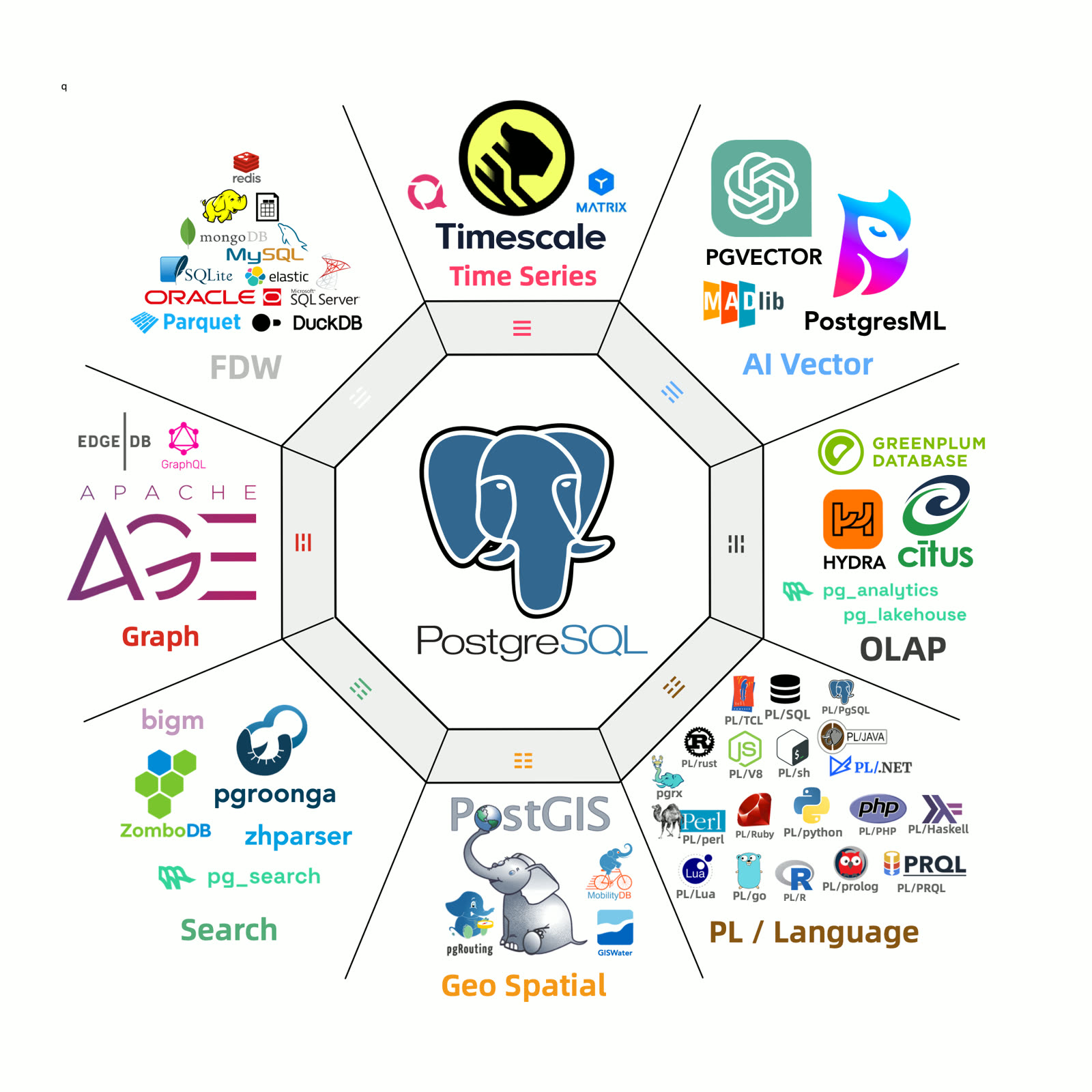
On EL systems, 230 RPM extensions are available (73 built-in + 157 third-party, 34 Pigsty-maintained). On Debian/Ubuntu, 189 DEB extensions are available (73 built-in + 116 third-party, 10 Pigsty-maintained).
Extensions are organized into 11 categories by function:
| Category | Extensions |
|---|---|
| TYPE | pg_uuidv7, pgmp, semver, timestamp9, uint, roaringbitmap, unit, prefix, md5hash, ip4r, asn1oid, pg_rrule, pg_rational, debversion, numeral, pgfaceting |
| GIS | pointcloud, pgrouting, h3, postgis, mobilitydb, geoip, h3_postgis, pointcloud_postgis |
| AI | pg_tiktoken, imgsmlr, svector, pg_similarity, pgml, vectorize, vector |
| OLAP | pg_lakehouse, duckdb_fdw, citus_columnar, parquet_s3_fdw, columnar, pg_analytics, timescaledb, pg_tier |
| FDW | hdfs_fdw, mysql_fdw, pgbouncer_fdw, mongo_fdw, sqlite_fdw, tds_fdw, ogr_fdw, oracle_fdw, multicorn, db2_fdw, wrappers |
These extensions can be combined for synergy, achieving 1+1 » 2 effects.
As TimescaleDB CEO Ajay stated in “Why PostgreSQL is the Foundation of Future Data,” PostgreSQL is becoming the de facto database standard.
Through the magic of extreme extensibility, PostgreSQL achieves completeness, balancing core stability with feature agility. A solid foundation plus amazing evolution speed makes it an anomaly in the database world, fundamentally changing the rules of the game.
Today, PostgreSQL is unstoppable. And Pigsty gives PostgreSQL wings to soar.
Out-of-the-Box ERP
Similar to “domestic databases,” many domestic ERP software is awkwardly positioned because there’s already a good enough open-source ERP — Odoo (formerly OpenERP).
Many Pigsty users run PG for Odoo, which piqued my curiosity. After exploring the Odoo community and trying it myself, it’s incredibly powerful — wish I’d tried it earlier instead of fumbling with DIY solutions.
Odoo has many plugins with functionality far exceeding expectations — a true enterprise application suite king.
As open-source free software, Odoo monetizes via premium plugins, with reasonable subscription pricing. For those who want everything free, the community provides open-source alternatives for premium plugins!
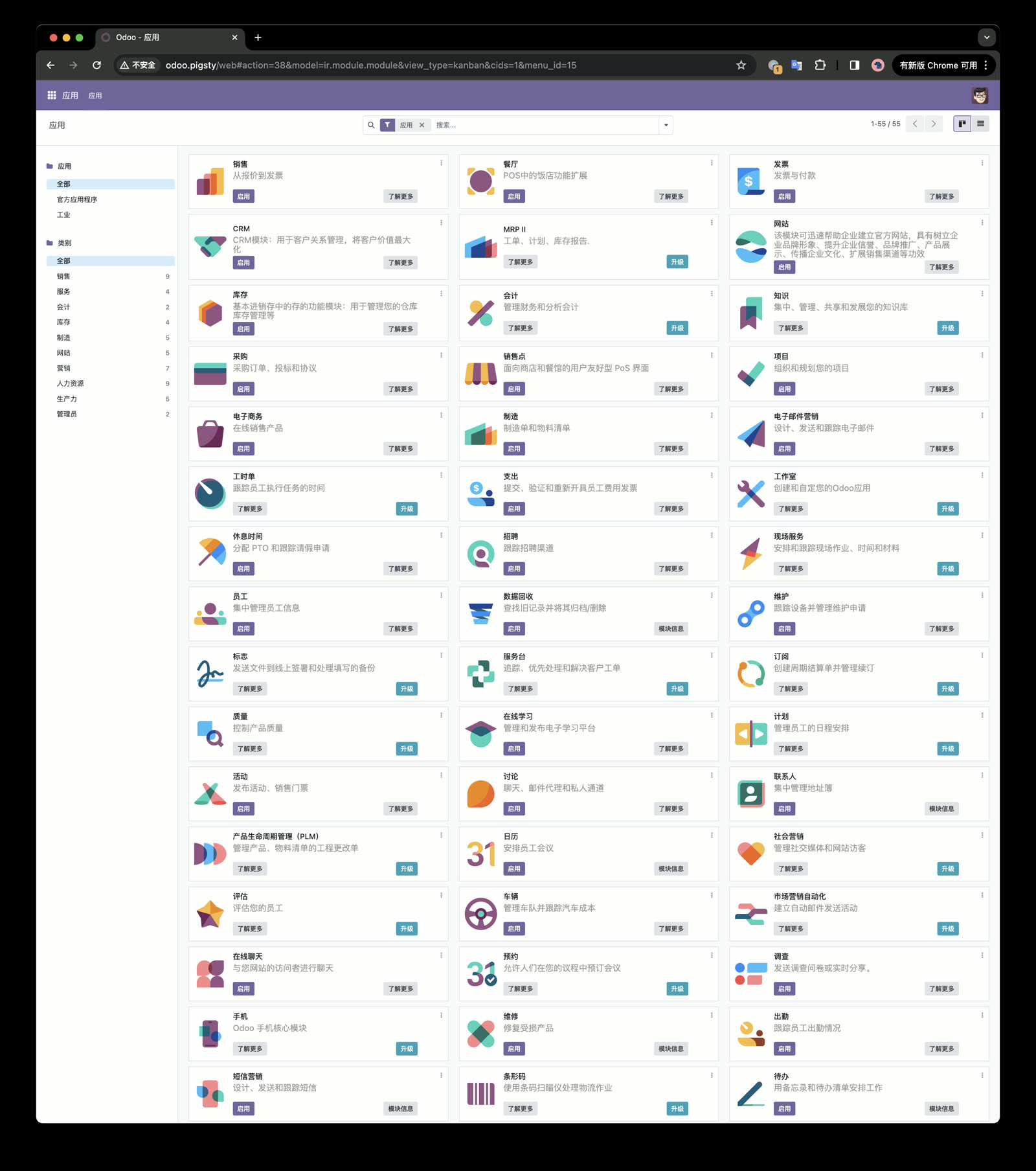
Odoo uses only PostgreSQL for data storage. The entire ERP suite needs just one PG database and one Docker image! A perfect PostgreSQL killer app example.
As a PostgreSQL distribution, there’s no reason not to support Odoo. Pigsty v2.7 provides a Docker Compose template for one-click Odoo deployment. You can reuse Pigsty’s infrastructure to easily expose web services via Nginx with HTTPS.
The result: on a bare VM, you can spin up a production-quality enterprise ERP with just a few commands!
PITR and Dashboards
ERP systems like Odoo have very different database requirements from traditional internet applications. I saw this in the Odoo community: “My Odoo has been running for years, now PostgreSQL has 2.5GB of data,” with replies: “That’s really big!”
2.5 GB is trivial for internet-scale apps but huge for ERP systems. Unlike performance and HA, ERP systems prioritize data integrity and confidentiality — often running on a single server without HA, needing only backup and Point-in-Time Recovery (PITR).
Pigsty already provides out-of-the-box PITR for rollback to any point in time. But the required information was scattered across the monitoring system, so Pigsty v2.7 provides a dedicated PGSQL PITR dashboard for PITR context.
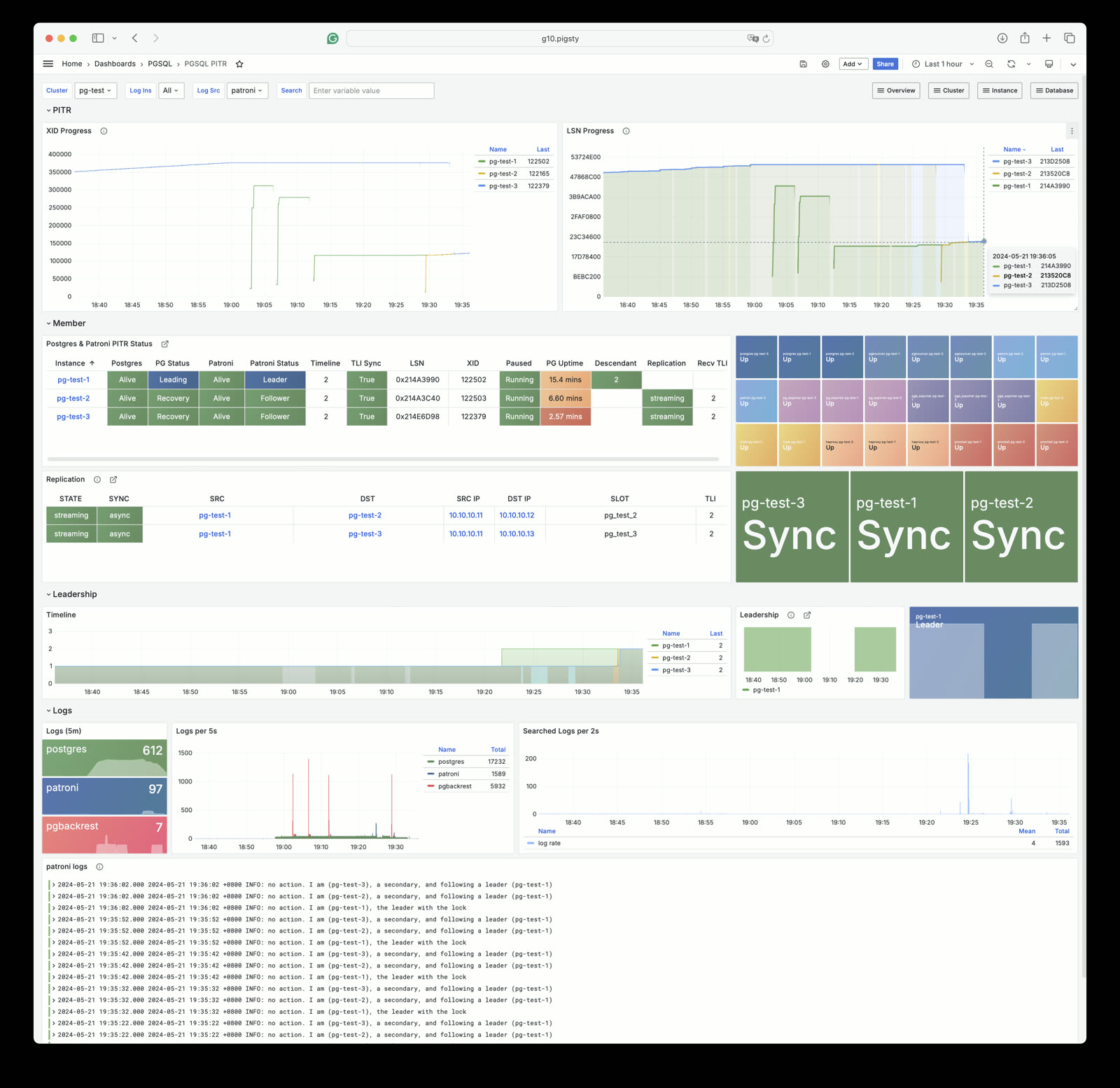
Open Source vs Pro Edition
In Pigsty v2.7, we’ve narrowed open-source OS support to Redhat, Debian, and Ubuntu mainlines. We provide first-class PostgreSQL 16 support on EL8, Debian12, and Ubuntu22.04 with offline packages. EL7, EL9, Debian11, and Ubuntu20.04 can still use Pigsty but won’t have offline packages — only online installation for initial deployment.
| Pigsty OSS | Pigsty Basic | Pigsty Pro | Pigsty Enterprise |
|---|---|---|---|
| Free! | 50,000 ¥/year | 150,000 ¥/year | 400,000 ¥/year |
| Self-sufficient veterans | Or 5,000 ¥/month | Or 15,000 ¥/month | Or 40,000 ¥/month |
| PG: 16 | PG: 15, 16 | PG: 12-16 | PG: 9.0-16 |
| OS: 3 main versions | OS: 5 latest versions | OS: All 5 versions | OS: Custom |
Pro differs mainly in compatibility and modules — PostgreSQL major versions, OS versions, and chip architectures.
In the original design, open source would include only INFRA, NODE, PGSQL, ETCD core modules. I debated whether to move MinIO, Redis, FerretDB (Mongo), and Docker to Pro, but ultimately kept them in open source — they’re already open, no reason to remove them. But future modules less related to PostgreSQL (Greenplum, MySQL, DuckDB, Kafka, Mongo, SealOS Cloud) will be Pro-only.
For compatibility, Pigsty Pro provides full lifecycle PG 12-16 support across seven major OS versions. We also maintain complete ARM64 Prometheus & Grafana repos for ARM servers and “domestic chips.”
Looking Forward
Overall, Pigsty has reached my ideal state. Functionally, it’s already excellent! Exceeding RDS in some areas (like extension support and monitoring!).
But as they say, even fine wine fears a deep alley — so upcoming work will shift to operations, marketing, and sales. Sustainable open source requires user and customer support. If Pigsty has helped you, please consider sponsoring us or purchasing our subscriptions.
Speaking of marketing — next week (May 28), I’ll be in Vancouver for 2024 PostgreSQL Developer Conference, a.k.a. the first PGConf.Dev (formerly PG Con), discussing PostgreSQL’s future and pushing Pigsty to the global stage!
v2.7.0 Release Notes
Highlights
New powerful extensions, especially Rust/pgrx-developed ones:
- pg_search v0.7.0: BM25 full-text search
- pg_lakehouse v0.7.0: Object storage/table format query engine
- pg_analytics v0.6.1: Accelerated analytics
- pg_graphql v1.5.4: GraphQL support
- pg_jsonschema v0.3.1: JSON Schema validation
- wrappers v0.3.1: Supabase FDW collection
- pgmq v1.5.2: Lightweight message queue
- pg_tier v0.0.3: S3 cold storage tiering
- pg_vectorize v0.15.0: RAG wrapper
- pg_later v0.1.0: Async SQL execution
- pg_idkit v0.2.3: UUID generation
- plprql v0.1.0: PRQL language
- pgsmcrypto v0.1.0: Chinese SM cryptography
- pg_tiktoken v0.0.1: OpenAI token counting
- pgdd v0.5.2: Catalog metadata via SQL
C/C++ extensions:
- parquet_s3_fdw 1.1.0: S3 Parquet lakehouse
- plv8 3.2.2: JavaScript stored procedures
- md5hash 1.0.1: Native MD5 hash type
- pg_tde 1.0-alpha: Experimental encryption
- pg_dirtyread 2.6: Read dead tuples
New Features
- Allow Pigsty to run in Docker VM images
- ARM64 packages for INFRA & PGSQL modules on Ubuntu and EL
- New installer script with Cloudflare download, version specification, better prompts
- PGSQL PITR dashboard for PITR observability
- Guardrails to prevent running playbooks on unmanaged nodes
- Per-distro config files: el7, el8, el9, debian11, debian12, ubuntu20, ubuntu22
Docker App Templates
- Odoo: Open-source ERP
- Jupyter: Jupyter Notebook container
- PolarDB: “Domestic database” for compliance
- Supabase: Updated to latest GA
- Bytebase: Using
latesttag - pg_exporter: Updated Docker examples
Software Upgrades
- PostgreSQL 16.3
- Patroni 3.3.0
- pgBackRest 2.51
- VIP-Manager v2.5.0
- HAProxy 2.9.7
- Grafana 10.4.2
- Prometheus 2.51
- Loki & Promtail: 3.0.0 (Warning: breaking changes!)
- Alertmanager 0.27.0
- BlackBox Exporter 0.25.0
- Node Exporter 1.8.0
- pgBackRest Exporter 0.17.0
- DuckDB 0.10.2
- etcd 3.5.13
- minio-20240510014138 / mcli-20240509170424
- pev2 v1.8.0 -> v1.11.0
- pgvector 0.6.1 -> 0.7.0
- pg_tle: v1.3.4 -> v1.4.0
- hydra: v1.1.1 -> v1.1.2
- duckdb_fdw: v1.1.0 recompiled for libduckdb 0.10.2
- pg_bm25 0.5.6 -> pg_search 0.7.0
- pg_analytics: 0.5.6 -> 0.6.1
- pg_graphql: 1.5.0 -> 1.5.4
- pg_net 0.8.0 -> 0.9.1
- pg_sparse (deprecated)
Bug Fixes
- Fixed variable whitespace in pg_exporters role
- Fixed
minio_clusternot commented in global config - Fixed EL7 template
postgis34should bepostgis33 - Fixed EL8
python3.11-cryptographydependency renamed topython3-cryptography - Fixed
/pg/bin/pg-rolenot getting OS username in non-interactive shell - Fixed
/pg/bin/pg-pitrnot prompting-X-Poptions correctly
API Changes
- New
node_write_etc_hostsparameter for controlling/etc/hostswrites - New
prometheus_sd_dirparameter for Prometheus static discovery directory - Configure script adds
-x|--proxyfor writing proxy info - Stopped parsing Nginx log detail labels in Promtail/Loki to avoid label cardinality explosion
- Using Alertmanager API v2 instead of v1
- Using
/pg/cert/ca.crtinstead of/etc/pki/ca.crtin PGSQL module
Offline Package Checksums
11 - Pigsty v2.6: PostgreSQL Crashes the OLAP Party
Originally published on VONNG.

On the last day of February, Pigsty v2.6 is officially released! This version makes PostgreSQL 16 the default major version and introduces a series of new extensions, including ParadeDB and DuckDB, elevating PostgreSQL’s OLAP analytical capabilities to an entirely new level. Calling it the HTAP benchmark and database all-rounder is well-deserved.
Additionally, we’ve completely refreshed the Pigsty official website, documentation, and blog, presenting six more refined core value propositions. Globally, we’re now using the Cloudflare-powered domain pigsty.io as the default official site and repository address. The original pigsty.cc domain, website, and repos continue to serve as mirrors within China.
Finally, we’re officially launching transparently-priced Pigsty Pro and service subscriptions, providing advanced features and support options for users who need them.
Epic-Level Analytics Enhancement
TPC-H and ClickBench are authoritative analytics benchmarks. ClickBench provides horizontal comparisons of many OLAP databases, serving as quantifiable references. In this representative example, we can see relative performance of many well-known database components (lower time is better):
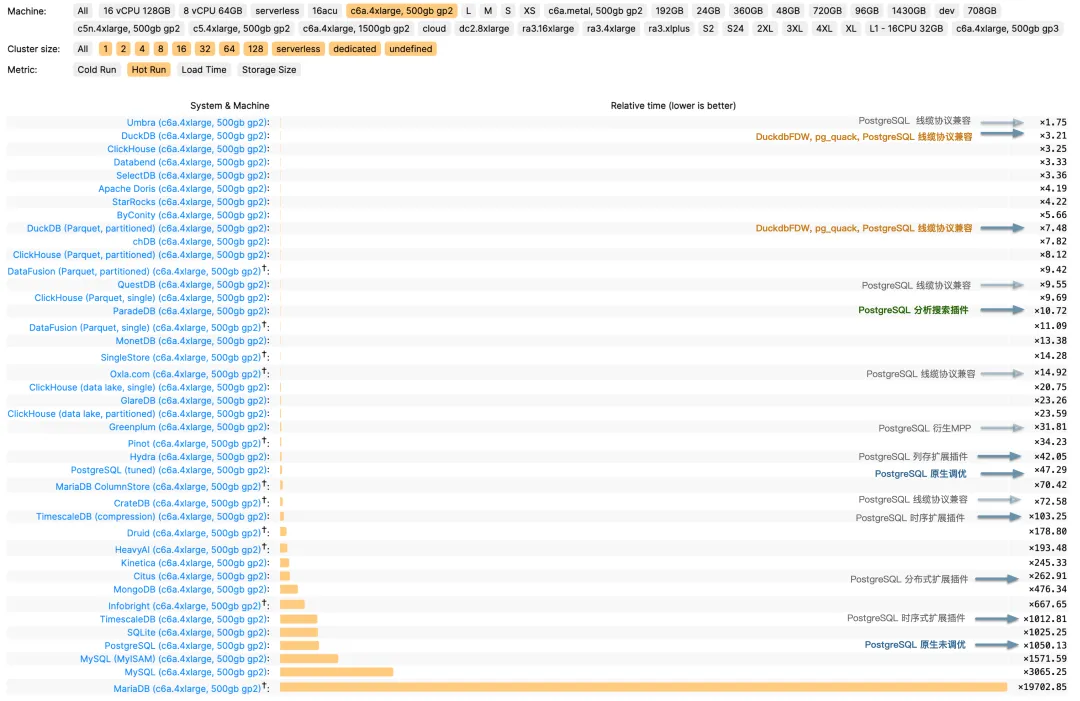
c6a.4xlarge, 500gb gp2 / 1 billion records
This chart shows PostgreSQL and its ecosystem extensions’ performance. Native untuned PostgreSQL takes (x1000), while tuned it reaches (x47). The PG ecosystem also has three analytics-related extensions: columnar Hydra (x42), time-series TimescaleDB (x103), and distributed Citus (x262). But compared to top-tier OLAP-focused systems — Umbra, ClickHouse, Databend, SelectDB (x3~x4) — there’s still a 10x+ performance gap. However, the recent arrival of ParadeDB and DuckDB has changed this!
ParadeDB’s native PG extension pg_analytics achieves second-tier (x10) performance, only 3-4x behind top-tier OLAP databases. Considering the extra benefits — ACID, data freshness, no ETL, no extra learning curve, no separate service to maintain (not to mention it also provides ElasticSearch-quality full-text search) — this performance gap is usually acceptable.
And DuckDB (x3.2) elevates OLAP to an entirely new level — setting aside academic databases like Umbra, DuckDB may be the fastest practical analytics database. While not a PG extension itself, it’s an embeddable component, and projects like DuckDB FDW and pg_quack let PostgreSQL fully leverage DuckDB’s complete analytical performance!

Appreciation from ParadeDB’s founder and DuckDB FDW’s author
New Value Propositions
Value propositions are the soul of a database distribution. In this version, we present six core values as shown:
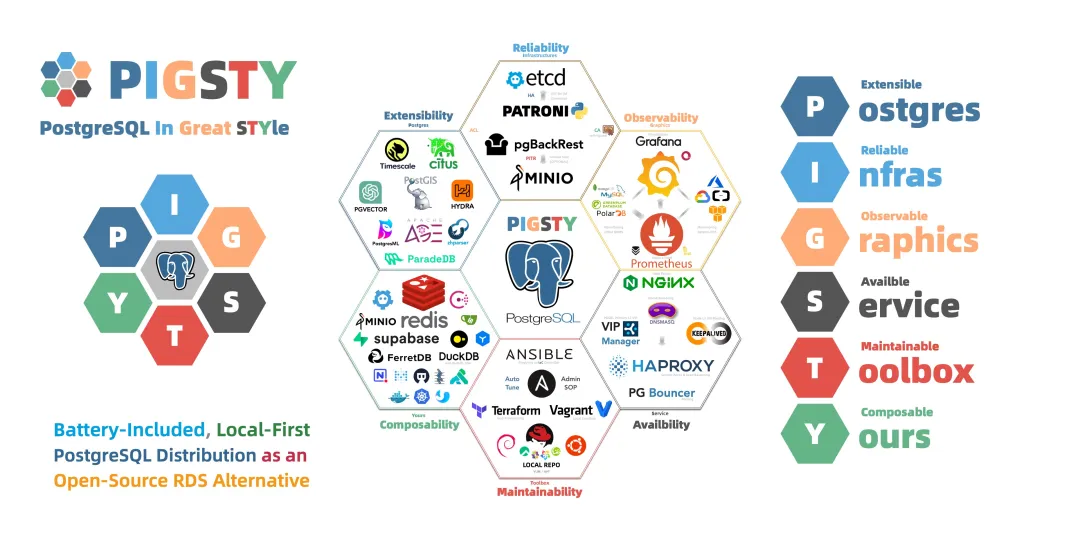
This diagram lists six core problems PostgreSQL solves: Postgres extensibility, Infrastructure reliability, Graphics observability, Service availability, Toolbox maintainability, and component composabilitY.
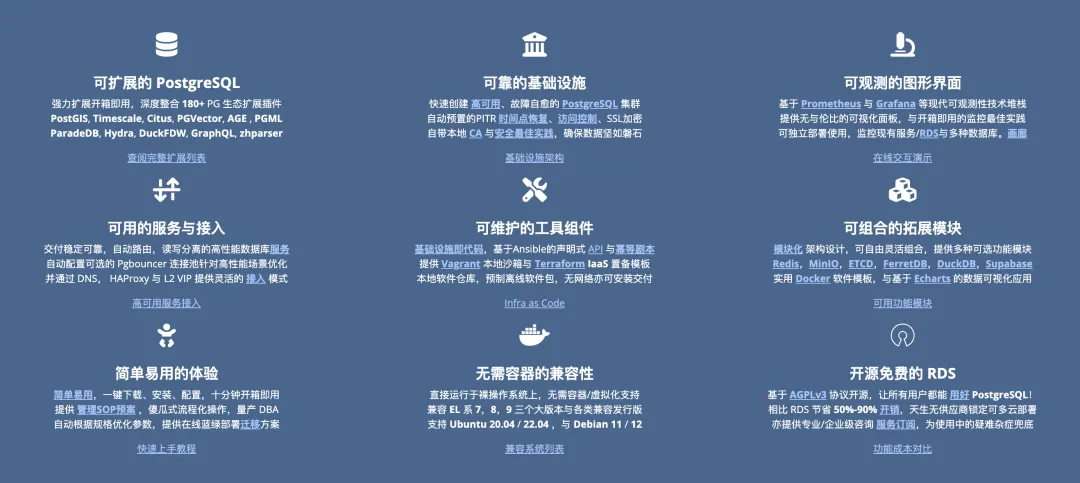
Pigsty’s six abbreviations form the PIGSTY acronym — besides PostgreSQL in Great STYle, these six value propositions offer another interpretation:
Postgres, Infras, Graphics, Service, Toolbox, Yours.
Your graphical Postgres infrastructure service toolbox.
We’ve also redesigned the logo, from the sunglasses-wearing pig head to a hexagonal composition with colors matching key components (PG Blue, ETCD Teal, Grafana Orange, Ansible Black, Redis/MinIO Red, Nginx Green) — a condensed version of the large hexagon above. The original sunglasses pig will continue as Pigsty’s mascot.

New Website
In this version, we’ve renovated the old website using the latest Docsy documentation framework, updating substantial content. We abandoned flashy impractical designs, putting Pigsty’s value propositions and core features directly on the landing page.
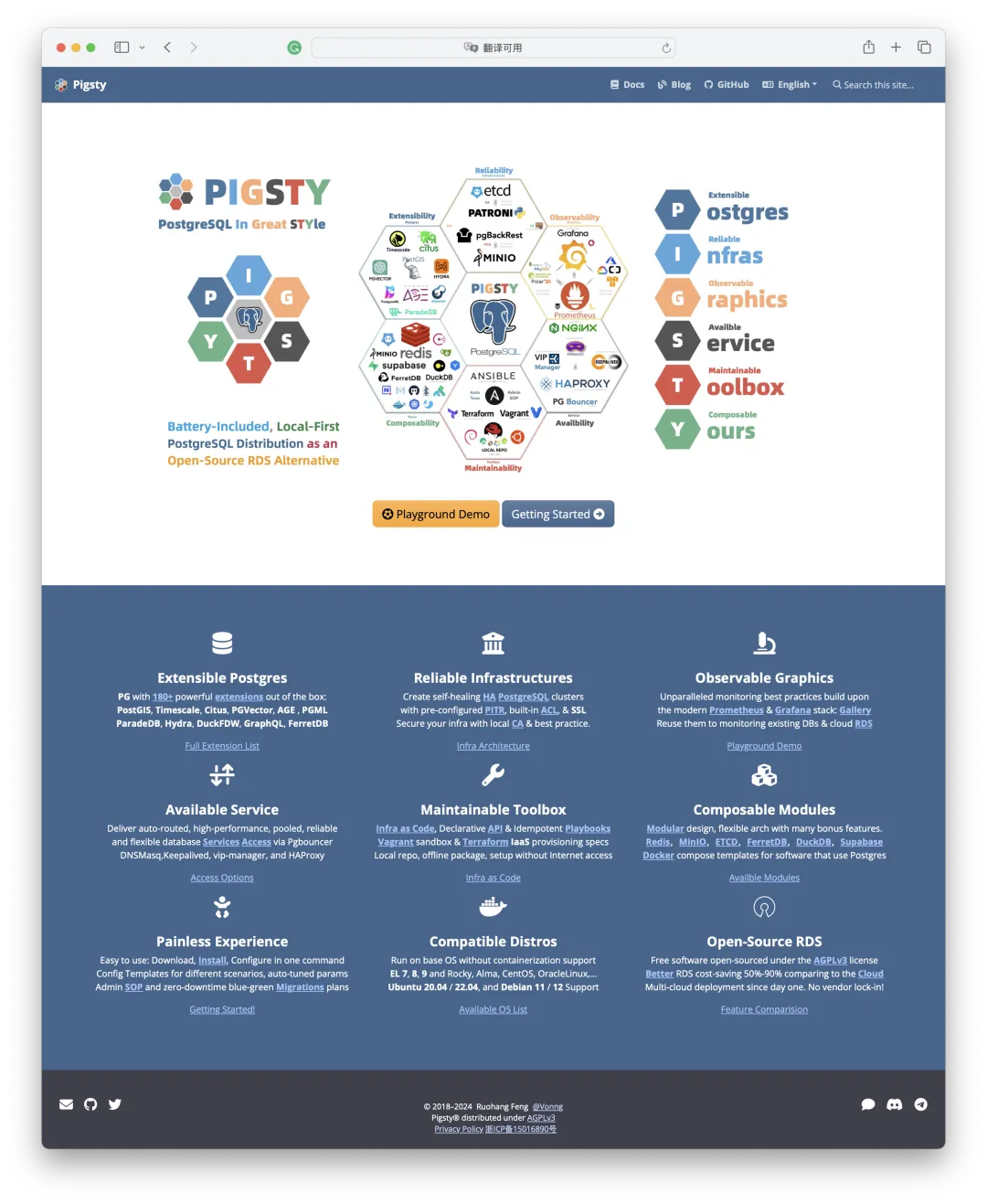
The real content lives in the documentation. We restructured the doc directory:
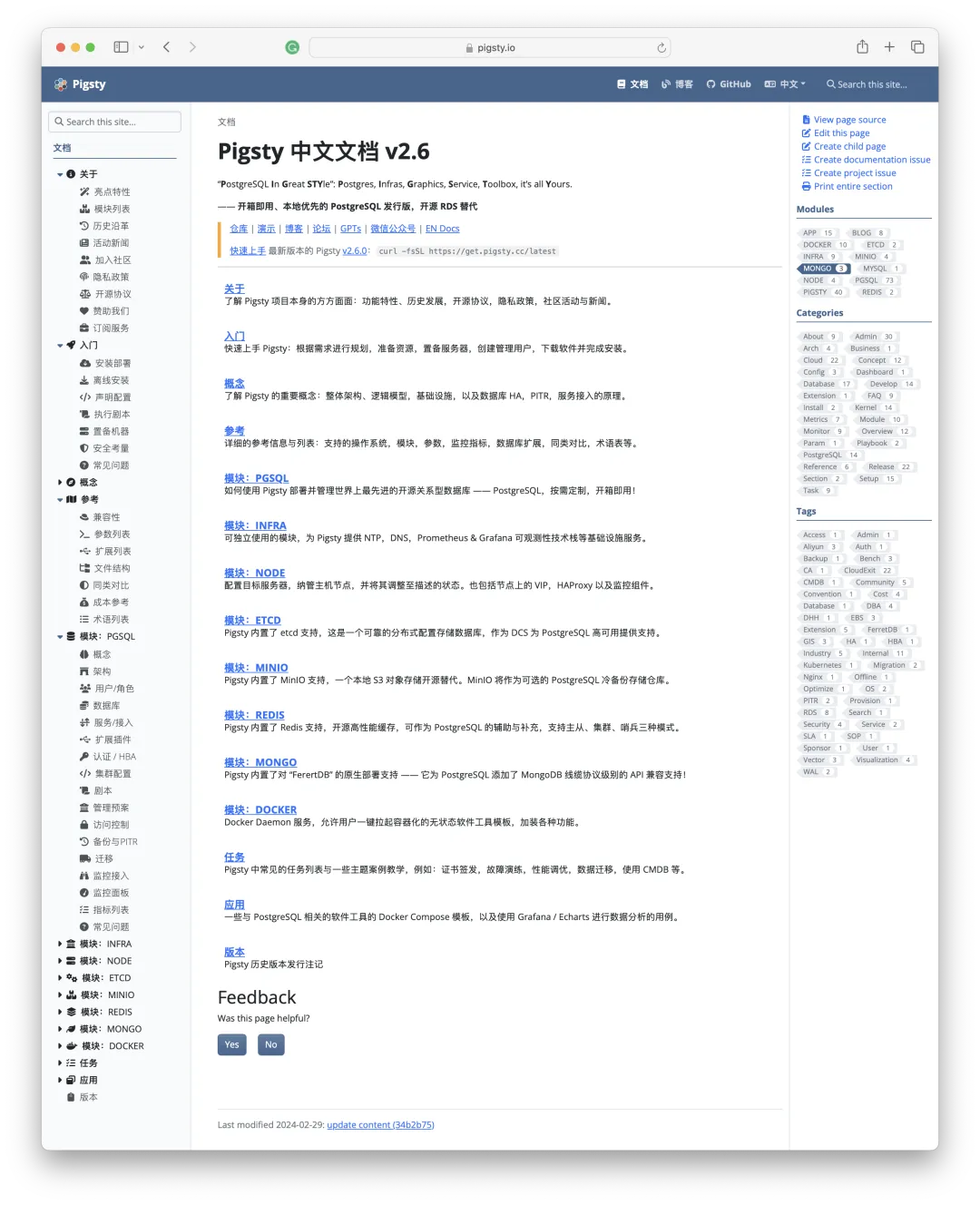
After letting go of pure Markdown purism, we can use attractive styles and features in documentation:
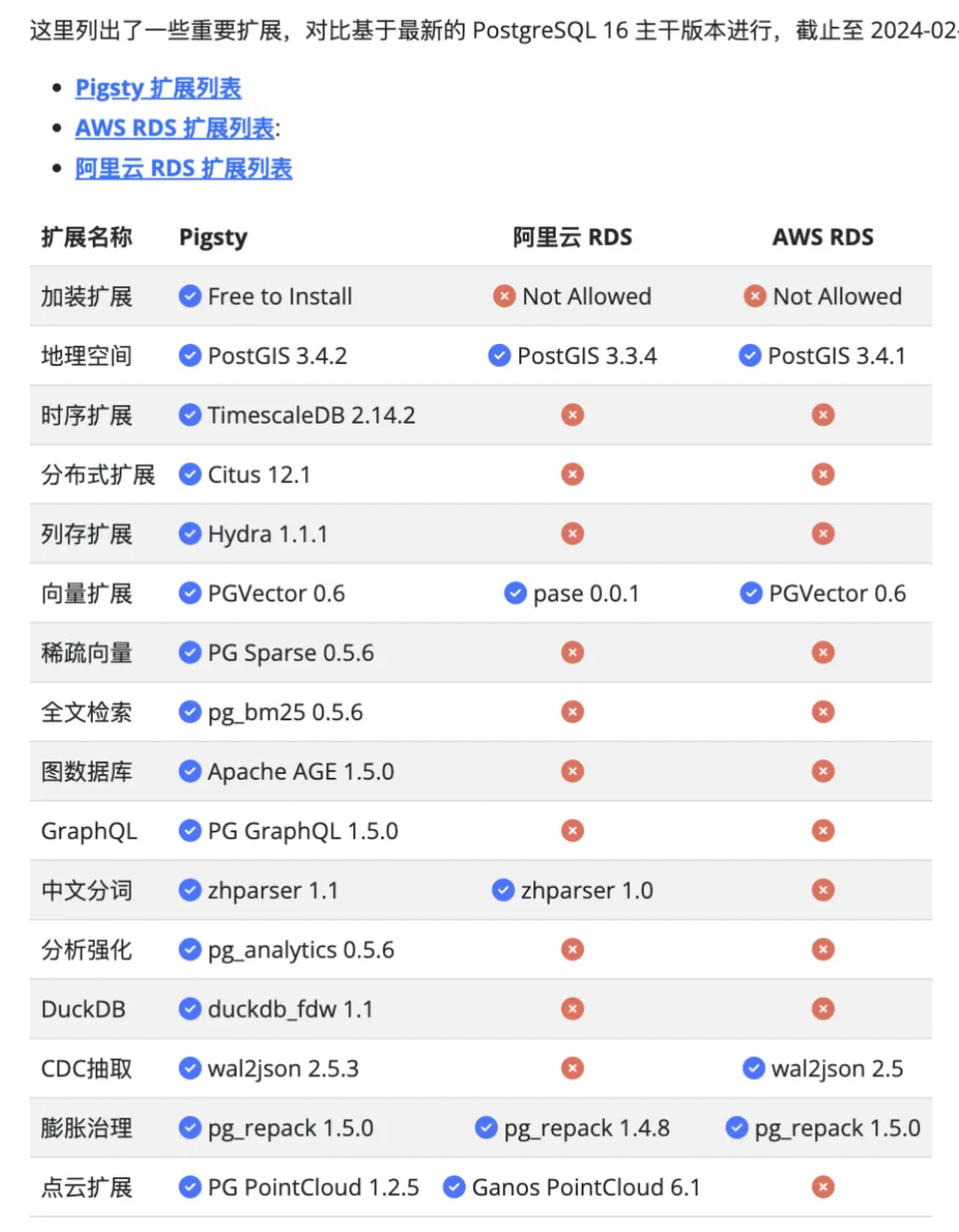
Beyond docs, we’ve organized recent articles into the Pigsty blog, divided into six columns: Cloud Computing Mudslide, Database Veteran Driver, and PostgreSQL’s Ecosystem, Development, Administration, and Kernel sections.
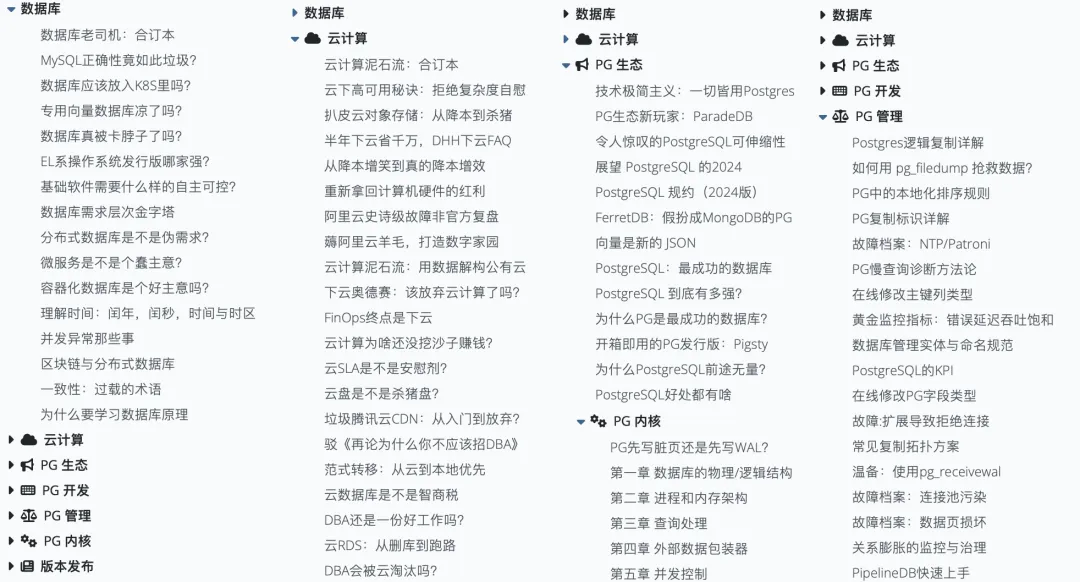
Meanwhile, Pigsty’s software repositories now have global mirrors powered by Cloudflare R2, hosted on Cloudflare for smooth access worldwide (China users can continue using pigsty.cc).
PostgreSQL 16 Becomes Default
The last notable feature: in Pigsty v2.6, PostgreSQL 16 (16.2) officially replaces PostgreSQL 15 as the default major version.
Three months ago, we noted that PostgreSQL’s main extensions were in place, plus with the second minor release, it was production-ready.
Pigsty v2.6 coincides with PostgreSQL 16.2’s third minor release, and important extensions like Hydra, PGML, and AGE have followed to PG 16. So we’ve decided to officially upgrade the default PG major version to 16, making it the only supported major version in the open-source edition (except EL7).
Therefore, another important technical decision in this version: we’ve removed the default PG 12-15 packages and extensions from the open-source edition. This doesn’t mean Pigsty doesn’t support PG 12-15 — with minor config adjustments, you can easily use older PostgreSQL versions and extensions — but we won’t run integration tests against these versions (though they’ve been thoroughly tested in older Pigsty releases).
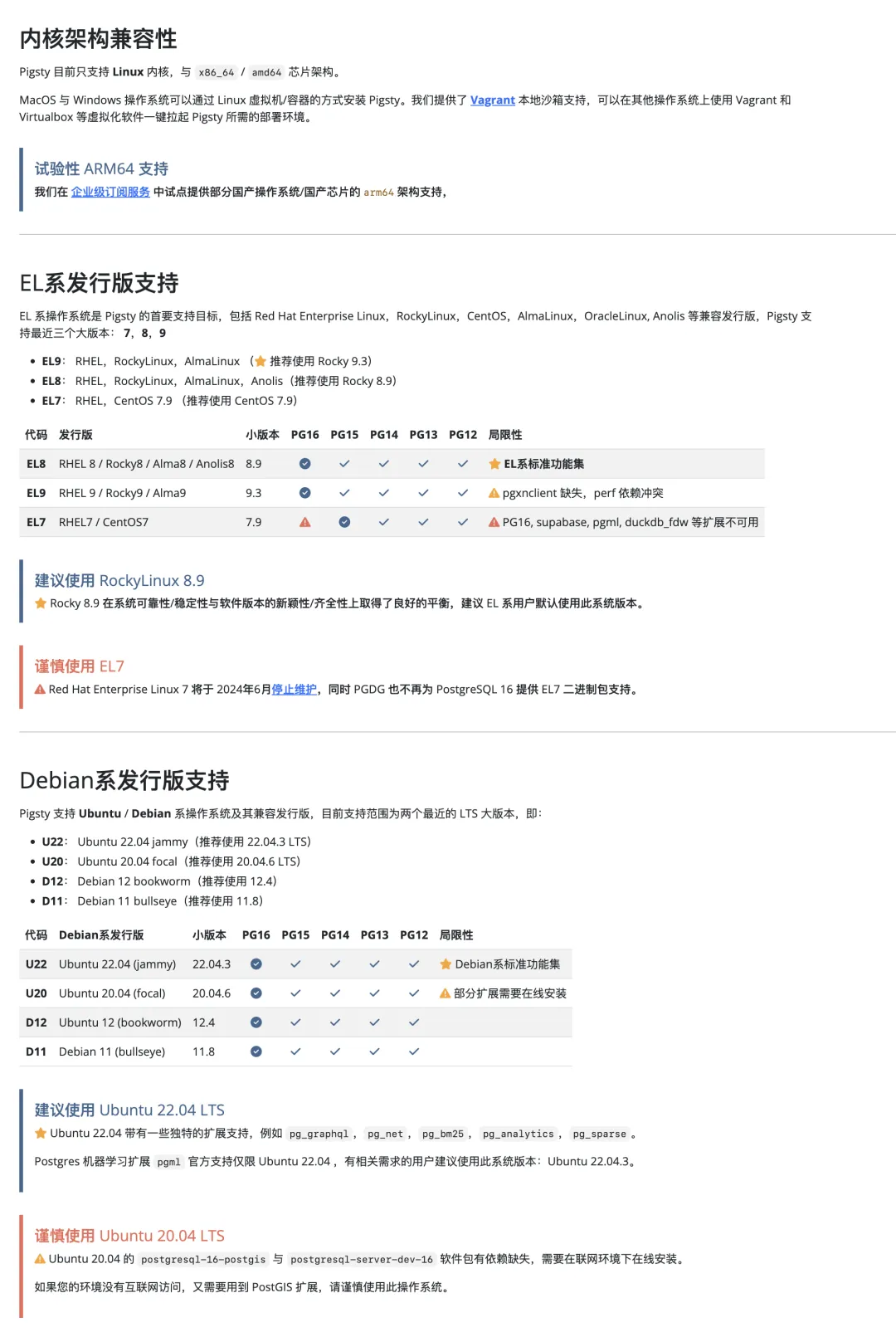
Similarly, we’ve narrowed the open-source support scope to EL 8 / EL 9 and Ubuntu 22.04 — the three most widely-used OS distributions. In Pigsty 2.5, we supported PG 12-16 (five major versions) times seven OS distributions, totaling 34 combinations, plus upcoming ARM support, creating significant testing pressure.
Focusing the open-source edition on one core PG major version and three mainstream OS distributions better utilizes R&D bandwidth to meet the majority of open-source users’ needs. Again, this doesn’t mean Pigsty can’t run on older systems — you can still run smoothly on EL7, Ubuntu 20.04, Debian 11/12, but we won’t provide offline packages, smoke tests, or support for these OSes.
Supporting niche/legacy OSes and outdated major versions isn’t needed by the vast majority of users but requires substantial extra effort and cost, so it’s included in our paid commercial support.
Open Source vs Pro Edition
Some open-source users have feedback: “I don’t need stuff unrelated to PostgreSQL slowing down downloads/installation and adding management complexity — Redis, MinIO, Docker, K8S, Supabase — you think they help PG, but flashy extras only slow my attack speed.”
The specific feature division isn’t finalized yet, so 2.6 may be the last fully-featured open-source Pigsty version. But the basic principle: the open-source edition will retain all core modules and PG extensions (PGSQL, INFRA, NODE, ETCD), while modules less related to PostgreSQL may become Pro edition content later.
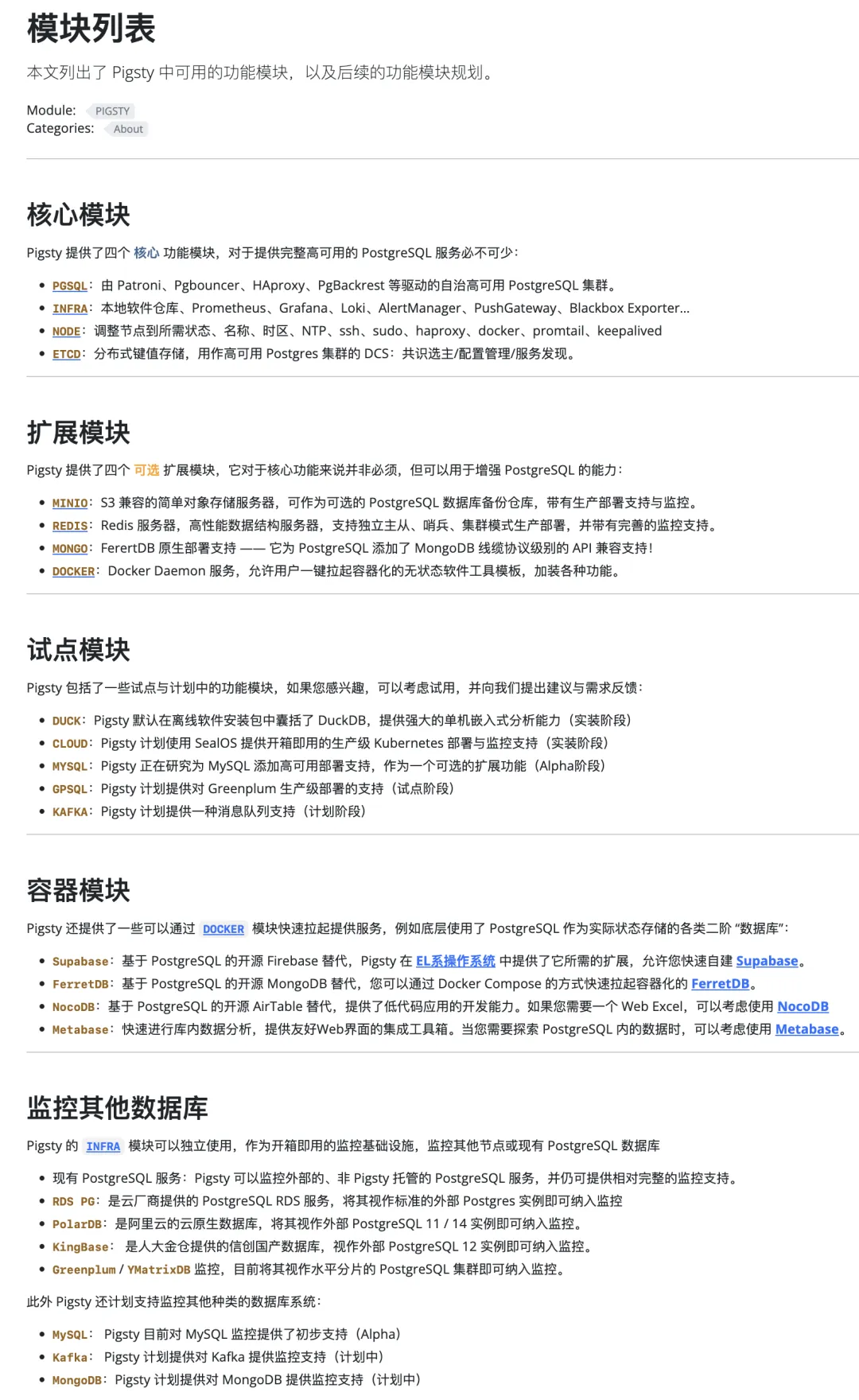
Going forward, the Pigsty open-source edition will focus on doing one thing well — providing reliable, highly-available, extensible local PostgreSQL RDS services. Practical features like Docker templates may still stay in the open-source edition.
This doesn’t mean these features disappear from open-source Pigsty — seasoned open-source veterans can still easily recreate them by modifying config files — but they won’t be default components of the open-source version.
Commercial Subscriptions
Open source is a passion project powered by love, but sustainable development requires commercial interests. In this version, we officially launch commercial Pigsty editions, providing richer support options for those who need them.
Besides additional feature modules, Pigsty Professional Subscriptions provide consulting Q&A and backstop services, supporting a broader range of operating systems and database versions:
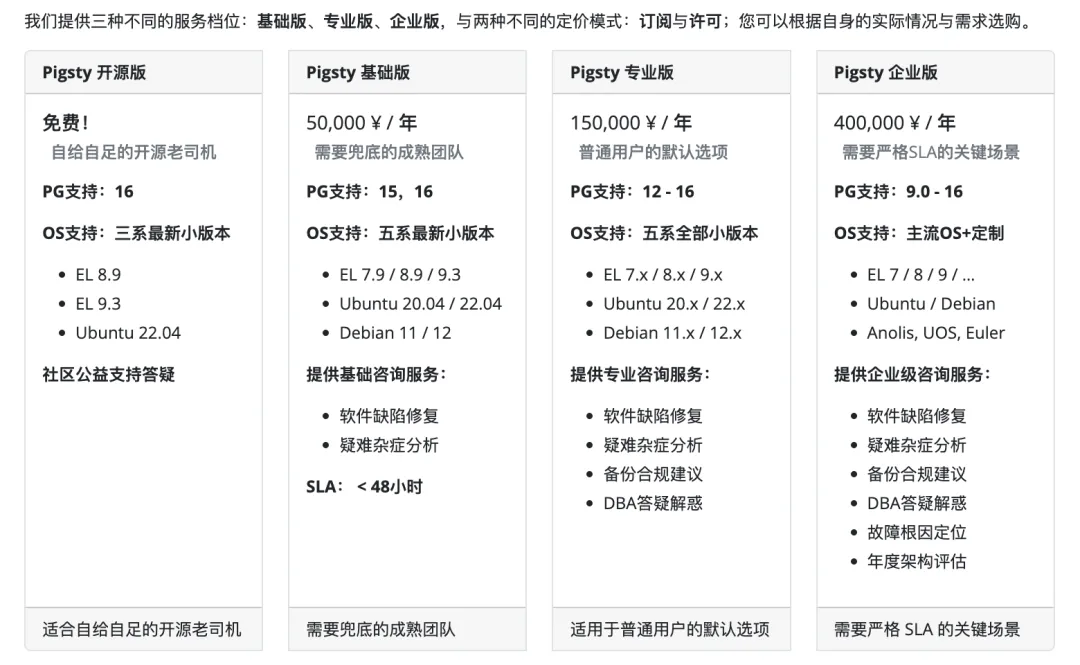
While Pigsty’s mission is providing out-of-the-box database services — even with self-healing HA for hardware failures and PITR for software/human errors — you might spin it up and go a year, two, three without issues. Statistically, that’s normal.
But database problems are usually big problems. Misusing databases also tends to become big problems. So we provide expert consulting and services for paying customers as ultimate backstop for difficult issues. (Example: we’ve rescued a burned Gitlab database with no backups). We also offer professional PostgreSQL DBA consulting services: backup, security, compliance recommendations, management and development best practices, performance evaluation and optimization, design guidance and Q&A.
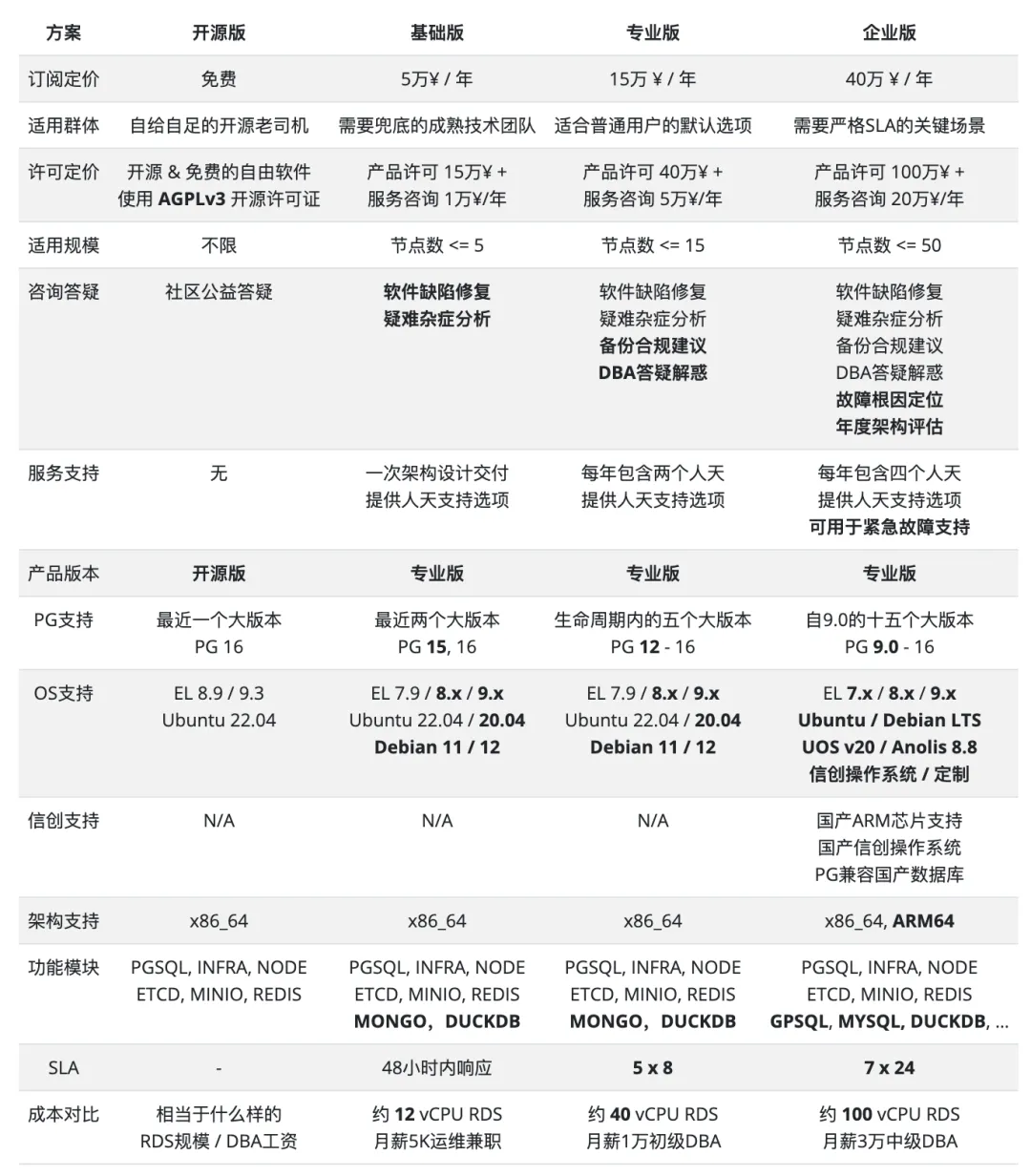
Often, turning the ordinary into extraordinary and achieving orders-of-magnitude improvements comes down to one sentence from an expert. This is especially true for PostgreSQL, whose soul is extensibility and whose extension ecosystem is incredibly rich. Our services ensure every dollar you spend is worthwhile and spent on what truly matters.
Looking Forward
Pigsty’s next major version is planned as v3, officially implementing the open-source/pro feature division. We’ll complete missing extension DEBs for Ubuntu/Debian systems and provide a CLI tool to wrap management operations. We may package Pigsty itself as RPM/DEB, and plan beta MYSQL monitoring/deployment support.
For monitoring, we’ll redesign PostgreSQL monitoring dashboards based on PG 16’s IO metrics, provide MySQL monitoring capability, and try using Vector as an alternative to Promtail for log collection. We already have monitoring for Alibaba Cloud RDS PG and PolarDB; we also plan AWS RDS and Aurora monitoring support in v3.0.
For infrastructure, we’re choosing to abandon “cheap” Tencent Cloud CDN, fully embracing more reliable, faster, and cheaper Cloudflare to serve global users. Tencent Cloud CDN may serve as a domestic mirror for Pro edition acceleration.
Pigsty’s product and interfaces will stabilize in v2.6 and v3.0 — it’s already doing great on product and technology fronts! Even exceeding RDS in some areas (like extension support and monitoring!). So upcoming work will shift focus to marketing and sales. Sustainable open-source operations require user and customer support. If Pigsty has helped you, please consider sponsoring us or purchasing our service subscriptions.
v2.6.0 Release Notes
Highlights
- PostgreSQL 16 is now the default major version (16.2)
- New ParadeDB extensions:
pg_analytics,pg_bm25, andpg_sparse - New DuckDB and
duckdb_fdwsupport - Global Cloudflare CDN https://repo.pigsty.io and China CDN https://repo.pigsty.cc
Configuration Changes
- Replaced
node_repo_methodwithnode_repo_modules, removednode_repo_local_urls - Temporarily disabled Grafana unified alerting to avoid “Database Locked” errors
- New
node_repo_modulesparameter to specify upstream repos added to nodes - Removed
node_local_repo_urls, functionality replaced bynode_repo_modules&repo_upstream - Removed
node_repo_methodparameter, functionality replaced bynode_repo_modules - Added new
localsource inrepo_upstream, used vianode_repo_modulesto replacenode_local_repo_urls - Reorganized
node_default_packages,infra_packages,pg_packages,pg_extensionsdefaults - When replacing
repo_upstream.baseurl, if EL8/9 PGDG minor-version-specific repos are available, usemajor.minorinstead ofmajorfor $releasever for better minor version compatibility
Software Upgrades
- Grafana 10.3
- Prometheus 2.47
- node_exporter 1.7.0
- HAProxy 2.9.5
- Loki / Promtail 2.9.4
- minio-20240216110548 / mcli-20240217011557
- etcd 3.5.11
- Redis 7.2.4
- Bytebase 2.13.2
- DuckDB 0.10.0
- FerretDB 1.19
- Metabase: new Docker app template
PostgreSQL Extensions
- PostgreSQL minor version upgrades: 16.2, 15.6, 14.11, 13.14, 12.18
- PostgreSQL 16: now promoted to default major version
- pg_exporter 0.6.1: security fix
- Patroni 3.2.2
- pgBadger 12.4
- pgBackRest 2.50
- vip-manager 2.3.0
- PostGIS 3.4.2
- TimescaleDB 2.14.1
- Vector extension PGVector 0.6.0: added parallel HNSW index creation
- New extension duckdb_fdw v1.1 for reading/writing DuckDB data
- New extension pgsql-gzip for Gzip compression/decompression v1.0.0
- New extension pg_sparse for efficient sparse vectors (ParadeDB) v0.5.6
- New extension pg_bm25 for high-quality BM25 full-text search (ParadeDB) v0.5.6
- New extension pg_analytics with SIMD + columnar storage for analytics (ParadeDB) v0.5.6
- Upgraded AIML extension pgml to v2.8.1 with PG 16 support
- Upgraded columnar extension hydra to v1.1.1 with PG 16 support
- Upgraded graph extension age to v1.5.0 with PG 16 support
- Upgraded GraphQL extension pg_graphql to v1.5.0 for Supabase support
12 - Pigsty v2.5: Ubuntu & PG16
Originally published on VONNG.

On Programmer’s Day (10/24), Pigsty v2.5.0 is released! This version adds support for Ubuntu and Debian operating systems. Combined with existing EL7/8/9 support, we’ve achieved a grand slam of mainstream Linux distributions.
Additionally, Pigsty now officially supports self-hosted Supabase and PostgresML, plus columnar storage extension hydra, LiDAR point cloud extension pointcloud, image similarity extension imgsmlr, extended distance function package pg_similarity, and multilingual fuzzy search extension pg_bigm.
For monitoring, Pigsty has optimized the PostgreSQL dashboard experience, added new Patroni & Exporter dashboards, and redesigned the PGSQL Query dashboard based on query macro-optimization methodology.
About Pigsty
Pigsty is an out-of-the-box PostgreSQL distribution providing a local-first open-source alternative to RDS PostgreSQL. It enables users to run better enterprise-grade PostgreSQL database services at a fraction of cloud RDS costs using pure hardware. For more information, visit https://pigsty.io.
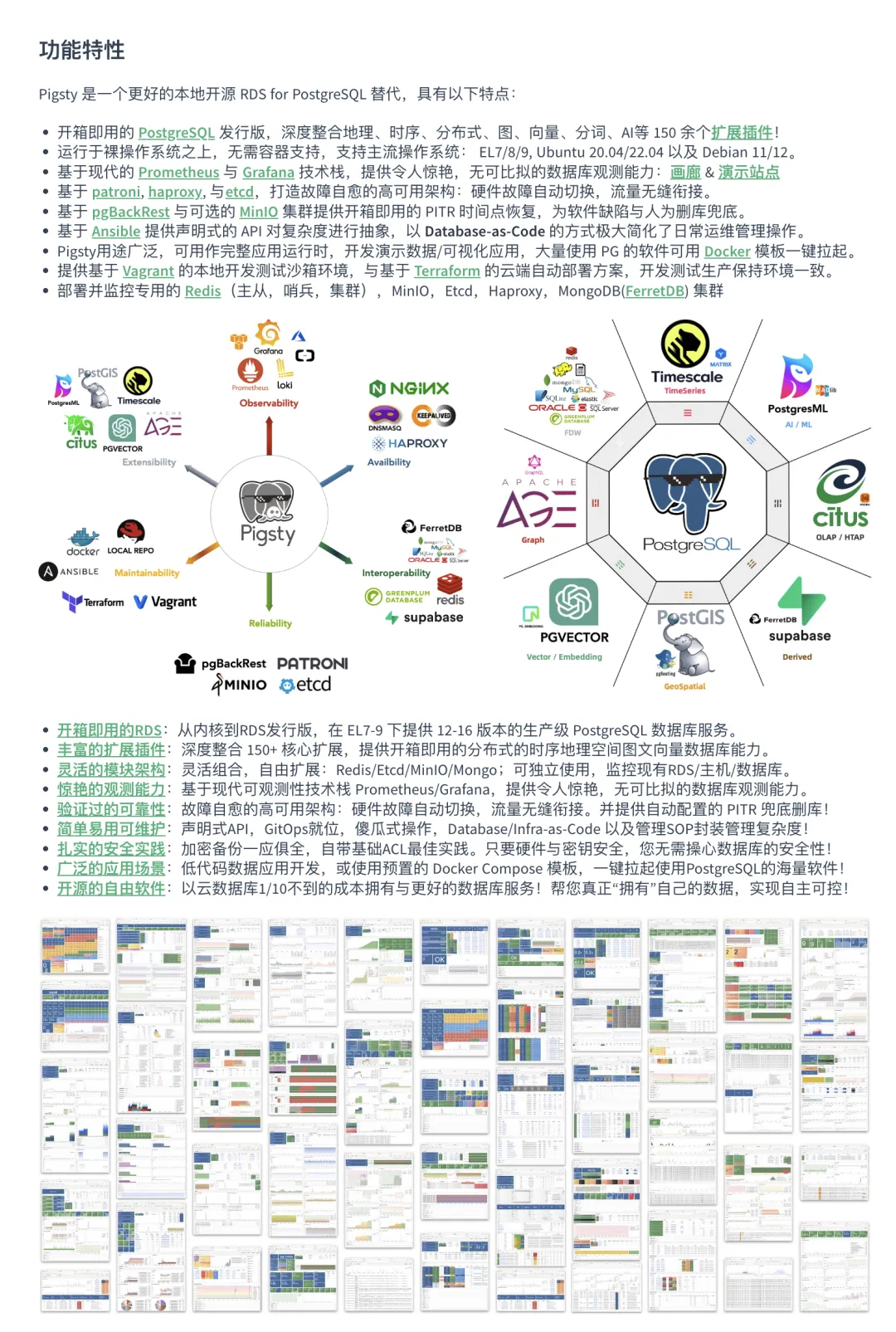
Ubuntu/Debian Support
Pigsty now supports Ubuntu and Debian operating systems (referred to as Deb support). Users have been requesting Ubuntu and Debian support since the 0.x era two years ago, so this is something that felt both important and right to do.
As a database distribution that builds on bare operating systems, supporting a new OS isn’t as simple as containerized databases just packaging an image. There’s substantial adaptation work required. The first challenge is package availability — Prometheus, for example, doesn’t have an official DEB repository, so we had to maintain our own packaging and provide a repository.
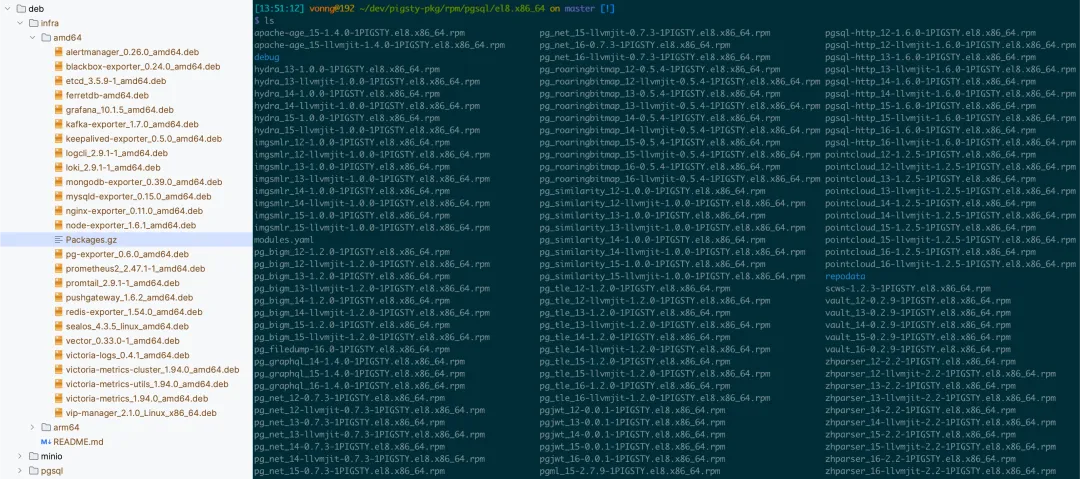
Pigsty-maintained APT/YUM repositories
The massive differences in package management require rewriting the entire bootstrap / local repository build logic for Deb systems. Distro FHS and convention differences need case-by-case handling. You’re not just dealing with PostgreSQL kernel and 100+ extensions — there’s also etcd, minio, redis, grafana, prometheus, haproxy, and various other components. Fortunately, Pigsty has overcome these issues, giving Ubuntu/Debian the same smooth experience as EL 7-9.
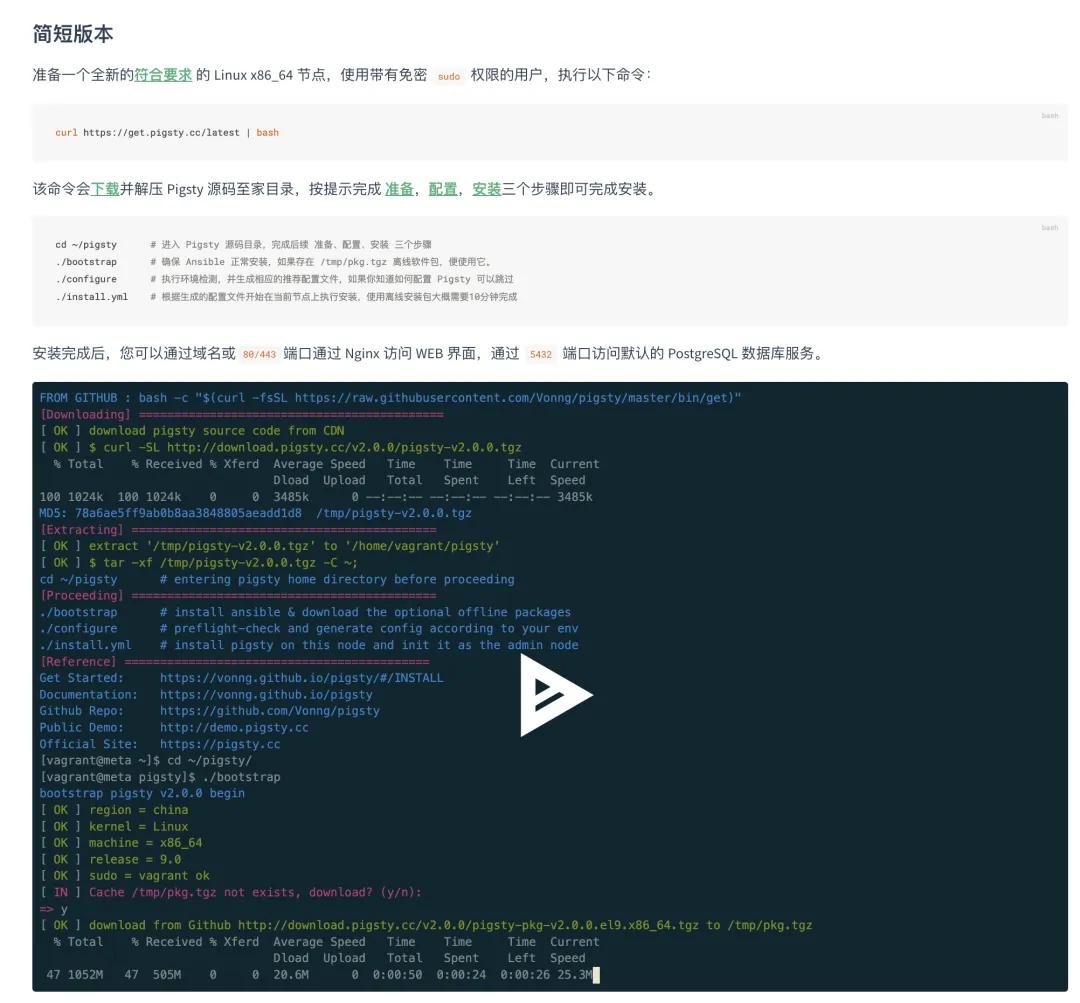
One-click Pigsty installation
In terms of user experience, Deb support has an almost identical feature set to EL. The only exception is that Supabase and its specialized extensions haven’t been fully ported yet. Beyond that, Deb has some unique extensions like the chemical formula extension RDKit, LiDAR point cloud extension pointcloud, and extended distance function package pg_similarity (the latter two have been backported to EL). To fully leverage PostgresML + CUDA capabilities, Ubuntu is essential.
Pigsty’s auto-configuration now detects Debian/Ubuntu systems, automatically using the corresponding config template for single-node installations. Deb templates differ from EL in only 8 parameter defaults — package names differ between distributions, so parameters like xx_packages need adjustment. The only other changes are upstream repos repo_upstream, local repo URLs node_repo_local_urls, and default pg_dbsu_uid (DEB packages don’t assign fixed UIDs).
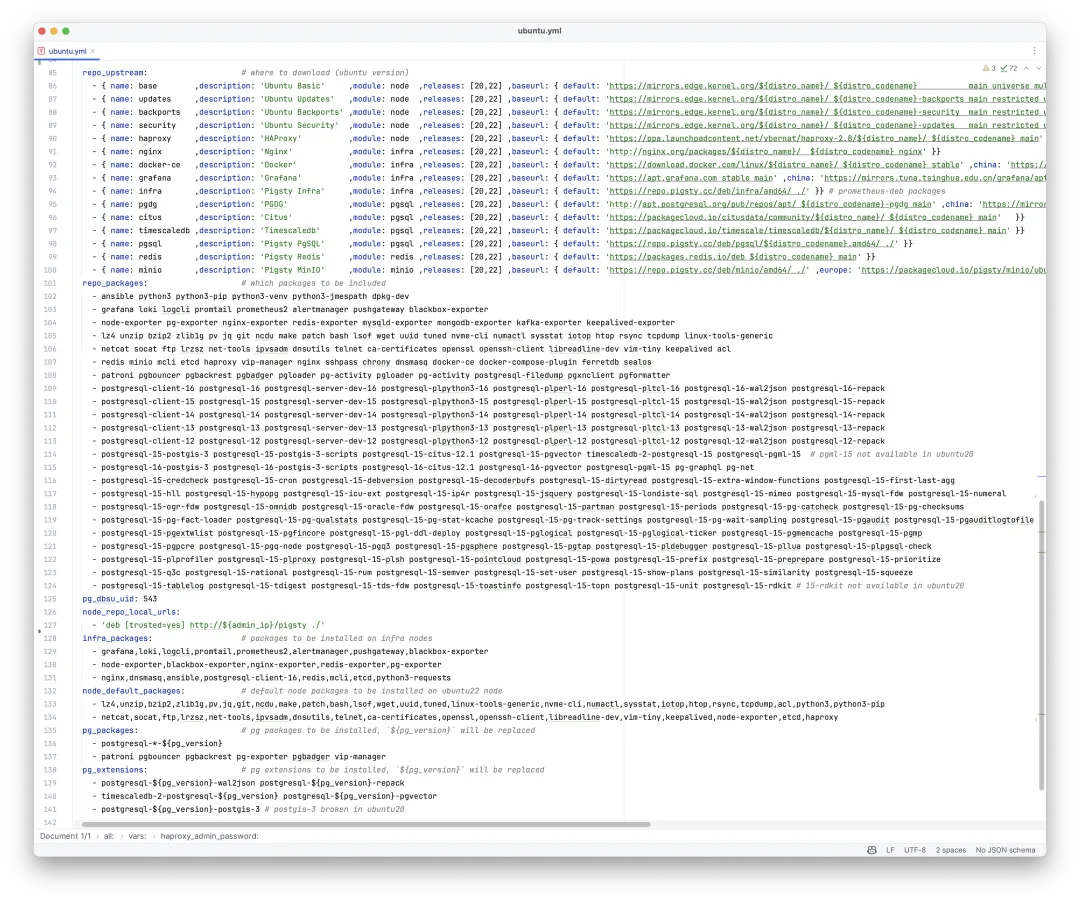
Declarative config file for Ubuntu systems
Users typically don’t need to adjust these parameters, so the Pigsty workflow on Deb systems is virtually identical. In fact, Pigsty’s offline package build template works exactly this way: completing full Pigsty installations on seven different operating systems at once, without any special handling.
New Extensions
Pigsty v2.5 includes several user-requested extensions. First up is PostgresML. While the previous version already supported PostgresML on EL8/EL9, AI work is almost universally done on Ubuntu — at minimum, CUDA driver installation is much easier.
So in Pigsty v2.5, you can run native PostgresML clusters on Ubuntu. No fiddling with NVIDIA Docker or anything like that — just pip install the Python dependencies and you’re ready to go. Train models with SQL, invoke models, and complete your entire AI workflow within the database!
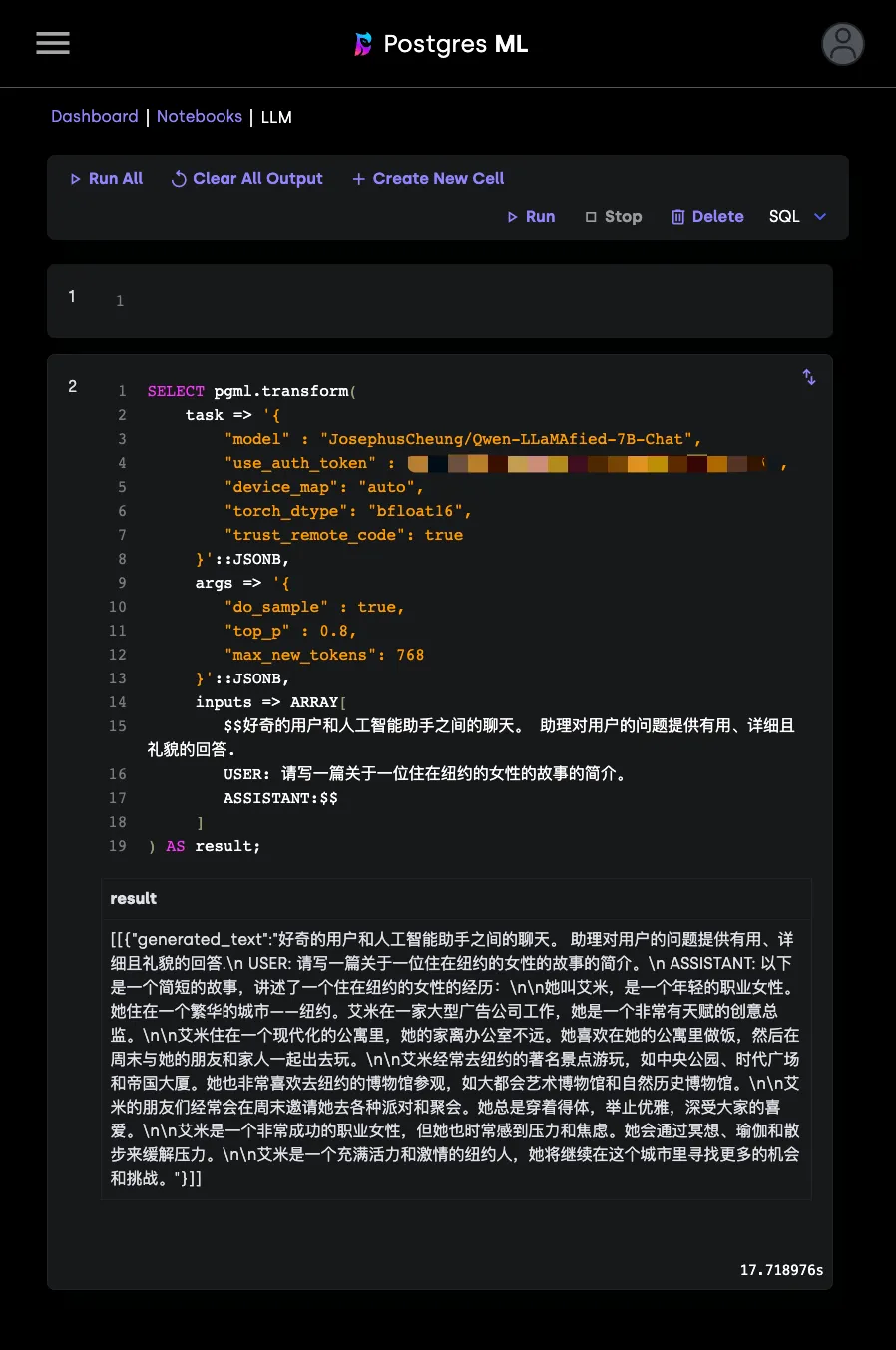
The second noteworthy extension is pointcloud. Thanks to PostGIS, PostgreSQL has always been a favorite of autonomous driving/EV companies. PointCloud extends PostgreSQL and PostGIS’s power to a new frontier. LiDAR continuously scans surroundings and generates “point cloud” data. The pointcloud extension provides PcPoint & PcPatch data types and forty functions, allowing efficient storage, retrieval, and computation on ultra-high-dimensional point sets. This extension is natively available in the PGDG APT repository, and Pigsty has ported it to EL systems so all users can benefit.

imgsmlr is a reverse image search extension. While many AI models can now encode images into high-dimensional vectors for semantic search using pgvector, what makes imgsmlr interesting is that it requires no external dependencies and can complete all functionality within the database. In the author’s words: “My goal isn’t to provide the most advanced image search method, but to show you how to write a PostgreSQL extension for even non-typical database tasks like image processing.”
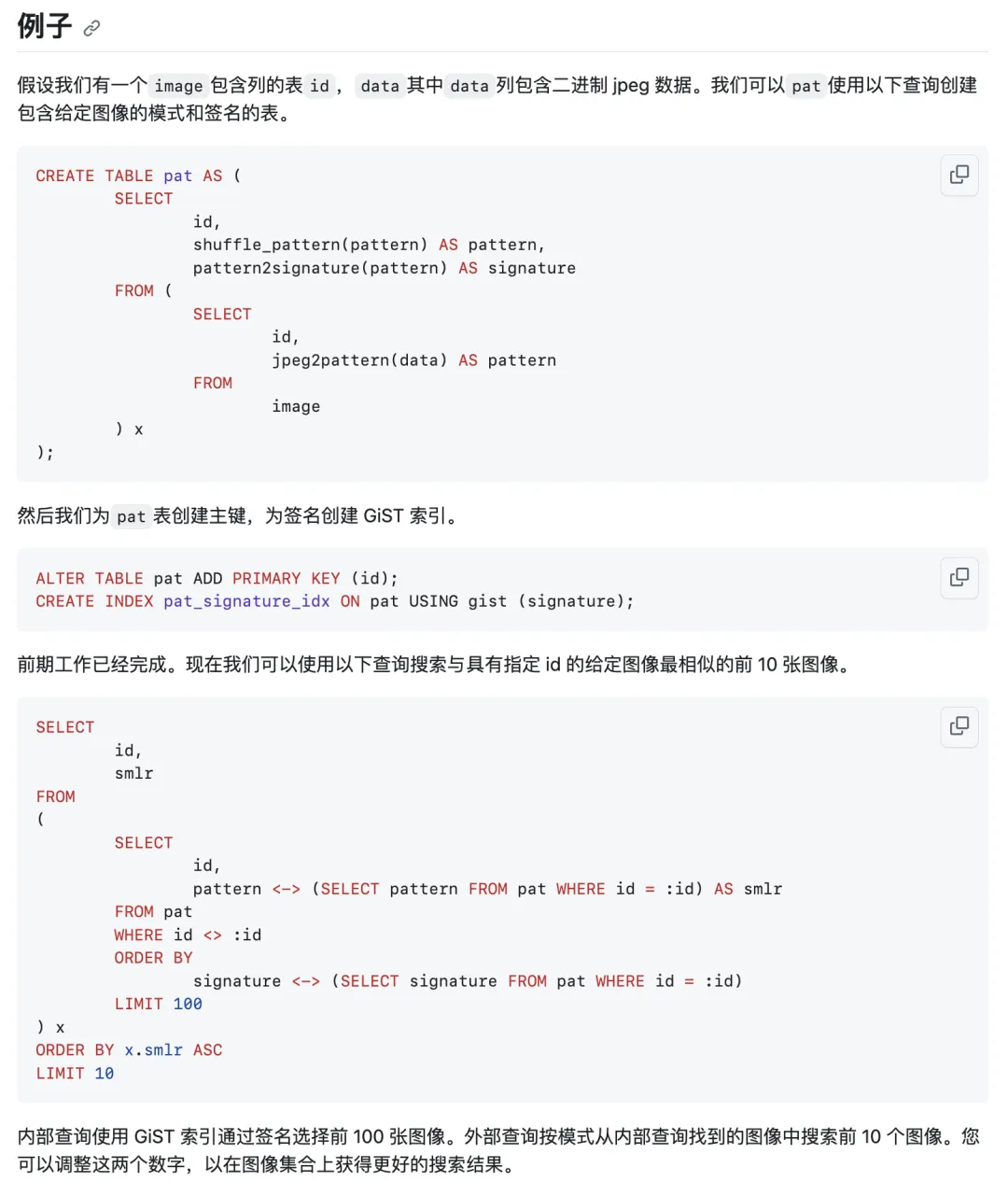
It first processes PNG/JPG images using Haar wavelet transform into 16K patterns and 64-byte signature digests, then uses GiST index retrieval on digests for efficient reverse image search. Using imgsmlr to retrieve the 10 most similar images from 400 million random images takes about 600ms.
Another interesting extension, pg_similarity, is available by default in Ubuntu/Debian APT repos, and Pigsty has ported it to EL. It provides efficient C implementations of 17 text distance metric functions, greatly enriching search and ranking capabilities. A related plugin is pg_bigm, similar to PostgreSQL’s built-in pg_trgm, except it uses bigrams instead of trigrams for fuzzy search, providing better full-text search support for CJK languages.
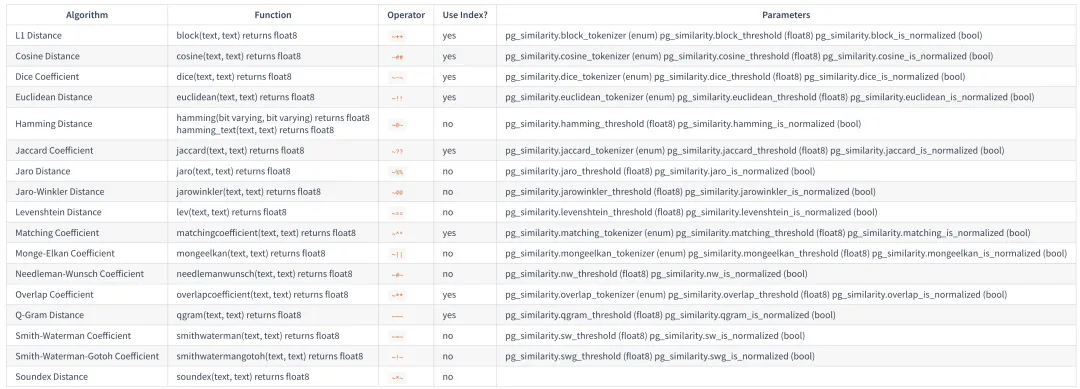
Additionally, we’ve updated Supabase support to the latest version: 20231013070755. You can self-host Supabase on EL8/EL9 systems using Pigsty’s PostgreSQL database.
Including PostgreSQL’s built-in extensions, Pigsty 2.5 supports 150+ extensions. Despite this abundance, note that they’re all optional. Pigsty provides pg_repack, wal2json, and passwordcheck_cracklib (EL) for all PostgreSQL major versions, with only the online bloat management extension pg_repack installed by default. Other extensions, if not installed, impose no extra burden on the system.
Monitoring System Updates
Pigsty v2.5 brings monitoring system adjustments, updating the long-standing pg_exporter to v0.6.0 with TLS support, fixing two dependency security issues, building ARM64 packages, and using the latest metrics definition files. Additionally, four shared buffer I/O related metrics were added to the pg_query collector, enriching the information in PGSQL Query.
First, the new PGSQL Patroni dashboard provides a complete view of cluster HA status. Very helpful for analyzing historical service health and failover causes.
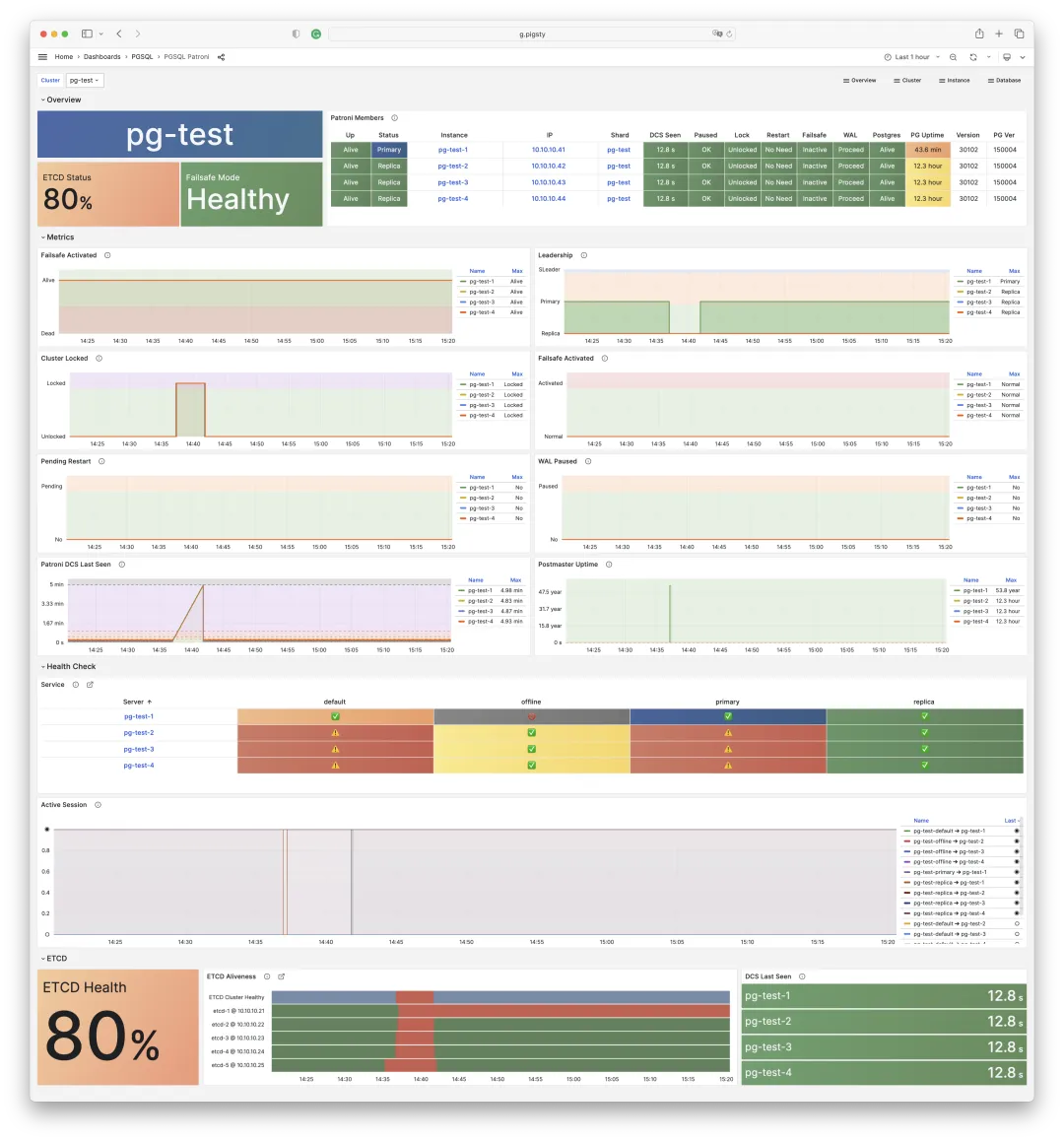
Then there’s PGSQL Exporter, providing detailed self-monitoring metrics and logs for PG Exporter and Pgbouncer Exporter. Useful for optimizing the monitoring system itself.
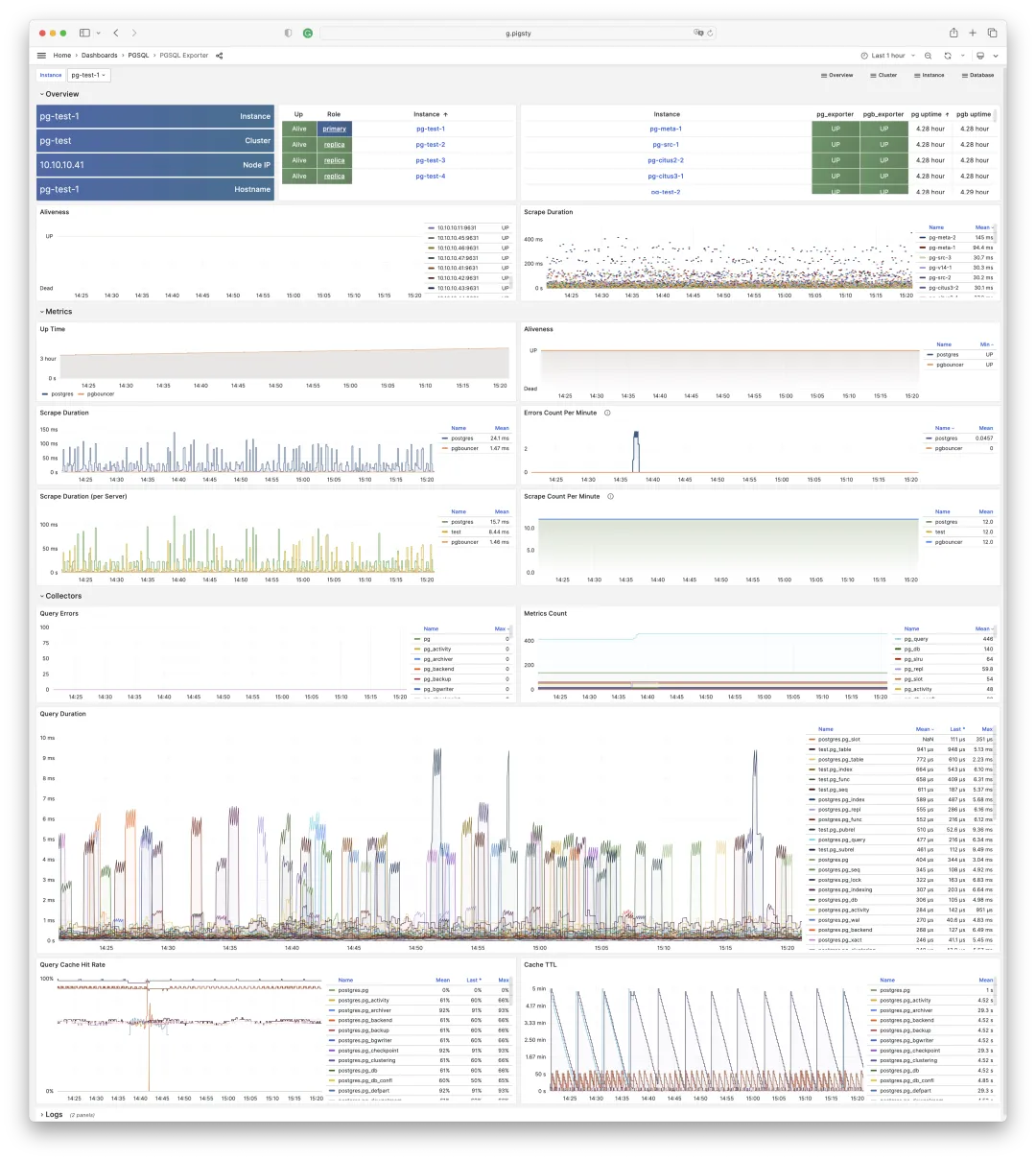
In component navigation panels across various dashboards, you can click Patroni/Exporter indicator tiles to jump directly to component details:
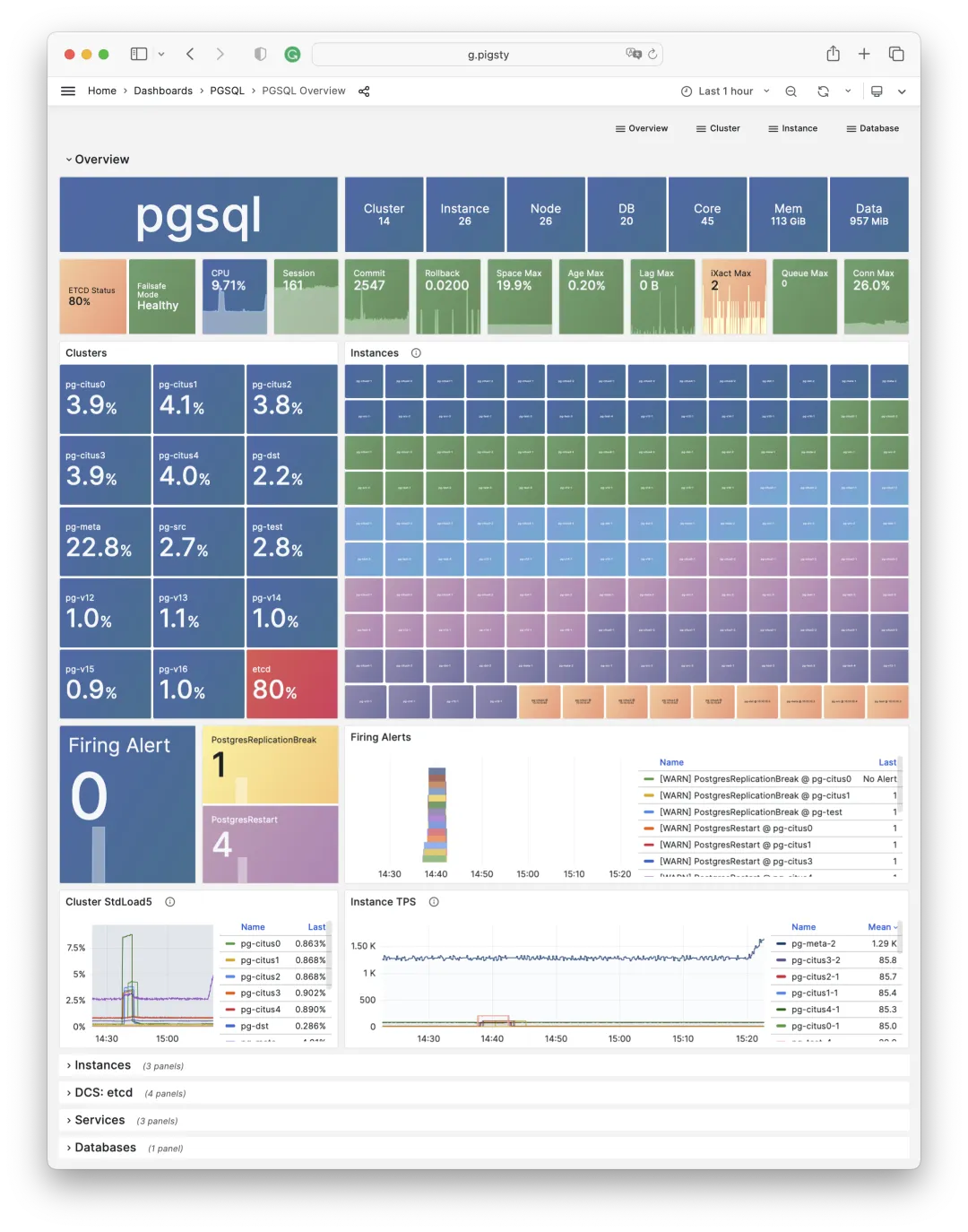
The PGSQL Query dashboard now has five sections: Overview, core QPS/RT metrics, time-differential metrics, call-differential metrics, and percentage metrics. Following macro-optimization methodology:
Reduce Resource Consumption: Lower saturation risk, optimize CPU/memory/IO, typically targeting total query time/IO. Uses dM/dt: metric M differentiated over time (per-second increments).
Improve User Experience: Most common optimization goal. In OLTP, typically targets reduced average query response time. Uses dM/dc: metric M differentiated over call count (per-call increments).
Balance Workload: Ensure proper proportions of resource usage/performance across query groups. Uses M%: percentage of a query class’s metric relative to totals.
The PGSQL first screen shows the most critical query performance metrics: QPS and RT — plus their 1/5/15-minute averages, jitter, and distribution ranges.
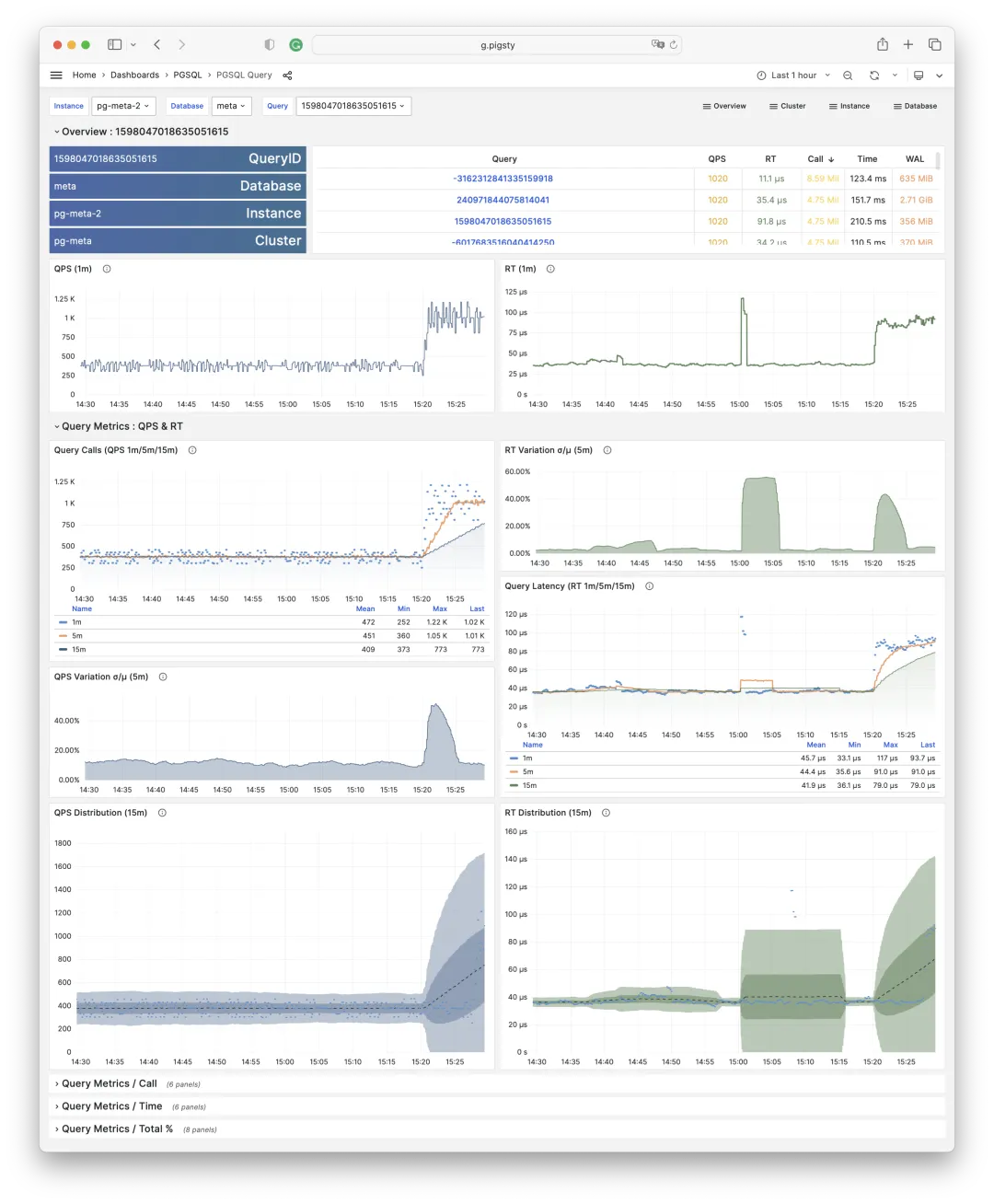
Next are dM/dc metrics for user experience optimization, where M includes:
- Average rows returned per query
- Average execution time per query
- Average WAL size per query
- Average I/O time per query
- Average buffer blocks read/written per query
- Average buffer blocks accessed/dirtied per query
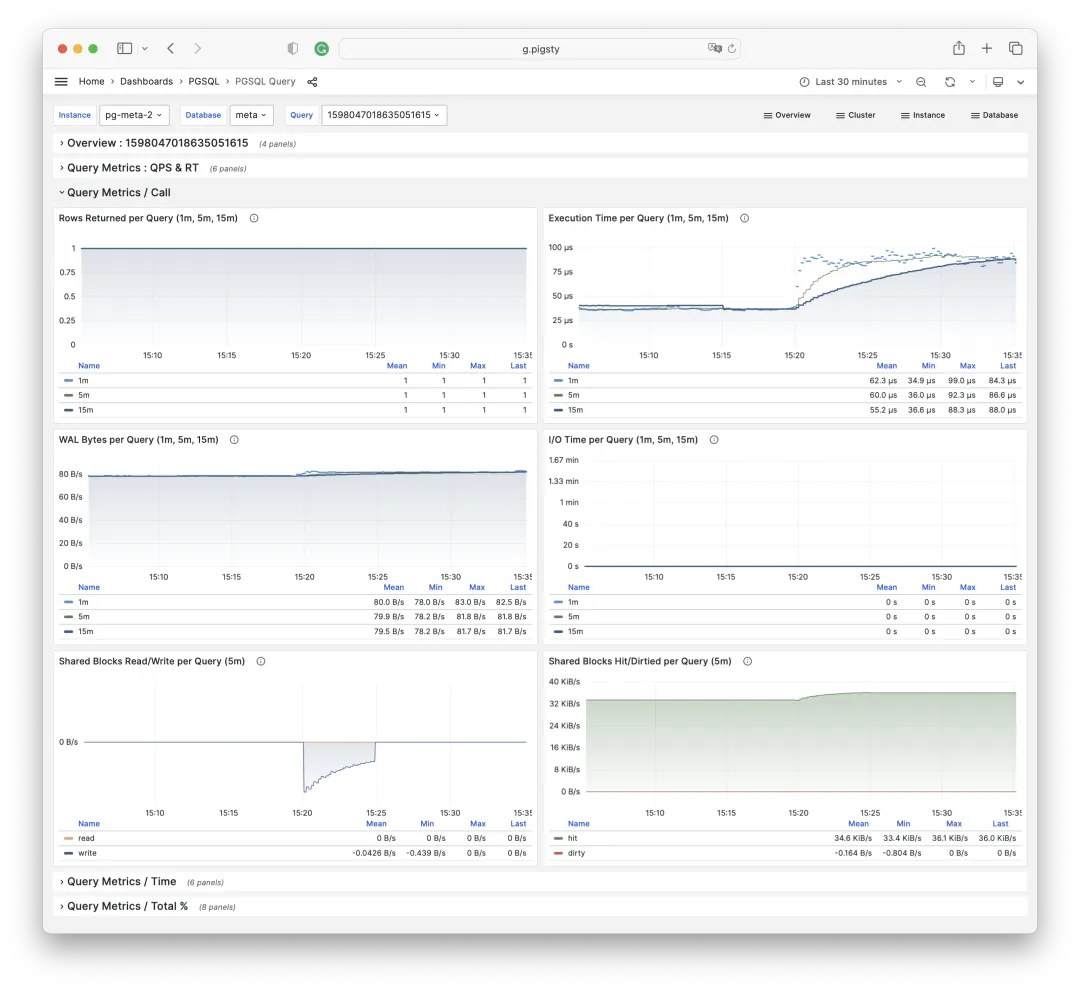
Then dM/dt metrics for resource consumption reduction, with similar M metrics but differentiated over time instead of call count:
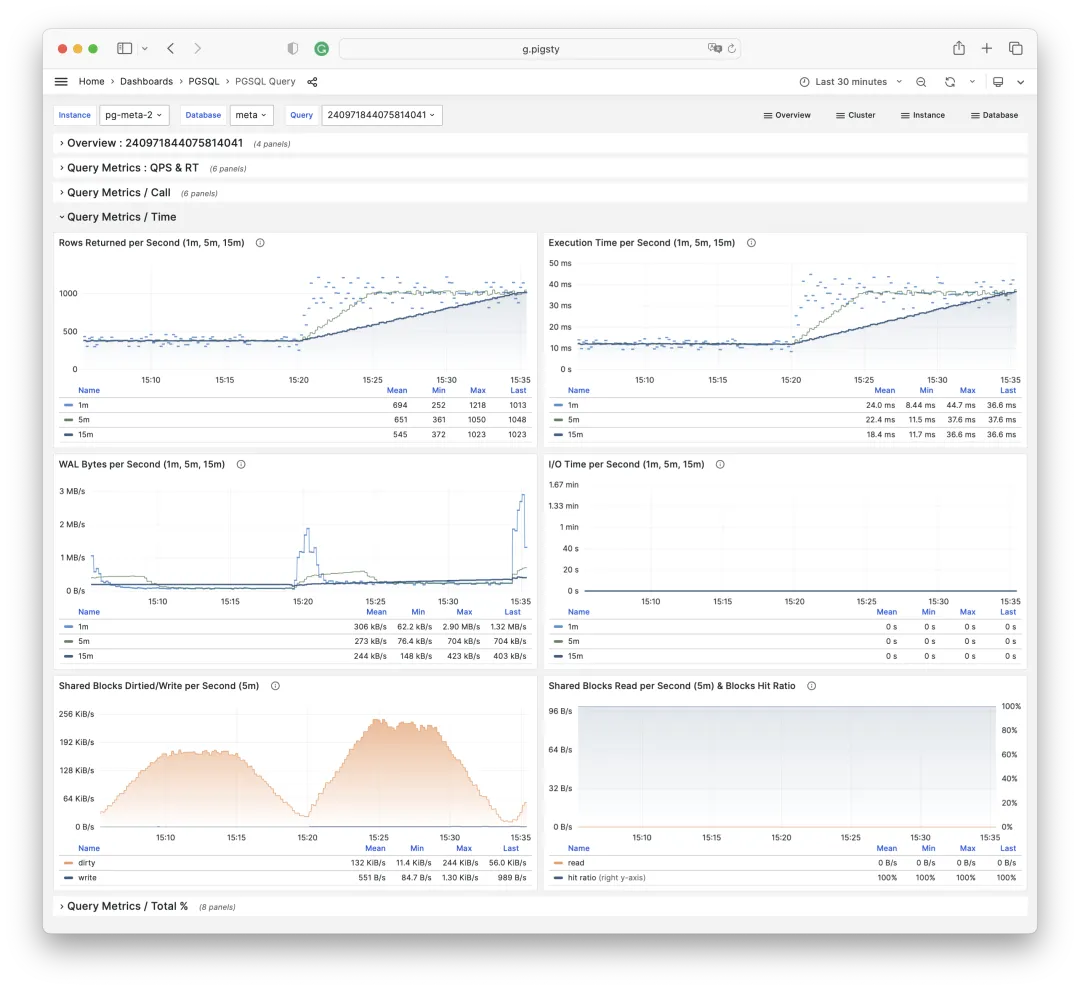
The final section shows %M metrics for workload balancing. Reveals a specific query group’s proportion and relative position in the overall workload, shown in bold. Click specific queries to navigate in-place — very convenient.
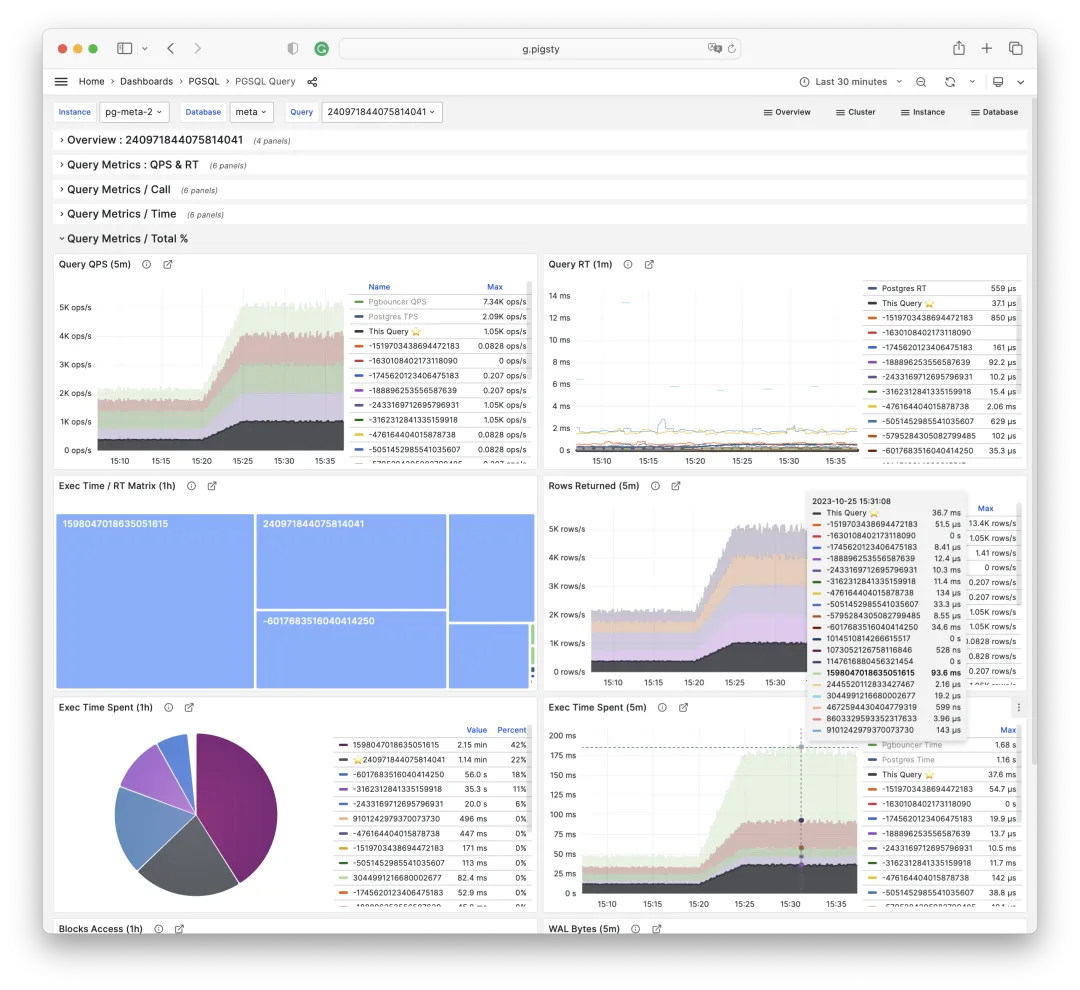
Beyond these three dashboards, Pigsty has optimized and fixed many other panels. Many panel info sections now provide more detail: what metrics the panel shows, what problems it solves, etc. We’ve also introduced three new Grafana plugins for CSV/JSON datasources and variable panels.
Release Notes
v2.5.0
Highlights
- Ubuntu / Debian support: bullseye, bookworm, jammy, focal
- CDN
repo.pigsty.ccsoftware repository providing RPM/DEB package downloads - Anolis OS support (compatible with EL 8.8)
- PostgreSQL 16 replaces PostgreSQL 14 as the alternative primary supported version
- New PGSQL Exporter / PGSQL Patroni dashboards, redesigned PGSQL Query dashboard
- Extension updates:
- PostGIS upgraded to 3.4 (EL8/EL9), EL7 remains on PostGIS 3.3
- Removed
pg_embeddingas developer discontinued maintenance, recommendpgvectorinstead - New extension (EL): Point cloud plugin
pointcloudsupport, natively available on Ubuntu - New extensions (EL):
imgsmlr,pg_similarity,pg_bigmfor search - Recompiled
pg_filedumpas PG version-independent package - Added
hydracolumnar storage extension,citusno longer installed by default
- Software updates:
- Grafana to v10.1.5
- Prometheus to v2.47
- Promtail/Loki to v2.9.1
- Node Exporter to v1.6.1
- Bytebase to v2.10.0
- Patroni to v3.1.2
- pgbouncer to v1.21.0
- pg_exporter to v0.6.0
- pgbackrest to v2.48.0
- pgbadger to v12.2
- pg_graphql to v1.4.0
- pg_net to v0.7.3
- FerretDB to v0.12.1
- SealOS to 4.3.5
- Supabase support to
20231013070755
Ubuntu Support Notes
Pigsty supports Ubuntu 22.04 (jammy) and 20.04 (focal) LTS versions with corresponding offline packages.
Compared to EL systems, some parameter defaults need explicit adjustment. See ubuntu.yml for details:
repo_upstream: Adjusted for Ubuntu/Debian package namesrepo_packages: Adjusted for Ubuntu/Debian package namesnode_repo_local_urls: Defaults to['deb [trusted=yes] http://${admin_ip}/pigsty ./']node_default_packages:zlib->zlib1g,readline->libreadline-devvim-minimal->vim-tiny,bind-utils->dnsutils,perf->linux-tools-generic- Added
aclpackage to ensure Ansible permissions work correctly
infra_packages: All packages with_replaced by-,postgresql-client-16replacespostgresql16pg_packages: Ubuntu conventionally uses-instead of_, no need to manually installpatroni-etcdpg_extensions: Extension names differ from EL, Ubuntu lackspasswordcheck_cracklibpg_dbsu_uid: Ubuntu DEB packages don’t specify explicit UID, manual specification required, Pigsty defaults to543
API Changes
Default value changes:
-
repo_modulesnow defaults toinfra,node,pgsql,redis,minio, enabling all upstream sources -
repo_upstreamchanged, now adds Pigsty Infra/MinIO/Redis/PGSQL modular software sources -
repo_packageschanged, removed unusedkarma,mtail,dellhw_exporter, removed PG14 main extensions, added PG16 main extensions, added virtualenv package -
node_default_packageschanged, now installspython3-pipby default -
pg_libs:timescaledbremoved from shared_preload_libraries, no longer auto-enabled by default -
pg_extensionschanged, Citus no longer installed by default,passwordcheck_cracklibinstalled by default, EL8,9 PostGIS default version upgraded to 3.4 -
All Patroni templates remove
wal_keep_sizeparameter by default to avoid triggering Patroni 3.1.1 bug, functionality covered bymin_wal_size
v2.5.1
Following PostgreSQL v16.1, v15.5, 14.10, 13.13, 12.17, 11.22 routine minor version updates.
All important PostgreSQL 16 extensions are now in place (added pg_repack and timescaledb support).
- Software updates:
- PostgreSQL to v16.1, v15.5, 14.10, 13.13, 12.17, 11.22
- Patroni v3.2.0
- PgBackrest v2.49
- Citus 12.1
- TimescaleDB 2.13
- Grafana v10.2.0
- FerretDB 1.15
- SealOS 4.3.7
- Bytebase 2.11.1
- Removed
monitorschema prefix from PGCAT dashboard queries (allowing users to installpg_stat_statementselsewhere) - New
wool.ymlconfig template designed for Alibaba Cloud free 99 ECS single-node - Added
python3-jmespathpackage for EL9 to fix jmespath missing after Ansible dependency update during bootstrap
13 - Pigsty v2.4: Monitor Cloud RDS
Originally published on VONNG.

PostgreSQL released its new major version 16 today, bringing a series of improvements. Pigsty followed up within 1 hour of release with Pigsty v2.4, providing complete support for PostgreSQL 16 GA. Additionally, v2.4 adds enhanced support for monitoring existing PG instances, especially RDS for PostgreSQL and PolarDB. Redis monitoring has been improved based on 7.x, with automated Sentinel-based high availability configuration.
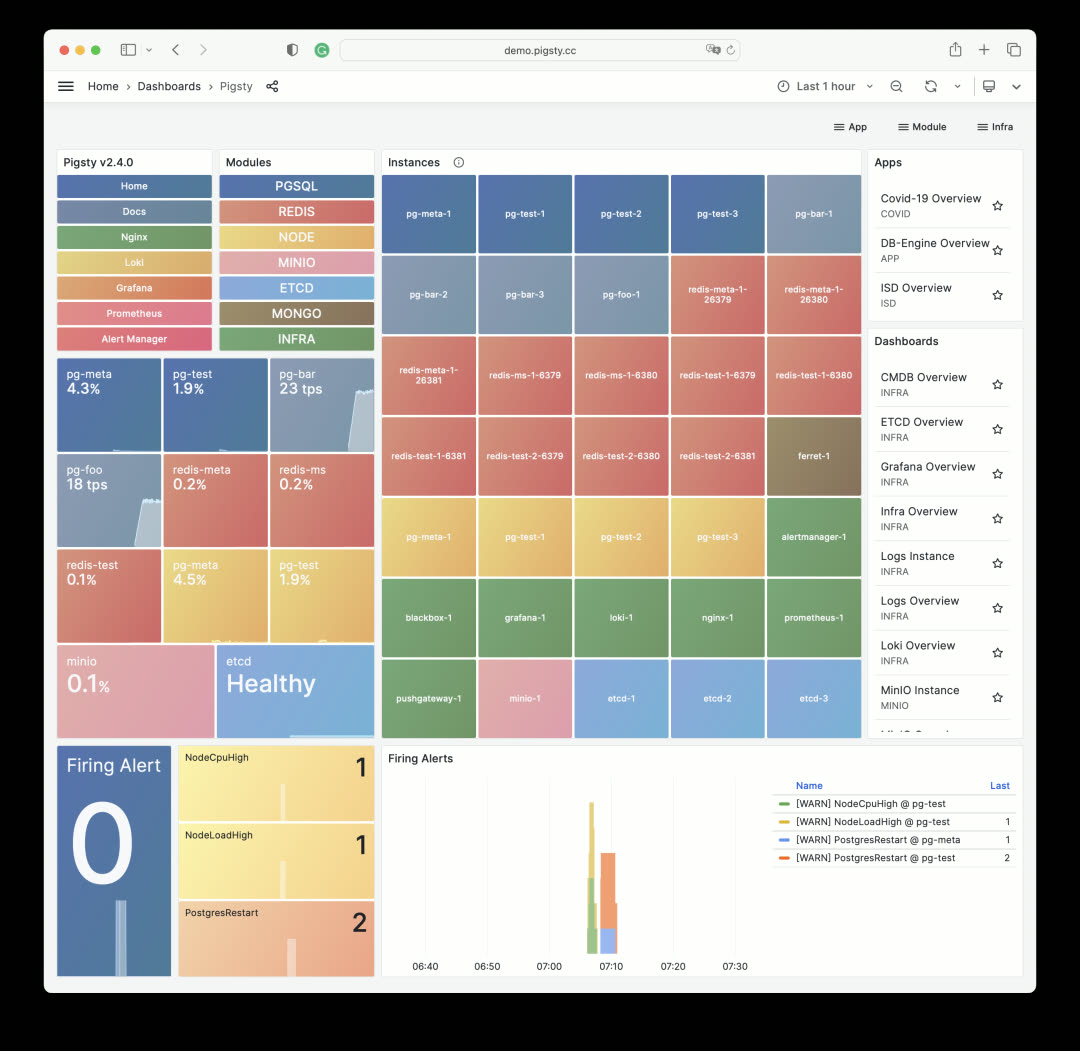
Highlights
- PostgreSQL 16 GA released, Pigsty provides support within 1 hour of release
- Monitor cloud databases: RDS for PostgreSQL and PolarDB, with brand-new PGRDS dashboards
- Commercial support and consulting services officially launched. First LTS version released, providing up to 5 years of support for subscribers
- New extension: Apache AGE — graph database query capability on PostgreSQL
- New extension: zhparser — Chinese word segmentation for full-text search
- New extension: pg_roaringbitmap — efficient RoaringBitmap implementation
- New extension: pg_embedding — another HNSW-based vector database plugin, alternative to pgvector
- New extension: pg_tle — AWS’s trusted language stored procedure management/publishing/packaging extension
- New extension: pgsql-http — send HTTP requests and handle responses using SQL interface
- Other new extensions: pg_auth_mon, pg_checksums, pg_failover_slots, pg_readonly, postgresql-unit, pg_store_plans, pg_uuidv7, set_user
- Redis improvements: Sentinel monitoring support, automatic HA configuration for primary-replica clusters
API Changes
- New parameter:
REDIS.redis_sentinel_monitor— specify list of primaries monitored by Sentinel cluster
PostgreSQL 16 Support
Pigsty is probably the first distribution to provide PostgreSQL 16 support — we’ve been tracking it since 16 beta1. So when PostgreSQL 16 was released, Pigsty completed GA support within an hour. You can already spin up PostgreSQL 16 high-availability clusters, though some important extensions aren’t yet available in the official PGDG repository, such as Citus and TimescaleDB. But other extensions are ready: including PostGIS 3.4, pgvector, pg_squeeze, wal2json, pg_cron, and extensions maintained and packaged by Pigsty: zhparser, roaringbitmap, pg_embedding, pgsql-http, and more.
PostgreSQL 16 brings practical new features: logical decoding and logical replication from standbys, new I/O statistics views, parallel execution of full joins, better freezing performance, new SQL/JSON standard function set, and regular expressions in HBA authentication.
Note that the official PGDG repository has decided to drop EL7 support for PostgreSQL 16, so PG16 is only available on EL8 and EL9 and compatible OS distributions.
Monitoring RDS and PolarDB
Pigsty v2.4 provides RDS monitoring support, with particular emphasis on PolarDB cloud database monitoring. When you only have a remote PostgreSQL connection string, you can use this method to integrate it into Pigsty monitoring.
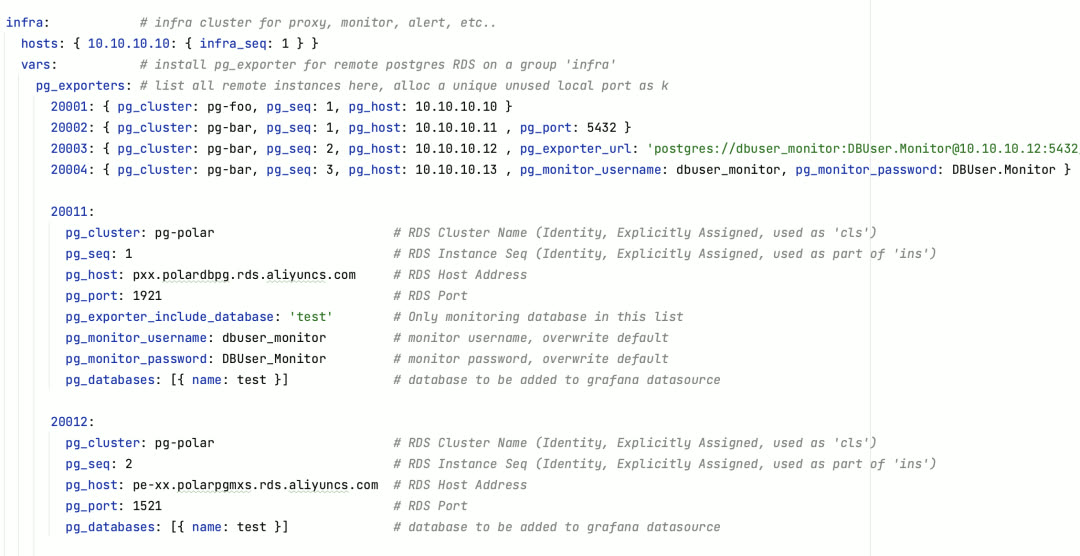
Example: Monitoring a primary-replica PolarDB RDS cluster
Pigsty v2.4 provides RDS monitoring support with special attention to PolarDB cloud database monitoring. When you only have a remote PostgreSQL connection string, you can bring it into Pigsty monitoring. Pigsty provides two brand-new dashboards: PGRDS Cluster and PGRDS Instance, for presenting complete RDS PG metrics.
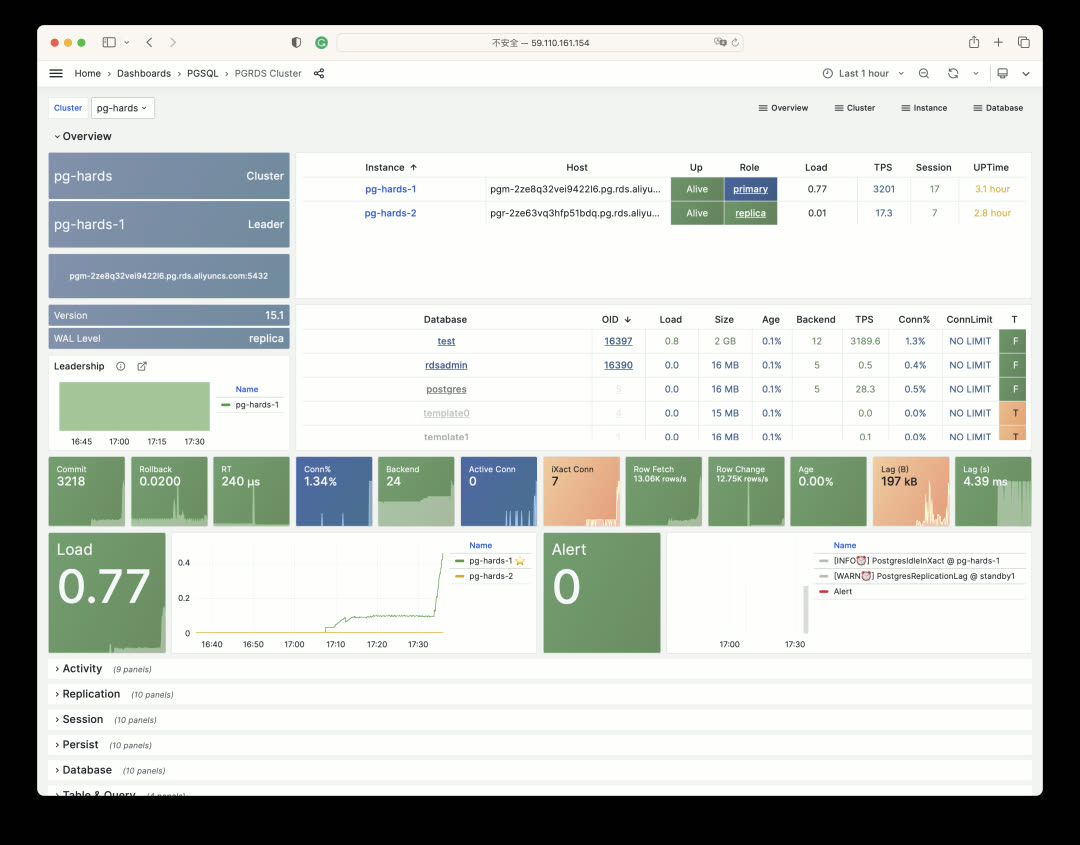
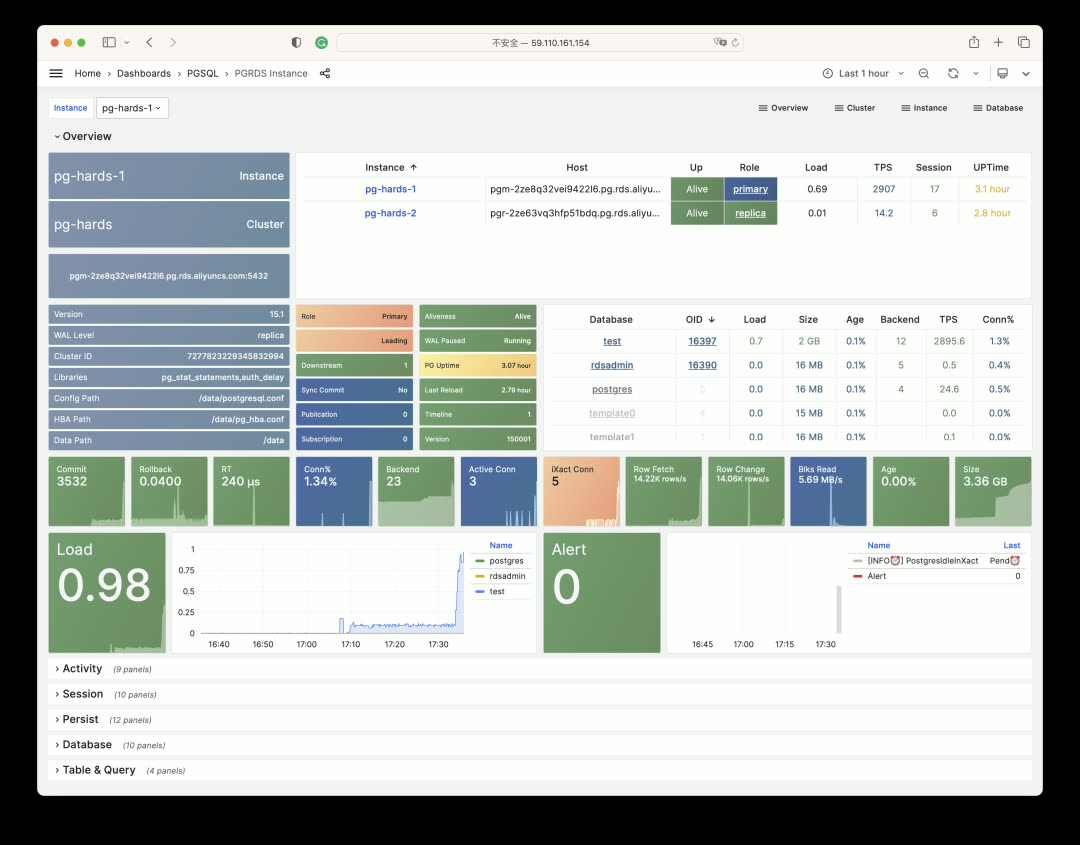

Commercial Support
Pigsty v2.4 is the first LTS version, providing 3 years of long-term support for enterprise subscribers. We’re also officially launching subscription and support services — contact us if interested.
https://pigsty.io/docs/support/
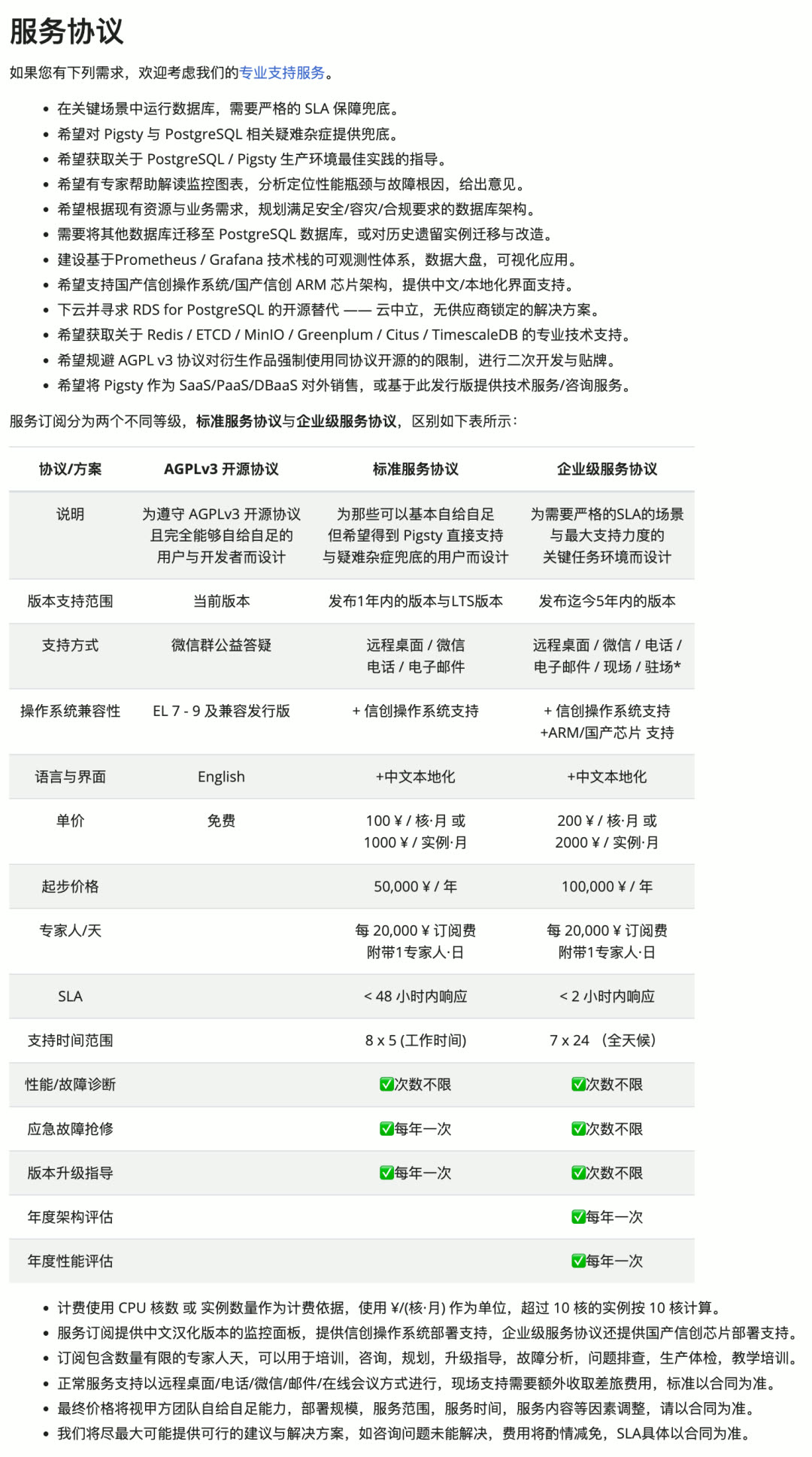
Redis High Availability
In Pigsty v2.4, we provide a new parameter redis_sentinel_monitor for automatically configuring high availability for classic Redis primary-replica clusters. This parameter can only be defined on Sentinel clusters, and primaries defined in it will be automatically managed by the Sentinel cluster.
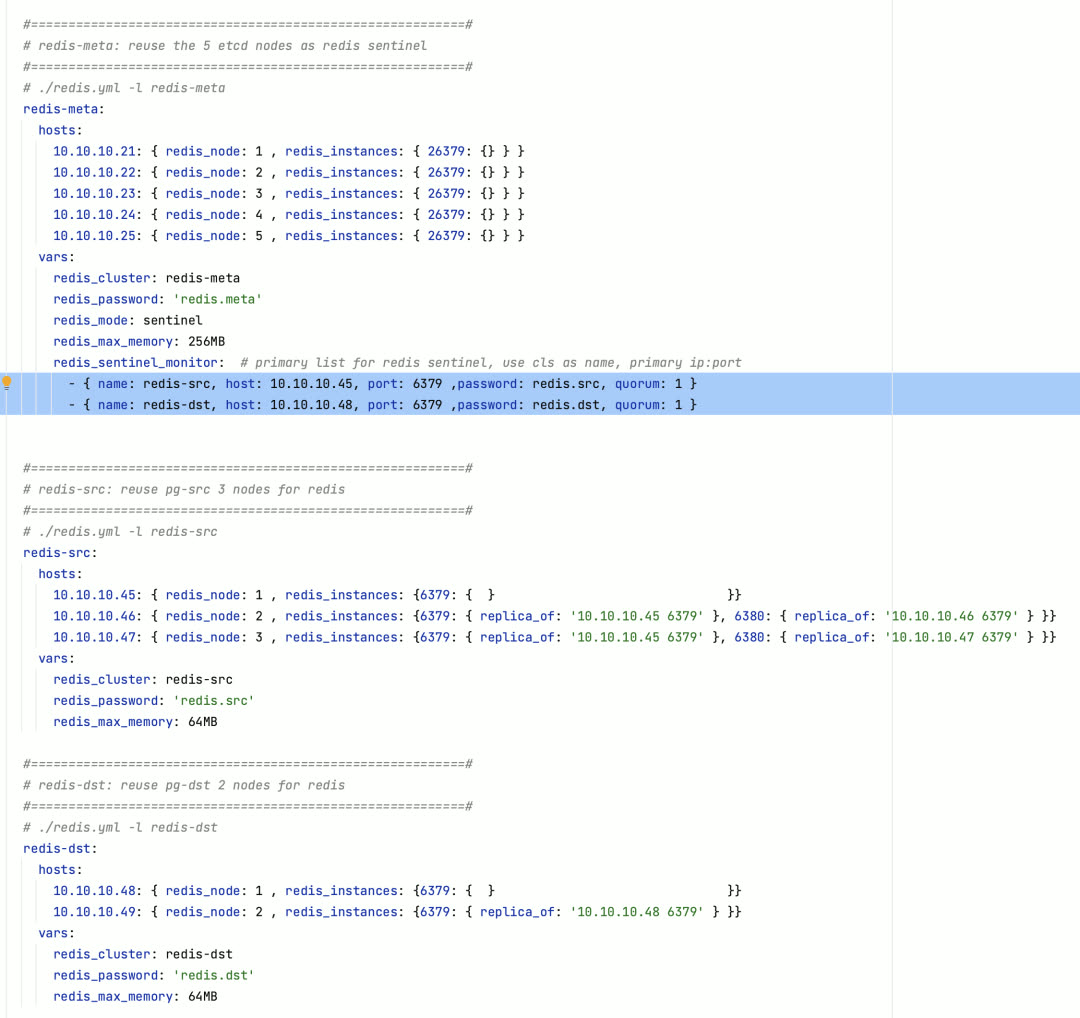
Meanwhile, we’ve added Sentinel-related metrics and panels to Redis monitoring, adapted for Redis 7.x’s new features.
New Extensions
Pigsty v2.4 provides a series of new extensions, including important ones not yet in the official PGDG repository. For example: graph database plugin Apache AGE, Chinese full-text search plugin zhparser, HTTP plugin pgsql-http, trusted extension packaging plugin pg_tle, bitmap plugin pg_roaringbitmap, and pg_embedding as an alternative vector database implementation to PGVector, and more.
All extensions are compiled and packaged for PostgreSQL 12 through PostgreSQL 16 on EL7 through EL9, though EL7 doesn’t yet support pg_tle and pg_embedding due to compiler version issues. These RPM packages are maintained by Pigsty and hosted in Pigsty’s own Yum repository.
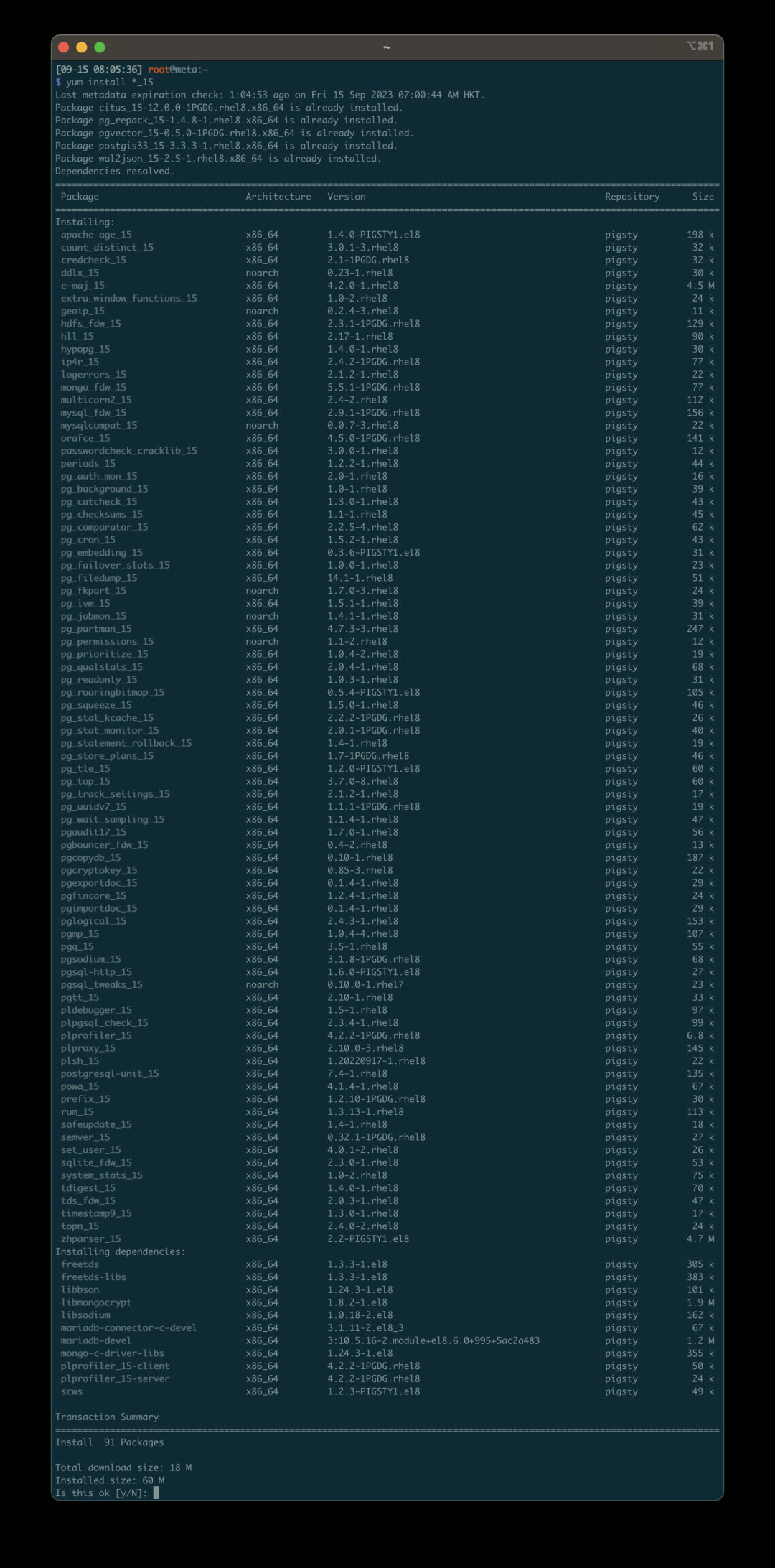
For example, you can use AGE to add graph database capabilities to PostgreSQL, create Graphs, and explore graph data using Cypher query language alongside SQL — achieving Neo4j-like functionality.
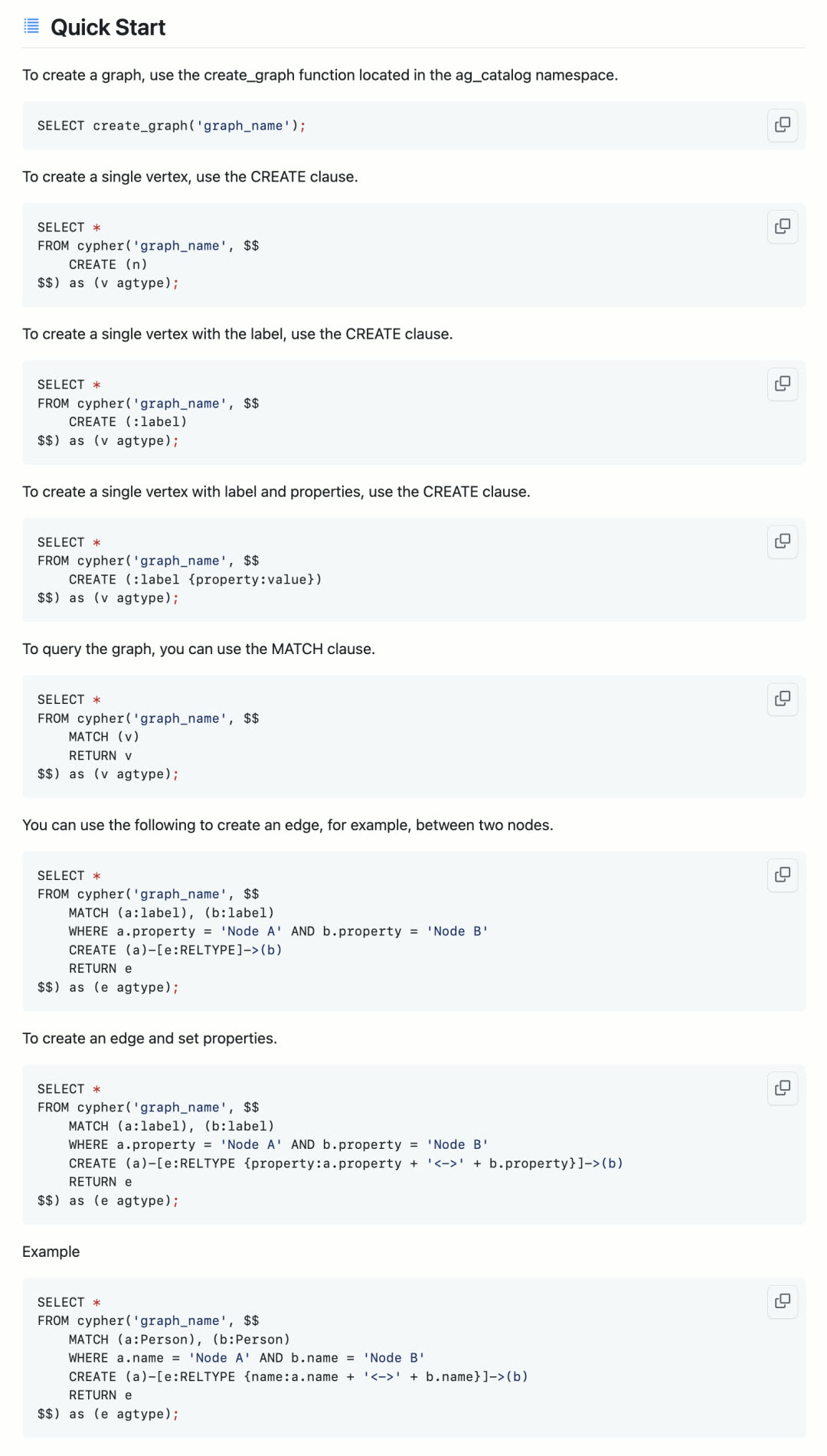
Or you can use the zhparser Chinese word segmentation plugin to split Chinese text and queries into keywords, using PostgreSQL’s classic full-text search capability to achieve search engine and ElasticSearch-like functionality.
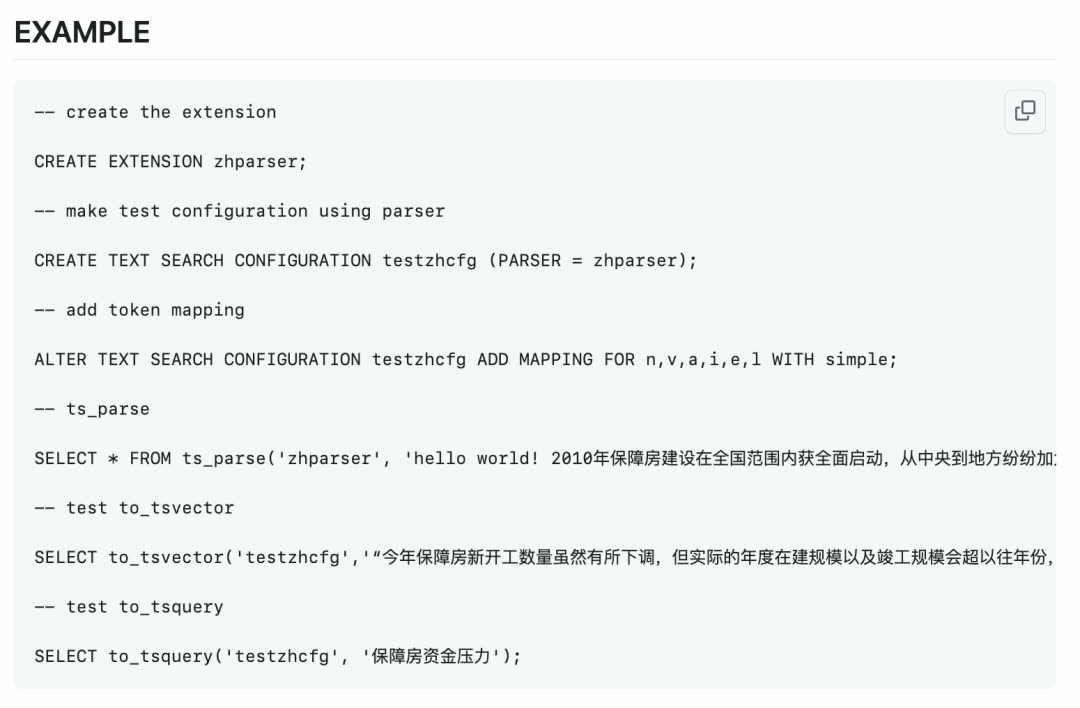
Even more impressively, you can use the pgsql-http plugin to send HTTP requests and process HTTP responses using a SQL interface. This enables deep integration and interaction between the database and external systems, opening up endless possibilities:
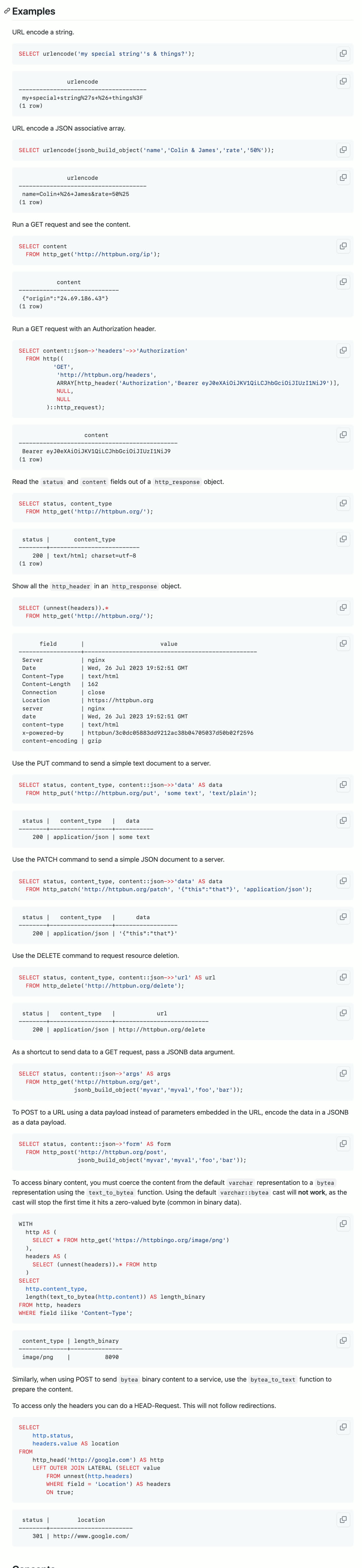
You can also use roaringbitmap to efficiently perform counting statistics with minimal resources:
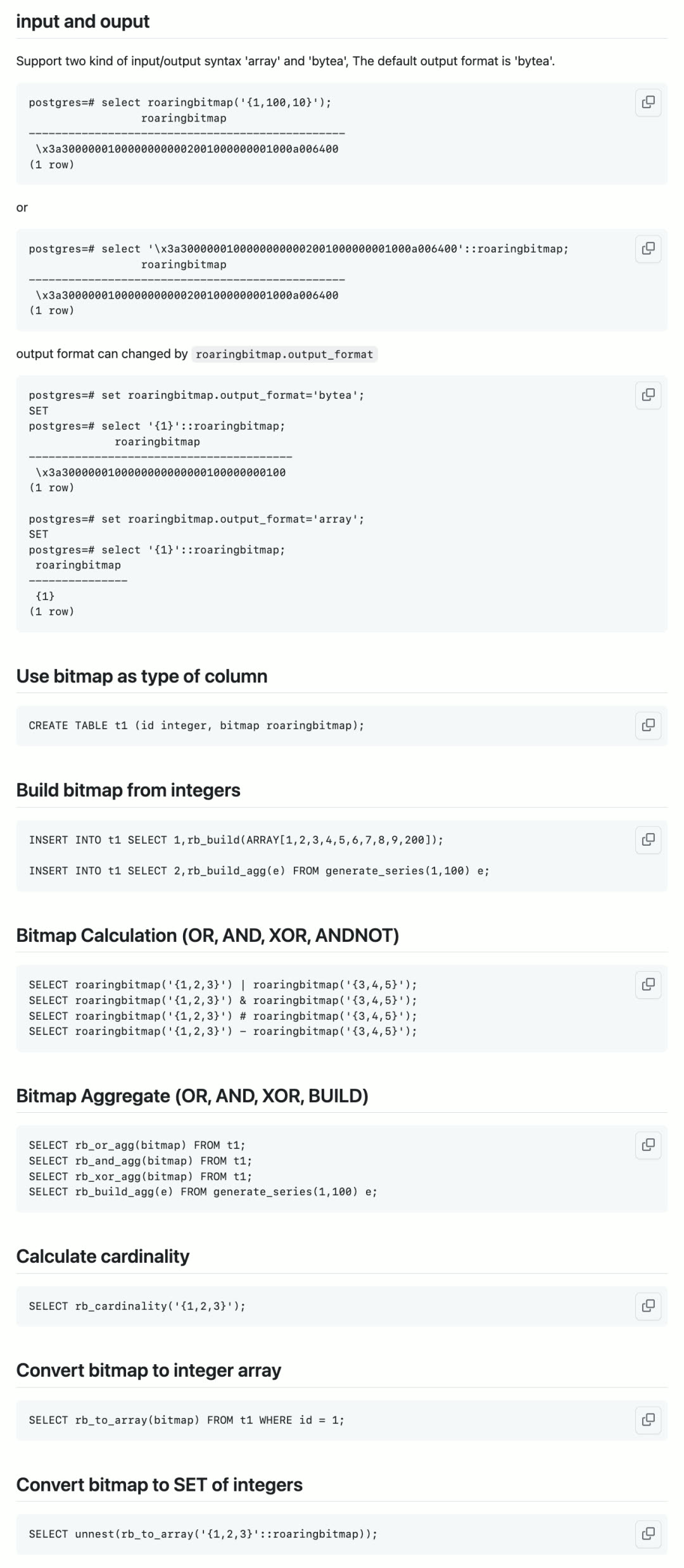
We won’t go into all the details here — we’ll publish dedicated articles introducing how to use these powerful extensions.
v2.4.0 Release Notes
Highlights
- PostgreSQL 16 GA released, Pigsty provides support
- Monitor cloud databases: RDS for PostgreSQL and PolarDB with brand-new PGRDS dashboards
- Commercial support and consulting services officially launched. First LTS version released, providing up to 5 years of support for subscribers
- New extension: Apache AGE, openCypher graph query engine on PostgreSQL
- New extension: zhparser, full text search for Chinese language
- New extension: pg_roaringbitmap, roaring bitmap for PostgreSQL
- New extension: pg_embedding, HNSW alternative to pgvector
- New extension: pg_tle, admin/manage stored procedure extensions
- New extension: pgsql-http, issue HTTP requests with SQL interface
- Additional extensions: pg_auth_mon, pg_checksums, pg_failover_slots, pg_readonly, postgresql-unit, pg_store_plans, pg_uuidv7, set_user
- Redis improvements: Sentinel monitoring support, automatic HA configuration for primary-replica clusters
API Changes
- New parameter:
REDIS.redis_sentinel_monitor— specify list of primaries monitored by Sentinel cluster
Bug Fixes
- Fixed missing
uidwhen registering datasources in Grafana 10.1
14 - Pigsty v2.3: Richer App Ecosystem
Originally published on VONNG.

Pigsty v2.3 is here! This release further refines the monitoring system, enriches the application ecosystem, and keeps pace with PostgreSQL’s routine minor version updates (CVE fixes).
Pigsty v2.3 follows PostgreSQL’s minor version updates including 15.4, 14.9, 13.12, 12.16, and 16 beta3, addressing a CVE security vulnerability. The HA controller Patroni is also upgraded to version 3.1, fixing several bugs.
v2.3 adds support for FerretDB — a truly open-source MongoDB alternative built on PostgreSQL. Users can access it with MongoDB clients, but all data is actually stored in the underlying PostgreSQL.
v2.3 also includes NocoDB by default: an open-source Airtable alternative. It’s a database-spreadsheet hybrid that lets you quickly build collaborative applications using a low-code approach.
Pigsty v2.3 introduces the ability to bind an L2 VIP to a host node cluster using the VRRP protocol to eliminate single points of failure across the entire chain, with full monitoring support: keepalived_exporter collects metrics, and every Node VIP (keepalived) and PGSQL VIP (vip-manager) is added to blackbox_exporter’s ICMP/PING monitoring list.
For monitoring, Pigsty v2.3 builds on v2.2’s foundation with additional polish: new VIP monitoring, VIP and node PING metrics prominently placed in NODE/PGSQL monitoring, a new lock wait tree view in PGSQL monitoring, Redis monitoring style updates, MinIO monitoring adapted to new metric names, and MySQL/MongoDB monitoring stubs laying groundwork for future implementation.
MongoDB Support?
MongoDB is a popular NoSQL document database. But due to licensing issues (SSPL) and positioning concerns (Postgres distribution), Pigsty chose to use FerretDB to provide MongoDB support. FerretDB is an interesting open-source project: it lets PostgreSQL provide MongoDB capabilities.
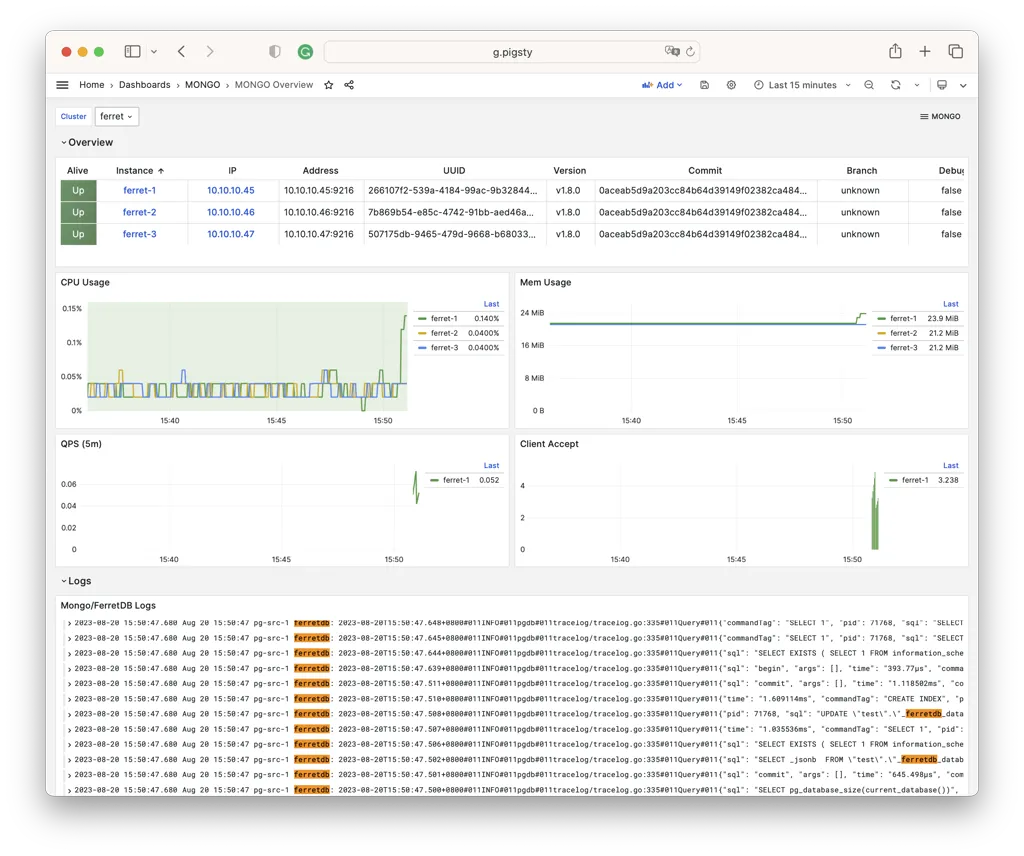
MongoDB and PostgreSQL are very different database systems: MongoDB uses a document model with its own query language. But since PostgreSQL offers complete JSON/JSONB/GIN functionality, this is theoretically entirely feasible: FerretDB translates your MongoDB queries into SQL queries:
Defining a FerretDB cluster in Pigsty is no different from other database types — you just need to provide core identity parameters: cluster name and instance number. The key parameter is mongo_pgurl, which specifies the underlying PostgreSQL address that FerretDB uses.
You can directly specify any PostgreSQL service address created by Pigsty. No special database configuration is needed — just ensure the user has DDL privileges.
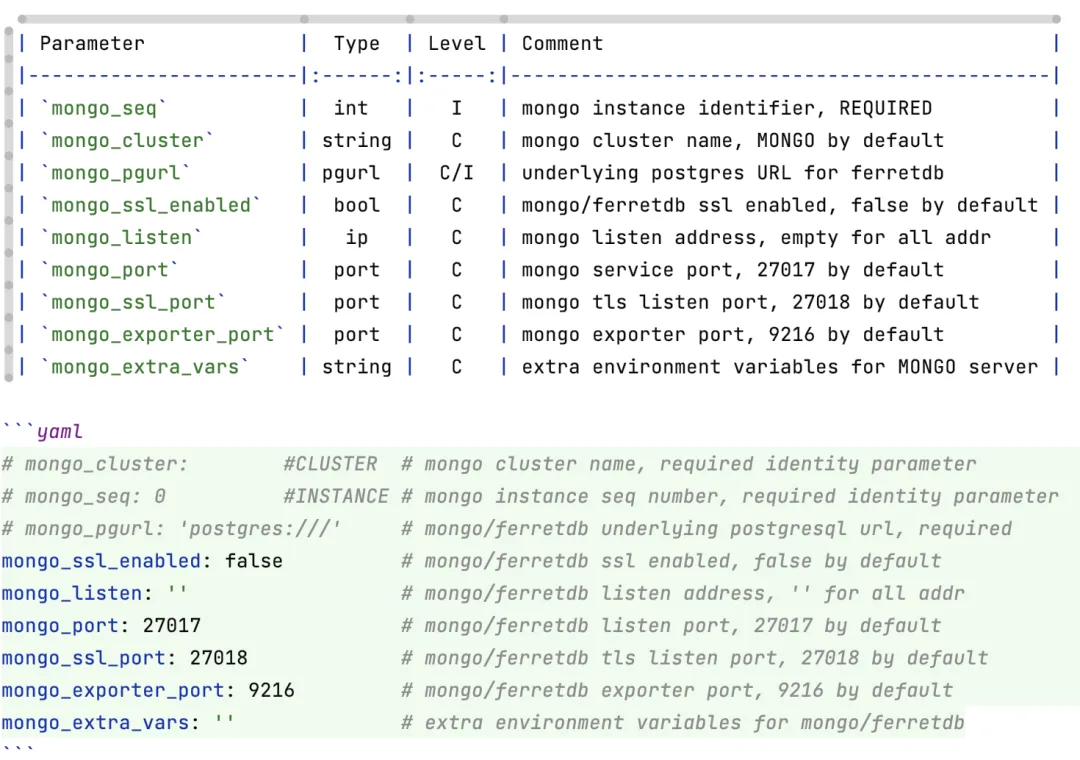
After configuration, run ./mongo.yml -l ferret to complete installation. If you prefer containers, you can also cd pigsty/app/ferretdb; make to spin up FerretDB via docker-compose. Once installed, use any MongoDB client to access FerretDB, such as MongoSH:
For users looking to migrate from MongoDB to PostgreSQL, this is a minimal-effort compromise solution. Pigsty also offers another approach via MongoFDW: query existing MongoDB clusters using SQL from within PostgreSQL.
New App: NocoDB
Pigsty v2.3 adds built-in support for NocoDB. Use the default Docker Compose template to spin up NocoDB with one command and use the built-in PostgreSQL for storage.
NocoDB is an open-source Airtable alternative. What’s Airtable? Think Google Docs / Google Sheets, but with extremely rich APIs and hooks that enable powerful functionality.
NocoDB transforms any relational database into a spreadsheet, running your own local cloud document software. It also lets users implement requirements via low-code approaches: for example, you can send auto-generated forms to others for filling out, with results automatically organized into real-time shared, collaborative, programmable multi-dimensional tables.
In Pigsty, spinning up NocoDB is dead simple — just one command. Modify the DATABASE_URL parameter in .env to use different databases.
Node VIP Support
Pigsty v2.3 introduces the ability to bind an L2 VIP to a host node cluster using the VRRP protocol to eliminate single points of failure across the entire chain, with complete monitoring support.
In ancient Pigsty versions (pre-0.5), keepalived-based L2 VIP was available but was later replaced by HAProxy + VIP-Manager: HAProxy works with any network, provides flexible health checks and traffic distribution, plus a simple admin interface. VIP-Manager binds an L2 VIP to the database cluster primary.
But the general L2 VIP requirement still exists. For example, if users choose HAProxy cluster access, how do you ensure HAProxy’s own reliability? While DNS-based load balancing works, VRRP clearly wins on reliability and ease of use. MinIO, ETCD, and Prometheus sometimes have similar needs.
Binding an L2 VIP to a cluster is simple: enable vip_enabled, assign a unique VirtualRouterID and VIP address within the VLAN. By default, all cluster members use BACKUP initial state in non-preemptive mode. Set vip_role and vip_preempt to change this behavior.
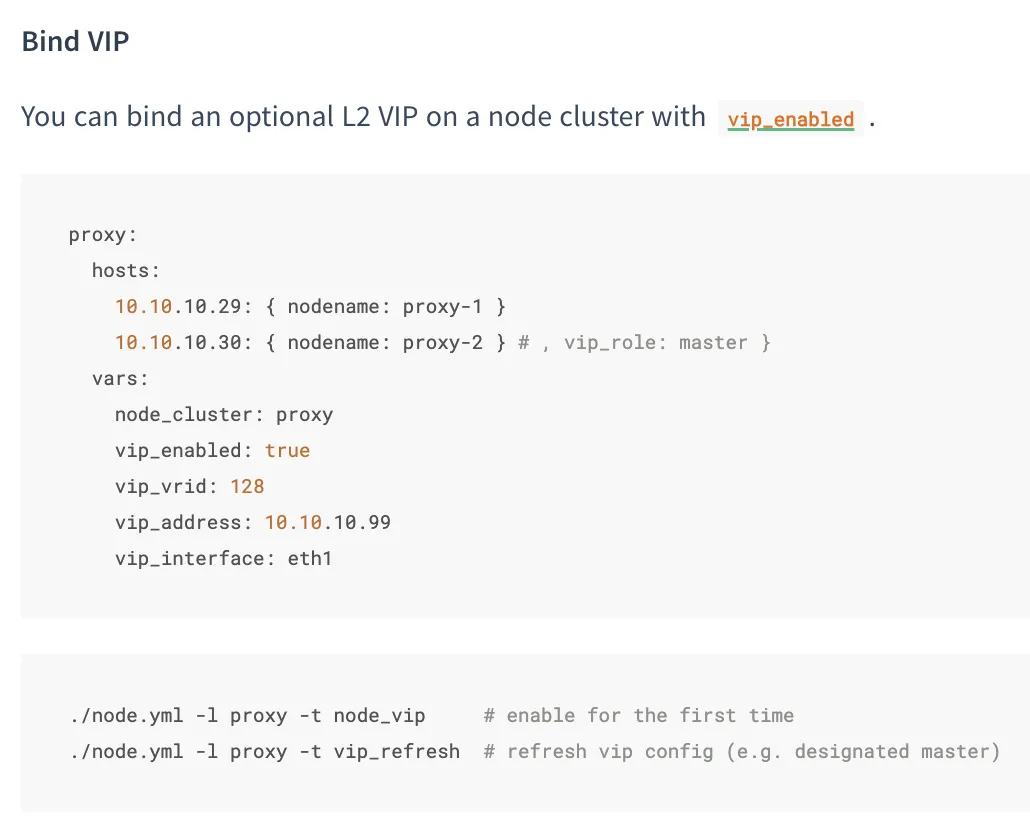
L2 VIPs are automatically monitored. When the MASTER goes down, BACKUP takes over immediately.
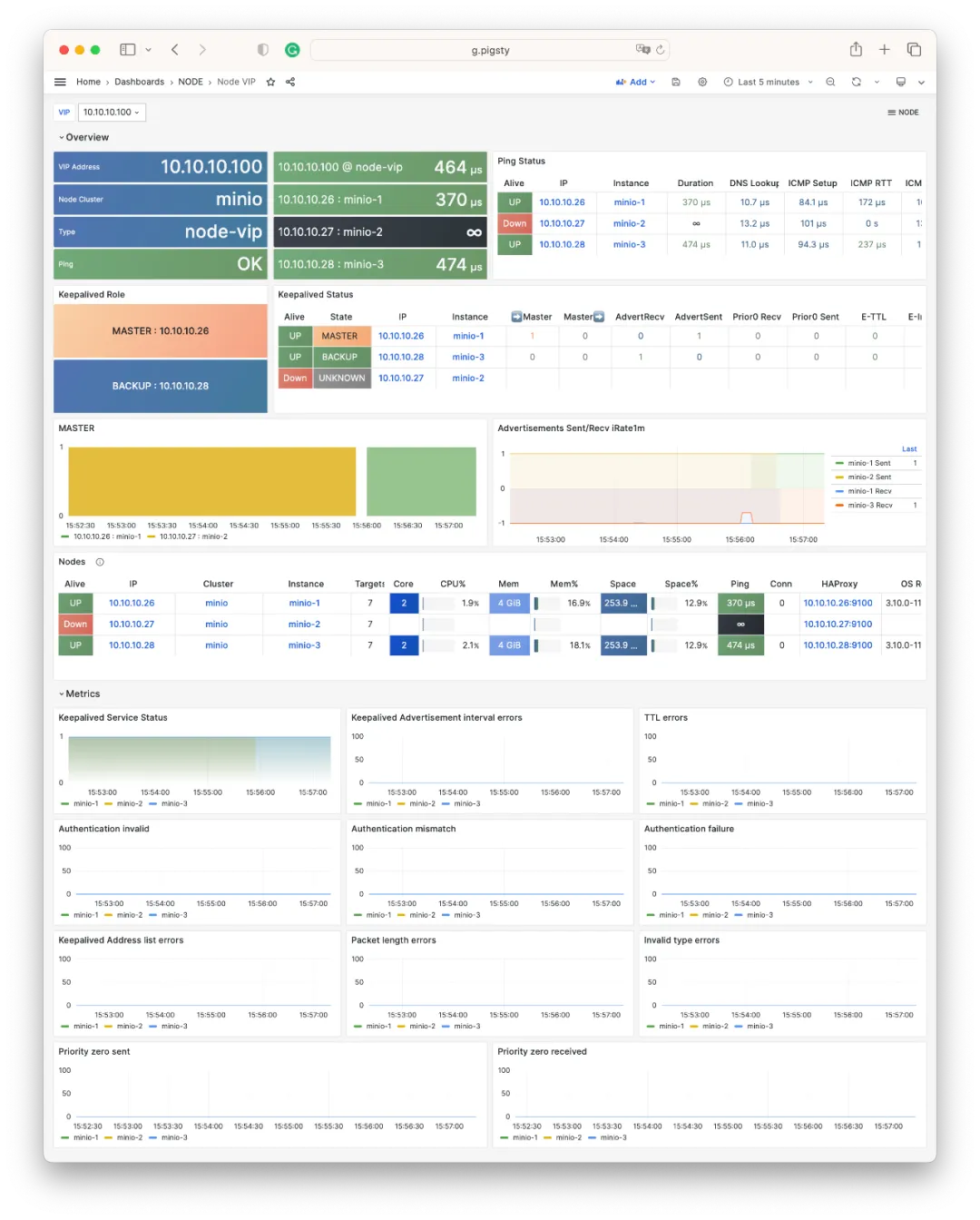
Monitoring Improvements
Pigsty v2.2 completely overhauled the monitoring system based on Grafana 10. v2.3 adds more refinements on top of v2.2.
For example, the new NODE VIP dashboard displays VIP status: owning cluster/members, network RT, keepalived state, and more.
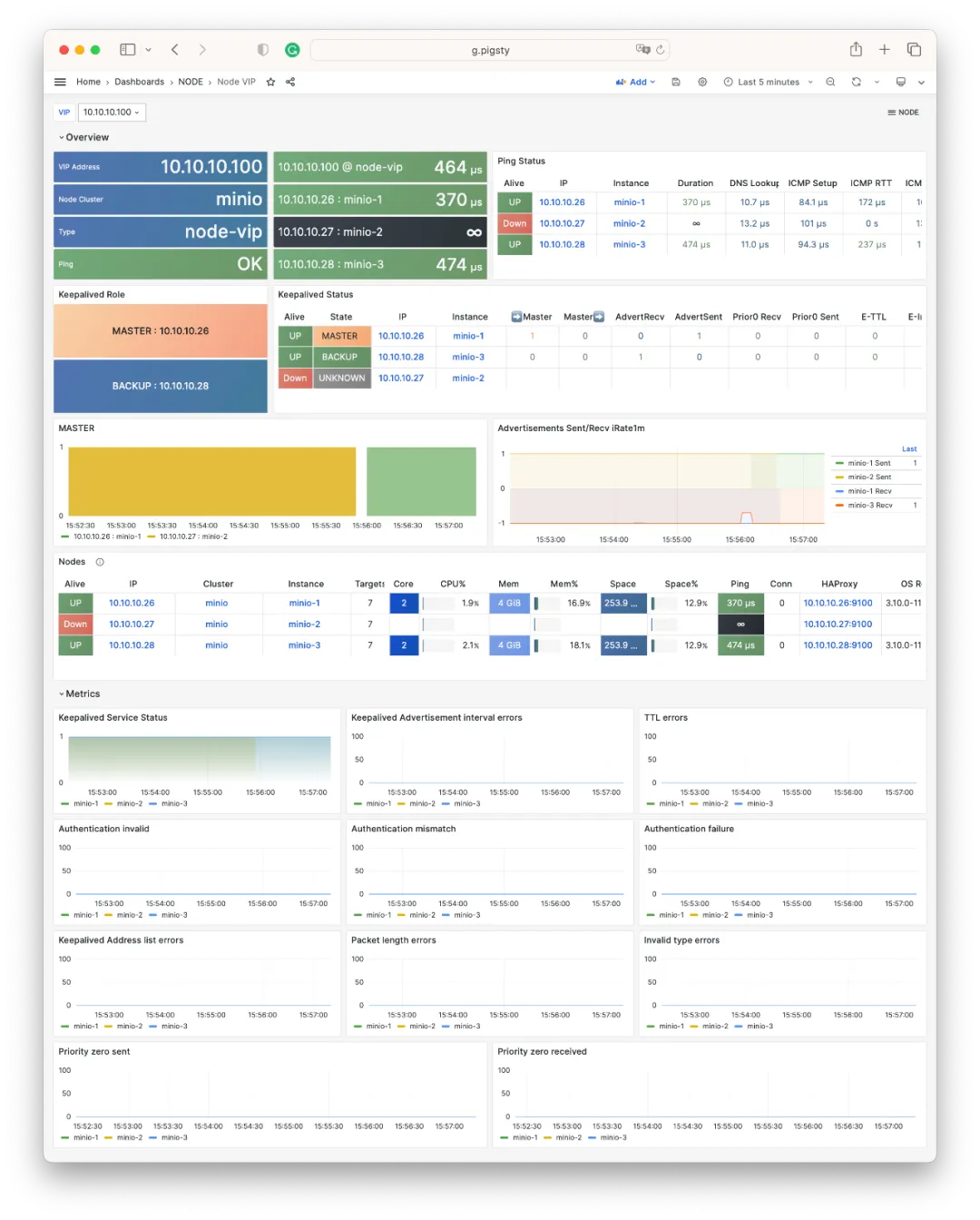
The image above shows live monitoring of an L2 VIP automatic failover: bound to a 3-node MinIO cluster. When the original Master (.27) goes down, (.26) takes over immediately.
The same information appears in prominent positions on NODE and PGSQL dashboards: for example, the Overview instance list now includes VIP quick navigation (purple):
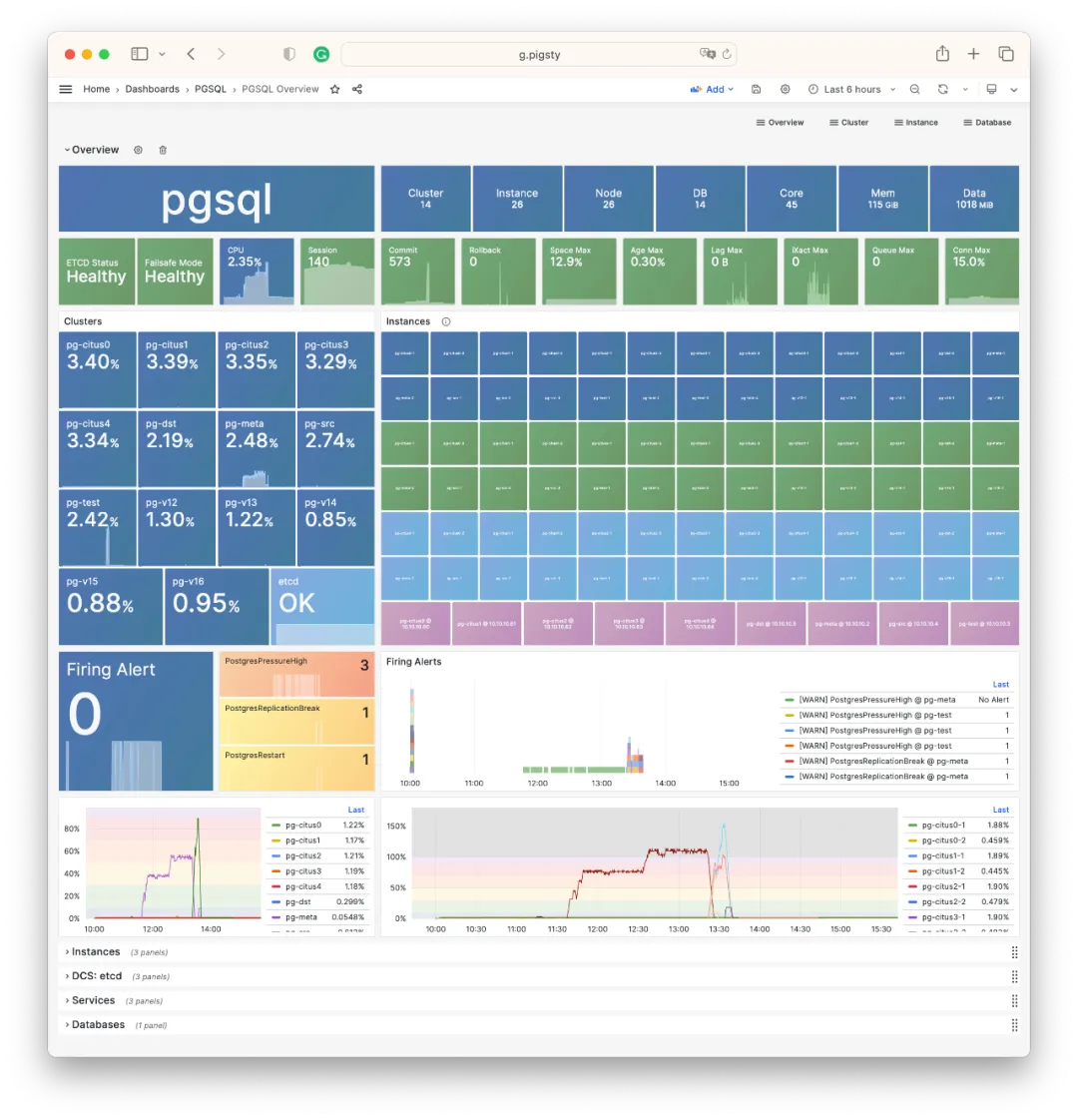
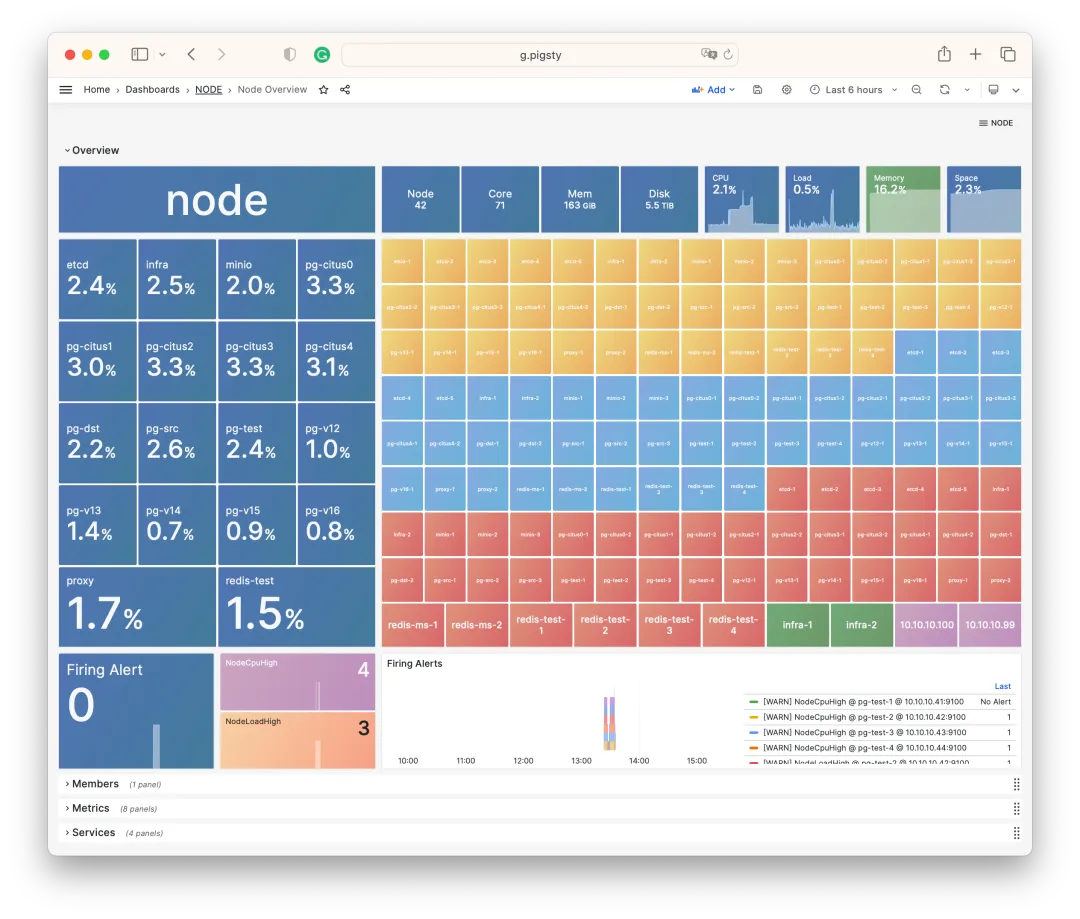
Similarly, NODE Cluster and PGSQL Cluster prominently display VIP and all member ICMP reachability status (Ping network latency).
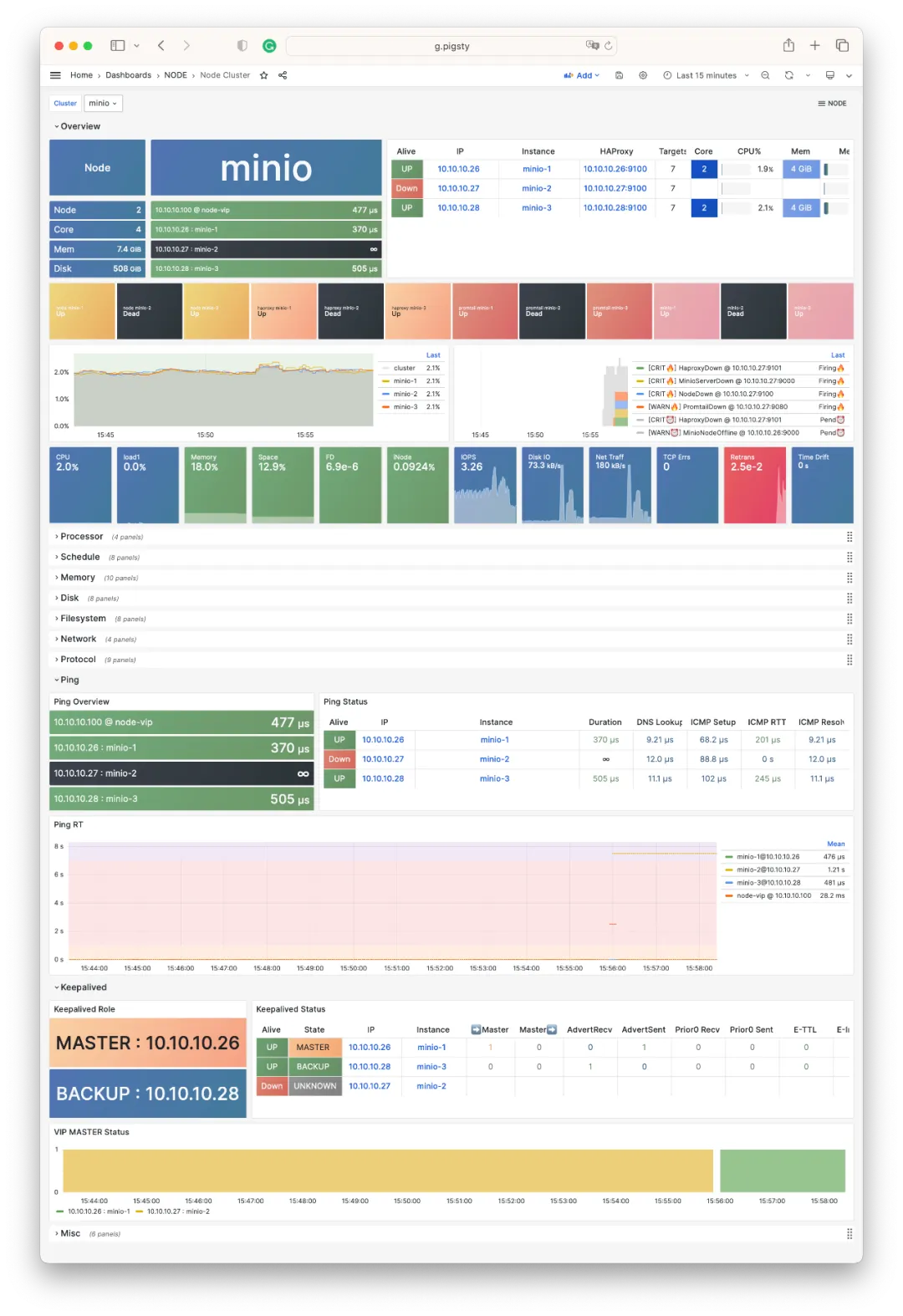
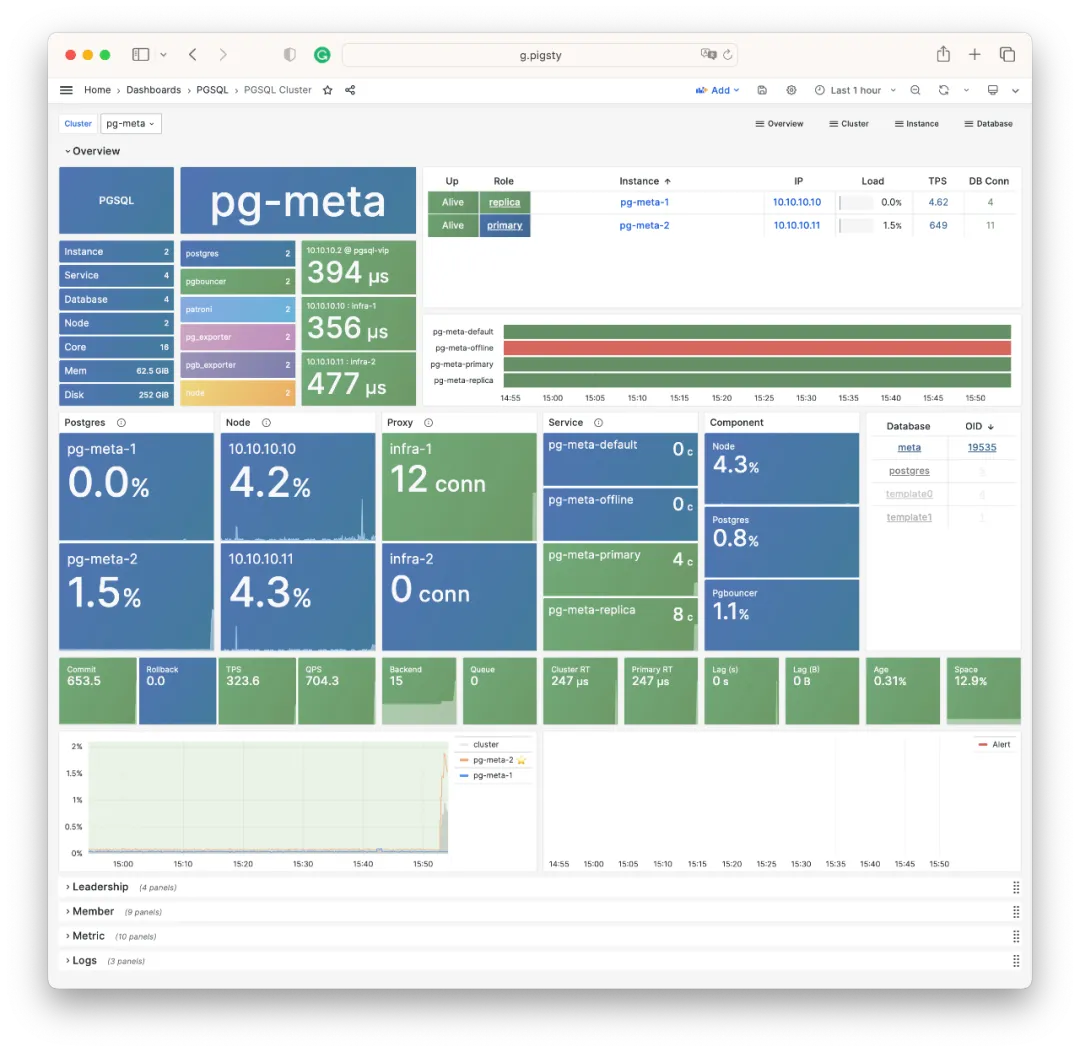
Additionally, PGCAT adds a default 1-second refresh PGCAT Locks dashboard for intuitive observation of current database activity and lock waits.
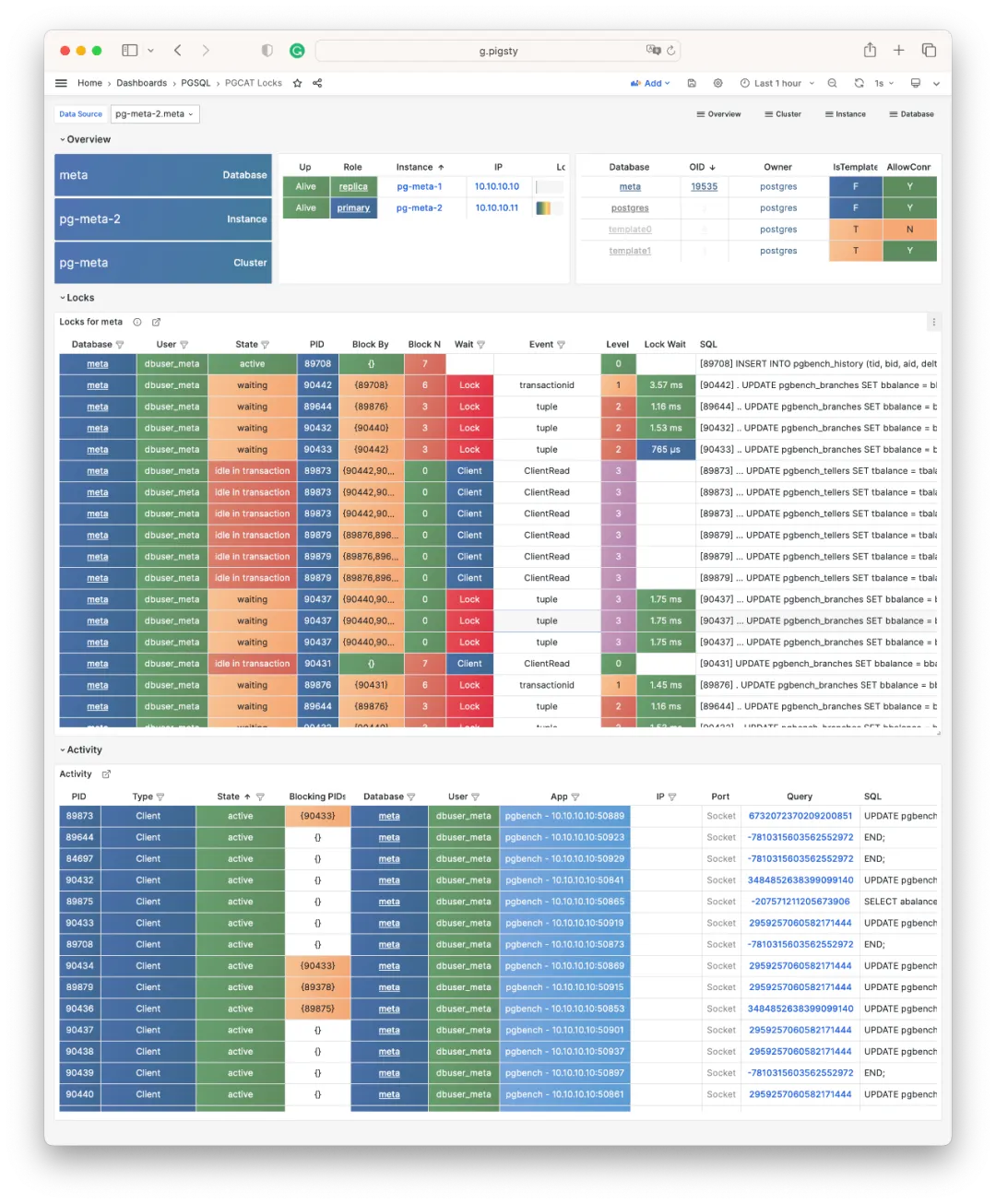
Lock waits are organized into a wait tree, with Level and indentation indicating hierarchy. You can select different refresh rates, up to 10 times per second.
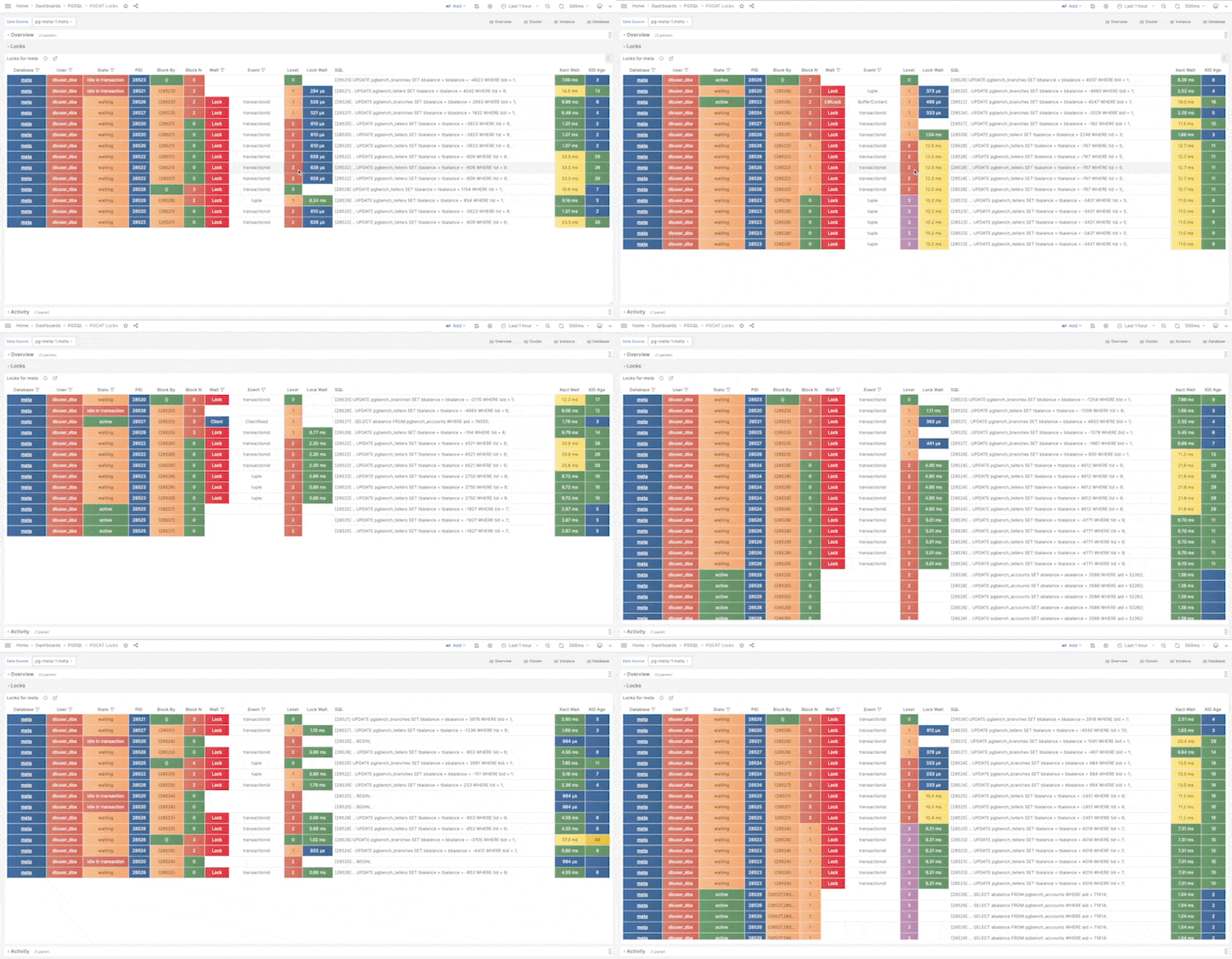
For Redis monitoring, related dashboards have been unified to match PGSQL and NODE styling:
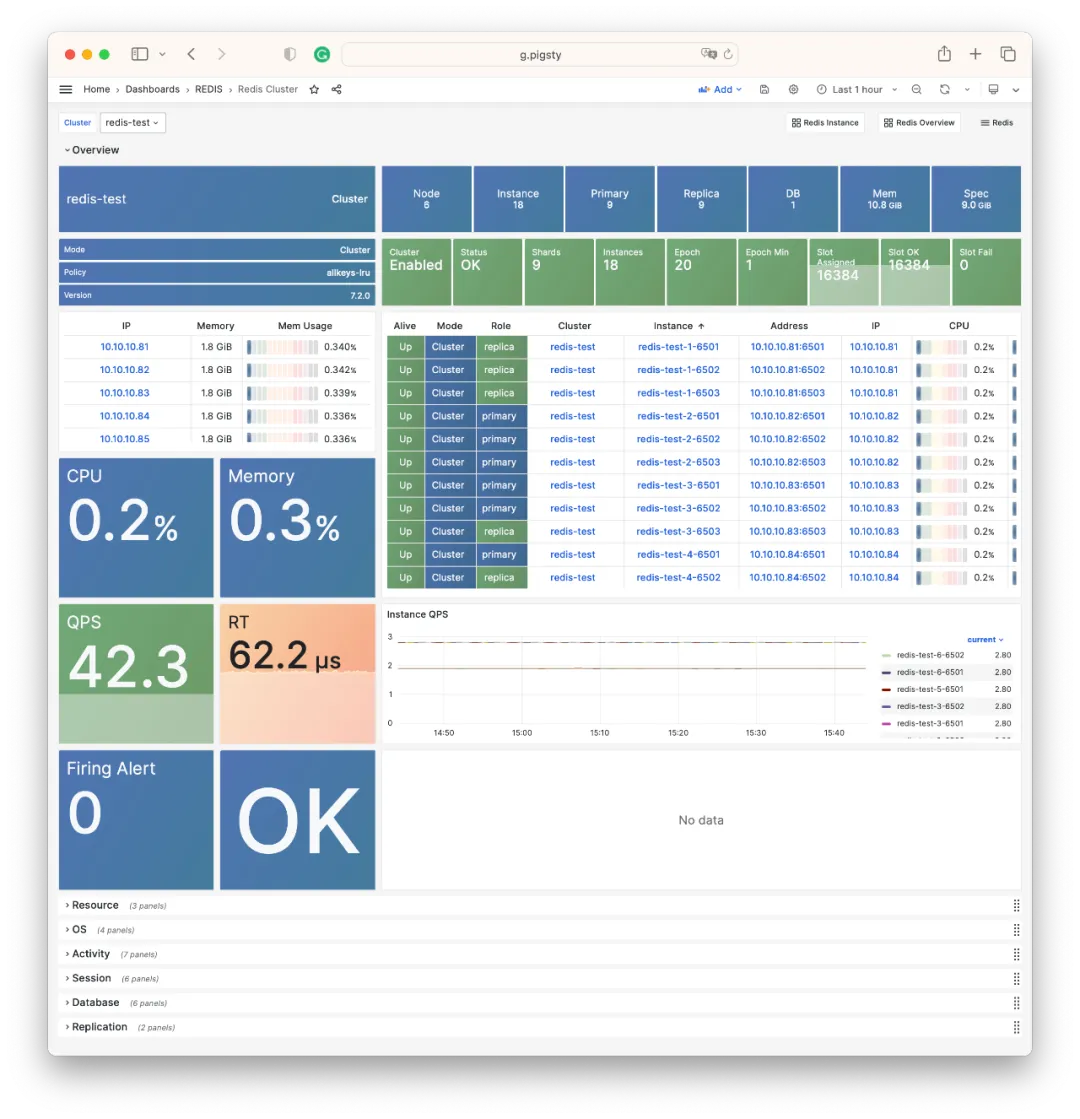
Smoother Build Process
Pigsty v2.2 introduced official Yum repos; v2.3 enables site-wide HTTPS by default.
When downloading Pigsty software directly from the internet, you might encounter firewall/GFW issues. For example, default Grafana/Prometheus Yum repos can be extremely slow. Additionally, some scattered RPM packages need web URL downloads rather than repotrack.
Pigsty v2.2 solved this with an official Yum repo at http://get.pigsty.cc, configured as a default upstream source. All scattered RPMs and packages requiring VPN access are hosted there, significantly speeding up online installation/builds.
Installation
The Pigsty v2.3 installation command is:
bash -c “$(curl -fsSL https://get.pigsty.cc/latest)"
One command for a complete Pigsty installation on a fresh machine. For beta versions, replace latest with beta. For air-gapped environments, download Pigsty and offline packages:
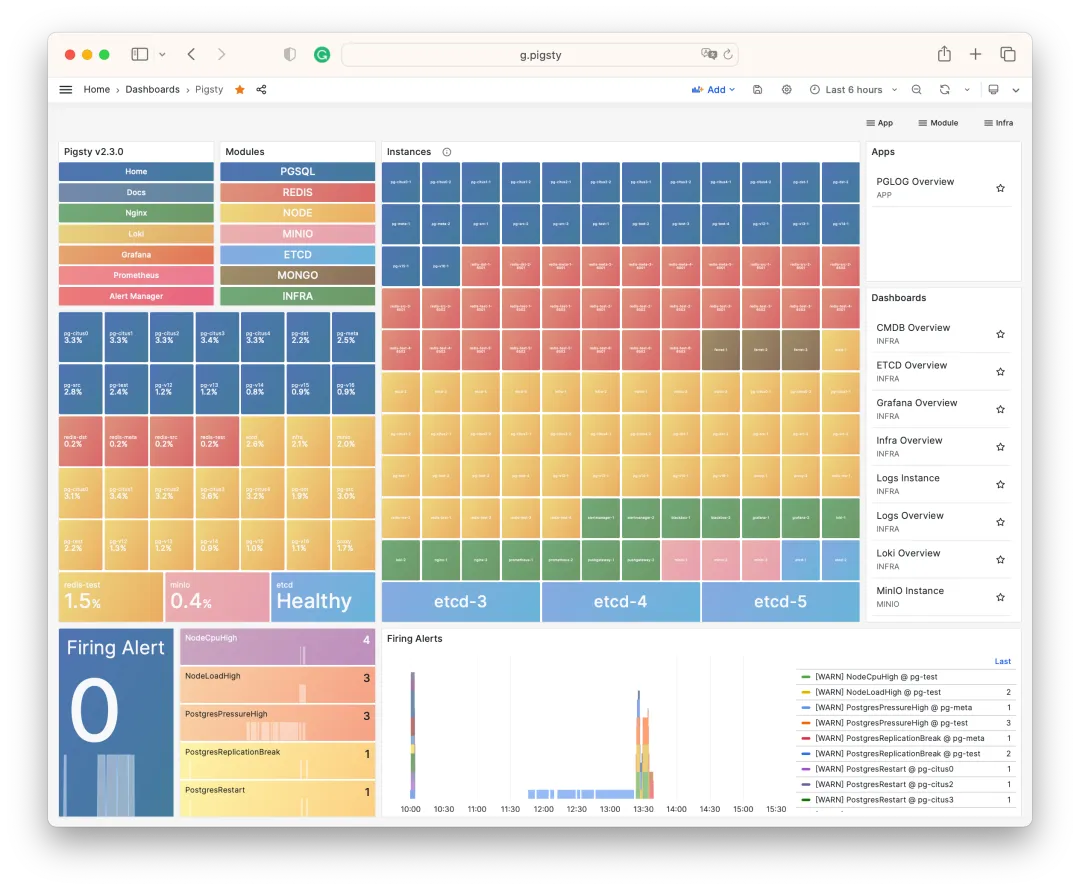
That’s what Pigsty v2.3 brings to the table.
For more details, check out the official Pigsty documentation: https://pigsty.io and GitHub Release Notes: https://github.com/pgsty/pigsty/releases/tag/v2.3.0
v2.3.0 Release Notes
Highlights
- INFRA: Added NODE/PGSQL VIP monitoring support
- PGSQL: Fixed PostgreSQL CVE-2023-39417 via minor upgrades: 15.4, 14.9, 13.12, 12.16, and Patroni v3.1.0
- NODE: Allow users to bind L2 VIP to node clusters using
keepalived - REPO: Pigsty Yum repo optimized, site-wide HTTPS by default:
get.pigsty.ccanddemo.pigsty.cc - APP: Upgraded
app/bytebaseto v2.6.0,app/ferretdbto v1.8; added new app template: NocoDB, open-source Airtable - REDIS: Upgraded to v7.2, redesigned Redis dashboards
- MONGO: Added basic support via FerretDB 1.8
- MYSQL: Added Prometheus/Grafana/CA stubs for future integration
API Changes
Added new parameter group NODE.NODE_VIP with 8 new parameters:
NODE.VIP.vip_enabled: Enable VIP on this node cluster?NODE.VIP.vip_address: Node VIP address in IPv4 format, required if VIP enabledNODE.VIP.vip_vrid: Required, integer 1-255, must be unique within same VLANNODE.VIP.vip_role: master/backup, defaults to backup, used as initial roleNODE.VIP.vip_preempt: Optional, true/false, defaults to false, enable VIP preemptionNODE.VIP.vip_interface: Node VIP network interface to listen on, eth0 by defaultNODE.VIP.vip_dns_suffix: Node VIP DNS name suffix, defaults to .vipNODE.VIP.vip_exporter_port: Keepalived exporter listen port, defaults to 9650
v2.3.1 Release Notes
Highlights
pgvectorupdated to 0.5 with HNSW algorithm support- PostgreSQL 16 RC1 support (el8/el9)
- Added SealOS to default packages for quick Kubernetes cluster deployment
Bug Fixes
- Fixed
infra.repo.repo_pkgtask: downloads could be affected by existing/www/pigstycontent whenrepo_packagescontains*wildcards - Changed
vip_dns_suffixdefault from.vipto empty string, so cluster name itself becomes the default Node cluster L2 VIP modprobe watchdogandchown watchdogifpatroni_watchdog_modeisrequired- When
pg_dbsu_sudo=limitandpatroni_watchdog_mode=required, grant database dbsu sudo for:/usr/bin/sudo /sbin/modprobe softdog: Ensure softdog kernel module enabled when starting Patroni service/usr/bin/sudo /bin/chown {{ pg_dbsu }} /dev/watchdog: Ensure watchdog ownership correct when starting Patroni service
Documentation Updates
- Added updated content to English documentation
- Added simplified Chinese built-in docs, fixed Chinese docs on pigsty.cc
Software Updates
- PostgreSQL 16 RC1 for EL8/EL9
- PGVector 0.5.0 with HNSW index support
- TimescaleDB 2.11.2
- Grafana 10.1.0
- Loki & Promtail 2.8.4
- Redis Stack 7.2 on el7/8
- mcli-20230829225506 / minio-20230829230735
- FerretDB 1.9
- SealOS 4.3.3
- pgBadger 1.12.2
15 - Pigsty v2.2: Monitoring System Reborn
Originally published on VONNG.

Pigsty v2.2 is here! The world’s most powerful PostgreSQL monitoring system receives an epic upgrade — completely rebuilt on Grafana v10, pushing PG observability to a whole new level with a dramatically improved user experience. Live Demo: http://demo.pigsty.cc
This release also introduces a 42-node production simulation sandbox template, adds support for Citus 12 and PG 16 beta2, provides KVM-based Vagrant templates, establishes dedicated Pigsty Yum repos for scattered/hard-to-reach RPM packages, and adds compatibility with UOS20 (a domestic Chinese Linux distribution).
Monitoring Overhaul: Visual Design
In Pigsty v2.2, the monitoring dashboards were completely rebuilt from scratch, fully leveraging Grafana v10’s new features to deliver a fresh visualization experience.
The most obvious change is color. Pigsty v2.2 adopts a brand-new color scheme. Take the PGSQL Overview dashboard as an example — the new palette uses lower saturation, resulting in a more harmonious and aesthetically pleasing visual experience compared to the previous version.
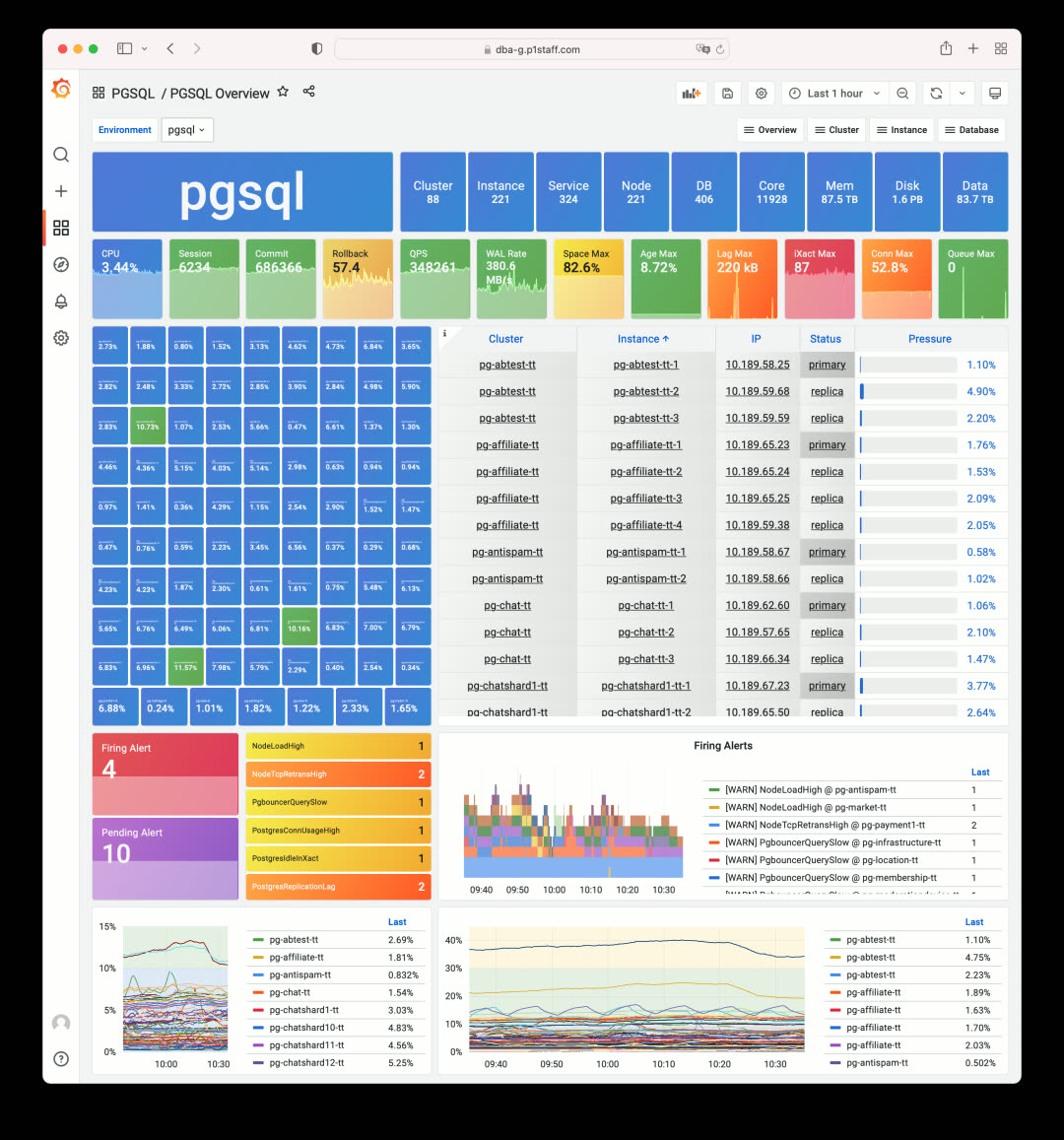
Pigsty v2.0 used Grafana’s default high-saturation colors
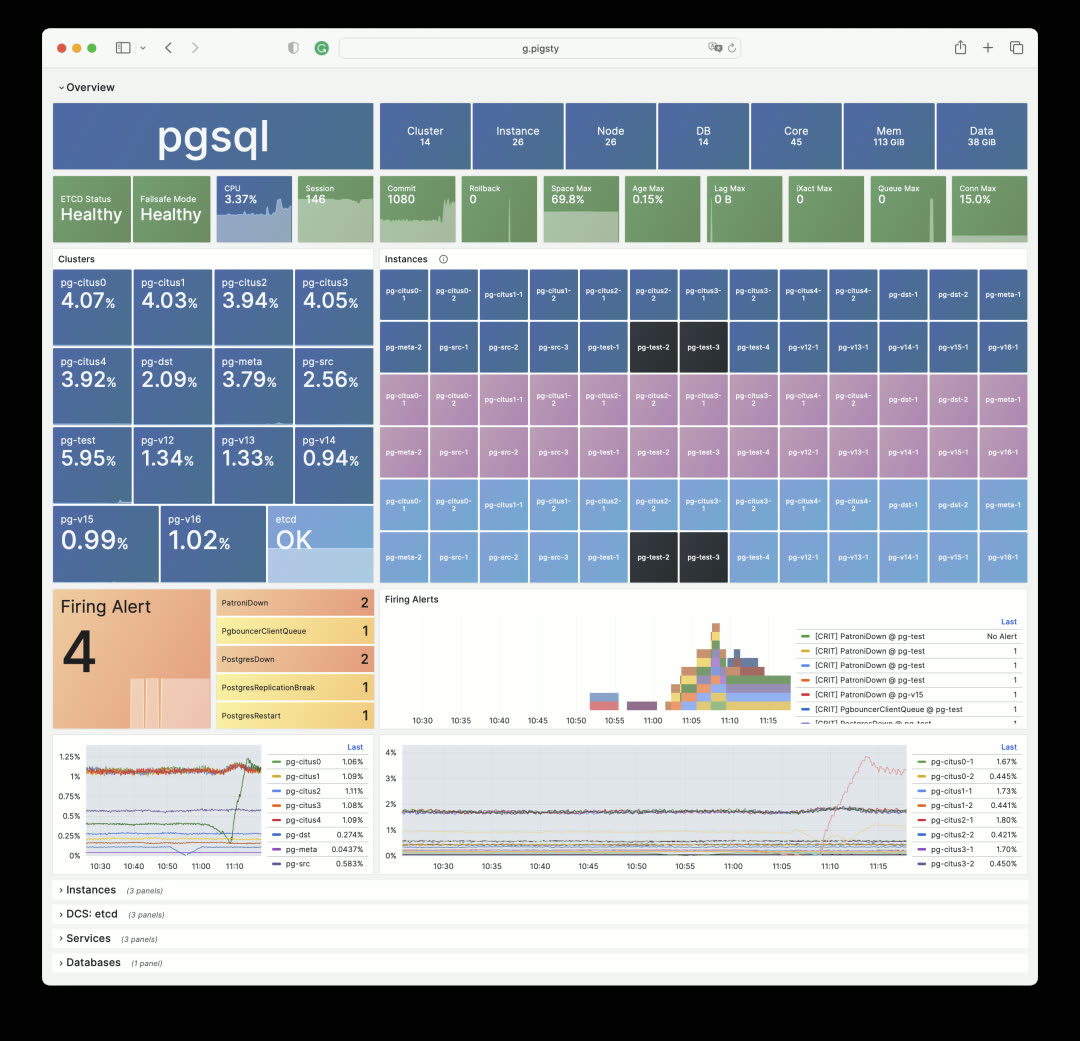
Pigsty v2.2: Failed instances shown in black, click to jump directly to the incident scene
The v2.2 monitoring dashboards use PG Blue, Nginx Green, Redis Red, Python Yellow, and Grafana Orange as the base colors. The inspiration for this color scheme came from an article about applying the color palette from Makoto Shinkai’s “Weathering With You” to scientific paper illustrations.

Monitoring Overhaul: Cluster Navigation
Beyond colors, v2.2 also redesigns content organization and layout. For instance, stats tiles now replace the old table-style navigation, making problematic services immediately visible on the first screen. Click any anomalous tile to jump straight to the incident.
The traditional navigation tables still exist for when you need richer information — they’ve been moved to dedicated Instances / Members sections. Let’s look at the most commonly used PGSQL Cluster dashboard:
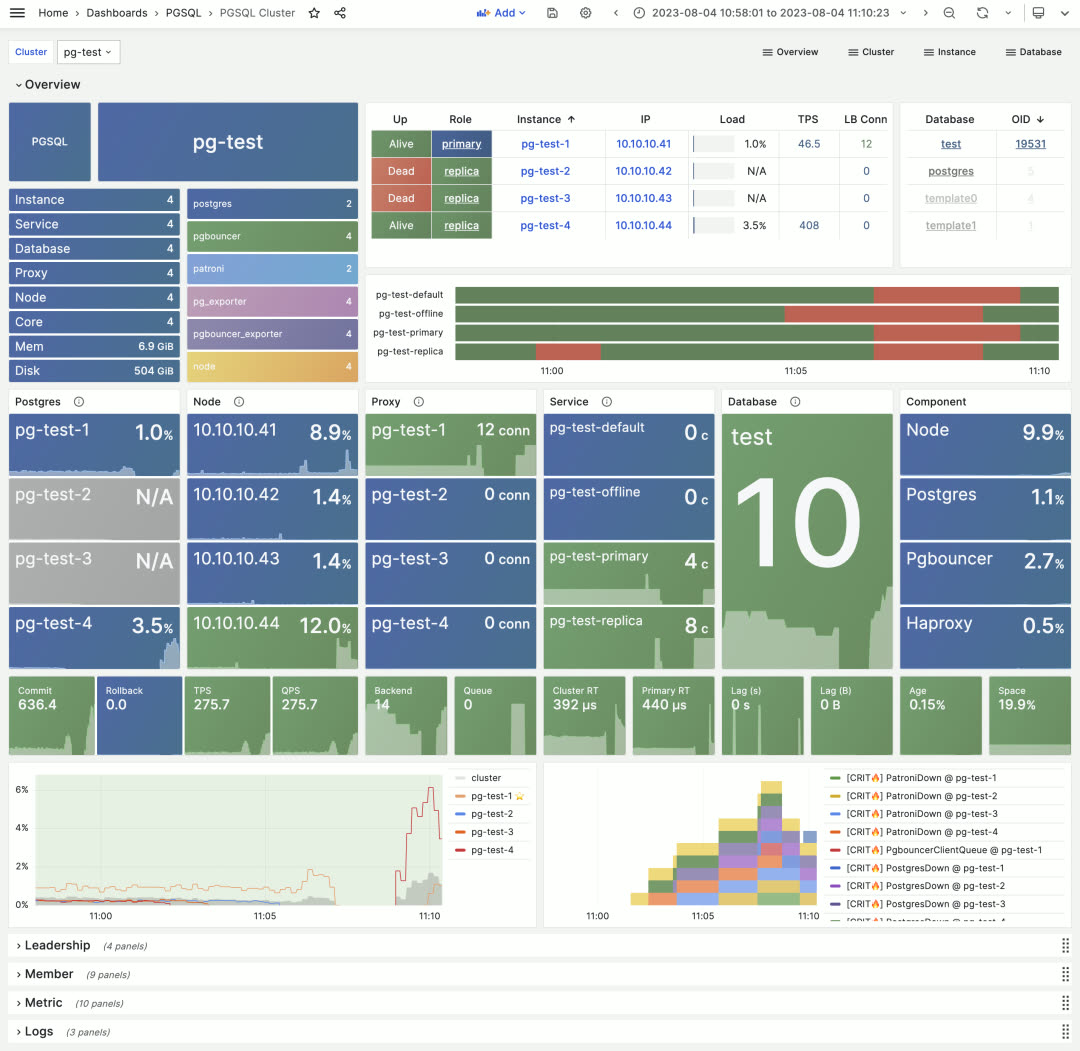
The first screen shows tile-based visual navigation displaying cluster component health and service availability, core metrics, load levels, and alert events. It also provides quick navigation to cluster resources — instances, connection pools, load balancers, services, and databases.
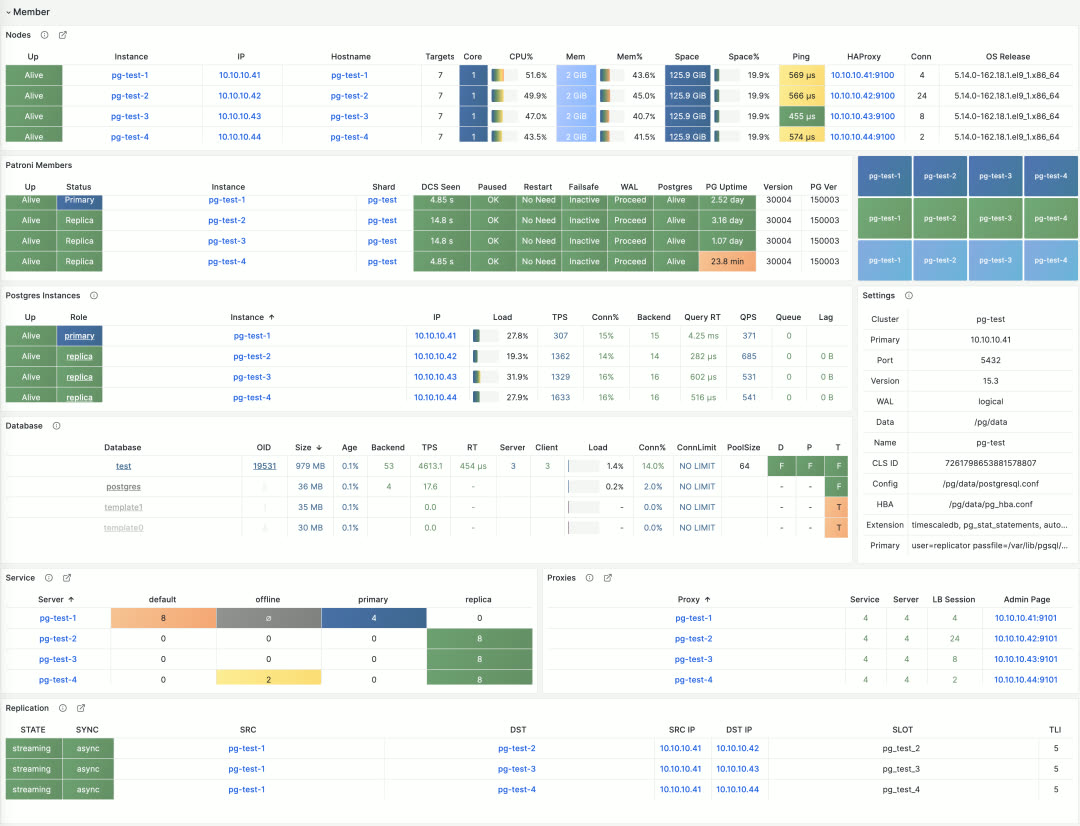
Table-style navigation in PGSQL Cluster
The detailed cluster resource tables appear in the second section for reference. Combined with the metrics and logs sections that follow, it presents a complete picture of a PostgreSQL cluster’s core state.
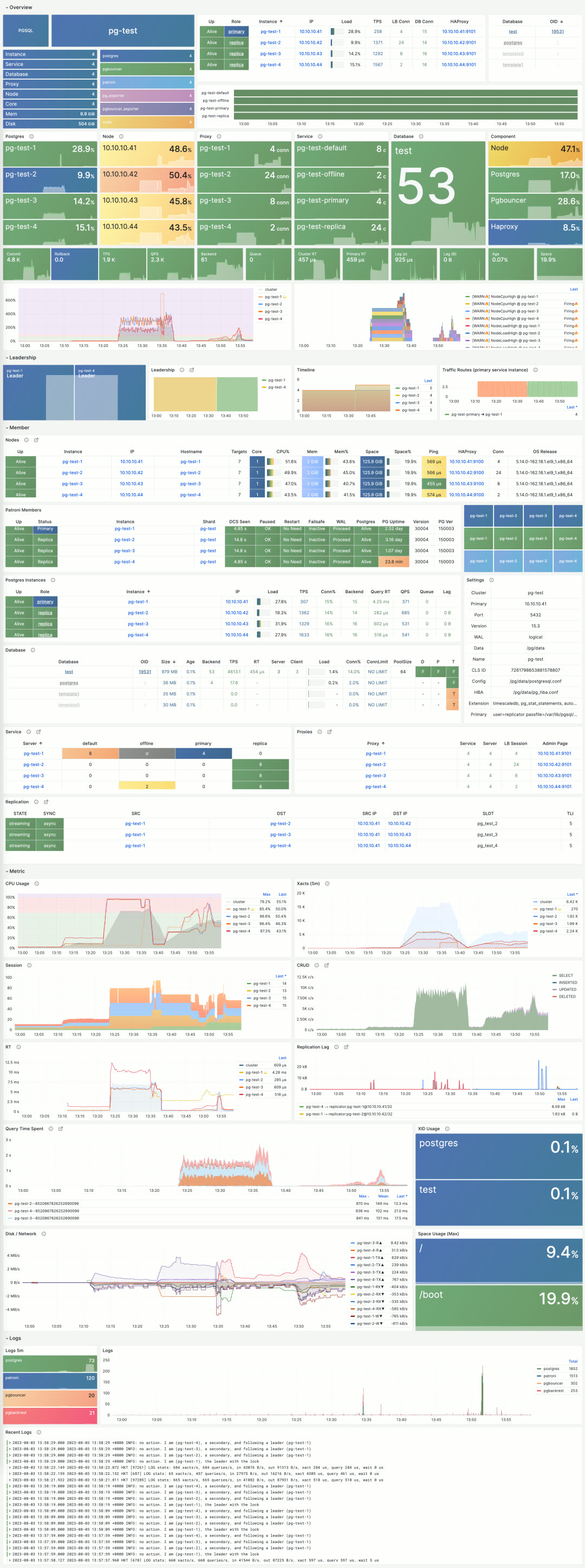
Monitoring Overhaul: Instance View
PGSQL Instance shows detailed status for a single instance and has also been redesigned in v2.2. The fundamental design principle: only non-blue/green states need attention. Through color-coded visual encoding, users can quickly identify root causes during incident analysis.
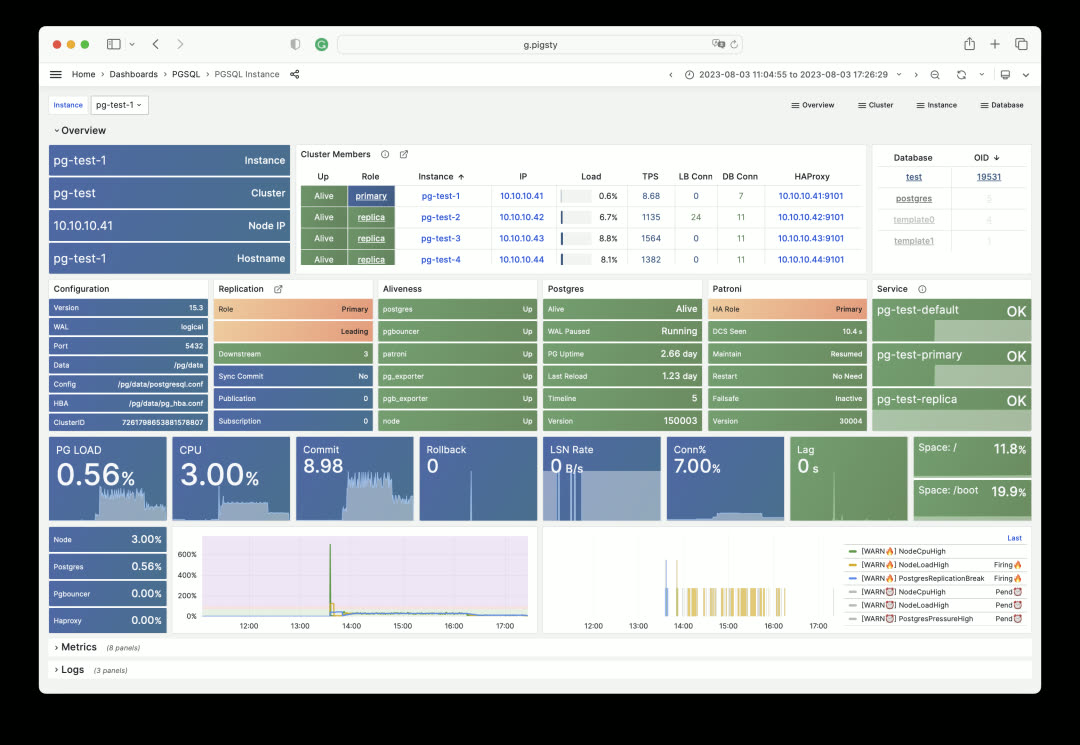
Other instances, host nodes, ETCD, MinIO, and Redis all use similar designs. For example, here’s the Node Instance first screen:
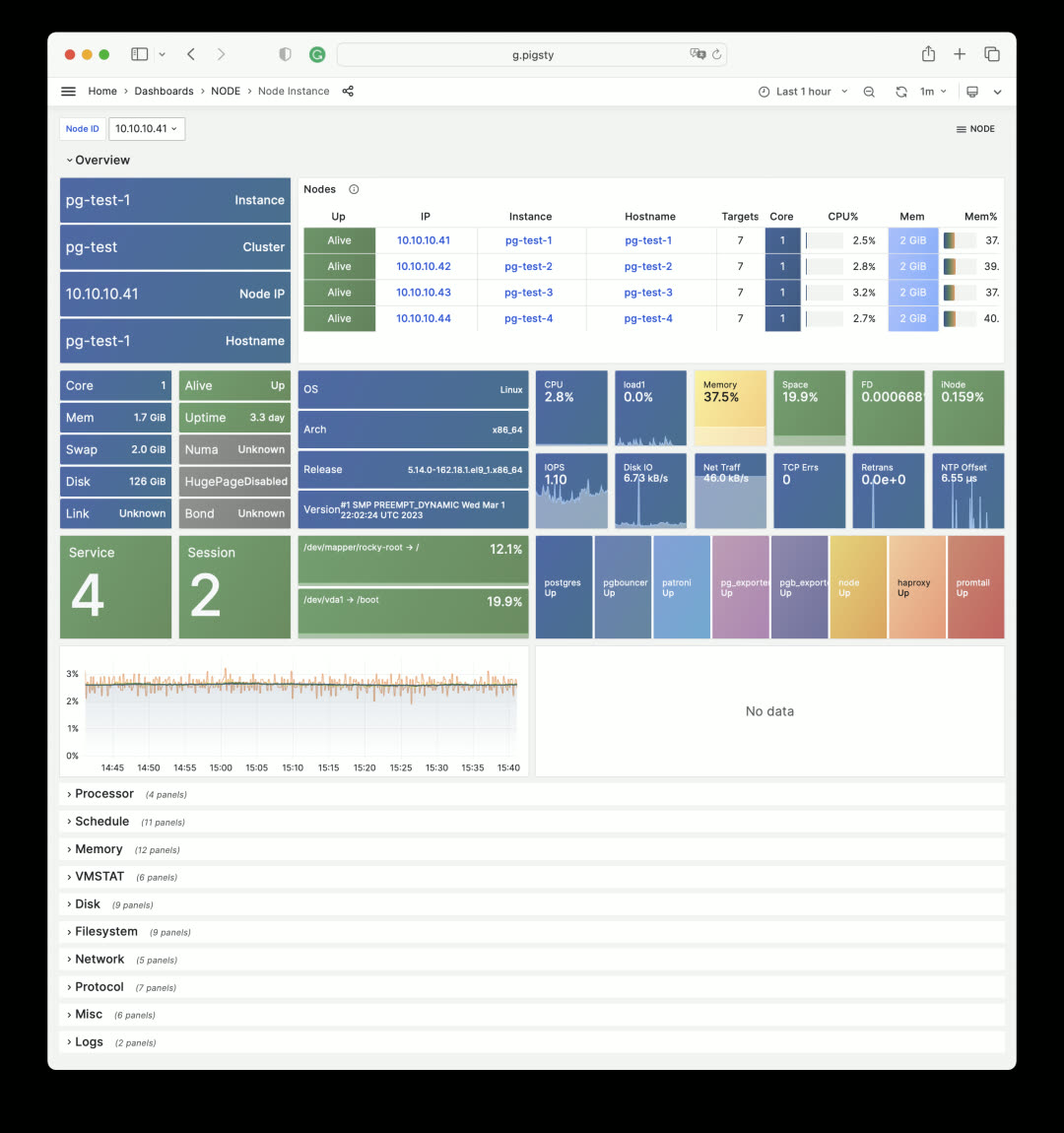
Node Instance metrics remain largely unchanged, but the overview section was redesigned. MinIO Overview follows the same pattern:
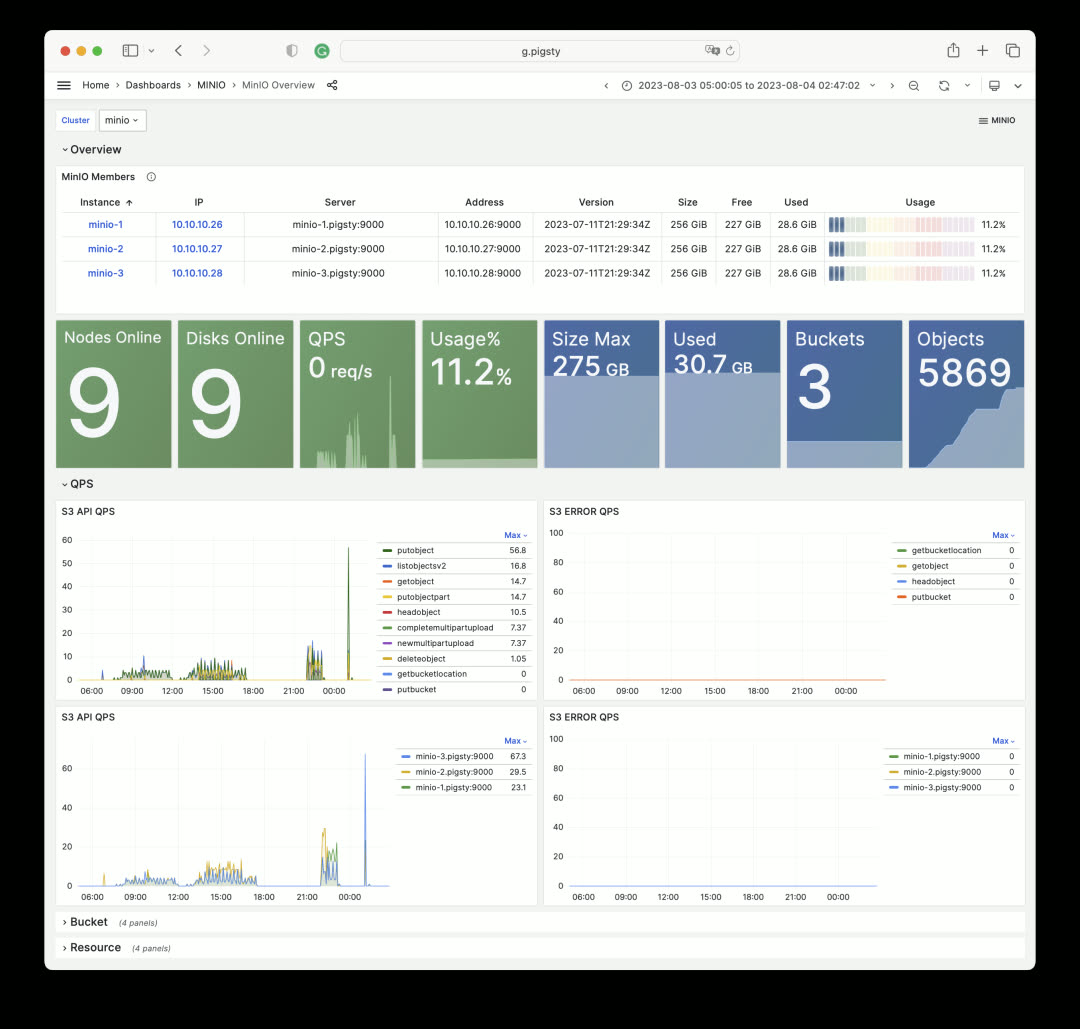
ETCD Overview uses State Timeline to visualize DCS service availability. The image below shows a simulated ETCD failure scenario: instances are shut down one by one in a 5-node ETCD cluster. The cluster tolerates two node failures, but three failures render the entire ETCD service unavailable (yellow bars turn dark blue, indicating overall ETCD service unavailability).
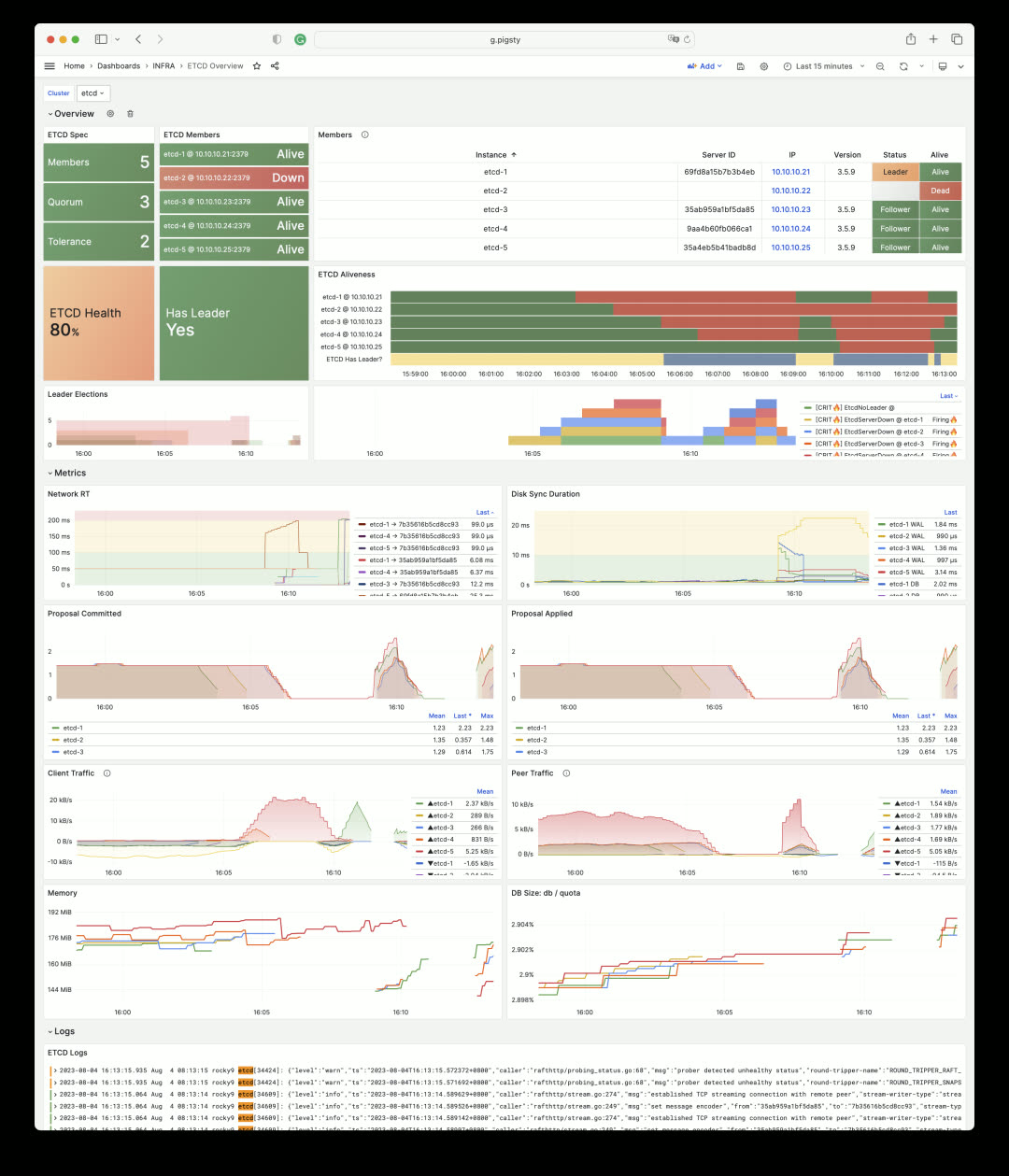
When DCS fails, PostgreSQL clusters relying on ETCD for high availability enable FailSafeMode by default: when all cluster members are reachable and the issue is confirmed to be DCS rather than the instance itself, it prevents unnecessary primary demotion. This status is reflected in PG monitoring:
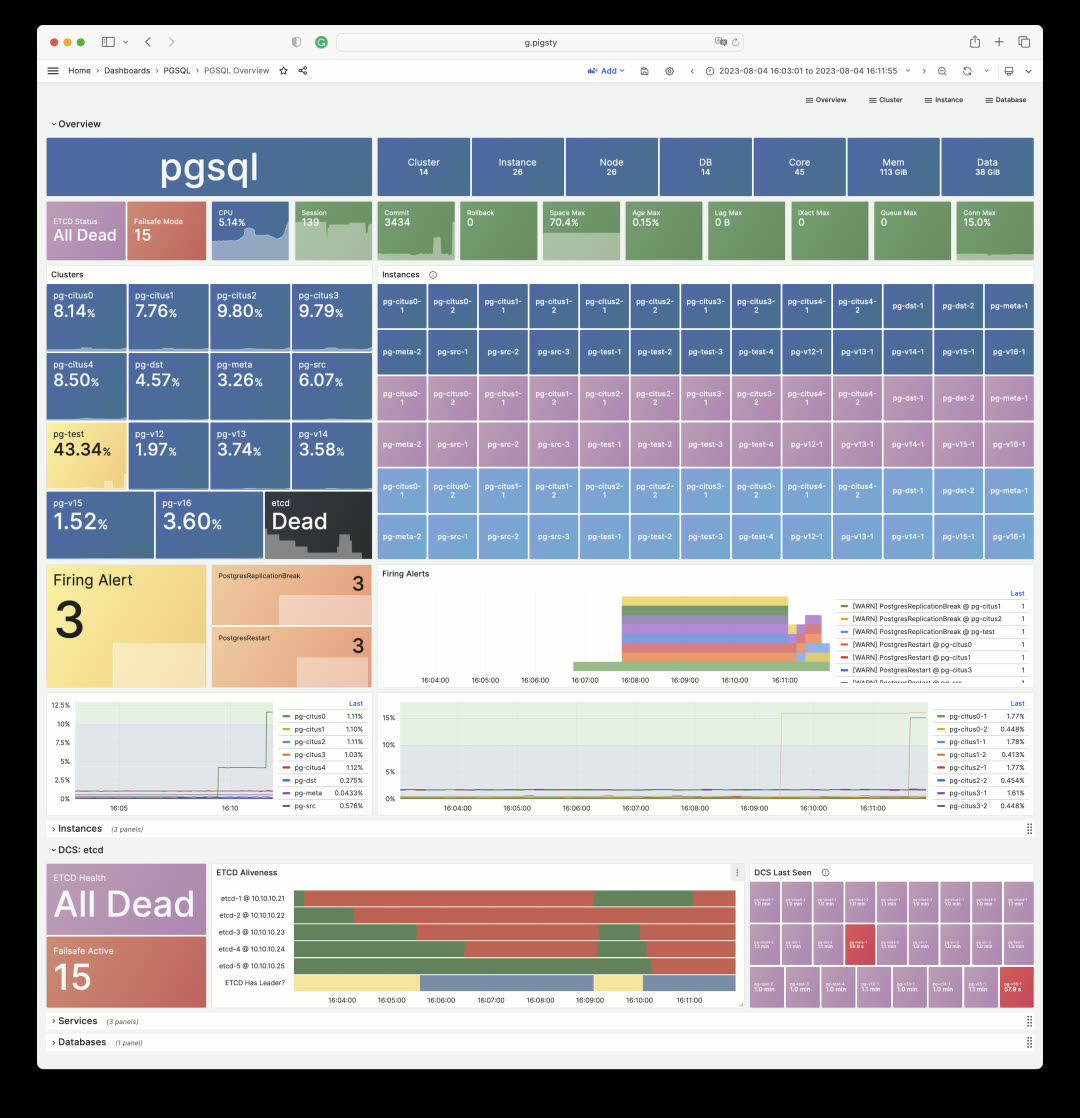
Monitoring Overhaul: Services
Another completely redesigned area is Service and Proxy monitoring. The Service dashboard now includes critical service information: SLI. Through State Timeline bars, users can intuitively see service interruptions, obtain availability metrics, and understand the status of load balancers and backend database servers.
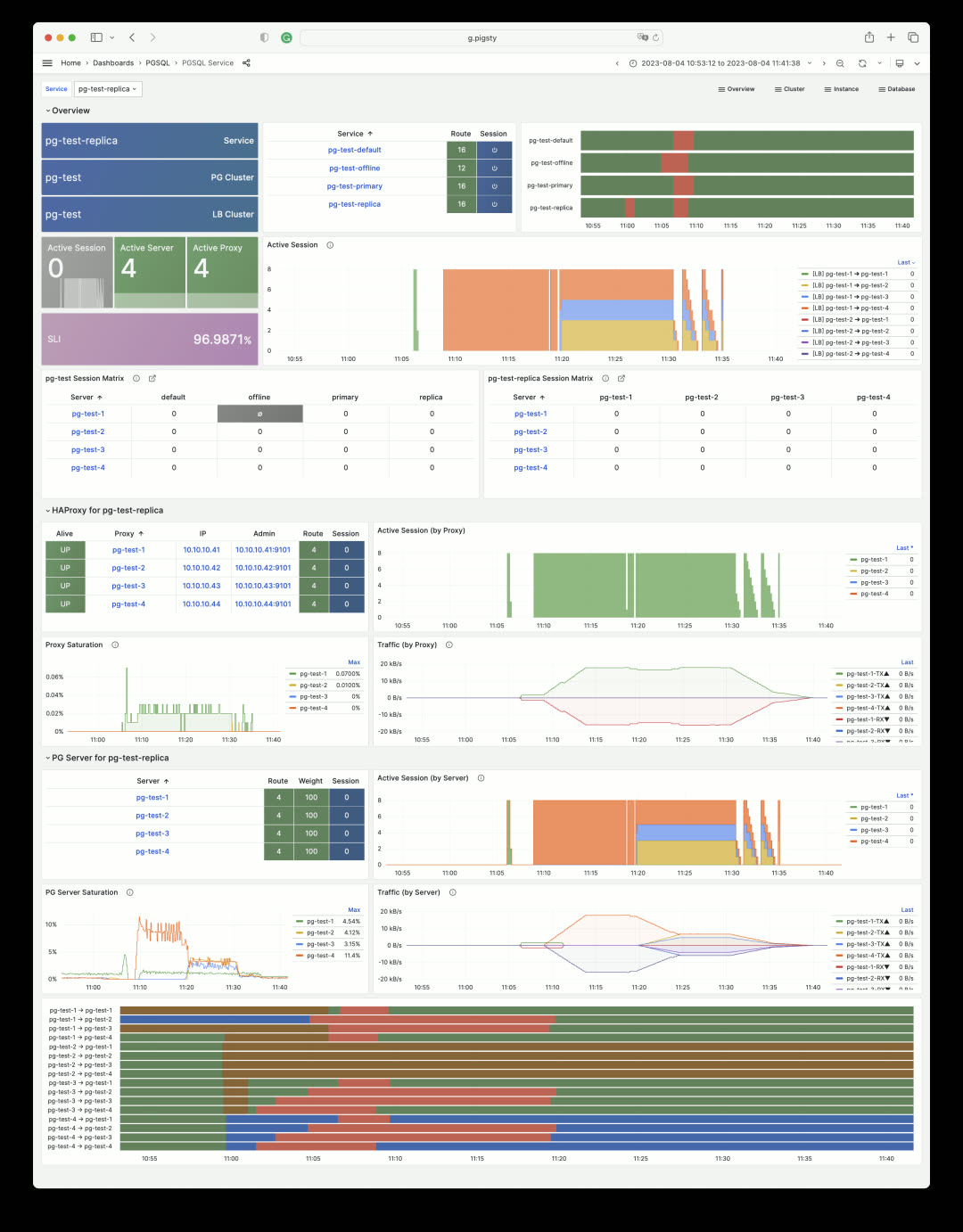
In this example, the four HAProxy instances for the pg-test cluster were drained, put into maintenance mode, then the backend database servers were shut down. The pg-test-replica read service only becomes unavailable when all cluster instances are offline.
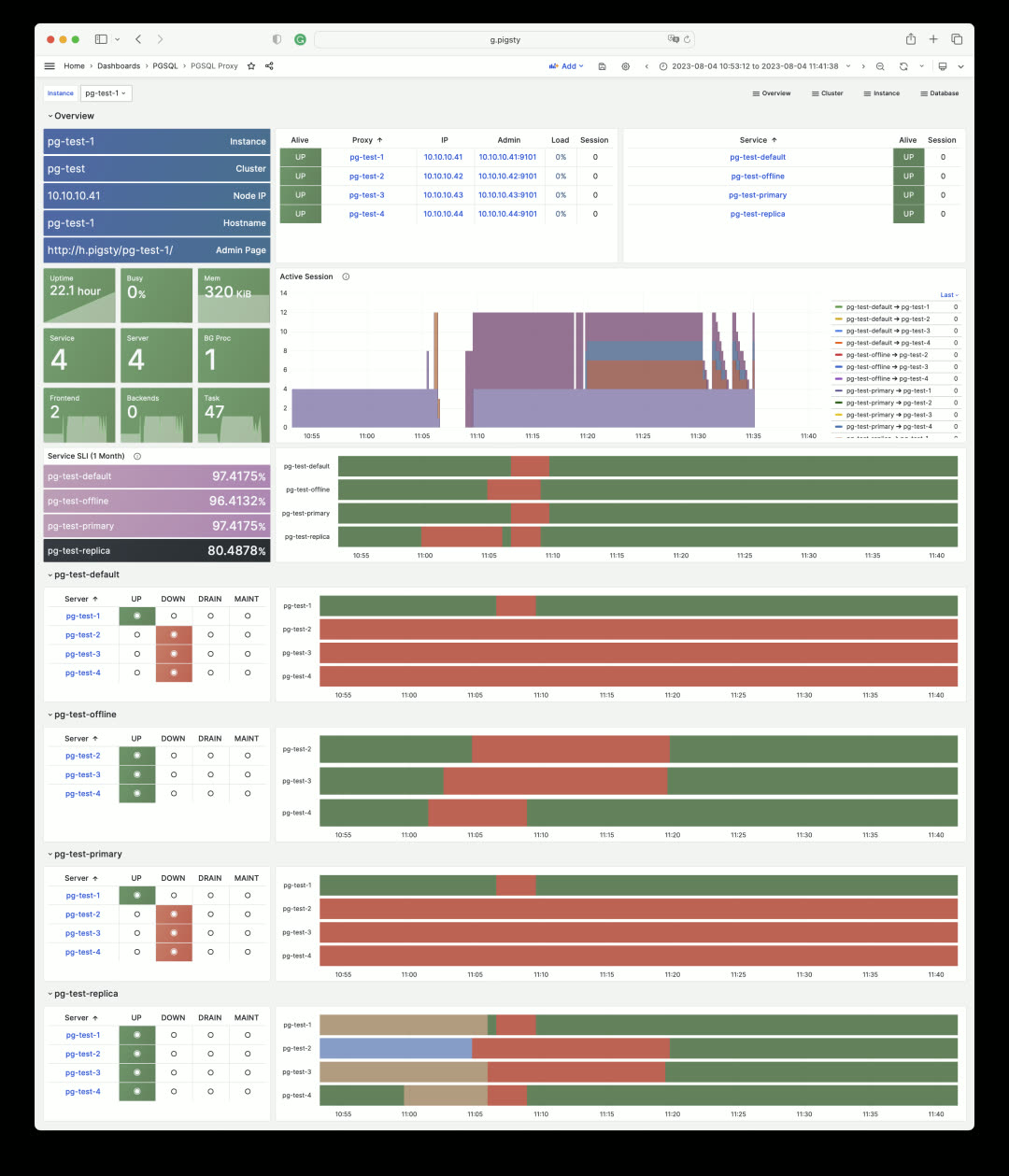
This shows the monitoring dashboard for pg-test cluster’s HAProxy #1 load balancer. Every service it handles is listed, showing backend server status and calculating SLI. HAProxy’s own status and metrics are in the Node Haproxy dashboard.
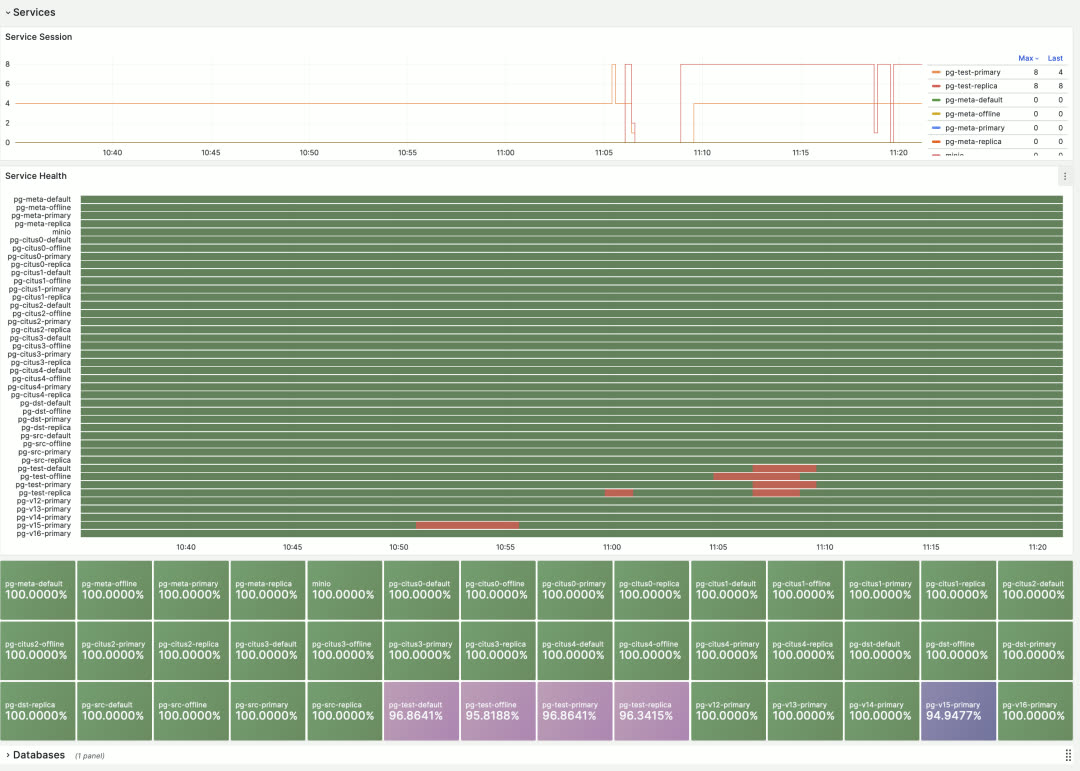
The global overview shows the overall status timeline and SLI metrics for all database services in Pigsty.
Monitoring Overhaul: Database Statistics
Besides monitoring database servers, Pigsty also monitors the logical objects they host — databases, tables, queries, indexes, and more.
PGSQL Databases shows cluster-level database statistics. For example, the pg-test cluster has 4 database instances and one database called test. This view enables horizontal comparison of database metrics across all 4 instances.
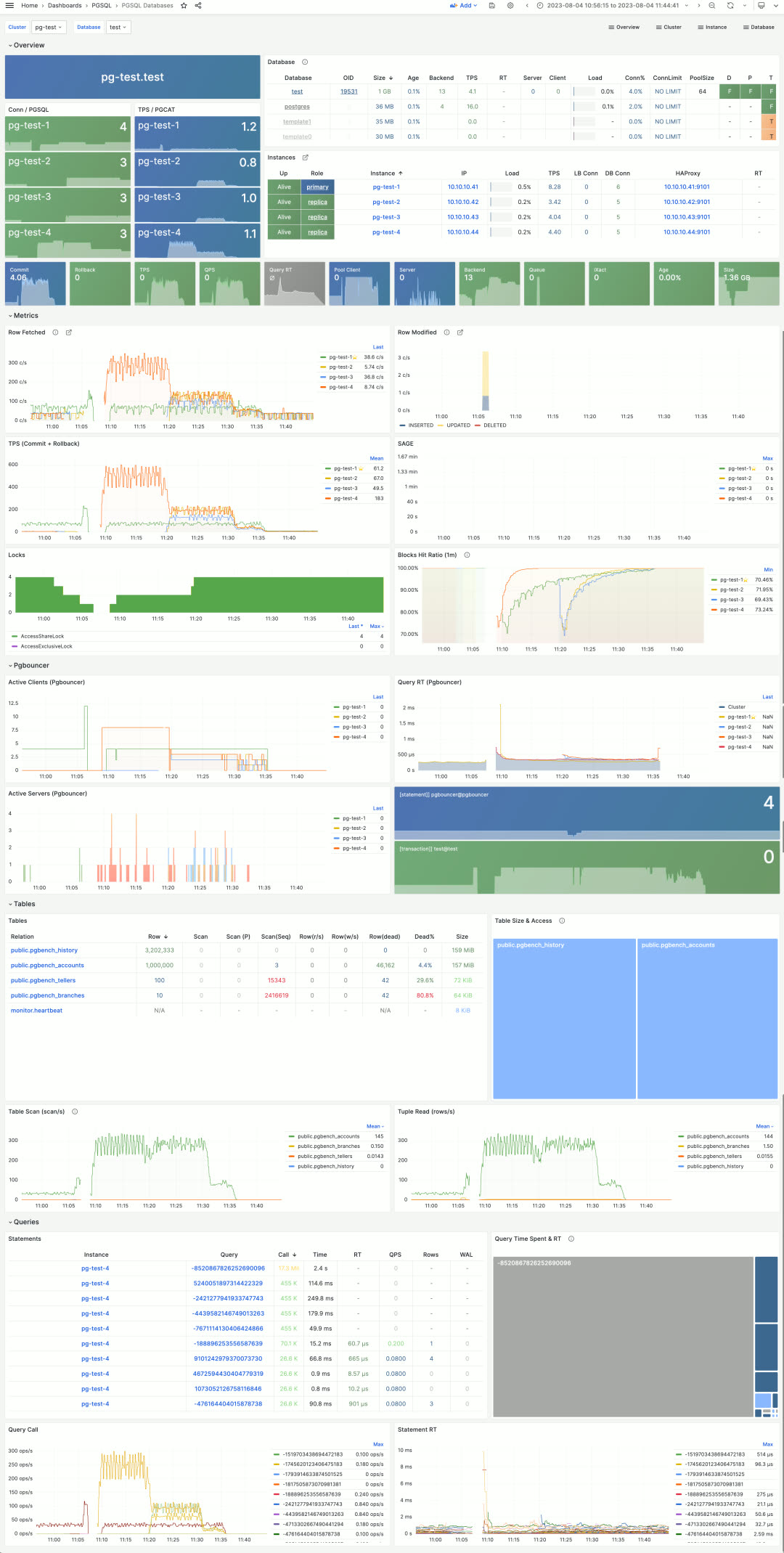
Users can drill down into statistics within a single database instance via the PGSQL Database dashboard. This dashboard provides key metrics about the database and connection pool, but most importantly, it indexes the most active tables and queries — the two most critical in-database objects.
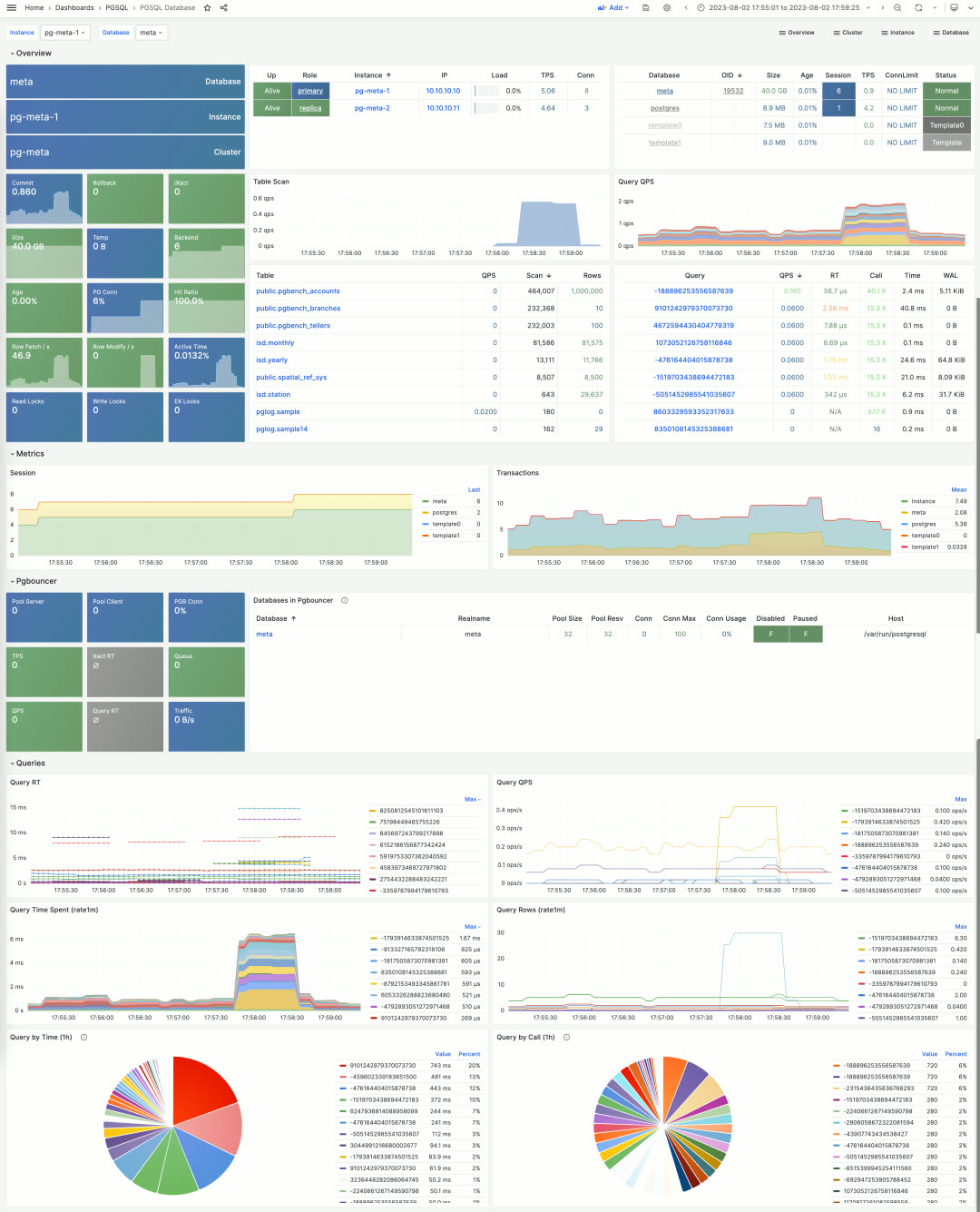
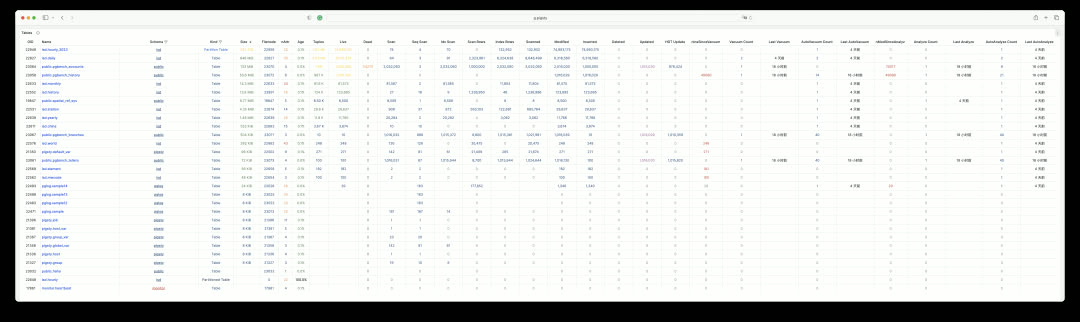
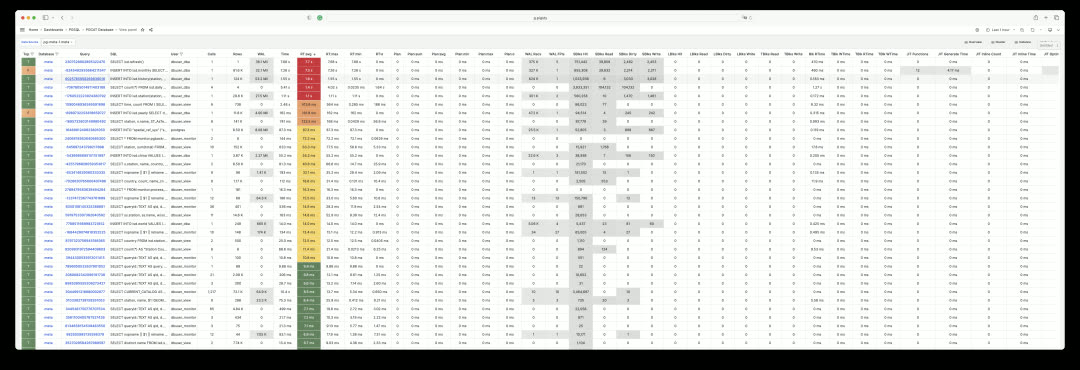
Monitoring Overhaul: System Catalog
Beyond metrics collected by pg_exporter, Pigsty uses another type of optional supplementary data — system catalogs. This is what the PGCAT dashboard series does. PGCAT Instance directly queries database system catalogs (using at most 8 read-only monitoring connections) to retrieve and present information.
For example, you can get current database activities, locate and analyze slow queries, unused indexes, and sequential scans using various metrics. You can also examine database roles, sessions, replication status, configuration changes, memory usage details, and backup/persistence specifics.
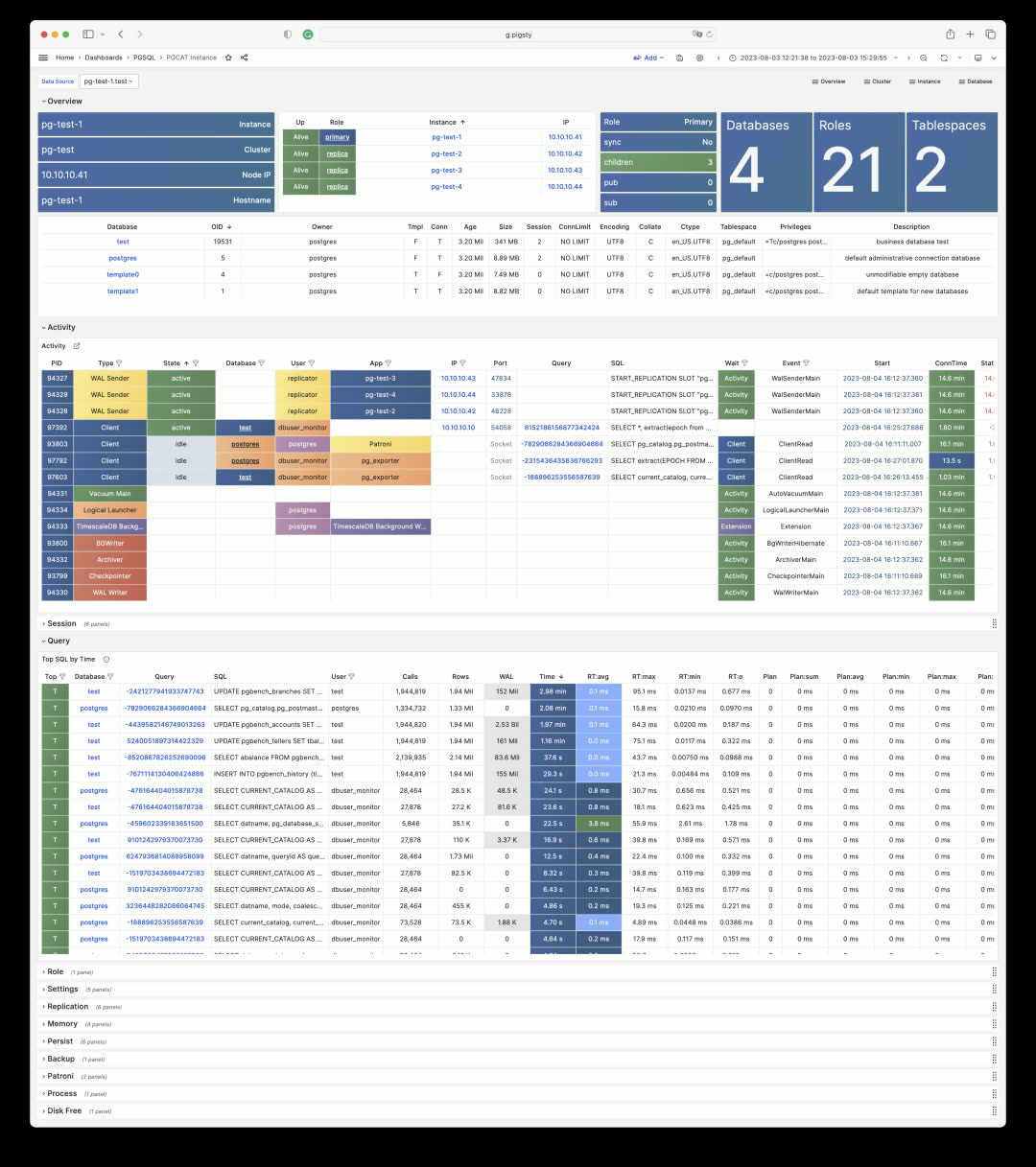
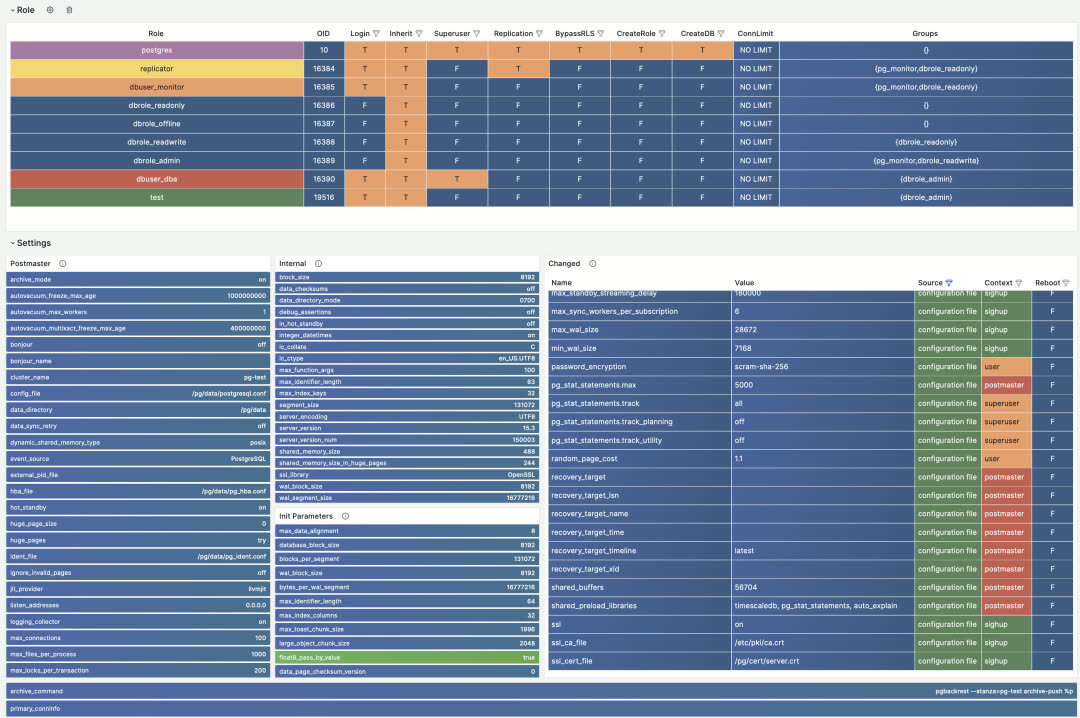
While PGCAT Instance focuses on the database server itself, PGCAT Database focuses on object details within a single database: schemas, tables, indexes, bloat, top SQL, top tables, and more.
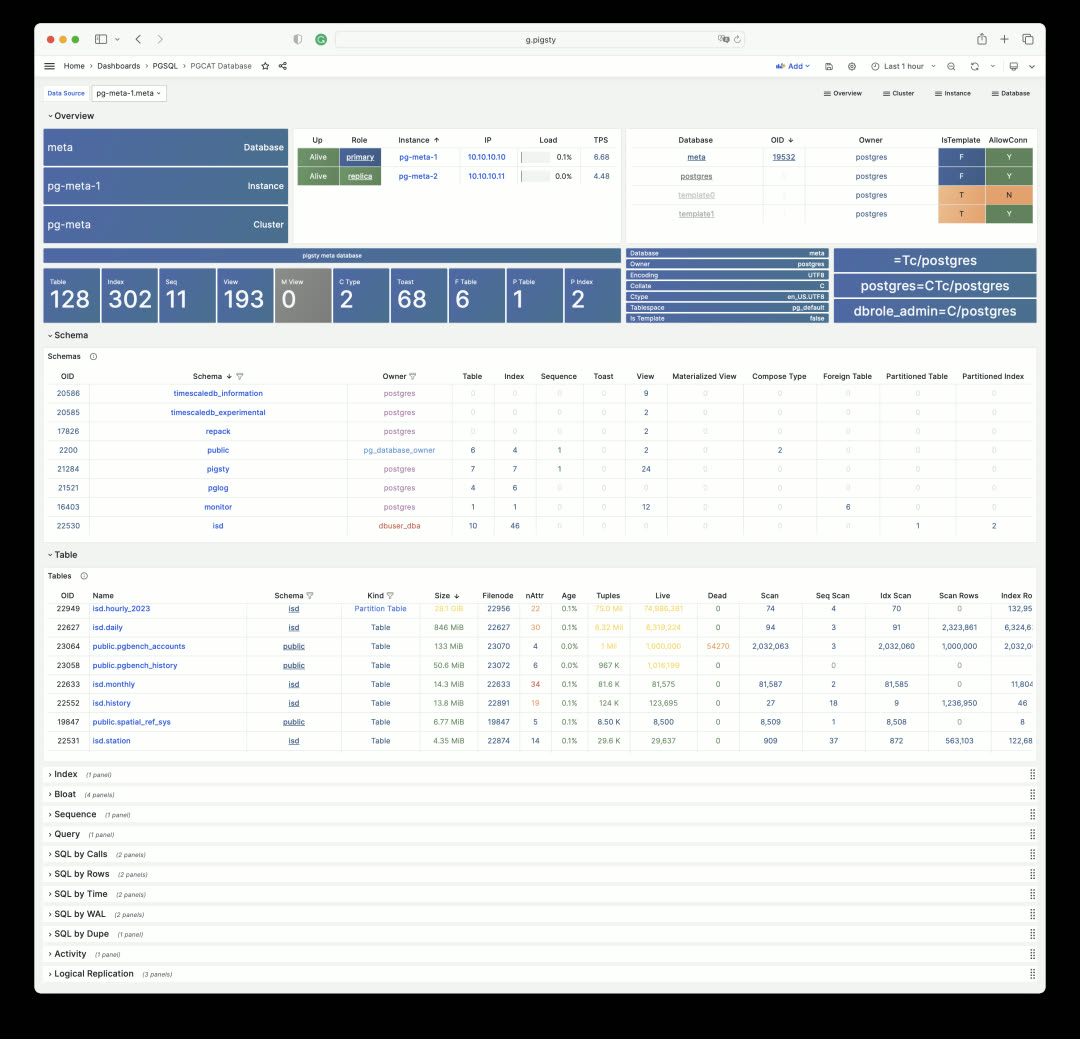
Each schema, table, and index can be clicked to drill down into more detailed dedicated dashboards. For example, PGCAT Schema shows detailed objects within a schema.
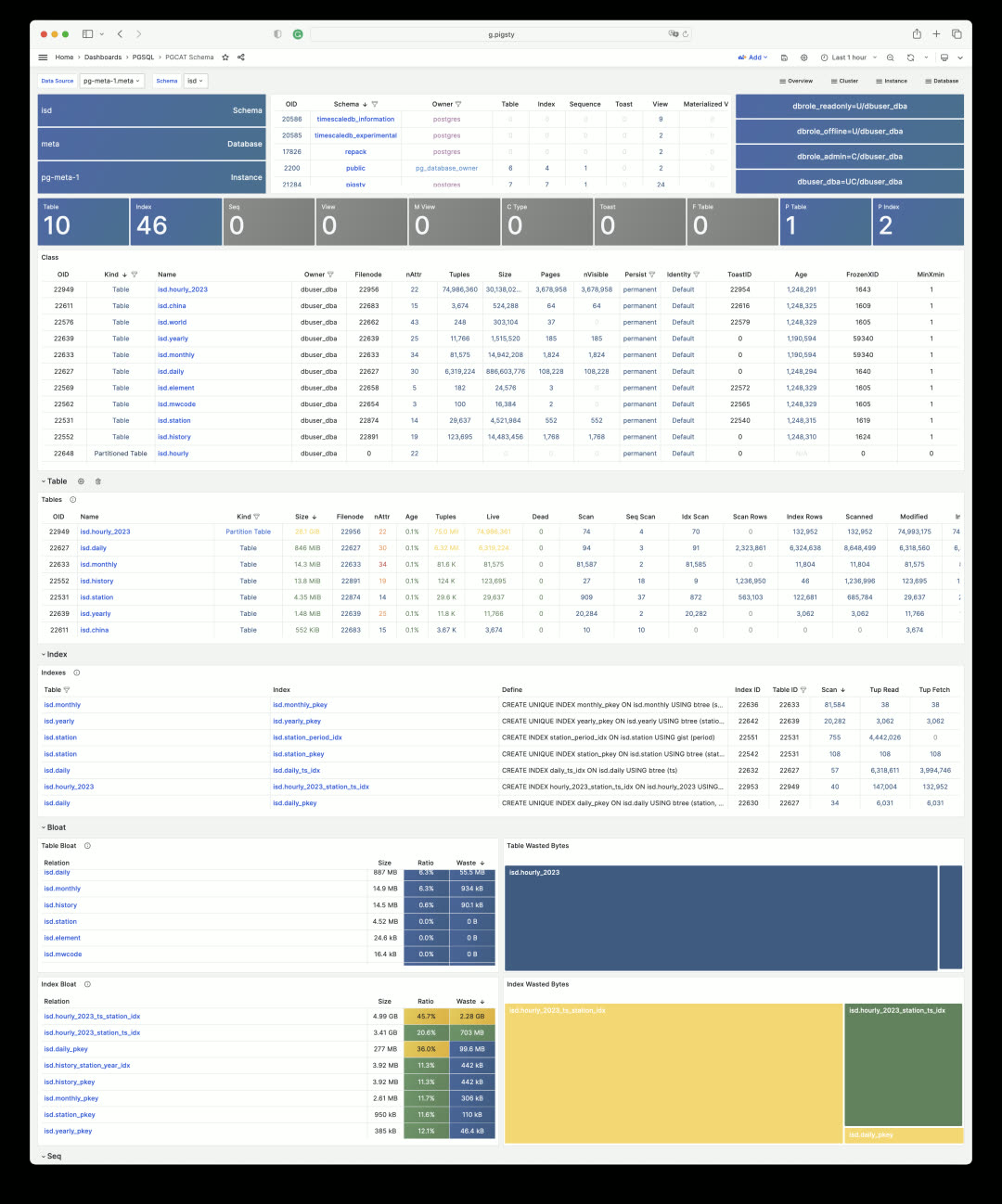
Database queries are also aggregated by execution plan, making it easy to find problematic SQL and quickly locate slow queries.
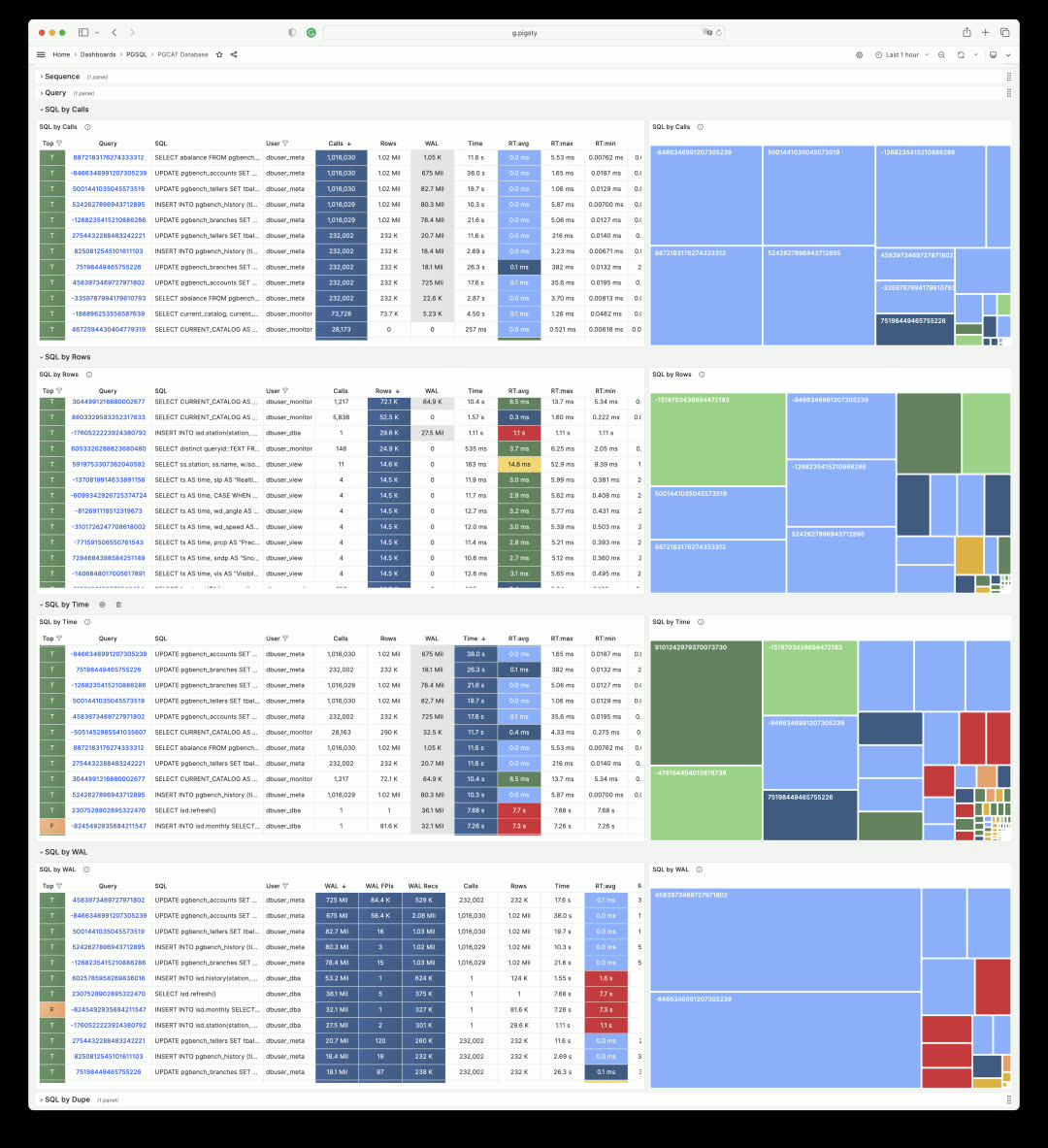
Monitoring Overhaul: Tables and Queries
In Pigsty, you can examine every aspect of a table. The PGCAT Table dashboard shows table metadata, its indexes, statistics for each column, and related queries.
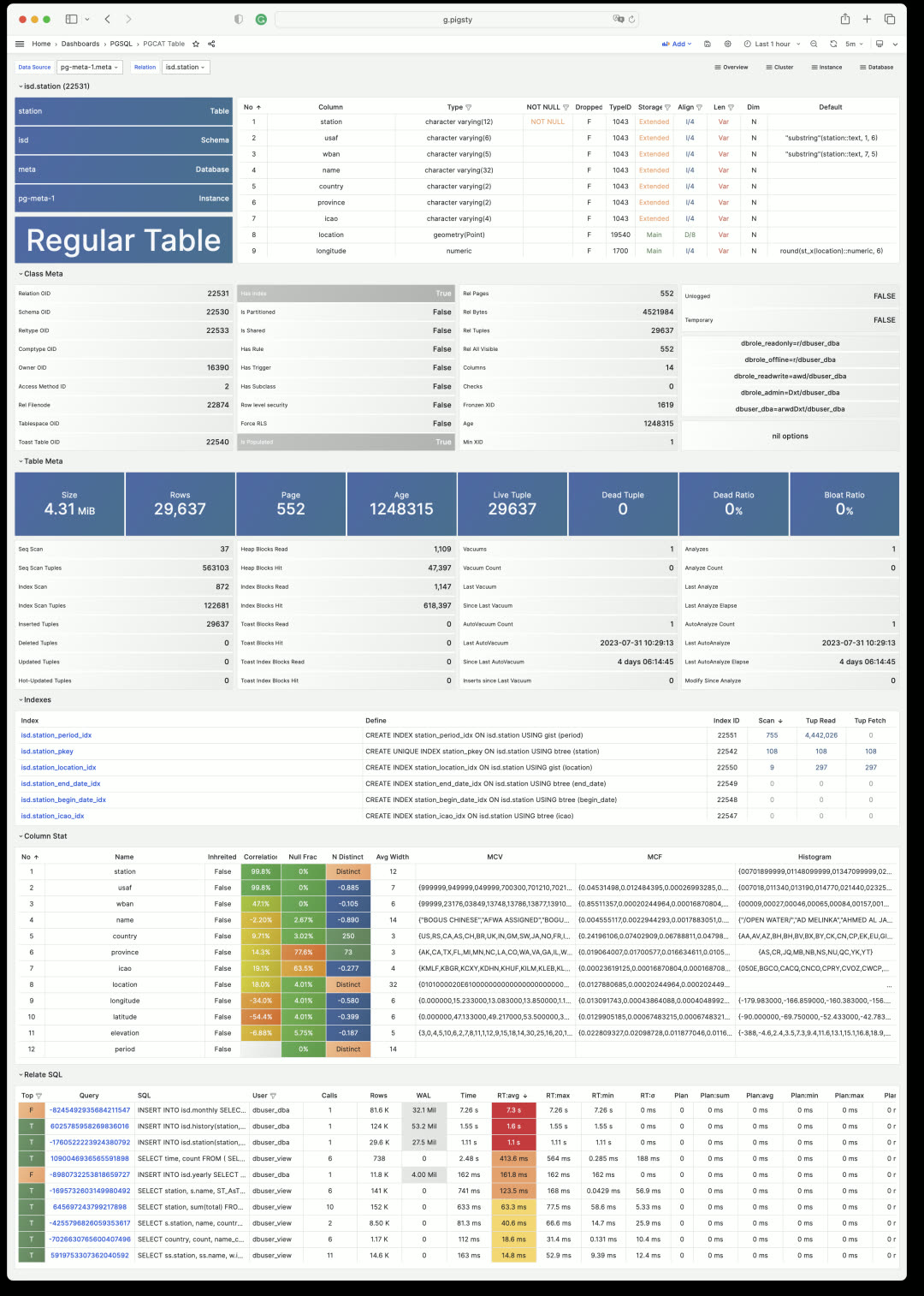
You can also use the PGSQL Table dashboard to view key metrics for a table across any historical time period from a metrics perspective. Click the table name to easily switch between views.
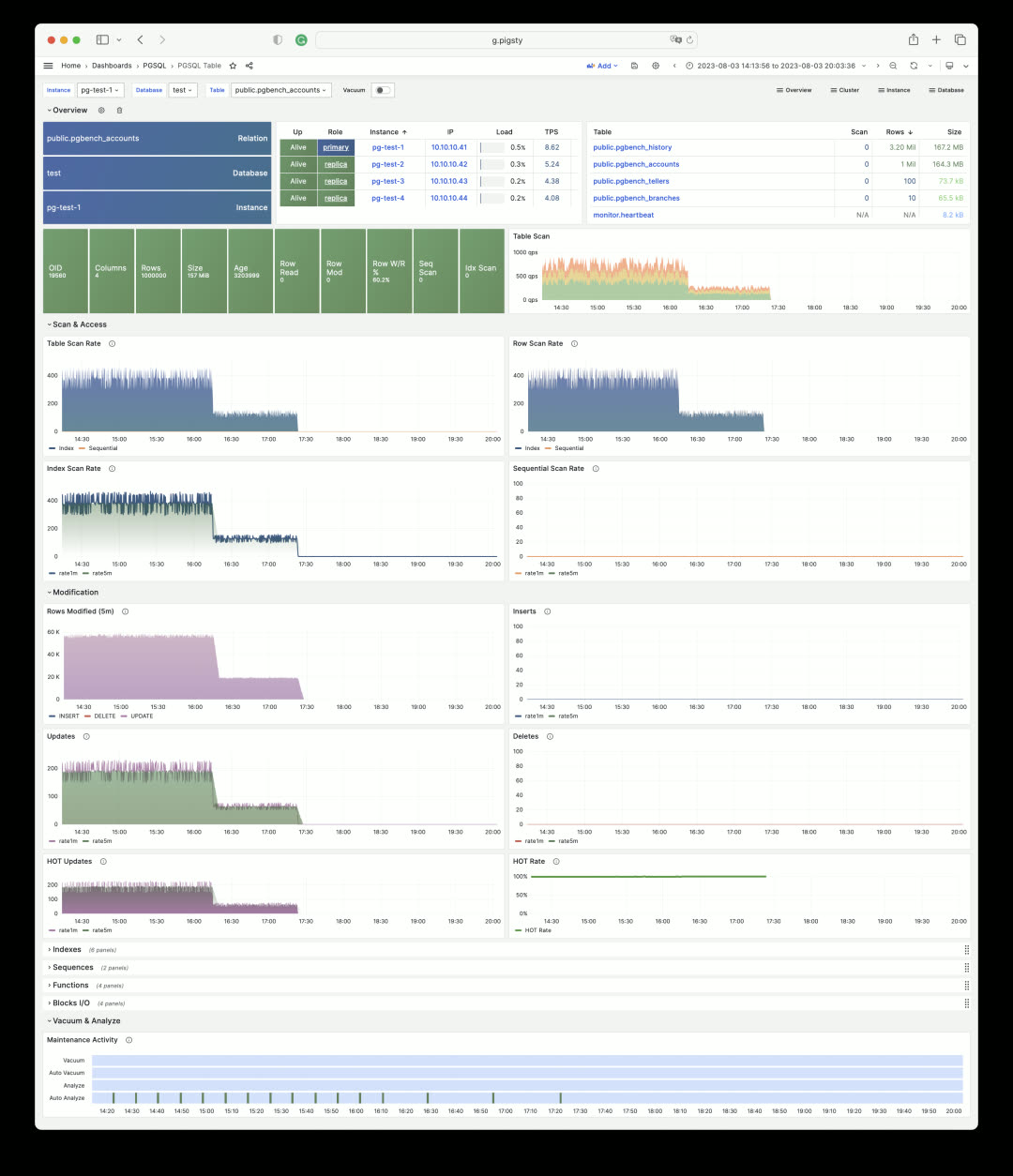
Similarly, you can get detailed information about SQL queries (grouped by identical execution plans).
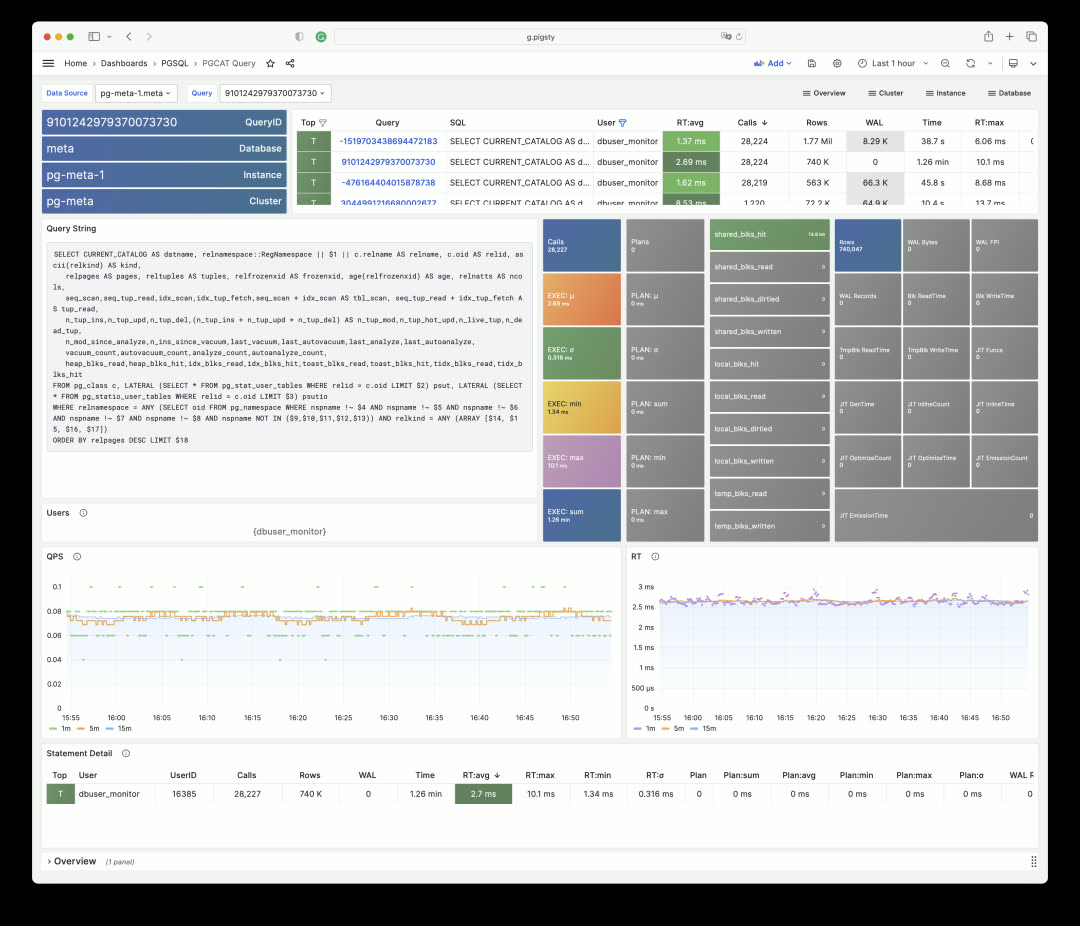
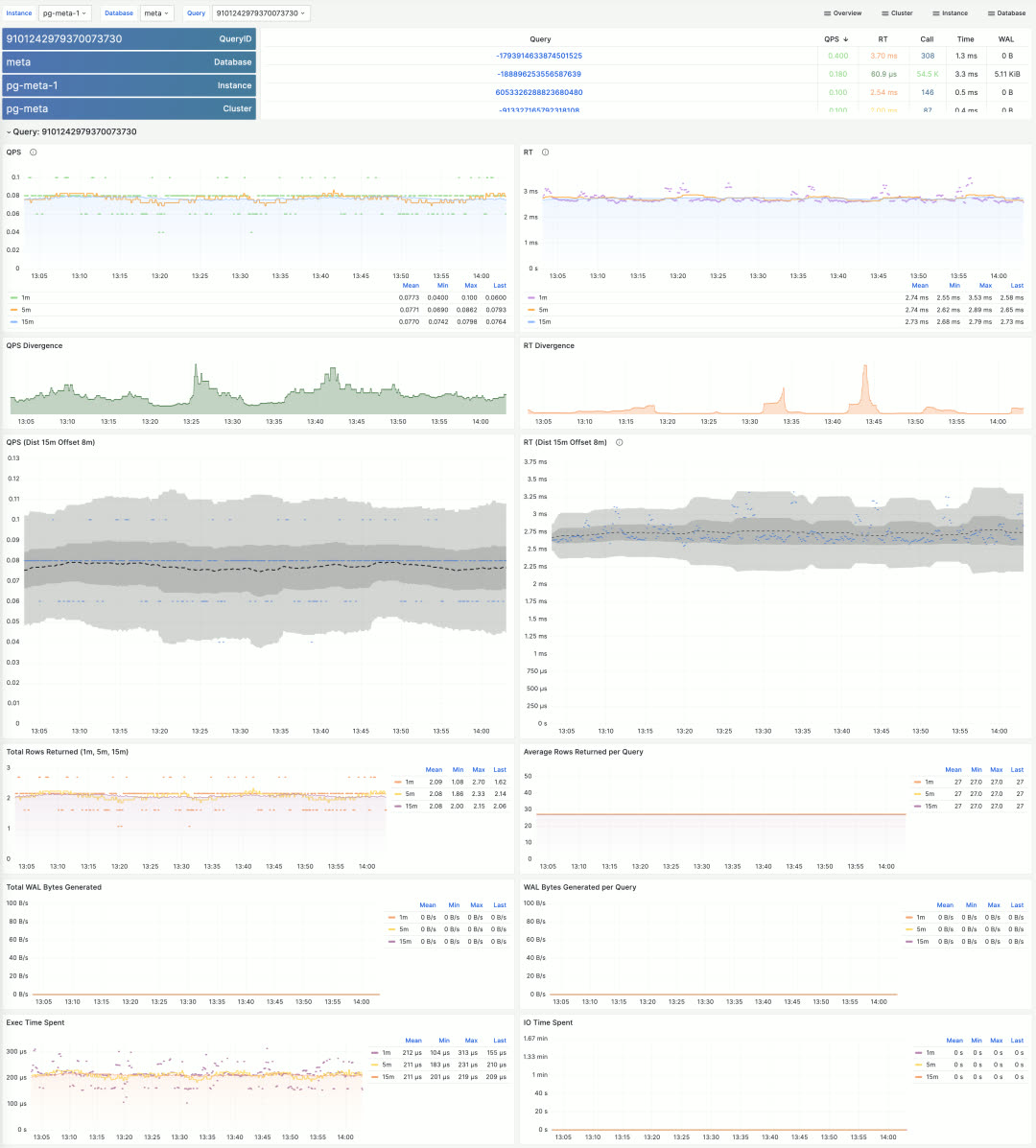
Pigsty includes many more topic-specific dashboards. Due to space constraints, this covers the monitoring system overview. The best way to experience it is to visit the public Pigsty demo: http://demo.pigsty.cc and explore it yourself. While it’s just a modest 4-node environment with 1-core VMs, it’s sufficient to demonstrate Pigsty’s core monitoring capabilities.
Production Simulation Sandbox
Pigsty provides a Vagrant + VirtualBox sandbox environment that runs on your laptop/Mac. There’s a minimal 1-node version and a full 4-node version for demos and learning. Now v2.2 adds a 42-node production simulation sandbox.
All production sandbox details are described in the prod.yml config file — under 500 lines. It runs easily on a single physical server, and spinning it up is no different from the 4-node version: just make prod install.
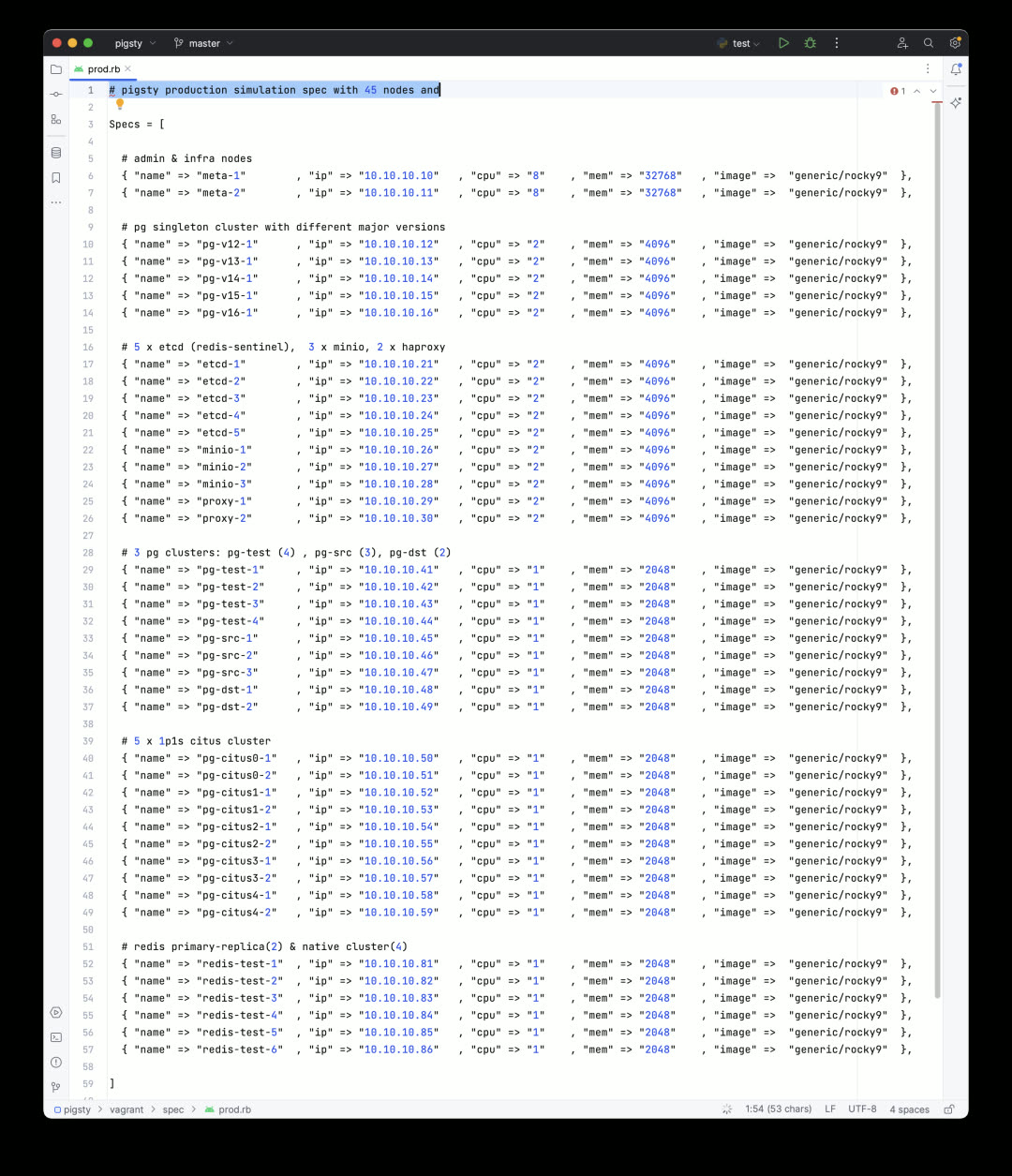
Pigsty v2.2 provides libvirt-based Vagrantfile templates. Simply adjust the machine inventory in the config above, and you can create all required VMs with one command. Everything runs comfortably on a used Dell R730 (48C 256G) — which costs under $400 secondhand. Of course, you can still use Pigsty’s Terraform templates to spin up VMs on cloud providers with one click.
After installation, the environment looks like this: a two-node monitoring infrastructure with primary-standby setup, a dedicated 5-node ETCD cluster, a 3-node MinIO cluster providing object storage for PG backups, and a dedicated 2-node HAProxy cluster for unified database load balancing.
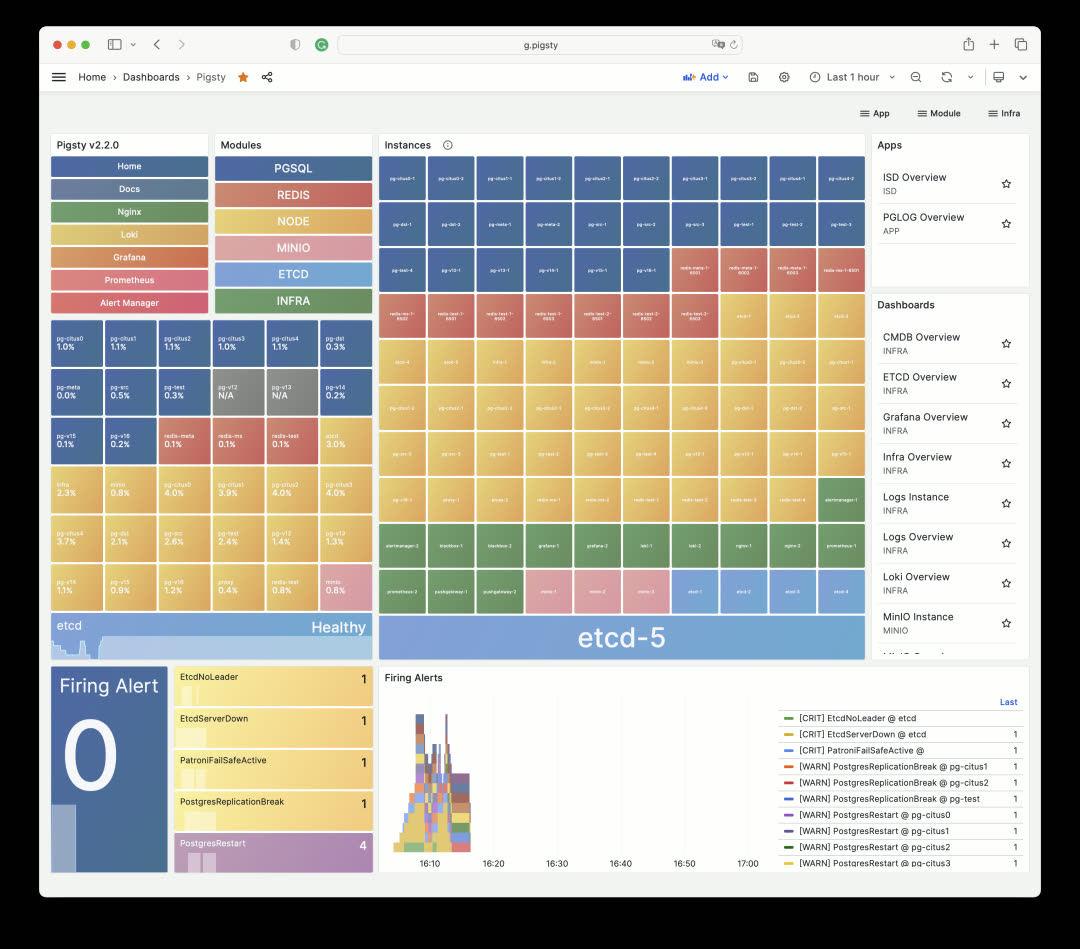
On top of this, there are 3 Redis clusters and 10 PostgreSQL clusters of various configurations, including a ready-to-use 5-shard Citus 12 distributed PostgreSQL cluster.
This configuration serves as a reference for medium-to-large enterprises managing large-scale database clusters — and you can spin it up completely in half an hour on a single physical server.
Smoother Build Process
When downloading Pigsty software directly from the internet, you might encounter firewall/GFW issues. For example, the default Grafana/Prometheus Yum repos can be extremely slow. Additionally, some scattered RPM packages need to be downloaded via web URLs rather than repotrack.
Pigsty v2.2 solves this problem. Pigsty now provides an official Yum repo: http://get.pigsty.cc, configured as one of the default upstream sources. All scattered RPMs and packages requiring VPN access are hosted there, significantly speeding up online installation/build processes.
Additionally, v2.2 adds support for the domestic Chinese operating system UOS 1050e uel20, meeting special requirements for certain customers. Pigsty has recompiled PG-related RPM packages for these systems.
Installation
Starting with v2.2, the Pigsty installation command is:
bash -c “$(curl -fsSL http://get.pigsty.cc/latest)"
One command to complete a full Pigsty installation on a fresh machine. To try beta versions, replace latest with beta. For air-gapped environments without internet access, you can download Pigsty and the offline packages containing all software:
That’s what Pigsty v2.2 brings to the table.
For more details, check out the official Pigsty documentation: https://pigsty.io and the GitHub Release Notes: https://github.com/pgsty/pigsty/releases/tag/v2.2.0
v2.2.0 Release Notes
Highlights
- Monitoring Dashboard Overhaul: https://demo.pigsty.cc
- Vagrant Sandbox Redesign: libvirt support with new config templates
- Pigsty EL Yum Repos: Consolidated scattered RPMs, simplified installation/build process
- OS Compatibility: Added UOS-v20-1050e support
- New Config Template: 42-node production simulation configuration
- Unified official PGDG Citus packages (el7)
Software Upgrades
- PostgreSQL 16 beta2
- Citus 12 / PostGIS 3.3.3 / TimescaleDB 2.11.1 / PGVector 0.44
- Patroni 3.0.4 / pgBackRest 2.47 / pgBouncer 1.20
- Grafana 10.0.3 / Loki/Promtail/logcli 2.8.3
- etcd 3.5.9 / HAProxy v2.8.1 / Redis v7.0.12
- MinIO 20230711212934 / mcli 20230711233044
Bug Fixes
- Fixed Docker group permission issue 29434bd
- Made
infraOS user group supplementary rather than primary - Fixed Redis Sentinel systemd service auto-enable state 5c96feb
- Relaxed
bootstrap&configurechecks, especially when/etc/redhat-releasedoesn’t exist - Upgraded to Grafana 10, fixing Grafana 9.x CVE-2023-1410
- Added PG 14-16 command tags and error codes to CMDB
pglogschema
API Changes
New variable:
INFRA.NGINX.nginx_exporter_enabled: Users can now disable nginx_exporter by setting this parameter
Default value changes:
repo_modules:node,pgsql,infra: Redis now provided by pigsty-el repo, no longer needsredismodulerepo_upstream:- Added
pigsty-el: EL version-independent RPMs: grafana, minio, pg_exporter, etc. - Added
pigsty-misc: EL version-specific RPMs: redis, prometheus stack, etc. - Removed
citus: PGDG now has complete EL7-EL9 Citus 12 support - Removed
remi: Redis now provided by pigsty-el repo
- Added
repo_packages: Consolidated package lists (see source for details)repo_url_packages:node_default_packages: Updated package listinfra_packages: Updated package listPGSERVICEin.pigstyreplaced withPGDATABASE=postgres, allowing users to access specific instances from admin node using just IP address
Directory structure changes:
bin/dnsandbin/sshmoved tovagrant/directory
16 - Pigsty v2.1: Vector + Full PG Version Support!
Originally published on VONNG.

Following PostgreSQL’s summer minor version updates and the release of PG 16 Beta, Pigsty closely tracks the PG community with the v2.1 release. This update supports PostgreSQL 16 Beta1 high availability and new monitoring metrics, while also providing support for PG 12-15. Meanwhile, the AI vector extension PGVector officially joined Pigsty in v2.0.2 and is now enabled by default.
Vector Database Extension: PGVector
Vector databases have been extremely hot lately. There are many specialized vector database products on the market — commercial ones like Pinecone and Zilliz, and open-source ones like Milvus and Qdrant. Among all existing vector databases, pgvector is unique — it chose to build on the world’s most powerful open-source relational database PostgreSQL as an extension, rather than starting from scratch as another specialized “database”. After all, building a good TP database from zero is very difficult.
pgvector has an elegant, simple, and easy-to-use interface, respectable performance, and inherits PostgreSQL’s ecosystem superpowers. Previously, PGVECTOR required manual download, compilation, and installation, so I submitted an issue to get it added to the PostgreSQL Global Development Group’s official repository. Now you can simply use the PGDG repo and run yum install pgvector_15 to complete installation. In database instances with pgvector installed, just use CREATE EXTENSION vector to enable it.
But with Pigsty, you don’t even need this process. In Pigsty v2.0.2 released in late March, PGVector extension was already integrated and installed by default. You just need CREATE EXTENSION vector and it’s ready to use.
We’re also working on a better PGVector implementation with improved functionality, performance, and usability — stay tuned for future versions.
PG16 Support and Observability
Pigsty is perhaps the fastest distribution to provide PostgreSQL 16 support — although still in Beta, with some extensions yet to catch up, you can already spin up PostgreSQL 16 high-availability clusters for testing. PostgreSQL 16 has some practical new features: logical decoding and logical replication from standbys, new statistics views for I/O, parallel execution of full joins, better freezing performance, new SQL/JSON standard function set, and regular expressions in HBA authentication.
Pigsty pays special attention to PostgreSQL 16’s observability improvements. The new pg_stat_io view lets users access important I/O statistics directly from within the database — extremely significant for performance optimization and failure analysis. Previously, users could only see limited statistics at the database/BGWriter level; for finer statistics, they had to correlate with OS-level I/O metrics. Now you can deeply analyze reads/writes/extends/fsyncs/hits/evictions across three dimensions: backend process type, relation type, and operation type.
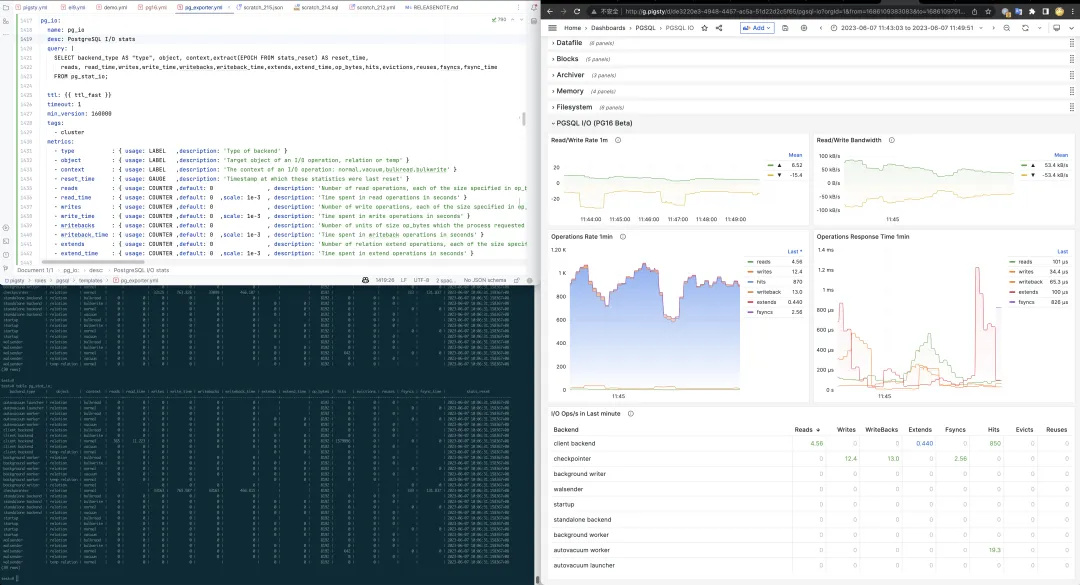
Another valuable observability improvement: pg_stat_all_tables and pg_stat_all_indexes now record the timestamp of the last sequential scan / index scan. While Pigsty’s monitoring system could achieve this through scan statistics charts, official direct support is certainly better: users can intuitively draw conclusions like whether an index is unused and can be removed. Additionally, the n_tup_newpage_upd metric tells us how many rows on a table were moved to a new page during updates rather than updated in-place — this metric is valuable for optimizing UPDATE performance and adjusting table fill factor.
PGSQL 12-15 Support
Pigsty has supported PostgreSQL since version 10, always closely following the community’s latest major versions. But users do have needs for older versions — some external components only support up to a certain version, some are cautious about upgrading to the latest major version, and some want to create a Pigsty-managed Standby Cluster from existing lower-version clusters for migration. Regardless, support for lower PostgreSQL versions is a real user demand. So in v2.1, we added support for PG 12-14, all included in the offline packages by default.
Each major version includes not just core packages, but also important extensions for that version: geospatial extension PostGIS, time-series database extension TimescaleDB, distributed database extension citus, vector database extension PGVector, online garbage collection extension pg_repack, CDC logical decoding extensions wal2json and pglogical, scheduled task extension pg_cron, and password strength checking extension passwordcheck_cracklib — ensuring each major version enjoys PostgreSQL ecosystem’s core capabilities.
PostgreSQL 11 can actually be supported too, but due to some missing extensions and its upcoming EOL, it was excluded from this update. For users new to PostgreSQL, we always recommend starting with the latest stable major version (currently 15). If you really need versions 10 or 11, you can follow the tutorial to adjust package versions in the repository and build yourself.
Grafana Monitoring System Improvements
With Grafana upgraded to v9.5.3, the new navigation bar and panel layout give Pigsty’s monitoring system UI a fresh look. All monitoring dashboards have been fine-tuned and adapted for the new UI, and some inconsistent styling issues have been fixed.
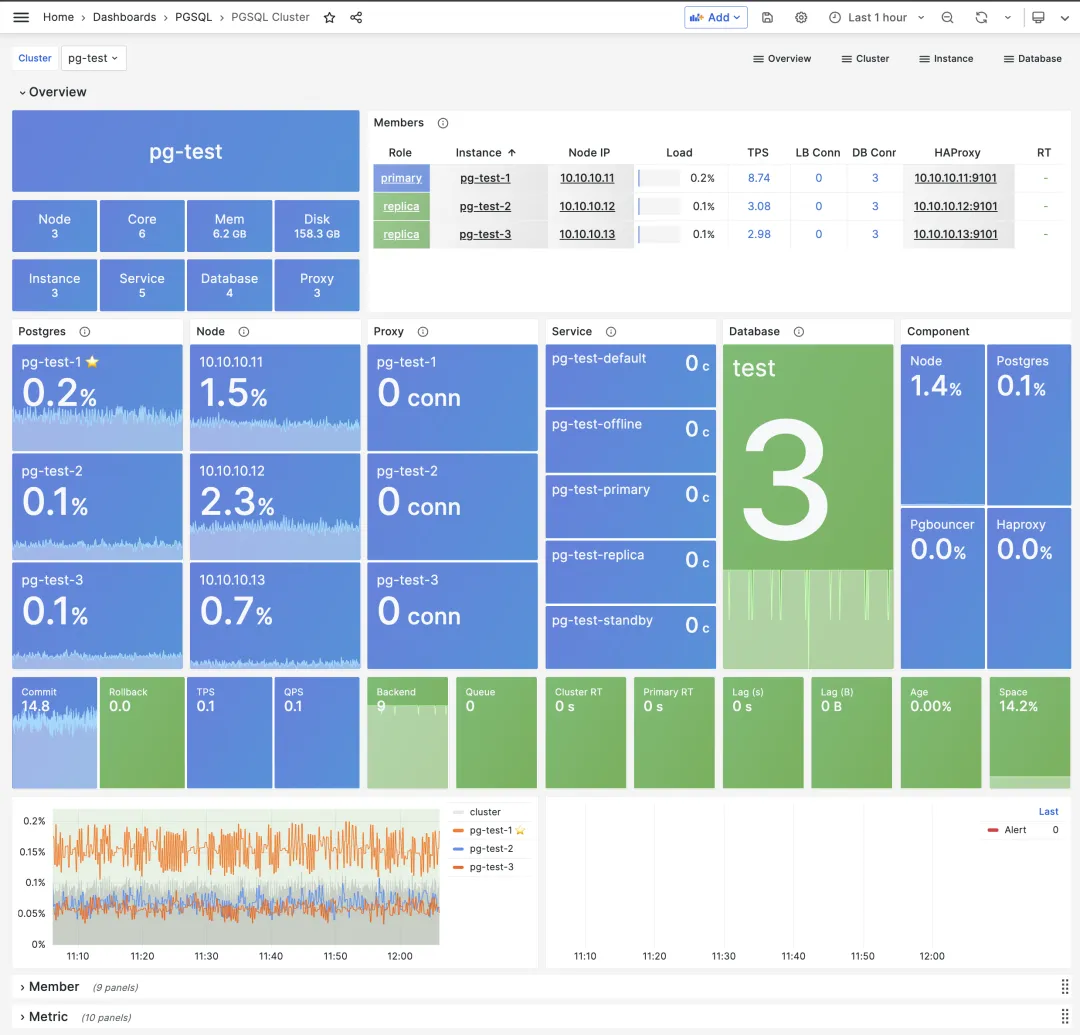
Pigsty 2.1 introduces 4 Grafana extension plugins from volkovlabs. Using Grafana + Echarts for data visualization and analysis has always been a feature highlight that Pigsty advocates and supports, but limited author bandwidth made it difficult to invest resources in this direction.
Before v2.1’s release, I was happy to see a professionally maintained Apache Echarts panel plugin — finally I can breathe easy and retire my self-maintained echarts panel. A professional startup team chose to expand in this direction, developing a series of useful extension plugins: Dynamic Text plugin for rendering SVG and text from backend data, Form plugin for form submissions, dynamic data calendar plugin, and more.
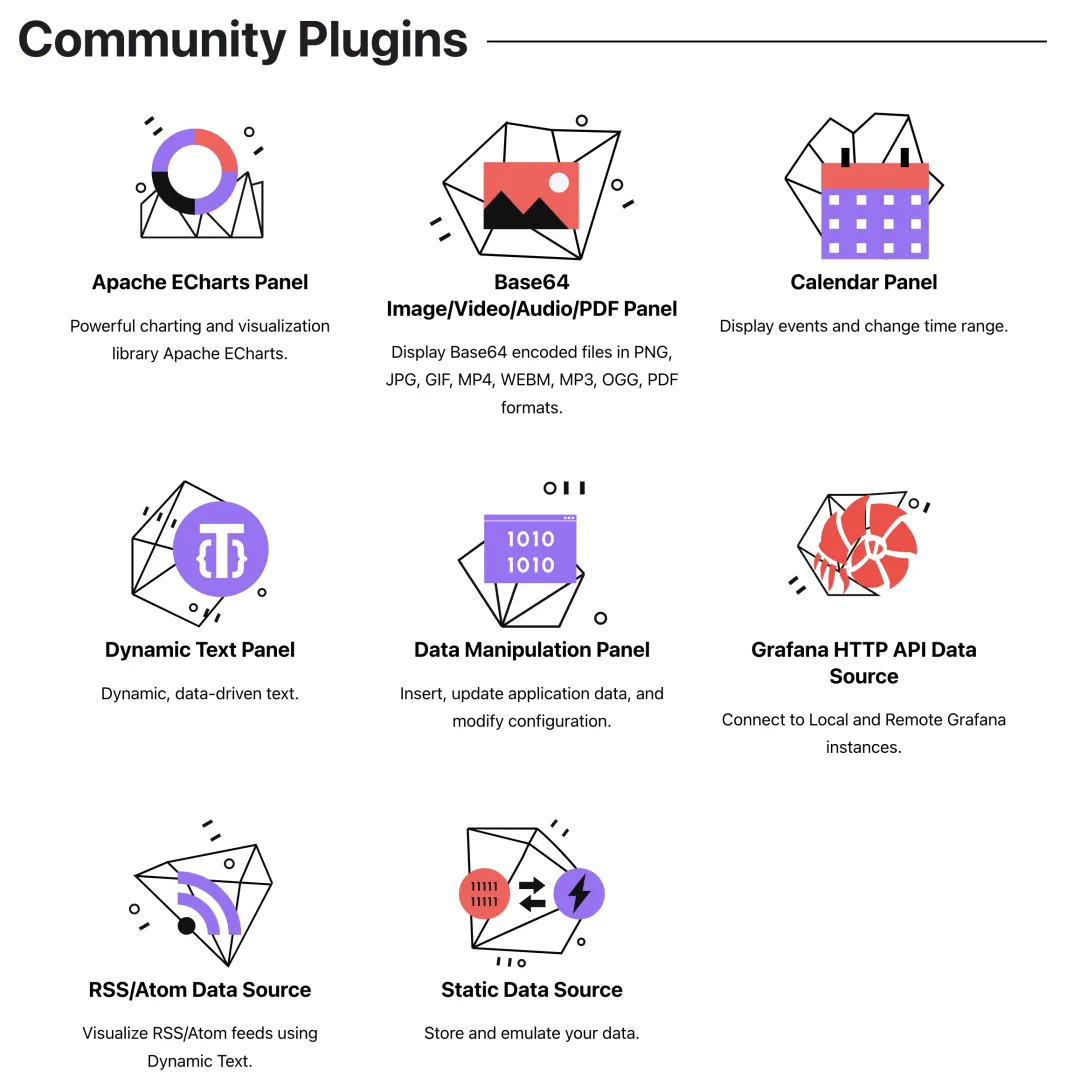
Additionally, Pigsty specifically added echarts-gl extension resources in Grafana’s public/chart directory, allowing users to create cool 3D globe panels like those in Apache Echarts’ official gallery using Pigsty’s built-in Grafana without internet access.
Other Utility Improvements
Pigsty 2.1 adds 3 convenience commands: profile, validate, and repo-add.
The bin/validate command accepts a config file path as input, checking and validating Pigsty configuration file correctness. Common issues like accidentally writing the same IP in different clusters, configuration name/type errors, and the most common YAML indentation format errors can all be automatically detected and reported. After modifying configuration, users can use bin/validate to ensure their changes are valid.
The bin/repo-add command is for manually adjusting YUM repos on nodes. When users want to add new packages to local repos, they often need to use Ansible playbook subtasks, which is inconvenient. Now you can use the wrapped command-line tool: for example, bin/repo-add infra node,pgsql will add repos categorized as node and pgsql to nodes in the infra group.
The bin/profile command conveniently performs perf sampling for 1 minute on a process with a specific PID at a given IP address, generating a flame graph in Pigsty’s web server directory. Users can open and browse it directly from the web interface — this feature is especially useful for analyzing internal database failures and performance bottlenecks.
v2.1.0 Release Notes
Highlights
- PostgreSQL 16 beta support, plus support for versions 12-15
- Added PGVector extension support for PG 12-15 for storing AI embeddings
- Added 6 additional default extension panel/datasource plugins for Grafana
- Added
bin/profilescript for remote profiling and flame graph generation - Added
bin/validatefor validatingpigsty.ymlconfiguration file correctness - Added
bin/repo-addfor quickly adding Yum repo definitions to nodes - PostgreSQL 16 observability: added
pg_stat_iosupport and related monitoring dashboards
Software Upgrades
- PostgreSQL 15.3, 14.8, 13.11, 12.15, 11.20, and 16 beta1
- pgBackRest 2.46 / pgbouncer 1.19
- Redis 7.0.11
- Grafana v9.5.3
- Loki / Promtail / Logcli 2.8.2
- Prometheus 2.44
- TimescaleDB 2.11.0
- minio-20230518000536 / mcli-20230518165900
- Bytebase v2.2.0
Improvements
- When adding local user public keys, all
id*.pubfiles are now added to remote machines (e.g., keys generated with elliptic curve algorithms)
17 - Pigsty v2.0: Open-Source RDS PostgreSQL Alternative
Originally published on VONNG.

2023/02/28, Pigsty v2.0.0 is officially released, bringing a series of major feature updates.
PIGSTY now stands for “PostgreSQL In Great STYle” — PostgreSQL at its best. Pigsty’s positioning has also evolved from “batteries-included PostgreSQL distribution” to “Me Better Open-Source RDS PG Alternative”.
No beating around the bush — this is an ambitious goal: overthrow cloud database monopolies and disrupt RDS!
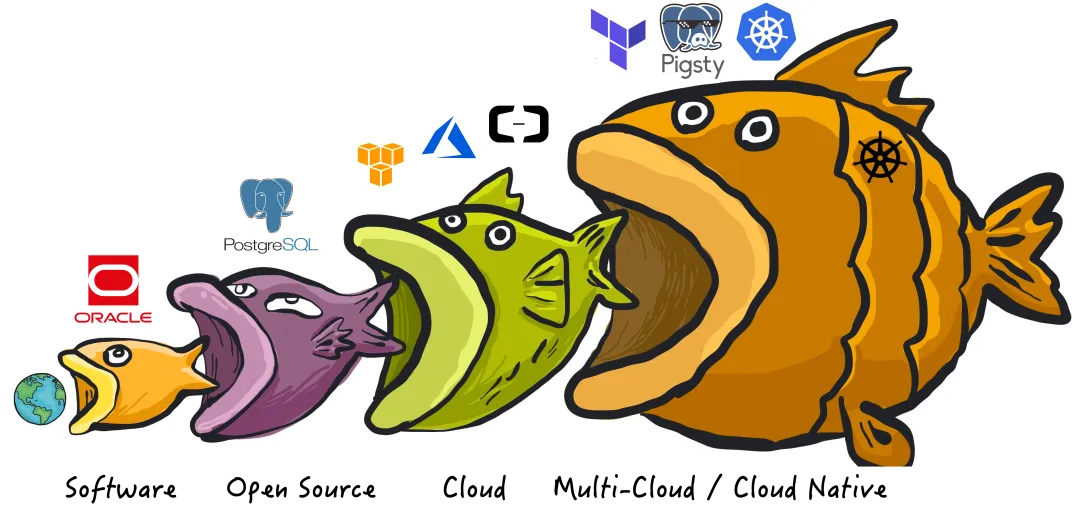
2.0 New Features
Pigsty is a better, local-first, open-source RDS for PostgreSQL alternative.
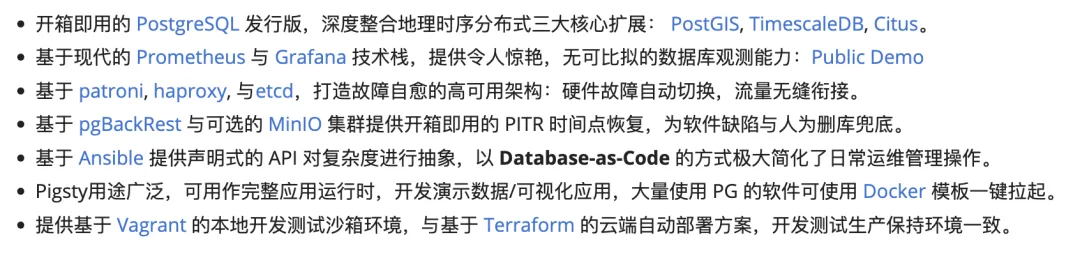
Powerful Distribution
Unleash the full power of the world’s most advanced relational database!
PostgreSQL is a near-perfect database kernel, but it needs more tools and systems to become a good enough database service (RDS) — Pigsty helps PostgreSQL make this leap.
Pigsty deeply integrates PostgreSQL ecosystem’s three core extensions: PostGIS, TimescaleDB, and Citus, ensuring they work together to provide distributed geospatial time-series database capabilities. Pigsty also provides software needed to run enterprise-grade RDS services, packaging all dependencies into offline bundles. All components can be installed and deployed with one click without internet access, ready for production.
In Pigsty, functional components are abstracted into modules that can be freely combined for various scenarios. The INFRA module comes with a complete modern monitoring stack, while the NODE module tunes nodes to specified states and integrates them into monitoring. Installing the PGSQL module on multiple nodes automatically forms a high-availability database cluster based on primary-replica replication, and the ETCD module provides consensus and metadata storage for database HA. The optional MINIO module can serve as storage for large files like images and videos, or as a database backup repository. REDIS, which pairs excellently with PG, is also supported. More modules (like GPSQL, MYSQL, KAFKA) will be added later, and you can develop your own modules to extend Pigsty’s capabilities.
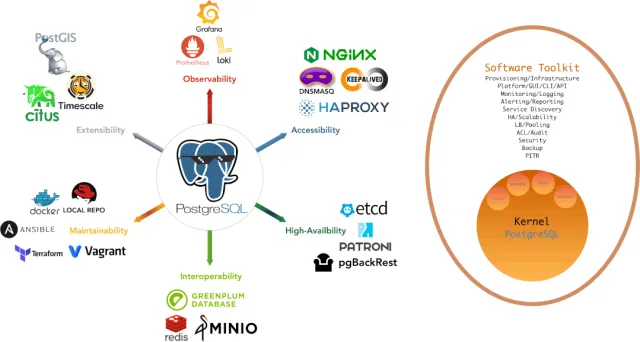
Stunning Observability
Unparalleled monitoring best practices using modern open-source observability stack!
Pigsty provides monitoring best practices based on the open-source Grafana/Prometheus observability stack: Prometheus for metric collection, Grafana for visualization, Loki for log collection and querying, Alertmanager for alert notifications. PushGateway for batch job monitoring, Blackbox Exporter for service availability checks. The entire system is designed as a one-click, out-of-the-box INFRA module.
Any component managed by Pigsty is automatically integrated into monitoring, including host nodes, HAProxy load balancers, Postgres databases, Pgbouncer connection pools, ETCD metadata stores, Redis KV caches, MinIO object storage, and the entire monitoring infrastructure itself. Numerous Grafana dashboards and preset alert rules will qualitatively enhance your system observability. This system can also be reused for your application monitoring infrastructure, or to monitor existing database instances or RDS.
Whether for failure analysis or slow query optimization, capacity assessment or resource planning, Pigsty provides comprehensive data support for truly data-driven operations. In Pigsty, over three thousand metric types describe every aspect of the system, further processed, aggregated, analyzed, refined, and presented in intuitive visualizations. From global fleet overviews to CRUD details of individual objects (tables, indexes, functions) in a database instance — everything is visible. You can drill down, roll up, and navigate horizontally, browsing system current state and historical trends while predicting future evolution. See the public demo: http://demo.pigsty.cc.
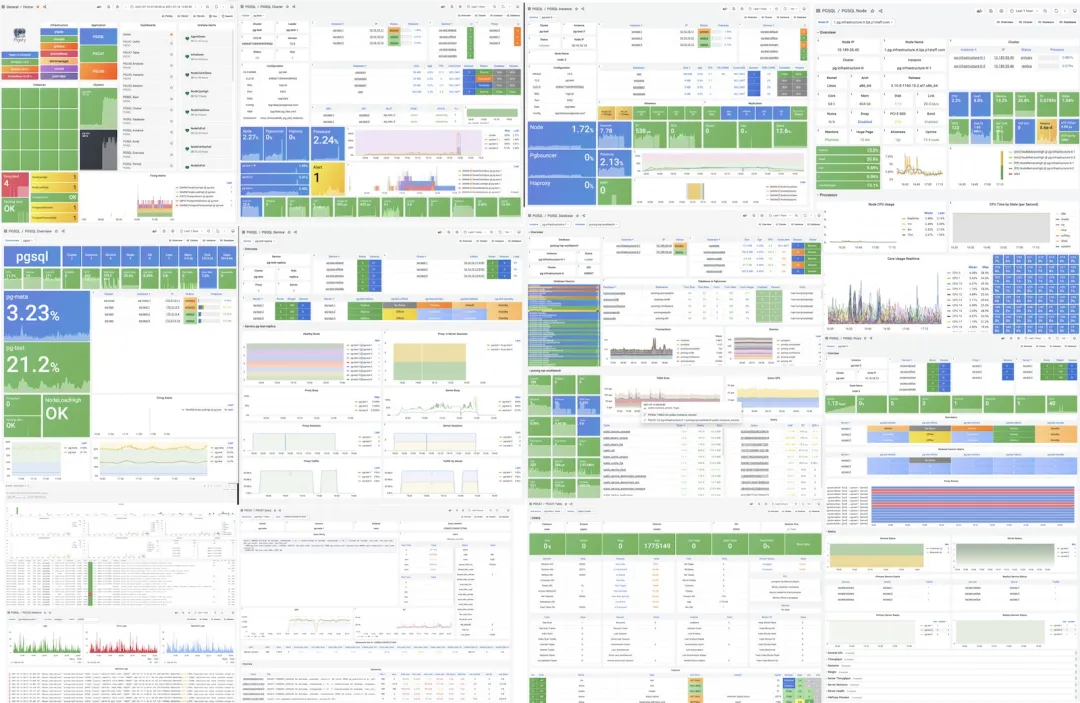
Battle-Tested Reliability
Out-of-the-box high availability and point-in-time recovery ensure your database is rock solid!
For table/database drops caused by software defects or human error, Pigsty provides out-of-the-box PITR point-in-time recovery, enabled by default without additional configuration. As long as storage is sufficient, base backups and WAL archiving powered by pgBackRest give you the ability to quickly return to any point in time. You can use local directories/disks, dedicated MinIO clusters, or S3 object storage for longer retention periods — your choice.
More importantly, Pigsty makes high availability and self-healing standard for PostgreSQL clusters. The self-healing architecture built on patroni, etcd, and haproxy handles hardware failures with ease: RTO < 30s for automatic primary failover, RPO = 0 in consistency-priority mode ensuring zero data loss. As long as any instance in the cluster survives, the cluster can provide full service, and clients connecting to any node in the cluster get complete service.
Pigsty includes HAProxy load balancer for automatic traffic switching, offering DNS/VIP/LVS and other access methods for clients. Failover and planned switchover are nearly imperceptible to applications except for brief blips — no need to modify connection strings and restart. Minimal maintenance windows bring great flexibility: you can perform rolling maintenance and upgrades without application coordination. Hardware failures can wait until the next day for leisurely handling — letting developers, ops, and DBAs sleep peacefully. Many large organizations and core institutions have been using Pigsty in production for extended periods. The largest deployment has 25K CPU cores and 200+ PostgreSQL instances. In this case, Pigsty experienced dozens of hardware failures and incidents over three years while maintaining 99.999%+ overall availability.
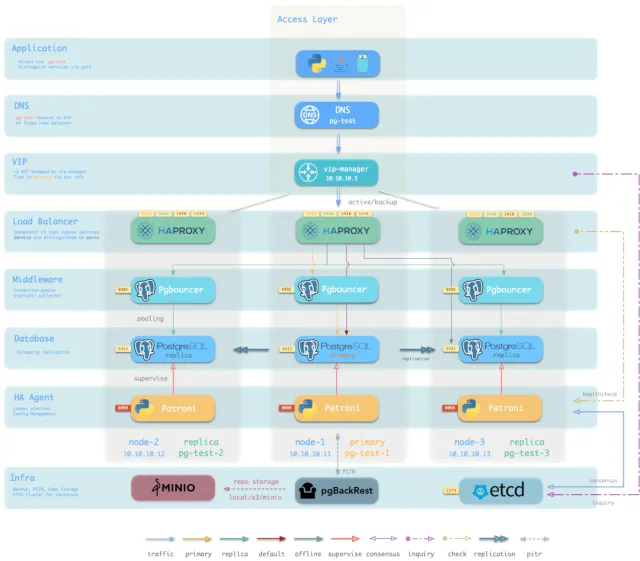
Simple and Maintainable
Infra as Code — declarative APIs encapsulate database management complexity.
Pigsty uses declarative interfaces, elevating system controllability to a new level: users tell Pigsty “what kind of database cluster I want” via configuration inventory, without worrying about how to do it. In effect, this is similar to K8S CRDs and Operators, but Pigsty works on any node’s database and infrastructure — containers, VMs, or bare metal.
Whether creating/destroying clusters, adding/removing replicas, or provisioning databases/users/services/extensions/ACL rules, you just modify the configuration inventory and run Pigsty’s idempotent playbooks — Pigsty adjusts the system to your desired state. Users don’t worry about configuration details; Pigsty automatically tunes based on machine hardware. You only need to focus on basics like cluster name, which instances go on which machines, which template to use (transaction/analytics/critical/tiny) — developers can self-service. But if you want to dive deeper, Pigsty provides rich, fine-grained control parameters to satisfy the pickiest DBA’s customization needs.
Additionally, Pigsty installation itself is one-click simple, with all dependencies pre-packaged for offline installation without internet access. Machine resources for installation can be automatically provisioned via Vagrant or Terraform templates, letting you spin up a complete Pigsty deployment on your local laptop or cloud VMs in ten-ish minutes. The local sandbox can run on 1-core 2GB micro VMs, providing identical functionality to production for development, testing, demos, and learning.
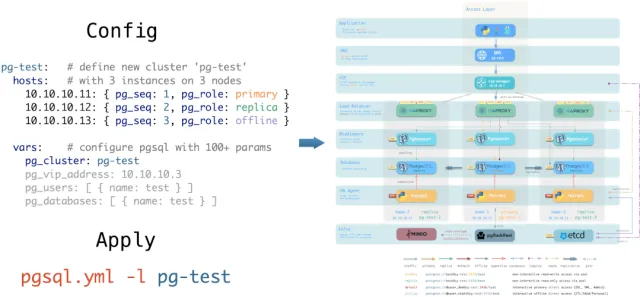
Solid Security
Encryption and backup all in one — as long as hardware and keys are secure, you don’t need to worry about database security.
Each Pigsty deployment creates a self-signed CA for certificate issuance. All network communication can use SSL encryption. Database passwords are encrypted with compliant scram-sha-256 algorithm, remote backups use AES-256 encryption. Additionally, an out-of-the-box access control system for PGSQL addresses security needs for most scenarios.
Pigsty provides an out-of-the-box, easy-to-use, refined and flexible, easily extensible access control system for PostgreSQL, including four default roles with separation of duties: read (DQL) / write (DML) / admin (DDL) / offline (ETL), and four default users: dbsu / replicator / monitor / admin. All database templates have sensible default permissions for these roles and users, and any new database objects automatically follow this permission system. Client access is restricted by HBA rule groups designed on the principle of least privilege, with all sensitive operations logged for audit.
All network communication can use SSL encryption. Sensitive management pages and API endpoints are protected by multiple layers: username/password authentication, access restricted to management node/infrastructure node IPs/subnets, HTTPS required for network traffic. Patroni API and Pgbouncer have SSL disabled by default for performance reasons, but security switches are available when needed. Properly configured systems pass security certifications easily. With internal network deployment, properly configured security groups and firewalls, database security will no longer be your pain point.
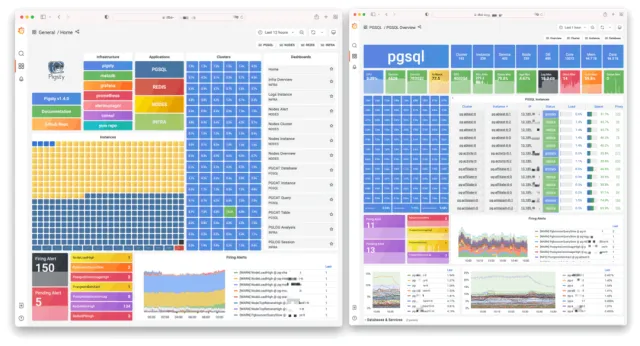
Broad Application Scenarios
One-click launch massive software using PostgreSQL with preset Docker templates!
In data-intensive applications, databases are often the trickiest part. For example, the core difference between GitLab Enterprise and Community editions is the underlying PostgreSQL database monitoring and HA. If you already have a good enough local PG RDS, why pay for software’s homegrown database?
Pigsty provides the Docker module with many out-of-the-box Compose templates. You can use Pigsty-managed HA PostgreSQL (plus Redis and MinIO) as backend storage, launching these applications statelessly with one click: Gitlab, Gitea, Wiki.js, Odoo, Jira, Confluence, Habour, Mastodon, Discourse, KeyCloak, etc. If your application needs a reliable PostgreSQL database, Pigsty might be the simplest way to get one.
Pigsty also provides development toolkits tightly integrated with PostgreSQL: PGAdmin4, PGWeb, ByteBase, PostgREST, Kong, plus “upper-layer databases” using PostgreSQL as storage like EdgeDB, FerretDB, and Supabase. Even better, you can build interactive data applications using Pigsty’s built-in Grafana and Postgres in a low-code way, and even create more expressive interactive visualizations with Pigsty’s built-in ECharts panel.
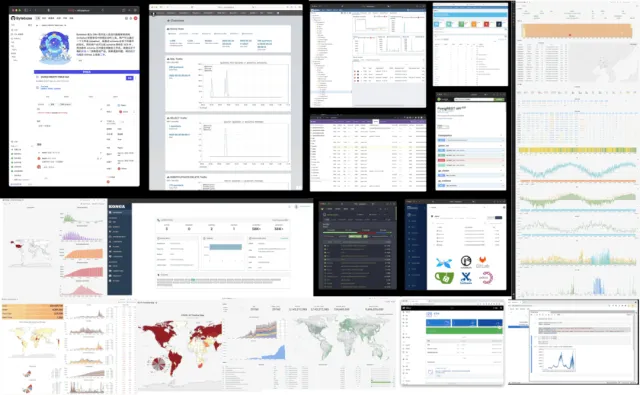
Open-Source Free Software
Pigsty is free software under AGPLv3, nurtured by community members who love PostgreSQL
Pigsty is completely open-source and free, allowing you to run enterprise-grade PostgreSQL database services at nearly bare-metal hardware costs without database experts. By comparison, public cloud vendors charge premiums of several to over ten times the underlying hardware resources as “service fees” for RDS.
Many users choose cloud because they can’t handle databases themselves; many use RDS because there’s no alternative. We will break cloud vendor monopolies, providing users with a cloud-neutral, better open-source RDS alternative: Pigsty closely follows the PostgreSQL upstream trunk, with no vendor lock-in, no annoying “license fees”, no node limits, and no data collection. All your core assets — data — remain “autonomous and controllable” in your own hands.
Pigsty aims to replace tedious manual database ops with database autopilot software, but no software can solve every problem. There will always be some rare edge cases requiring expert intervention. This is why we offer professional subscription services for enterprise users needing PostgreSQL support. A few thousand dollars in subscription/consulting fees is a tiny fraction of a top DBA’s annual salary, giving you complete peace of mind and putting costs where they matter. For community users, we also provide free support and daily Q&A.
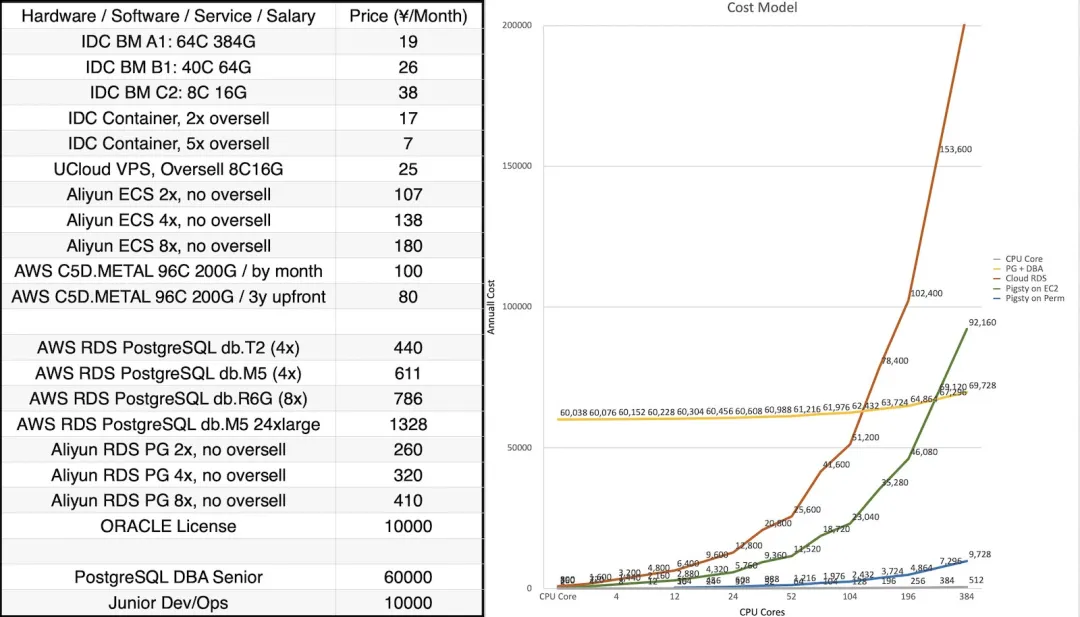
2.0 Quick Start
Pigsty 2.0 installation is still one command:
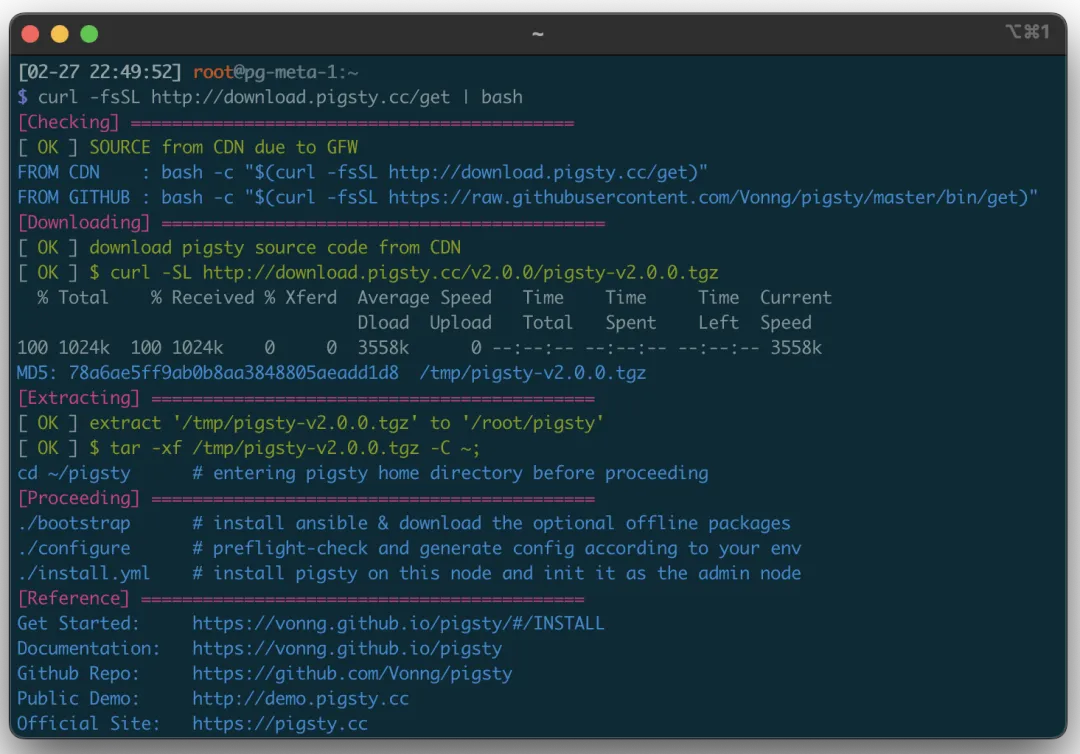
For limited internet access, you can download the offline package for your OS from GitHub or CDN in advance. The monitoring system has a public demo: http://demo.pigsty.cc.
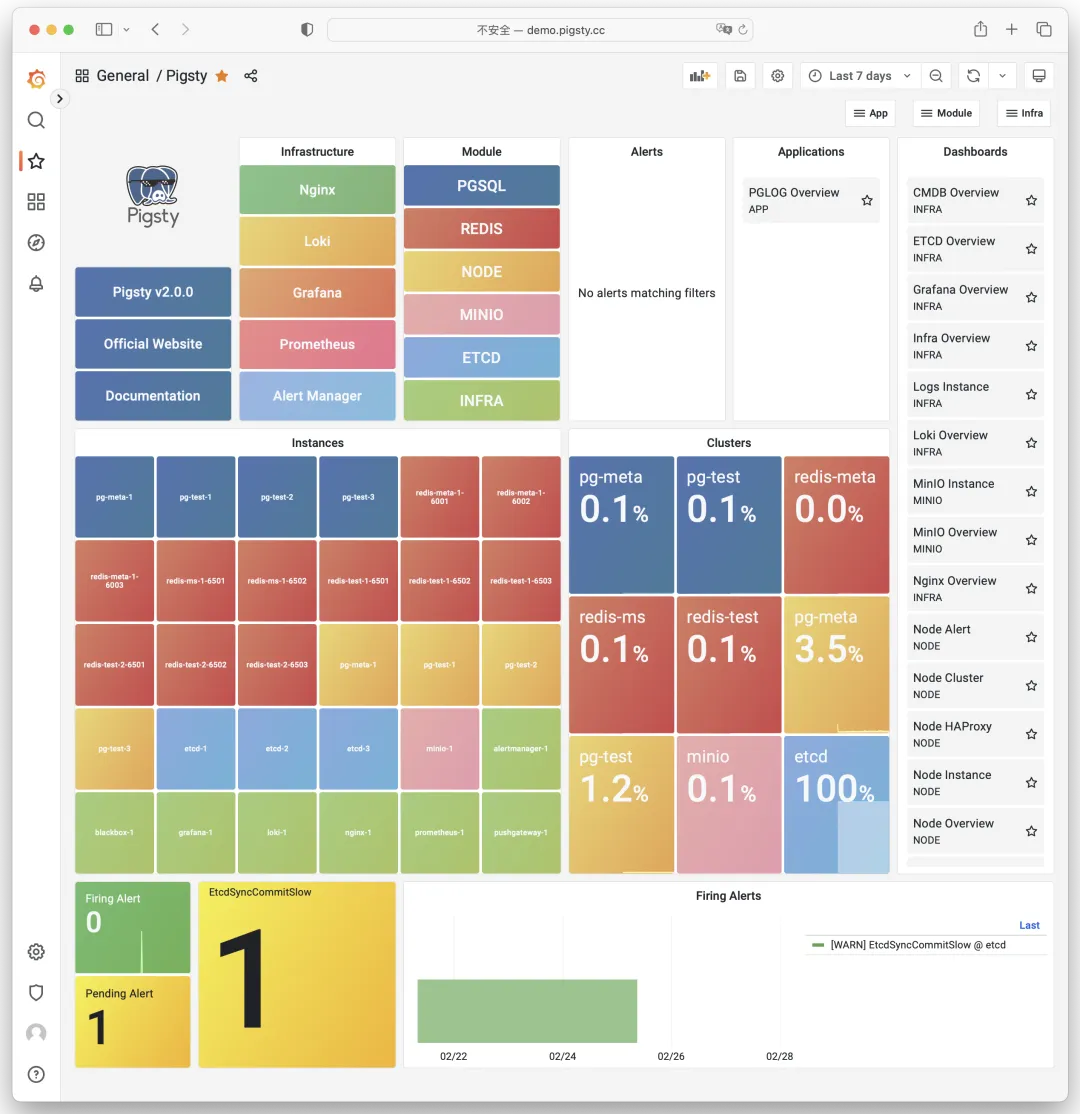
v2.0.0 Release Notes
Highlights
- Perfect integration of PostgreSQL 15, PostGIS 3.3, Citus 11.2, TimescaleDB 2.10 — distributed geospatial time-series hyper-converged database
- Major OS compatibility improvements: supports EL7, 8, 9, plus RHEL, CentOS, Rocky, OracleLinux, AlmaLinux compatible distros
- Security improvements: self-signed CA, global SSL network encryption, scram-sha-256 password auth, AES-encrypted backups, redesigned HBA rule system
- Patroni upgraded to 3.0, providing native HA Citus distributed cluster support, FailSafe mode enabled by default — no fear of DCS failures causing global primary outages
- Out-of-the-box PITR support based on pgBackRest, default support for local filesystem and dedicated MinIO/S3 cluster backups
- New
ETCDmodule: independently deployable, easy scaling, built-in monitoring and HA, completely replacing Consul as DCS for HA PG - New
MINIOmodule: independently deployable, multi-disk multi-node support, S3 local replacement, also for centralized PostgreSQL backup repository - Significantly simplified configuration parameters, usable without defaults; templates auto-adjust host and PG parameters based on machine specs, HBA/service definitions more concise and universal
- License changed from Apache License 2.0 to AGPL 3.0 due to Grafana and MinIO dependencies
Compatibility
- Supports EL7, EL8, EL9 major versions with corresponding offline packages, default dev/test environment upgraded from EL7 to EL9
- Supports more EL-compatible Linux distros: RHEL, CentOS, RockyLinux, AlmaLinux, OracleLinux, etc.
- Source and offline package naming conventions changed — version, OS version, and architecture now reflected in package names
PGSQL: PostgreSQL 15.2, PostGIS 3.3, Citus 11.2, TimescaleDB 2.10 now work together harmoniouslyPGSQL: Patroni upgraded to 3.0 as PGSQL HA component- ETCD now default DCS, replacing Consul, eliminating one Consul Agent failure point
- vip-manager upgraded to 2.1 using ETCDv3 API, completely deprecating ETCDv2 API; same for Patroni
- Native HA Citus distributed cluster support using fully open-source Citus 11.2
- FailSafe mode enabled by default — no fear of DCS failures causing global primary outages
PGSQL: pgBackrest v2.44 introduced for out-of-the-box PostgreSQL PITR- Default backup repo on primary’s backup directory, rolling two-day recovery window
- Default alternative repo is dedicated MinIO/S3 cluster, rolling two-week recovery window; local use requires enabling MinIO module
ETCDnow an independently deployed module with complete scale-out/in solution and monitoringMINIOnow an independently deployed module, multi-disk multi-node support, S3 local replacement, also for centralized backup repositoryNODEmodule now includeshaproxy,docker,node_exporter,promtailcomponentschronydnow replacesntpdas default NTP service on all nodes- HAPROXY now part of
NODErather thanPGSQL-exclusive, can expose services via NodePort PGSQLmodule can now use dedicated centralized HAPROXY cluster for unified external service
INFRAmodule now includesdnsmasq,nginx,prometheus,grafana,lokicomponents- DNSMASQ server in Infra module enabled by default, added as default DNS server for all nodes
- Added
blackbox_exporterfor host PING probing,pushgatewayfor batch job metrics lokiandpromtailnow use Grafana’s default packages with official Grafana Echarts panel plugin- Monitoring support for PostgreSQL 15’s new observability points, added Patroni monitoring
- Software version upgrades
- PostgreSQL 15.2 / PostGIS 3.3 / TimescaleDB 2.10 / Citus 11.2
- Patroni 3.0 / Pgbouncer 1.18 / pgBackRest 2.44 / vip-manager 2.1
- HAProxy 2.7 / Etcd 3.5 / MinIO 20230131022419 / mcli 20230128202938
- Prometheus 2.42 / Grafana 9.3 / Loki & Promtail 2.7 / Node Exporter 1.5
Security
- Complete local self-signed CA:
pigsty-cafor issuing internal component certificates - User creation/password changes no longer leave traces in log files
- Nginx enables SSL support by default (for HTTPS, trust
pigsty-cain your system or use Chromethisisunsafe) - ETCD fully enables SSL encryption for client and peer communication
- PostgreSQL SSL support added and enabled by default, management connections use SSL
- Pgbouncer SSL support added, disabled by default for performance
- Patroni SSL support added, management API restricted to local and admin node access with password auth
- PostgreSQL default password auth changed from
md5toscram-sha-256 - Pgbouncer auth query support added for dynamic connection pool user management
- pgBackRest uses
AES-256-CBCencryption by default for remote centralized backup storage - High-security template provided: enforces global SSL and requires admin certificate login
- All default HBA rules now explicitly defined in config files
Maintainability
- Existing config templates auto-adjust optimizations based on machine specs (CPU/memory/storage)
- Postgres/Pgbouncer/Patroni/pgBackRest log directories now dynamically configurable: default
/pg/log/<type>/ - Original IP placeholder
10.10.10.10replaced with dedicated variable${admin_ip}, referenceable in multiple places for switching backup admin nodes regioncan be specified to use upstream mirrors from different regions for faster package downloads- Finer-grained upstream source addresses now allowed based on EL version, architecture, and region
- Terraform templates for Alibaba Cloud and AWS China provided for one-click EC2 VM provisioning
- Multiple Vagrant sandbox templates provided:
meta,full,el7/8/9,minio,build,citus - New dedicated playbook:
pgsql-monitor.ymlfor monitoring existing Postgres instances or RDS - New dedicated playbook:
pgsql-migration.ymlfor seamless logical replication migration to Pigsty-managed clusters - Series of dedicated shell utilities added, wrapping common ops operations
- All Ansible roles optimized for simplicity, readability, and maintainability — usable without default parameters
- Additional Pgbouncer parameters can be defined at business database/user level
API Changes
Pigsty v2.0 has extensive changes: 64 new parameters, 13 removed, 17 renamed.
New Parameters
INFRA.META.admin_ip: Primary meta node IP addressINFRA.META.region: Upstream mirror region: default|china|europeINFRA.META.os_version: Enterprise Linux version: 7,8,9INFRA.CA.ca_cn: CA Common Name, default pigsty-caINFRA.CA.cert_validity: Certificate validity, default 20 yearsINFRA.REPO.repo_enabled: Build local yum repo on infra node?INFRA.REPO.repo_upstream: Upstream yum repo definition listINFRA.REPO.repo_home: Local yum repo home directory, usually same as nginx_home ‘/www’INFRA.NGINX.nginx_ssl_port: HTTPS listen portINFRA.NGINX.nginx_ssl_enabled: Enable nginx HTTPS?INFRA.PROMETHEUS.alertmanager_endpoint: Alertmanager endpoint (ip|domain):port formatNODE.NODE_TUNE.node_hugepage_ratio: Memory hugepage ratio, default 0 (disabled)NODE.HAPROXY.haproxy_service: List of haproxy services to exposePGSQL.PG_ID.pg_mode: pgsql cluster mode: pgsql,citus,gpsqlPGSQL.PG_BUSINESS.pg_dbsu_password: dbsu password, empty string means no dbsu passwordPGSQL.PG_INSTALL.pg_log_dir: postgres log directory, default/pg/data/logPGSQL.PG_BOOTSTRAP.pg_storage_type: SSD|HDD, default SSDPGSQL.PG_BOOTSTRAP.patroni_log_dir: patroni log directory, default/pg/logPGSQL.PG_BOOTSTRAP.patroni_ssl_enabled: Use SSL for patroni RestAPI?PGSQL.PG_BOOTSTRAP.patroni_username: patroni rest api usernamePGSQL.PG_BOOTSTRAP.patroni_password: patroni rest api password (important: change this)PGSQL.PG_BOOTSTRAP.patroni_citus_db: Citus database managed by patroni, default postgresPGSQL.PG_BOOTSTRAP.pg_max_conn: postgres max connections,autouses recommended valuePGSQL.PG_BOOTSTRAP.pg_shmem_ratio: postgres shared memory ratio, default 0.25, range 0.1~0.4PGSQL.PG_BOOTSTRAP.pg_rto: Recovery Time Objective, failover ttl, default 30sPGSQL.PG_BOOTSTRAP.pg_rpo: Recovery Point Objective, max 1MB data loss by defaultPGSQL.PG_BOOTSTRAP.pg_pwd_enc: Password encryption algorithm: md5|scram-sha-256PGSQL.PG_BOOTSTRAP.pgbouncer_log_dir: pgbouncer log directory, default/var/log/pgbouncerPGSQL.PG_BOOTSTRAP.pgbouncer_auth_query: If enabled, query pg_authid for biz users instead of populating user listPGSQL.PG_BOOTSTRAP.pgbouncer_sslmode: pgbouncer client SSL: disable|allow|prefer|require|verify-ca|verify-fullPGSQL.PG_BOOTSTRAP.pg_service_provider: Dedicated haproxy node group name, or empty for local nodePGSQL.PG_BOOTSTRAP.pg_default_service_dest: Default service destination if svc.dest=‘default’PGSQL.PG_BACKUP.pgbackrest_enabled: Enable pgbackrest?PGSQL.PG_BACKUP.pgbackrest_clean: Remove pgbackrest data during init?PGSQL.PG_BACKUP.pgbackrest_log_dir: pgbackrest log directory, default/pg/logPGSQL.PG_BACKUP.pgbackrest_method: pgbackrest backup repo method: local or minioPGSQL.PG_BACKUP.pgbackrest_repo: pgbackrest backup repo configPGSQL.PG_DNS.pg_dns_suffix: pgsql dns suffix, default emptyPGSQL.PG_DNS.pg_dns_target: auto, primary, vip, none, or ad hoc ipETCD.etcd_seq: etcd instance identifier, requiredETCD.etcd_cluster: etcd cluster and group name, default etcdETCD.etcd_safeguard: Prevent purging running etcd instances?ETCD.etcd_clean: Clean existing etcd during init?ETCD.etcd_data: etcd data directory, default /data/etcdETCD.etcd_port: etcd client port, default 2379ETCD.etcd_peer_port: etcd peer port, default 2380ETCD.etcd_init: etcd initial cluster state: new or existingETCD.etcd_election_timeout: etcd election timeout, default 1000msETCD.etcd_heartbeat_interval: etcd heartbeat interval, default 100msMINIO.minio_seq: minio instance identifier, requiredMINIO.minio_cluster: minio cluster name, default minioMINIO.minio_clean: Clean minio during init? default falseMINIO.minio_user: minio OS user, defaultminioMINIO.minio_node: minio node name patternMINIO.minio_data: minio data directory, use {x…y} for multiple drivesMINIO.minio_domain: minio external domain, defaultsss.pigstyMINIO.minio_port: minio service port, default 9000MINIO.minio_admin_port: minio console port, default 9001MINIO.minio_access_key: root access key, defaultminioadminMINIO.minio_secret_key: root secret key, defaultminioadminMINIO.minio_extra_vars: extra environment variables for minio serverMINIO.minio_alias: alias for local minio deploymentMINIO.minio_buckets: list of minio buckets to createMINIO.minio_users: list of minio users to create
Removed Parameters
INFRA.CA.ca_homedir: CA home directory, now fixed to/etc/pki/INFRA.CA.ca_cert: CA certificate filename, now fixed toca.keyINFRA.CA.ca_key: CA key filename, now fixed toca.keyINFRA.REPO.repo_upstreams: Replaced byrepo_upstreamPGSQL.PG_INSTALL.pgdg_repo: Now handled by node playbooksPGSQL.PG_INSTALL.pg_add_repo: Now handled by node playbooksPGSQL.PG_IDENTITY.pg_backup: Unused and conflicted with partial namesPGSQL.PG_IDENTITY.pg_preflight_skip: No longer used, replaced bypg_idDCS.dcs_name: Removed due to etcd usageDCS.dcs_servers: Replaced by ad hoc groupetcdDCS.dcs_registry: Removed due to etcd usageDCS.dcs_safeguard: Replaced byetcd_safeguardDCS.dcs_clean: Replaced byetcd_clean
Renamed Parameters
nginx_upstream->infra_portalrepo_address->repo_endpointpg_hostname->node_id_from_pgpg_sindex->pg_grouppg_services->pg_default_servicespg_services_extra->pg_servicespg_hba_rules_extra->pg_hba_rulespg_hba_rules->pg_default_hba_rulespgbouncer_hba_rules_extra->pgb_hba_rulespgbouncer_hba_rules->pgb_default_hba_rulesvip_mode->pg_vip_enabledvip_address->pg_vip_addressvip_interface->pg_vip_interfacenode_packages_default->node_default_packagesnode_packages_meta->infra_packagesnode_packages_meta_pip->infra_packages_pipnode_data_dir->node_data
Special thanks to Italian user @alemacci for contributions on SSL encryption, backup, multi-OS distro adaptation, and adaptive parameter templates!
v2.0.1 Release Notes
Security improvements and bug fixes for v2.0.0.
Improvements
- New pig logo to comply with PostgreSQL trademark policy
- Grafana upgraded to v9.4 with better UI and bug fixes
- Patroni upgraded to v3.0.1 with bug fixes
- Grafana systemd service file reverted to rpm default
- Use slower
copyinstead ofrsyncfor Grafana dashboard sync, more reliable - Bootstrap now restores default repo files after execution
- Added asciinema videos for various admin tasks
- Security enhancement mode: restricted monitoring user permissions
- New config template:
dual.ymlfor two-node deployment - Enable
log_connectionsandlog_disconnectionsincrit.ymltemplate - Enable
$lib/passwordcheckinpg_libsincrit.ymltemplate - Explicitly grant
pg_monitorrole monitoring view permissions - Remove default
dbrole_readonlyfromdbuser_monitorto restrict monitoring user permissions - Patroni now listens on
{{ inventory_hostname }}instead of0.0.0.0 pg_listennow controls postgres/pgbouncer listen address${ip},${lo},${vip}placeholders now available inpg_listen- Aliyun terraform image upgraded from centos 7.9 to Rocky Linux 9
- Bytebase upgraded to v1.14.0
Bug Fixes
- Added missing advertise address for alertmanager
- Fixed missing
pg_modevariable when creating database users withbin/pgsql-user - Added
-a passwordoption for Redis cluster join task inredis.yml - Added missing default value in
infra-rm.yml.remove infra datatask - Fixed prometheus monitoring target definition file owner to
prometheususer - Use admin user instead of root to delete DCS metadata
- Fixed issue caused by Grafana 9.4 bug: missing Meta datasource
v2.0.2 Release Notes
Highlights
Use out-of-the-box pgvector to store AI Embeddings, index, and retrieve vectors.
- New extension
pgvector - MinIO CVE-2023-28432 fix
Changes
- New extension
pgvectorfor storing AI embeddings and vector similarity search - Fixed MinIO CVE-2023-28432, using new policy API from 20230324
- Added dynamic reload command for DNSMASQ systemd service
- Updated PEV version to v1.8
- Updated Grafana version to v9.4.7
- Updated MinIO and MCLI versions to 20230324
- Updated Bytebase version to v1.15.0
- Updated monitoring dashboards and fixed dead links
- Updated Aliyun Terraform template, default to RockyLinux 9
- Using Grafana v9.4 Provisioning API
- Added asciinema videos for many admin tasks
- Fixed EL8 PostgreSQL broken dependencies: removed anonymizer_15 faker_15 pgloader
18 - Pigsty v1.5: Docker Application Support, Infrastructure Self-Monitoring
Originally published on VONNG.

Pigsty v1.5 is officially released! Complete Docker support brings a rich application ecosystem — countless database-backed software works out of the box!
Other improvements include: infrastructure self-monitoring, better cold backup support, new CMDB compatible with Redis and Greenplum, ETCD as high-availability DCS, and better log collection and visualization. GitHub Stars crossed 500!
Highlights
| Feature | Description |
|---|---|
| Docker Support | Enabled by default on meta node, with rich out-of-the-box software templates |
| Infra Self-Monitoring | Nginx, ETCD, Consul, Prometheus, Grafana, Loki |
| CMDB Upgrade | Supports Redis/Greenplum cluster metadata, configuration visualization |
| Service Discovery | Consul auto-discovers monitoring targets for Prometheus |
| Cold Backup Enhancement | Default scheduled backups, pg_probackup, one-click delayed replica |
| ETCD as DCS | Alternative to Consul for PostgreSQL/Patroni |
| Redis Improvements | Supports single-instance level init and remove operations |
Docker Support
The most important feature in Pigsty v1.5 is Docker support. Countless software and tools can work out of the box via Docker: out-of-the-box database + out-of-the-box applications = out-of-the-box software solutions.
Many software products need databases, but putting databases in containers remains controversial. There’s a huge gap between Docker-based toy databases and production-grade databases. Pigsty combines the best of both: stateful databases are managed by Pigsty, running on standard physical or virtual machines (like PostgreSQL and Redis); stateless applications run via Docker, with their state stored in Pigsty-managed external databases.
In Pigsty v1.4.1, Docker was added as an experimental feature; in v1.5, Docker becomes a default Pigsty component, enabled by default on the meta node. Regular nodes have it disabled by default, but you can enable Docker on all nodes via configuration.
Application Ecosystem
Docker itself is just a tool — what matters is the massive application ecosystem Docker represents!
Pigsty curated some commonly used software, especially those using PostgreSQL and Redis, providing one-click launch tutorials and shortcuts, plus an offline-ready Docker image package docker.tgz.
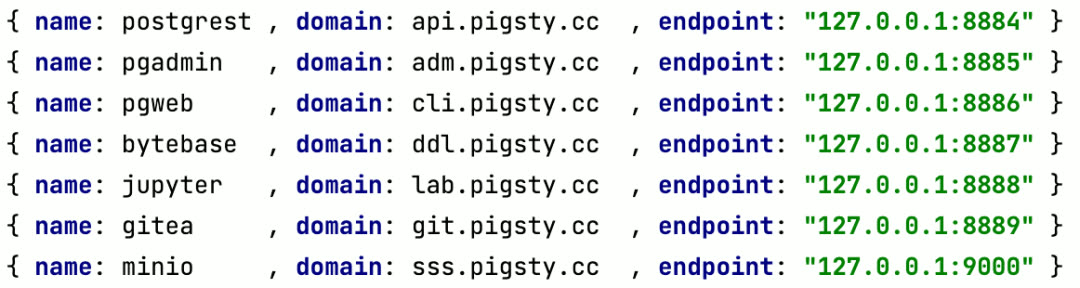
Code Hosting Platform: Gitea
To start a private code hosting service, use this command to launch Gitea:
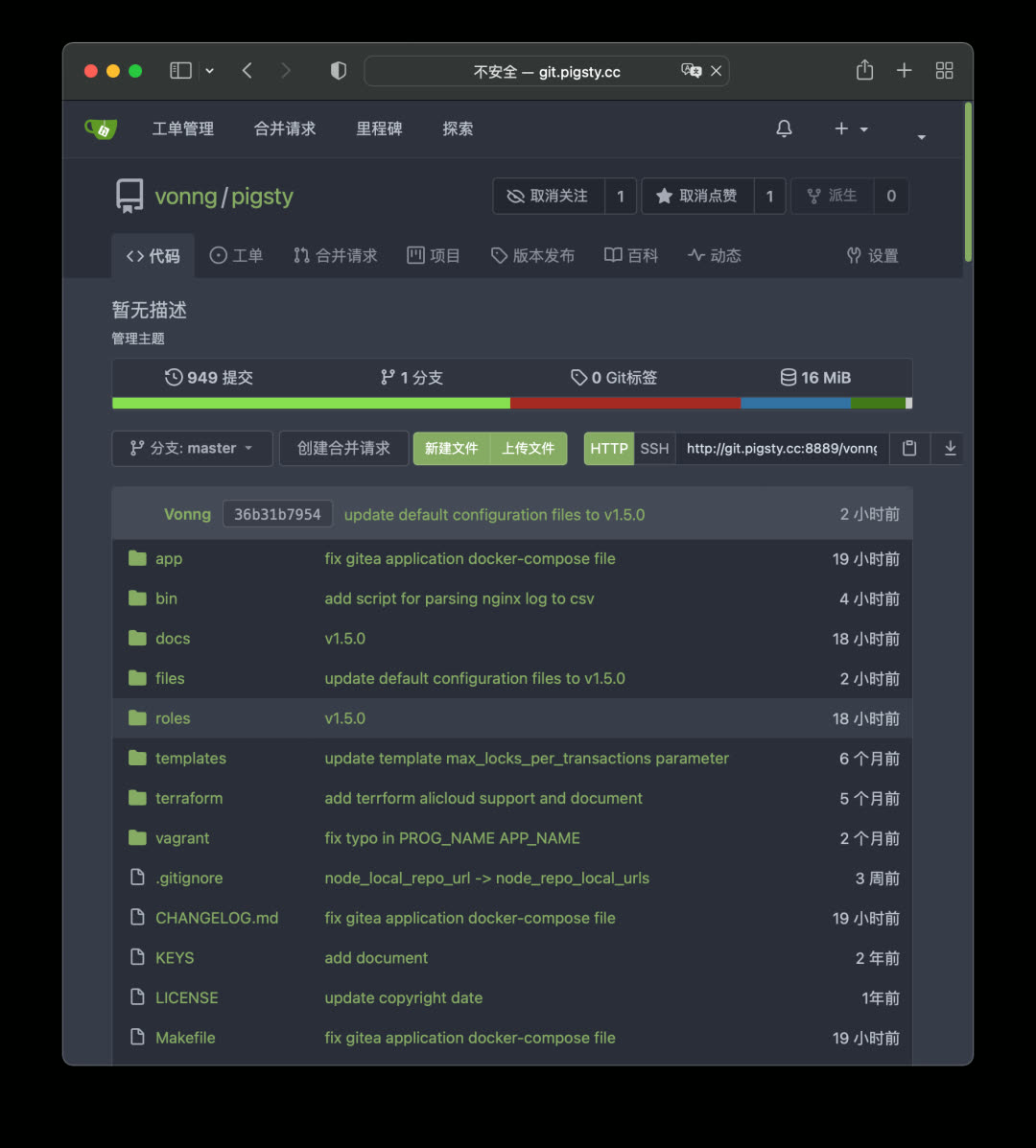
This command uses Docker Compose to launch the Gitea image, using Pigsty’s default CMDB pg-meta.gitea as metadata storage. Access the domain or port specified in the config file to access your code hosting service.
Database Management Platform: PgAdmin
PgAdmin4 is a classic PostgreSQL management tool with many useful features. Pigsty provides the latest PgAdmin4 6.9 support — just one command to start the image, automatically loading all managed database instances from Pigsty.
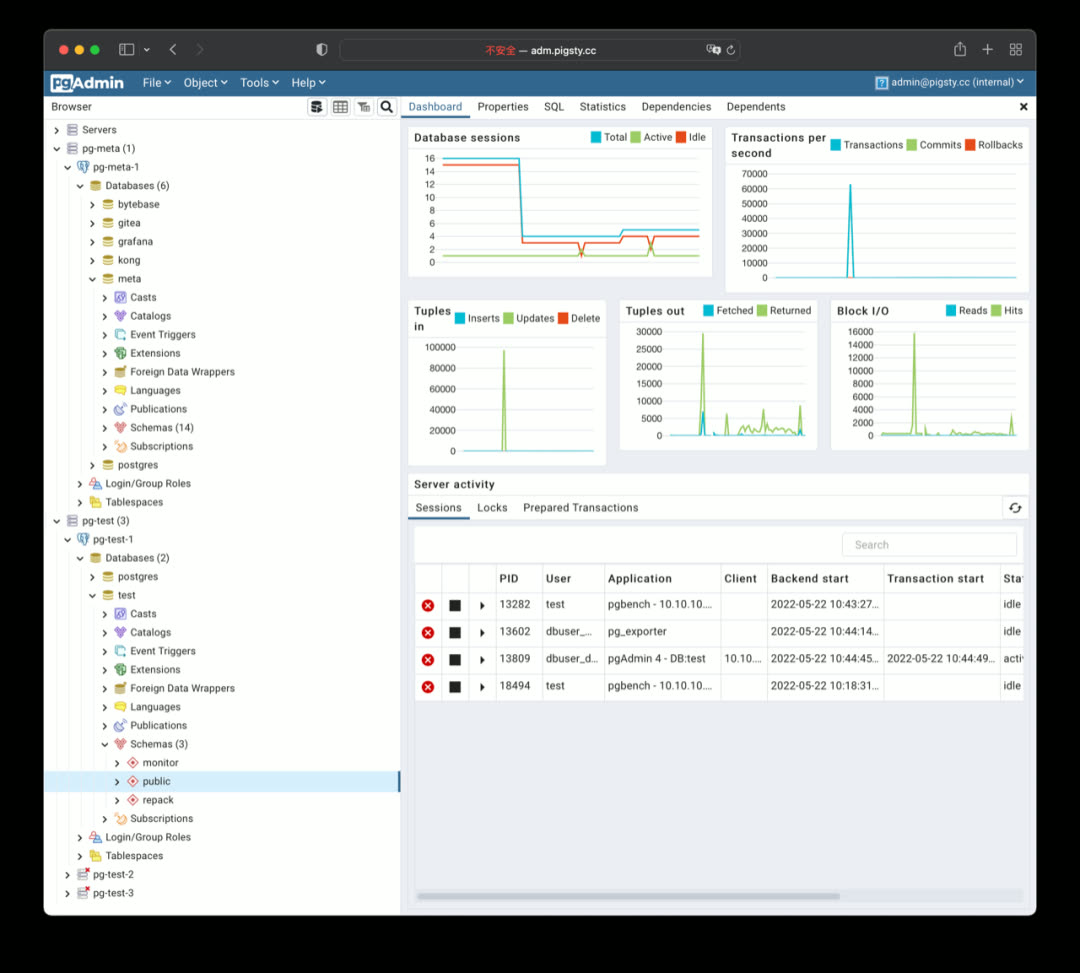
Schema Change Tool: Bytebase
Bytebase is a schema change management tool designed for PostgreSQL, using Git workflows and ticket approval to version-control database schemas. Bytebase itself stores metadata in PostgreSQL.
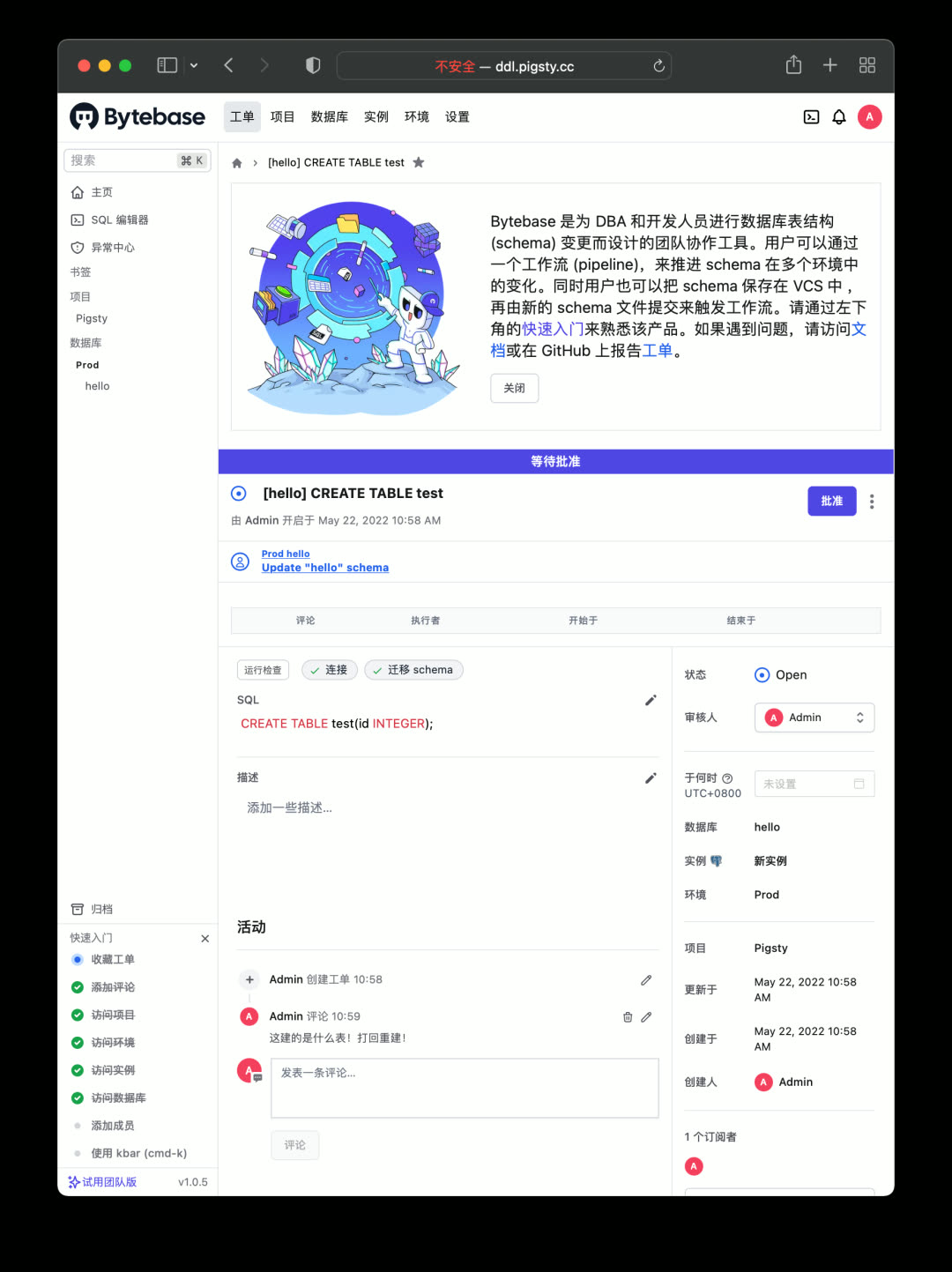
Web Client: PGWEB
Sometimes users want to query small amounts of data from production databases using personal accounts — a browser-based PostgreSQL client works great. PGWEB can be deployed on the management node or a dedicated bastion host, with specific HBA rules allowing personal users to query production read-only instances.
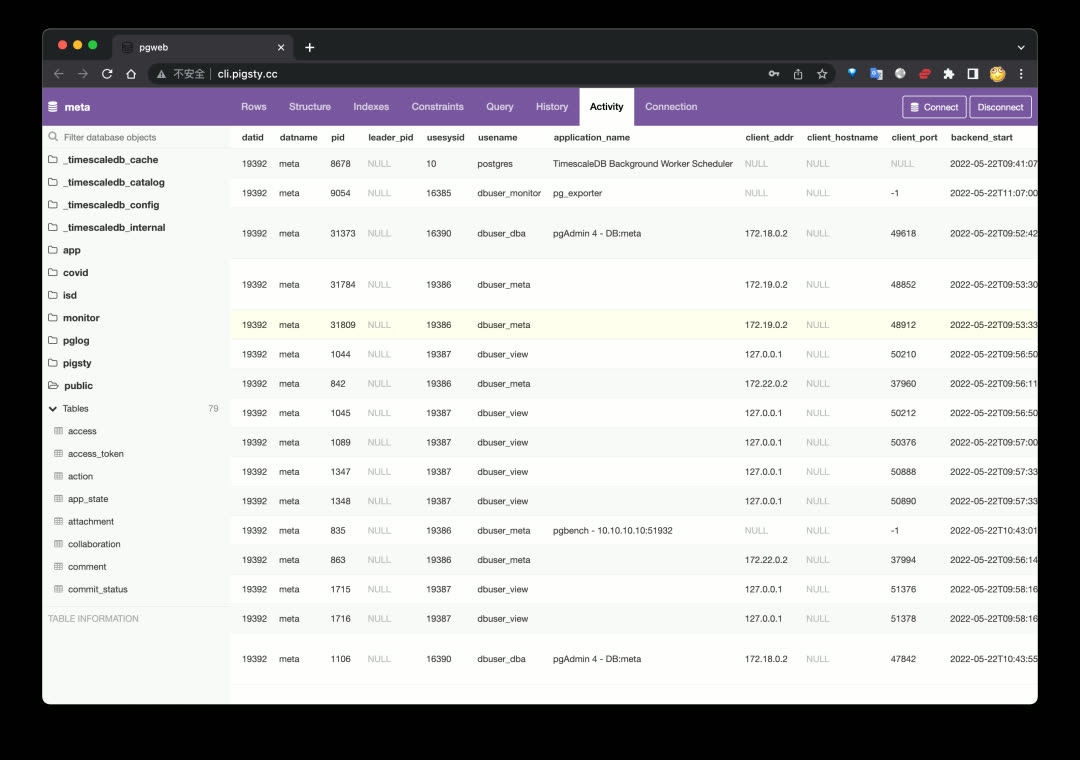
Object Storage: MinIO
Object storage is a fundamental cloud service. For private deployments, you can use MinIO to quickly build your own object storage. It can store documents, images, videos, backups, with automatic redundancy and disaster recovery, exposing a standard S3-compatible API.
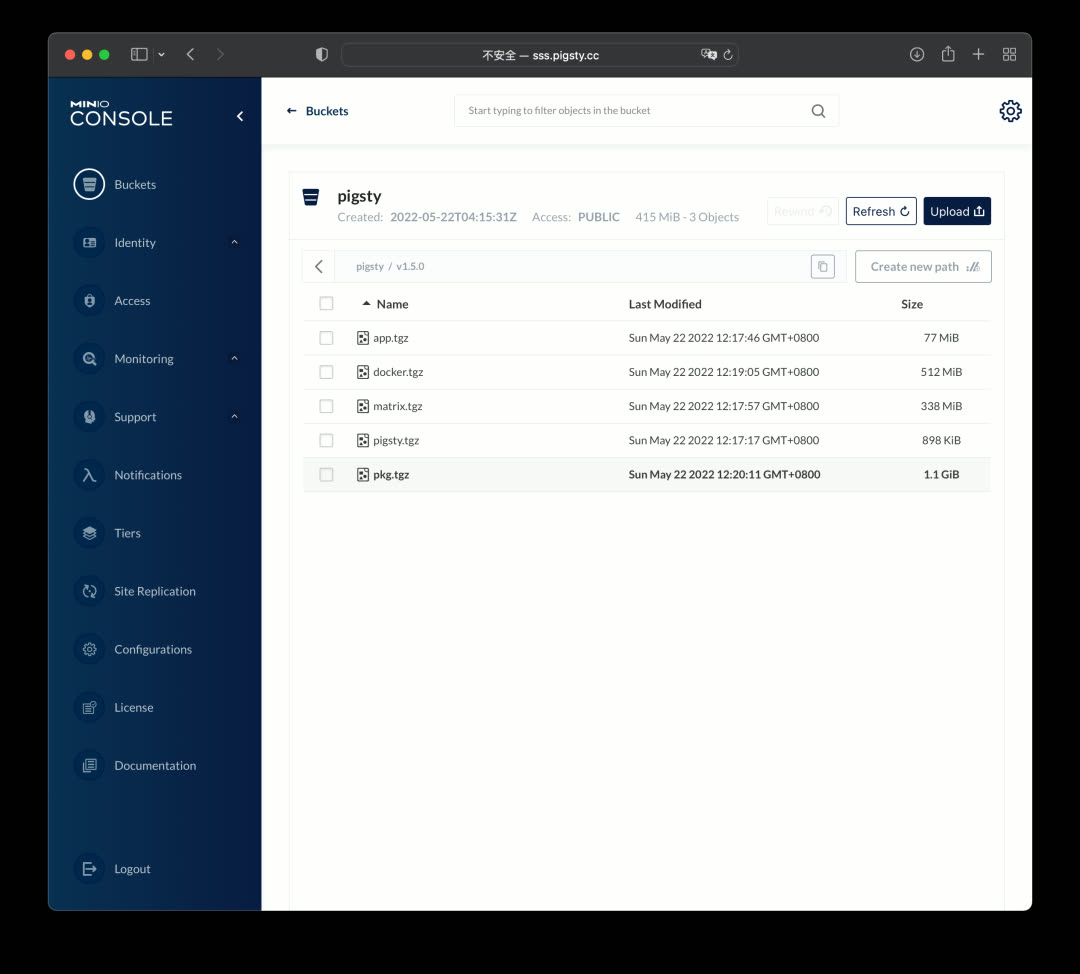
Building on MinIO, you can use JuiceFS to convert massive distributed storage into a filesystem for other services.
Data Analysis Environment: Jupyter
Pigsty provides a powerful data analysis tool: Jupyter Lab, allowing combined Python and SQL data processing and analysis. Jupyter Lab doesn’t run via Docker by default — it runs directly under a restricted OS user on the management node for easier database interaction.
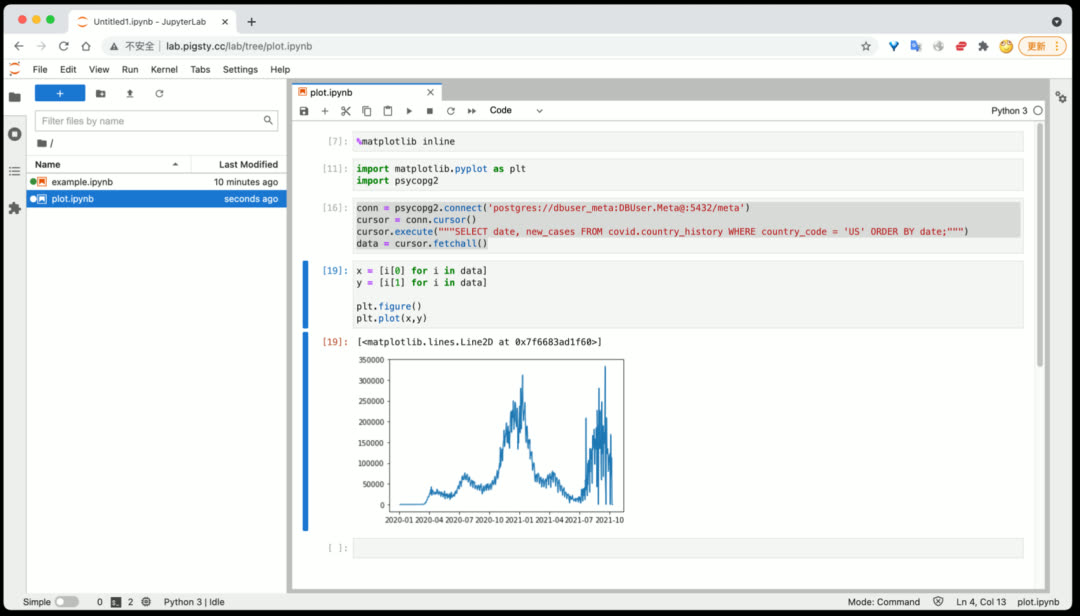
Database Schema Reports: SchemaSPY
To generate detailed schema reports for a database:
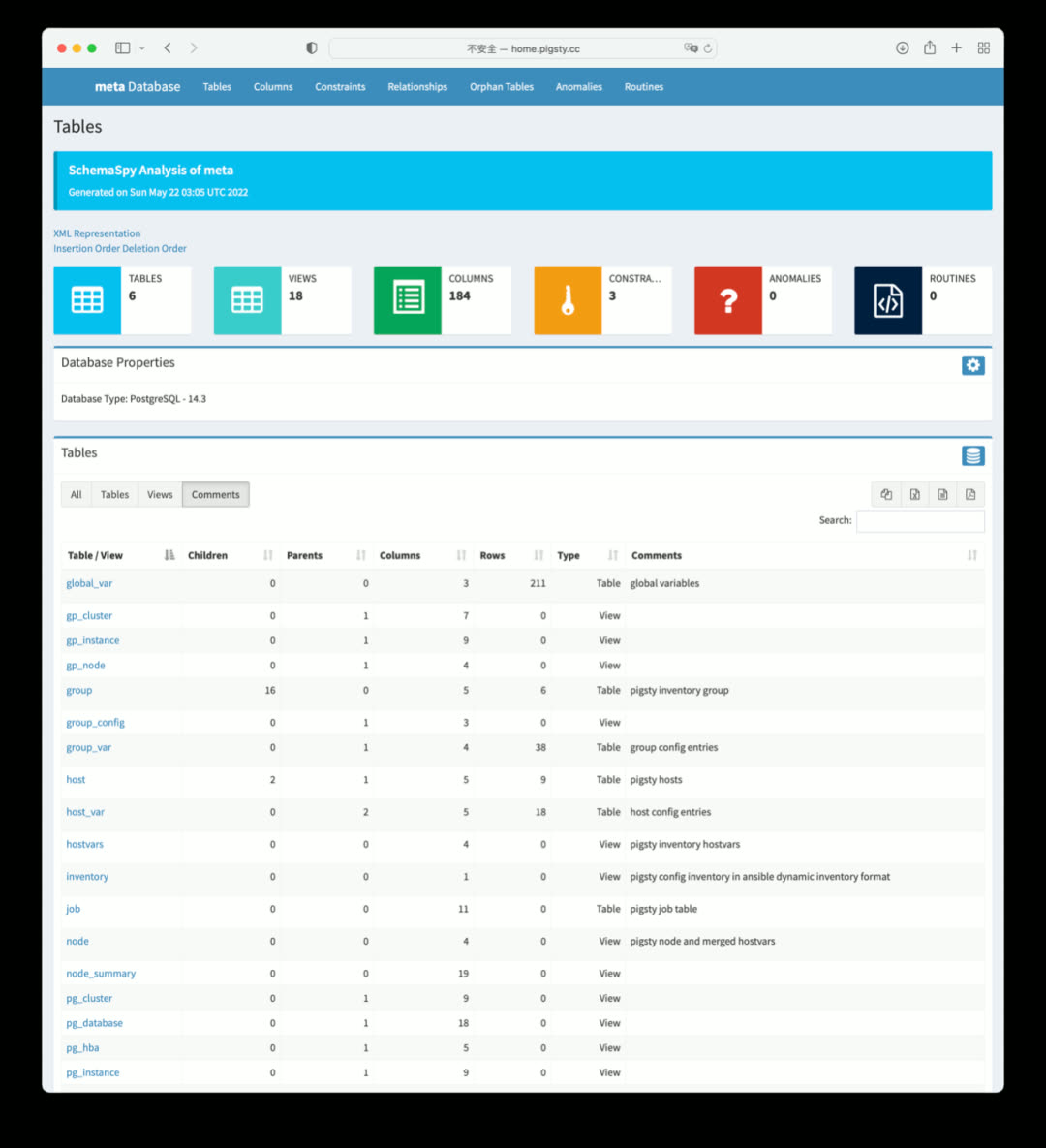
Database Log Analysis Reports
To view database log summary information:
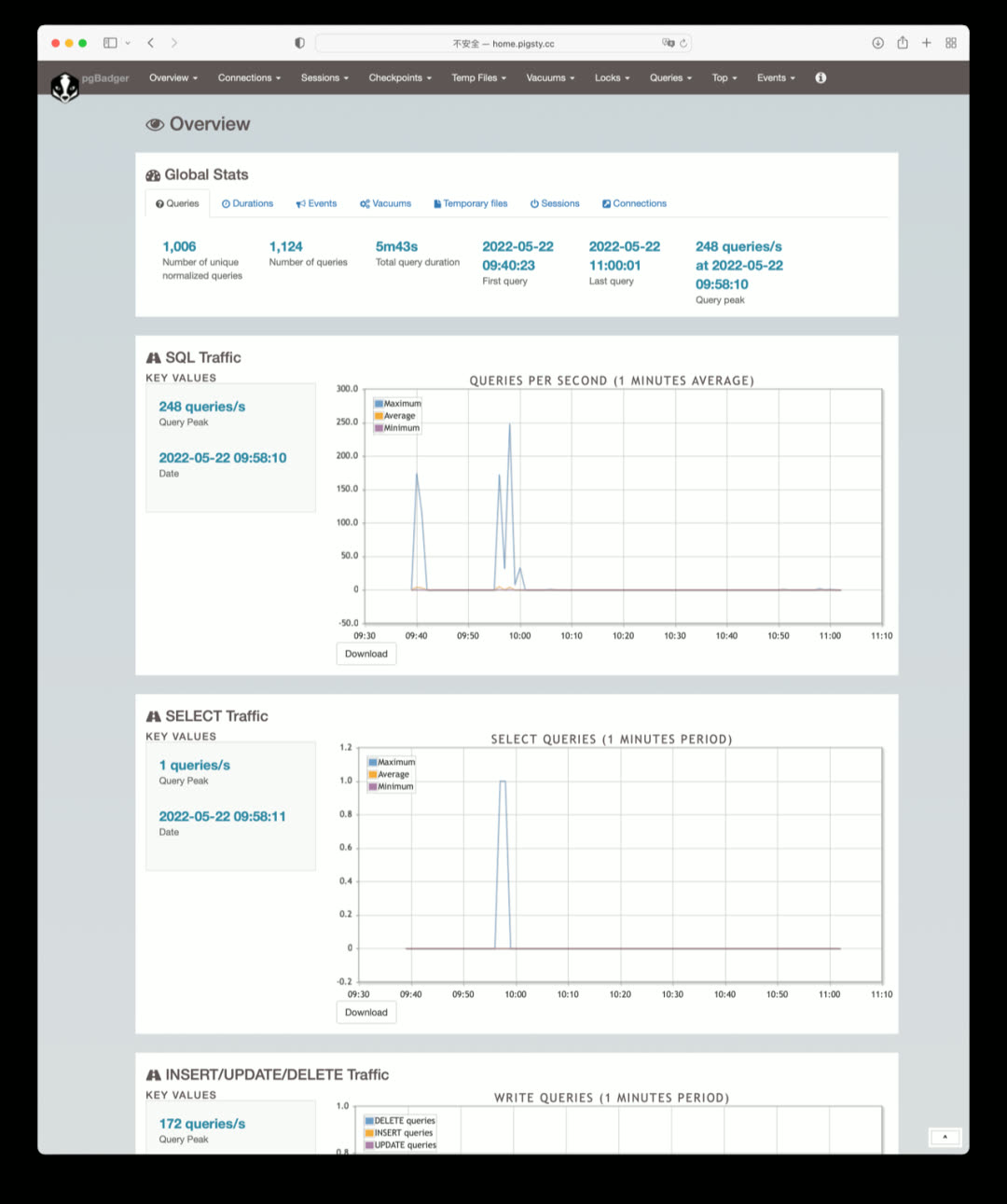
More Applications
Many well-known software applications can be launched with Pigsty + Docker:
| Application | Description |
|---|---|
| Gitlab | Open-source code hosting platform using PG |
| Habour | Open-source image registry using PG |
| Jira | Open-source project management platform using PG |
| Confluence | Open-source knowledge hosting platform using PG |
| Odoo | Open-source ERP using PG |
| Mastodon | Social network based on PG |
| Discourse | Open-source forum based on PG and Redis |
| KeyCloak | Open-source SSO single sign-on solution |
Better Cold Backups
Data failures broadly fall into two categories: hardware failures/resource exhaustion (disk failure/crash) and software defects/human errors (dropping databases/tables). Physical replication addresses the former, while delayed replicas and cold backups typically address the latter. Because erroneous deletion operations are immediately replicated to replicas, hot and warm backups cannot solve errors like DROP DATABASE or DROP TABLE — you need cold backups or delayed replicas.
In Pigsty v1.5, the cold backup mechanism was improved:
- Added scheduled tasks for daily full cold backups
- Improved delayed replica creation — just declare it and it’s automatically created
- For power users,
pg_probackupis provided as a backup solution - Built-in MinIO Docker images lay the foundation for out-of-the-box offsite disaster recovery
Scheduled Tasks
Pigsty v1.5 supports configuring scheduled tasks for nodes, including both append and overwrite modes for /etc/crontab. Basic physical cold backups, log analysis, schema dumps, garbage collection, and statistics collection can all be managed in a unified, declarative way.
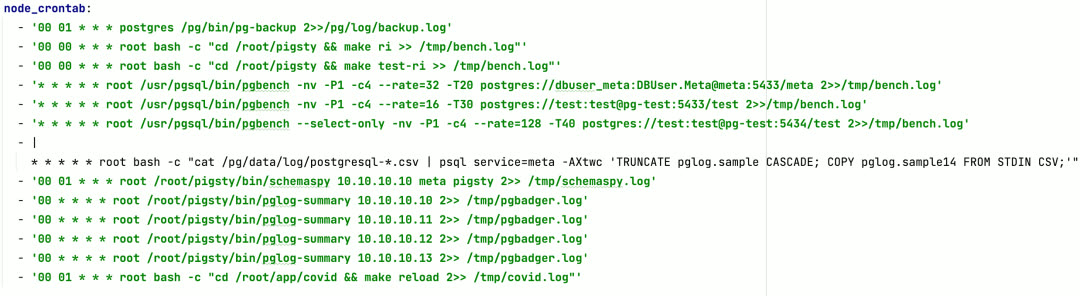
The most important is the default daily full backup at 1:00 AM. Combined with Pigsty’s default last-day WAL archive, you can restore the database to any state within the past day, providing a solid safety net for software defects and human-error-induced data loss.
Delayed Replicas
In Pigsty v1.5, creating a delayed replica no longer requires manually running patronictl edit-config to adjust cluster configuration — just declare it like this to create a delayed replica (cluster):
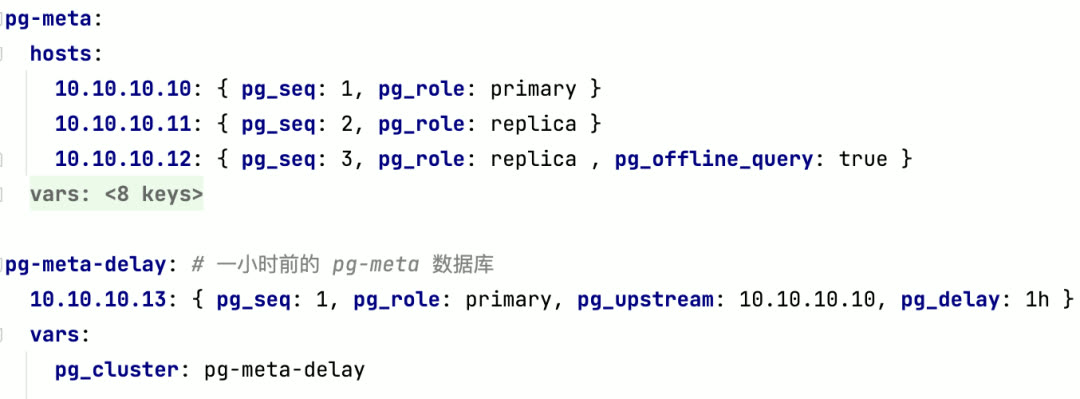
CMDB Compatibility Improvements
Pigsty has an optional CMDB, allowing you to store configuration in the default PostgreSQL database on the meta node instead of the default config file pigsty.yml.
Pigsty CMDB was first introduced in v0.8, designed only for PostgreSQL. When Pigsty started supporting Redis, Greenplum, and more database types, the original design became outdated. So in Pigsty v1.5, the CMDB was redesigned.
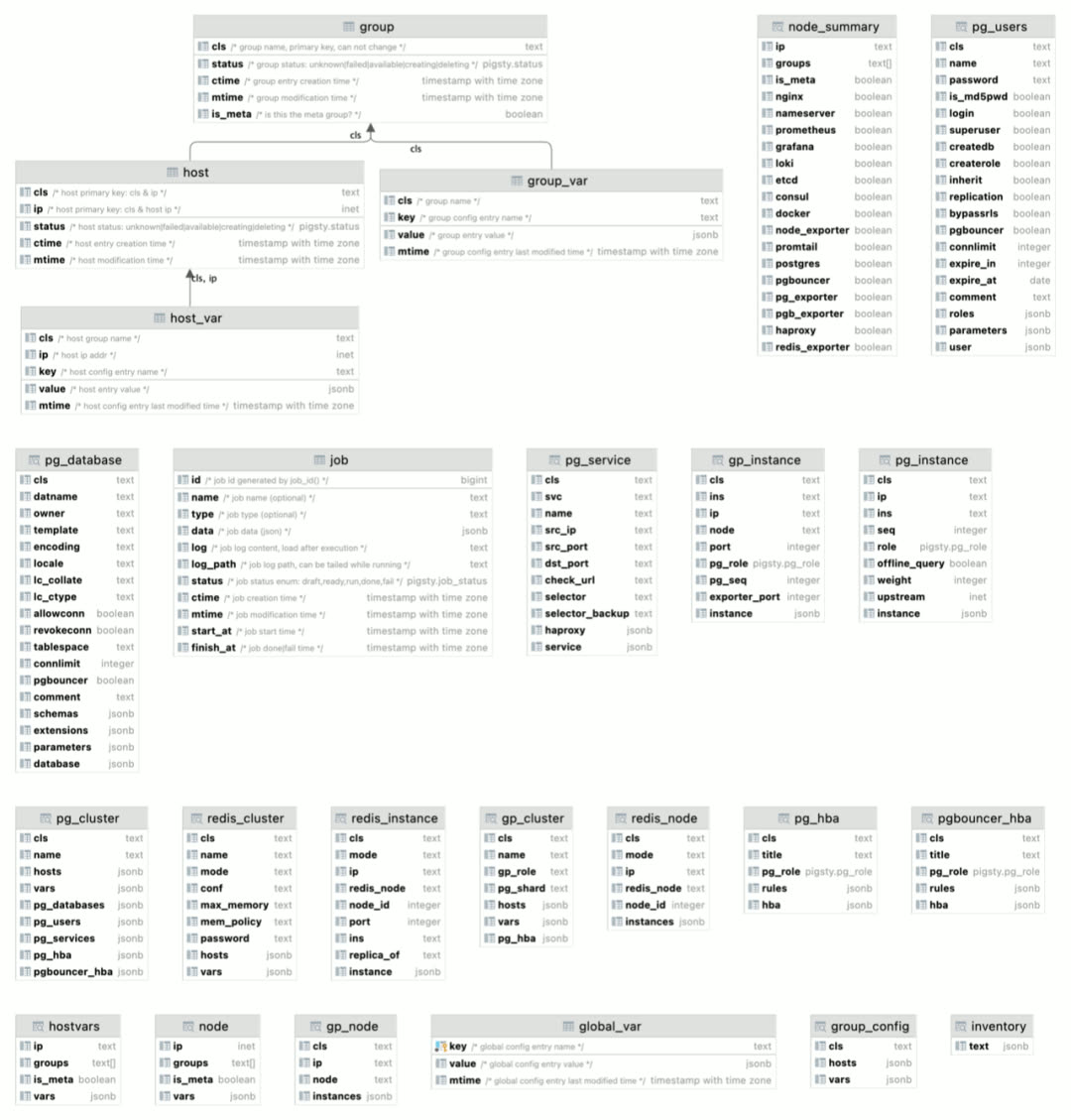
Just use bin/inventory_load to load the current config file into CMDB, and bin/inventory_cmdb to switch to CMDB mode. When using CMDB, you can view the visual configuration inventory directly from Grafana’s CMDB Overview panel:
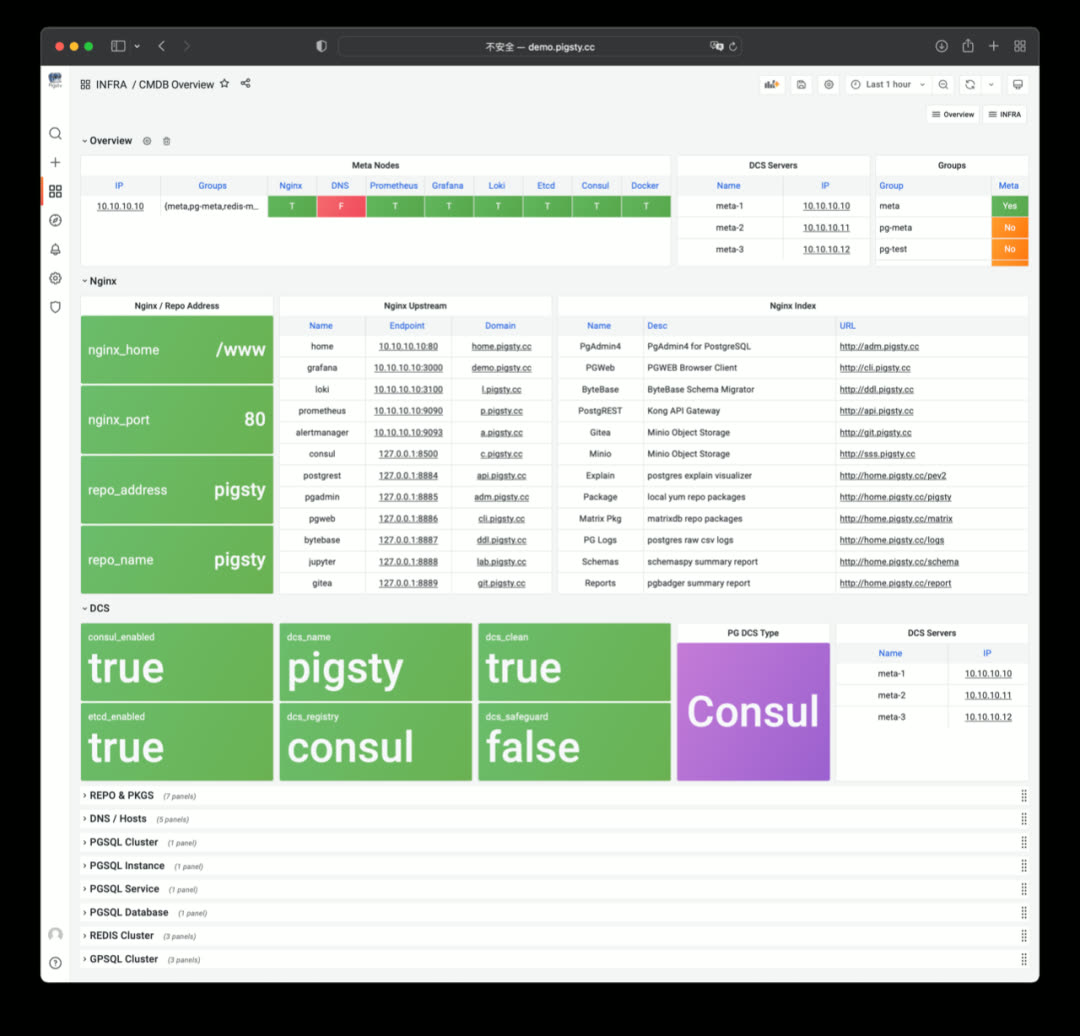
You can see PostgreSQL, Redis, and Greenplum/MatrixDB cluster member information from CMDB Overview.
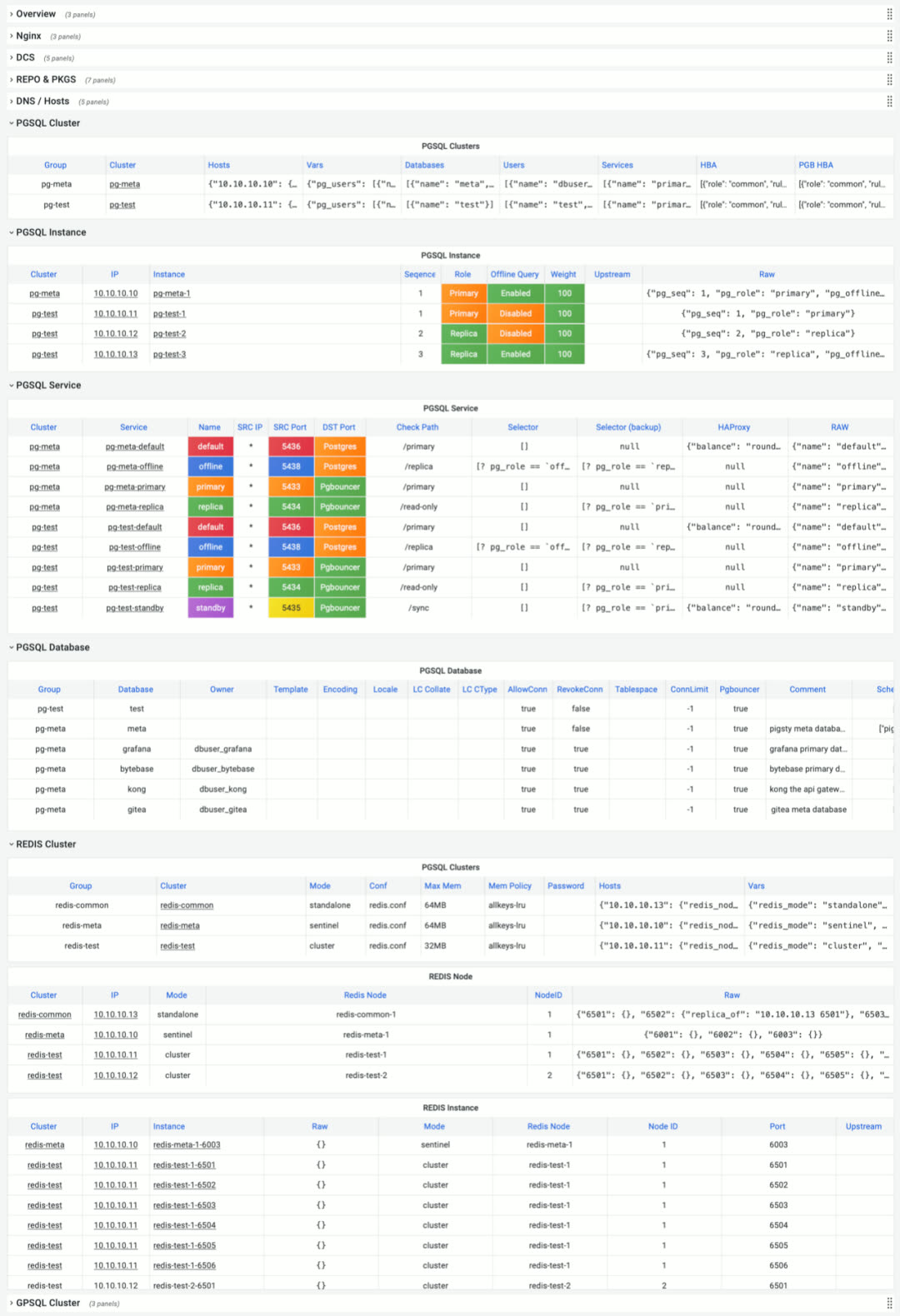
You can adjust configuration directly via SQL, or via the API exposed by PostgREST, for example creating new clusters or scaling.
PostgREST is a binary component that automatically generates REST APIs from PostgreSQL database schemas, bundled in Pigsty v1.5’s Docker image package.
It can also auto-generate API definitions via Swagger OpenAPI Spec, expose API documentation with Swagger Editor, and generate client stubs in different programming languages.
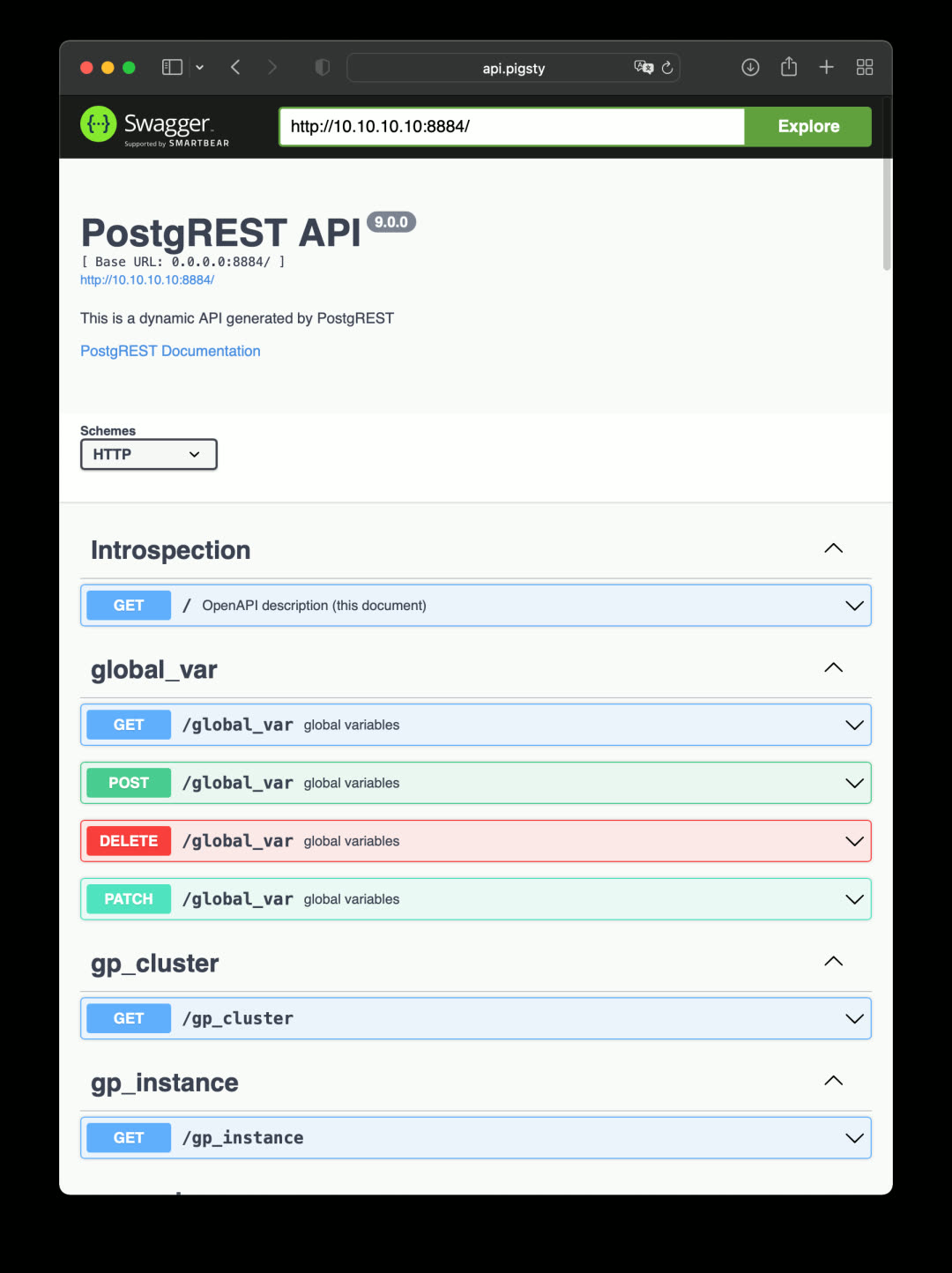
PostgREST isn’t just for exposing CMDB CRUD interfaces. If you already have a well-designed database schema, PostgREST can immediately build a backend REST API service without hand-coding tedious CRUD logic — complex logic can be exposed via stored procedures.
For more powerful API support, consider the Kong API gateway. It can turn any existing API into a full-featured API service, enabling various authentication mechanisms, automatic logging, tracing, rate limiting, and disaster recovery. Kong is built on Nginx + Lua (OpenResty), storing metadata in PostgreSQL and Redis:
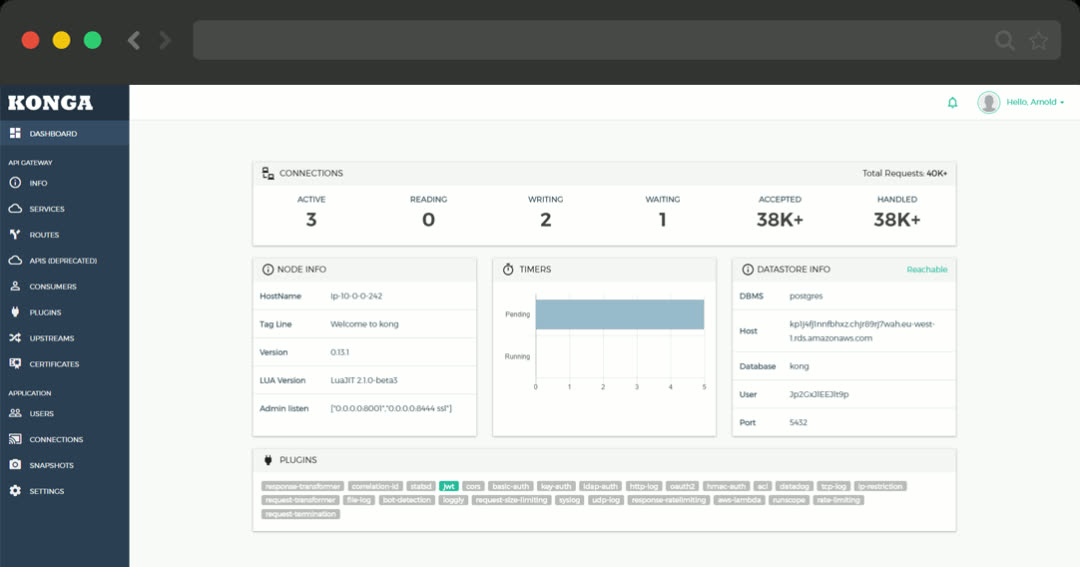
Infrastructure Monitoring
In Pigsty v1.5, infrastructure self-monitoring received major improvements: INFRA now uses the same management pattern as NODES, PGSQL, and REDIS. Infrastructure registers itself via the infra_register role, adding itself to Prometheus monitoring targets. Corresponding dashboards were added to Grafana.
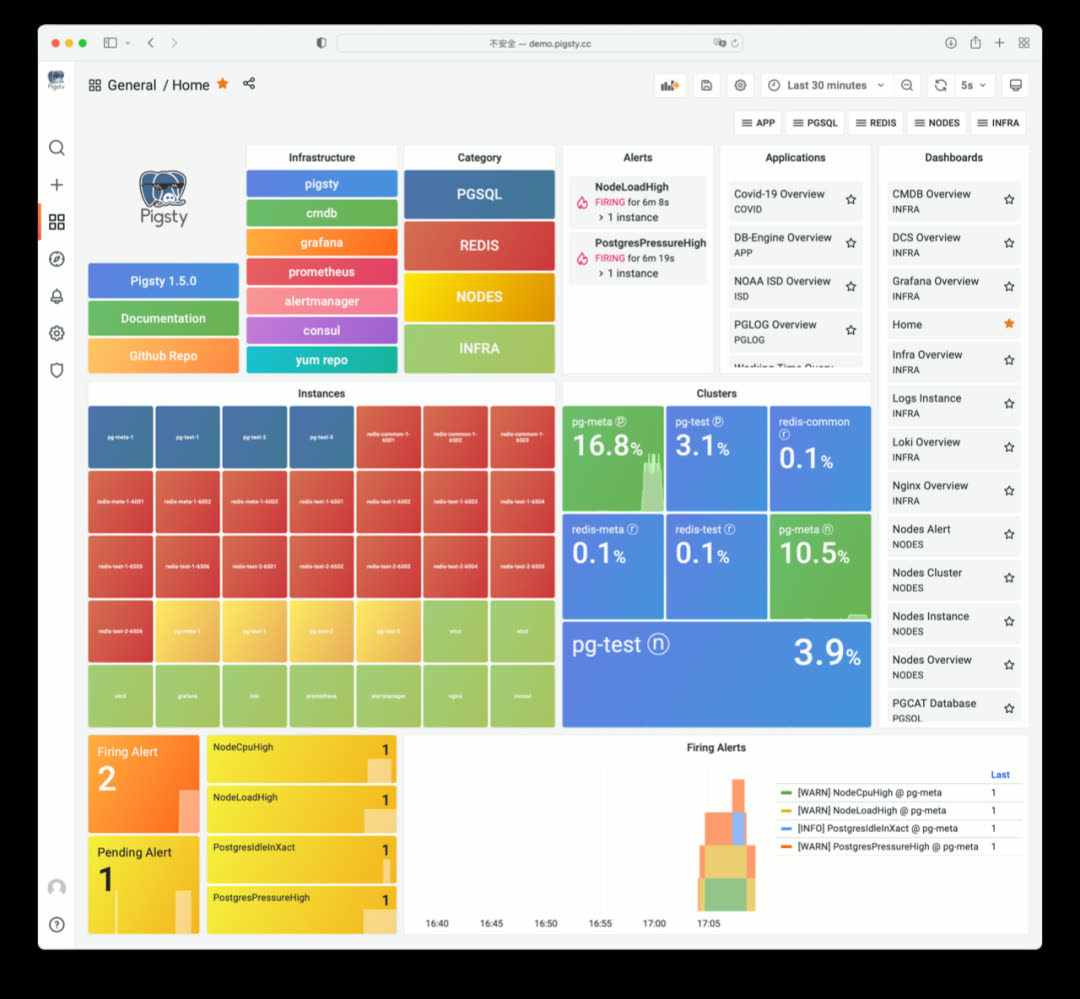
In Pigsty v1.5’s Home dashboard, infrastructure appears as light-green components, listed alongside NODES, REDIS, and PGSQL instances. Additionally, Infra services register to Service Registry (Consul) and can be automatically managed via service discovery.
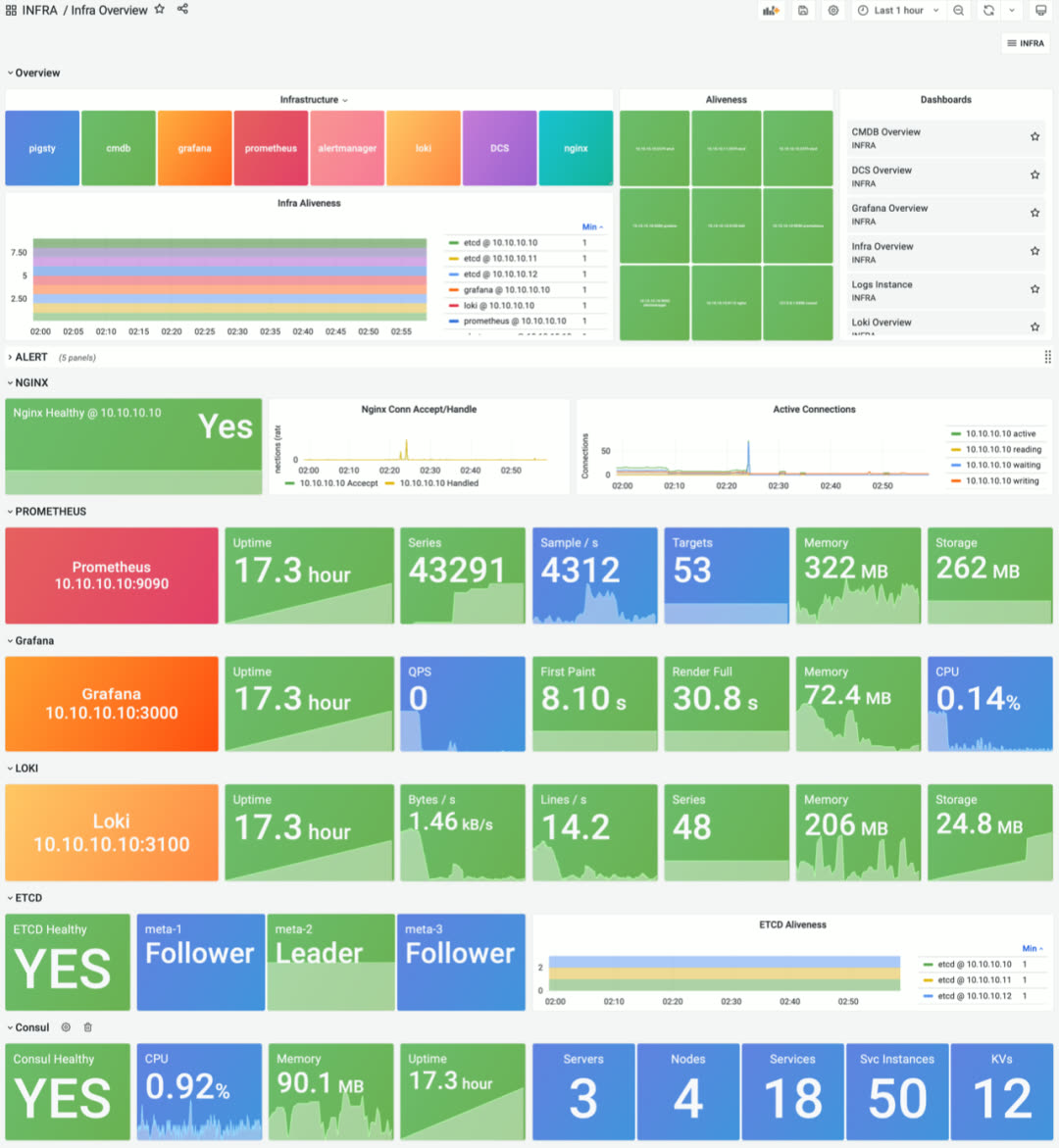
INFRA Overview provides basic status and quick navigation for all infrastructure components
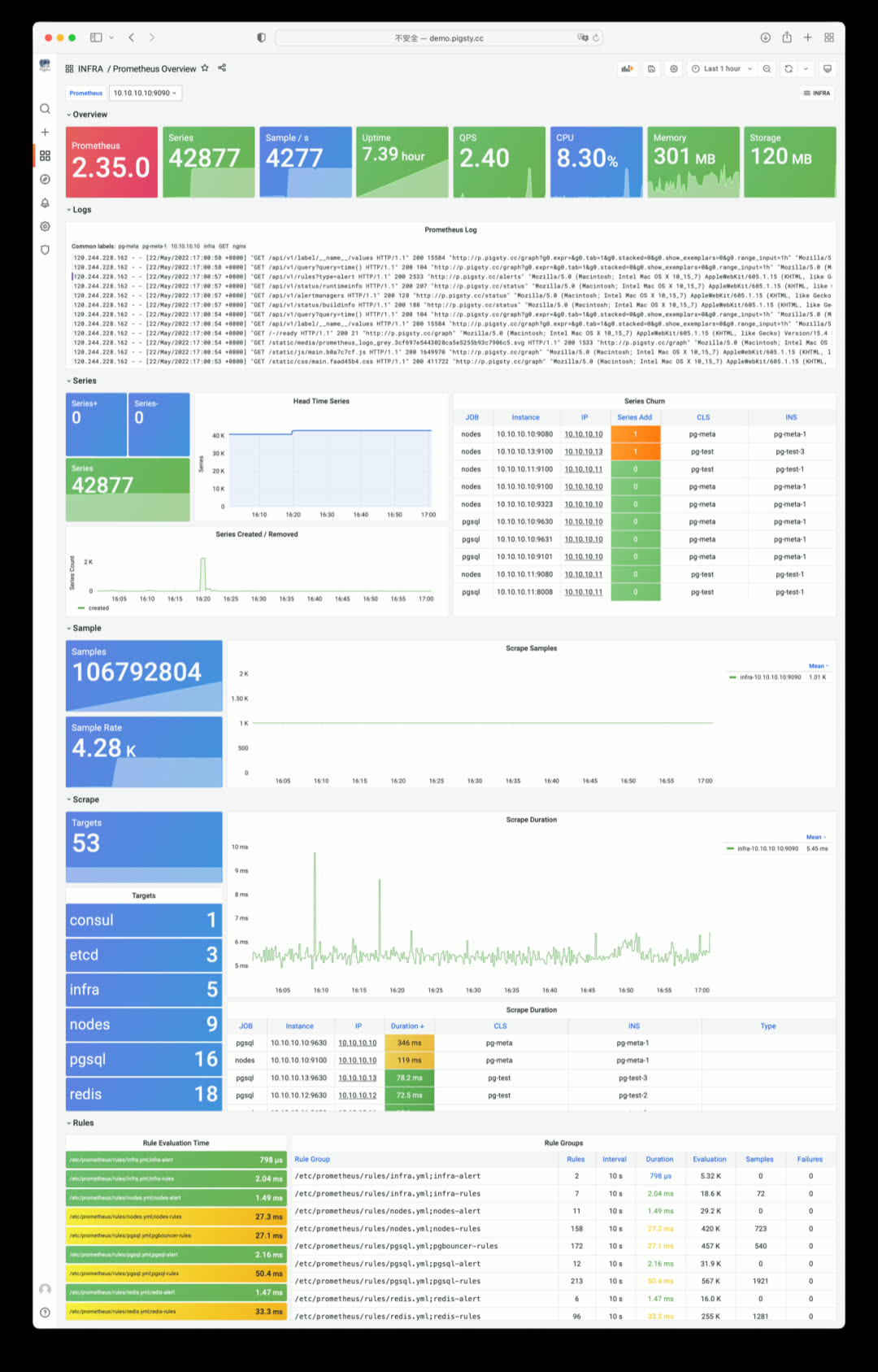
Prometheus Overview: time-series database self-monitoring
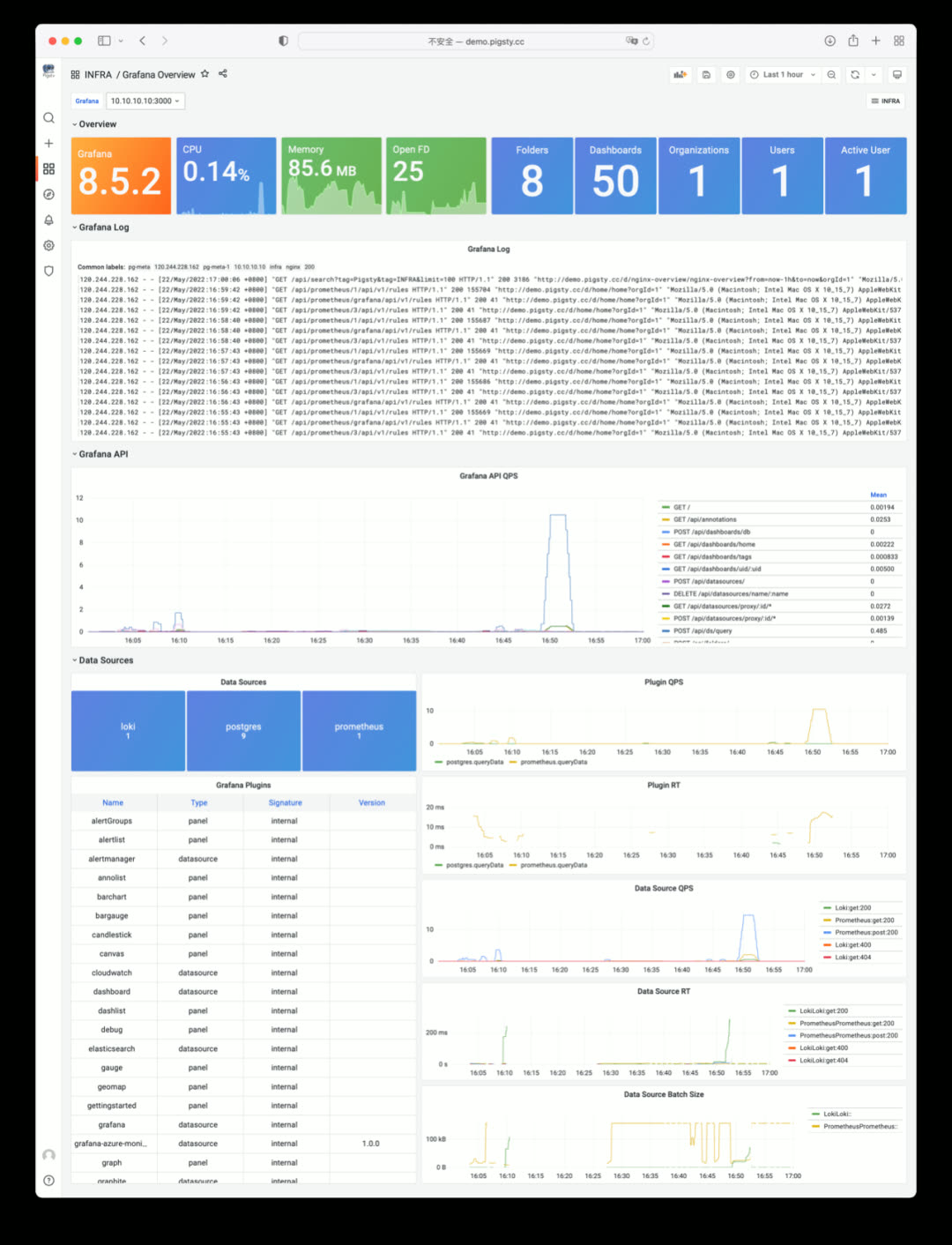
Grafana Overview: monitoring dashboard self-monitoring
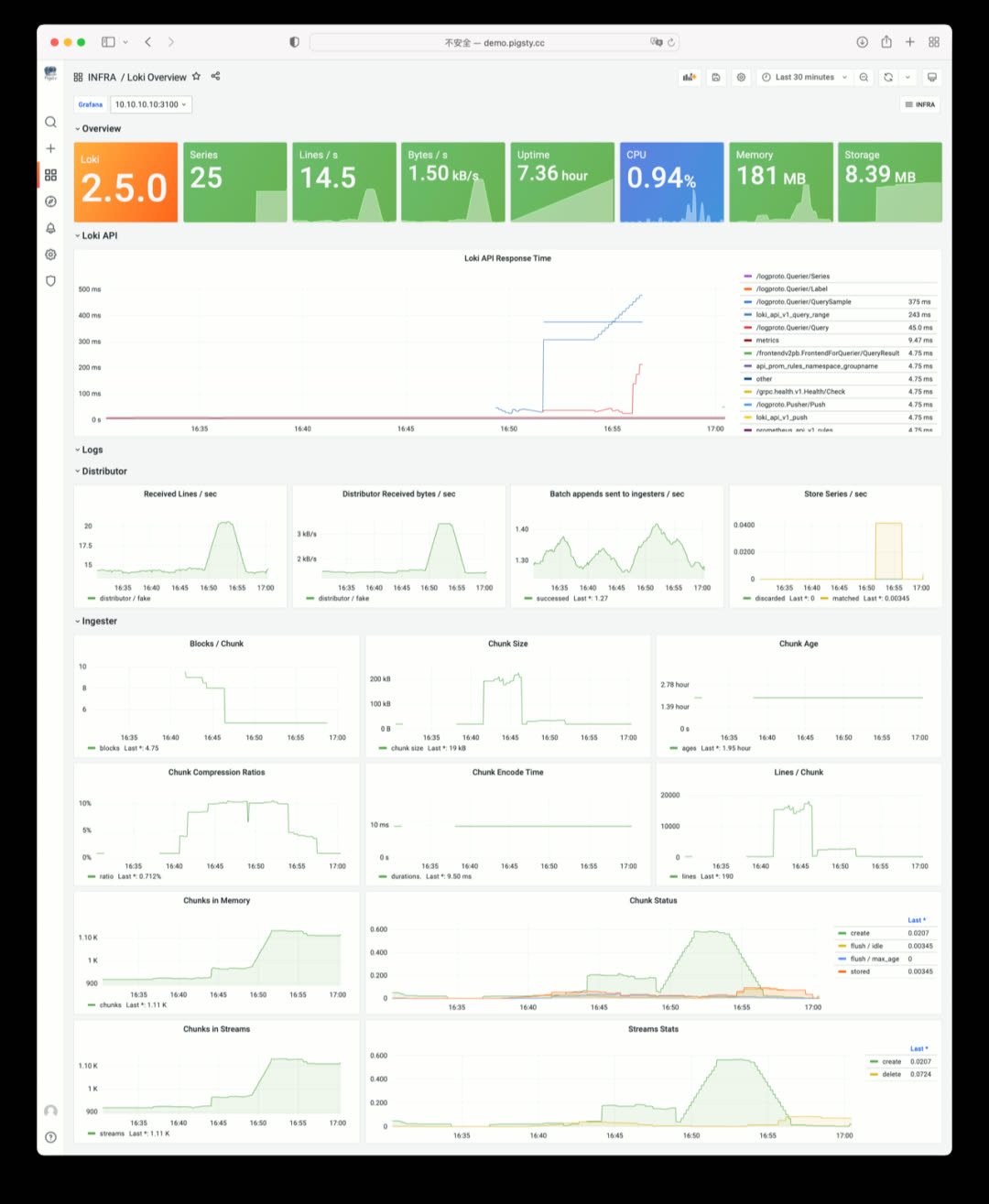
Loki Overview: log collection component self-monitoring
ETCD as DCS
In Pigsty v1.5, you can use ETCD as an alternative to Consul for PostgreSQL high-availability DCS.
Compared to Consul, ETCD lacks service discovery, built-in DNS, health checks, and an out-of-the-box UI, but ETCD requires no agent, is simpler to deploy, has higher popularity thanks to the Kubernetes ecosystem, has one fewer failure point than Consul, and offers better metric observability.
Just specify pg_dcs_type: etcd to use ETCD as DCS. You can also use both Consul and ETCD simultaneously — for example, ETCD for DCS and Consul for service discovery.
Pigsty v1.5 provides an out-of-the-box monitoring dashboard for ETCD and Consul: DCS Overview
Currently, ETCD as DCS is a minimum viable implementation without CA certificates and TLS support — this will be added in a future security hardening update.
Better Log Collection and Visualization
In Pigsty v1.5, separate access logs are enabled by default for each upstream service, with all fields parsed by Loki for direct analysis. If you have a website on Pigsty, you can immediately do interactive log traffic analysis and statistics.
NGINX Overview: showing Nginx metrics and logs
v1.5.0 Release Notes
Highlights
- Complete Docker support: enabled by default on meta node with many out-of-the-box software templates: bytebase, pgadmin, pgweb, postgrest, minio, etc.
- Infrastructure self-monitoring: Nginx, ETCD, Consul, Prometheus, Grafana, Loki self-monitoring
- CMDB upgrade: compatibility improvements, supports Redis cluster/Greenplum cluster metadata, config file visualization
- Service discovery improvements: Consul can auto-discover all monitoring targets and integrate with Prometheus
- Better cold backup support: default scheduled backup tasks,
pg_probackupbackup tool, one-click delayed replica creation - ETCD can now be used as PostgreSQL/Patroni DCS service, as an alternative to Consul
- Redis playbook/role improvements: now allows init and remove operations for individual Redis instances, not just entire Redis nodes
Monitoring System
Dashboards
- CMDB Overview: visualize Pigsty CMDB Inventory
- DCS Overview: view Consul and ETCD cluster monitoring metrics
- Nginx Overview: view Pigsty Web access metrics and logs
- Grafana Overview: Grafana self-monitoring
- Prometheus Overview: Prometheus self-monitoring
- INFRA Dashboard redesigned to reflect overall infrastructure status
Monitoring Architecture
- Now allows Consul for service discovery (when all services are registered to Consul)
- All Infra components now enable self-monitoring and register to Prometheus and Consul via
infra_registerrole - Metrics collector pg_exporter updated to v0.5.0, new features:
scaleanddefault, allowing metric multiplication factors and default values pg_bgwriter,pg_wal,pg_query,pg_db,pgbouncer_stattime-related metrics now uniformly scaled to seconds from milliseconds/microseconds- Related counter metrics in
pg_tablenow have default value0instead ofNaN pg_classmetrics collector removed by default, related metrics added topg_tableandpg_indexcollectorspg_table_sizemetrics collector now enabled by default with 300-second cache time
Deployment
- New optional package
docker.tgzwith common app images: Pgadmin, Pgweb, Postgrest, ByteBase, Kong, Minio, etc. - New ETCD role: automatically deploys ETCD service on DCS Server nodes and integrates with monitoring
pg_dcs_typespecifies DCS service for PG high-availability: Consul (default), ETCD (alternative)node_crontabparameter for configuring node scheduled tasks like database backups, VACUUM, statistics collection- New
pg_checksumoption: when enabled, database cluster enables data checksums (previously onlycrittemplate enabled by default) - New
pg_delayoption: when instance is Standby Cluster Leader, this parameter configures a delayed replica - New
pg_probackuppackage, default rolereplicatornow has backup-related function permissions - Redis deployment split into two parts: Redis node and Redis instance,
redis_portparameter controls specific instances - Loki and Promtail now installed via
fpm-built RPM packages - DCS3 config template now uses a 3-node
pg-metacluster with a single-node delayed replica
Software Upgrades
- PostgreSQL upgraded to 14.3
- Redis upgraded to 6.2.7
- PG Exporter upgraded to 0.5.0
- Consul upgraded to 1.12.0
- vip-manager upgraded to v1.0.2
- Grafana upgraded to v8.5.2
- Loki & Promtail upgraded to v2.5.0, using fpm packaging
Bug Fixes
- Fixed Loki and Promtail default config filename issues
- Fixed Loki and Promtail environment variable expansion issues
- Complete English documentation translation and revision; documentation JS resources now served locally, no internet access required
API Changes
New Parameters
node_data_dir: Main data mount path, created if doesn’t existnode_crontab_overwrite: Overwrite/etc/crontabinstead of appendingnode_crontab: Node crontab content to append or overwritenameserver_enabled: Enable nameserver on this infra node?prometheus_enabled: Enable prometheus on this infra node?grafana_enabled: Enable grafana on this infra node?loki_enabled: Enable loki on this infra node?docker_enable: Enable docker on this infra node?consul_enable: Enable consul server/agent?etcd_enable: Enable etcd server/client?pg_checksum: Enable pg cluster data checksums?pg_delay: Application delay when backup cluster leader replays replication
Parameter Redesign
*_clean is now a boolean parameter for cleaning existing instances during init.
*_safeguard is also a boolean parameter to prevent cleaning running instances during any playbook execution.
pg_exists_action->pg_cleanpg_disable_purge->pg_safeguarddcs_exists_action->dcs_cleandcs_disable_purge->dcs_safeguard
Parameter Renames
node_ntp_config->node_ntp_enablednode_admin_setup->node_admin_enablednode_admin_pks->node_admin_pk_listnode_dns_hosts->node_etc_hosts_defaultnode_dns_hosts_extra->node_etc_hostsnode_dns_server->node_dns_methodnode_local_repo_url->node_repo_local_urlsnode_packages->node_packages_defaultnode_extra_packages->node_packagesnode_packages_meta->node_packages_metanode_meta_pip_install->node_packages_meta_pipnode_sysctl_params->node_tune_paramsapp_list->nginx_indexesgrafana_plugin->grafana_plugin_methodgrafana_cache->grafana_plugin_cachegrafana_plugins->grafana_plugin_listgrafana_git_plugin_git->grafana_plugin_githaproxy_admin_auth_enabled->haproxy_auth_enabledpg_shared_libraries->pg_libsdcs_type->pg_dcs_type
v1.5.1 Release Notes
Highlights
IMPORTANT: Fixed the issue where CREATE INDEX|REINDEX CONCURRENTLY in PG14.0-14.3 could corrupt index data.
Pigsty v1.5.1 upgrades the default PostgreSQL version to 14.4. Strongly recommend updating ASAP.
Software Upgrades
- postgres upgraded to 14.4
- haproxy upgraded to 2.6.0
- grafana upgraded to 9.0.0
- prometheus upgraded to 2.36.0
- patroni upgraded to 2.1.4
Bug Fixes
- Fixed TYPO in
pgsql-migration.yml - Removed PID config item from HAProxy configuration
- Removed i686 packages from default packages
- Enabled all Systemd Redis Services by default
- Enabled all Systemd Patroni Services by default
API Changes
grafana_databaseandgrafana_pgurlmarked as deprecated API, will be removed in future versions
New Applications
- wiki.js: Build local Wikipedia with Postgres
- FerretDB: Provide MongoDB API using Postgres
19 - Pigsty v1.4: Modular Architecture, MatrixDB Data Warehouse Support
Originally published on VONNG.

Pigsty v1.4 is officially released! A brand new modular architecture: four built-in modules INFRA, NODES, PGSQL, REDIS can be used independently and freely combined; new MatrixDB time-series data warehouse deployment and monitoring support; global CDN acceleration for downloads.
GitHub stars are taking off!

Modular Architecture
The core feature of Pigsty v1.4 is a major refactor of the underlying architecture. In v1.4, the entire system decouples into 4 independent modules that can be maintained separately and freely combined:
| Module | Purpose |
|---|---|
| INFRA | Infrastructure: monitoring/alerting/visualization/logging/DNS/NTP and other shared components |
| NODES | Host node management module |
| PGSQL | PostgreSQL database deployment and management module |
| REDIS | Redis database deployment and management module |
The new Pigsty v1.4 monitoring home dashboard
Typical deployment scenarios:
-
Single-node PostgreSQL distribution: Install INFRA + NODES + PGSQL modules sequentially on one machine to get a ready-to-use, self-monitoring database instance.
-
Production-grade host monitoring system: Install the INFRA module on one machine, install the NODES module on all monitored nodes. All host nodes get configured with software repos, packages, DNS, NTP, node monitoring, log collection, DCS Agent — everything needed for production.
-
Massive PostgreSQL clusters: Add the PGSQL module on nodes managed by Pigsty. One-click deploy various PostgreSQL clusters: single instance, primary with N replicas HA cluster, synchronous cluster, quorum-commit sync cluster, clusters with offline ETL roles, standby clusters for disaster recovery, delayed replication clusters, Citus distributed clusters, TimescaleDB clusters, MatrixDB data warehouse clusters.
-
Redis clusters: Add the REDIS module on Pigsty-managed nodes. Future database modules (like KAFKA, MINIO, MYSQL) can be added to Pigsty in similar fashion.
Modular playbooks and configuration parameters
New Database Support
PostgreSQL is a versatile database kernel, but as organizations and data grow, specialized data components become necessary. The two most typical are: caching (Redis) and data warehousing (Greenplum).
Redis further strengthens business system OLTP capabilities, offloads database pressure, and developers love its simple model. Greenplum significantly enhances OLAP capabilities, using the same language, drivers, and interfaces as PostgreSQL, scaling analytics from tens of TB to PB or even ZB scale.
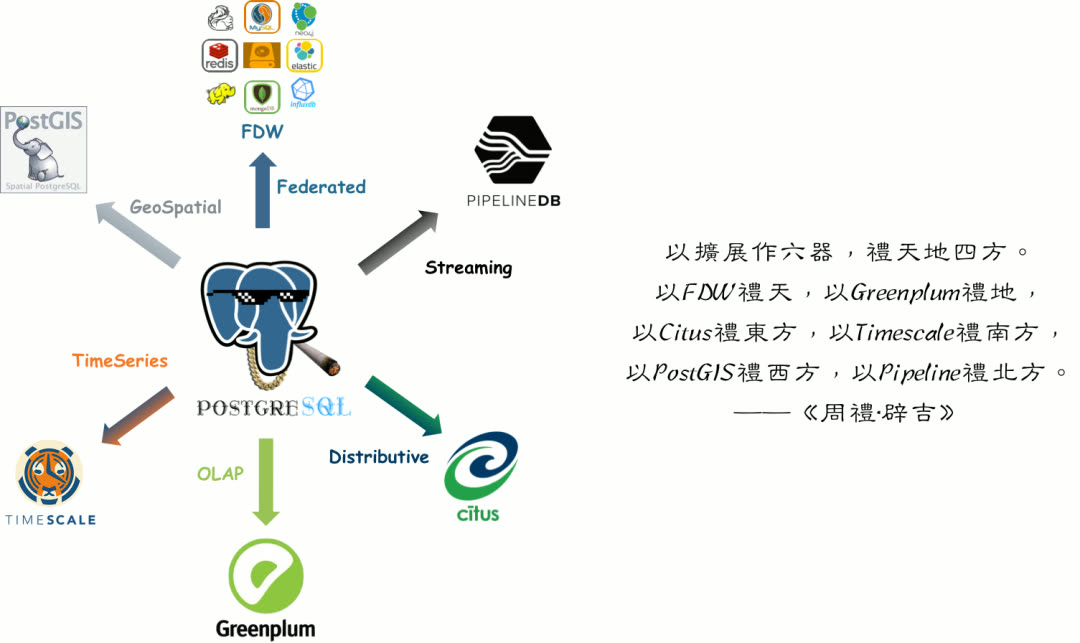
Redis and Greenplum extend PostgreSQL’s capability boundaries in two directions — both are common PostgreSQL companions, frequently used together. Therefore, Pigsty v1.4 provides preliminary support for Redis and Greenplum.
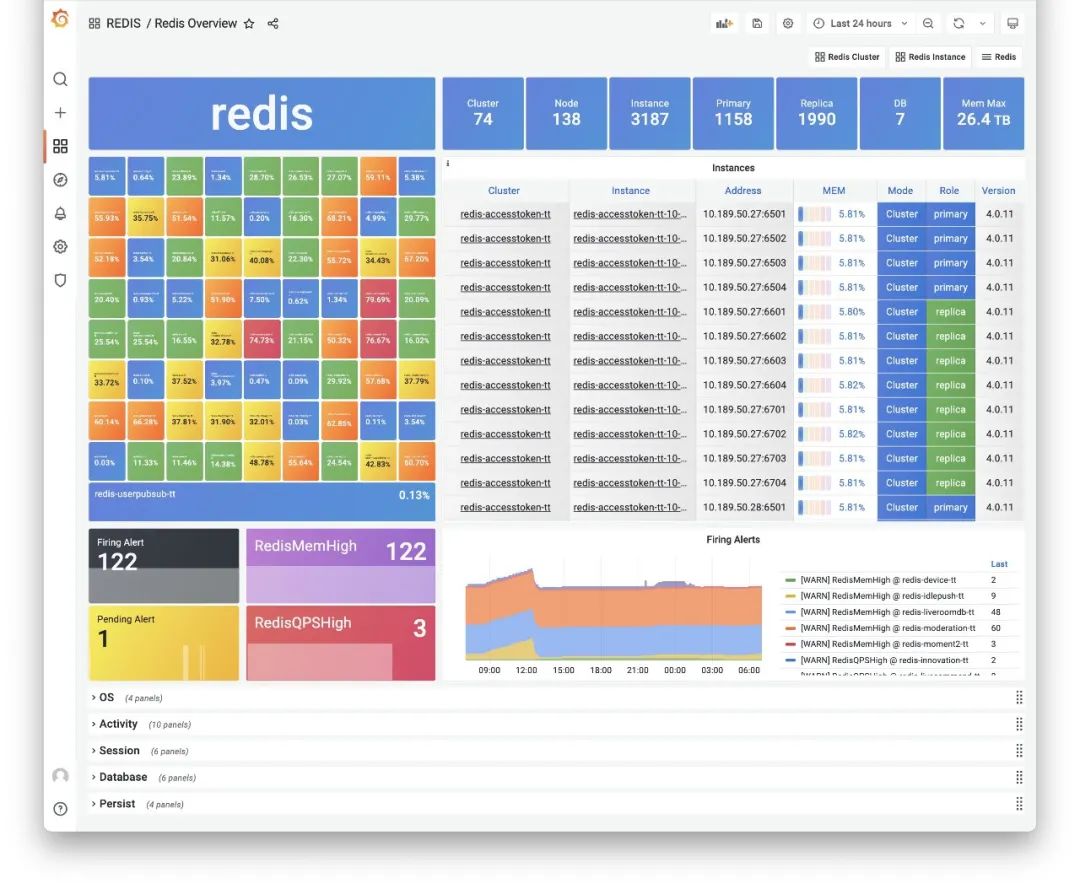
Redis Overview Dashboard
Note that Pigsty supports not native Greenplum, but a fork: MatrixDB. The official Greenplum version is still 6.x based on PostgreSQL 9.6 kernel. MatrixDB is based on Greenplum 7 and PostgreSQL 12 kernel, with additional time-series functionality. So Pigsty uses MatrixDB as the Greenplum implementation.
In Pigsty v1.4, there’s no dedicated MATRIXDB module — MatrixDB deployment completely reuses the PGSQL module. You can configure MatrixDB with familiar configuration parameters. From Pigsty’s perspective, a MatrixDB data warehouse is logically N pairs of standard primary-replica PGSQL clusters: one standard Master cluster (Master & Standby), and multiple Segment clusters (Primary & Mirror) distributed across nodes. All PGSQL dashboards work directly with MatrixDB.
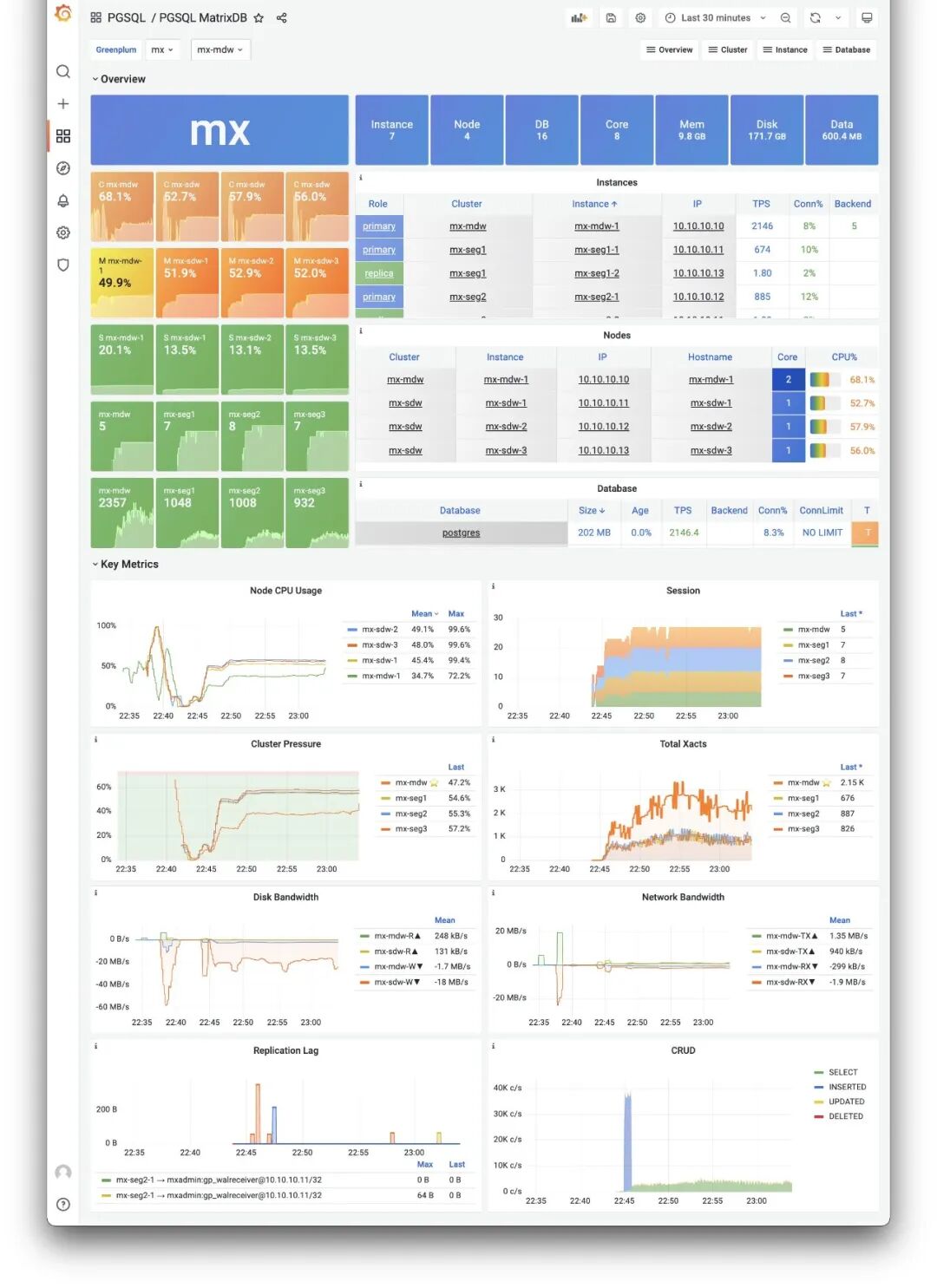
PGSQL MatrixDB Dashboard
The dedicated PGSQL Matrix dashboard shows core monitoring metrics for a MatrixDB deployment, while other monitoring dashboards reuse existing PGSQL panels.
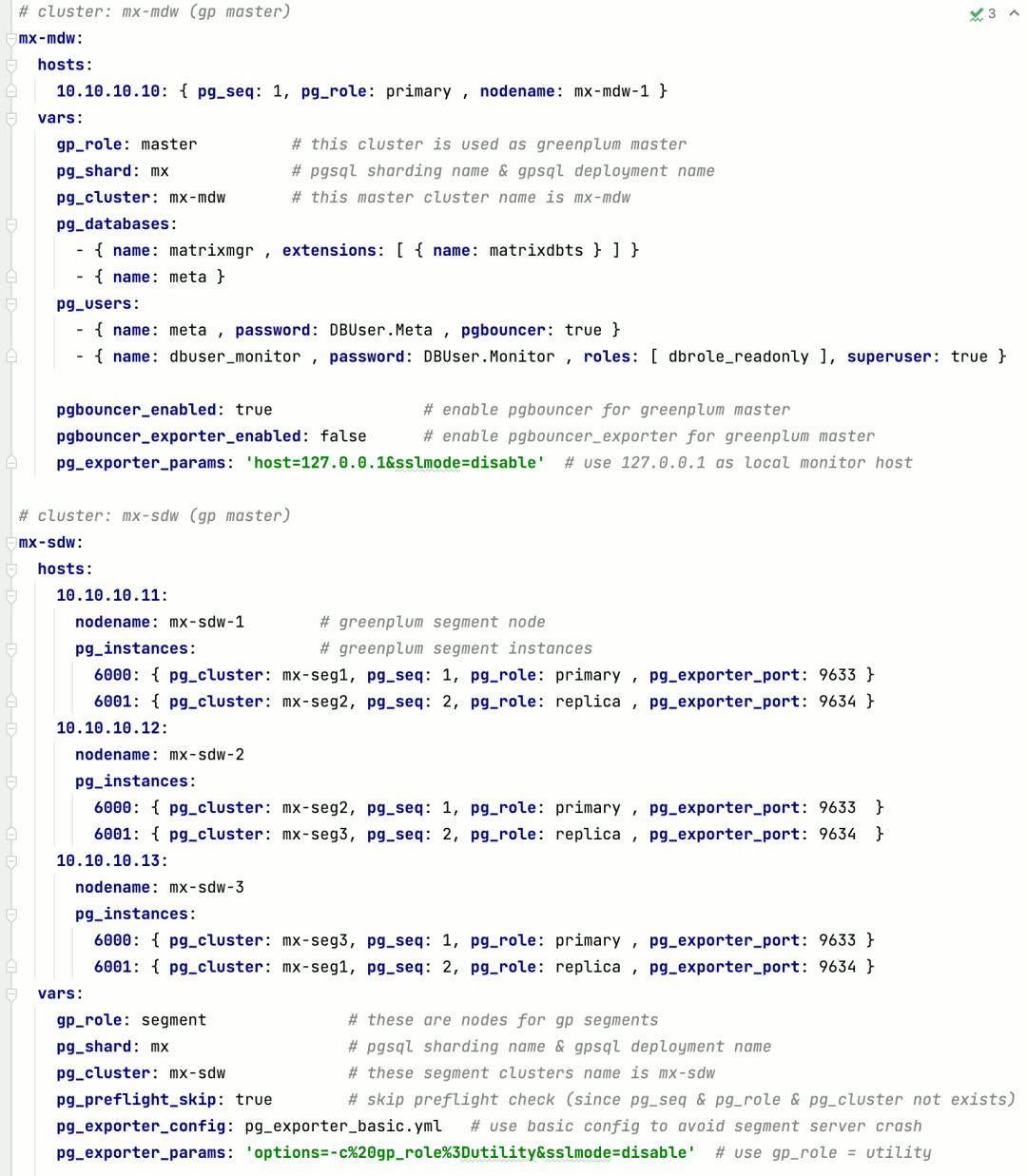
Defining a 4-node MatrixDB requires only this configuration
Monitoring System Evolution
The monitoring system has always played a core role in Pigsty. In v1.4, Pigsty’s monitoring system has significant improvements.
Host Monitoring
Pigsty v1.4 introduces brand new node monitoring capabilities — a direct result of the modular refactor. Previously, machine monitoring metrics were 1:1 bound to PostgreSQL instances. For a PostgreSQL distribution, this design was fine. But as Pigsty evolved, this design became outdated.
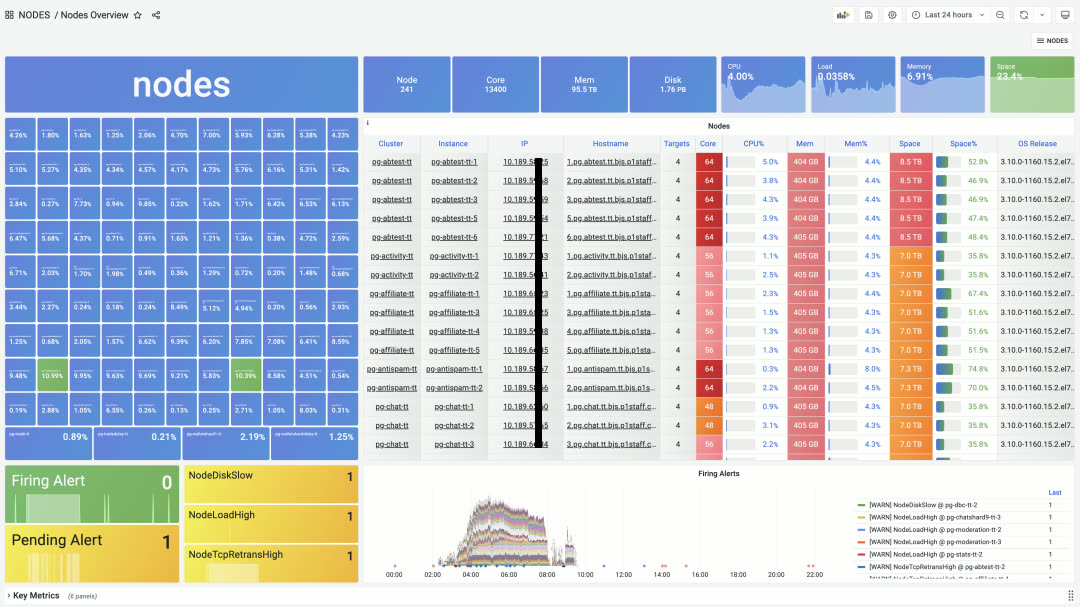
NODES Overview panel, providing navigation for all nodes
Users may have various deployment strategies, such as deploying multiple database instances on one node, or even multiple different database types. In such cases, the right approach is to separate node management and monitoring from specific database types.
This brings two significant benefits: first, if users only need node monitoring and management without database monitoring, it’s much simpler than before; second, a single node can deploy multiple or even different types of databases while reusing the same node monitoring data. Anytime you click an IP address, you jump to the specific NODES Instance to view node details.
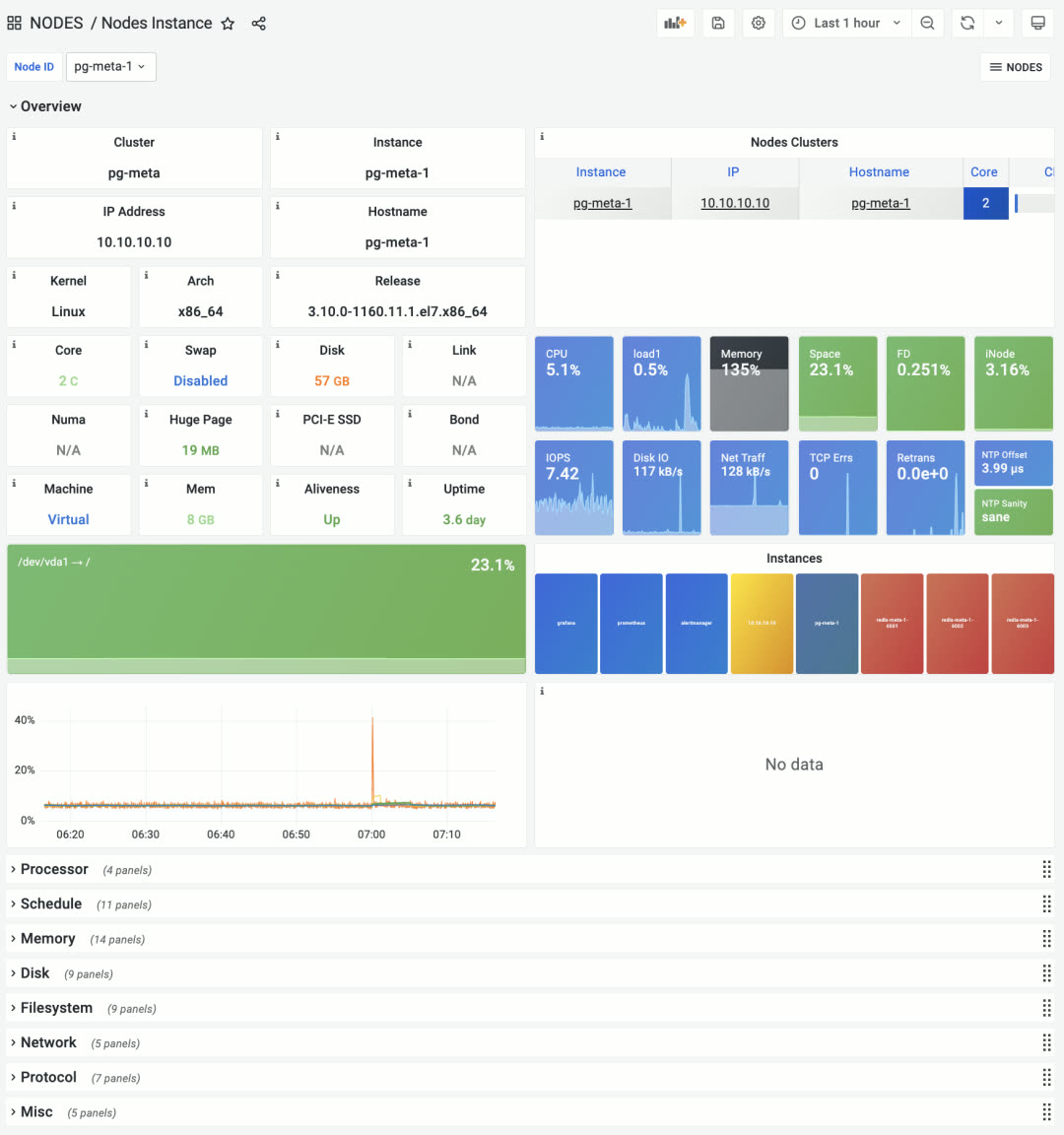
The former PGSQL Node is now NODES Instance
Node monitoring provides three levels: global overview, cluster, and single node. Node clusters can be configured to match PostgreSQL database clusters by default, or have independent identity configuration for viewing cluster resources from different perspectives.
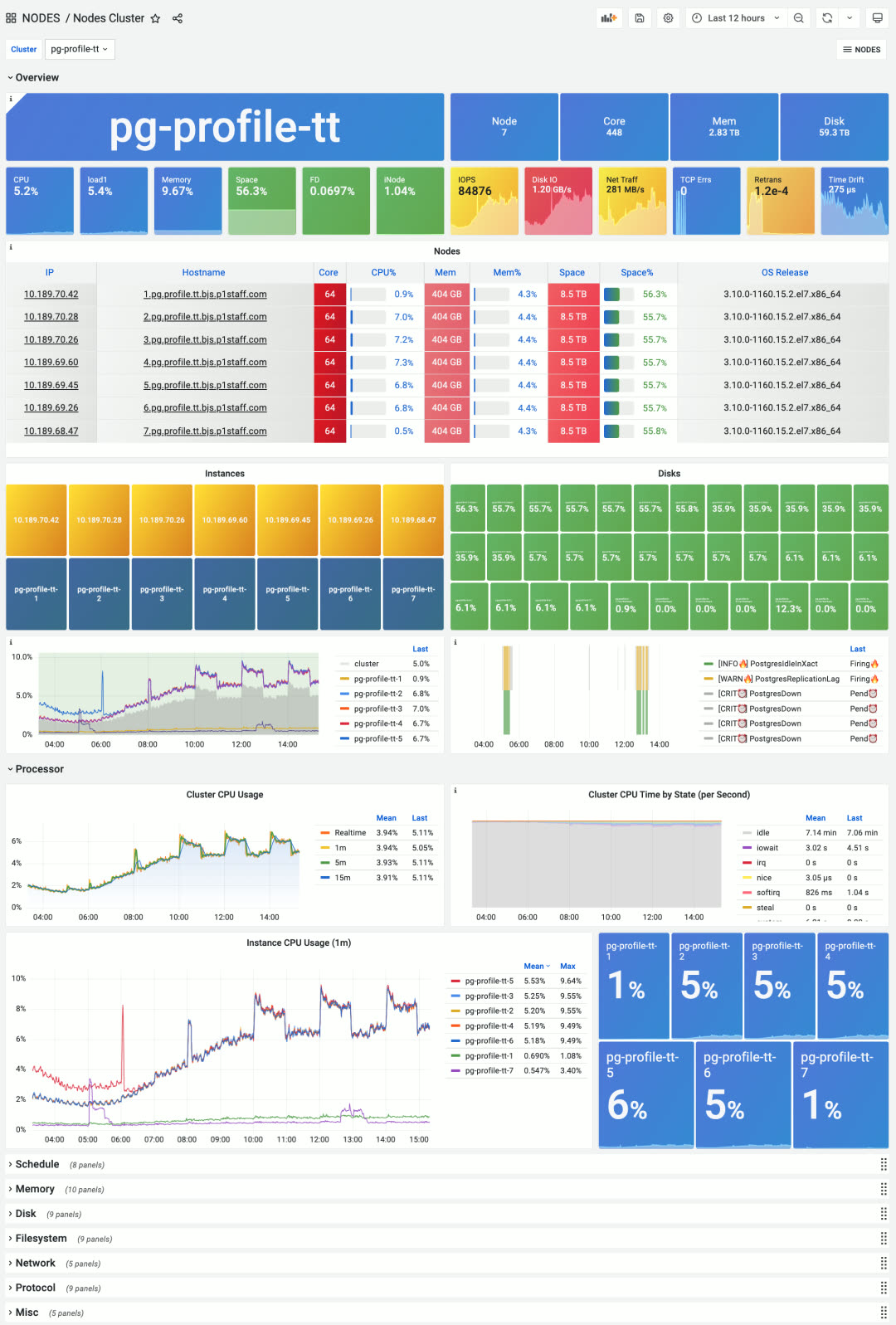
New Nodes Cluster panel, focusing on aggregate metrics and horizontal comparison within a node group
While Pigsty is positioned as a batteries-included PostgreSQL distribution, it also contains host monitoring best practices. Some users don’t need database features at all — they just use Pigsty for host monitoring.
Log Collection
In Pigsty v1.4, Loki and Promtail log collection components are upgraded to default system components. Loki, made by Grafana Labs, uses a label system similar to Prometheus with LogQL similar to PromQL. It’s a lightweight, elegant log collection, processing, and analysis solution.
After a year of testing and refinement, Loki is now a default part of Pigsty, collecting various logs in real-time: node syslog, dmesg, cron logs, database postgres/pgbouncer/patroni logs, and Redis logs.
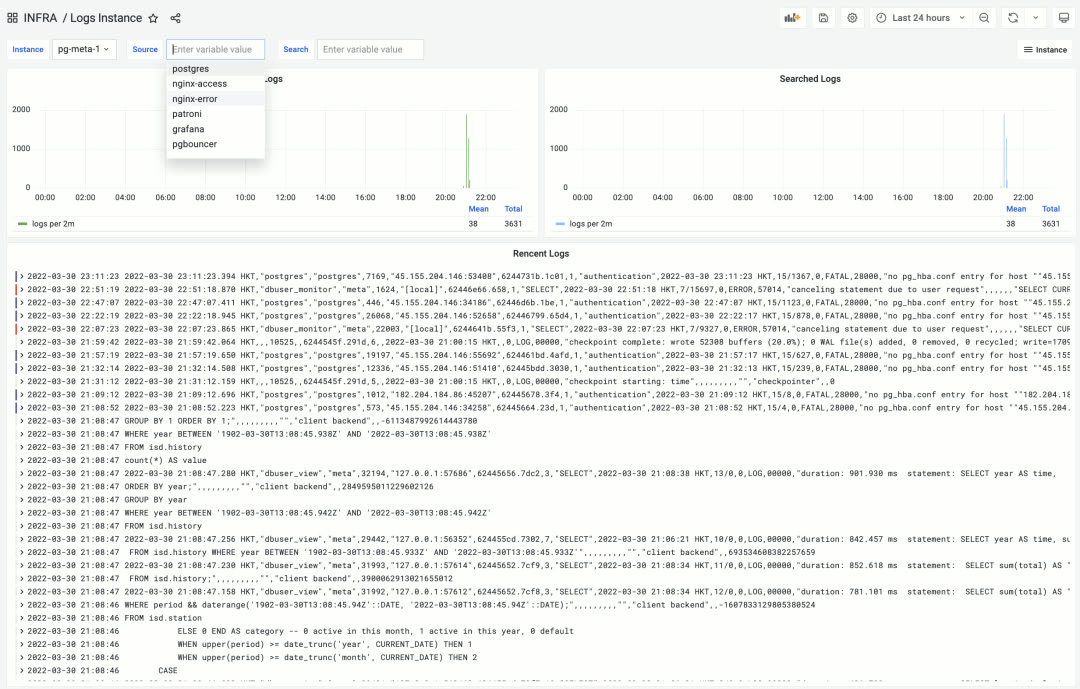
LOGS Instance monitoring panel in the INFRA section for real-time log browsing and searching
ELK is overkill for SRE logging needs — what people really want is an efficient, fast, massively parallel GREP. Loki excels at this.
Additionally, besides node logs, you can also view real-time infrastructure log data from the new INFRA Overview panel.
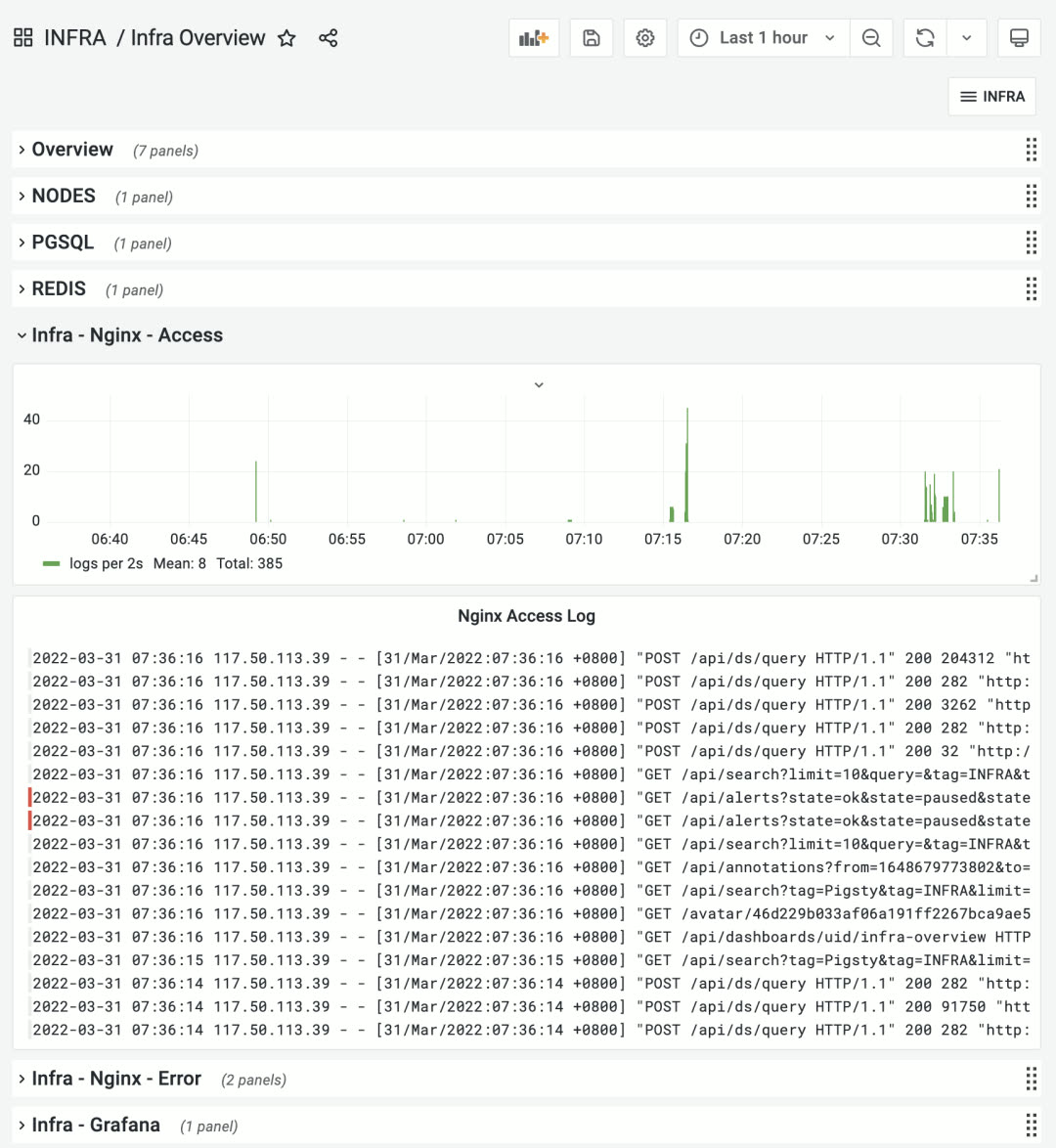
INFRA Overview panel showing infrastructure logs
PGSQL Monitoring
Pigsty v1.4 provides monitoring support for new database types, but classic PostgreSQL monitoring wasn’t neglected. In v1.4, many PGSQL monitoring panels were adjusted and remade. The most representative is the PGSQL Cluster panel.
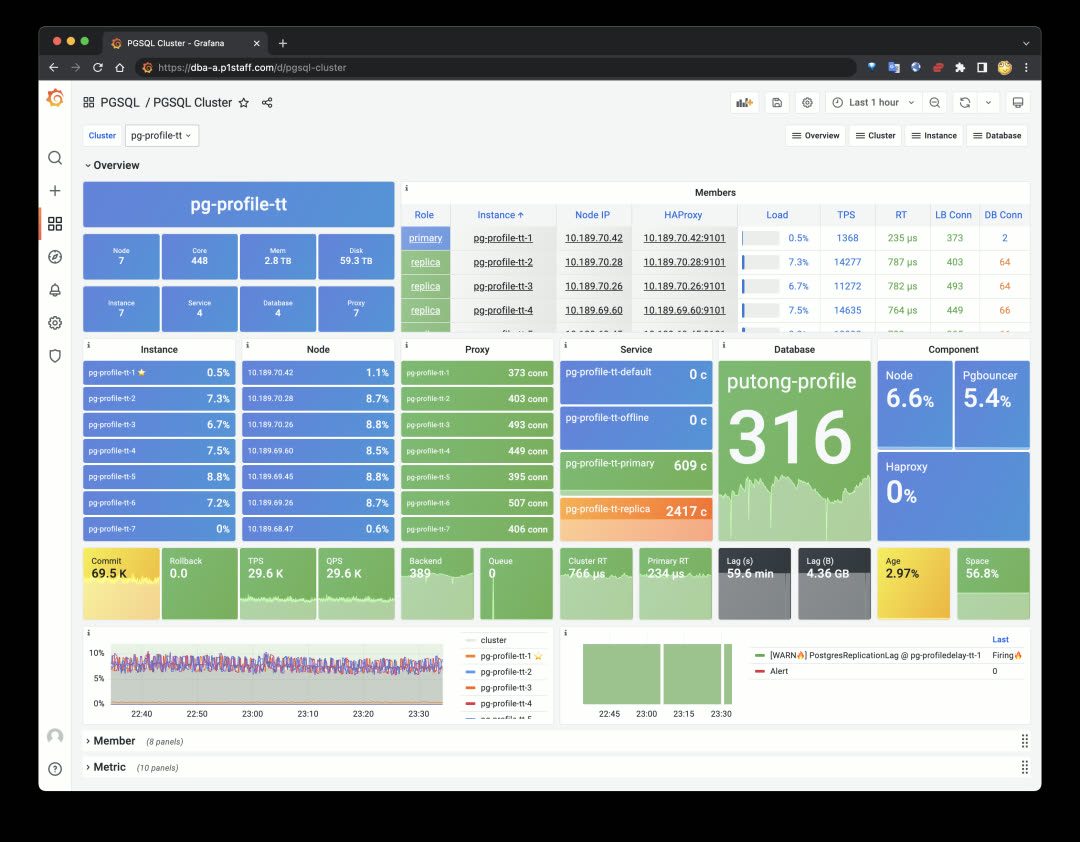
New PGSQL Cluster monitoring panel first screen
PGSQL Cluster is one of the most core monitoring panels in Pigsty database monitoring, serving as a connecting hub to display an autonomous database cluster’s key status. The new design hides unnecessary information and focuses on cluster resources. You can quickly click cluster resource objects from the first screen to navigate to detailed monitoring panels: including nodes, instances, load balancers, services, databases, and service components.
Beyond cluster resource objects, PGSQL Cluster’s first screen only shows the most critical monitoring metrics, alert events, and cluster/instance pressure levels. Other details are hidden in the topic sections below.
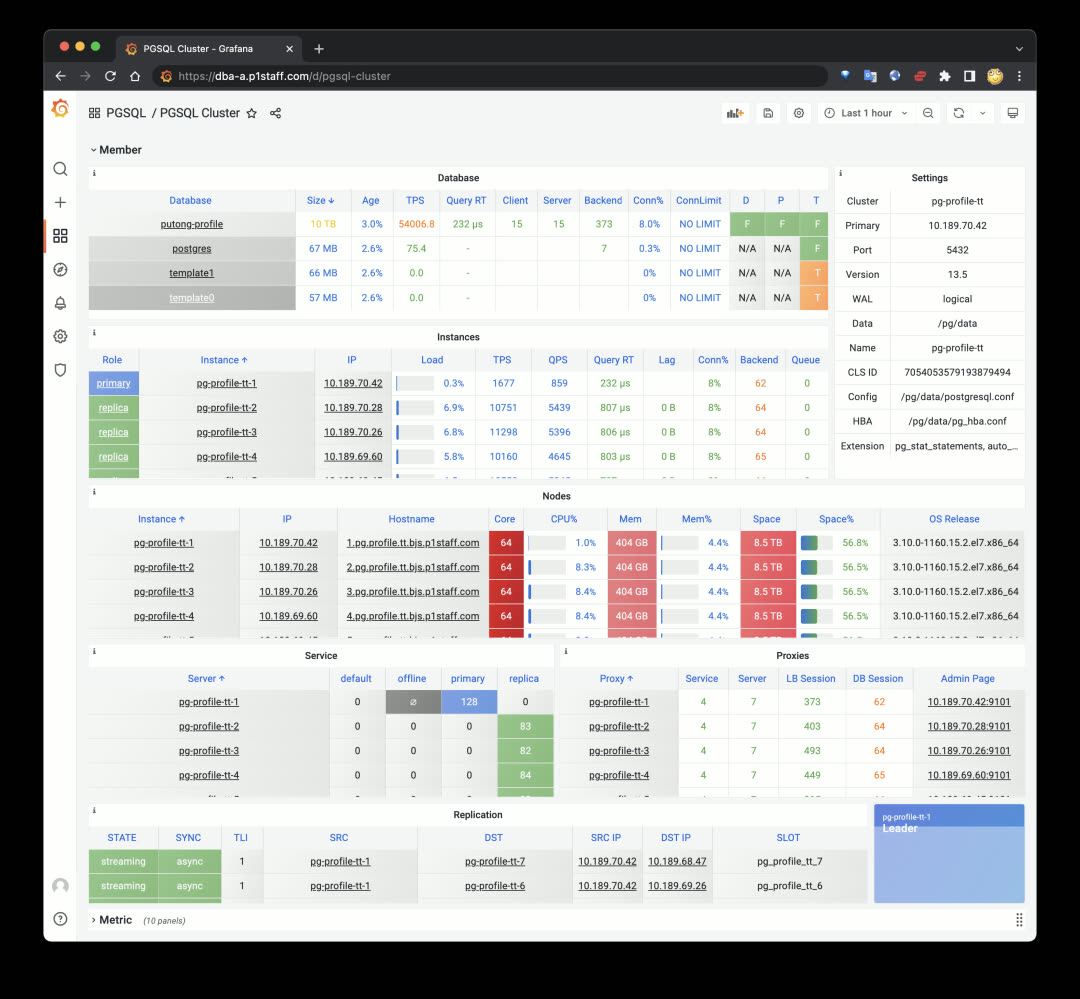
Member details table in the hidden second section by default
The second significant improvement is the new PGSQL Databases panel. Previously, database-internal monitoring only focused on single objects within single instances. But for business objects like tables and indexes, the focus is on their overall metrics across the entire cluster. PGSQL Databases was created for this. You can query a database’s performance across the entire cluster, horizontally comparing differences between instances:
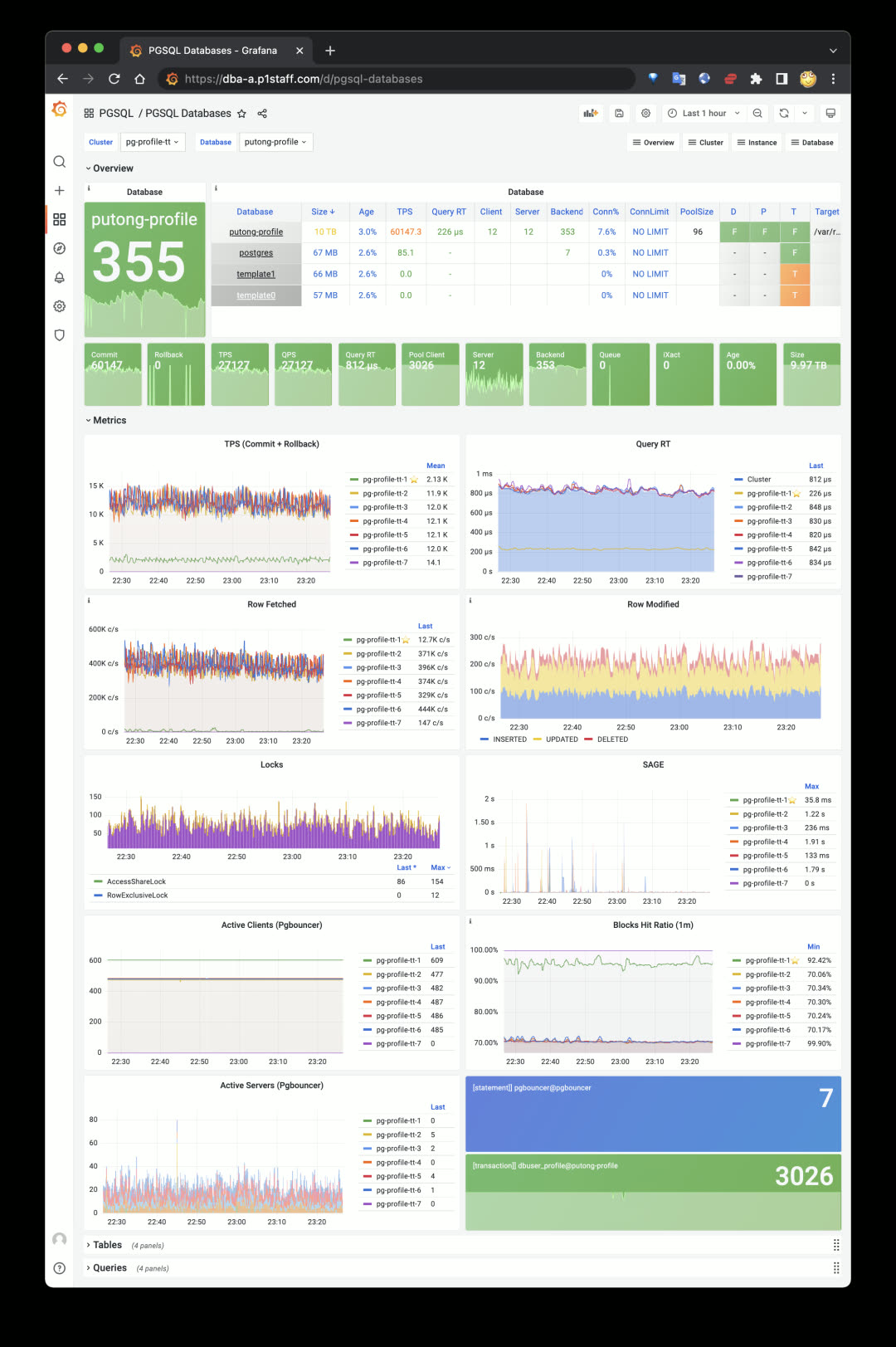
PGSQL Databases panel:
agg(metrics{datname=*}) by (ins)
More importantly, you can see aggregate views of every table and query type across the cluster scope. For example, check a table’s or query type’s QPS on the cluster’s primary and replica instances, or confirm an index’s usage across different cluster instances — enabling targeted business and application optimization.
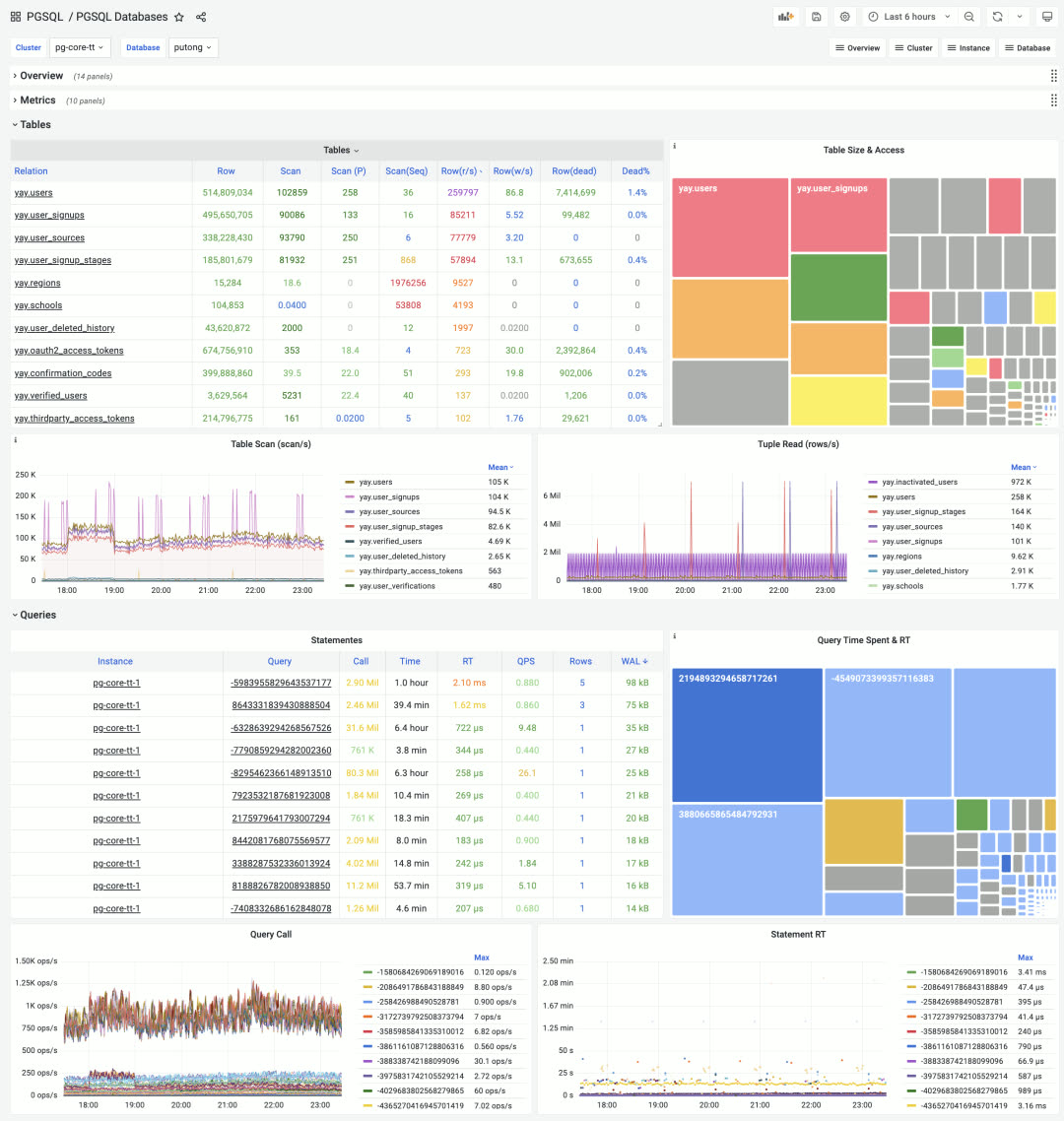
Cluster-level aggregate display of database objects: Tables & Queries, click to drill down
The colored TreeMap quickly reflects two-dimensional attributes: for tables, size represents space occupied, color represents access frequency. For queries, size represents total time spent on that query type, color represents average response time.
Application Dashboards
Besides the four core modules INFRA, NODES, PGSQL, REDIS, the Pigsty Grafana home has one more section: APP. This is for user applications. Any monitoring dashboard tagged with APP and Overview appears in Pigsty’s dashboard navigation. Pigsty ships with a ready-to-use small app PGLOG for analyzing PostgreSQL’s own CSV logs, quickly locating anomalies from logs and jumping to specific connection details.
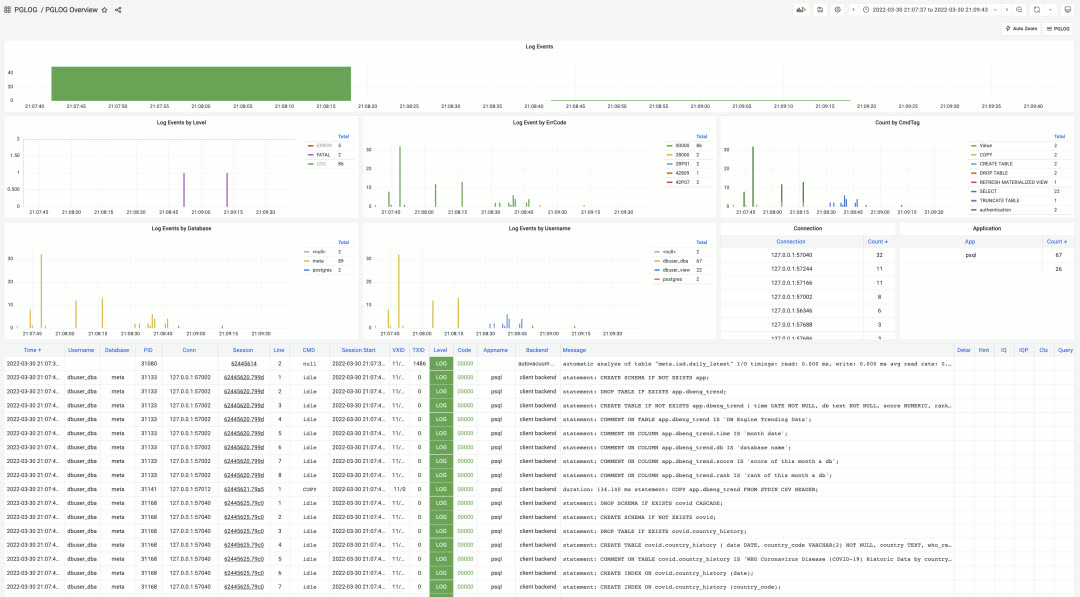
PGLOG Overview, using shortcuts to quickly load logs into application tables for analysis
Additionally, Pigsty established a dedicated code repository pigsty-app for hosting Pigsty sample applications. Current applications include:
| Application | Description |
|---|---|
| ISD | NOAA global surface weather station historical weather data query |
| COVID | WHO COVID-19 pandemic data query |
| DBENG | DB-Engine database popularity trends and predictions |
| APPLOG | Apple app privacy log visualization |
| WORKTIME | Work hours at major tech companies |
More data application examples will be added continuously.
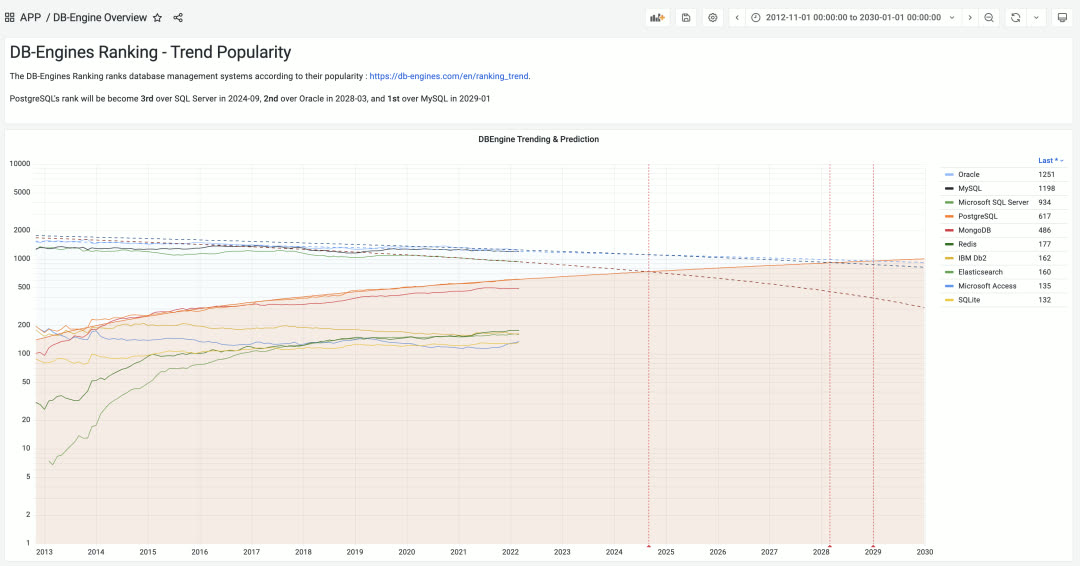
DBEng Trend: Using authoritative DB-Engines popularity data to predict when PostgreSQL will become the world’s most popular relational database
Installation Experience / CDN
Previously Pigsty used GitHub as the release platform, which was difficult to access from mainland China. So we enabled a global CDN domain http://download.pigsty.cc. For example, the latest source package and offline package download URLs are:
Pigsty’s software packages were reorganized and slimmed down from 1.3GB to 940MB in v1.4. Users needing Greenplum and MatrixDB can download a separate offline package matrix.tgz (338MB).
Pigsty v1.4 provides a dedicated download script download for automatically downloading and extracting optional packages pkg.tgz, matrix.tgz, app.tgz. This script auto-detects network environment, using GitHub Releases outside the GFW and Tencent Cloud CDN inside China.
The Pigsty installation process is now:
Case Study: Tantan
Tantan is Pigsty’s largest user case. In March 2022, Tantan decommissioned the last legacy PostgreSQL database pg.meta.tt, with all production databases migrated to Pigsty. One hundred clusters are all managed by Pigsty v1.3.1 (with v1.4 monitoring). Auto-failover is enabled for all clusters, marking the official completion of the two-year Database Ascension Project.
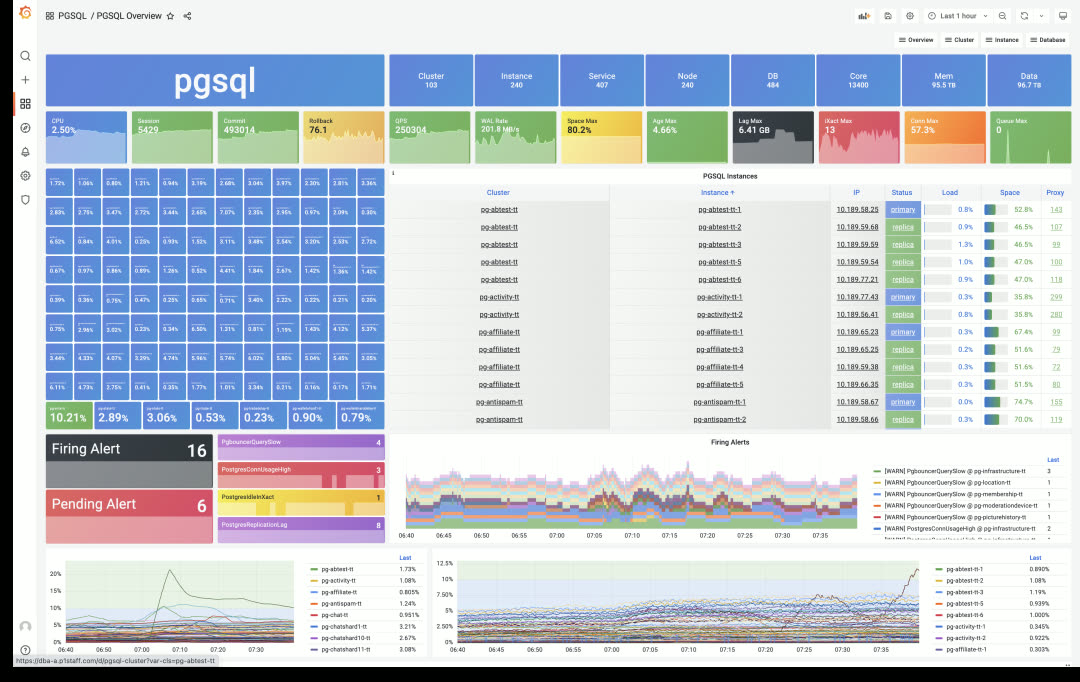
Tantan’s main production Pigsty deployment: 240 instances, 13,400 cores of PostgreSQL OLTP clusters
At Tantan, Pigsty underwent long-term, large-scale, rigorous production testing. Over two years of continuous refinement led to what it is today. In recent chaos engineering drills, ops randomly selected database machines for multiple crash tests. Pigsty automatically performed HA primary-replica/traffic failover with no human intervention. Replica crashes had no business impact; primary crashes affected business writes for less than 1 minute.
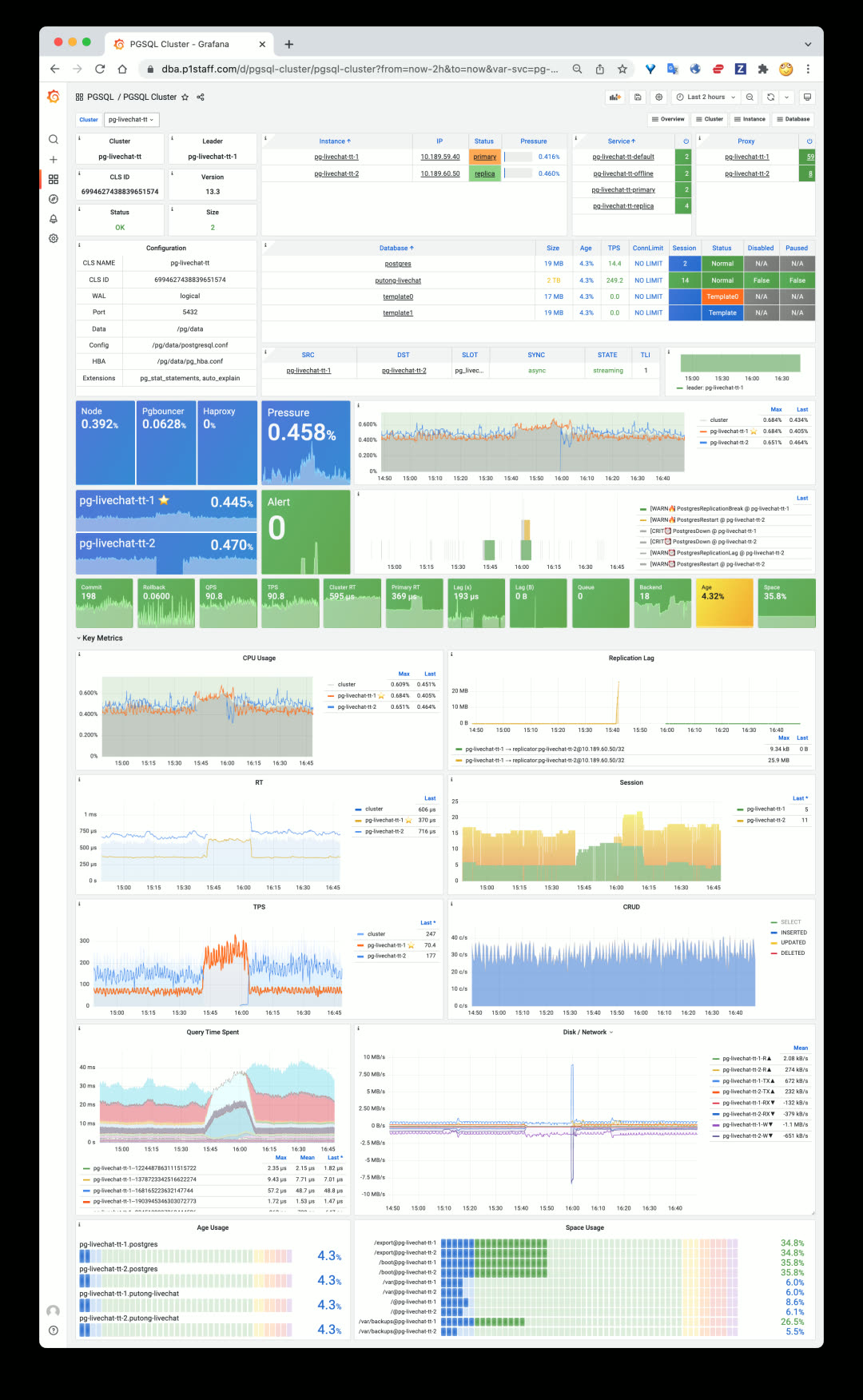
A typical replica crash scenario: read traffic quickly handled by primary, only a few in-flight queries interrupted, then immediate recovery
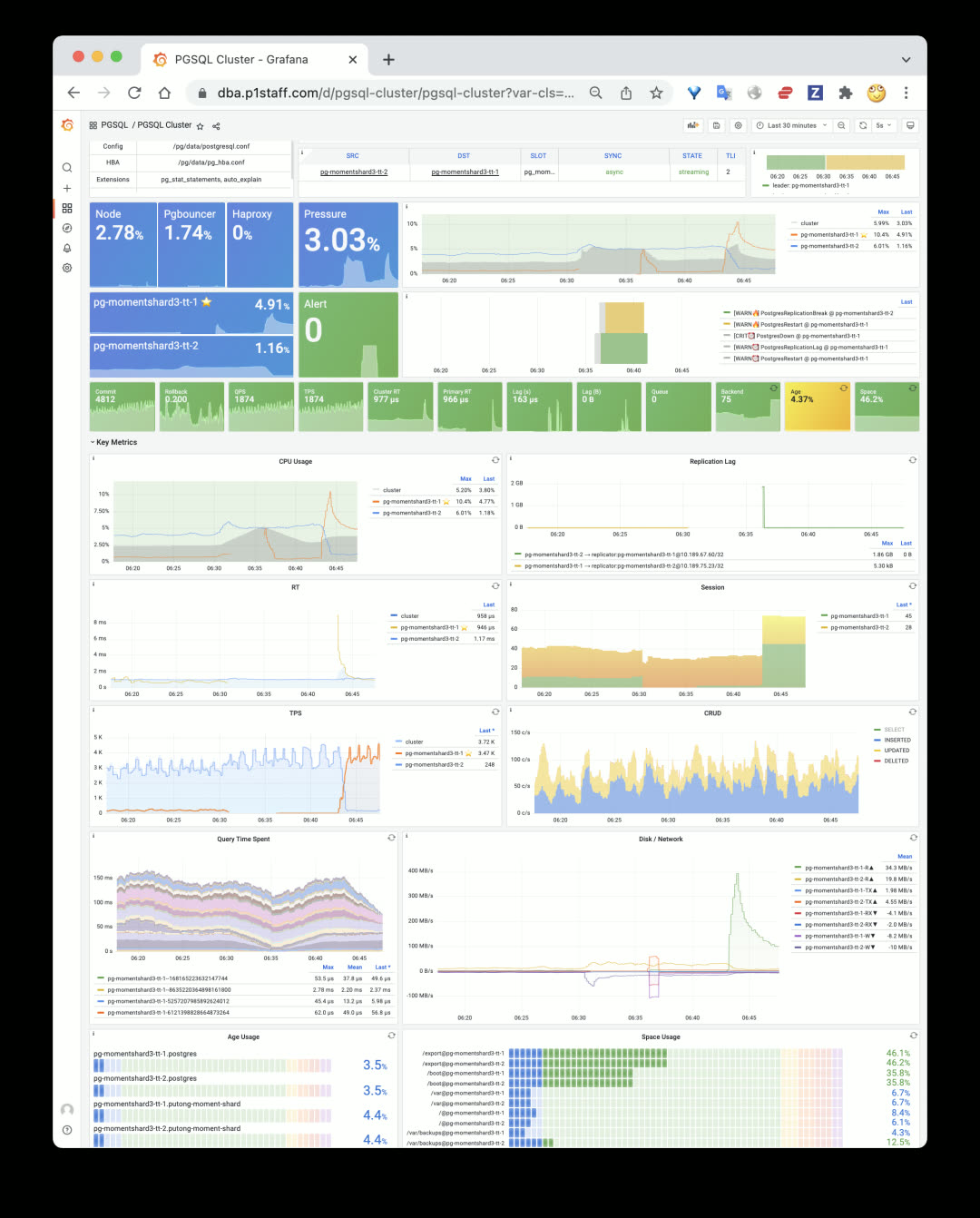
A typical primary crash scenario: 30s after primary goes down, replica is promoted to new primary, 30s of business write impact then self-healing
v1.4.0 Release Notes
Architecture
- Decoupled system into 4 major categories:
INFRA,NODES,PGSQL,REDIS, making Pigsty clearer and more extensible - Single-node deployment =
INFRA+NODES+PGSQL - PGSQL cluster deployment =
NODES+PGSQL - Redis cluster deployment =
NODES+REDIS - Other database deployment =
NODES+ xxx (e.g.,MONGO,KAFKA…)
Accessibility
- CDN for mainland China
- Use
bash -c "$(curl -fsSL http://get.pigsty.cc/latest)"to get latest source - New
downloadscript to download and extract packages
Monitoring Enhancements
- Split monitoring into 5 categories:
INFRA,NODES,REDIS,PGSQL,APP - Logging enabled by default
lokiandpromtailnow enabled by default, with prebuilt loki-rpm
- Model and labels
- Added hidden
dsprometheus datasource variable to all dashboards - Added
iplabel to all metrics, used as join key between database and node metrics
- Added hidden
- INFRA Monitoring
- INFRA main dashboard: INFRA Overview
- Added Log dashboard: Logs Instance
- PGLOG Analysis and PGLOG Session now treated as sample Pigsty APPs
- NODES Monitoring Application
- Pigsty can be used standalone as host monitoring software
- Includes 4 core dashboards: Nodes Overview & Nodes Cluster & Nodes Instance & Nodes Alert
- New identity variables for nodes:
node_clusterandnodename
- PGSQL Monitoring Enhancements
- New PGSQL Cluster, simplified and focused on what matters in a cluster
- New dashboard PGSQL Databases for cluster-level object monitoring
- PGSQL Alert dashboard now focuses solely on PGSQL alerts
- PGSQL Shard added to PGSQL
- Redis Monitoring Enhancements
- Added node monitoring to all Redis dashboards
MatrixDB Support
- MatrixDB (Greenplum 7) can be deployed via
pigsty-matrix.ymlplaybook - MatrixDB monitoring dashboard: PGSQL MatrixDB
- Added sample configuration:
pigsty-mxdb.yml
Software Upgrades
- PostgreSQL 14.2
- PostGIS 3.2
- TimescaleDB 2.6
- Patroni 2.1.3 (Prometheus metrics + failover slots)
- HAProxy 2.5.5 (fixed stats errors, more metrics)
- PG Exporter 0.4.1 (timeout parameters, etc.)
- Grafana 8.4.4
- Prometheus 2.33.4
- Greenplum 6.19.4 / MatrixDB 4.4.0
- Loki now provided as RPM package instead of ZIP archive
Bug Fixes
- Removed Patroni’s Consul dependency, making migration to new Consul clusters easier
- Fixed Prometheus bin/new script default data directory path
- Added restart seconds in vip-manager systemd service
- Fixed typos and tasks
API Changes
New Variables
node_cluster: Identity variable for node clusternodename_overwrite: If set, nodename will be set to node’s hostnamenodename_exchange: Exchange node hostnames between play hosts (in/etc/hosts)node_dns_hosts_extra: Extra static DNS records easily overridable by single instance/clusterpatroni_enabled: If disabled, postgres & patroni bootstrap not executed duringpostgresrolepgbouncer_enabled: If disabled, pgbouncer not started duringpostgresrolepg_exporter_params: Extra URL parameters for pg_exporter when generating monitoring target URLpg_provision: Boolean variable indicating whether to execute provisioning part ofpostgresroleno_cmdb: Used forinfra.ymlandinfra-demo.ymlplaybooks, won’t create CMDB on meta node
v1.4.1 Release Notes
Bug fixes / Docker support / English documentation
Docker is now enabled by default on the meta node, allowing you to spin up various software.
Bug Fixes
- Fixed Promtail & Loki configuration variable issues
- Fixed Grafana legacy alerts
- Disabled nameserver by default
- Renamed pg-alias.sh for Patroni shortcuts
- Disabled exemplars queries for all dashboards
- Fixed Loki data directory issue
- Changed
autovacuum_freeze_max_agefrom 100000000 to 1000000000
20 - Pigsty v1.3: Redis Support, PGCAT Overhaul, PGSQL Enhancements
Originally published on VONNG.

Pigsty v1.3 is officially released, featuring Redis support, a rebuilt PGCAT application, and enhanced PGSQL monitoring.
Redis Support
While PostgreSQL is the world’s most advanced open-source relational database, every hero needs a sidekick. Pigsty v1.3 introduces a powerful caching companion for PostgreSQL: the world’s fastest database — Redis.
Redis delivers incredible performance, easily hitting 200-300k QPS on a single core.
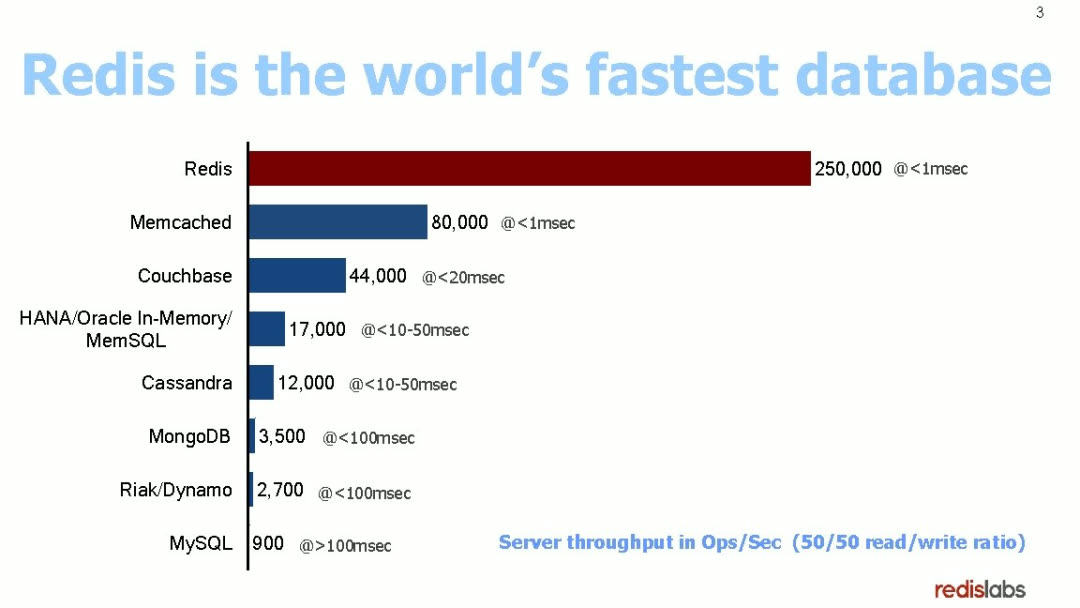
The Pigsty demo now includes Redis cluster examples:
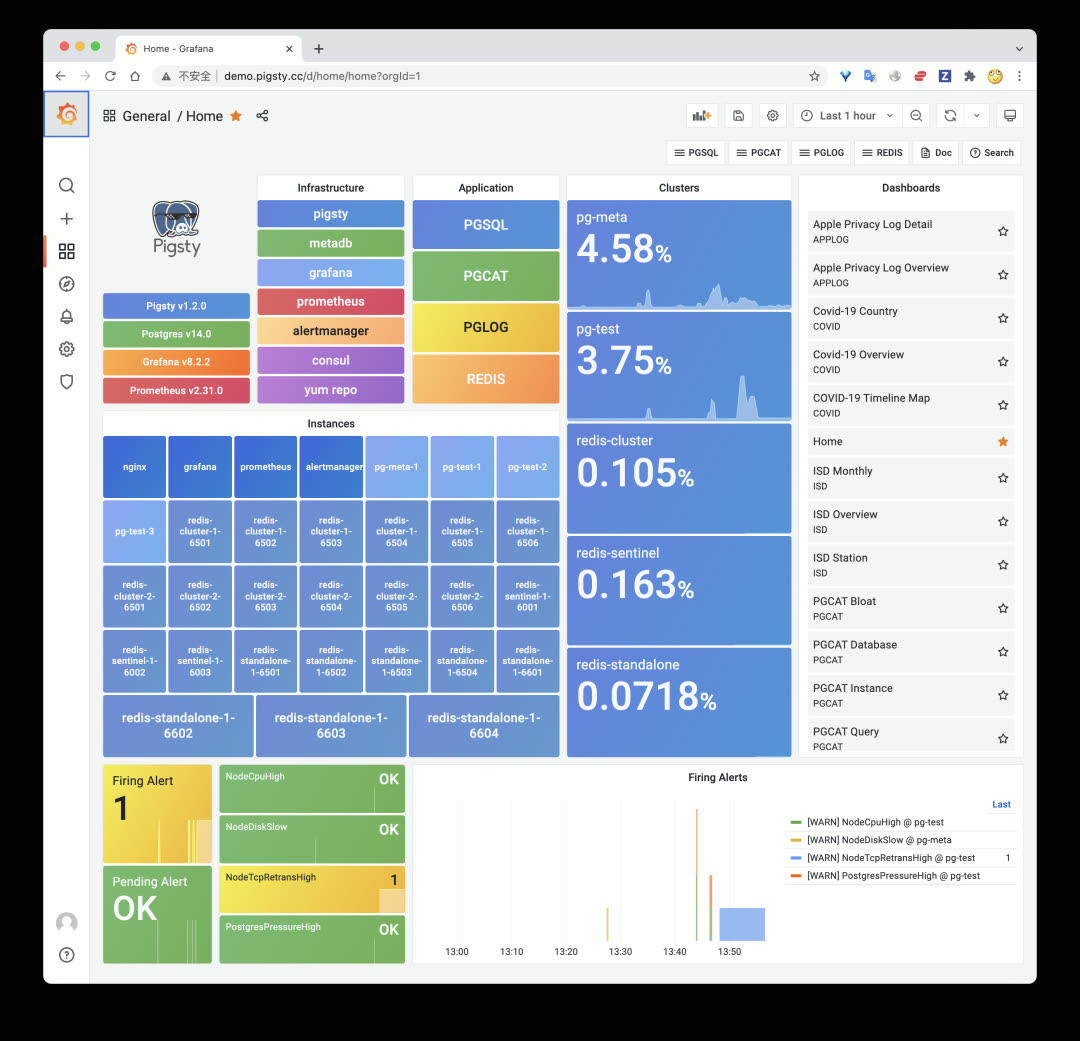
Three Deployment Modes
Redis has three classic deployment patterns: primary-replica (Standalone), native cluster (Cluster), and high-availability sentinel (Sentinel). Pigsty v1.3 supports all three.
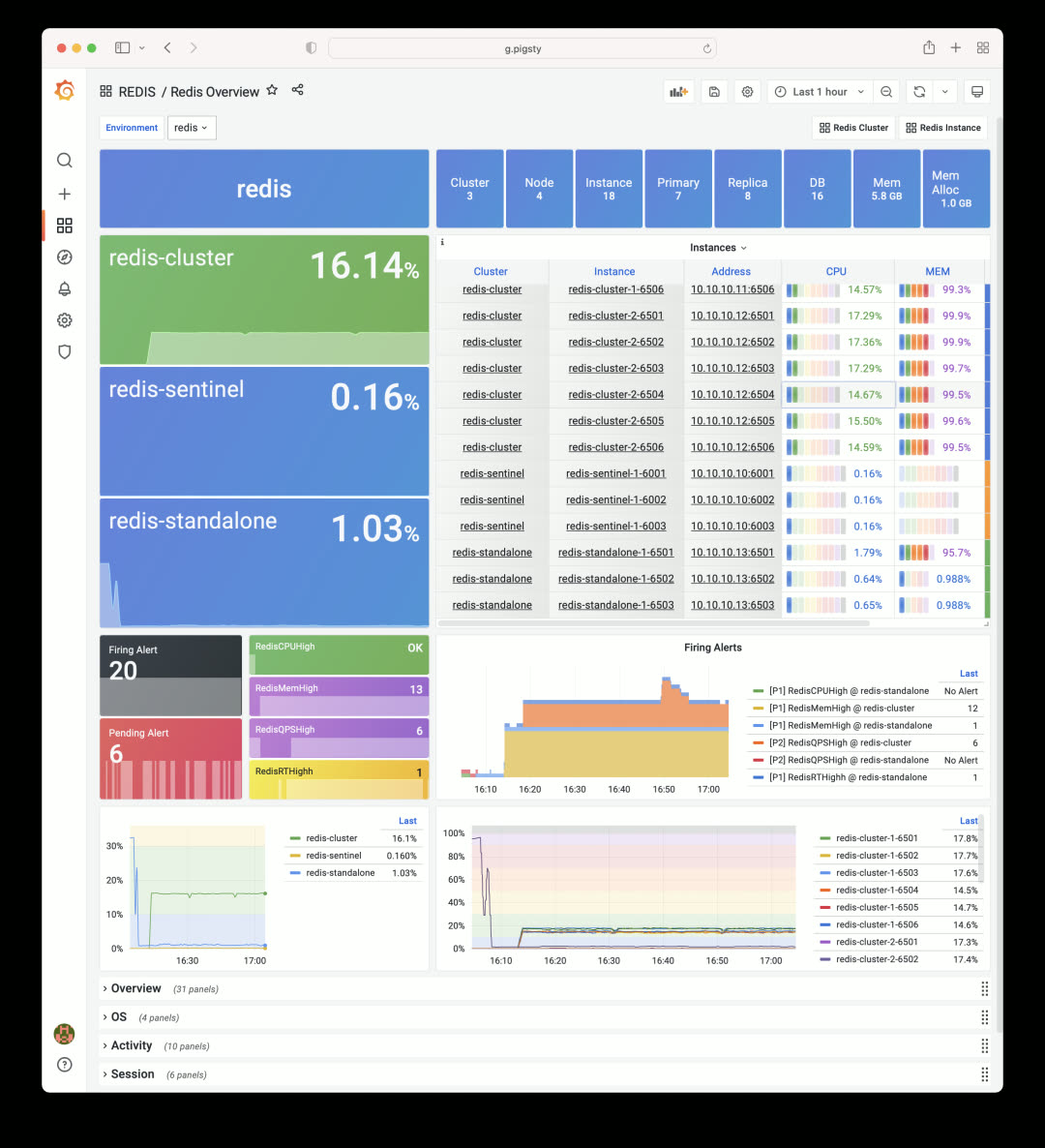
The Redis Overview dashboard shows three sample clusters, each demonstrating a different deployment mode.
Declarative Configuration
Defining a Redis cluster works the same way as PostgreSQL. After declaring your config, just run redis.yml -l <cluster> to create the cluster:
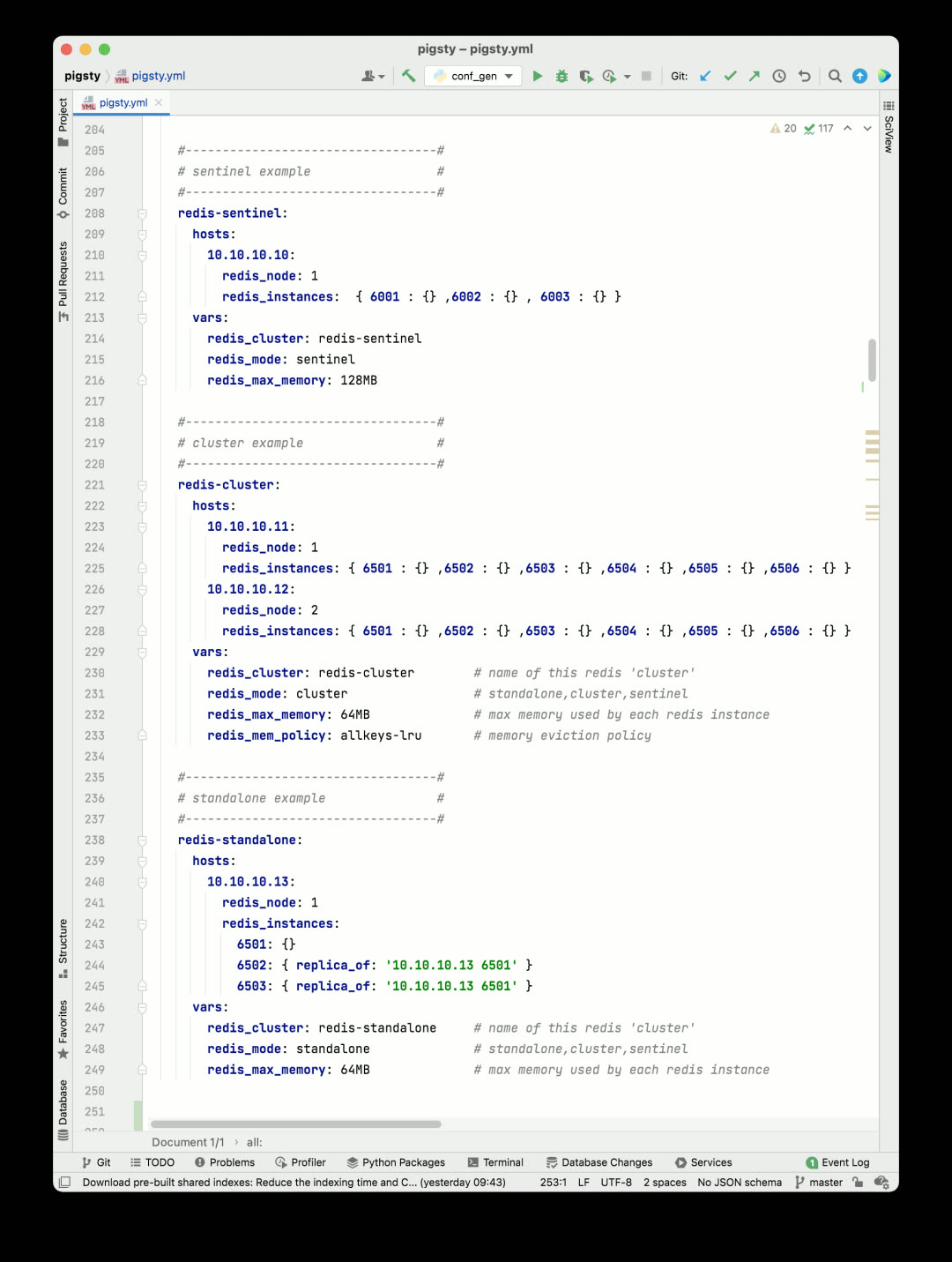
A Redis cluster only needs a few required identity parameters. Of course, you can use additional parameters for fine-grained configuration:
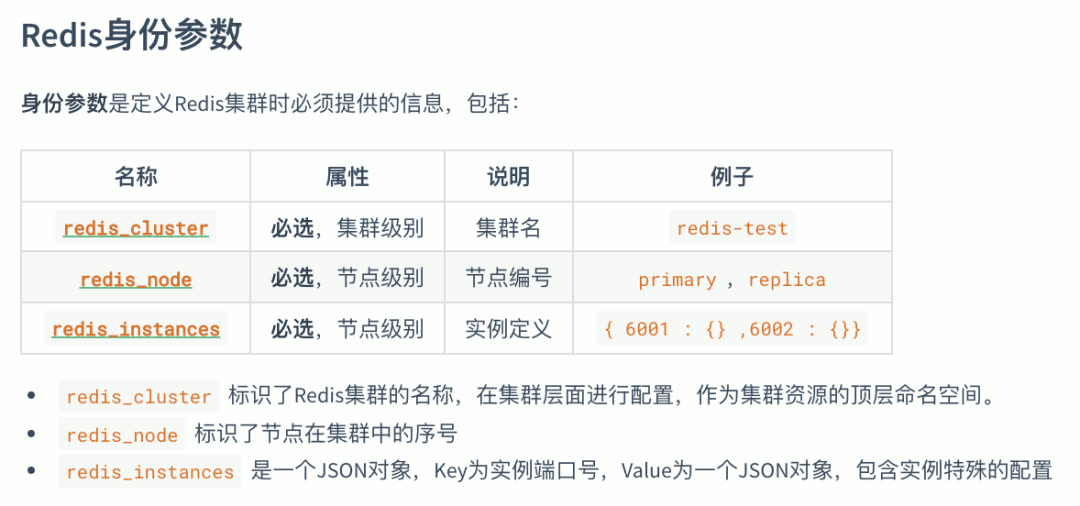
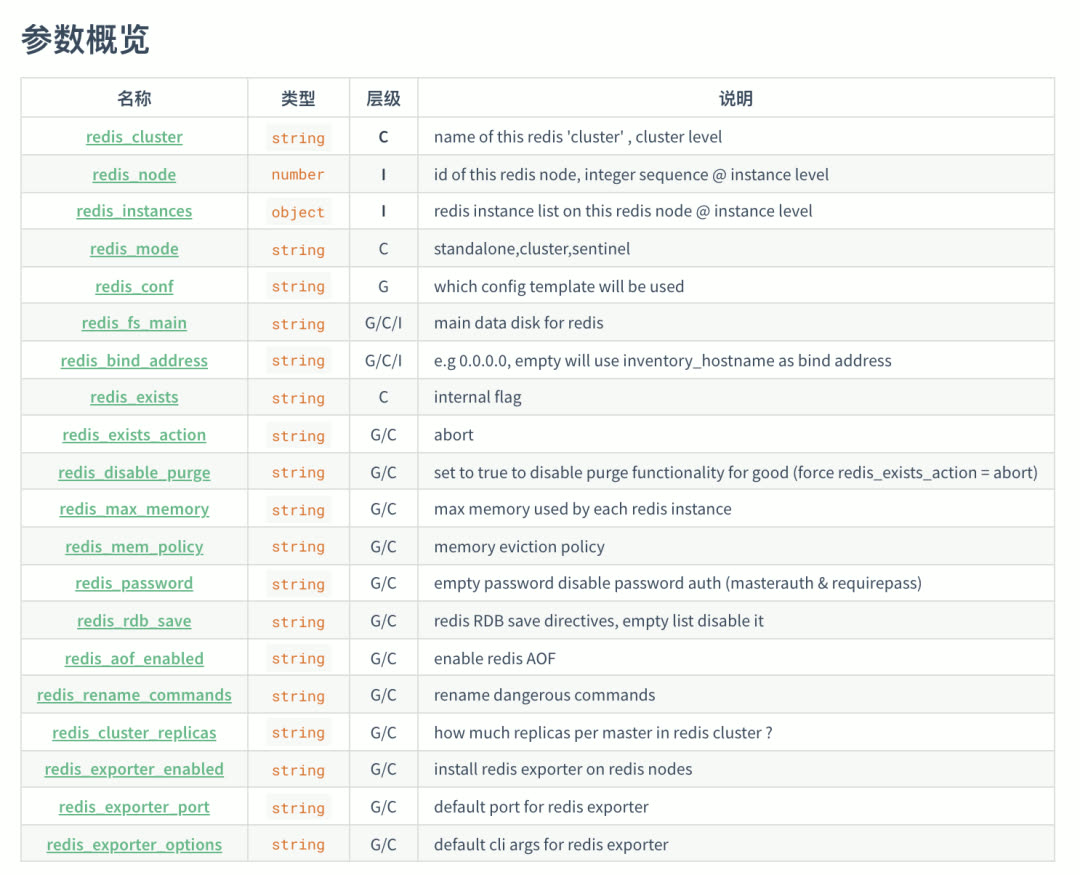
Auto-Monitoring
Redis clusters and instances created with Pigsty are automatically integrated into the monitoring system.
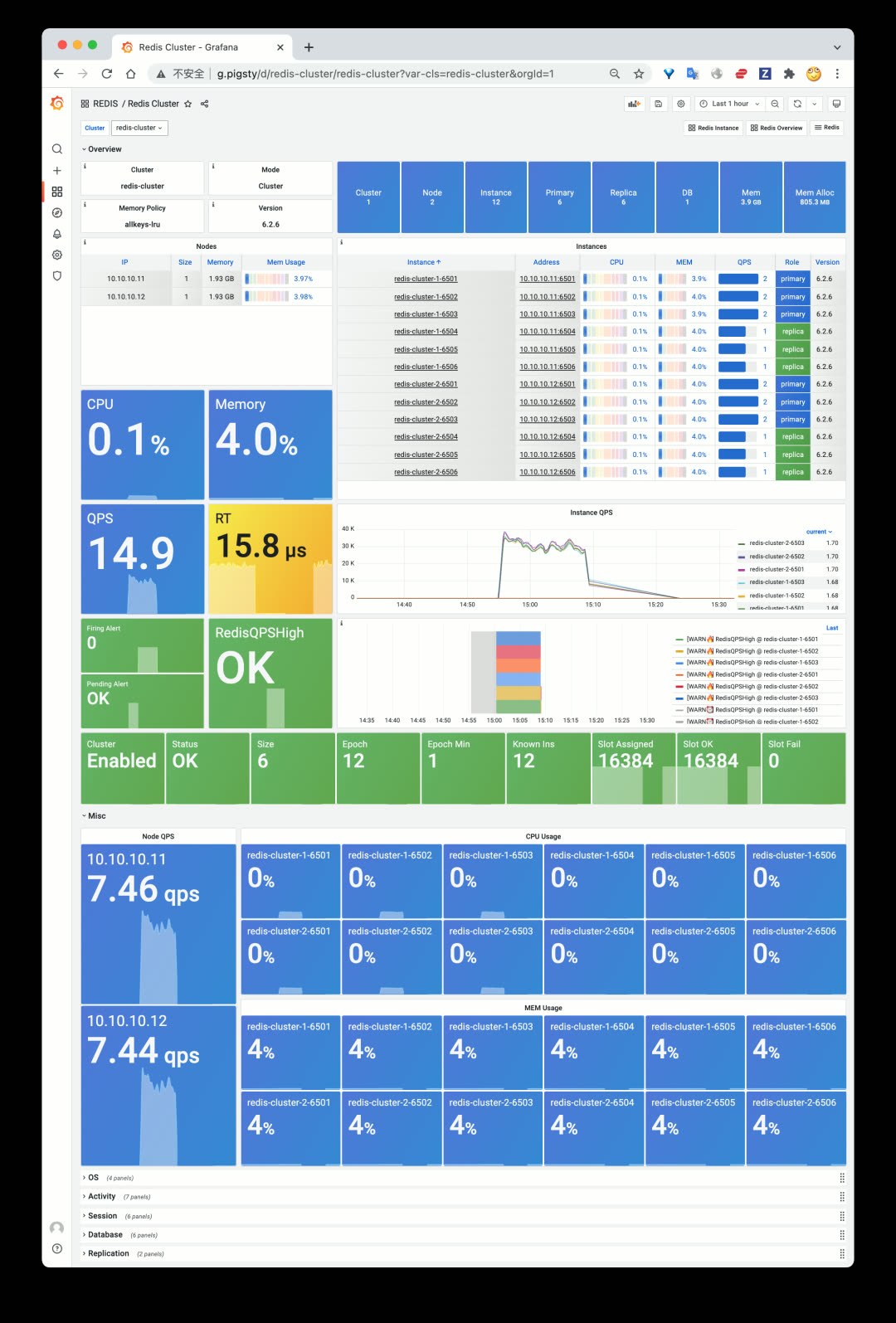
The Redis cluster dashboard homepage — click on a specific instance to jump to instance-level monitoring:
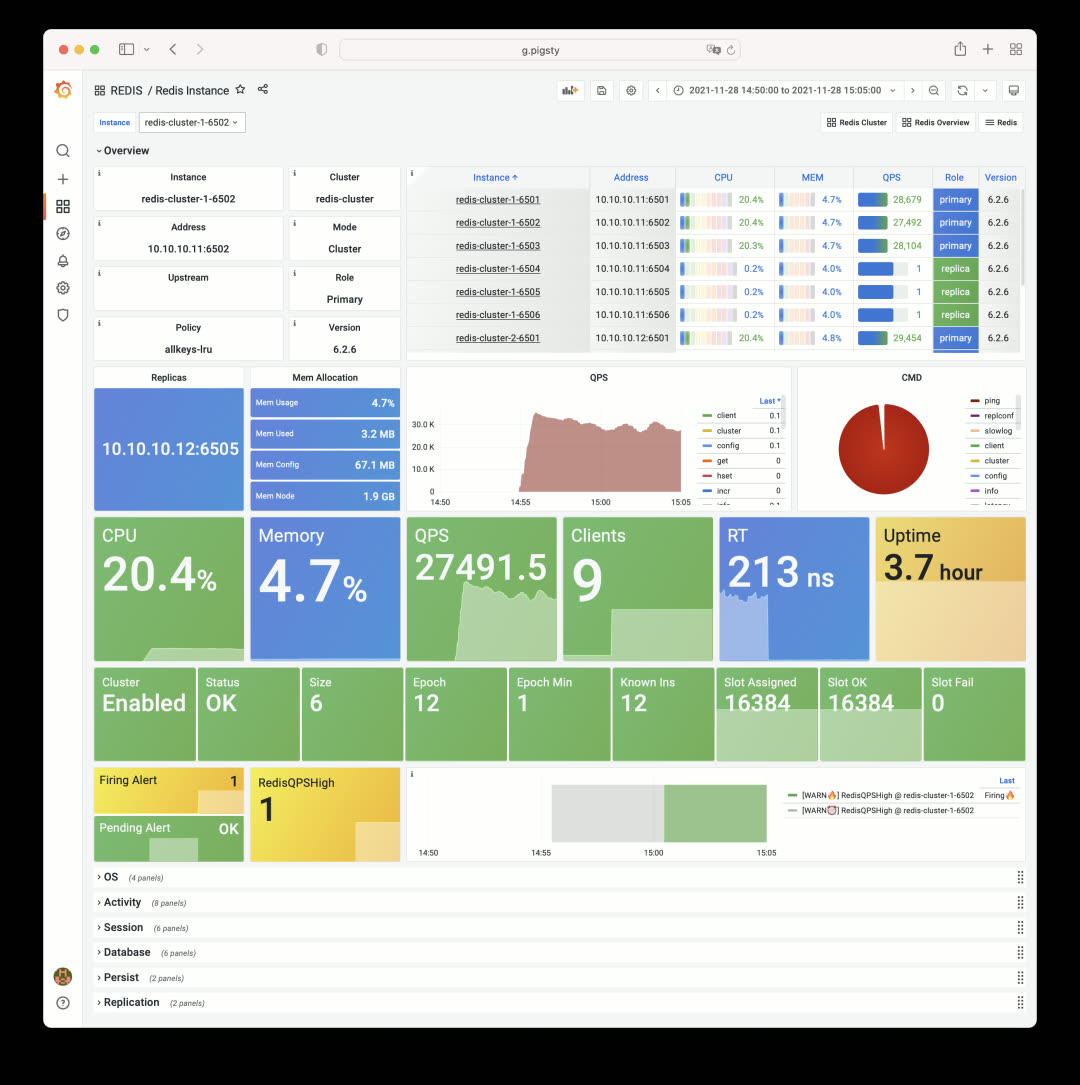
PGCAT Overhaul
v1.3 rebuilds the PGCAT application — a tool for browsing and visualizing PostgreSQL system catalogs directly from Grafana.
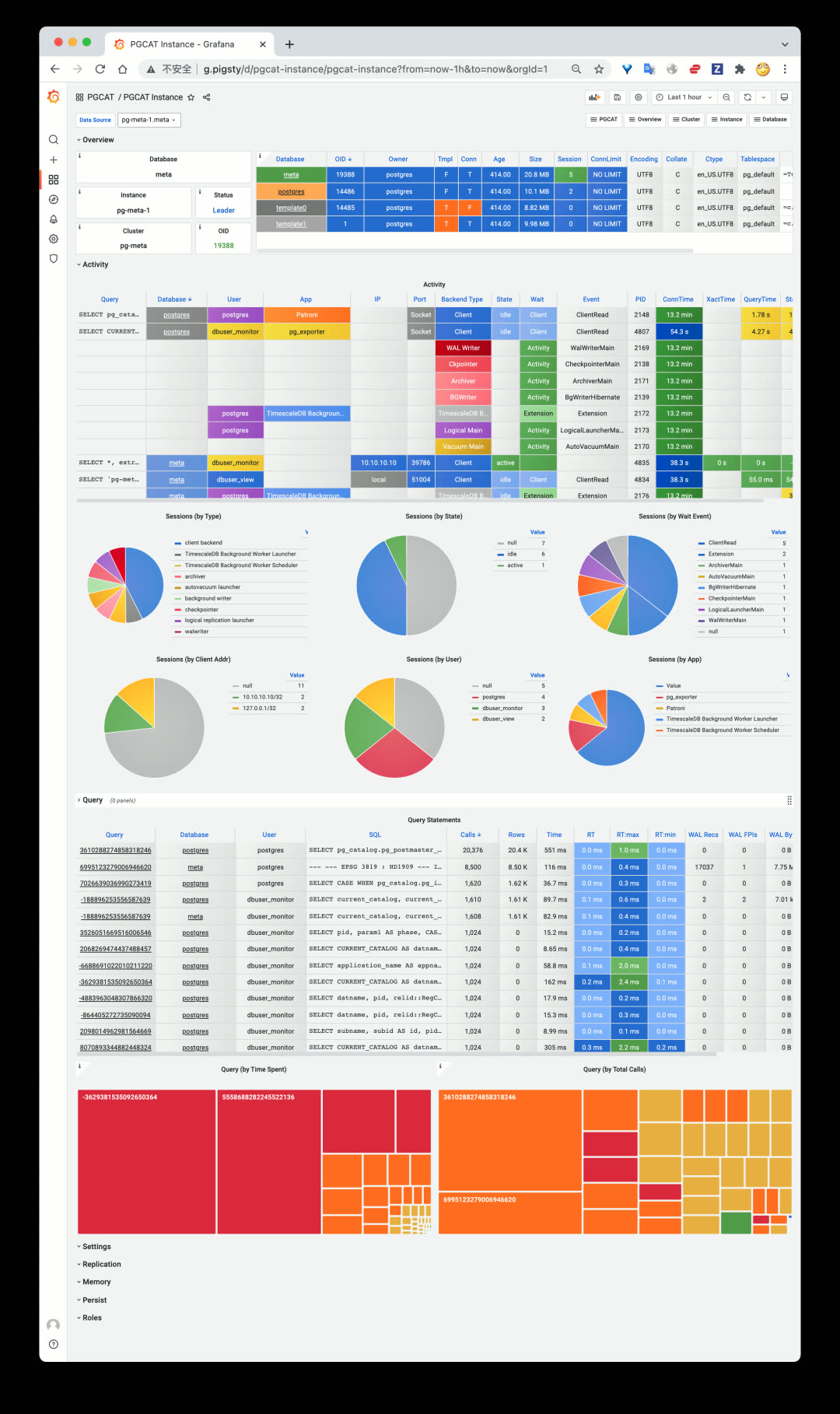
Single PostgreSQL instance catalog info: databases, active sessions, running queries.
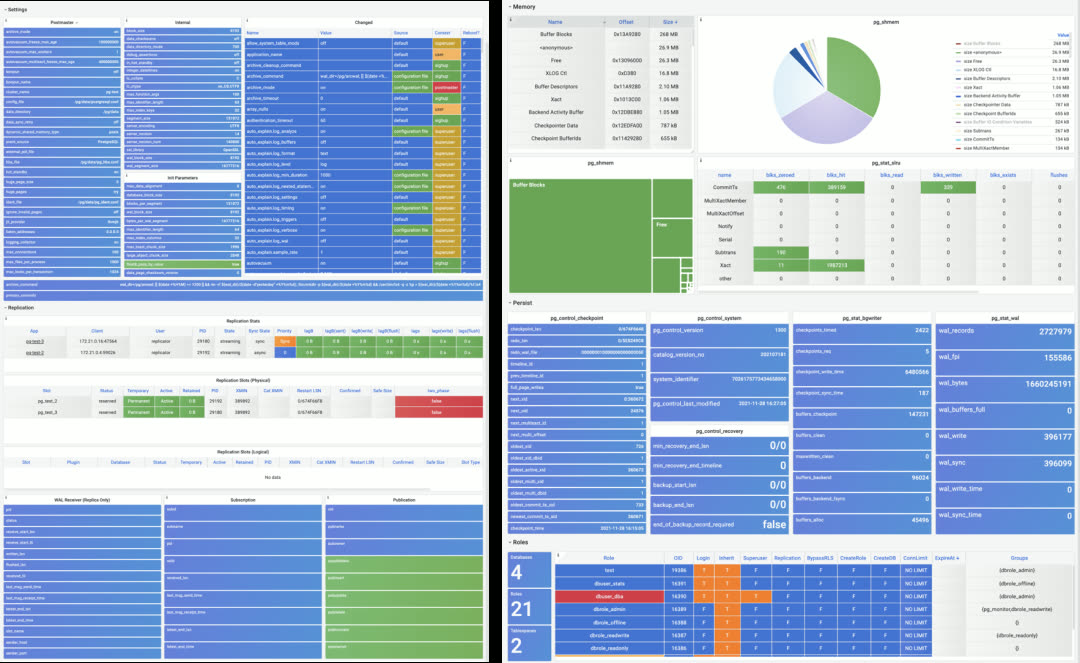
More instance-level catalog info: configuration, replication, memory usage, persistence, roles.
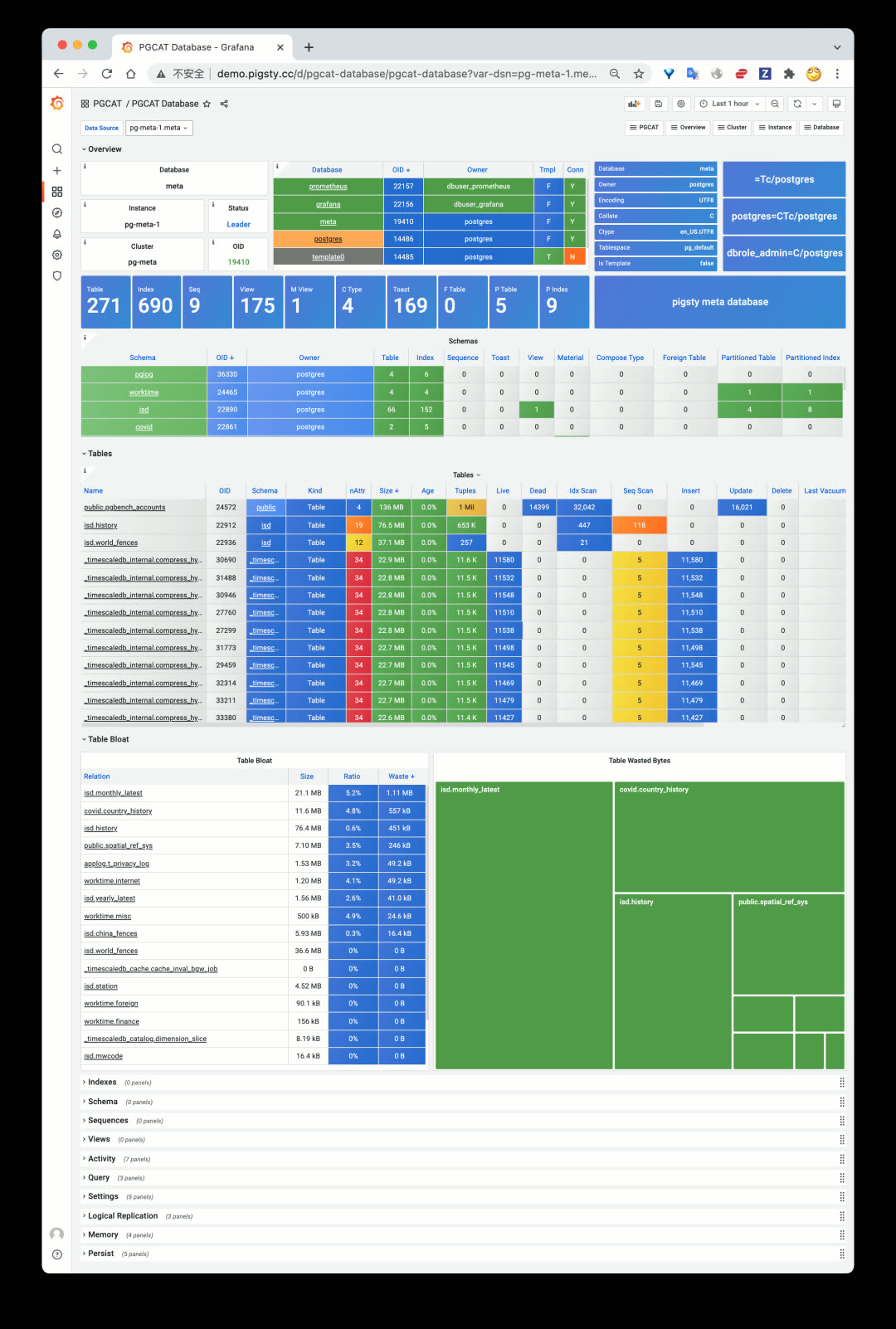
Single PostgreSQL database catalog info, including schemas, tables, indexes, sequences, and other objects.
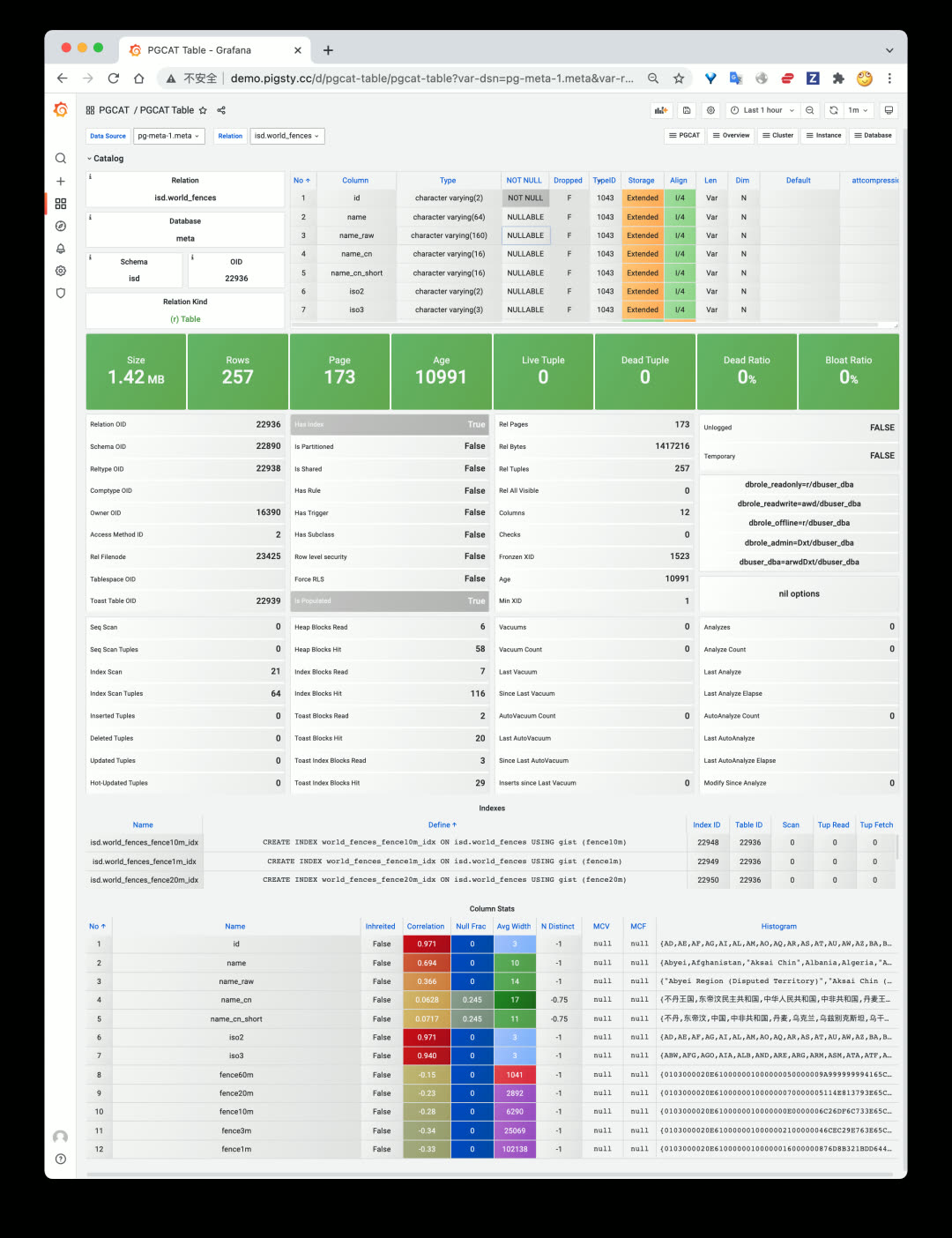
Redesigned PGCAT TABLE dashboard with detailed per-column statistics.
Agentless Design
PGCAT only needs a target database URL — no agent installation required. Even monitor-only deployments of existing instances get full PGCAT functionality.
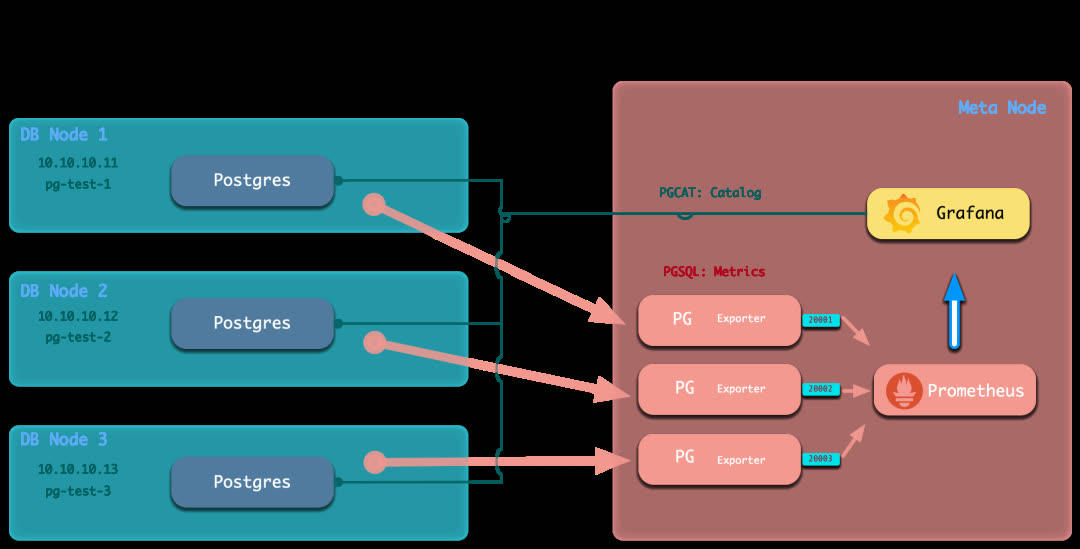
In Pigsty v1.3’s monitor-only deployment mode, external PostgreSQL instances are also registered in Grafana with PGCAT enabled by default.
PGSQL Enhancements
The core PGSQL monitoring application also received significant improvements.
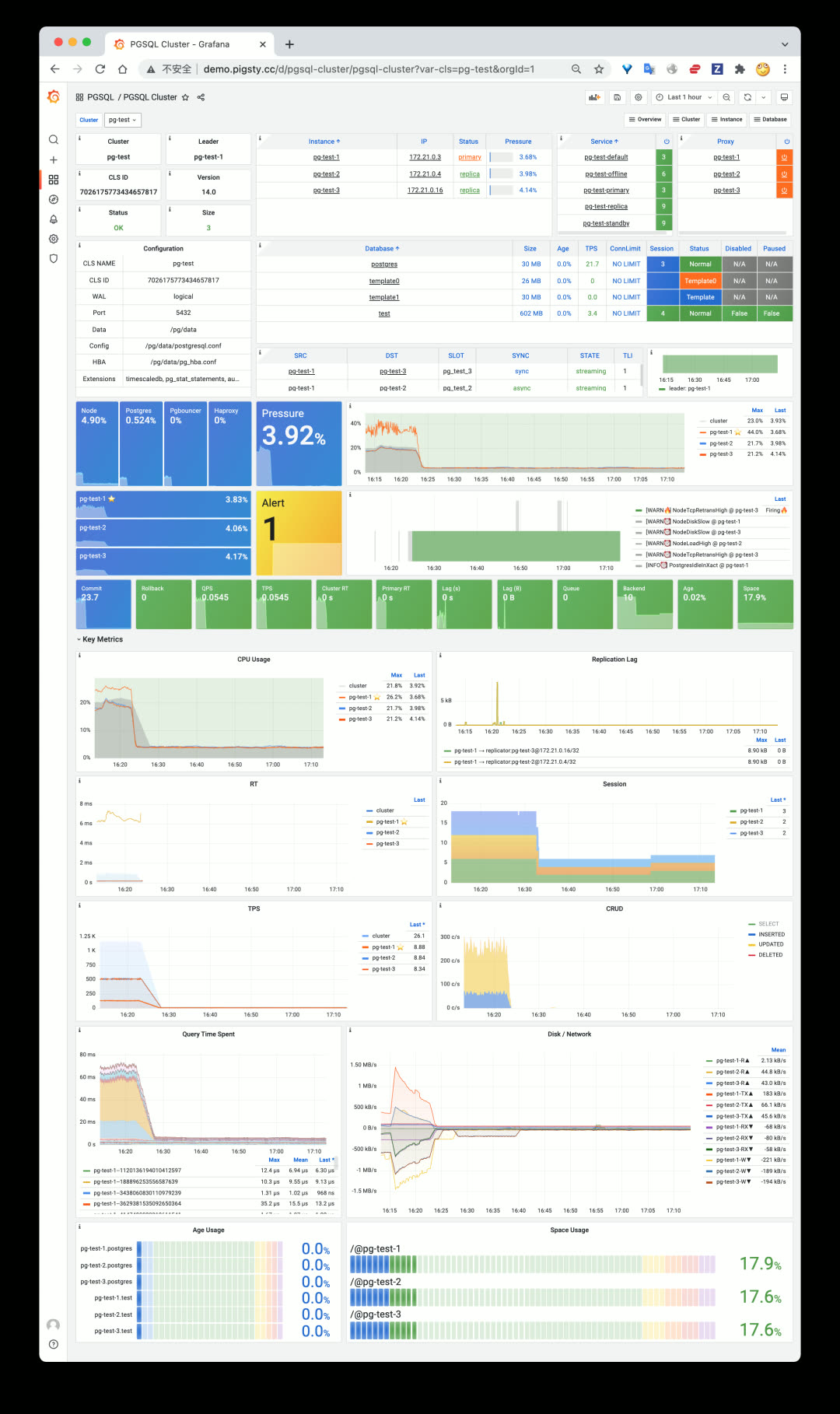
In Pigsty v1.3, the PGSQL Cluster dashboard adds quick-navigation panels for 10 key metrics.
Both PGSQL Instance and PGSQL Cluster now include quick-navigation panels for rapid problem identification. PGSQL Service was completely redesigned — simpler and more intuitive for quickly understanding cluster topology. Other dashboards also received optimizations and improvements.
Additionally, v1.3 includes improvements to the semi-automated database migration playbook and profiling tool support.
v1.3.0 Release Notes
Redis Support
| Feature | Description |
|---|---|
| Redis Deployment | Standalone, Sentinel, and Cluster modes |
| Redis Monitoring | Overview, Cluster, and Instance dashboards |
PGCAT Overhaul
| Dashboard | Description |
|---|---|
| PGCAT Instance | New instance-level catalog dashboard |
| PGCAT Database | New database-level catalog dashboard |
| PGCAT Table | Redesigned table-level dashboard |
PGSQL Enhancements
| Dashboard | Improvements |
|---|---|
| PGSQL Cluster | Added 10 key metric panels |
| PGSQL Instance | Added 10 key metric panels |
| PGSQL Service | Simplified and redesigned |
| Cross-references | Navigation links between PGCAT and PGSQL dashboards |
Monitor Deployment
- Grafana datasources auto-register during monitor-only deployment
Software Upgrades
- PostgreSQL 13 added to default package list
- PostgreSQL upgraded to 14.1 as default
- Added Greenplum RPM packages and dependencies
- Added Redis RPM and source packages
- Added
perfas default package
v1.3.1 Release Notes
Monitoring
- PGSQL & PGCAT dashboard improvements
- Optimized PGCAT Instance & PGCAT Database layout
- Added key metric panels to PGSQL Instance dashboard (consistent with PGSQL Cluster)
- Added table/index bloat panels to PGCAT Database, removed PGCAT Bloat dashboard
- Added index information to PGCAT Database dashboard
- Fixed broken panels in Grafana 8.3
- Added Redis index to Nginx homepage
Deployment
- New
infra-demo.ymlplaybook for one-click bootstrap - New
infra-jupyter.ymlplaybook for optional JupyterLab server - New
infra-pgweb.ymlplaybook for optional PGWeb server - Added
pgalias on meta node for starting PostgreSQL cluster from admin user - Adjusted
max_locks_per_transactionsin all Patroni config templates pertimescaledb-tunerecommendations - Added
citus.node_conninfo: 'sslmode=prefer'to config templates for SSL-free Citus usage - Added all extensions (except pgrouting) from PGDG14 to package list
- Upgraded node_exporter to v1.3.1
- Added PostgREST v9.0.0 for generating REST APIs from PostgreSQL schemas
Bug Fixes
- Grafana security vulnerability fix (upgraded to v8.3.1, details)
- Fixed
pg_instance&pg_serviceissues inregisterrole when starting playbook mid-run - Fixed Nginx homepage rendering on hosts without
pg_clustervariable - Fixed style issues when upgrading to Grafana 8.3.1
21 - Pigsty v1.2: PG14 Default, Monitor Existing PG
Originally published on VONNG.

Pigsty v1.2 is officially released, making PostgreSQL 14 the default version and adding support for monitoring existing database instances independently.
PostgreSQL 14 Becomes the Default
PostgreSQL 14 was released last month with significant improvements across the board, especially in observability. After deployment and thorough testing in multiple production environments, PostgreSQL 14 is now Pigsty’s default database version.
Meanwhile, the time-series extension TimescaleDB 2.5 and geospatial extension PostGIS 3.1, both compatible with PG14, are now installed and enabled by default. Combined with the distributed database extension Citus 10, this delivers a truly batteries-included space-time hyper-converged open-source PostgreSQL distribution.
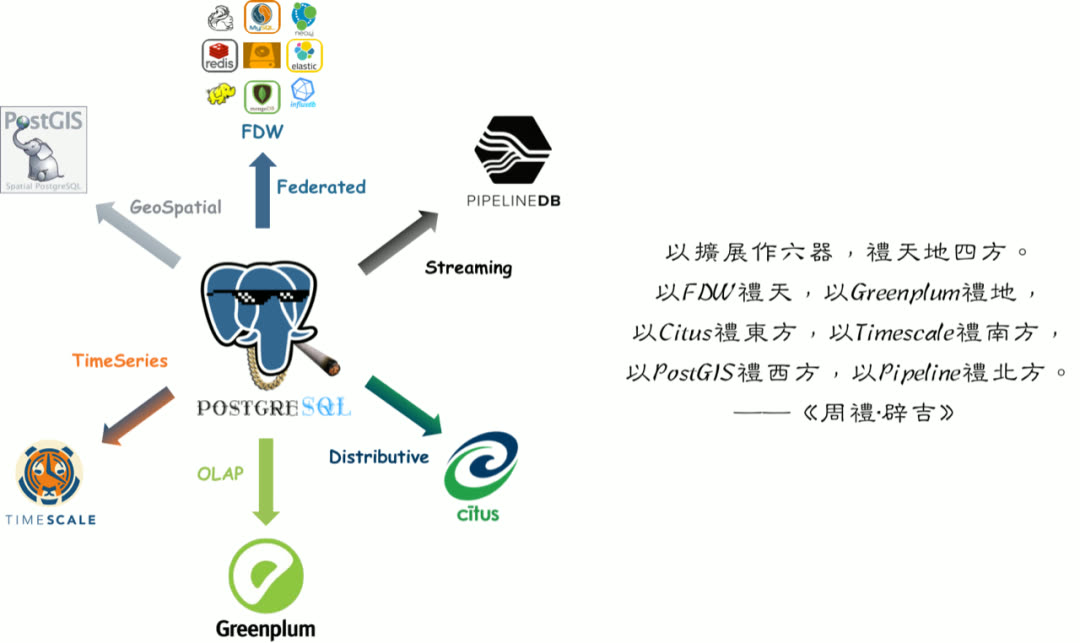
All three are mutually compatible and can be used together.
Monitor-Only Deployment Mode
The second major feature is monitor-only deployment mode. Previously, Pigsty as a distribution tightly coupled its monitoring system with its deployment solution. However, many users want to use only Pigsty’s monitoring system to monitor existing database instances, cloud databases, or other RDS products and derivatives.
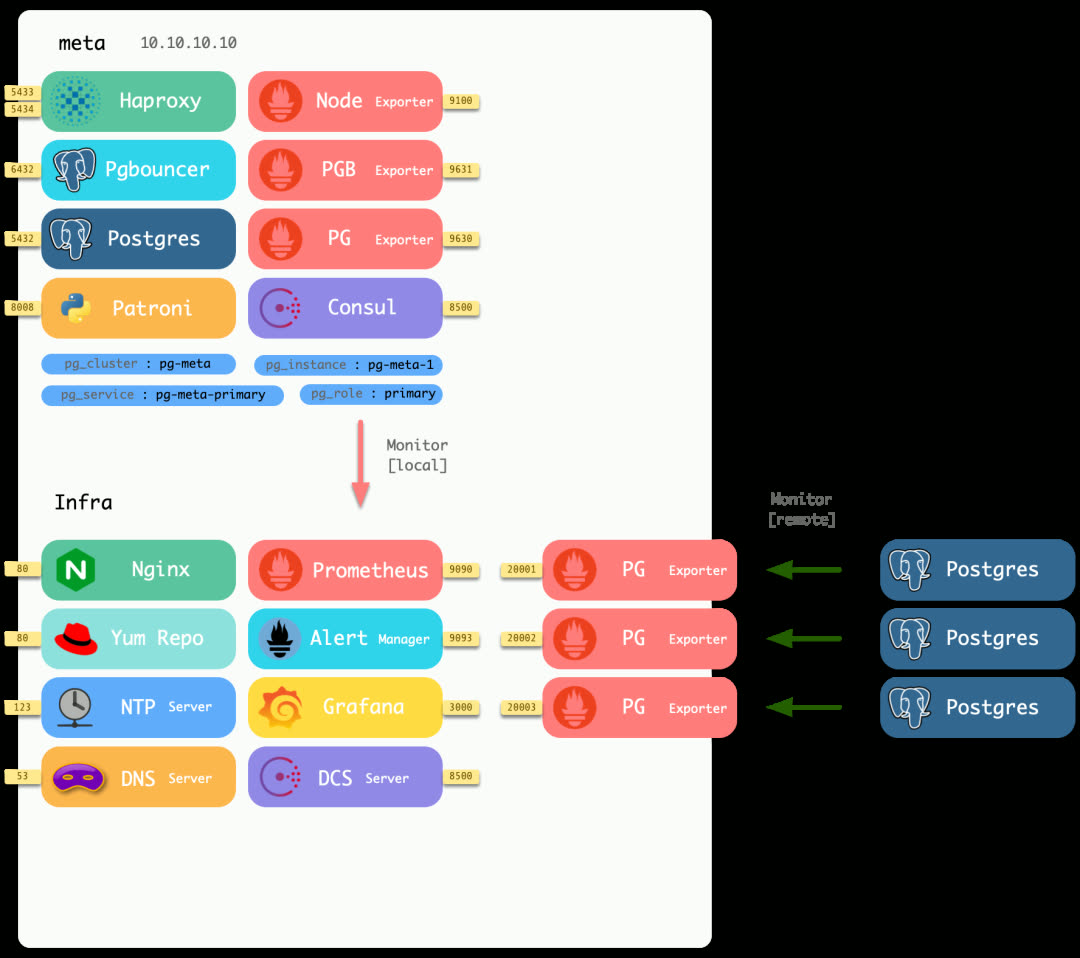
Minimal deployment mode runs pg_exporter on different local ports to monitor external PostgreSQL instances.
In v1.2, Pigsty offers three optional monitoring deployment modes:
| Mode | Description |
|---|---|
| Full | Complete Pigsty deployment with monitoring and control |
| Lean | Deploy only monitoring-related components |
| Minimal | Only requires a database connection string, no remote machine access needed |
The new minimal deployment mode no longer requires login or admin privileges on remote machines — as long as you have a connection string with read-only access to the remote database, you can add it to monitoring. All monitoring functionality is consolidated on a single machine, making management simple and convenient.
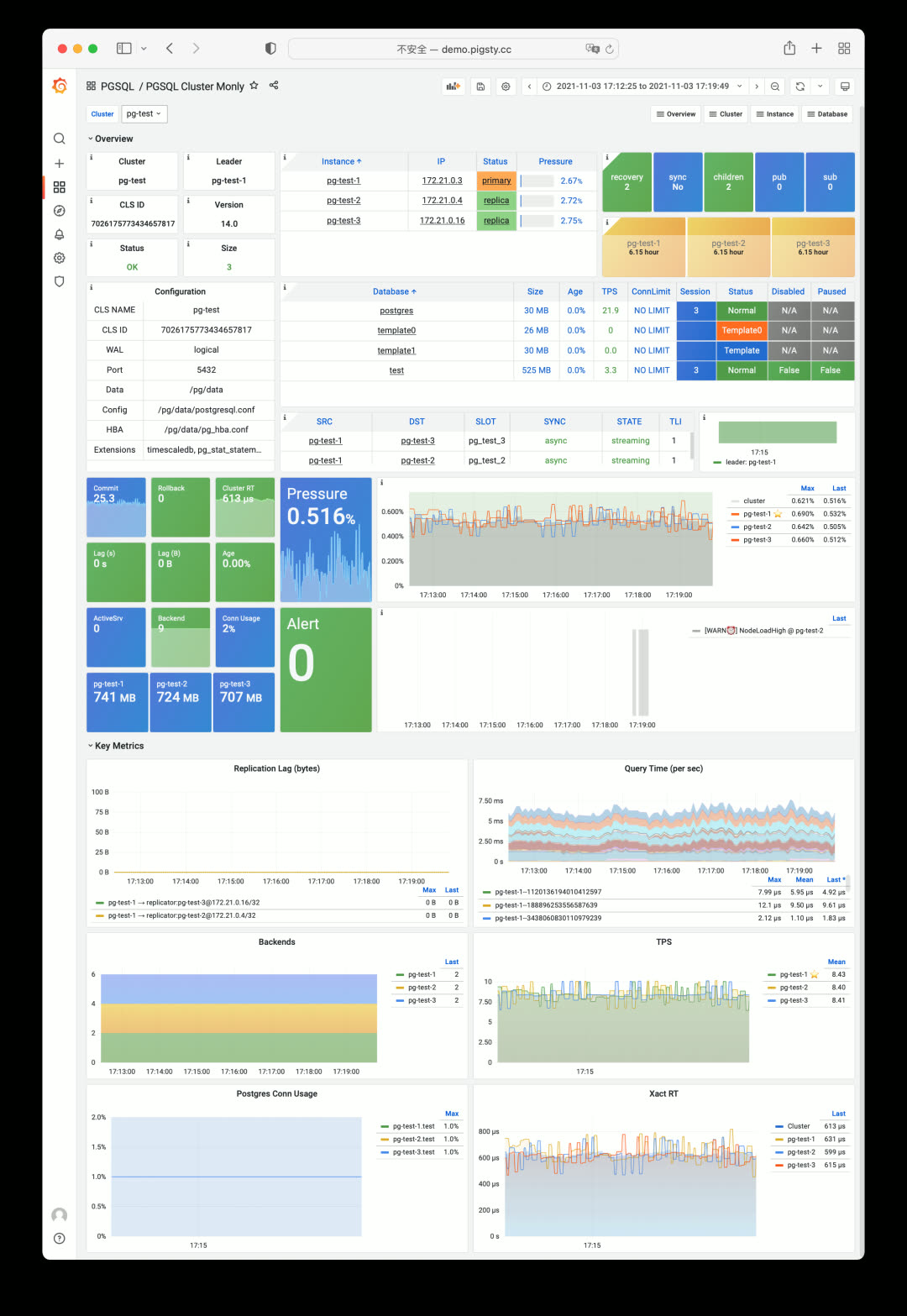
Although you only get PostgreSQL metrics, most of Pigsty’s monitoring system functionality still works. Testing shows Pigsty can also directly monitor MatrixDB, Greenplum, and other PostgreSQL-derived/compatible database products.
Streamlined Configuration Templates
Configuration templates have been further streamlined: now there are only two templates — Production (default) and Sandbox.
Spec parameter templates are now richer, providing smooth transition options:
| Spec | Config | Description |
|---|---|---|
| tiny | 1C1G | Minimal testing spec |
| mini | 2C4G | Development environment spec |
| small | 4C8G | Small production spec |
| medium | 8C16G | Medium production spec |
| large | 16C32G | Large production spec |
| oltp/olap/crit | 64C400G | Professional production spec |
During configuration, the setup wizard automatically selects the appropriate parameter template based on machine specs.
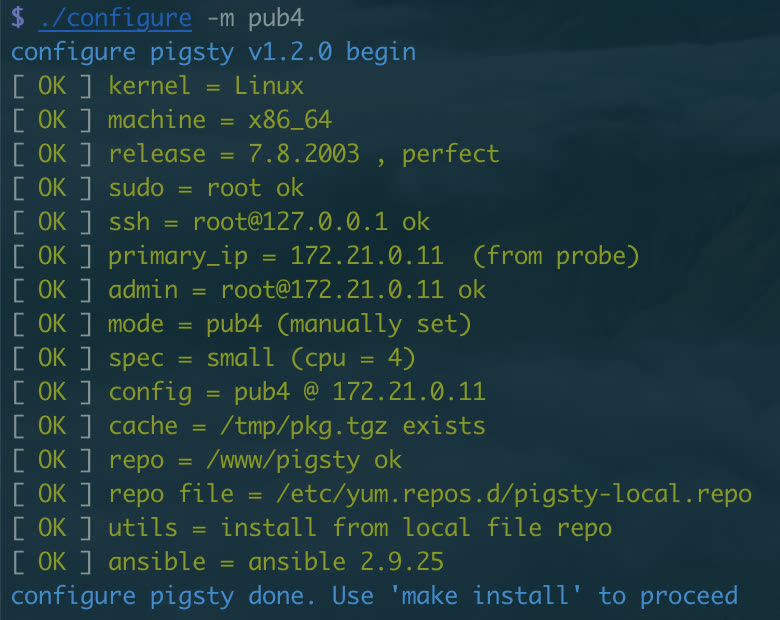
Pigsty maintains its tradition of one-liner installation: ./configure && make install.
Utility Playbooks
The new pgsql-migration playbook auto-generates the commands, scripts, and documentation needed for database migration, making online zero-downtime migrations based on logical replication simple (already used to migrate dozens of databases in production).
The pgsql-audit playbook generates audit reports for database instances based on audit requirements.
Sample Applications
v1.2 provides two new Pigsty App examples:
AppLog — An app for visualizing Apple iOS 15 privacy logs, showing which apps accessed which permissions.
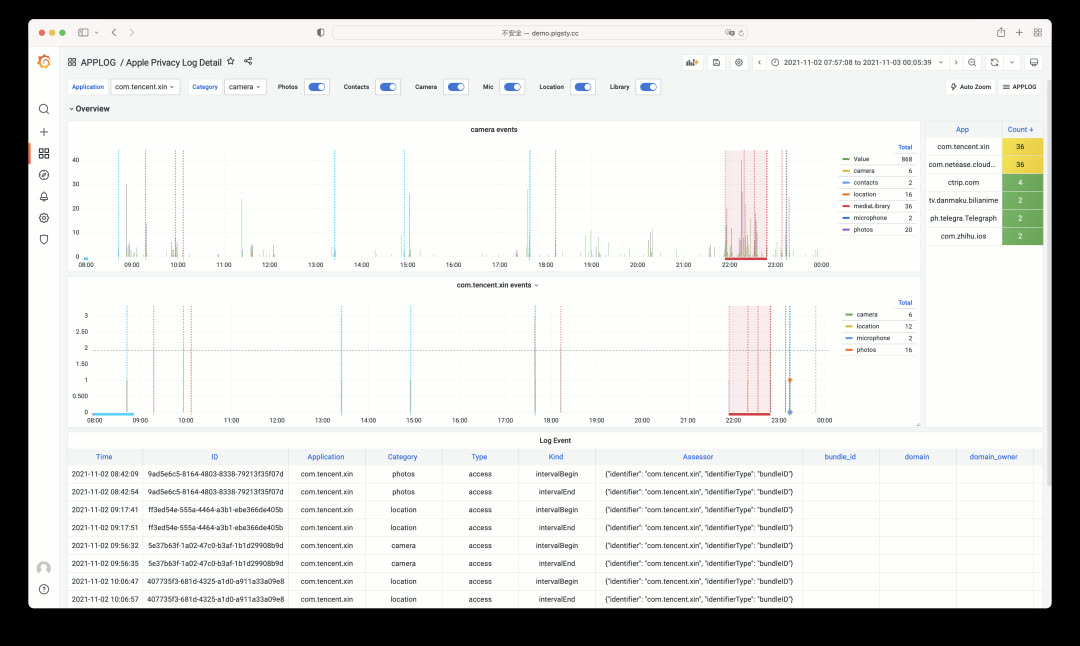
WorkTime — An app for querying work and rest hours at major tech companies.
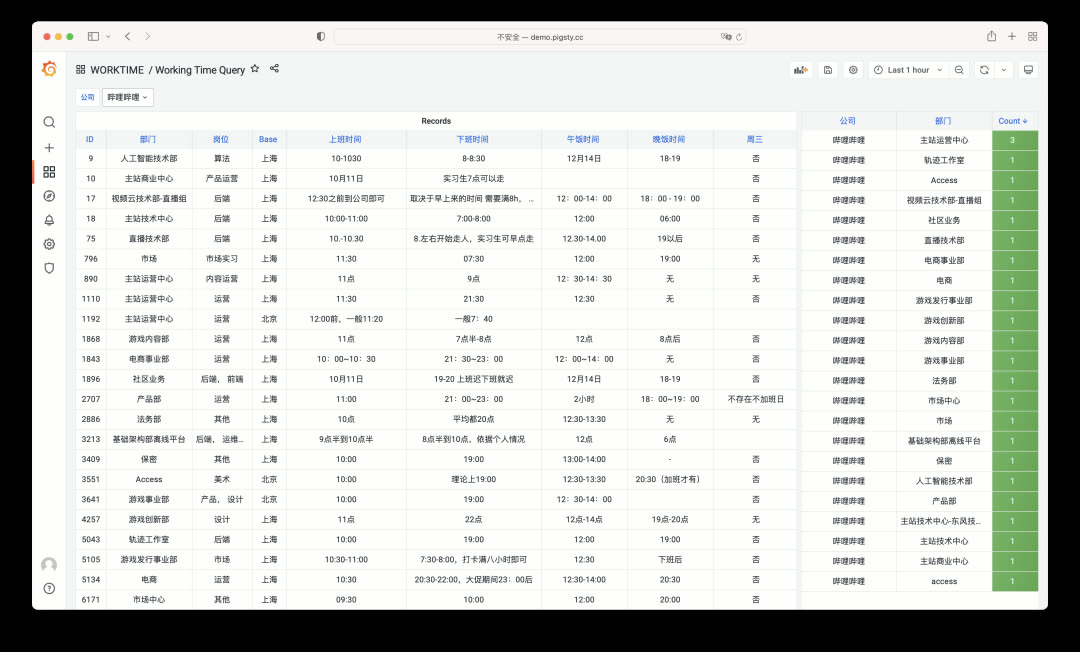
Both apps are simple but practical, each built in under an hour. Pigsty is an excellent tool for rapidly prototyping functional applications.
Looking Ahead
PGSQL v8 — More clearly organized monitoring dashboards with role-specific views for different user groups.
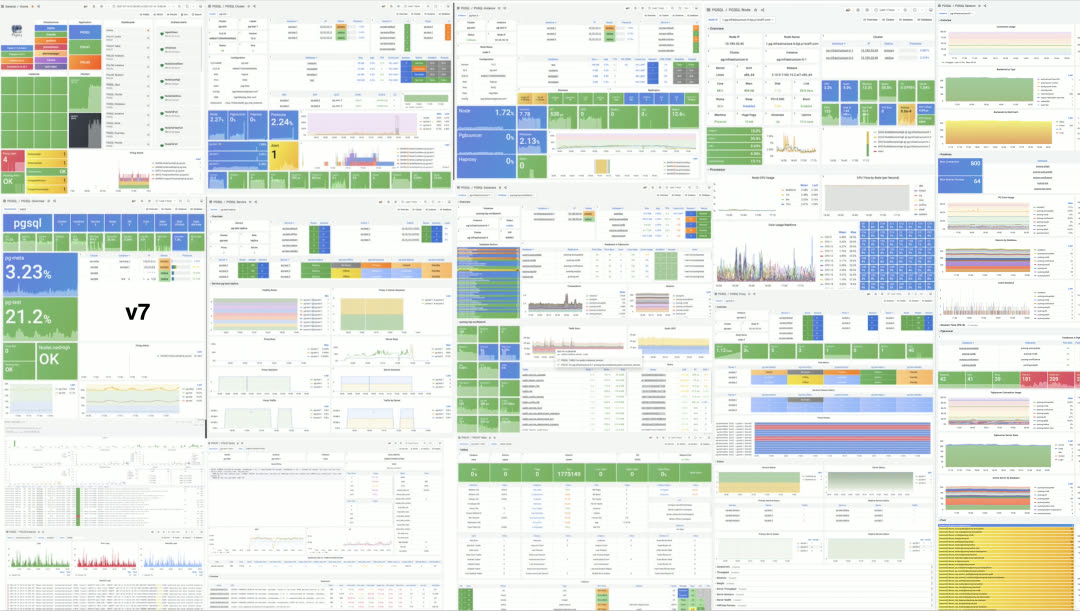
PGCAT v2 — Richer system catalog navigation and browsing functionality.
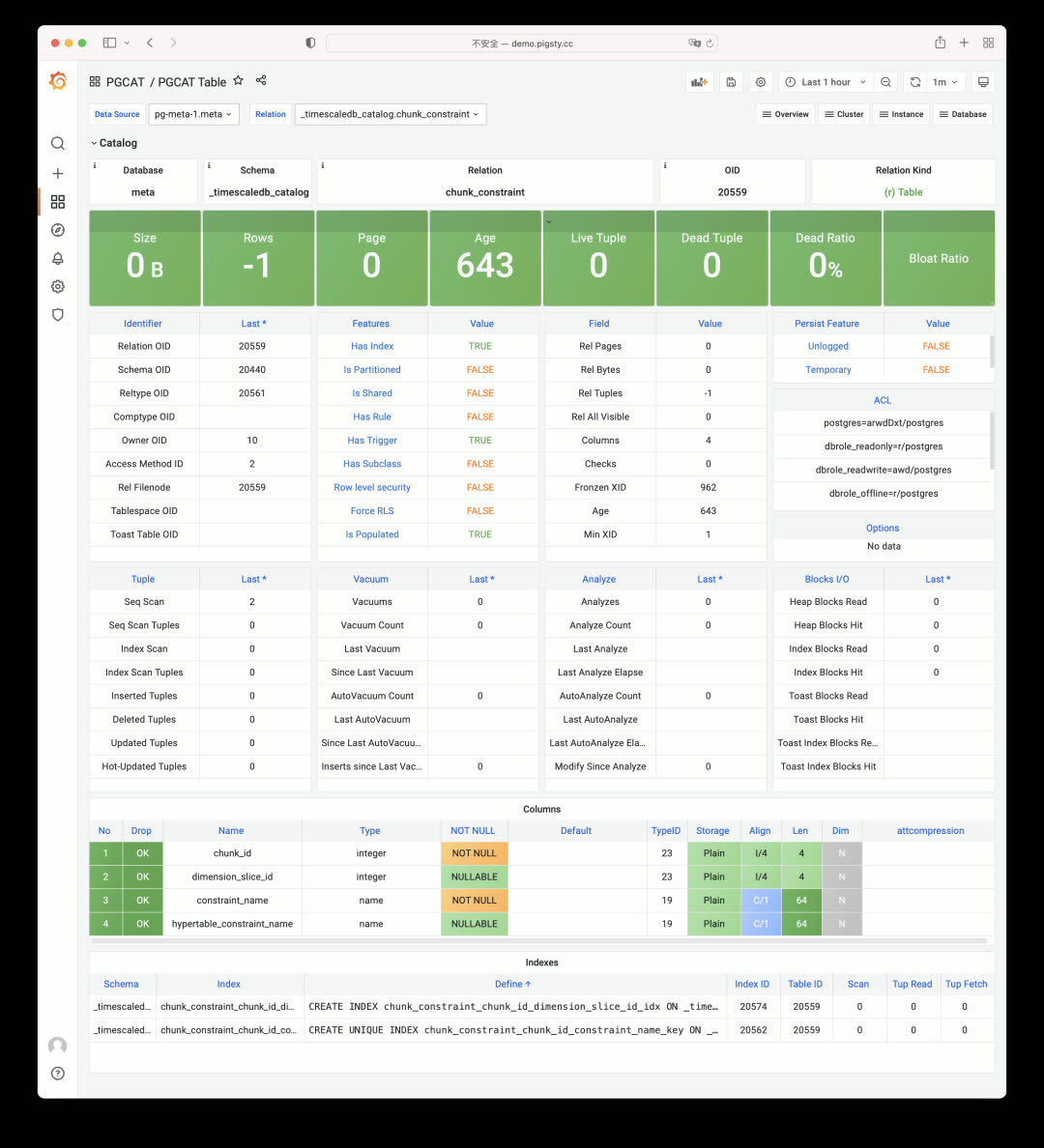
REDIS v1beta — Redis is often used alongside PostgreSQL; future versions will integrate Redis deployment and monitoring as a complete solution.
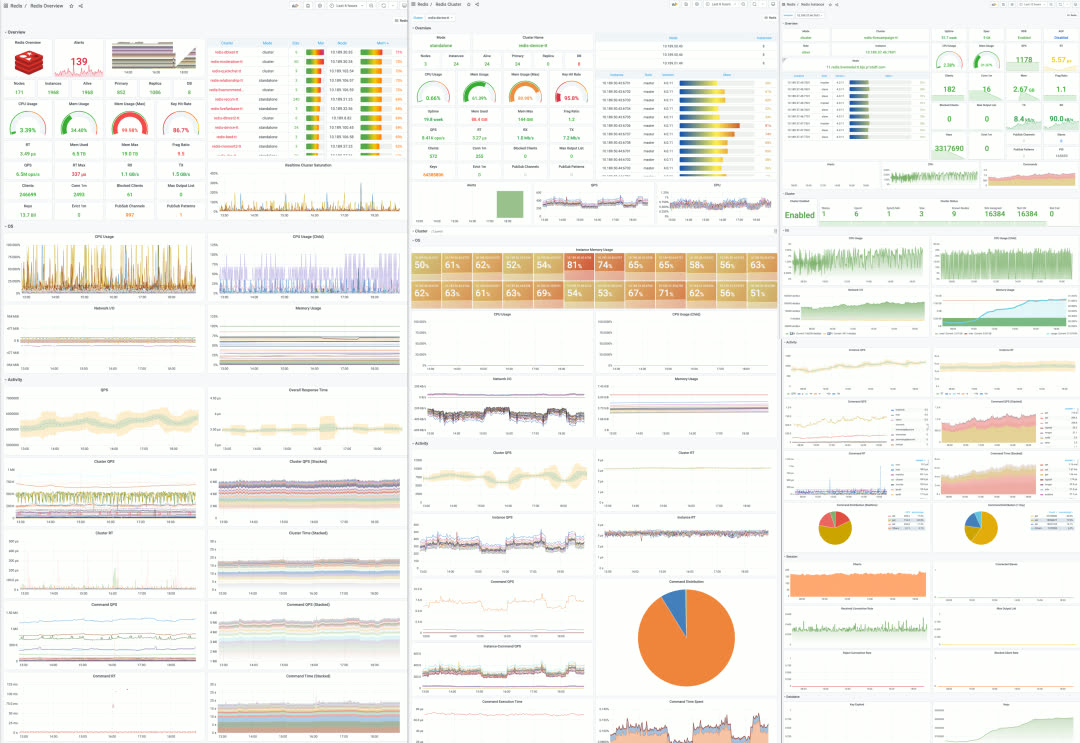
v1.2.0 Release Notes
Core Features
- Default to PostgreSQL 14
- Default to TimescaleDB 2.5 extension
- TimescaleDB and PostGIS enabled by default in CMDB
Monitor-Only Mode
- Monitor existing PostgreSQL instances via connection URL only
- pg_exporter deployed on local meta node
- New PGSQL Cluster Monly dashboard for remote clusters
Software Upgrades
- Grafana upgraded to 8.2.2
- pev2 upgraded to v0.11.9
- Promscale upgraded to 0.6.2
- PgWeb upgraded to 0.11.9
- New extensions: pglogical, pg_stat_monitor, orafce
Improvements
- Auto-detect machine specs and use appropriate
node_tuneandpg_conftemplates - Reworked bloat-related views, exposing more information
- Removed TimescaleDB and Citus internal monitoring
- Added
pgsql-audit.ymlplaybook for creating audit reports - All config templates simplified to two: auto and demo
Bug Fixes
- pgbouncer_exporter resource owner changed to
{{ pg_dbsu }}instead of postgres - Fixed pg_exporter duplicate metrics on pg_table/pg_index during
REINDEX TABLE CONCURRENTLY
Upgrade Notes
No API changes in v1.2.0 — existing pigsty.yml config files (PG13) still work. For infrastructure, re-running repo will handle most updates.
For databases, you can continue using existing PG13 instances. When PostGIS and TimescaleDB extensions are involved, in-place upgrades are complex — logical replication migrations are recommended. The new pgsql-migration.yml playbook generates scripts to help achieve near-zero-downtime cluster migrations.
22 - Pigsty v1.1: Homepage, Jupyter, Pev2, PgBadger
Originally published on VONNG.

Pigsty v1.1 is officially released, featuring a brand-new homepage design, plus support for JupyterLab, PGWeb, PEV2, PgBadger, and other useful tools.
Brand New Homepage
The Home Dashboard in Grafana has long served as Pigsty’s de facto “homepage.” Now Pigsty finally has a standalone, well-designed homepage of its own.
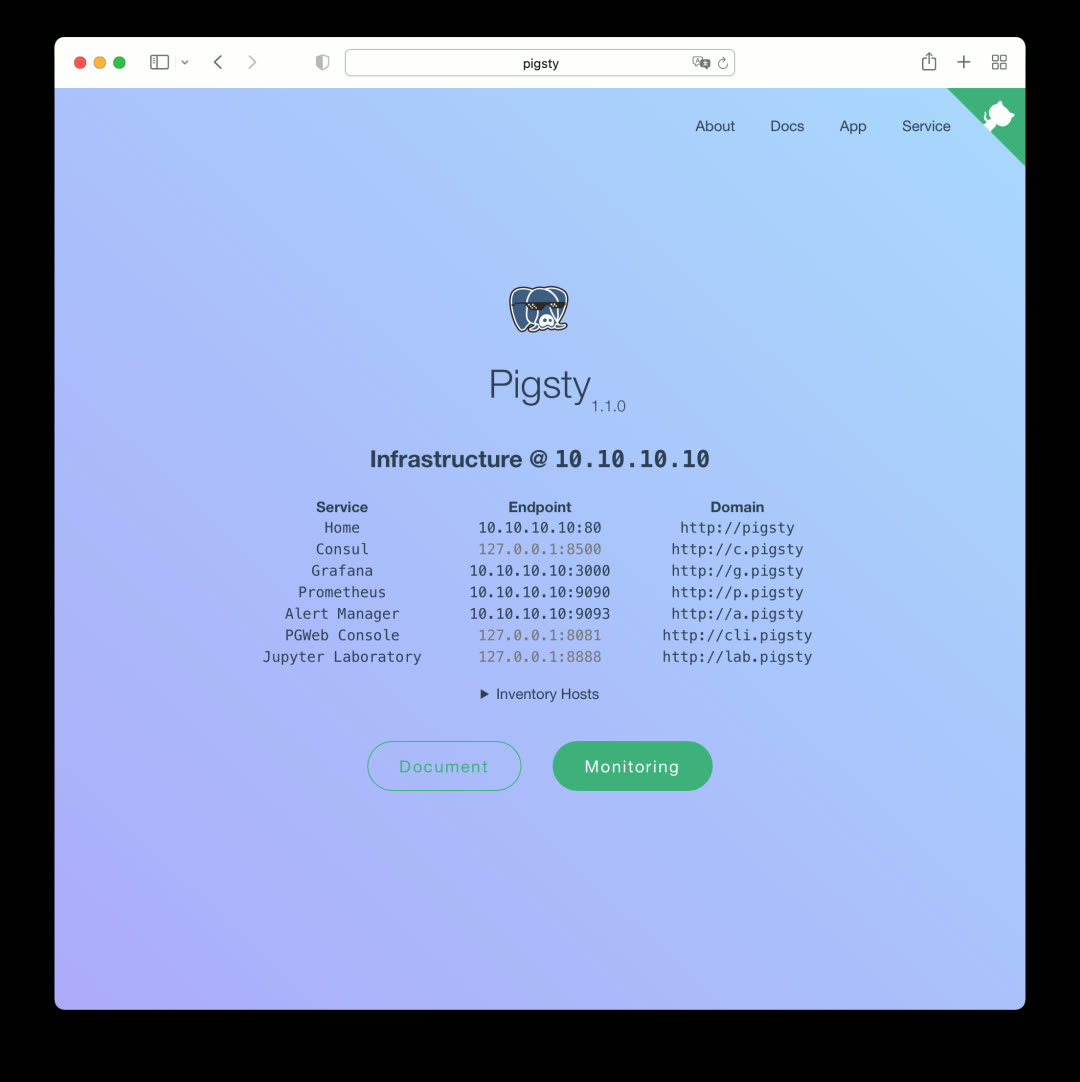
This homepage is a local version of the documentation site, served by the default Nginx.
Service Navigation
The homepage provides navigation to all Pigsty service components, including Consul, Grafana, Prometheus, AlertManager, and the newly introduced PGWeb and JupyterLab in v1.1. Click the component name/URL in the center, or use the Service dropdown menu in the top-right navigation bar.
Monitoring Navigation
The homepage can display clusters and instances in your Pigsty deployment (optional), with direct links to specific cluster/instance monitoring pages and admin interfaces.
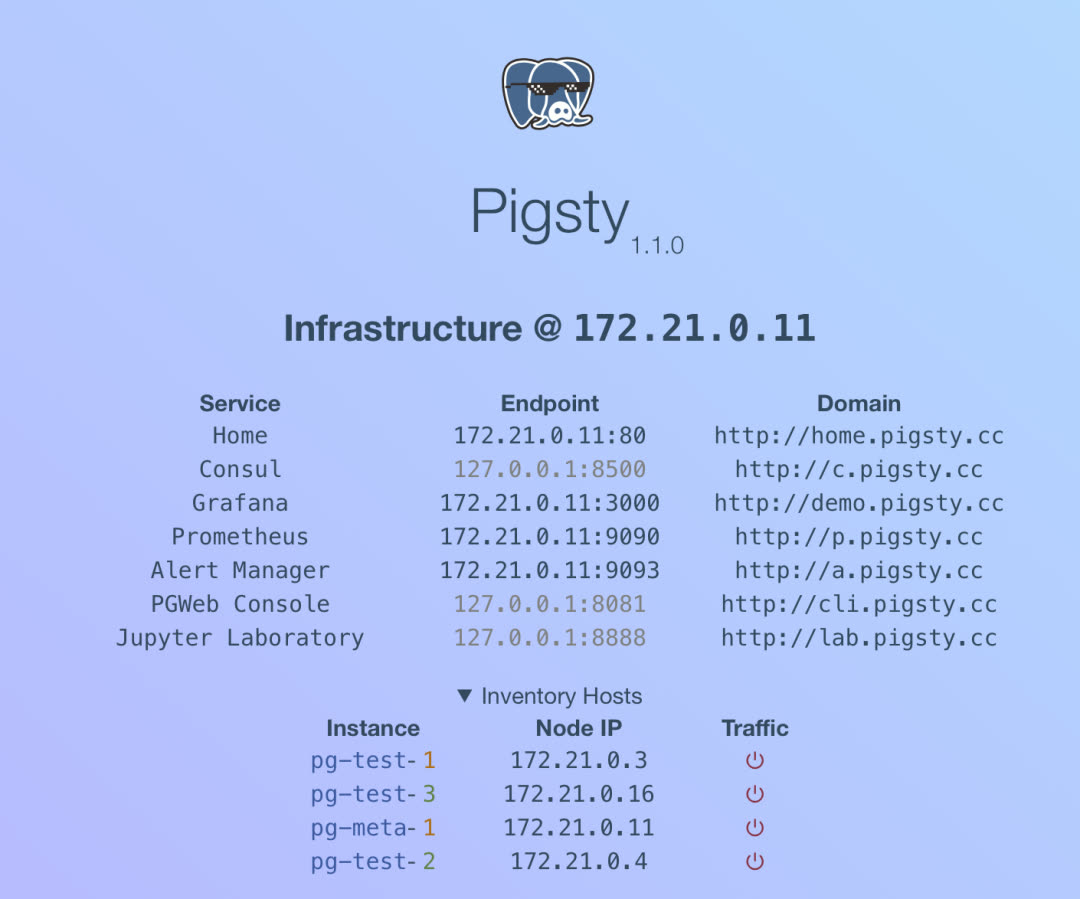
App Navigation
The App dropdown in the top-right corner is the entry point for Pigsty’s extended features. In v1.1, Pigsty ships with several useful and interesting apps, all configurable via options.
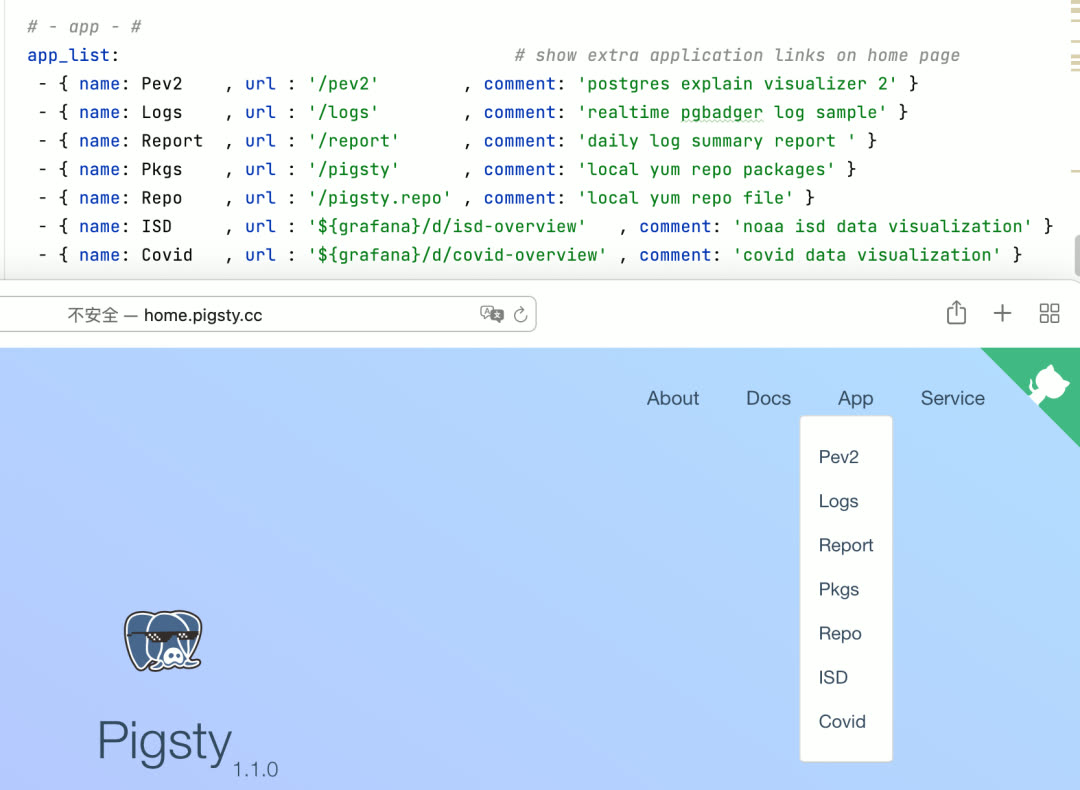
Local Documentation
In Pigsty v1.1, you can access local offline documentation directly from the homepage, available in both English and Chinese.
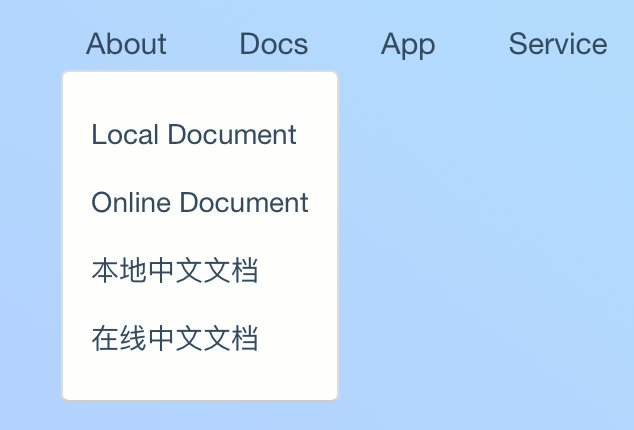
JupyterLab
If you use Python for data analysis, you’re probably familiar with Jupyter. Pigsty v1.0 bundled the JupyterLab package; v1.1 takes it further with native integration. JupyterLab is enabled by default in demo and personal configuration templates, but disabled by default in production deployments.
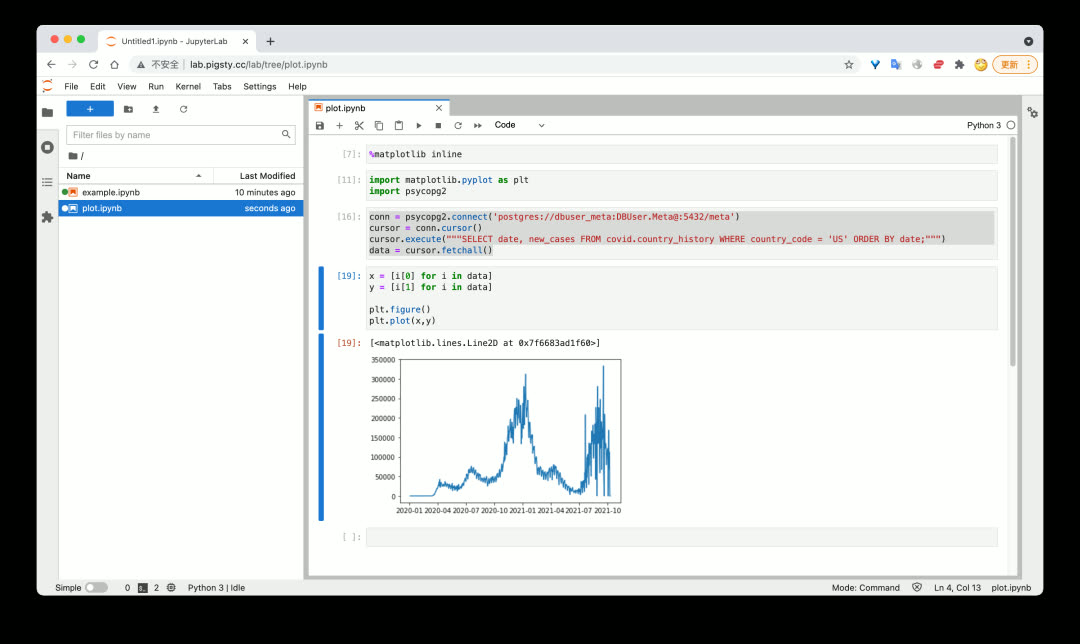
With Jupyter Notebook, you can efficiently and agilely extract, process, analyze, transform, and visualize data — combining the power of Python and SQL.
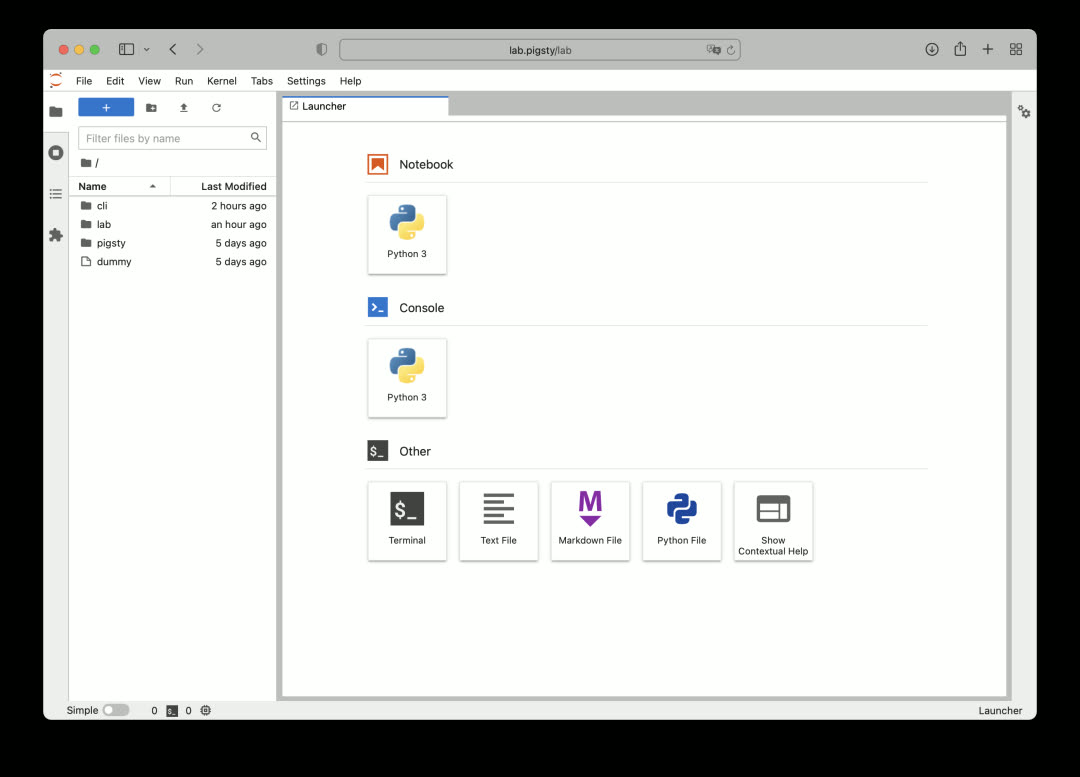
With great power comes great risk. Jupyter’s ability to execute arbitrary code is too risky for production environments, so it’s disabled by default in production configuration templates.
PGWeb
As a batteries-included database distribution, providing batteries-included GUI client tools is also important. PGWeb is a lightweight, browser-based PostgreSQL GUI client written in Go.
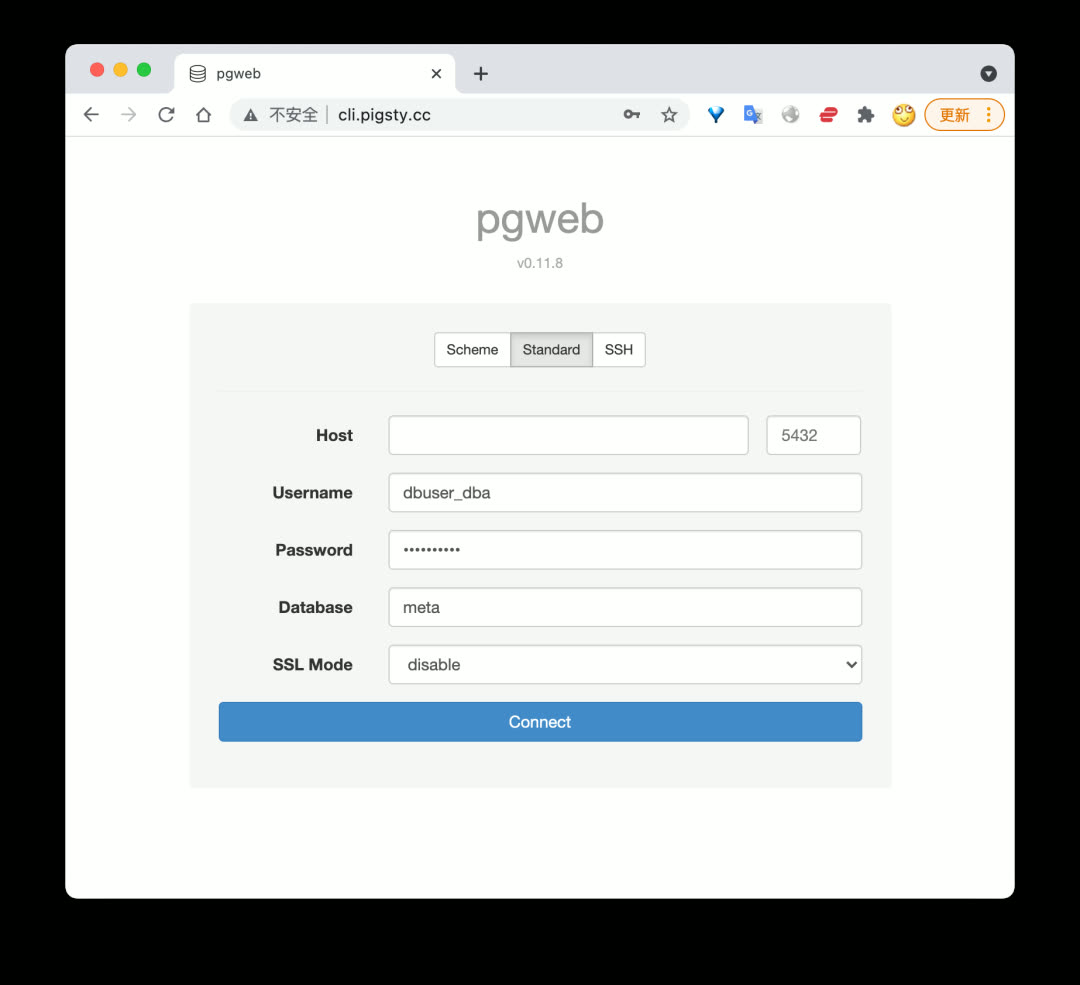
Like Jupyter, PGWeb is enabled by default in demo and personal configuration templates, but disabled in production deployments. However, PGWeb requires a connection string to access the database, making it relatively safe for scenarios where individual users need to query small amounts of data in production.
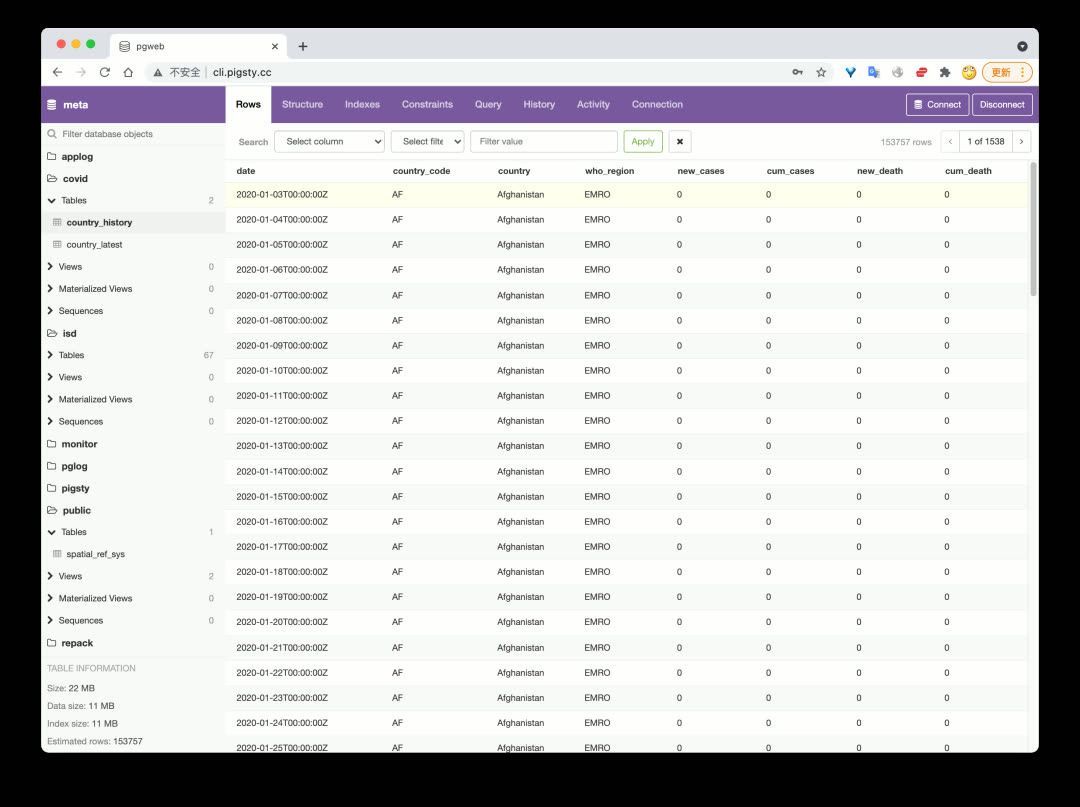
Users can browse schemas and objects in the database, quickly view table data, execute queries, and more.
PEV2
PEV2 is a handy execution plan visualizer that converts PostgreSQL EXPLAIN output into an intuitive execution plan tree.
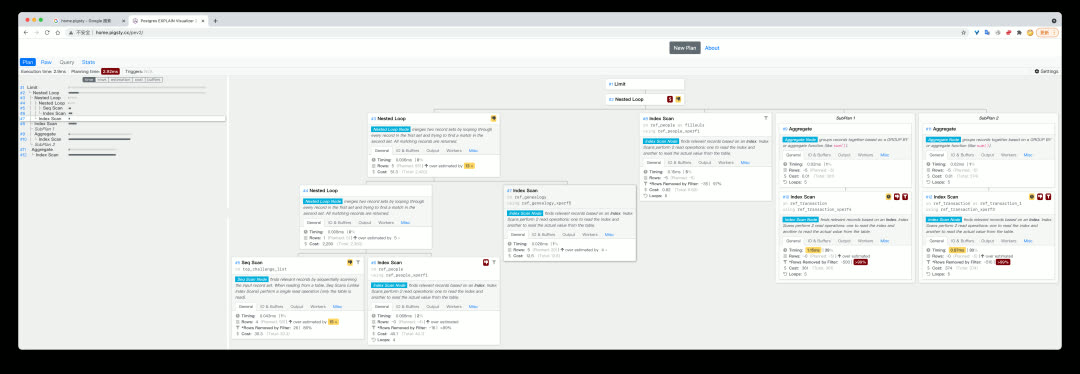
This tool is extremely useful for optimizing slow queries and analyzing auto_explain results.
PgBadger
PgBadger is an excellent PostgreSQL log analysis tool that quickly generates beautiful, comprehensive analysis reports from CSV logs.
Use bin/pglog-summary [ip] [date] to pull logs from a specific node on a specific date and create a log analysis report.
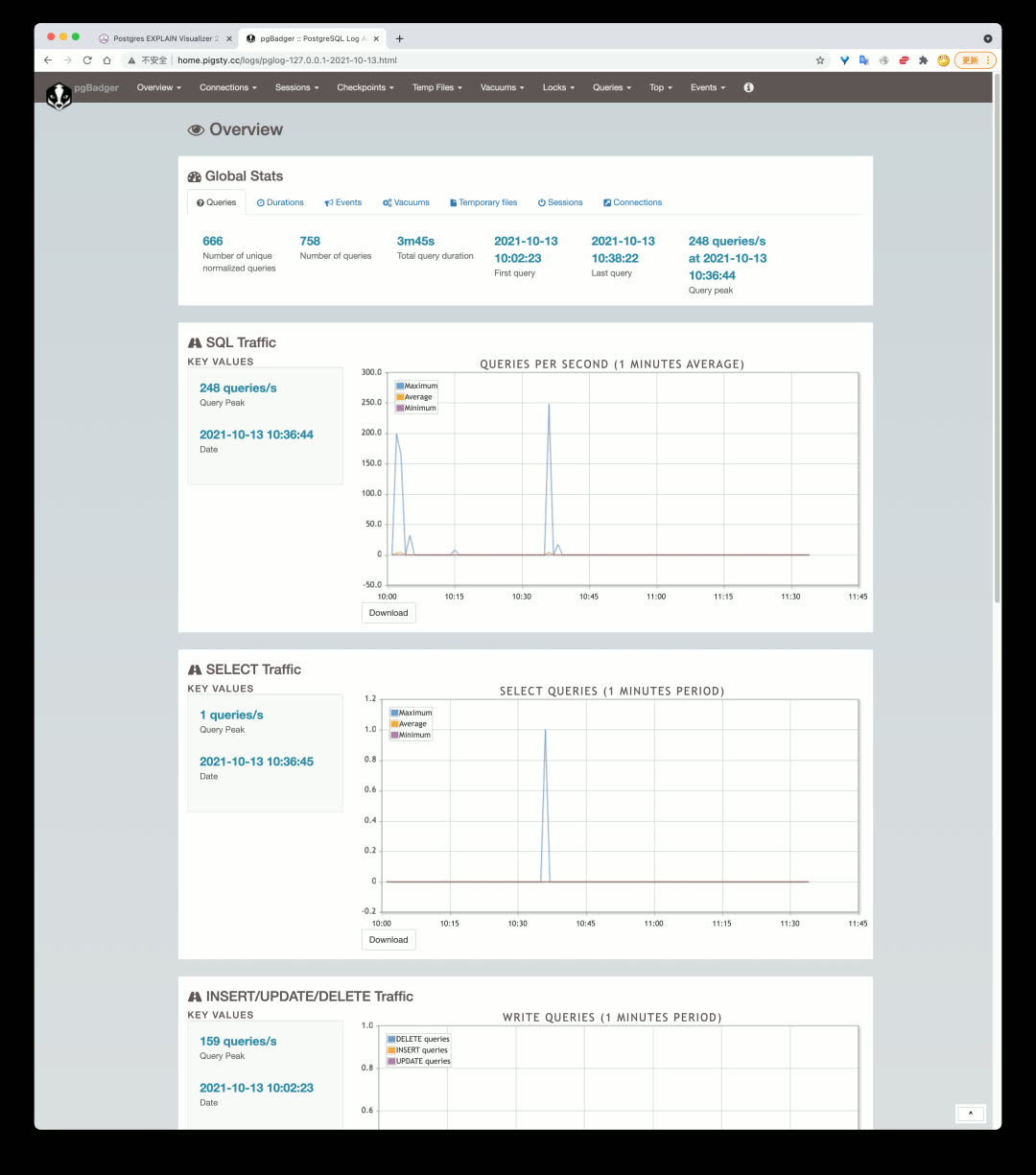
Add this command to crontab to automatically generate database operation reports daily or near-real-time.
Software Updates
PostgreSQL 14 is officially released, and Pigsty v1.1 immediately added support. The pigsty-pg14 template can now create PostgreSQL databases with version 14 as default in production. However, since TimescaleDB doesn’t officially support PG14 yet (expected around 10/30), PG14 won’t be the default database version in Pigsty for now.
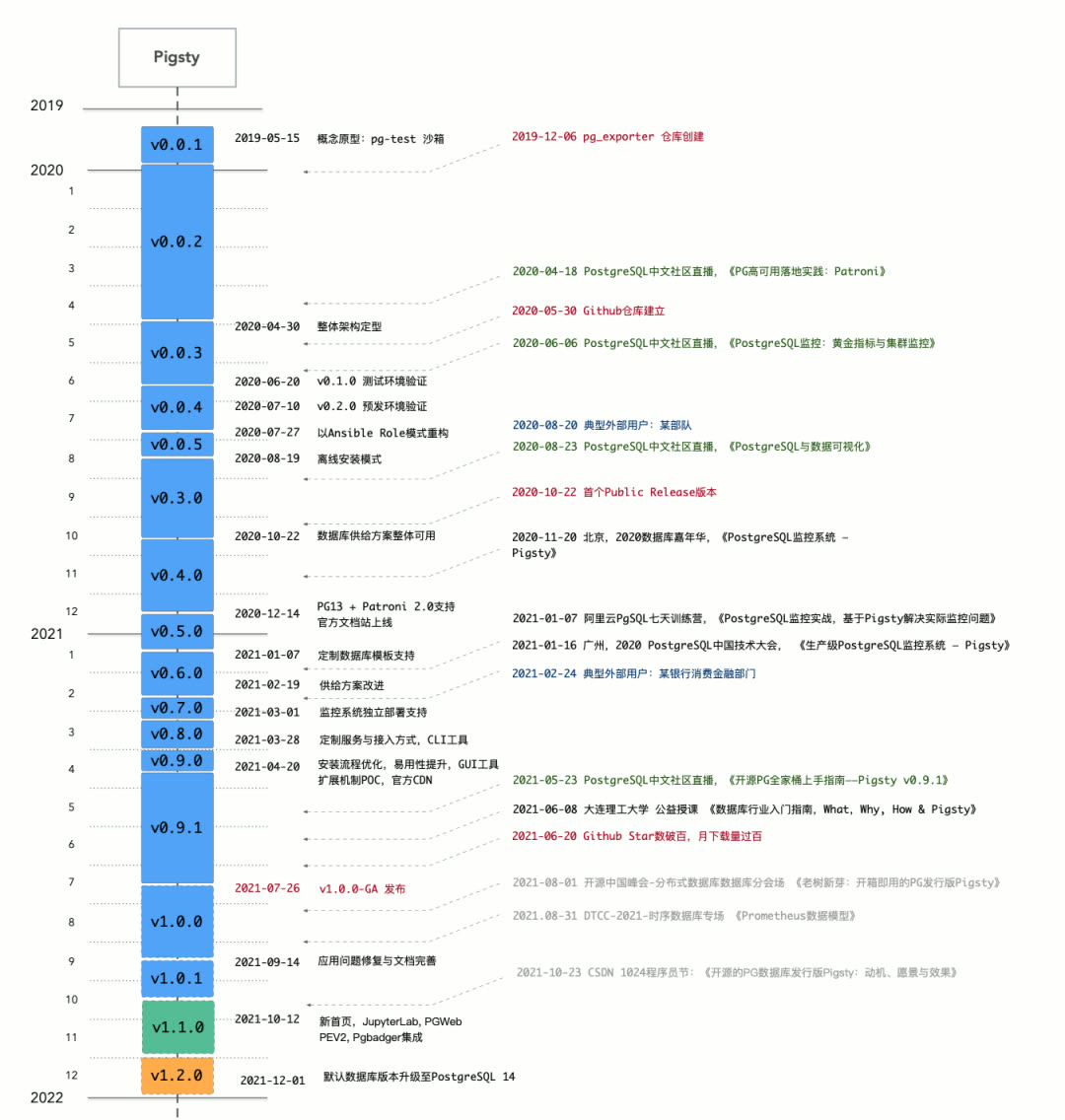
Pigsty will upgrade the default PG version to PG14 in v1.2.
Software upgrade list:
| Component | Version |
|---|---|
| PostgreSQL | v13.4 |
| pgbouncer | v1.16 |
| Grafana | v8.1.4 |
| Prometheus | v2.29 |
| node_exporter | v1.2.2 |
| HAProxy | v2.1.1 |
| Consul | v1.10.2 |
| vip-manager | v1.0.1 |
Database Migration Playbook
Pigsty includes a built-in database online migration helper script: pgsql-migration.yml, providing an out-of-the-box zero-downtime database migration solution based on logical replication.
Fill in the source and target cluster information, and the playbook will automatically generate the scripts needed for migration — just execute them in sequence.
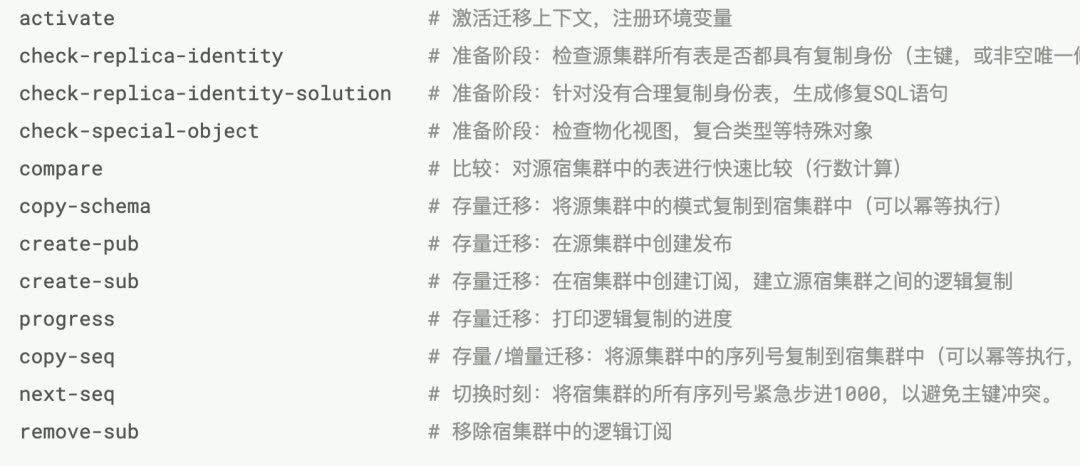
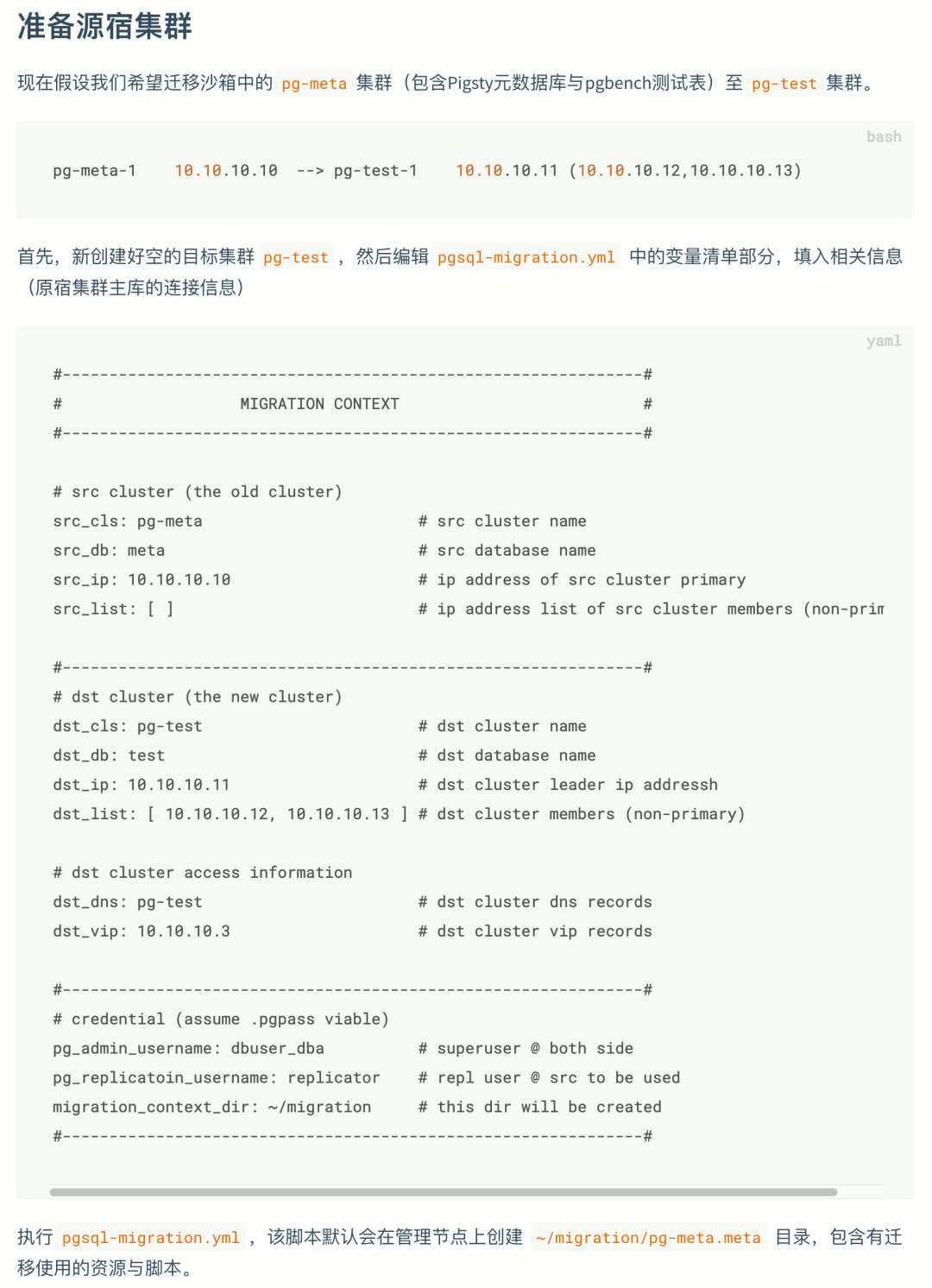
Sample App: Privacy Log Visualization
Pigsty’s default demo apps now include a new one: Apple App Privacy Log Visualization (AppLog). Export privacy access records from iOS 15 and visualize them in this app.
Handy Features
Dummy File Placeholder
v1.1 adds a new feature for database instances: Dummy File. The concept is simple — create a file of a certain size (e.g., 1–4GB) at /pg/dummy. When disk-full failures occur (when many operations can’t complete normally), just delete it to free up emergency space.
Promscale Support
v1.1 adds the Promscale package. This interesting component lets you replace Prometheus’s time-series storage with TimescaleDB (PostgreSQL).
v1.1.0 Release Notes
Feature Enhancements
- Added
pg_dummy_filesizeto create filesystem space placeholder - Major homepage redesign
- Added JupyterLab integration
- Added PGWeb console integration
- Added PgBadger support
- Added PEV2 support, execution plan visualization tool
- Added pglog tooling
Software Upgrades
- PostgreSQL upgraded to v13.4 (with official PG14 support)
- pgbouncer upgraded to v1.16 (metric definitions updated)
- Grafana upgraded to v8.1.4
- Prometheus upgraded to v2.29
- node_exporter upgraded to v1.2.2
- HAProxy upgraded to v2.1.1
- Consul upgraded to v1.10.2
- vip-manager upgraded to v1.0.1
API Changes
nginx_upstreamnow has different structure (incompatible)- New config entry:
app_list, navigation entries rendered to homepage - New config entry:
docs_enabled, setup local docs on default server - New config entry:
pev2_enabled, setup local PEV2 tool - New config entry:
pgbadger_enabled, create log summary/report directory - New config entry:
jupyter_enabled, enable JupyterLab server on meta node - New config entry:
jupyter_username, specify user to run JupyterLab - New config entry:
jupyter_password, specify default password for JupyterLab - New config entry:
pgweb_enabled, enable PGWeb server on meta node - New config entry:
pgweb_username, specify user to run PGWeb - Renamed internal flag
repo_existtorepo_exists repo_addressdefault value changed topigstyinstead ofyum.pigsty- HAProxy access point changed to
http://pigstyinstead ofhttp://h.pigsty
v1.1.1 Release Notes
- Replaced TimescaleDB
apacheversion withtimescaleversion - Upgraded Prometheus to 2.30
- Fixed pg_exporter config directory owner issue (changed to
{{ pg_dbsu }})
Upgrade Notes
The main change in this version is TimescaleDB — using the official TimescaleDB License (TSL) version to replace the Apache License v2 version from the PGDG repository.
23 - Pigsty v1.0: GA Release with Monitoring Overhaul
Originally published on VONNG.

After over a year of iterations and refinement, Pigsty officially ships v1.0.0 GA.
Pigsty (/ˈpɪɡˌstaɪ/) stands for PostgreSQL In Graphic STYle — PostgreSQL, visualized.
What is Pigsty?
Pigsty is a batteries-included PostgreSQL distribution that bundles production-grade cluster deployment, scaling, replication, failover, traffic routing, connection pooling, service discovery, access control, monitoring, alerting, and logging into a single cohesive package. It solves the hard problems you’ll face when running PostgreSQL — the world’s most advanced open-source relational database — in production.
| Role | Description |
|---|---|
| Distribution | Batteries-included PostgreSQL distribution |
| Monitoring | Professional-grade PostgreSQL observability |
| Deployment | Simple, HA-ready deployment solution |
| Sandbox | Versatile local sandbox & data visualization environment |
| Open Source | Free as in freedom, Apache 2.0 licensed |
Core Features
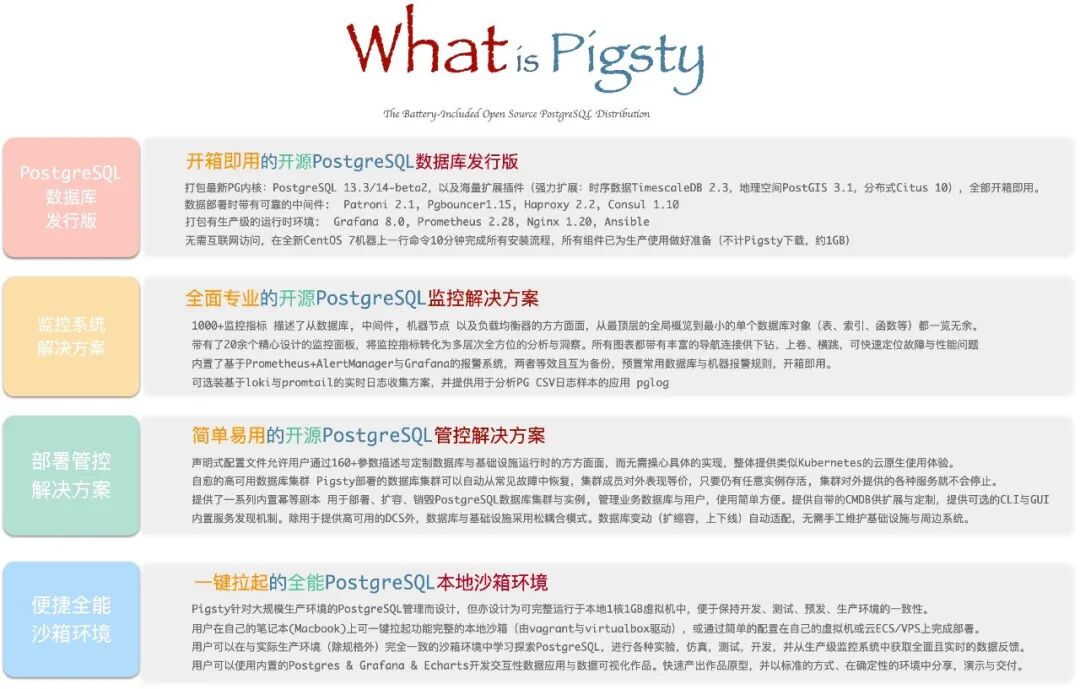
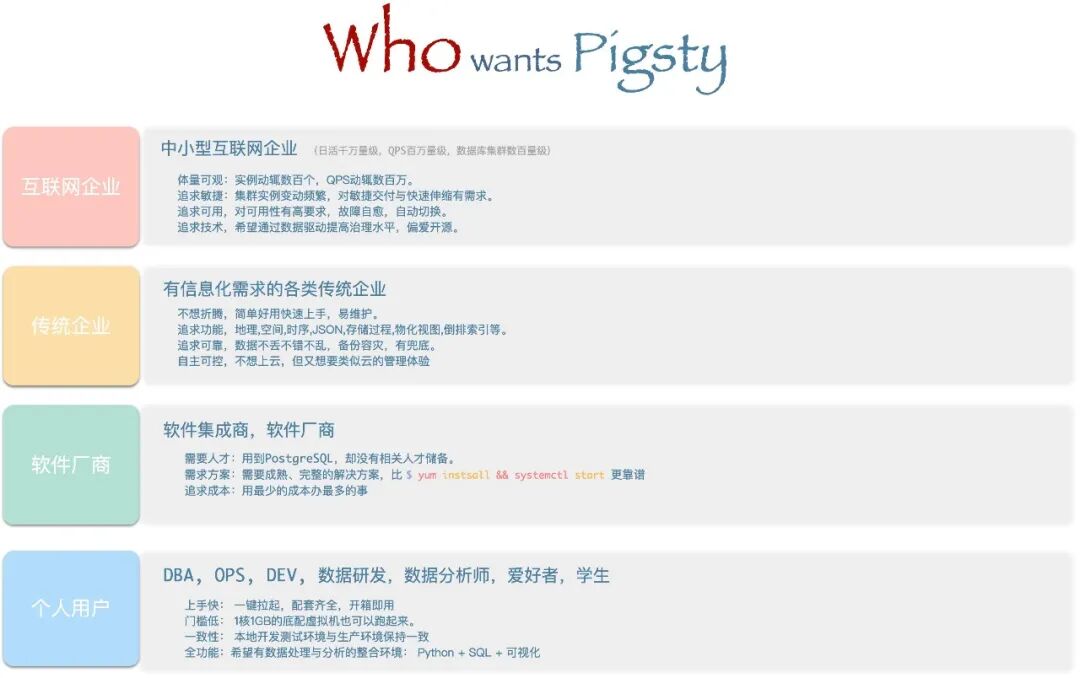
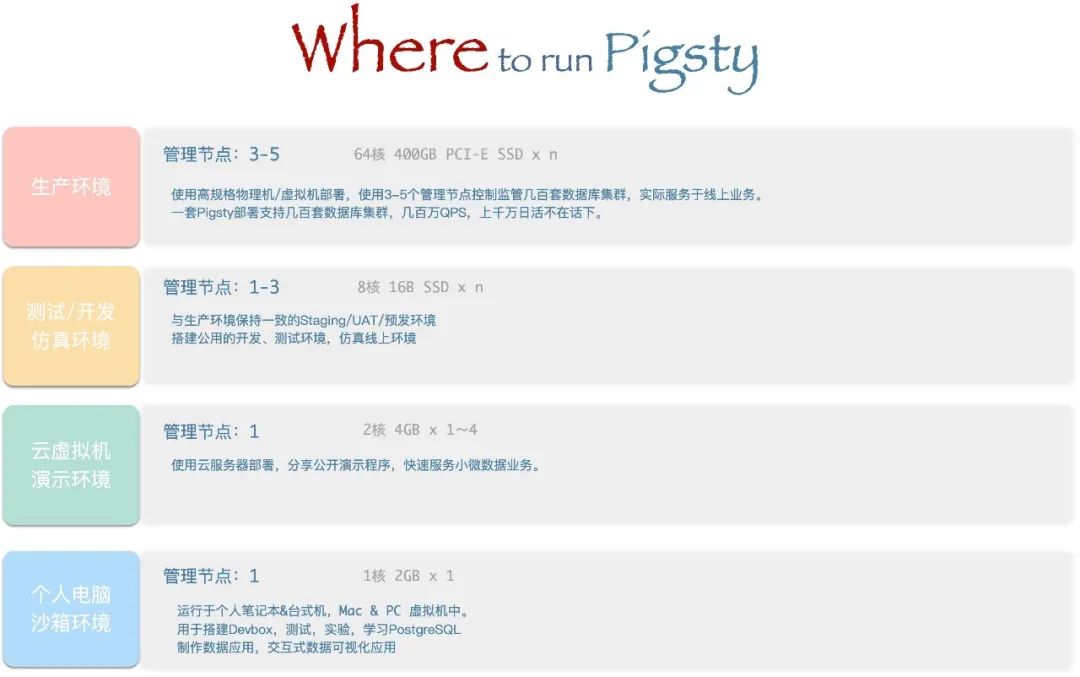
Distribution
A distribution is a complete solution built from a database kernel plus a curated set of software packages. Linux is an OS kernel; RedHat, Debian, and SUSE are distributions built on top of it. PostgreSQL is a database kernel; Pigsty, BigSQL, Percona, and various cloud RDS offerings are distributions built on top of it.
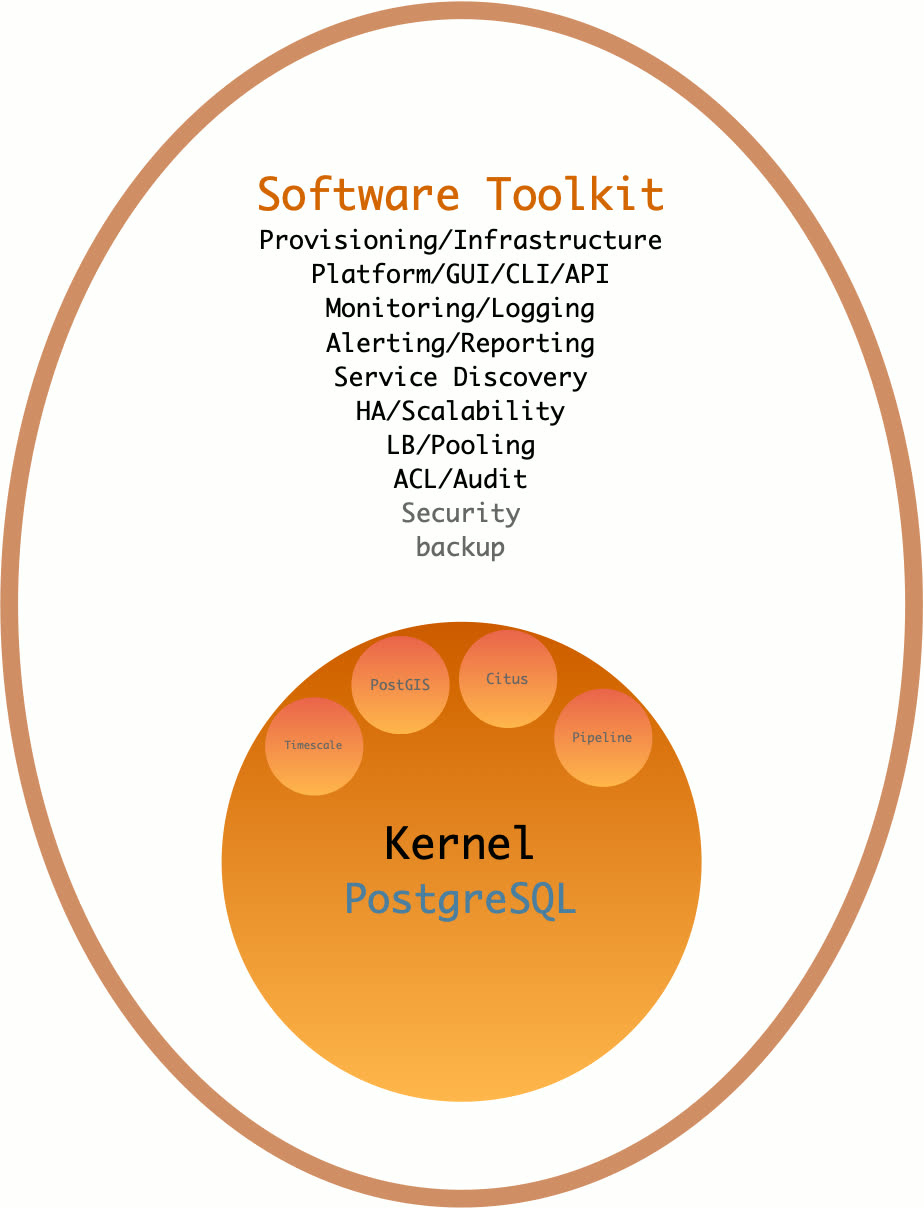
As a database distribution, Pigsty’s core strengths are:
- Comprehensive, professional monitoring system
- Simple, easy-to-use deployment solution
- Stable, reliable high-availability architecture
- Versatile, powerful sandbox environment
- Free, friendly open-source license
Batteries Included
Batteries-included means: start with a fresh VM, run one command, and within 10 minutes you’ll have infrastructure, database, monitoring, and control plane fully operational.
Pigsty pushes deployment and monitoring to the extreme, turning the historically high-barrier work of deploying, managing, and operating large-scale database clusters into something any developer can handle.
For power users, Pigsty provides the most comprehensive monitoring system available. For everyone else, Pigsty provides the simplest deployment experience. For data engineers, Pigsty also integrates tools like JupyterLab and ECharts, making it a complete IDE for data development and visualization.
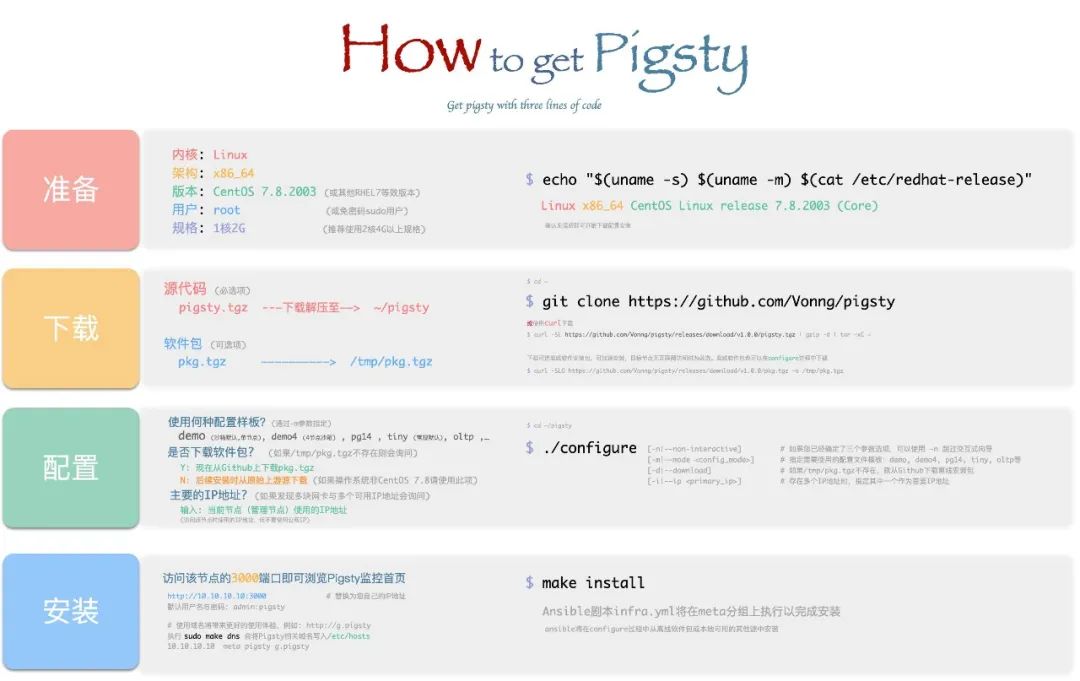
Monitoring System
Pigsty ships with a professional-grade PostgreSQL monitoring system designed for large-scale database fleet management. It includes ~1200 metric types, 20+ dashboards, and thousands of panels, covering everything from fleet-wide overviews down to individual object details. Compared to alternatives, it leads by a wide margin in metric coverage and dashboard richness — delivering irreplaceable value for professionals.
A typical Pigsty deployment can manage hundreds of database clusters, collect thousands of metric types, handle millions of time series, and organize them into thousands of panels across dozens of dashboards in real-time. From global fleet overviews to per-object details (tables, queries, indexes, functions), it’s like having a real-time MRI/CT scanner for your database — everything laid bare.
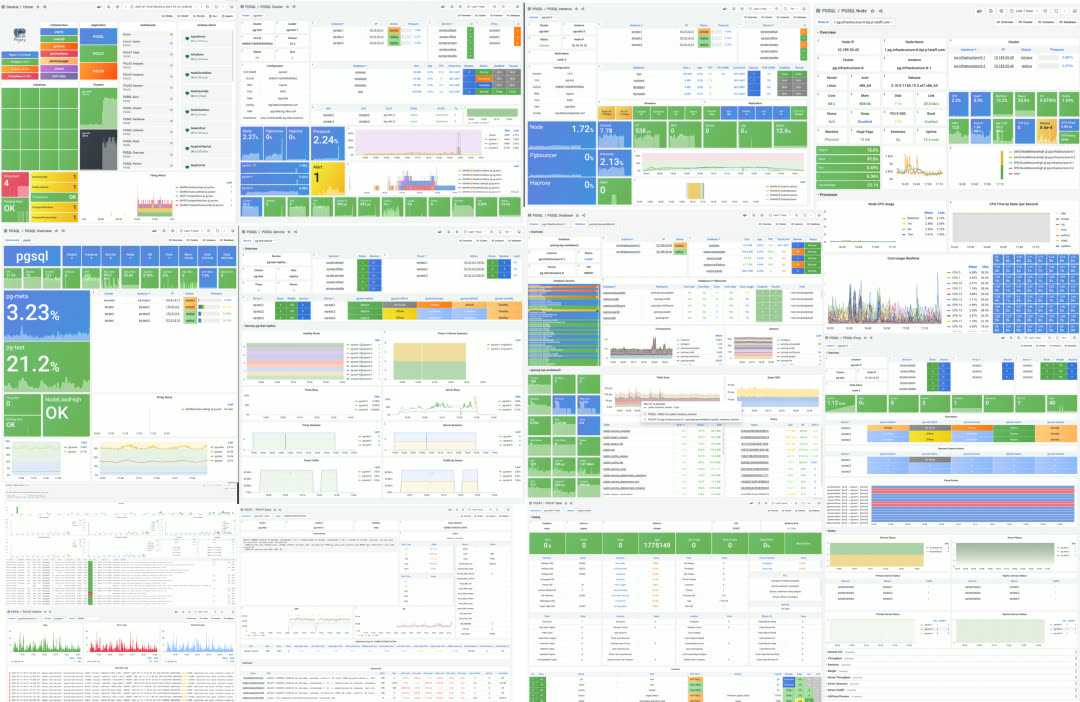
Dashboard gallery
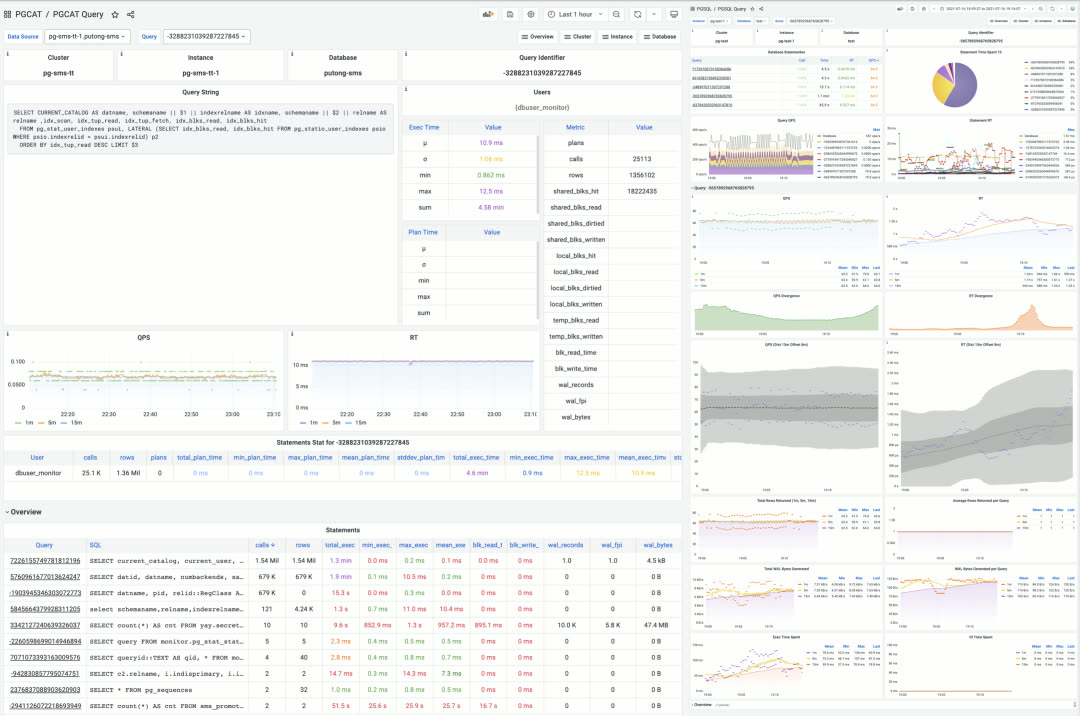
Single query monitoring
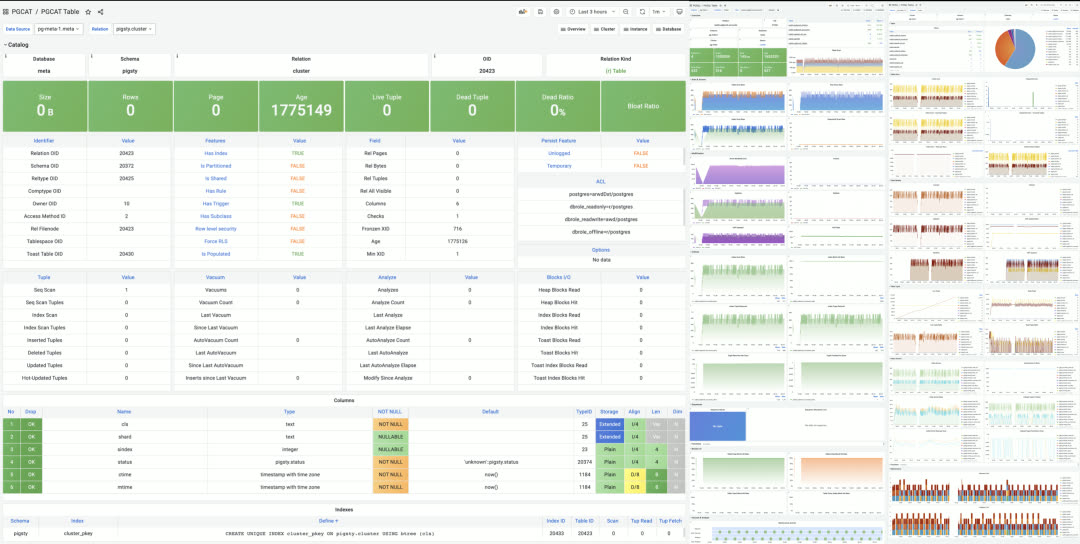
Single table monitoring
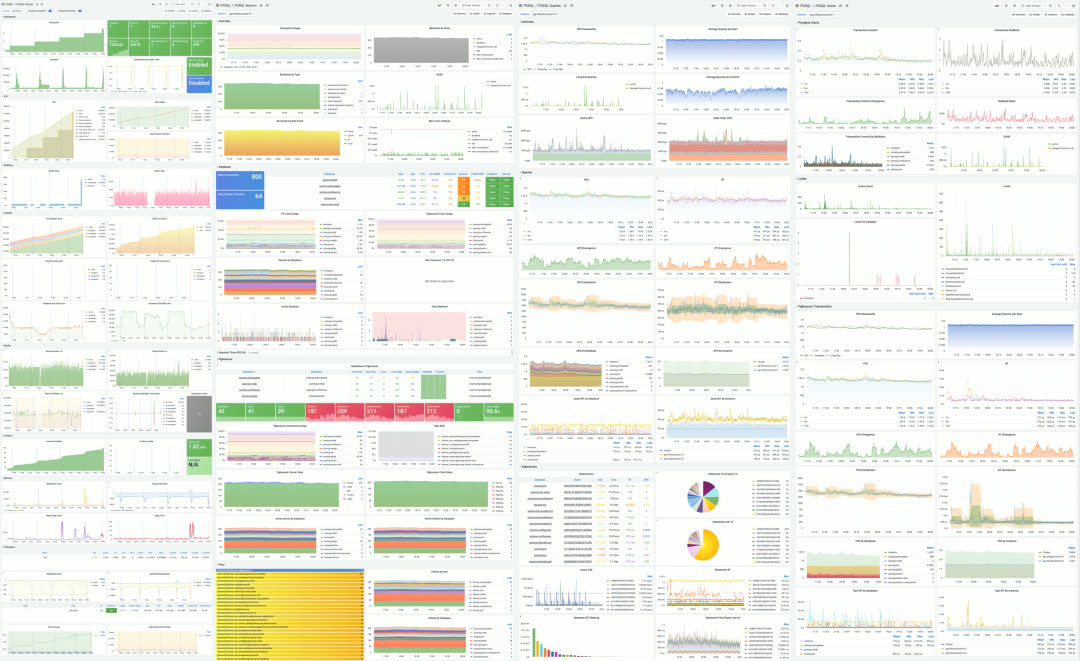
Instance-level monitoring dashboard
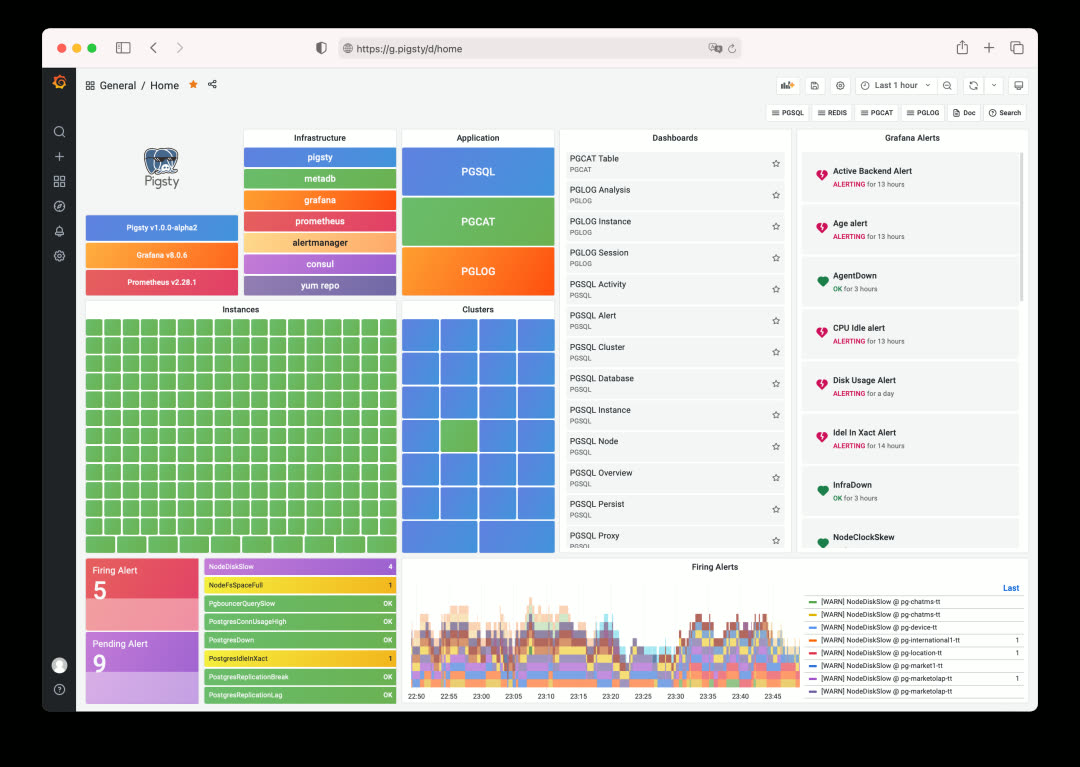
Three Core Applications
Pigsty’s monitoring system is composed of three tightly integrated core applications:
PGSQL — Collect and visualize monitoring metrics
PGCAT — Browse database system catalogs directly
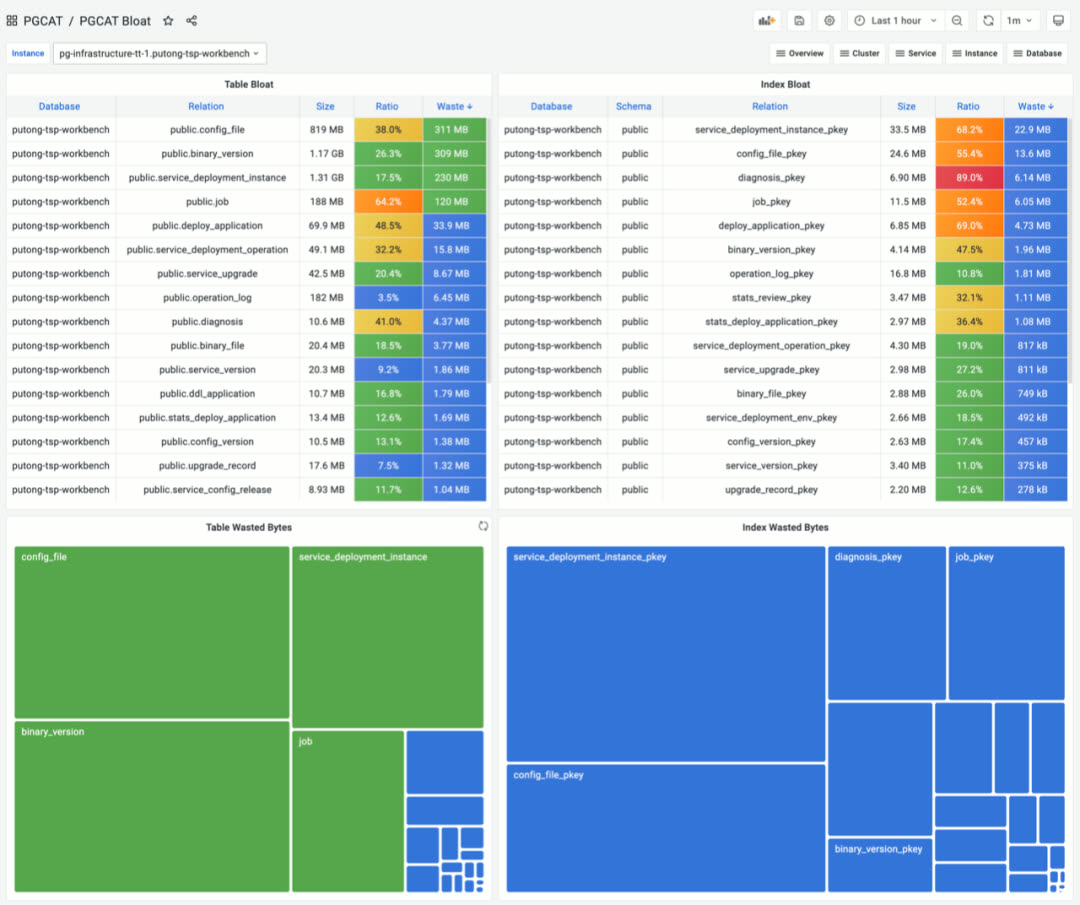
PGLOG — Real-time log search and analysis
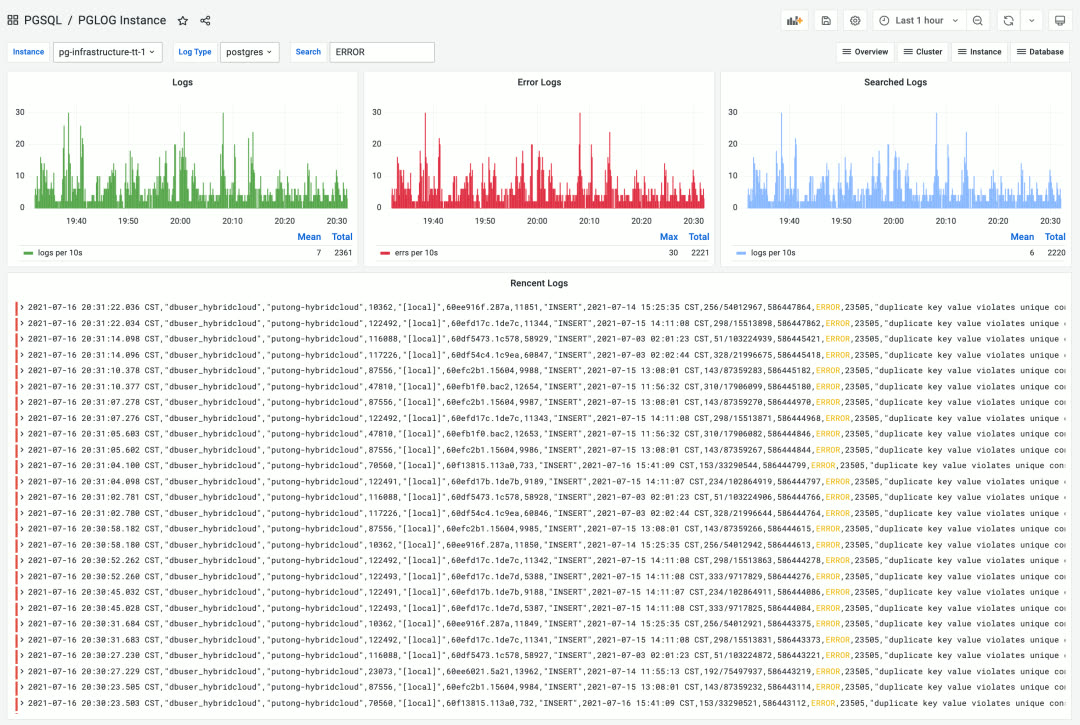
Pigsty’s monitoring system is built on industry best practices, using Prometheus and Grafana as the monitoring infrastructure. Open source, easy to customize, reusable, portable, no vendor lock-in. It can integrate with existing PostgreSQL instances and can also be used to monitor and manage other databases or applications (like Redis).
Deployment Solution
A database is software that manages data. A control plane is software that manages databases.
Pigsty includes an Ansible-based database management solution, with CLI and GUI wrappers on top. It handles core database management functions: cluster creation, destruction, scaling; user, database, and service provisioning.
Pigsty embraces the Infrastructure as Code philosophy, using Kubernetes-style declarative configuration. Describe your database and runtime environment through extensive config options, and idempotent playbooks automatically create the clusters you need — delivering a private-cloud-like experience.
Users simply describe “what kind of database they want” via config files or GUI — no need to worry about how Pigsty creates or modifies it. Pigsty will spin up the desired database cluster from bare metal nodes within minutes.
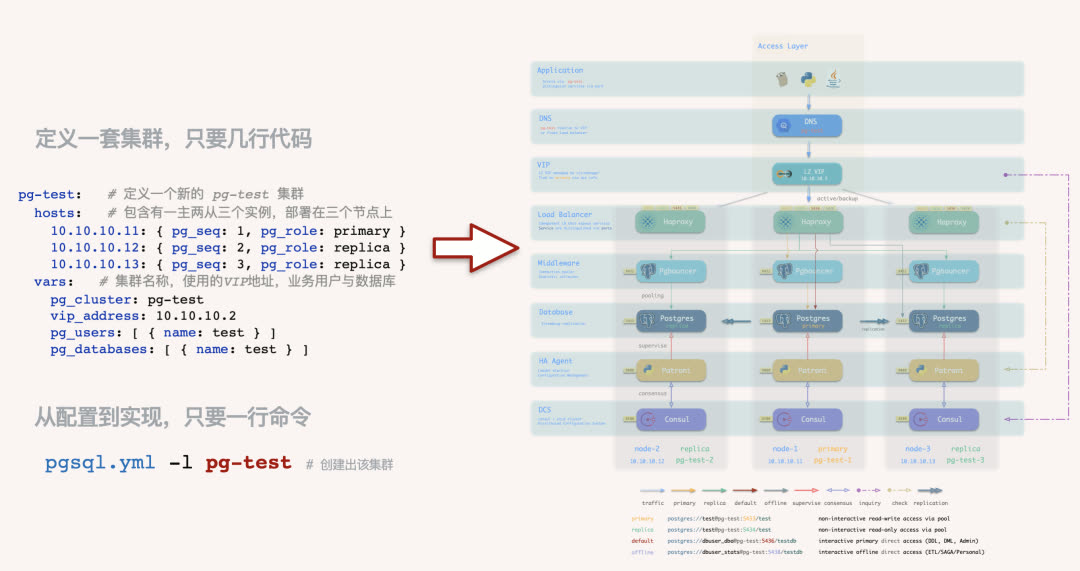
For users who prefer not to work with config files and Ansible playbooks, Pigsty also offers optional CMDB mode and CLI/GUI tools wrapping common operations.
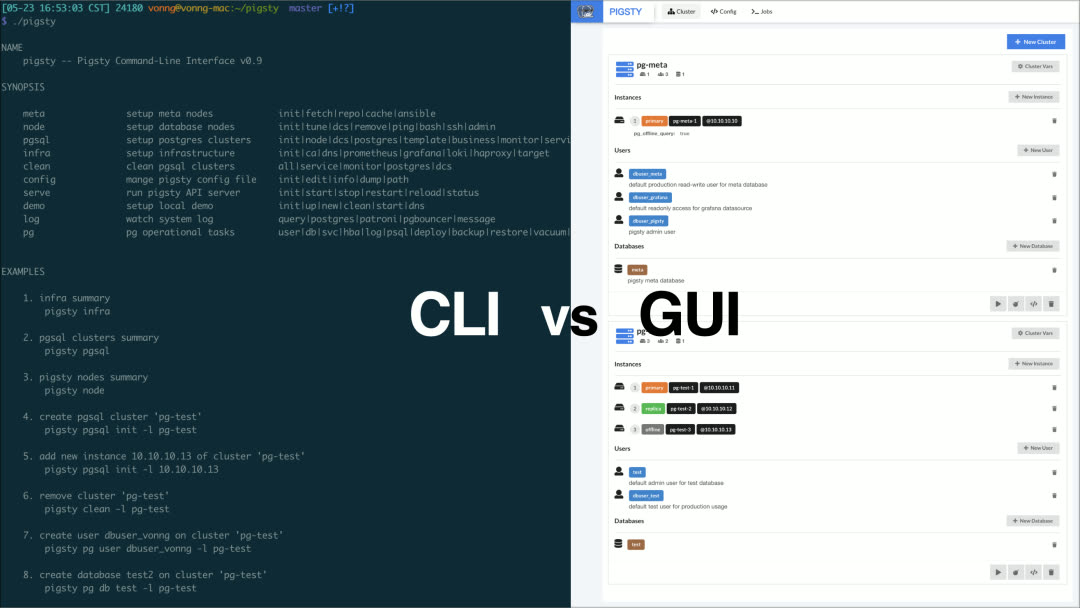
For power users, Pigsty provides 160+ configurable parameters, allowing fine-grained control over every aspect of cluster and infrastructure runtime. Beginners can create reliable database clusters without changing a single config setting.
High Availability Clusters
Pigsty creates distributed, highly-available database clusters. In practice, as long as any instance in the cluster survives, the cluster can provide full read-write and read-only services.
Every database instance in the cluster is functionally equivalent — any instance can serve full read-write traffic through the built-in load balancer. Clusters automatically detect failures and perform primary-replica failover; typical failures self-heal in seconds to tens of seconds, with read-only traffic unaffected during the process.
Pigsty’s HA architecture is battle-tested in production, achieving complete high availability with minimal complexity — making traditional primary-replica databases feel like distributed databases.
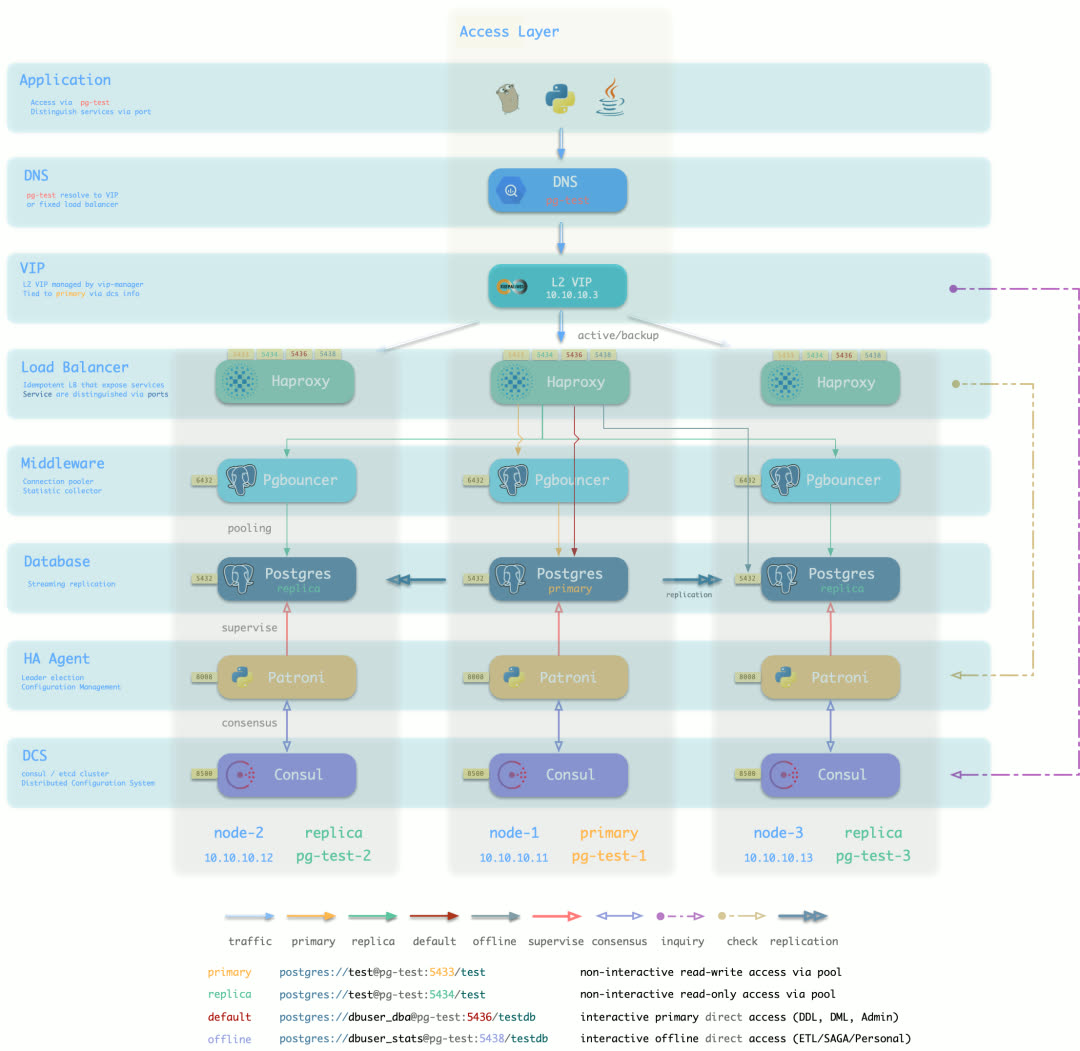
Default access topology (DNS + L2 VIP + HAProxy, 7 options total)
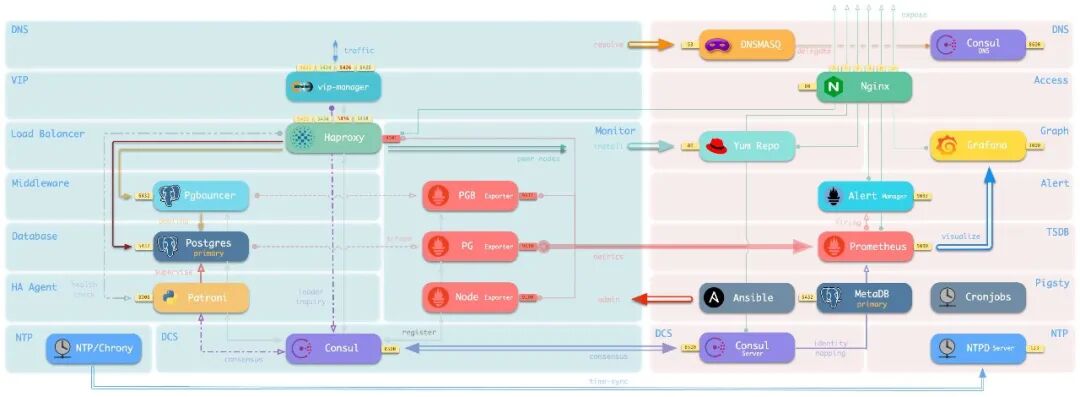
Sandbox Environment
PostgreSQL users aren’t just enterprises — countless individuals use it for software development, testing, experiments, demos, or for data cleaning, analysis, visualization, and storage. Setting up the environment is often the first hurdle.
The Pigsty sandbox solves this problem. With one click, spin up a complete production-grade PostgreSQL service on your laptop or PC (Vagrant calls VirtualBox to automatically create the VMs). The default sandbox is single-node (2c/4g) with all essential tools, suitable for various use cases. There’s also a four-node full sandbox for production-like environments, fully exploring Pigsty’s HA architecture and monitoring capabilities.
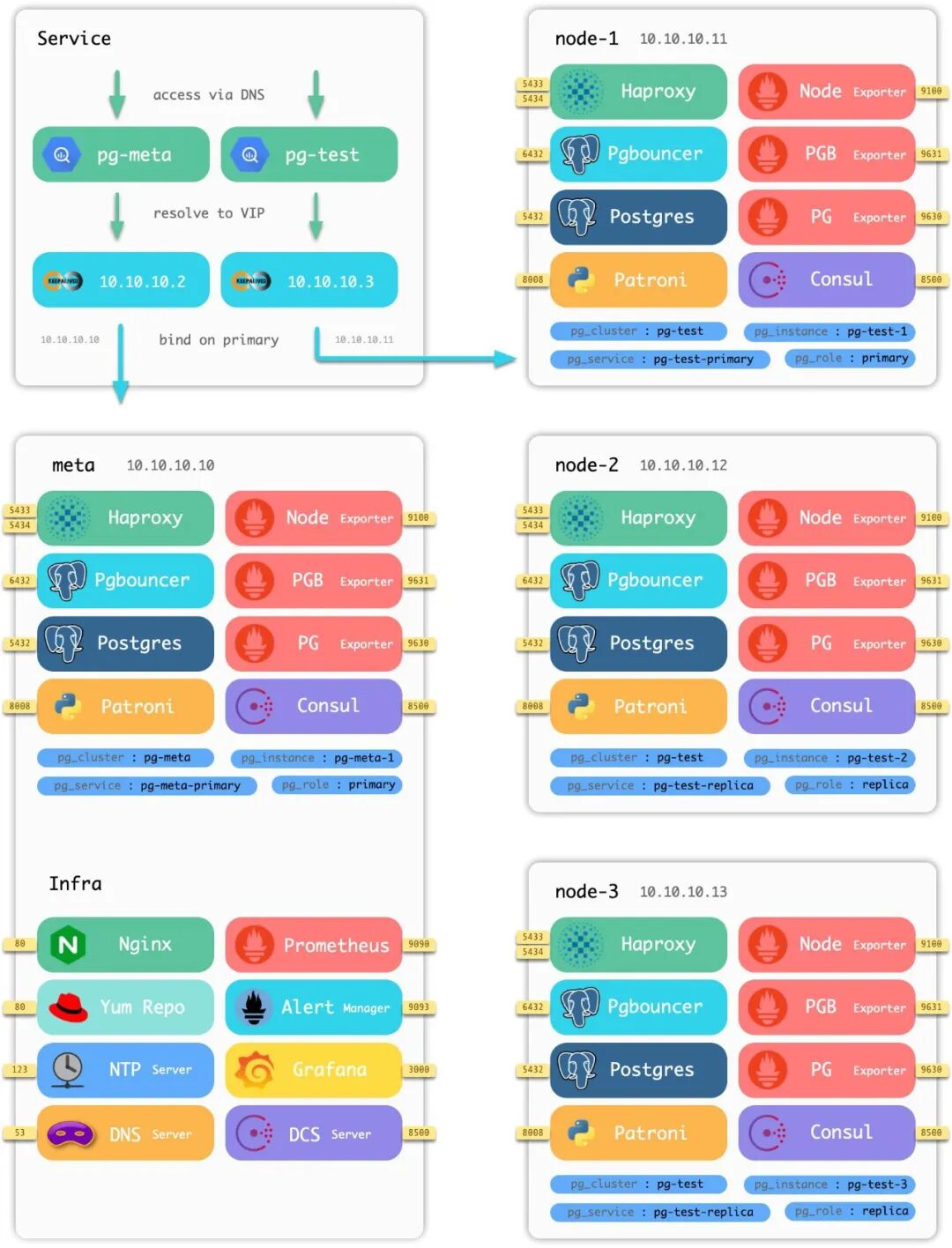
Four-node sandbox architecture diagram
Data Analysis
Pigsty provides PostgreSQL as the backend database, JupyterLab as the Python IDE, Grafana as the frontend/backend runtime, and the Grafana ECharts Panel for advanced visualization. Together, these tools form a complete toolkit for data processing, analysis, and data application development.
Build your data analysis workflow on Pigsty, rapidly prototype data application POCs, and package/distribute/deploy them in a standardized way. Pigsty ships with two sample data applications:
COVID — Pandemic data visualization app
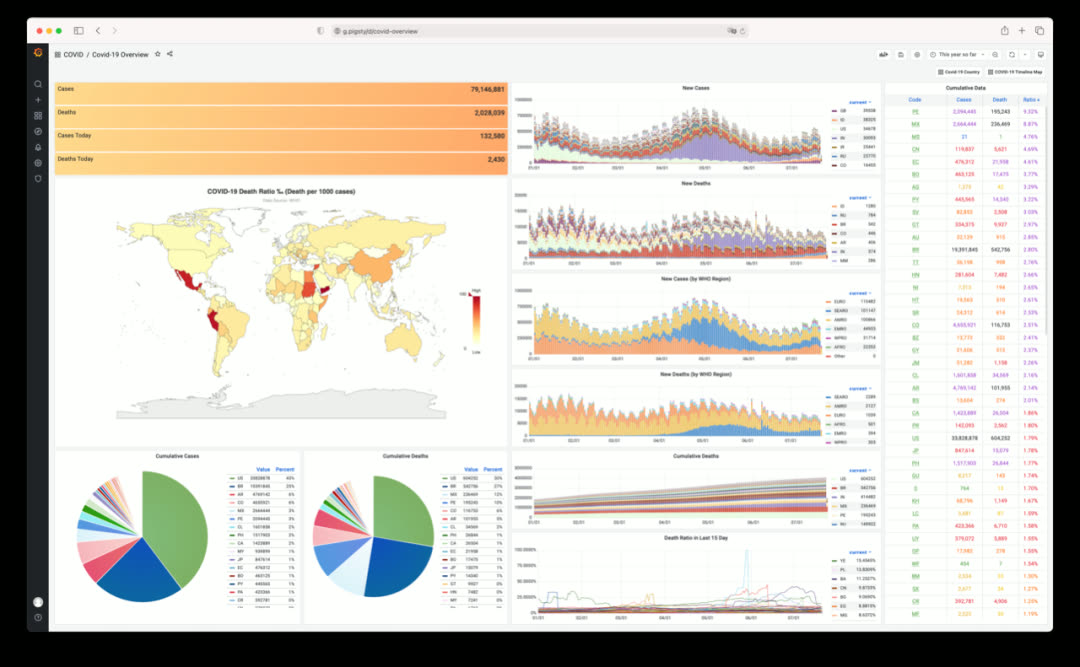
Click to view individual country details and timeline maps
ISD — Global surface weather station historical data explorer
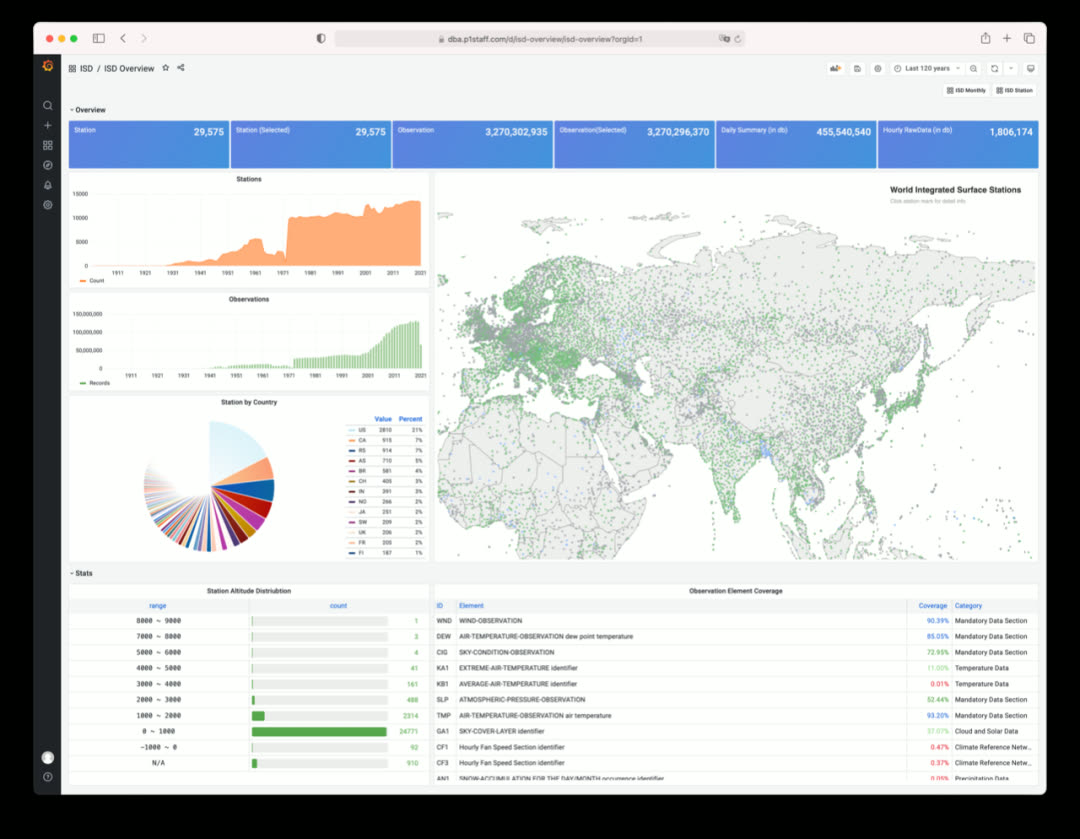
Click to view individual station details and historical weather data
Roadmap
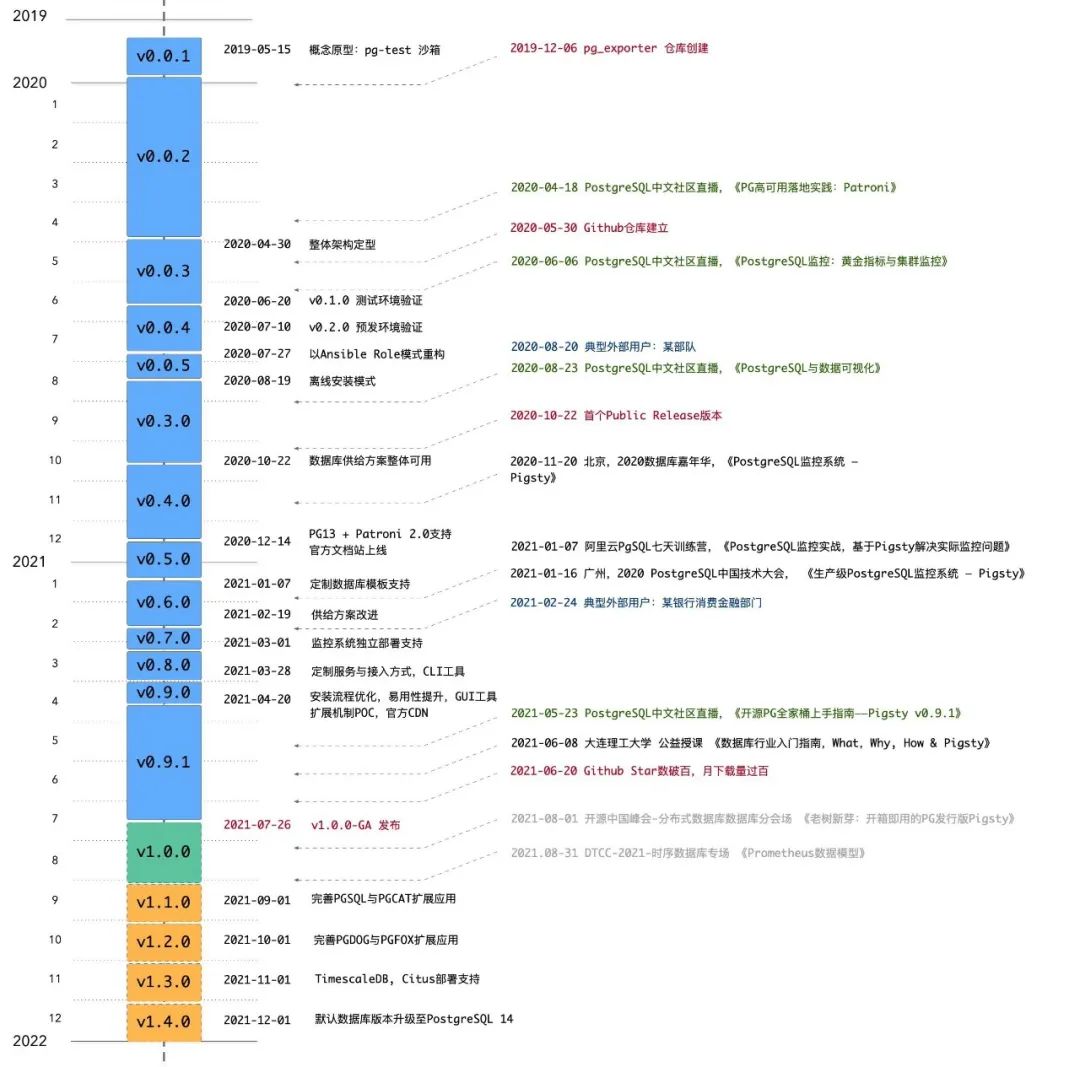
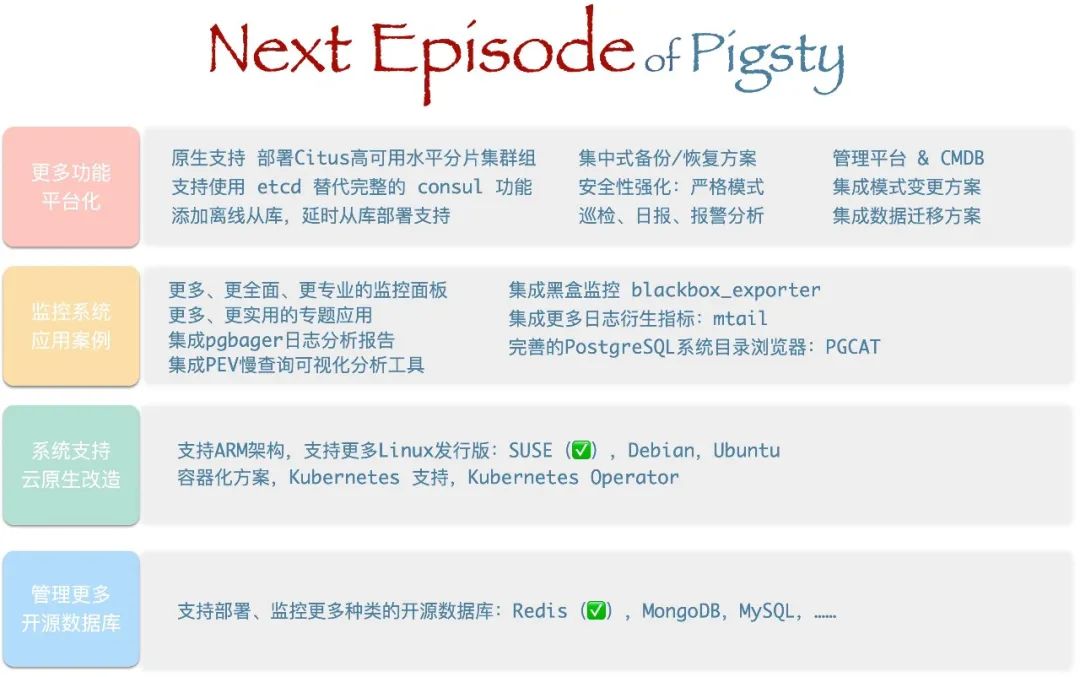
Open Source
Pigsty is open-source under the Apache 2.0 license — free for commercial use, with modifications and derivatives subject to Apache License 2.0’s attribution requirements.
Pigsty’s mission: Use databases well, use good databases.
Give SMBs a truly self-controlled choice, and let everyone enjoy the power of PostgreSQL.
v1.0.0 Release Notes
Monitoring System Overhaul
- New dashboards on Grafana 8.0
- New metric definitions, added PG14 support
- Simplified labeling system: static label set (job, cls, ins)
- New alerting rules and derived metrics
- Monitor multiple databases simultaneously
- Real-time log search & csvlog analysis
- Richly-linked dashboards, click through for drill-down/roll-up
Architecture Changes
- Added Citus and TimescaleDB to default installation
- Added PostgreSQL 14beta2 support
- Simplified HAProxy admin page indexing
- Decoupled infrastructure and PGSQL by adding new role
register - Added new roles
lokiandpromtailfor logging - Added new role
environto setup environment for admin user on meta node - Default to
staticservice discovery for Prometheus (instead ofconsul) - Added new role
removefor graceful cluster and instance removal - Upgraded Prometheus and Grafana provisioning logic
- Upgraded to vip-manager 1.0, node_exporter 1.2, pg_exporter 0.4, Grafana 8.0
- Every database on every instance auto-registers as a Grafana datasource
- Moved Consul registration to
registerrole, changed Consul service tags - Added cmdb.sql as pg-meta baseline definition (CMDB & PGLOG)
Application Framework
- Extensible framework for new features
- Core app: PostgreSQL monitoring system
pgsql - Core app: PostgreSQL catalog explorer
pgcat - Core app: PostgreSQL csvlog analyzer
pglog - Added sample app
covidfor COVID-19 data visualization - Added sample app
isdfor ISD weather data visualization
Other
- Added JupyterLab for full Python data science environment
- Added
vonng-echarts-panelto restore ECharts support - Added wrapper scripts
createpg,createdb,createuser - Added CMDB dynamic inventory scripts:
load_conf.py,inventory_cmdb,inventory_conf - Removed obsolete playbooks:
pgsql-monitor,pgsql-service,node-remove, etc.
API Changes
- New variable:
node_meta_pip_install - New variable:
grafana_admin_username - New variable:
grafana_database - New variable:
grafana_pgurl - New variable:
pg_shared_libraries - New variable:
pg_exporter_auto_discovery - New variable:
pg_exporter_exclude_database - New variable:
pg_exporter_include_database - Variable renamed:
grafana_url→grafana_endpoint
Bug Fixes
- Fixed default timezone Asia/Shanghai (CST) issue
- Fixed nofile limits for pgbouncer & patroni
- pgbouncer user list and database list now generated when running tag
pgbouncer
v1.0.1 Release Notes
2021-09-14
Documentation Update
- Chinese documentation now available
- Machine-translated English documentation now available
Bug Fixes
pgsql-removeno longer removes primary instances- Replaced pg_instance with pg_cluster + pg_seq (Start-At-Task could fail when pg_instance undefined)
- Removed Citus from default shared preload libraries (Citus forces max_prepared_transaction to non-zero)
- Added ssh sudo check in
configure(now usesssh -t sudo -n lsfor permission check) - Fixed
pg-backupscript typo
Optimizations
- Removed NTP sanity check alert (duplicate of ClockSkew)
- Removed collector.systemd to reduce overhead
24 - Ready-to-Use PostgreSQL Distribution: Pigsty
Originally published on VONNG.
What is Pigsty
Pigsty is a ready-to-use production-grade open-source PostgreSQL distribution.

A distribution refers to a complete database solution consisting of a database kernel and its suite of software packages. For example, Linux is an operating system kernel, while RedHat, Debian, and SUSE are operating system distributions based on this kernel. PostgreSQL is a database kernel, while Pigsty, BigSQL, Percona, various cloud RDS services, and rebranded databases are database distributions based on this kernel.
Pigsty differs from other database distributions with five core features:
- Comprehensive and professional monitoring system
- Stable and reliable deployment solution
- Simple and worry-free user interface
- Flexible and open extension mechanism
- Free and friendly open-source license
These five characteristics make Pigsty truly a ready-to-use PostgreSQL distribution.
Who Would Be Interested?
Pigsty’s target user groups include: DBAs, architects, OPS personnel, software vendors, cloud vendors, business developers, kernel developers, data developers; people interested in data analysis and data visualization; students, novice programmers, and users interested in trying databases.
For professional users like DBAs and architects, Pigsty provides a unique professional-grade PostgreSQL monitoring system, offering irreplaceable value for database management. Additionally, Pigsty comes with a stable and reliable, battle-tested production-grade PostgreSQL deployment solution that can automatically deploy PostgreSQL database clusters with monitoring and alerting, log collection, service discovery, connection pooling, load balancing, VIP, and high availability in production environments.
For developers (business developers, kernel developers, data developers), students, novice programmers, and users interested in trying databases, Pigsty provides an extremely low-barrier, one-click startup, one-click installation local sandbox. The local sandbox is identical to production environments except for machine specifications, including complete functionality: ready-to-use database instances and monitoring systems. It can be used for learning, development, testing, data analysis, and other scenarios.
Additionally, Pigsty provides a flexible extension mechanism called “Datalet.” People interested in data analysis and data visualization might be surprised to find that Pigsty can also serve as an integrated development environment for data analysis and visualization. Pigsty integrates PostgreSQL with common data analysis plugins and comes with Grafana and embedded Echarts support, allowing users to write, test, and distribute data mini-applications (Datalets). Such as: “Additional extension panel packages for Pigsty monitoring system,” “Redis monitoring system,” “PG log analysis system,” “application monitoring,” “data directory browser,” etc.
Finally, Pigsty adopts the free and friendly Apache License 2.0, which can be used commercially for free. As long as you comply with Apache 2 License’s attribution clauses, cloud vendors and software vendors are welcome to integrate and commercially develop secondary products.
Comprehensive Professional Monitoring System
You can’t manage what you don’t measure.
— Peter F.Drucker
Pigsty provides a professional-grade monitoring system, offering irreplaceable value to professional users.
Using medical equipment as an analogy, ordinary monitoring systems are like heart rate monitors and pulse oximeters that ordinary people can use without training. They can provide core vital sign indicators for patients: at least users can know if someone is about to die, but they’re powerless for diagnosis and treatment. For example, monitoring systems provided by various cloud and software vendors generally fall into this category: a dozen core indicators that tell you whether the database is still alive, giving people a rough idea, and that’s all.
Professional-grade monitoring systems are like CT scanners and MRI machines that can detect all internal details of objects. Professional physicians can quickly locate diseases and hidden dangers based on CT/MRI reports: treat diseases when present, maintain health when absent. Pigsty can deeply examine every table, every index, every query in every database, providing comprehensive metrics (1155 types) and converting them into insights through thousands of dashboards: nipping failures in the bud and providing real-time feedback for performance optimization.
Pigsty’s monitoring system is based on industry best practices, using Prometheus and Grafana as monitoring infrastructure. It’s open-source, highly customizable, reusable, portable, with no vendor lock-in. It can integrate with various existing database instances.
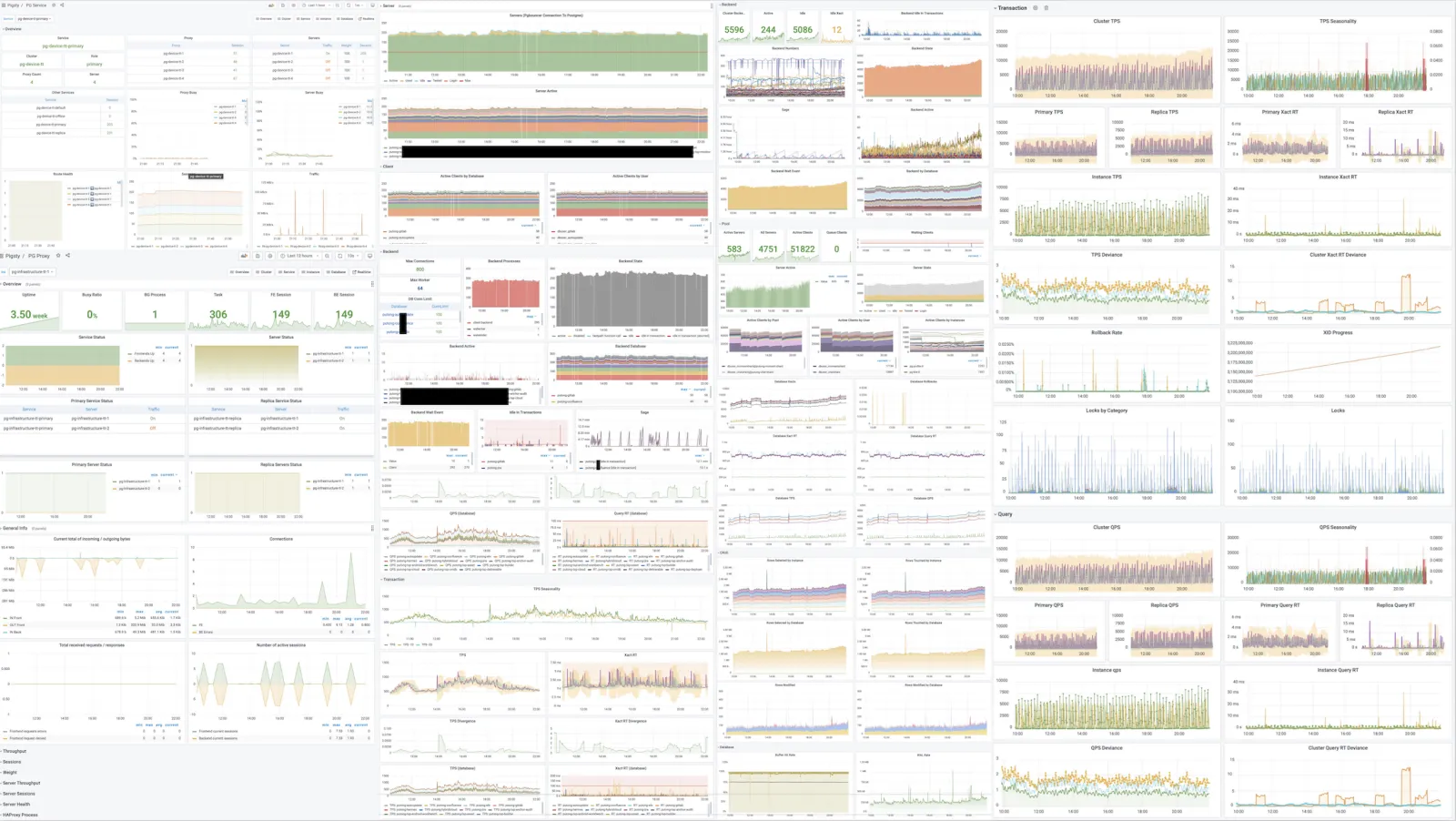
Stable Reliable Deployment Solution

A complex system that works is invariably found to have evolved from a simple system that works.
—John Gall, Systemantics (1975)
Databases are software for managing data; management systems are software for managing databases.
Pigsty has a built-in database management solution centered on Ansible. Based on this, it encapsulates command-line tools and graphical interfaces. It integrates core functions in database management: including database cluster creation, destruction, scaling; user, database, and service creation, etc. Pigsty adopts the “Infra as Code” design philosophy, using declarative configuration to describe and customize databases and runtime environments through numerous optional configuration options, and automatically creates required database clusters through idempotent preset playbooks, providing a near-private-cloud user experience.
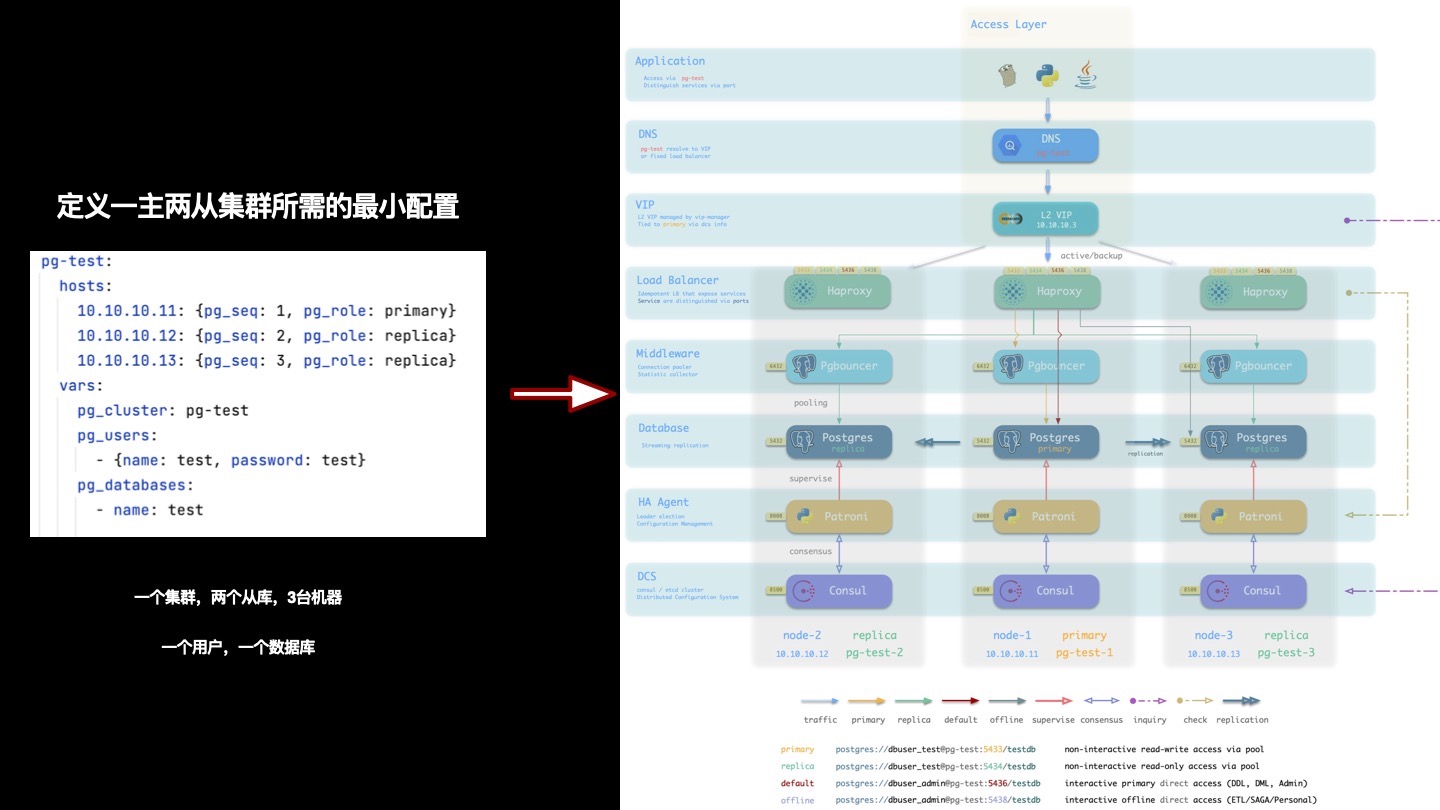
Database clusters created by Pigsty are distributed and highly available. Pigsty-created databases achieve high availability based on DCS, Patroni, and Haproxy. Each database instance in a database cluster is idempotent in usage - any instance can provide complete read-write services through built-in load balancing components, offering a distributed database user experience. Database clusters can automatically perform failure detection and master-slave switching. Ordinary failures can self-heal in seconds to tens of seconds, with read-only traffic unaffected during this period. During failures, as long as any instance in the cluster survives, it can provide complete services externally.
Pigsty’s architectural solution has been carefully designed and evaluated, focusing on achieving required functionality with minimal complexity. This solution has been validated in production environments for long periods and large scales, and has been adopted by organizations in multiple industries including internet/B/G/M/F.
Simple Worry-Free User Interface

Pigsty aims to lower PostgreSQL’s usage barrier, so extensive work has been done on usability.
Installation Deployment
Someone told me that each equation I included in the book would halve the sales.
— Stephen Hawking
Pigsty deployment consists of three steps: download source code, configure environment, execute installation, all can be completed with one command. It follows the classic software installation pattern and provides a configuration wizard. All you need to prepare is a CentOS7.8 machine and root privileges. When managing new nodes, Pigsty uses Ansible to initiate management via ssh without requiring agent installation, making it easy even for novices to complete deployment.
Pigsty can manage hundreds of high-spec production nodes in production environments, and can also run independently on local 1-core 1GB virtual machines as ready-to-use database instances. When used on local computers, Pigsty provides a sandbox based on Vagrant and Virtualbox. It can spin up database environments identical to production with one command, for learning, development, testing, data analysis, data visualization, and other scenarios.
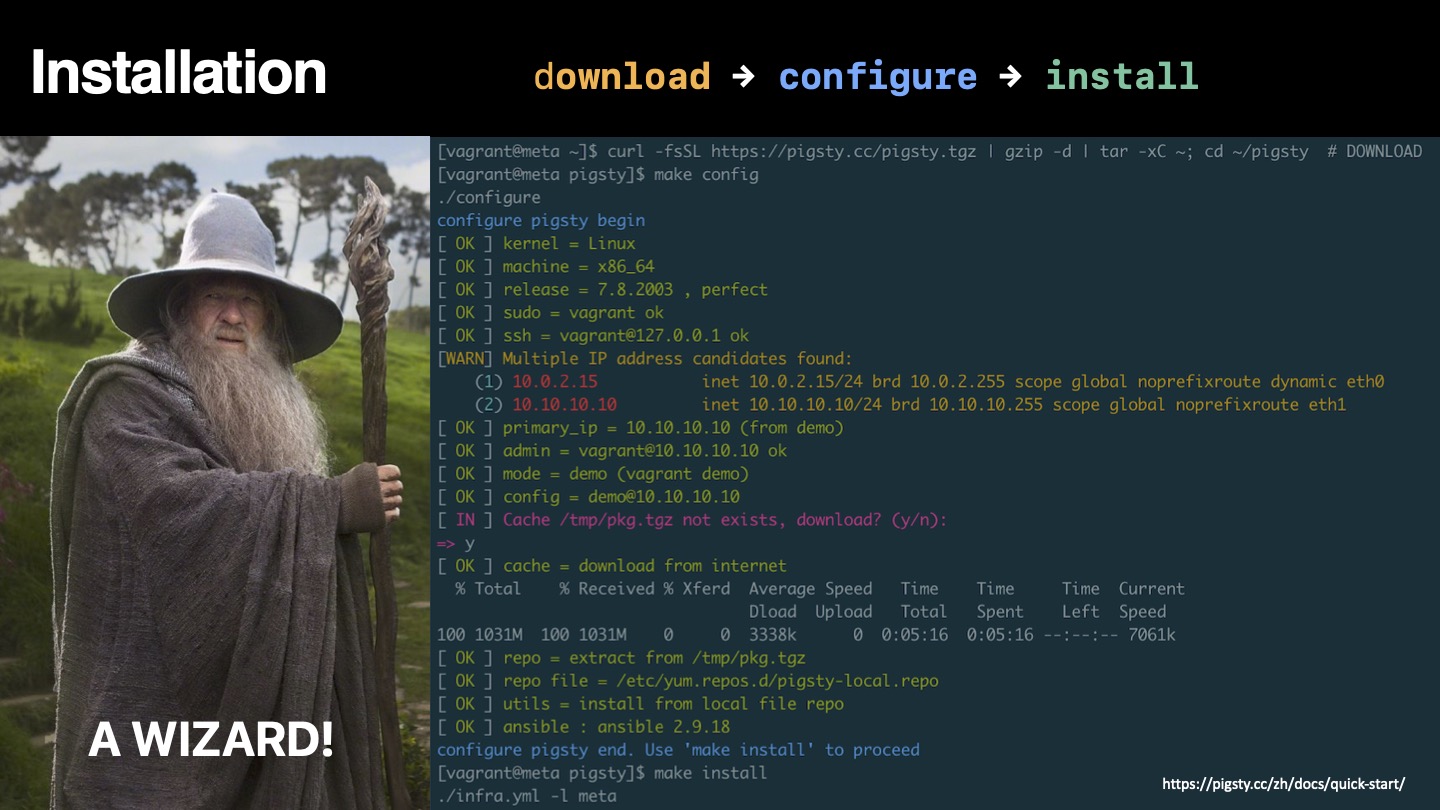
User Interface
Clearly, we must break away from the sequential and not limit the computers. We must state definitions and provide for priorities and descriptions of data. We must state relation‐ ships, not procedures.
—Grace Murray Hopper, Management and the Computer of the Future (1962)
Pigsty incorporates the essence of Kubernetes architectural design, adopting declarative configuration and idempotent operation playbooks. Users only need to describe “what kind of database they want” without caring how Pigsty creates or modifies it. Pigsty will create the required database cluster from bare metal nodes in minutes according to user configuration file manifests.
For management and usage, Pigsty provides different levels of user interfaces to meet different user needs. Novice users can use one-click local sandboxes and graphical user interfaces, while developers can choose to use pigsty-cli command-line tools and configuration files for management. Experienced DBAs, operations staff, and architects can directly use Ansible primitives for fine control over executed tasks.
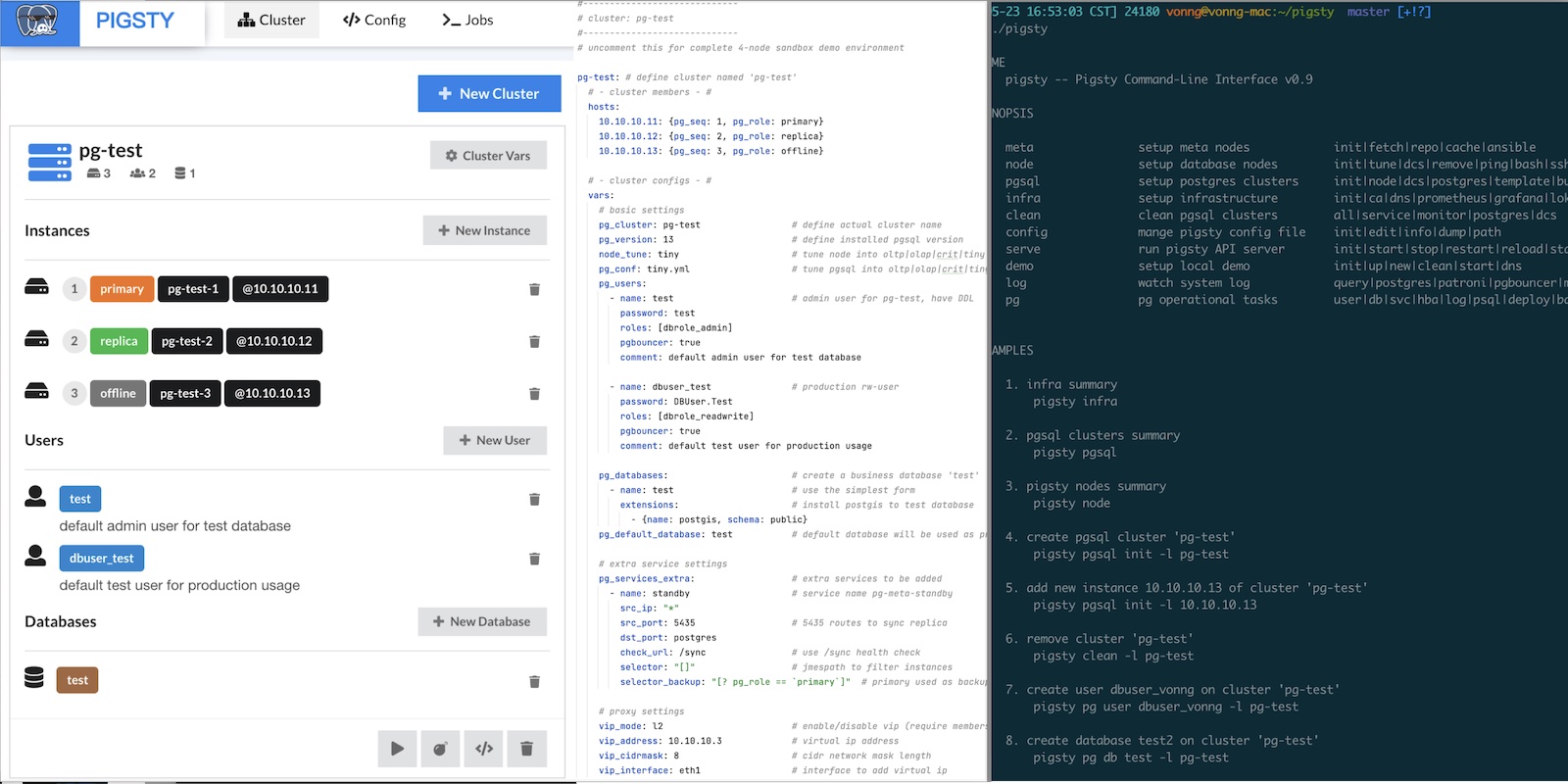
Flexible Open Extension Mechanism
PostgreSQL’s extensibility has always been praised, with various extension plugins making PostgreSQL the most advanced open-source relational database. Pigsty also respects this value, providing an extension mechanism called “Datalet” that allows users and developers to further customize Pigsty for “unexpected” use cases, such as: data analysis and visualization.

When we have monitoring systems and management solutions, we also have the ready-to-use visualization platform Grafana and the powerful database PostgreSQL. This combination has tremendous power — especially for data-intensive applications. Users can perform data analysis and data visualization without writing frontend or backend code, creating richly interactive data application prototypes, or even the applications themselves.
Pigsty integrates Echarts and common map base layers, making it easy to implement advanced visualization needs. Compared to traditional scientific computing languages/plotting libraries like Julia, Matlab, and R, the PG + Grafana + Echarts combination allows you to create shareable, deliverable, standardized data applications or visualization works at extremely low cost.
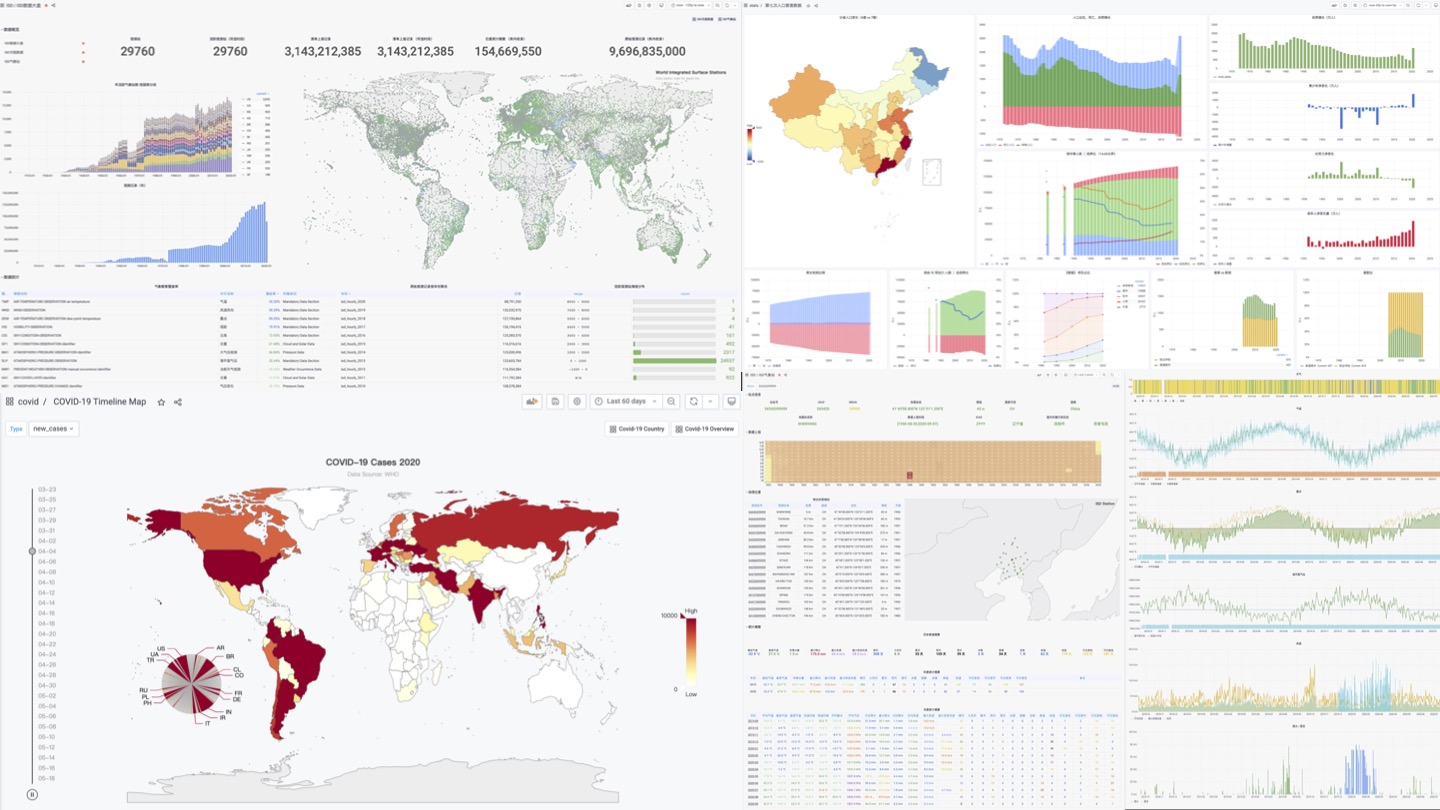
Pigsty’s monitoring system itself is an exemplar of Datalet: all Pigsty advanced topic monitoring panels are released as Datalets. Pigsty also comes with some interesting Datalet examples: Redis monitoring system, COVID-19 data analysis, 7th population census data analysis, PG log mining, etc. More ready-to-use Datalets will be added later, continuously expanding Pigsty’s functionality and application scenarios.
Free Friendly Open-Source License
Once open source gets good enough, competing with it would be insane.
Larry Ellison —— Oracle CEO
In the software industry, open source is a major trend. The history of the internet is the history of open-source software. One core reason the IT industry has today’s prosperity and people can enjoy so many free information services is open-source software. Open source is a truly successful form of communism by developers (translating as community-ism would be more appropriate): software, the core means of production in the IT industry, becomes publicly owned by developers worldwide — everyone for me, me for everyone.
When an open-source programmer works, their labor might actually contain the crystallized wisdom of tens of thousands of top developers. Through open source, all community developers form a united force, greatly reducing the internal friction of reinventing wheels and allowing the entire industry’s technical level to advance at an unimaginable speed. Open source’s momentum is like a snowball that has become unstoppable today. Except for some special scenarios and path dependencies, doing closed-door development for self-reliance in software development has become a big joke.
Relying on open source, giving back to open source. Pigsty adopts the friendly Apache License 2.0, which can be used commercially for free. As long as you comply with Apache 2 License’s attribution clauses, cloud vendors and software vendors are welcome to integrate and develop secondary commercial products.
About Pigsty
A system cannot be successful if it is too strongly influenced by a single person. Once the initial design is complete and fairly robust, the real test begins as people with many different viewpoints undertake their own experiments. — Donald Knuth
Pigsty is built around the open-source database PostgreSQL. PostgreSQL is the world’s most advanced open-source relational database, and Pigsty’s goal is to be the best open-source PostgreSQL distribution.
Initially, Pigsty didn’t have such grand goals. Because I couldn’t find any monitoring system on the market that met my needs, I had to roll up my sleeves and make one myself. Unexpectedly, it worked exceptionally well, and quite a few external organizations and PG users hoped to use it. Subsequently, deployment and delivery of the monitoring system became a problem, so the database deployment management part was added; after production environment application, developers wanted local sandbox environments for testing, so local sandboxes were added; users complained that ansible wasn’t user-friendly, so the pigsty-cli command-line tool wrapper was created; users wanted to edit configuration files through UI, so Pigsty GUI was born. Like this, needs grew and features became richer, Pigsty became more complete through long-term polishing, far exceeding initial expectations.
Doing this is itself a challenge — making a distribution is somewhat like making a RedHat, making a SUSE, making an “RDS product.” Usually only professional companies and teams of a certain scale would attempt this. But I just wanted to try: is it possible for one person? Actually, besides being slower, there’s nothing impossible. Switching between product manager, developer, and end-user roles is a very interesting experience, and the biggest benefit of “eating dog food” is that you’re both developer and user — you know what you need and won’t slack off on your own requirements.
However, as Knuth said: “A system with too strong a personal touch cannot succeed.” To make Pigsty a project with vigorous vitality, it must be open-sourced and used by more people. “When the initial design is complete and stable enough, the real challenge begins when various users use it in their own ways.”
Pigsty has solved my own problems and needs very well. Now I hope it can help more people and make PostgreSQL’s ecosystem more prosperous and colorful.
25 - Pigsty v0.9: CLI + Logs
Originally published on VONNG.
GitHub Release: https://github.com/pgsty/pigsty/releases/tag/v0.9.0
New Stuff
- One-liner install:
curl -fsSL https://pigsty.cc/install | bashbootstraps everything. pigsty-cli: wraps the common Ansible playbooks so you stop copy-pasting command lines. Still beta but already handy.- Loki + Promtail: Postgres, pgbouncer, and Patroni logs stream into Grafana with metrics extracted from log volume.
infra-loki.ymlandpgsql-promtail.ymlwire things up. - Binary exporters: grab monitoring binaries with
files/get_bin.shif you don’t want to rely on repos. - Flight mode: once the meta node is initialized you can run
bin/upgradeto switch into a dynamic inventory using data stored insidepg-meta.
Fixes
- Cleaned up HAProxy health checks that were flooding PG and Patroni logs with
connection resetnoise. - Patroni logs now carry readable timestamps (no more millisecond fragments) and explicit time zones.
- Monitoring queries run by
dbuser_monitorlog only when slower than 1s. - Grafana role refactor keeps the API stable, but uses CDN-hosted plugin bundles for faster installs.
- Pgbouncer user creation now handles md5 passwords properly.
- Hardened SQL templates for DB/user creation, fixed DNS orchestration edge cases, and tidied Makefile typos.
Knob Changes
node_disable_swapdefaults tofalse; Pigsty no longer nukes swap by default.node_sysctl_paramsstops writing kernel tunables unless you explicitly set them.grafana_plugin: installnow means “download from CDN if cache is missing.”repo_url_packagespulls extra RPMs from the Pigsty CDN so installs inside China work out of the box.proxy_env.no_proxyincludes the CDN endpoints.grafana_customizedefaults tofalse; flip it on only if you have the Pigsty Pro UI bits.node_admin_pk_currentadds your current~/.ssh/id_rsa.pubto the admin account.- Loki/Promtail knobs:
loki_clean,loki_data_dir,promtail_enabled,promtail_clean,promtail_port,promtail_status_file,promtail_send_url.
26 - Pigsty v0.8: Service Provisioning
Originally published on VONNG.
GitHub Release: https://github.com/pgsty/pigsty/releases/tag/v0.8.0
v0.8 finalizes the provisioning API. Services are completely rebuilt: instead of a hard-coded primary/replica pair you can now declare any number of services, plug in HAProxy, swap in an external load balancer, or hand off to a custom VIP controller. Everything else in the supply chain stabilizes on top of this model.
Service API
The old vip and haproxy knobs moved under the service role. pg_services (plus pg_services_extra) define each exposed endpoint—name, ports, selectors, health checks, weights, and balancer hints. Selectors are JMESPath filters over cluster members, and optional selector_backup pools handle fail-in when replicas are gone. Out of the box we ship primary, replica, default, and offline service definitions; swap dst_port to point at postgres, pgbouncer, or any number.
The HAProxy stanza keeps per-service tuning (maxconn, algorithm, timeouts) while VIP config distinguishes L2/L4 implementations so you can drop Pigsty behind an existing load balancer.
Database Interface Tweaks
Locales can now be split into lc_collate and lc_ctype so extensions like pg_trgm behave with non-C collations. The rest of the pg_databases schema stays the same—owner/template/encoding/connlimit/revokeconn/pgbouncer/comment—just with better defaults and inline comments.
27 - Pigsty v0.7: Monitor-Only Deployments
Originally published on VONNG.
GitHub Release: https://github.com/pgsty/pigsty/releases/tag/v0.7.0
Pigsty v0.7 focuses on plugging existing fleets into Pigsty’s observability stack. The new monitor-only flow lets you drop Pigsty dashboards onto databases that were provisioned elsewhere, and the declarative APIs for databases and users got a much needed redesign.
Highlights
- Monitor-only deployment flow (
monly) with its own playbook. - Split static Prometheus target files by cluster for easier hand-editing.
- New helper playbooks:
pgsql-createuser.ymlandpgsql-createdb.ymlfor live clusters. - Database and user schema definitions now cover owner/template/locale knobs plus per-role capabilities.
- Bug fixes for extension schema typos and pgbouncer reload.
API Changes
New options:
Removed option:
Structures affected: pg_default_roles, pg_users, pg_databases. Also fixed the pg_default_privilegs typo → pg_default_privileges.
Monitor-Only Mode
When you just want Pigsty’s observability without touching the way databases were provisioned, run the monly flow. Infra still gets bootstrapped on the meta node via ./infra.yml, but database nodes skip the provisioning playbooks and only run ./pgsql-monitor.yml. Config gets much shorter—most of the time you only keep infra vars and a handful of monitoring knobs.
Database Provisioning Interface
pg_databases now exposes owner/template/encoding/locale/connlimit/allowconn knobs plus revokeconn (strip CONNECT from public) and inline comments. Use ./pgsql-createdb.yml -e pg_database=<name> to create or mutate live databases; the generated SQL lives inside /pg/tmp/pg-db-<name>.sql on the primary.
User Provisioning Interface
pg_users swapped username → name, groups → roles, and exploded options into discrete flags (login, superuser, createdb, createrole, inherit, replication, bypassrls, connlimit). Users can also get expire_at / expire_in timers plus pgbouncer defaults to false. Apply changes through ./pgsql-createuser.yml -e pg_user=<name> which renders /pg/tmp/pg-user-<name>.sql on the primary.
28 - Pigsty v0.6: Provisioning Upgrades
Originally published on VONNG.
GitHub Release: https://github.com/pgsty/pigsty/releases/tag/v0.6.0
Pigsty v0.6 responds to user feedback with a redesigned provisioning path plus a monitoring stack that can sit beside any managed PG fleet—even a MyBase cluster built elsewhere.
Bug Fixes
- Patroni no longer resets PG HBA on restart.
- Fixed copy typos and the default primary for the
pg-testsandbox cluster. - Patched the dashboard title typo on PG Overview.
Feature Work
- Monitoring supply chain overhaul: Prometheus can now run fully static, exporters accept
service_registrytoggles, andexporter_binary_installlets you drop binaries without hitting repos. Each exporter has its own*_enabledflag. - Prometheus static discovery is rendered straight from inventory, so you can graft Pigsty dashboards onto any PG-as-a-service footprint.
- HAProxy provisioning adds a global console at
h.pigsty, optional auth, fallback routing to the primary when all replicas die, and per-service weight tuning. - ACL defaults now include
dbrole_offlinefor slow-query/ETL workloads plus HBA rules that fence those workloads to marked nodes. - Component refresh: PostgreSQL 13.2, Prometheus 2.25, pg_exporter 0.3.2, node_exporter 1.1, Consul 1.9.3, and a faster ZJU PG mirror.
API Changes
New knobs:
Removed knobs:
29 - Pigsty v0.5: Declarative DB Templates
Originally published on VONNG.
GitHub Release: https://github.com/pgsty/pigsty/releases/tag/v0.5.0
v0.5.0
Outline
- The official docs site (http://pigsty.cc/) is live.
- Database templating becomes fully declarative: define users, roles, databases, ACLs, extensions, and schemas in config.
- The default access model is refined and HBA management now comes straight from Pigsty instead of Patroni.
- Grafana provisioning switched from shoving a sqlite file to JSON provisioning via API.
- Added the
pg-cluster-replicationdashboard to the open bundle. - CentOS 7.8 offline bundle:
pkg.tgz.
Declarative Database Layouts
Multi-tenant headaches go away once everything is described as code. The new templates let you declare users, passwords, role hierarchies, DB defaults, extensions, schemas, and default privileges in YAML so a single config file replaces piles of runbooks. A stripped example:
Templates and Permissions
Two SQL templates (pg-init-template.sql for template1 and pg-init-business.sql for business databases) now give you hooks to seed any custom logic. The default ACL layout was tightened for multi-tenant instances: regular users no longer get implicit CONNECT on foreign databases, CREATE on their own DB, or CREATE inside public.
Provisioning Updates
Grafana provisioning now happens through the API, so you can feed dashboards into an existing Grafana by simply pointing grafana_url at a username/password endpoint. Pigsty generates HBAs on its own so Patroni stays focused on HA, and the supply chain is cleaner.
30 - Pigsty v0.4: PG13 and Better Docs
Originally published on VONNG.
GitHub Release: https://github.com/pgsty/pigsty/releases/tag/v0.4.0
Pigsty v0.4 is our second public beta. The observability stack was rebuilt around Grafana 7.3, and ten curated dashboards became the default open-source payload. pg_exporter 0.3.1 drives metrics, and the alert wiring has been cleaned up for the new Grafana release.
Open-Source Dashboards
The OSS build now exposes ten high-signal Grafana panels: PG Overview, Cluster, Service, Instance, Database, Query, Table, Table Catalog, Table Detail, and Node. Even with a lean set it easily outclasses most “enterprise” PG monitoring suites.
Software Refresh
- PostgreSQL 13.1 + Patroni 2.0.1-4, with citus added to the repo
- pg_exporter upgraded to 0.3.1
- Grafana jumps to 7.3; a ton of compatibility fixes landed
- Prometheus 2.23 with the new UI enabled
- Consul 1.9 and related components updated
Other Improvements
- Updated Prometheus alert rules and Alertmanager info links
- Fixed a batch of bugs and typos
- Added a tiny backup script for quick dumps
Offline Bundle
Need an air-gapped install? Grab the CentOS 7.8 package bundle (pkg.tgz) from GitHub and deploy from local media.
31 - Pigsty v0.3: First Public Beta
Originally published on VONNG.
GitHub Release: https://github.com/pgsty/pigsty/releases/tag/v0.3.0
Pigsty v0.3.0 is the very first public preview. It packages a lean observability stack plus a reproducible offline bundle so you can spin up a real PostgreSQL lab without touching the public Internet.
Observability Stack
The open build ships eight curated Grafana dashboards: PG Overview, Cluster, Service, Instance, Database, Table Overview, Table Catalog, and a bare-metal Node view. Even with a trimmed set the coverage still crushes most “enterprise” monitoring stories.
Offline Bundle
Shipyard environments can fetch the CentOS 7.8 offline bundle directly from GitHub (pkg.tgz). Drop it on the management node and you have a deterministic install no matter how broken the mirrors are.