Video Demo
Install process video tutorial
Install process video tutorial
Asciinema Videos: Vonng
Standard Install
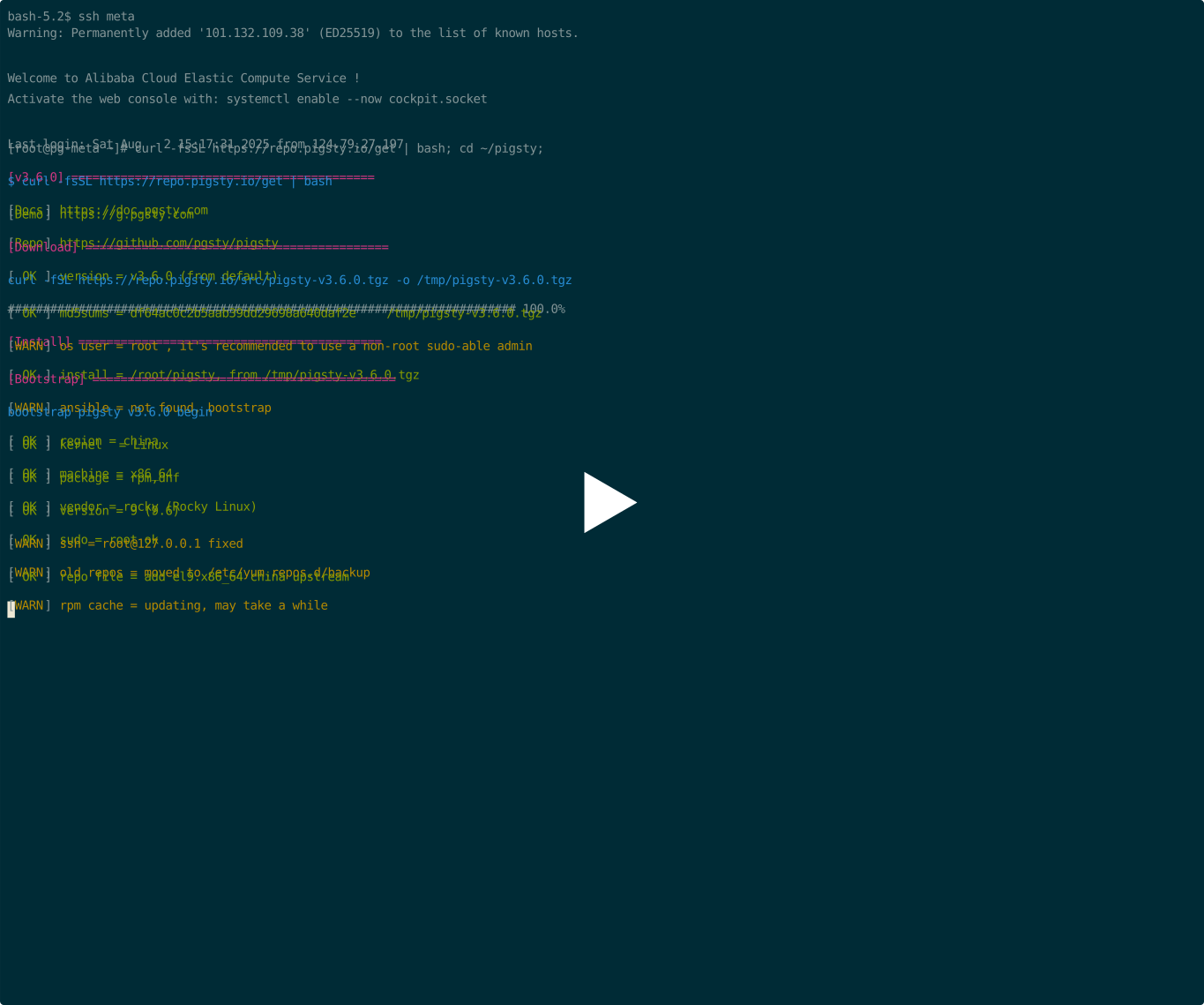
Pigsty v3.6.0, RockyLinux 9.6, x86_64, Standard Installation, Link
This will use the default meta single-node configuration.
curl -fsSL https://repo.pigsty.io/get | bash -s v3.6.0; cd ~/pigsty;
./configure
./install.yml
Rich Install
Pigsty v3.6.0, Ubuntu 24.04.2, x86_64, Rich Installation
Rich template has the following features enabled in addition to the standard installation:
- almost all available postgres extensions
- build local software repo for entire env (download before installing)
- 1 node minio used as central backup repo
- cluster stub for 3-node pg-test / ferret / redis
- stub for nginx, certs, and website self-hosting config
- detailed comments for database / user / service
./configure -c rich     # use the conf/rich.yml template
./install.yml
curl -fsSL https://repo.pigsty.io/get | bash -s v3.6.0; cd ~/pigsty;
./configure -i rich
vi pigsty.yml   # edit password
./install.yml
make tu tssh
asciinema rec
ssh meta
ls /www/pigsty
cat ~/pigsty/pigsty.yml | grep node_repo_modules
sudo su - postgres
pg list
pb info
pg-backup incr
pb list
psql
SELECT * FROM pg_available_extensions;
Slim Install
Pigsty v3.6.0, Debian 12.11, aarch64, Slim Installation, Link
Postgres HA Cluster with essential modules, (with ETCD, without INFRA).
asciinema rec
ssh meta
curl -fsSL https://repo.pigsty.io/get | bash -s v3.6.0; cd ~/pigsty;
./configure -i slim
./slim.yml
sudo su - postgres
psql
Offline Install
Pigsty v3.6.0, RockyLinux 9.6, aarch64, Slim Installation
# download this offline package and put it to /tmp/pkg.tgz, we just skip downloading here
# curl https://github.com/pgsty/pigsty/releases/download/v3.6.0/pigsty-pkg-v3.6.0.el9.x86_64.tgz -o /tmp/pkg.tgz
scp ~/pigsty/dist/v3.6.0/pigsty-v3.6.0.tgz meta:~/pigsty.tgz

# download source package and extract it to ~/pigsty, we just skip downloading here
# curl https://github.com/pgsty/pigsty/releases/download/v3.6.0/pigsty-v3.6.0.tgz -o ~/pigsty.tgz; tar xzf ~/pigsty.tgz -C ~/
scp ~/pigsty/dist/v3.6.0/pigsty-pkg-v3.6.0.el9.aarch64.tgz meta:/tmp/pkg.tgz

ssh meta
tar -xf pigsty.yml  # extract pigsty source tarball
cd pigsty           # enter pigsty home dir
./bootstrap         # now bootstrap pigsty from local repo
./configure         # generate pigsty.yml
vi pigsty.yml       # use local repo rather than install from the internet upstream repo
#node_repo_modules: local

./install.yml
Supabase
Pigsty v3.6.0, Ubuntu 24.04, x86_64, Install Supabase
curl -fsSL https://repo.pigsty.io/get | bash -s v3.6.0; cd ~/pigsty;
./configure -c supabase
./install.yml
./docker.yml
./app.yml
Now let’s setup your domain name and HTTPS certificates
vi pigsty.yml
curl -fsSL https://repo.pigsty.cc/get | bash -s v3.6.0; cd ~/pigsty
./configure -c supabase # 使用 supabase 配置(请在 pigsty.yml 中更改凭据)
vi pigsty.yml # 编辑域名、密码、密钥…
./install.yml # 安装 pigsty
./docker.yml # 安装 docker compose 组件
./app.yml # 使用 docker 启动 supabase 无状态部分